
Glossary
Learning Management System
 ChatGPT
 Perplexity
 Gemini
 Claude
What is a learning management system?
A learning management system, or LMS, is software for assigning, delivering, tracking, and reporting on training. Organizations use an LMS to manage courses, learning paths, assessments, completion records, certificates, and recurring training requirements.
The management layer is the point. An LMS gives training owners a controlled way to decide who needs to learn what, when it is due, how progress is measured, and what record remains afterward.
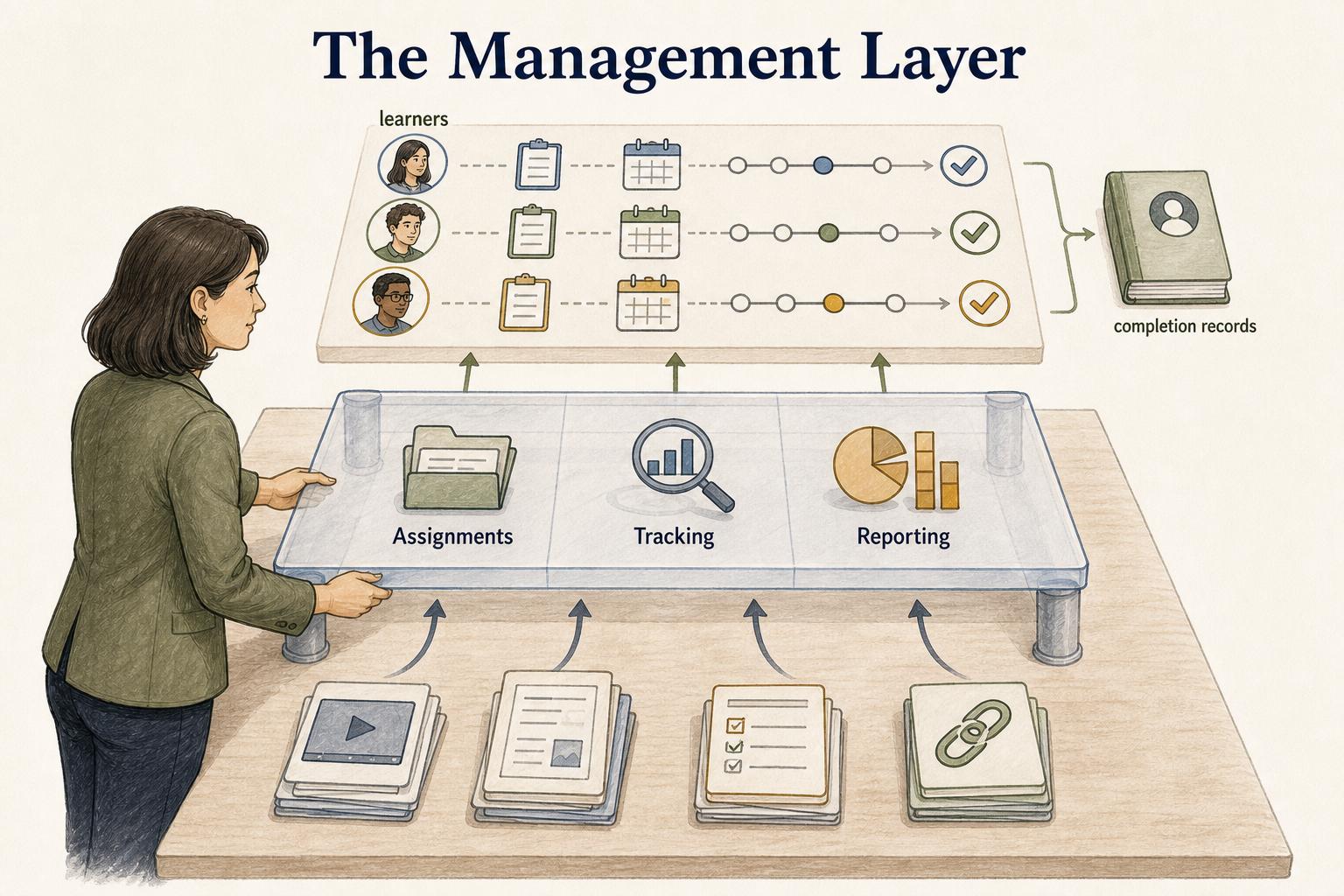
What a learning management system manages
A learning management system usually sits between training content, learners, managers, and administrators. It turns loose links, calendar reminders, spreadsheets, and one-off messages into a managed program.
Most LMS work falls into a few buckets:
- Assignments: enroll learners by role, department, location, customer type, partner tier, or training requirement
- Sequencing: organize courses into curricula or learning paths so learners know what comes next
- Tracking: record progress, completion, scores, overdue work, certificates, and training history
- Assessment: manage quizzes, exams, attestations, or certification checks
- Reminders: notify learners and managers before training goes overdue
- Reporting: give HR, compliance, enablement, customer education, or managers a view of training status
That administrative layer is what separates an LMS from a folder of training videos. The content matters, but the system around the content is often the reason teams buy LMS software.
When teams need an LMS
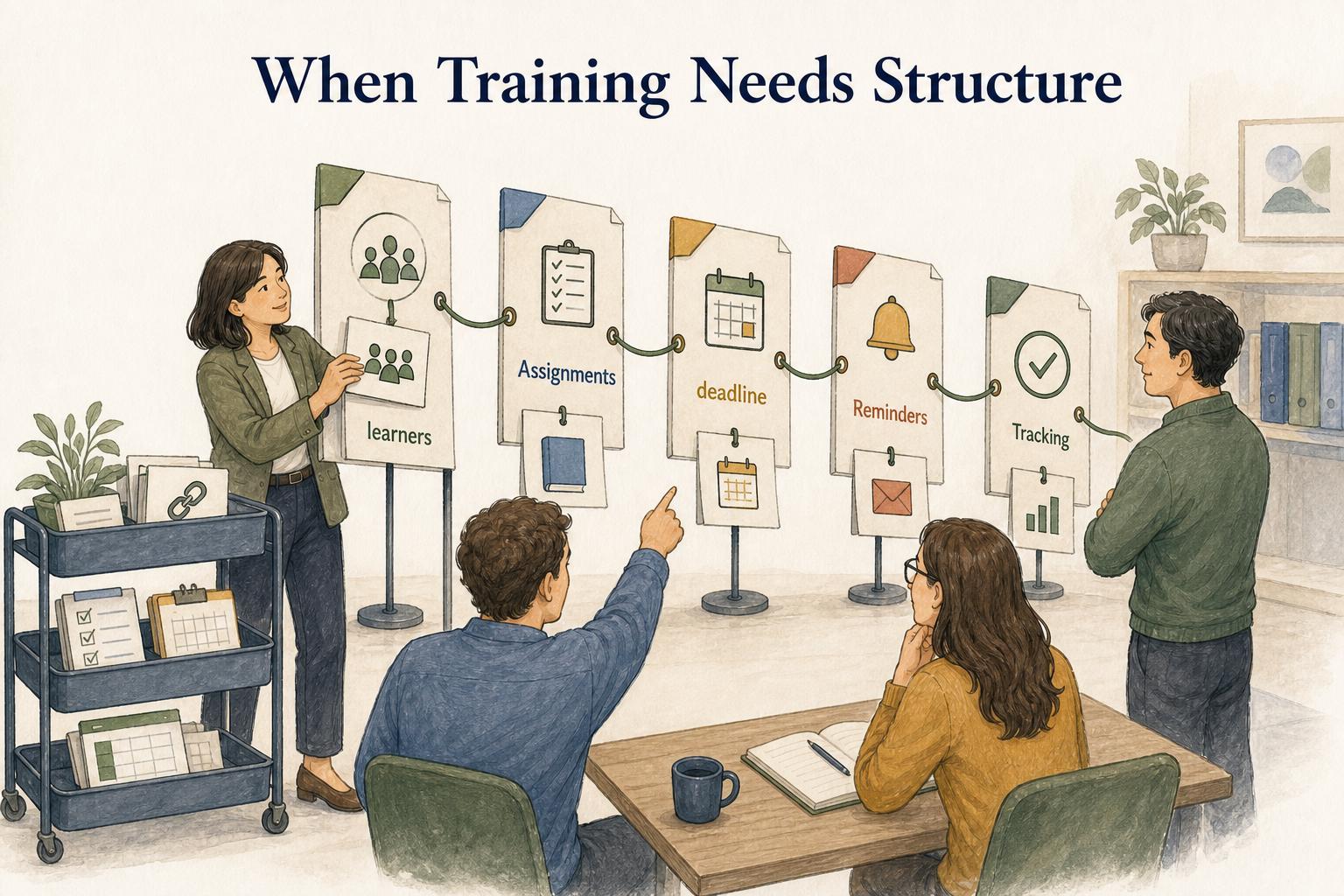
An LMS becomes useful when training has to be repeatable, assigned, measured, or reported. A small team may be fine with a checklist and a few shared guides. The pain starts when training owners need reliable answers: who completed security training, which new hires are behind, what partners passed certification, or whether managers can see team progress without asking an admin.
Good LMS use cases include employee onboarding, compliance training, customer education, partner enablement, product training, manager development, role-based skills training, and certification programs.
Annual compliance training is an obvious LMS-shaped problem: every employee needs the right course, deadline, reminders, assessment, and completion record. Customer education can be another one: a software company might need structured product courses, account-level progress tracking, and administrator certification before a rollout.
LMS vs training platform vs knowledge base
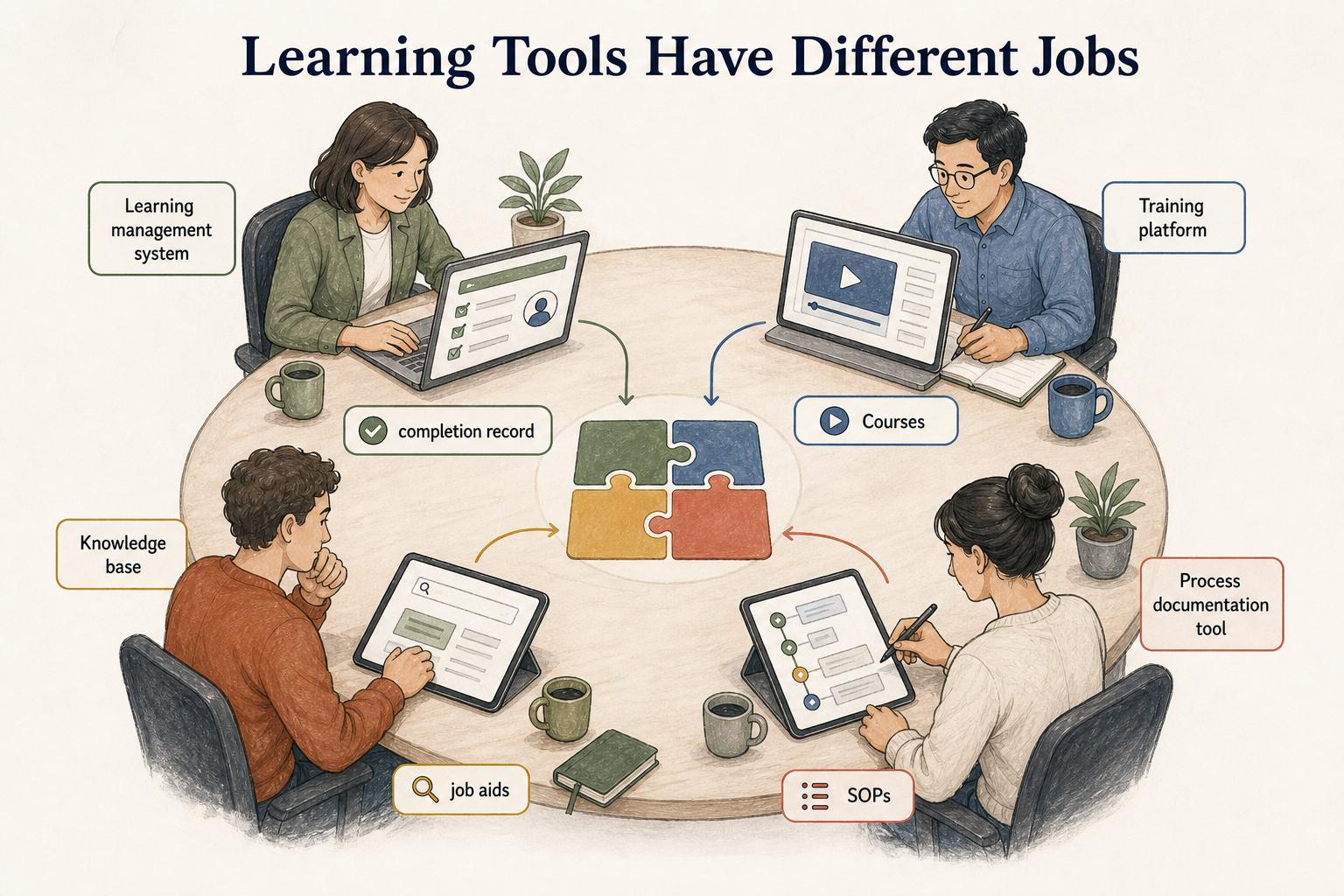
Learning tools overlap, so the label alone is not enough. The useful question is what the tool is responsible for.
| Tool | Primary job | Best fit | Weak fit |
|---|---|---|---|
| Learning management system | Manage formal learning assignments and records | Required courses, certifications, recurring training, completion reporting | Fast-changing step-by-step task guidance |
| Training platform | Create or host learning experiences | Courses, videos, workshops, exercises, learning content | Audit-ready training governance by itself |
| Knowledge base | Help people find answers at the moment of need | Reference articles, FAQs, policies, troubleshooting help | Sequenced learning, assessments, and enrollment |
| Process documentation tool | Show how repeatable work is done | SOPs, job aids, workflow guides, onboarding tasks | Formal course enrollment and transcript reporting |
A support rep might complete a refund-policy course in the LMS, then use a live process guide during a real refund escalation. The LMS proves the training happened. The guide helps the rep do the work correctly.
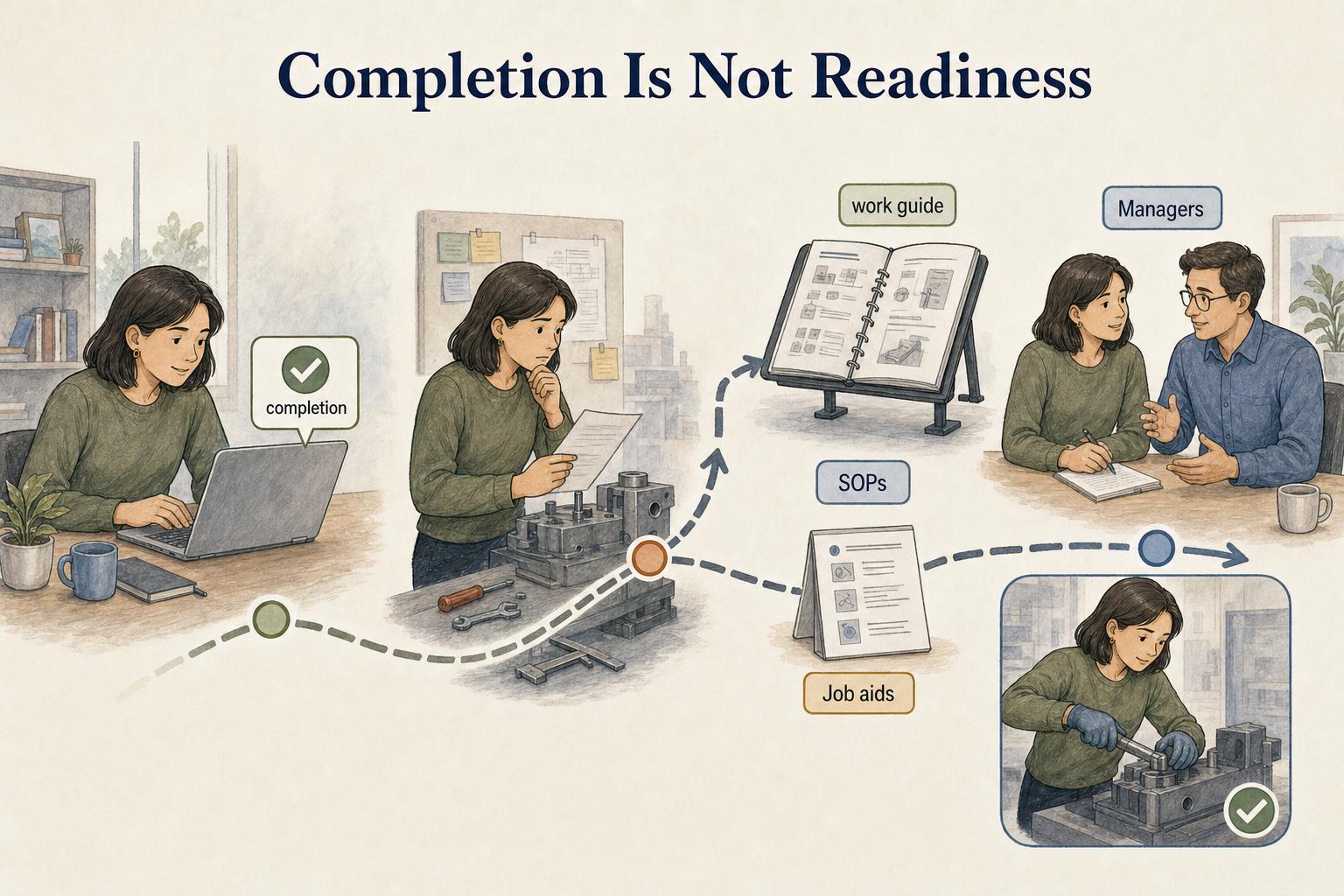
The mistake to avoid
The most common LMS mistake is treating completion as proof of readiness. Someone can finish a course, pass a short quiz, and still be unsure what to do when the real job gets messy.
That gap appears when the LMS holds polished training content but the day-to-day operating instructions live somewhere else, are out of date, or depend on a teammate explaining the work from memory. The course says what people should understand. The work guide shows what they should do next on the job.
A stronger training system connects both sides:
- The LMS manages the formal learning path.
- Job aids and SOPs support work after the course.
- Managers check whether the person can perform the task, not just whether they clicked complete.
- Training content gets updated when the workflow changes.
A weak LMS becomes a polished archive that people visit only when a deadline forces them to. A useful one points learners toward the real work and helps the organization see whether learning is actually happening.
AI-ready LMS planning prompt
Use this prompt when evaluating whether a team needs an LMS or when restructuring an existing training program:
## LMS planning prompt

**Glossary term:** Learning Management System
**Source:** Trails Glossary — trails.so/glossary/learning-management-system

---

### 01. Evaluate an LMS need

"Evaluate whether [team/company] needs a learning management system. Include the learner audiences, required training programs, assignment rules, completion tracking needs, assessments or certifications, reporting requirements, integrations, content ownership, review cadence, and which materials should live outside the LMS as SOPs, job aids, or process documentation."
Documentation takeaway
A learning management system is best for structured learning governance. Process documentation is best for helping people perform repeatable work accurately after training.
Teams often need both. The LMS can orient a new implementation specialist through courses and assessments. Current workflow guides can then support kickoff calls, system setup, customer handoffs, and escalation steps. Training creates the foundation; documentation keeps the work usable.
How Trails helps
Trails helps teams create the task-level documentation that often sits beside an LMS. Teams can capture a workflow as someone performs it, turn it into a polished step-by-step guide, and create an AI-narrated video version for training or sharing.
Those guides can support onboarding, enablement, manager checklists, and LMS courses when formal learning needs to connect back to operational work.
Compare training documentation software for creating the task guides that accompany a course, while evaluating LMS requirements such as enrollment and assessment separately.