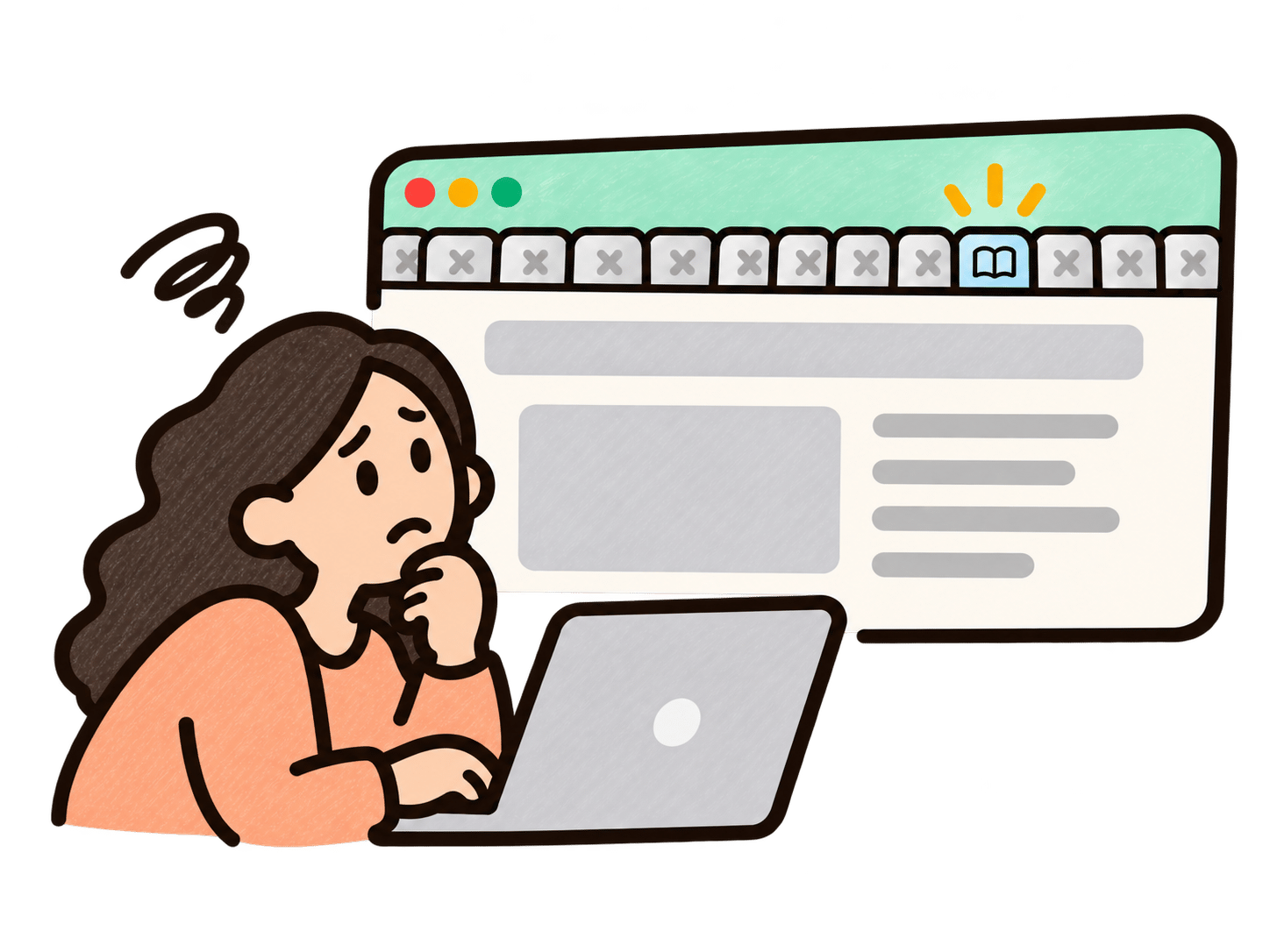
“Which tool did we put it in?”
Your teammate is halfway through a task when they need a hand. The guide is somewhere in a folder, a wiki, or a training portal. Time to start opening tabs.
Trails Assistant brings the right video and step-by-step guide into the app your team is using, matched to the page they’re on. They can search, watch, read the steps, all without opening another tab.
Book a demoYour teammate is halfway through a task when they need a hand. The guide is somewhere in a folder, a wiki, or a training portal. Time to start opening tabs.
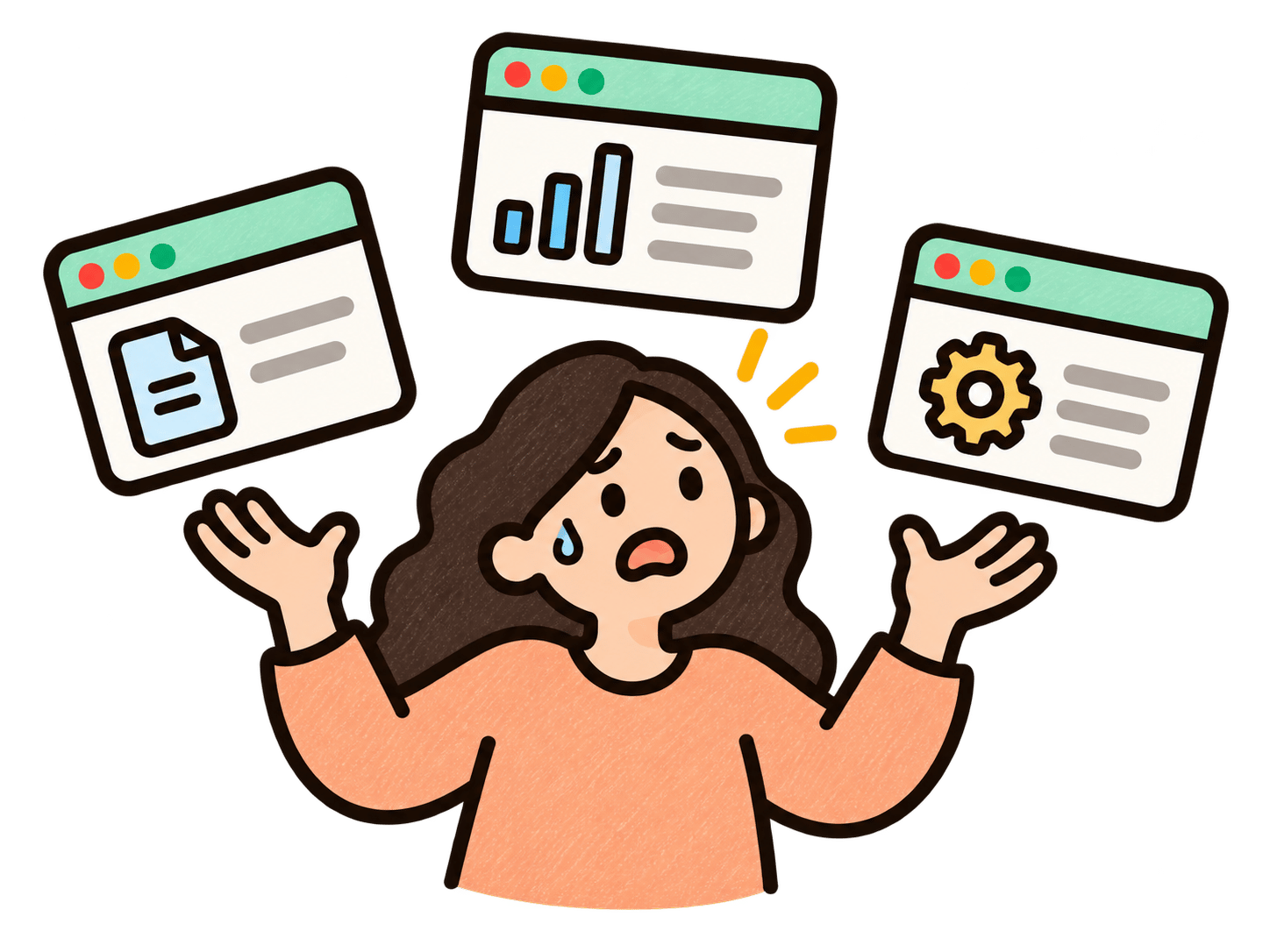
They try a few search terms, open a few docs, and wonder which version is current. Meanwhile, the task they came to do is still waiting.

One quick question pulls another teammate away from their work. And if no one’s around? They take their best guess and hope they got it right.
The right training, right where the work happens.
Capture a process in Trails and turn it into a clear step-by-step guide and video. Organize it with the rest of your team’s training.
As your team does their work, Trails Assistant automatically analyzes the page they're on and suggests the best training to help them.
See the steps of the guide clearly in the side panel. The work stays open the whole time.
Your team gets to the answer without digging through folders, bookmarks, or another training portal.
Give people a place to check the process before they send another message or ask someone to hop on a quick call.
Give everyone the same approved instructions at the point of action, including the details that are easy to forget after onboarding.
| A traditional training library | Trails Assistant |
|---|---|
| Requires people to leave their task | Opens beside the work |
| Depends on knowing what to search for | Prioritizes guides for the current page |
| Becomes another destination to remember | Appears inside the tools people already use |



Enablement at BadgePass
New teammates can follow your real processes inside the tools they are learning, without trying to memorize every detail from onboarding.
Make the answer easy to find when a rare workflow comes up months after training.
Place relevant how-tos inside the software so employees can learn while they use it.
Turn the knowledge held by a few experienced teammates into guidance everyone can access when the situation comes up.
Give your team training in the flow of work, without another search, meeting, or interruption.