Convert any video recording to a professional SOP in minutes .
.
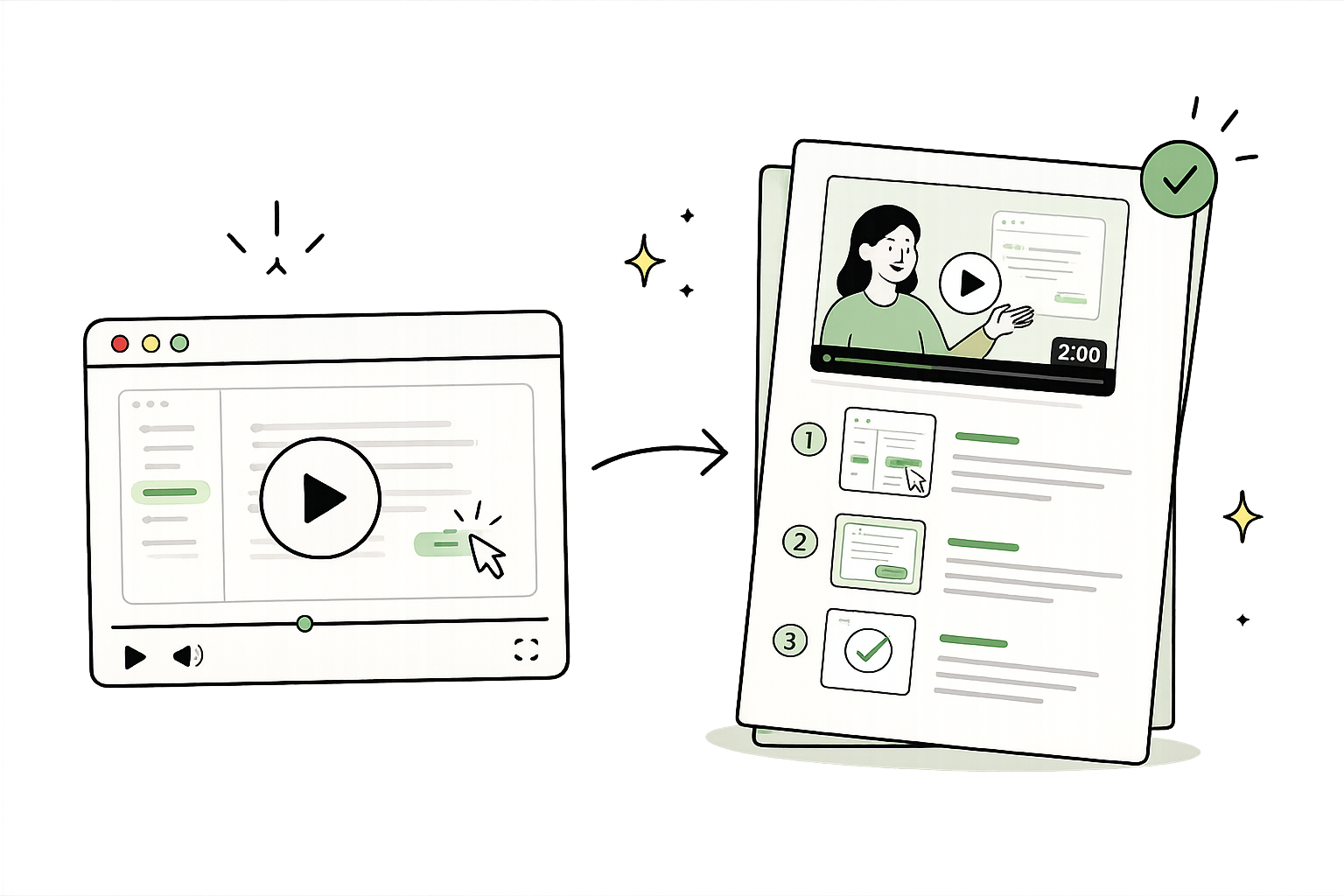
Drop in a Zoom training, internal walkthrough, or Loom recording. Trails automatically creates step-by-step documentation and a polished AI-narrated video so anyone can skim the guide or watch a quick walkthrough.
Get started instantly. No credit card required.
SOP draft ready
14 steps, video, screenshots, and narration
The old way vs. with Trails
Recordings pile up and never get watched. Trails turns them into SOPs people actually use.
How it works
No copying and pasting screenshots. Just record your process and out comes a beautiful video and guide.
Step 1: Record a rough version
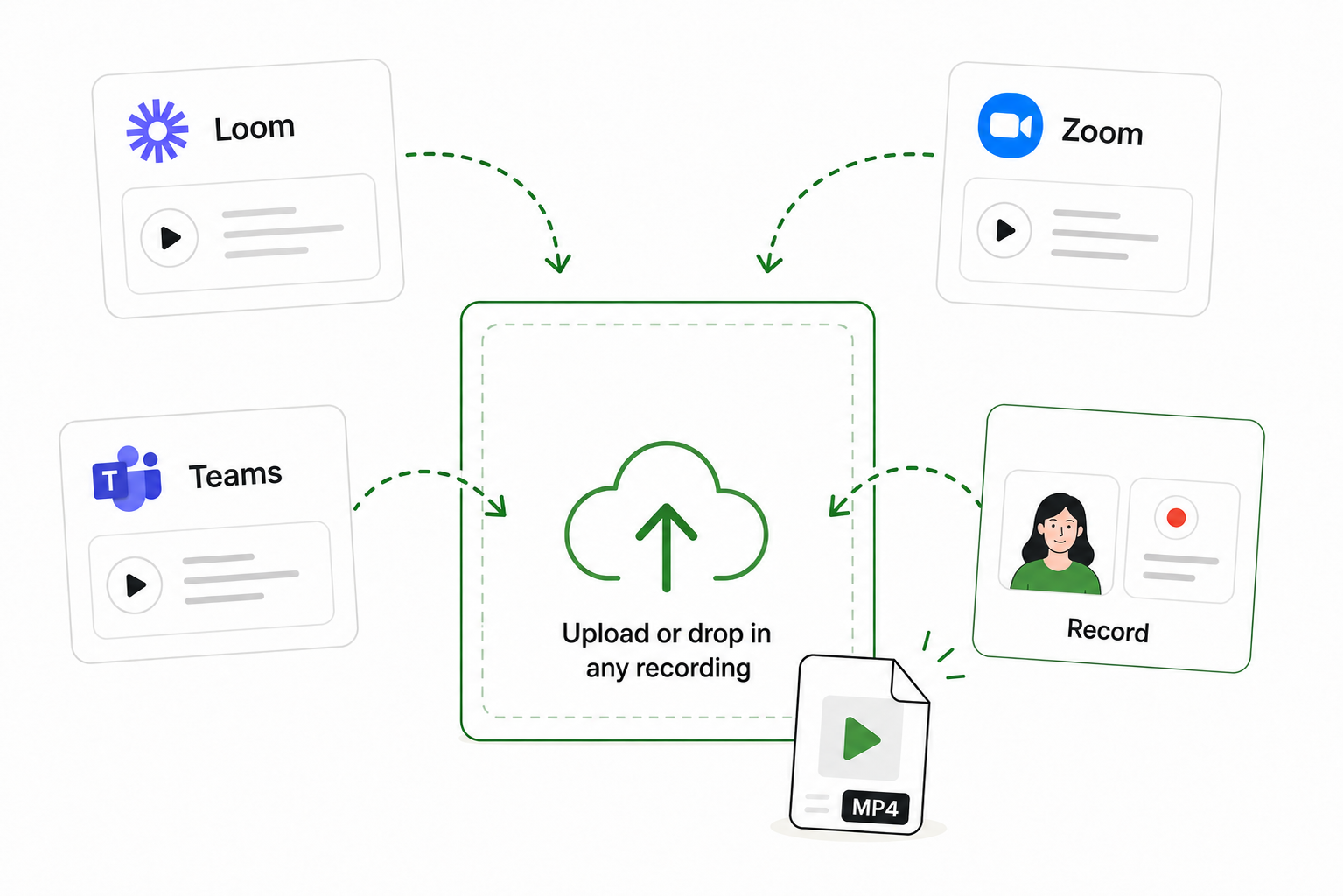
Upload an existing Loom video, a recorded Zoom or Teams training session, or record directly inside Trails. Don't worry about mistakes, Trails can clean up the rough parts.
Step 2: Trails creates your video and guide
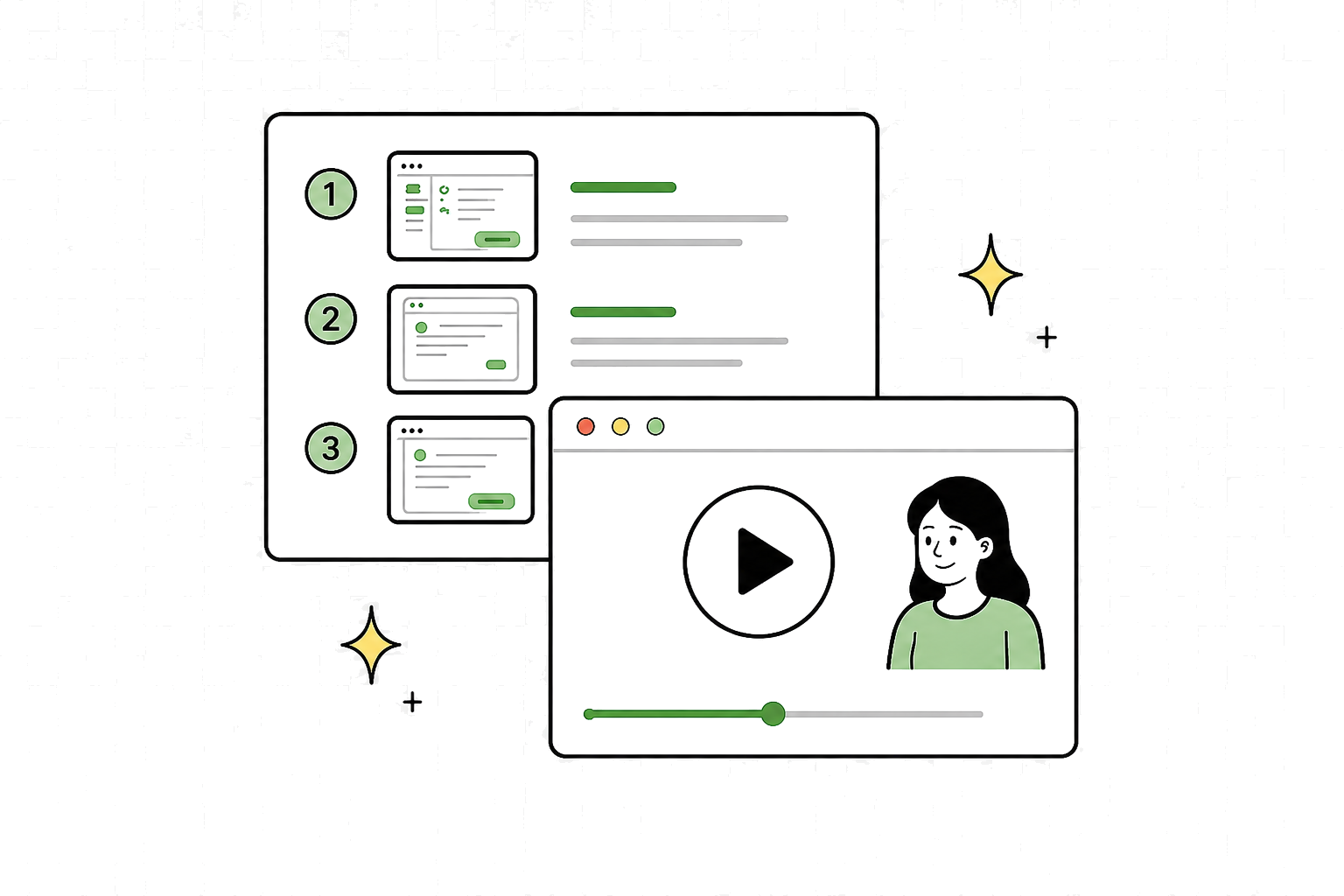
Trails creates a polished step-by-step guide and branded training video with AI voiceover. Edit everything easily.
Step 3: Share anywhere
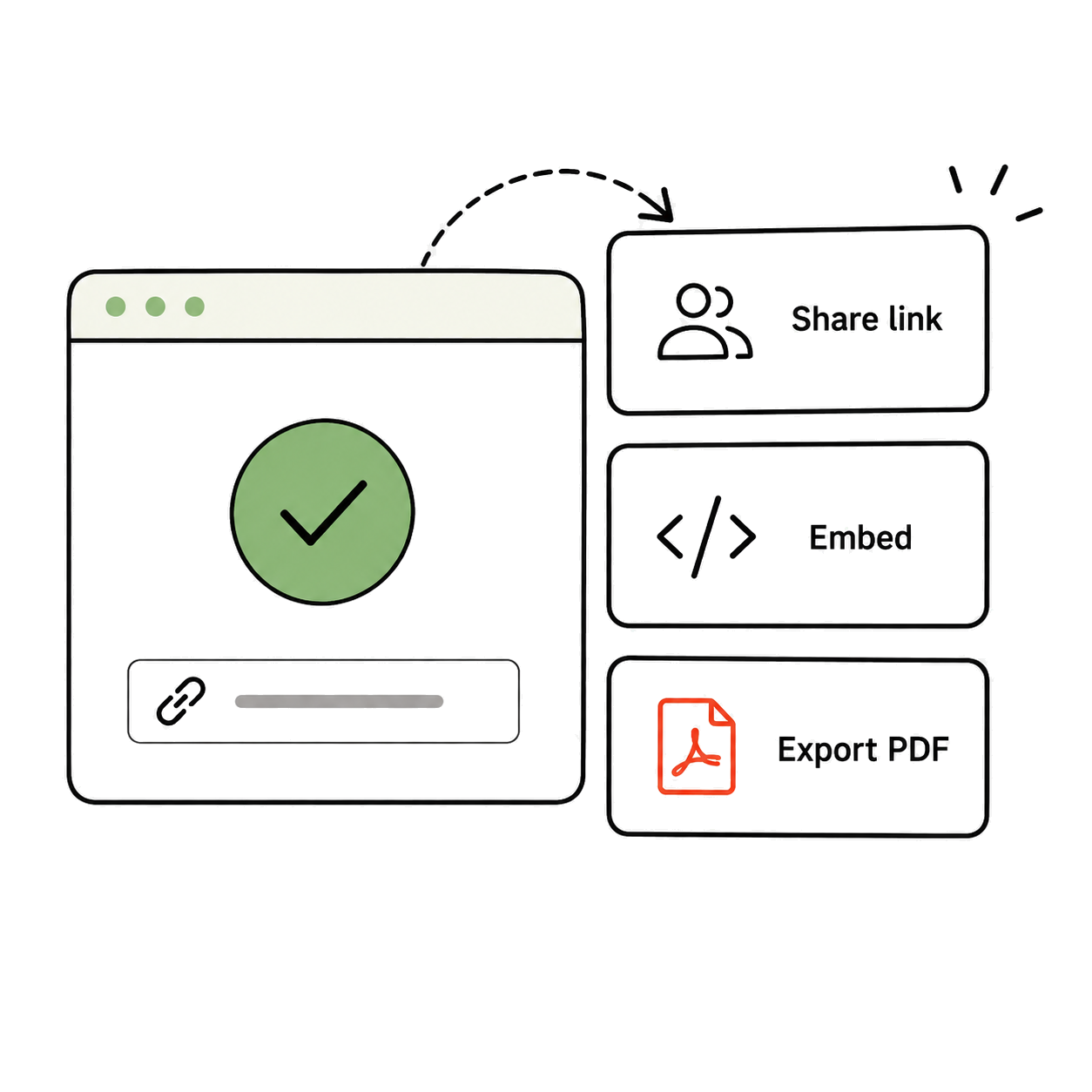
Share with your team or customers via link, embed in your knowledge base, or export to PDF.
Built for the way your team works
For Operations teams
Standardize processes across your team. Turn video walkthroughs into SOPs that are easy for everyone to follow.
For Support teams
Turn messy Looms and Zooms into clean, searchable guides for faster tickets, consistent answers, and clearer escalations.
For Training and Enablement
Turn one training walkthrough into a skimmable SOP new teammates can follow. Keep onboarding consistent across cohorts.
For IT teams
Turn quick screen shares into step-by-step runbooks your whole team can reuse when systems need support.
Everything you get in a single capture
Record once. Trails handles the documentation, the video, and everything around sharing it safely.
Step-by-step guide
Every action captured as a clear, numbered step with screenshots.
Built-in editor
Review, edit, reorder, and publish your SOP without leaving Trails.
AI-narrated video
A polished walkthrough video generated automatically from your steps.
Blur and redaction
Automatically hide sensitive data in screenshots and recordings.
Export to PDF and Markdown
Share guides in the format that fits any workflow or platform.
Privacy controls
Decide exactly who can view, edit, and share each guide.
Translations
Publish the same SOP in multiple languages for global teams.
Version history
Every change is saved, and any previous version can be restored.
What people have to say
It's a user-friendly platform that lets us turn complex workflows into simple walkthroughs. It gives us speed on our end and usability on the customer's end. Exactly what we need when we don't have enough time.

I'm director-level. I shouldn't be doing every small thing, and I definitely can't teach the same task on Zoom three or four times. Trails let me document it once and delegate with confidence.

We're a public school district supporting a wide range of technology and the ‘how do I do this?’ questions never stop. Trails gives us a better way to create actionable training for parents and staff. It’s a no-brainer for us.

Having the video AND the step-by-step instructions written out below with screenshots is killer. Great for all kinds of learning styles.

We previously used Scribe for guides, but still had to rely on tools like Canva and Vimeo for video. Trails feels like an AI-first approach: guide-to-video, video-to-guide, the full workflow in one place.

Frequently asked questions
Turn your next recording into a SOP
Drop in a Loom, Zoom, or screen recording and watch a polished guide appear.