Trails for Enterprise

New teams, new systems, new ways of working. Turn your experts’ knowledge into clear guides and videos that help everyone get up to speed.


  • SOC 2 Type II compliant
  • Enterprise SSO
  • On-device auto redaction
BadgePass
Canary Technologies
DEGY Entertainment
Conestoga Valley School District
Beacon IT
ClassRanked

Your experts know the process.
But how about everyone else?

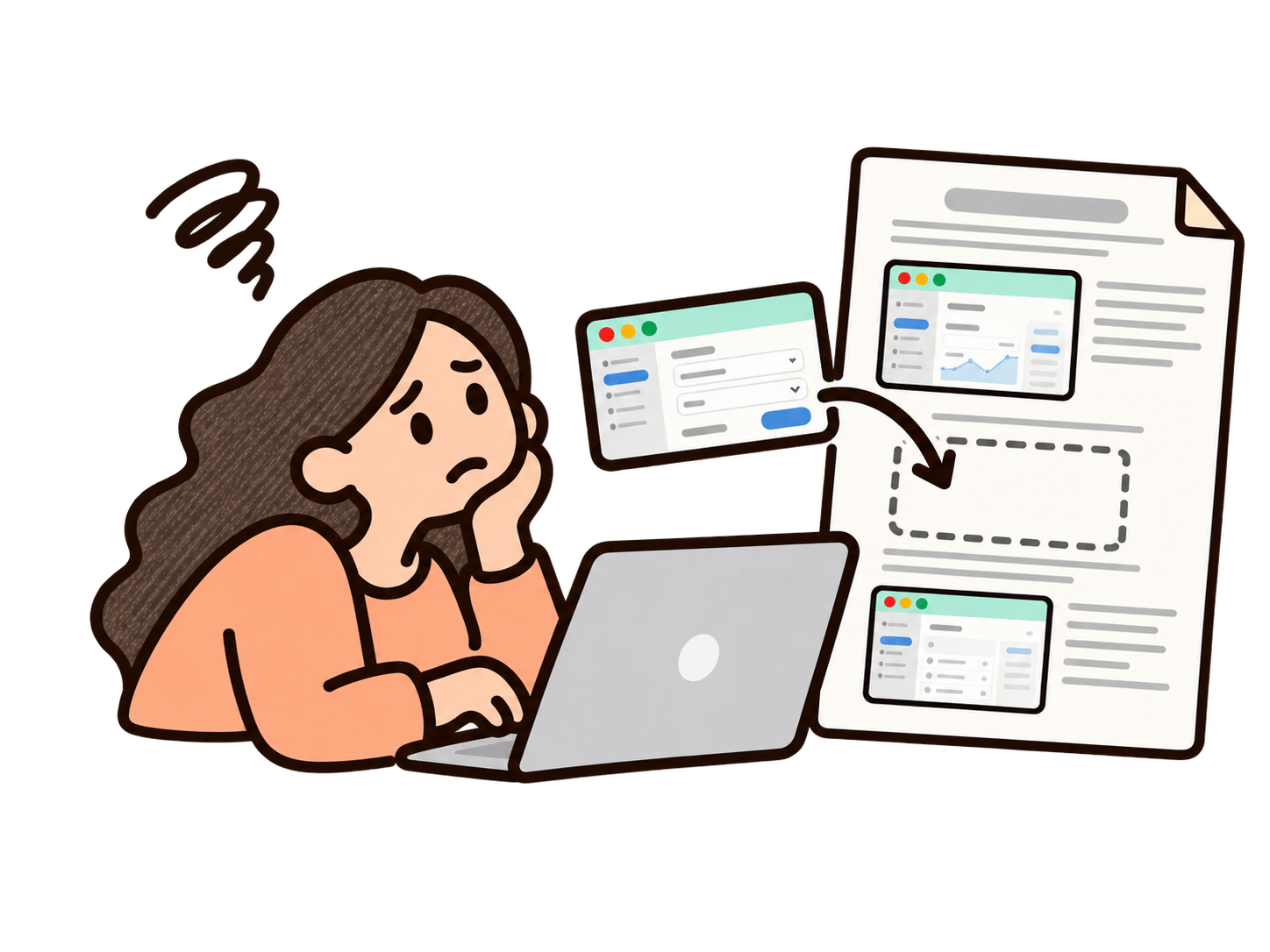
An expert manually pasting software screenshots into a document

Your best people are stuck writing manuals

The people who know the system best are the ones you need running it. Instead, they're pasting screenshots into Word between meetings.

An employee unsure whether version 3 or version 4 of a document is current

Which version is the real one?

SOP_final_v3.docx is on SharePoint. SOP_final_v4.pdf is in someone's inbox. The process changed after both.
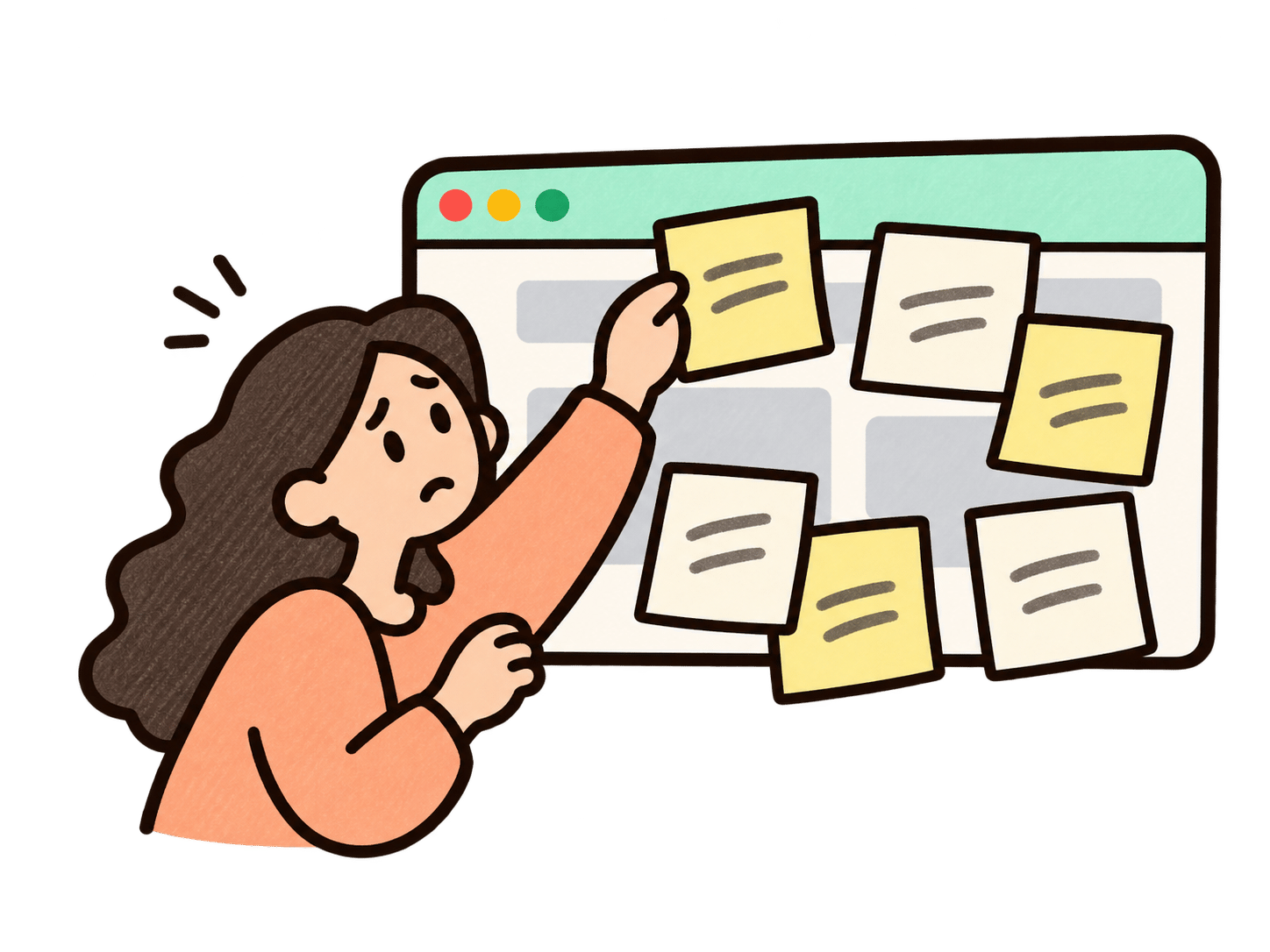
An employee covering a software window with sticky notes to keep using old workflows

New software. Same old habits.

After a year of rollout work, people still work around the software they're supposed to use. The budget is spent and the habits haven't changed.

“Our product moves really quickly with frequent feature releases. Trails makes it much easier to keep documentation up to date without having to redo everything.”

Fatima Jaferi

Fatima Jaferi

Sr. Customer Success Enablement Manager

Canary Technologies
Read the whole story

Fits the way your organization already works

Document any process, in any platform

Capture step-by-step guides in the software your teams use every day.

CRM
ERP
HR
EHR

Put answers where people already look

Embed guides in your LMS, SharePoint, or Zendesk. Or use Trails Assistant to surface guides in any app.
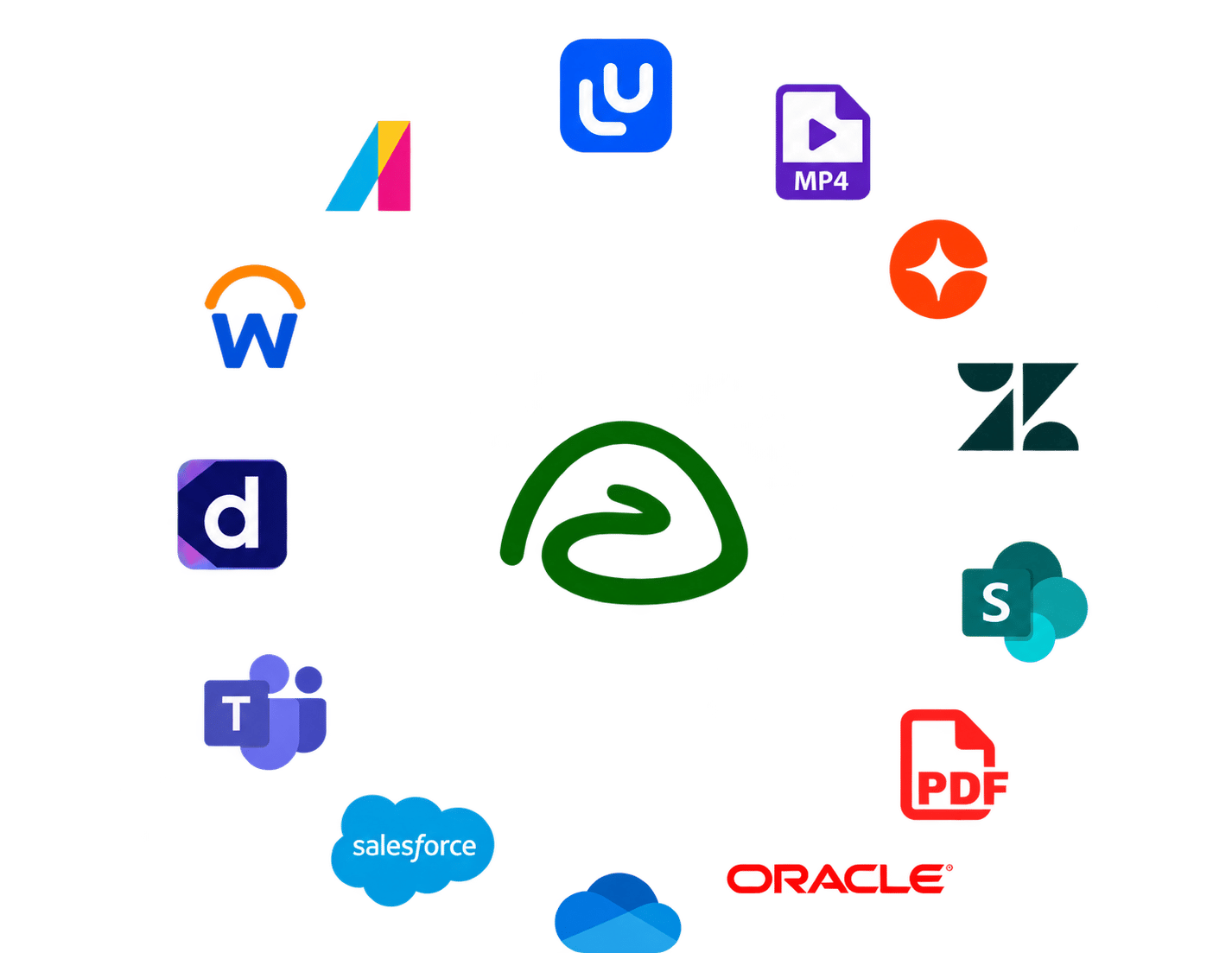
Trails connects guides with learning platforms, SharePoint, Zendesk, Microsoft Teams, Salesforce, OneDrive, Oracle, and PDF and video exports

Control who sees what

Sign in with Microsoft Entra ID SSO or any SAML-based identity provider. Assign viewer, editor, and admin roles to control access and create separate team workspaces for each department.

Need SSO and MFA for Cyber Essentials? They’re built in.
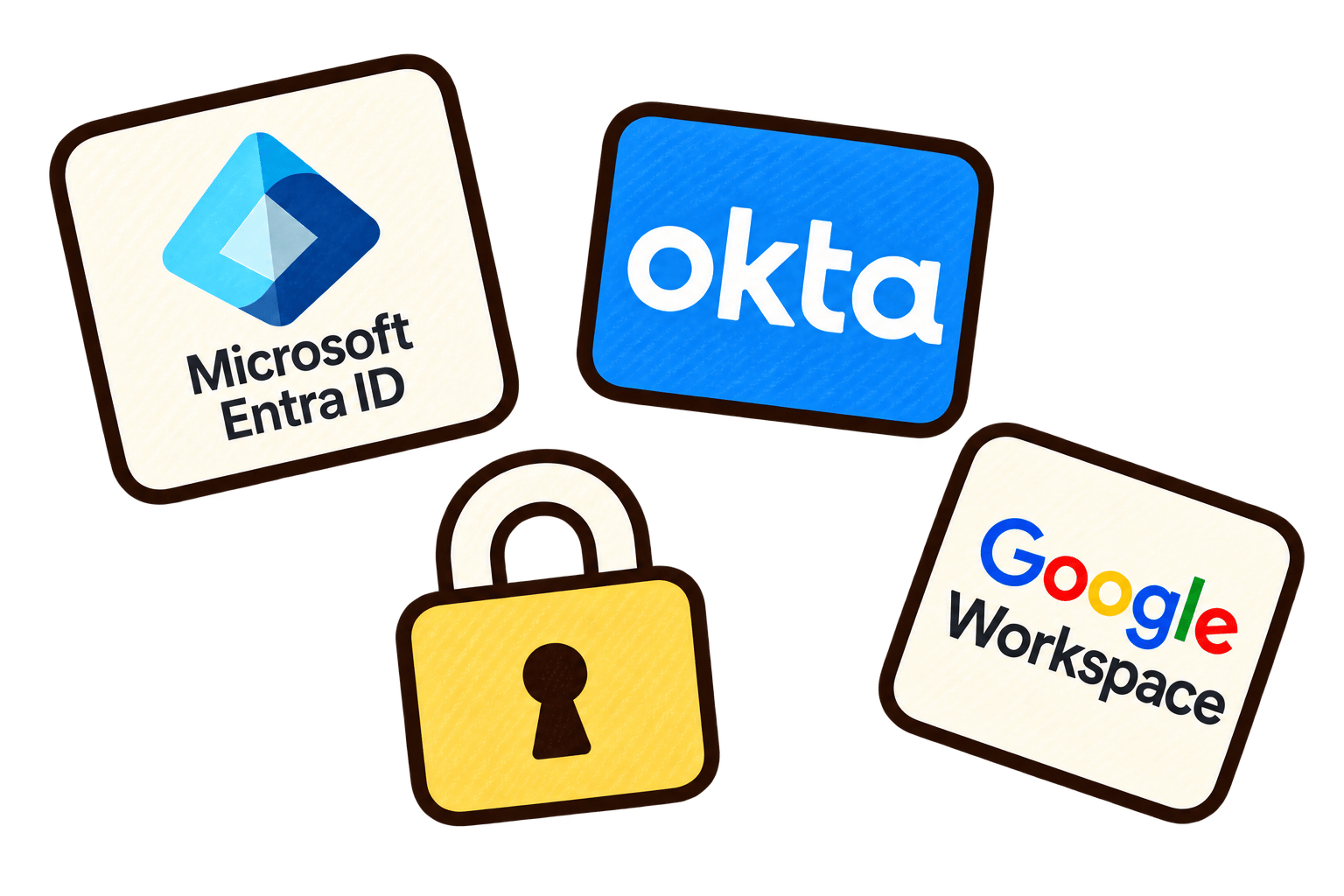
Microsoft Entra ID, Okta, and Google Workspace cards with a padlock representing secure sign-in

Train every team in their own language

Translate guides and videos in a few clicks. 75+ languages supported.

Explore multilingual training videos

Available enterprise features

SSO

Sign in securely with Microsoft Entra ID or any SAML-based identity provider.

Department workspaces

Create separate workspaces for each department with control over who can view, edit, and manage guides.

Organize your guides in knowledge bases so teams can find the answers they need.

Translations

Translate guides and narrated videos into 75+ languages to support every team.

Automatically detect sensitive information, then review and blur it on-device before upload.

Priority support

Get priority help from the Trails team when you need support.

Built to pass your security review

SOC 2 Type II compliant

Request our audit report in the Trails Trust Center.

Blur before upload

Auto-detect PII and PHI, then review and blur on-device before upload.

Your content stays yours

We never use your content to train AI models unless you explicitly opt in.
AICPA SOC for Service Organizations badge

SOC 2 Type II compliant

A better fit for enterprises

ScribeTangoGuidde
  • Seat counts drive the price. Rolling out to more teams can mean a new tier and a much bigger bill.
  • Your content can train their AI. Other tools like Scribe have standard terms that give it a license to use your content to train AI models.
  • Video is a separate project. You get screenshots and text. A narrated video usually means another tool and another recording.
Trails
  • Pricing that doesn’t punish adoption. Your package covers creators and readers at company scale, not a handful of licenses.
  • Your content stays yours. We never train AI models on it unless you explicitly opt in.
  • Every guide comes with a narrated video. One capture gives you the step-by-step guide and the video, in 75+ languages.

Switching from a competitor or already have an SOP library?

Import guides from Scribe with their steps and screenshots. We’ll help with the migration. Working from Word or PDF? Send us a sample and we’ll map out the move.

Talk through your migration

Frequently asked questions

Enterprise packages are tailored to the people creating content, the audience viewing it, and the controls your organization needs. People reading exported files or public guides do not need a paid Trails viewer seat. Private, authenticated access is scoped separately, and packages can include unlimited viewers. We’ll quote your initial rollout and the cost of adding creators or expanding access.
Yes. Trails supports Microsoft Entra ID and other SAML-based identity providers, so your team can use the sign-in policies your organization already manages. We’ll work with IT to confirm your provider, provisioning needs, and access requirements before rollout.
Yes, where the destination supports compatible embeds. You can embed a guide with its video, a slideshow, or just the video. You can also export PDF, HTML, Markdown, and MP4 files for your own systems. Private embedded content still requires the appropriate Trails access; placing a public guide inside an intranet does not make its source link private.
You can edit the steps, screenshots, highlights, and narration in Trails, then regenerate the video from the updated guide. Live embeds reflect updates to the source guide. Downloaded PDFs, MP4s, and other exported copies need to be exported and replaced again. Version history also lets you review and restore earlier versions.
Yes. Choose private, team, or public access, assign viewer, editor, and admin roles, and control access to individual guides. Public links can also be password-protected for external sharing. We’ll help you choose an access setup for employees, departments, and clients.
Yes. In the screenshot capture workflow, you can review and blur sensitive information on your device before uploading it to Trails. Automatic blur options can help with common sensitive fields, and manual review lets you catch anything missed. This pre-upload screenshot workflow is different from uploading an existing video; discuss sensitive recordings with us before uploading them.
Yes. Scribe guides can be exported as Markdown and imported into Trails with their steps and screenshots, and we can help with the migration. Existing annotations arrive as part of the screenshot rather than separately editable elements. For Word, PDF, or other source formats, send us a sample so we can confirm the migration approach and any manual work involved.
Yes. You can add your logo, customize guide and video colors, and choose a narrator. You can also edit a step’s narration separately from its displayed text. If you need to reproduce a specific corporate template or watermark, share an example so we can confirm what is supported.
Trails is SOC 2 Type II compliant. Your security team can request the report and review policies and subprocessors through the Trails Trust Center. Send us your security questionnaire and any specific hosting, access, retention, or certification requirements so we can assess them before rollout.
Trails is cloud-hosted. We’ll review where your content is stored and processed, including AI processing, against your organization’s requirements. AI providers process content to deliver features such as guide generation and narration. Under our Privacy Policy, training general-purpose models on customer content requires the customer’s explicit opt-in.

Scale expertise across your organization.

Turn expert knowledge into guides every team can follow.