The Best AI SOP Generator

Record your workflow. Trails turns it into a ready-to-share standard operating procedure with annotated screenshots and training video.

Create an SOP

Get started instantly. No credit card required.

Trusted by teams at

BadgePass
Canary Technologies
DEGY Entertainment
Conestoga Valley School District
Beacon IT
ClassRanked

How to generate an SOP with AI

Show your process once. Trails turns your recording into instructions your team can follow.

1

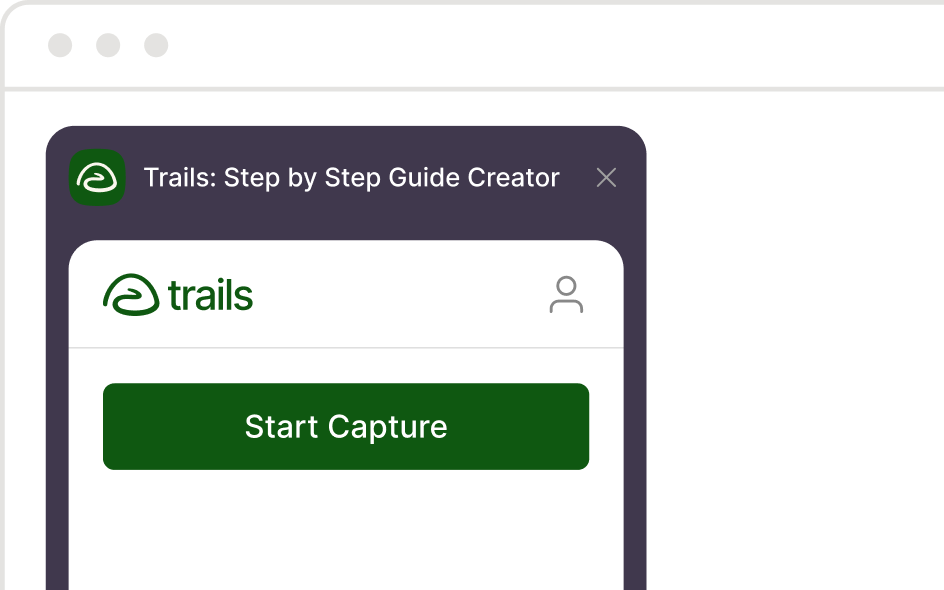
Step 1: Record your process

Walk through a task using the Chrome extension or desktop app, or upload an existing video.
Step 1: Record your process
2

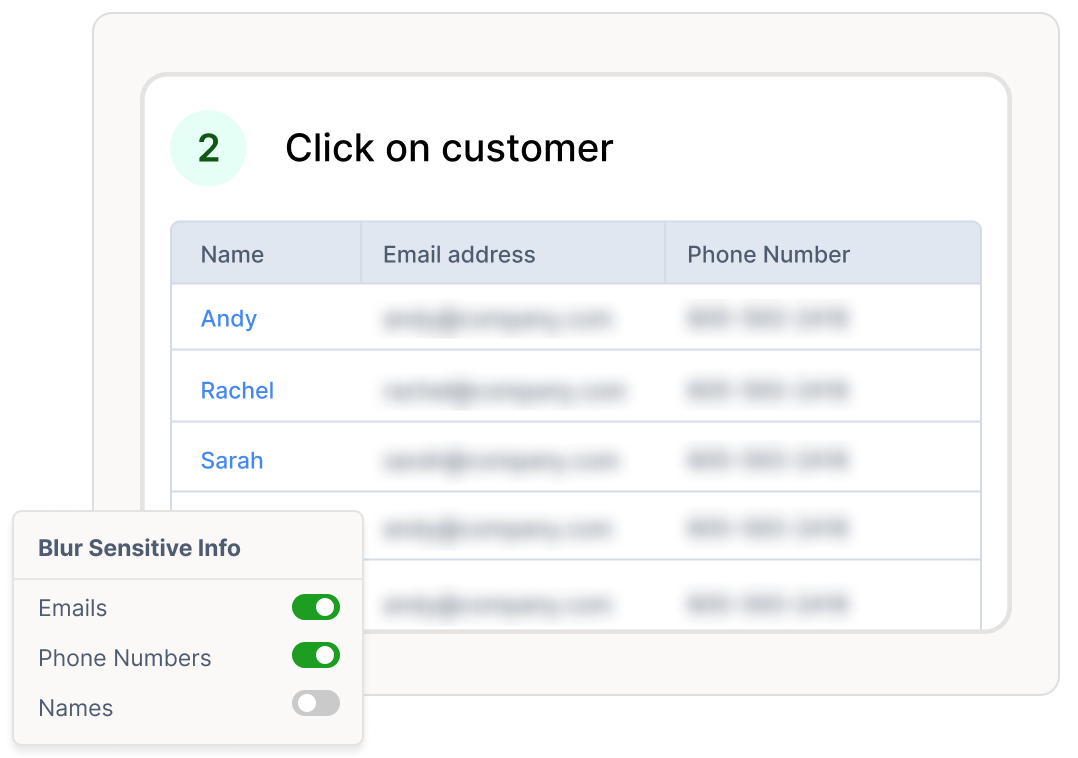
Step 2: Generate and review your SOP

Trails creates a step-by-step guide and a training video with AI voiceover. Review the instructions and edit the details to match your team’s process.
Step 2: Generate and review your SOP
3

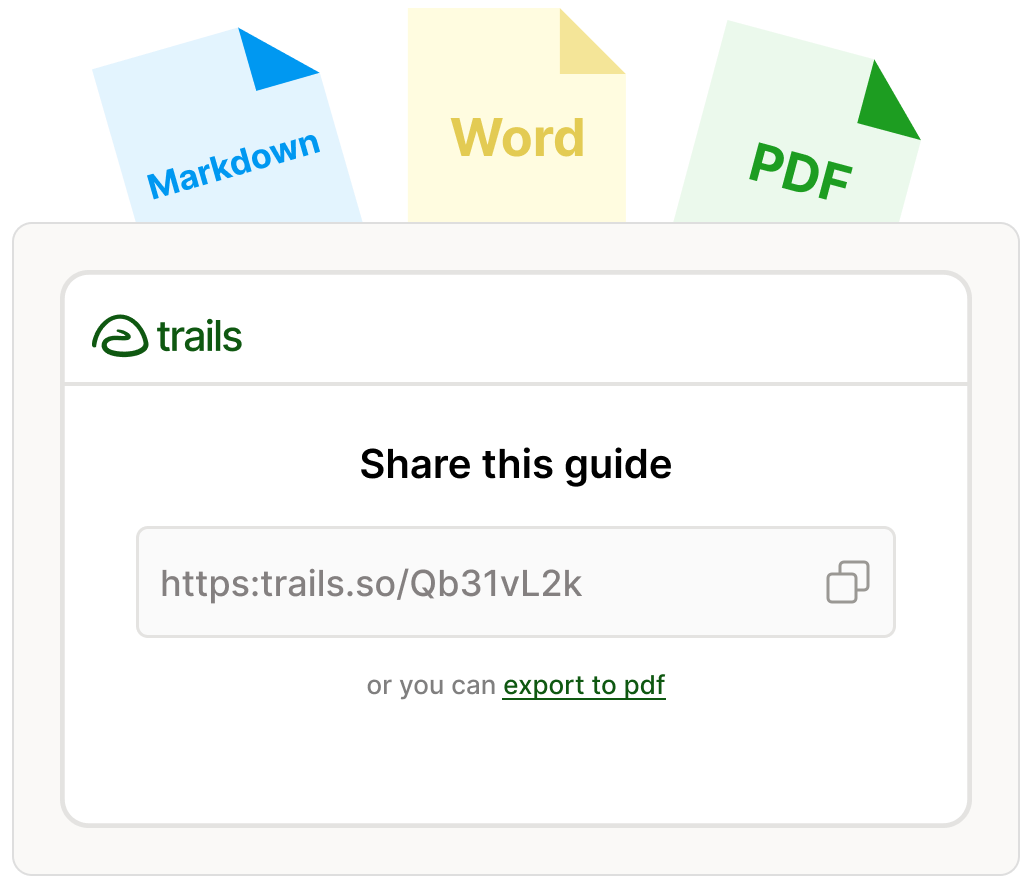
Step 3: Share with your team

Share your SOP by link, embed it in your knowledge base, or export it to PDF.
Step 3: Share with your team

Turn everyday recordings into reusable SOPs

Capture a browser workflow, desktop task, or process walkthrough. Turn the knowledge in your recordings into documentation your team can return to whenever they need it.

Trails guide illustration

Before Trails, creating SOPs could take me most of a day. Now that same end-to-end process takes minutes. The time savings were dramatic, around 80–90%.

Fatima Jaferi

Fatima Jaferi

Sr. Customer Success Enablement Manager at Canary Technologies

Give your team an SOP they can see and follow

Combine written instructions, screenshots, and video so teammates can understand each step before doing it themselves.

A real video and guide, made in seconds

Protect sensitive information in your SOPs

Document internal processes with controls that help your team manage access and protect sensitive information.

Independently audited

SOC 2 Type II compliant controls.

Controlled access

SAML SSO and role-based permissions.

Sensitive data protection

On-device redaction and encryption.

Explore security at Trails
AICPA SOC for Service Organizations badge

SOC 2 Type II compliant

Create SOPs for the work your team repeats

Operations icon

Operations

Document recurring workflows so teammates have a consistent process to follow.

Support icon

Customer support

Create procedures for handling common requests and troubleshooting issues.

HR and training icon

HR and training

Help new hires learn employee systems and routine tasks.

IT icon

IT

Document software setup, account administration, and technical troubleshooting.

Product icon

Product

Turn product walkthroughs into repeatable instructions for internal teams and customers.

Consulting icon

Consulting

Hand off documented processes clients can follow after your engagement ends.

AI SOP generator FAQs

An AI SOP generator uses artificial intelligence to help turn source material into a standard operating procedure: instructions for completing a repeatable task. Trails uses recorded workflows to generate step-by-step guides with screenshots and training videos, which you can review and edit before sharing.
Record yourself completing a process with the Trails Chrome extension or desktop app, or upload an existing video. Trails generates a guide and training video. Review the steps, add any team-specific details, and share the finished SOP with your team.
Yes. Upload an existing process walkthrough or screen recording, and Trails turns it into an editable SOP with screenshots and a companion training video. Learn more about converting video to an SOP.
Yes. Review and edit the generated guide before sharing it. Update the instructions to match your team’s terminology, clarify details, and add context that was not included in the recording.
Share an SOP with a link, embed it in your knowledge base, or export it to PDF. Choose the format that fits how your team accesses process documentation.
Check that the instructions are accurate, complete, and in the right order. Add any prerequisites or team-specific requirements that were not captured in the recording. Review screenshots for sensitive information, then follow the SOP yourself to confirm someone else can complete the task with it.

Create your first SOP

Turn a workflow you know into instructions your team can follow. No credit card required.