
Glossary
Email SOP
 ChatGPT
 Perplexity
 Gemini
 Claude
What is an email SOP?
An email SOP is a standard operating procedure for a repeatable email workflow. It explains when an email should be sent, who owns it, what information must be checked first, which template or tone rules apply, and how the team tracks replies, exceptions, and follow-up.
Templates are only one part of the system. The SOP covers the trigger, judgment rules, handoffs, timing, approval path, and proof that the work was done.
What an email SOP should cover
Email work looks simple until volume, urgency, or ownership gets messy. A support team may need to answer escalation emails consistently. A finance team may need payment reminders that are firm without sounding careless. A customer success team may need a renewal sequence that changes based on account status.
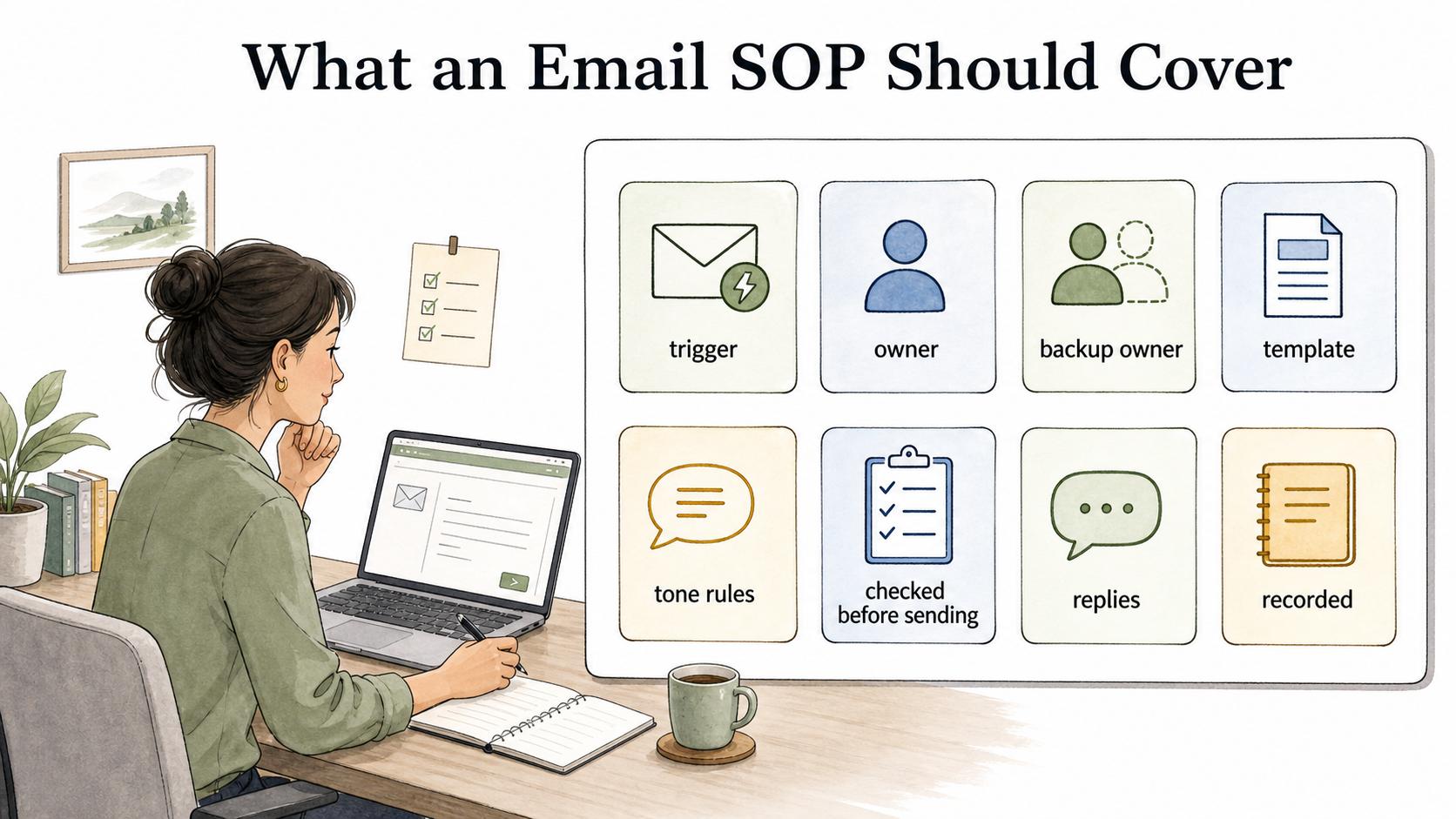
A useful email SOP defines the workflow around the message. At minimum, it should answer these questions:
- What event triggers the email?
- Who sends it, and who is the backup owner?
- Which template, subject line, and tone rules apply?
- What information must be checked before sending? For commercial email, that check may need to include accurate header information, non-deceptive subject lines, a valid physical address, and opt-out handling. 1
- What happens if the recipient replies, ignores the email, objects, or escalates?
- Where is the sent email, reply, task, or outcome recorded?
The best email SOPs also say when to stop the standard workflow. A customer complaint, legal concern, high-value account, refund dispute, or sensitive employee issue may need human review before the template goes out.
Email SOP vs email template
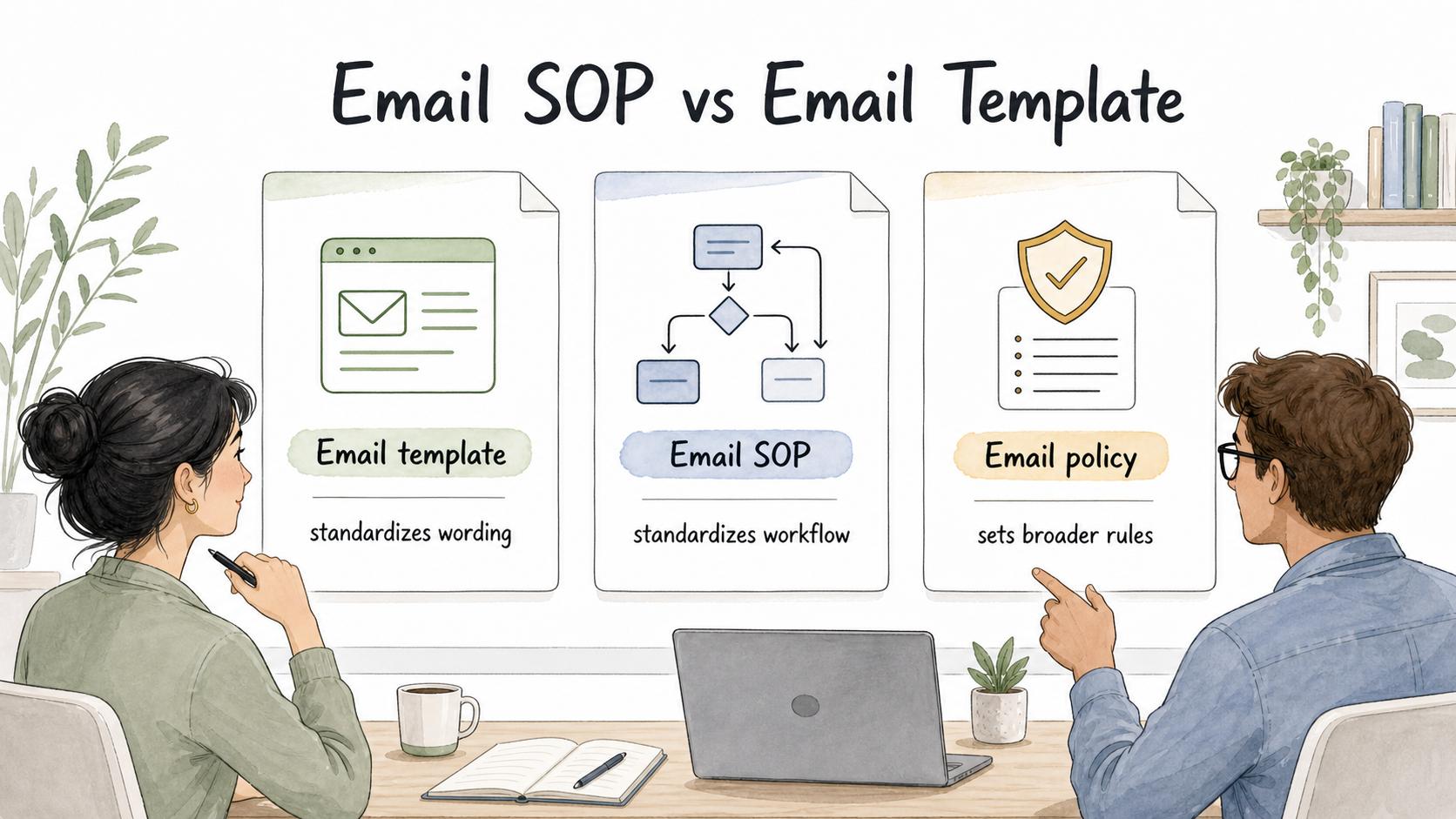
An email template gives the sender reusable wording. An email SOP tells the sender when and how to use that wording.
| Item | Purpose | Example |
|---|---|---|
| Email template | Standardizes wording | A renewal reminder message |
| Email SOP | Standardizes the workflow | When to send the reminder, who approves changes, and how replies are handled |
| Email policy | Sets broader rules | What customer data can be included in outbound emails |
Teams often over-invest in templates and under-invest in the surrounding SOP. That creates messages that sound consistent but behave inconsistently. One person logs replies in the CRM. Another leaves them in a personal inbox. A third edits the template without telling anyone. The customer sees the email, but the business process behind it is scattered.
Example of an email SOP in practice
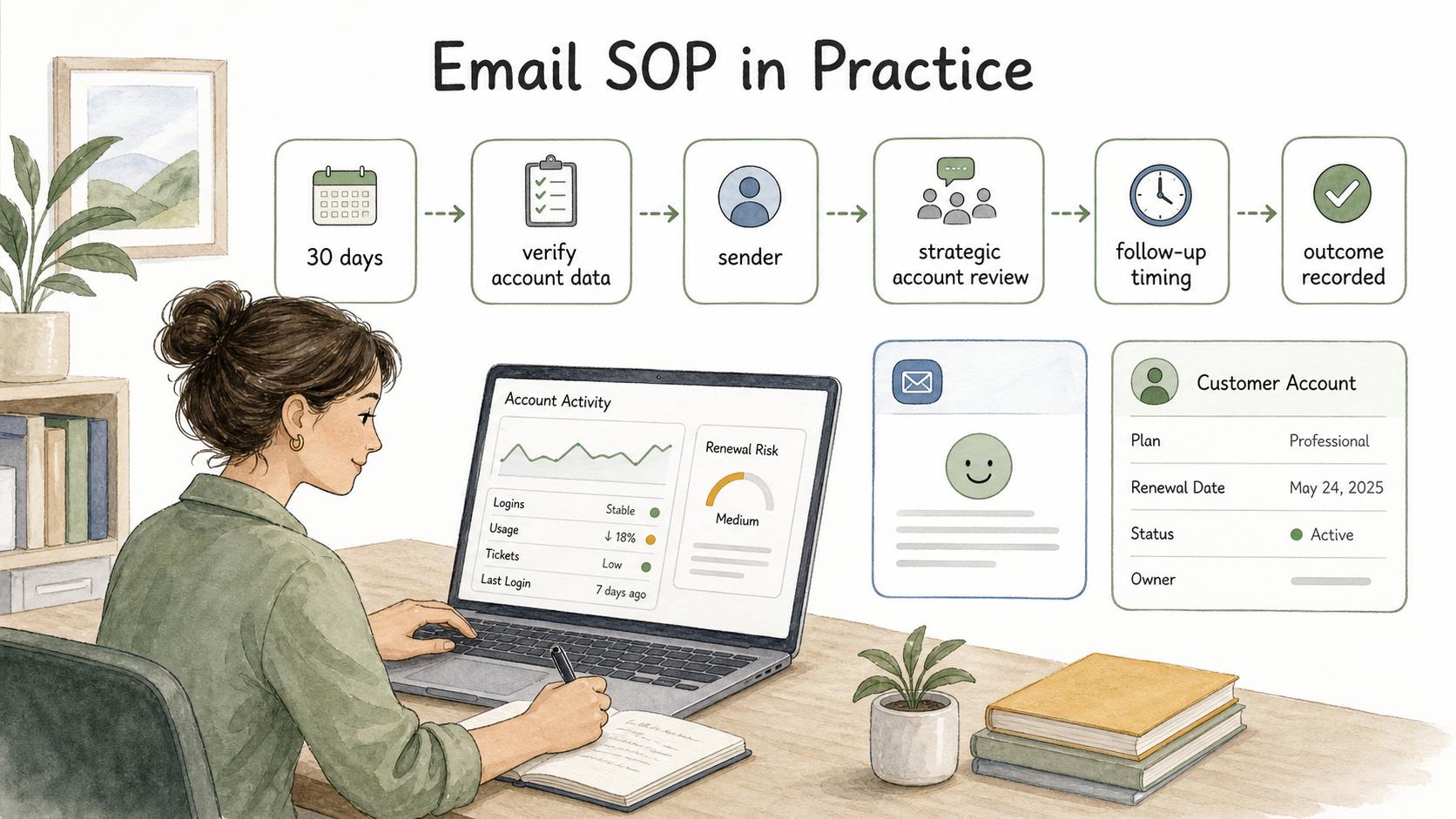
Imagine a customer success team sends a renewal-risk email when an account has not used the product in 30 days. The template might include a check-in message and a helpful resource. The SOP should define the trigger, the account data to verify, the sender, the review rule for strategic accounts, the follow-up timing, and where the outcome is recorded.
Without the SOP, the team may send the right words at the wrong time. With the SOP, the email becomes part of a reliable customer workflow.
Common mistakes
Treating every email as a script. Standard language is useful, but over-scripting can make sensitive communication feel robotic. Nielsen Norman Group's tone-of-voice research found that tone affects users' perception of trustworthiness, so the SOP should mark which parts are fixed and which parts the sender can adapt. 2
Ignoring replies. Many email processes document the outbound message but not the response path. If a recipient asks a question, objects, complains, or forwards the message internally, the SOP should explain what happens next.
Hiding ownership in the inbox. Shared inboxes are convenient, but they can blur accountability. The SOP should name the role that owns the workflow, even when multiple people can send the email.
Failing to retire stale templates. Email templates age quickly when pricing, policies, features, contact details, or sender requirements change. M3AAWG's sender best-practice guidance treats commercial email as both a technical and policy operation, which is a useful reminder that an email SOP should include ownership for the sending setup as well as the copy. 3 A lightweight review cadence is better than a perfect template library nobody trusts.
AI-ready email SOP template
Use this prompt to create a first draft, then test it with real examples from your team.
## Email SOP Template

**Glossary term:** email SOP
**Source:** Trails Glossary — trails.so/glossary/email-sop

---

### 01. Create an email SOP

"Create an email SOP for [team] handling [email workflow].
The trigger is: [event or condition].
The audience is: [recipient type].
Include:
- Purpose of the email workflow
- Trigger and do-not-send conditions
- Owner, backup owner, and approval rules
- Required information to check before sending
- Template guidance: subject line, tone, required sections, editable sections
- Follow-up rules for no response, positive response, negative response, and escalation
- Where to log the sent email and outcome
- Review cadence for keeping the SOP and template current
Write it for a trained teammate who needs to send the email consistently without sounding mechanical."
Documentation takeaway
A strong email SOP protects consistency and judgment. It makes routine email work easy to repeat while surfacing exceptions before a bad message goes out.
The practical test is whether a new teammate can read the SOP and know what to check before sending, how much they can personalize, what to do with replies, and where the work is recorded. If the SOP only contains polished message copy, it is probably a template library, not a procedure.
How Trails helps
Trails helps teams document the full email workflow around a template. A teammate can capture the process of checking source data, choosing a template, personalizing the message, logging the outcome, and handling follow-up. Trails turns that workflow into a step-by-step guide and can create an AI-narrated video version for training new senders.
When the email procedure crosses several tools, compare process documentation software for capturing the complete sequence from source data to the logged outcome.
Sources
- 1
FTC. CAN-SPAM Act compliance guide for business. www.ftc.gov/business-guidance/resources/can-spam-act-compliance-guide-business.
- 2
Nielsen Norman Group. Tone of Voice: Definition. www.nngroup.com/articles/tone-voice-users/.
- 3
M3AAWG. Sender Best Common Practices. www.m3aawg.org/documents/en/m3aawg-sender-best-common-practices-version-30.