
Glossary
Support Documentation
 ChatGPT
 Perplexity
 Gemini
 Claude
What is support documentation?
Support documentation is the set of help articles, troubleshooting guides, internal notes, response templates, procedures, and reference material that helps customers or support agents resolve problems. It can be public, internal, or split between customer-facing guidance and agent-only instructions.
Good support documentation turns recurring support work into reusable knowledge. Customers can solve simple issues without waiting, agents get consistent answers, and important support processes stop depending on memory or one experienced teammate.1
What support documentation includes
Support documentation should follow the problems people actually bring to the support team: setup questions, account issues, billing confusion, feature instructions, troubleshooting flows, policy explanations, escalation rules, and known workarounds.
A public help article might explain how to reset a password or configure a feature. An internal troubleshooting guide might tell an agent what to check when the reset email doesn't arrive. A response template might help the agent explain the issue clearly. An escalation guide might define when the case belongs with engineering, billing, security, or a manager.
The strongest support systems connect those pieces without blending the audiences. A customer article handles the visible answer. Internal documentation handles operational details that should stay private but still need to be consistent.
Customer-facing vs. internal support documentation
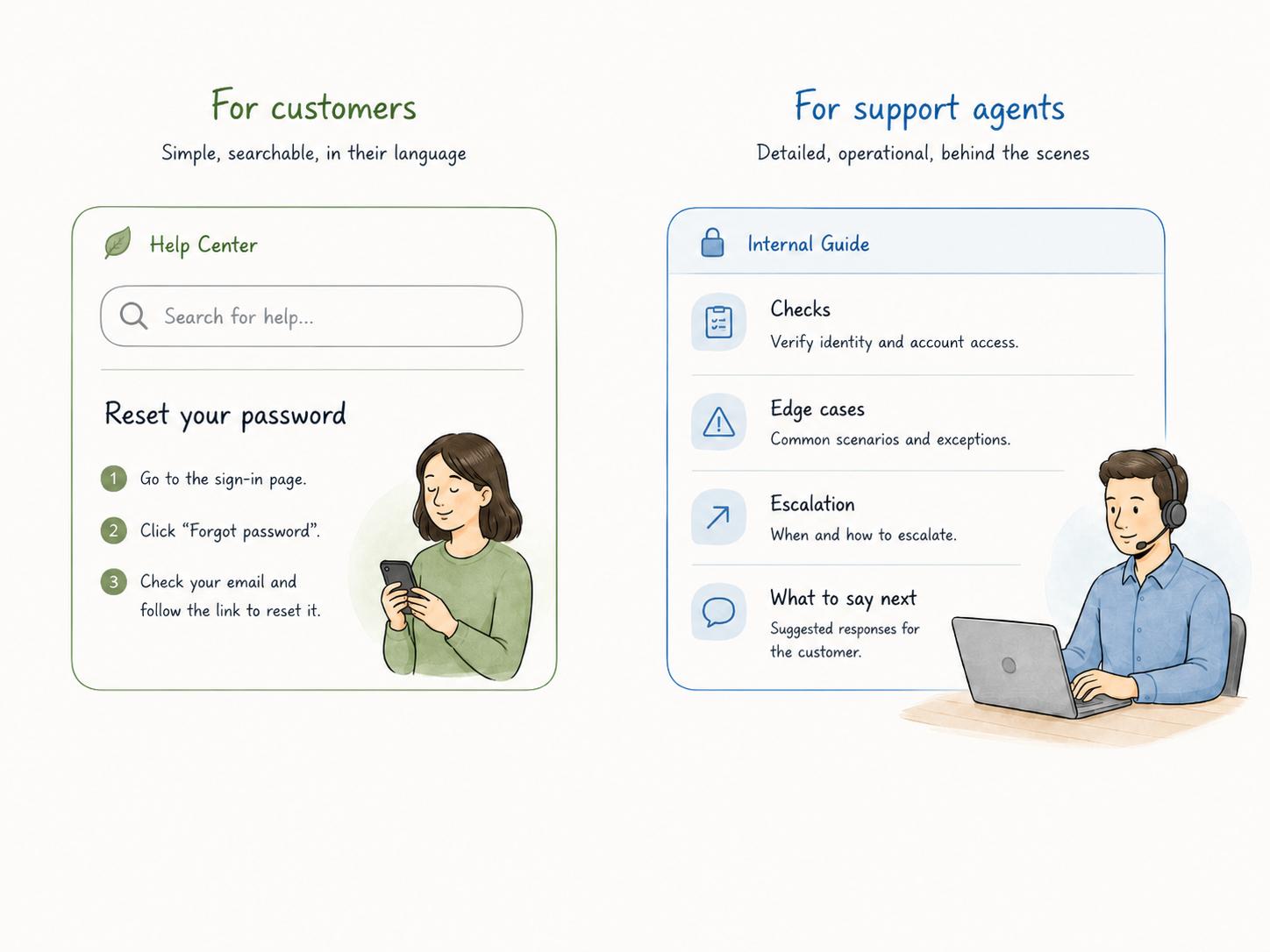
Customer-facing documentation should be searchable, direct, and organized around the language customers use. Customers search for symptoms: invoice missing, can't log in, import failed, or how to invite a teammate. They are not thinking in your internal product taxonomy.2
Internal support documentation can be more specific. It can include admin-only checks, account conditions, sensitive policy guidance, escalation thresholds, macros, bug status, plan limitations, and links to internal systems.
The common mistake is mixing both audiences into one muddy article. Customers should not see internal logic, and agents should not have to infer policy from a simplified customer page. If both audiences need the topic, create a public version and a companion internal note.
How to prioritize support documentation
Do not start with a blank list of every feature. Start with support friction.
High-volume issues deserve documentation because they consume capacity. High-risk issues deserve documentation because inconsistent answers can create financial, security, compliance, or trust problems. High-confusion issues deserve documentation because they slow agents down even if they don't happen every day.
A practical rule: if an agent asks the same teammate the same question three times, the answer should probably be searchable. If the answer changes by plan, region, customer type, account state, or product version, the documentation should say that explicitly. Hidden conditions are where support docs quietly fail.
What makes support documentation useful
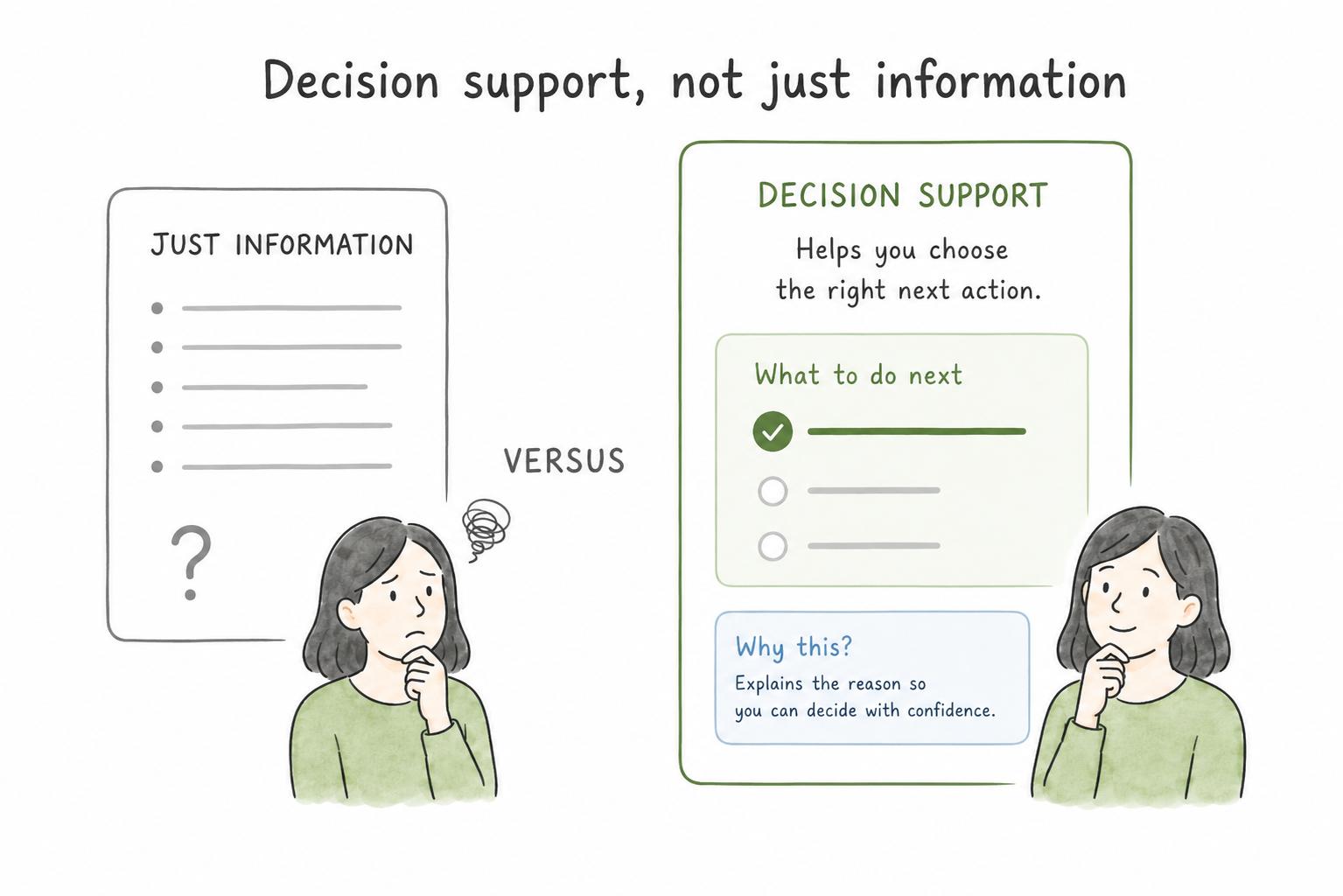
Accuracy is only the baseline. Useful support documentation helps the reader choose the right next action.
For customers, that means plain language, visible prerequisites, screenshots or examples when they remove guesswork, and a clear success state. The article should say what the customer should see when the issue is resolved.
For agents, usefulness depends on symptoms, checks, decision rules, escalation criteria, and context. A good internal guide tells the agent what to inspect first, what a normal result looks like, which edge cases change the answer, and what to send to the customer.
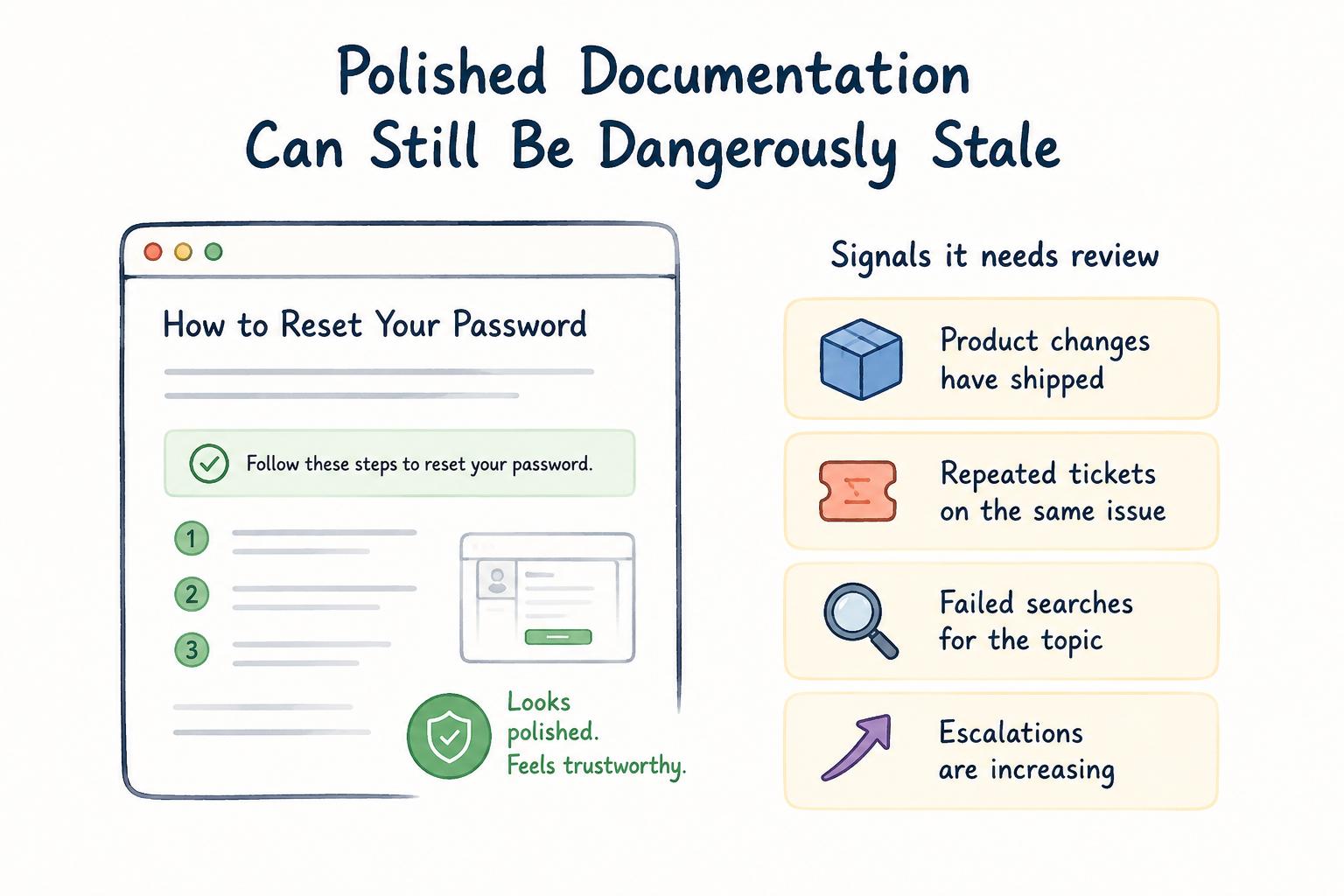
The hidden risk is stale confidence. Old support documentation can look polished while being wrong. Product changes, reopened tickets, repeated escalations, failed search terms, and policy updates should all trigger review, because self-service content only works when customers can actually complete the task.3
AI-ready prompt for drafting support documentation
## Support Documentation Draft Prompt

**Glossary term:** Support Documentation
**Source:** Trails Glossary — trails.so/glossary/support-documentation

---

### 01. Draft support documentation

"Create support documentation for [issue, workflow, or product area].
Audience: [customers, support agents, or both]
Context: [what the user is trying to do or what went wrong]

Include:
- The symptom or trigger that tells someone this article applies
- Any prerequisites, permissions, plan limits, or account conditions
- The resolution steps or troubleshooting flow
- The expected result
- What to do if the standard path fails
- Escalation criteria and owner, if this is internal documentation
- Related articles, SOPs, or templates to link

Write clearly. Separate customer-facing guidance from internal-only notes."
Common mistakes
One mistake is documenting only the happy path. Support work lives in exceptions. If the article doesn't say what to check when the obvious fix fails, agents will keep asking around.
Another mistake is writing around company structure instead of user language. Customers search for the problem they recognize. Agents search for the symptom, system, policy, error, or exception they need to handle.
A third mistake is letting templates replace judgment. Response templates are useful, but they should point agents toward the right policy and next step, not force every customer into the same answer.
Documentation takeaway
Support documentation is strongest when it mirrors real support behavior. Repeated tickets, escalations, agent questions, and customer confusion are signals that knowledge needs to be captured or repaired.
The goal is not a larger help center. The goal is fewer avoidable questions, faster resolution, clearer escalation, and support knowledge that survives beyond the person who first solved the problem.
How Trails helps
Trails helps support teams capture repeatable workflows as someone performs them, then turn those workflows into polished step-by-step guides. It can also create an AI-narrated video version for training or sharing. That is useful for internal troubleshooting flows, escalation procedures, support operations SOPs, and agent onboarding.
- Self-service knowledge
- User guide
- Software documentation
- Technical documentation software
- Documentation software
- Knowledge management software
- Help center
Sources
- 1
Zendesk. Customer Self-Service Guide. Zendesk. www.zendesk.com/blog/help-center/self-service/customer-self-service-guide-helping-customers-help/. Accessed July 2, 2026.
- 2
Nielsen Norman Group. Help and Documentation. Nielsen Norman Group. www.nngroup.com/articles/help-and-documentation/. Accessed July 2, 2026.
- 3
Gartner. Gartner Survey Finds Only 14% of Customer Service Issues Are Fully Resolved in Self-Service. Gartner. www.gartner.com/en/newsroom/press-releases/2024-08-19-gartner-survey-finds-only-14-percent-of-customer-service-issues-are-fully-resolved-in-self-service. Accessed July 2, 2026.