
Glossary
Pull System
 ChatGPT
 Perplexity
 Gemini
 Claude
What is a pull system?
A pull system is a way of managing work where the next step starts only when there is real downstream demand, an explicit signal, or available capacity. Instead of pushing work forward because a schedule says to, it controls when work is released into the process. Lean Enterprise Institute describes kanban as the signaling device that authorizes production or withdrawal in a pull system. 1
Pull systems are common in lean manufacturing, inventory replenishment, kanban, service operations, software delivery, and other workflows where too much work in progress creates delays. Little's Law is the operating-science reason this matters: in stable systems, work in progress, throughput, and cycle time are mathematically linked. 2 A pull system still uses planning; it just stops releasing more work than the system can absorb.
How a pull system works
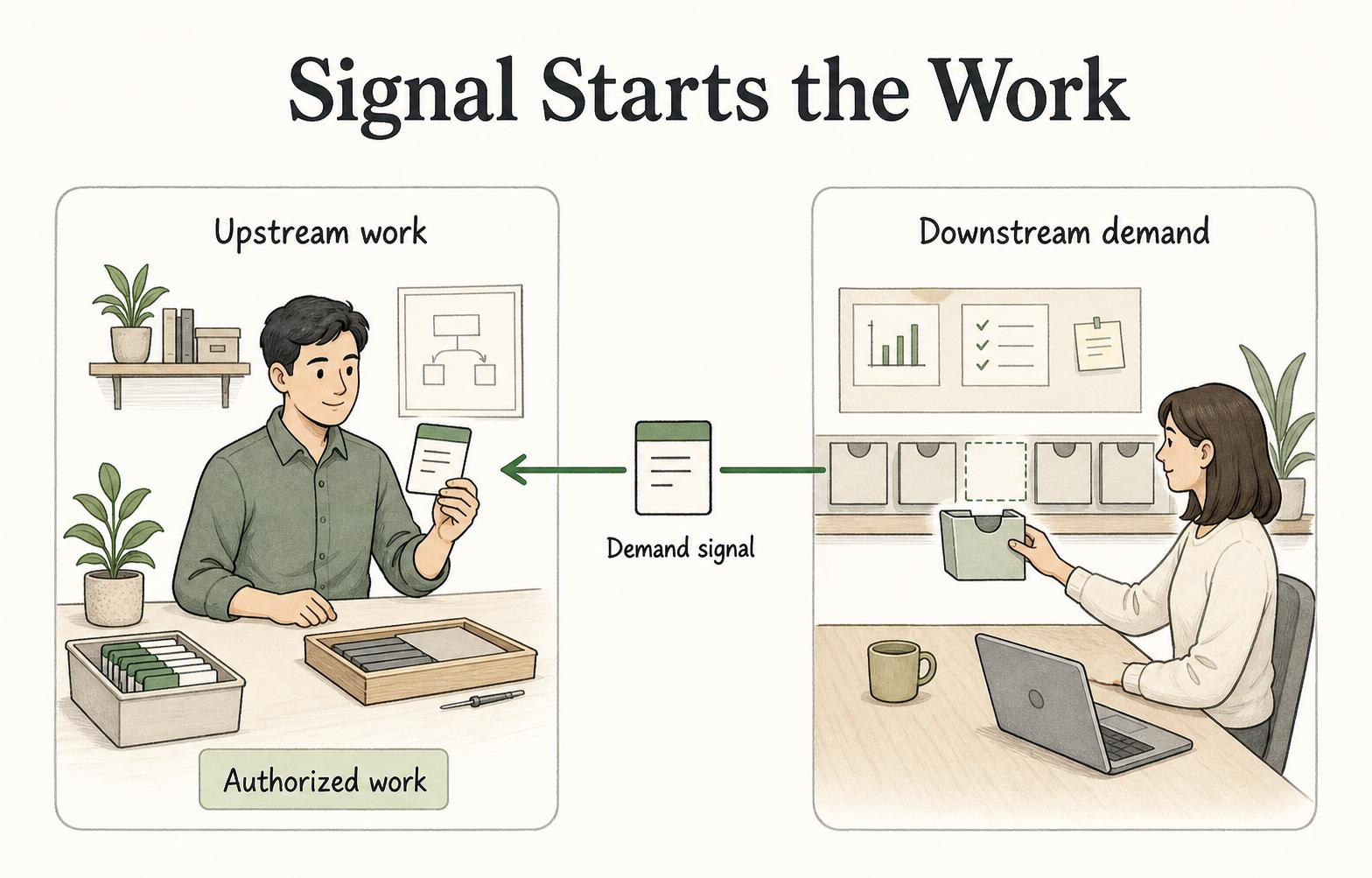
The downstream customer or next process creates the signal for upstream work: a customer order, empty bin, kanban card, reorder point, available board slot, or service request ready for review. Toyota describes the following process pulling from the preceding process, coordinated by kanban cards so the required quantity arrives when needed. 3
A simple pull loop is: downstream work consumes an item or capacity, a signal shows more work is needed, the upstream team produces or moves only the authorized amount, and the cycle repeats. The key word is authorized: teams respond to the signal, limit, and current state rather than starting work simply because they can.
For example, a support team may limit how many tickets can be in review. A new ticket is pulled into review only when a reviewer has capacity. A warehouse may replenish a part only when a bin reaches a minimum level. A software team may pull the next ready item only after current work moves forward.
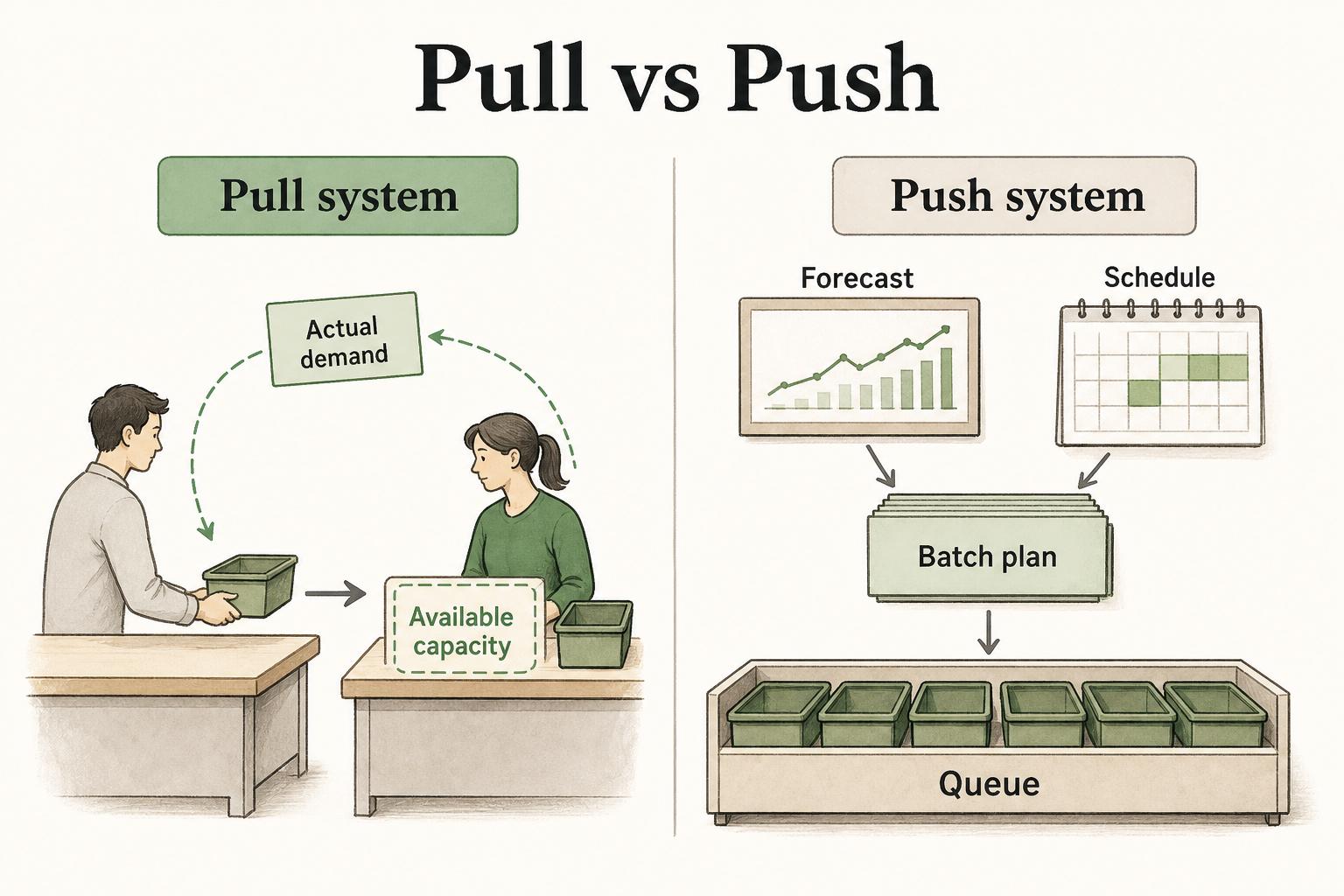
Pull system vs. push system
The easiest way to understand pull is to compare it with push.
| Area | Pull system | Push system |
|---|---|---|
| Trigger | Actual demand, signal, or available capacity | Forecast, schedule, batch plan, or upstream target |
| Work release | Work starts when the next step is ready | Work starts when the plan says to start |
| Main benefit | Reduces overproduction, queues, and hidden overload | Can keep upstream resources busy and support forecast-based planning |
| Main risk | Shortages or delay if signals and limits are wrong | Excess inventory, unfinished work, rework, and bottlenecks |
Push is not automatically bad: forecasts and schedules can help with long lead times or seasonal demand. The problem is pushing work into a constrained system without regard for downstream capacity.
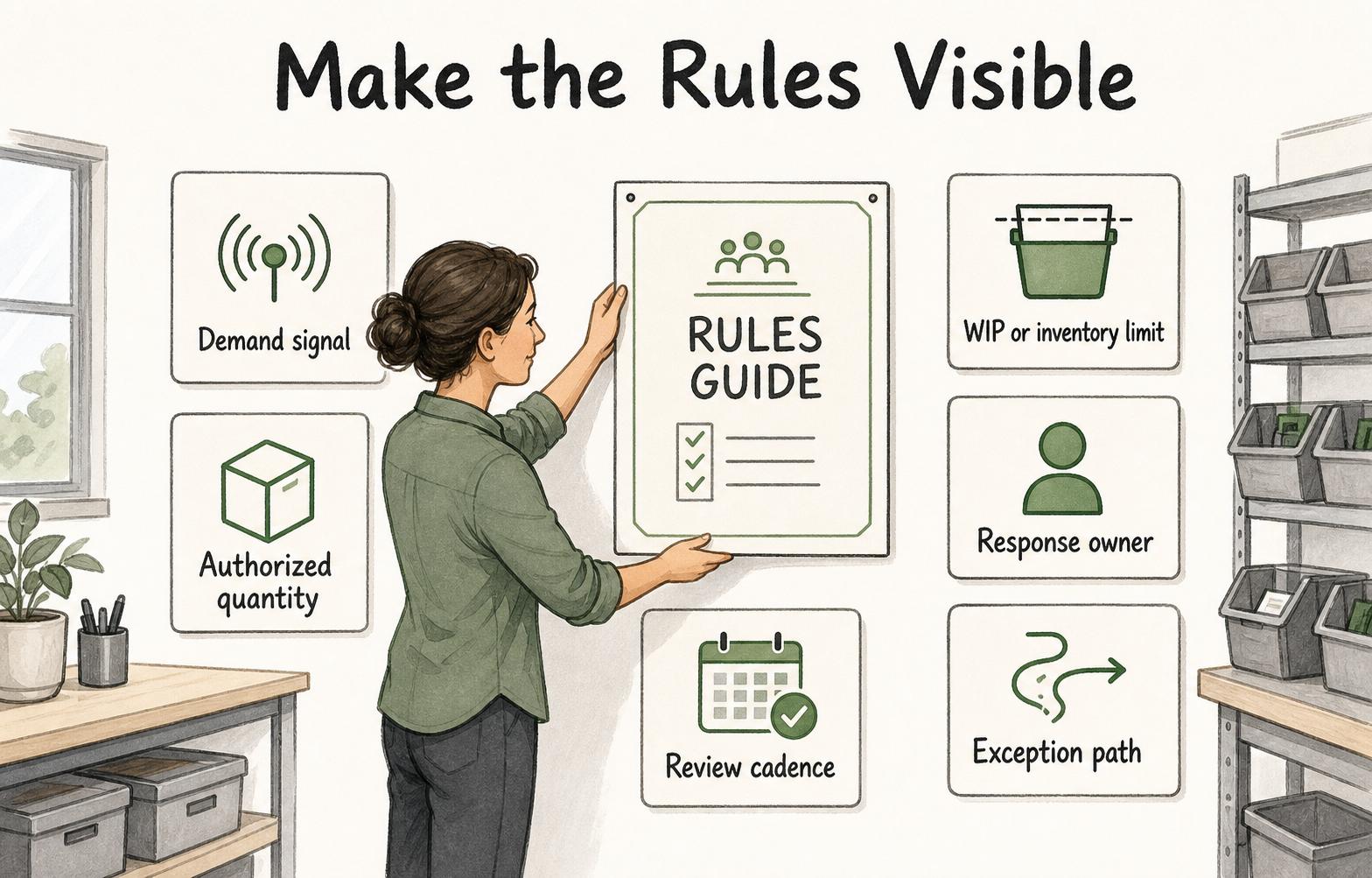
What makes a pull system work
A pull system needs more than a board, card, or bin. It needs operating rules people actually follow.
The most important rules define the signal, the authorized quantity, the response owner, the work-in-progress or inventory limit, and the exception path. If any of those are unclear, the system starts drifting back toward push.
A kanban board is a good example. It only functions as a pull system if people respect WIP limits and pull work based on capacity. The official Kanban Guide describes limiting WIP as a way to balance utilization while ensuring flow, with WIP limits used in a pull system. 4 If managers keep assigning new work into every column, the board may look lean but behave like a push system.
The same is true in physical operations. A two-bin system only works if the empty bin triggers replenishment, the replenishment quantity is known, and people trust the signal instead of quietly grabbing extra stock.
Examples of pull systems
Pull systems look different by environment, but the mechanics stay the same:
- A manufacturing team uses a two-bin replenishment system where the empty bin triggers a fixed replenishment quantity.
- A restaurant prep station replenishes ingredients when levels reach a defined minimum instead of topping everything off all day.
- A customer support team pulls cases into QA review only when reviewers have capacity.
- A software team limits work in progress so developers pull the next ready story only after finishing or unblocking current work.
- A purchasing team uses reorder points so routine stock is ordered based on actual consumption rather than occasional guesses.
These examples share the same mechanics: signal, limit, response, and replenishment.
What teams should document
Pull systems fail quietly when the signal is ambiguous or the limit is treated as a suggestion. Documentation should make the operating rules visible where the work happens.
Document these rules:
- Demand signal: what event authorizes more work, movement, production, or replenishment.
- Authorized quantity: how much work or inventory the signal allows.
- WIP or inventory limit: the cap that protects flow and exposes bottlenecks.
- Response owner: who acts on the signal and within what timeframe.
- Exception path: what happens when the signal is missing, blocked, wrong, or repeatedly insufficient.
- Review cadence: when demand, lead time, capacity, and limit settings are reviewed.
The non-obvious rule is to document how limits change. If anyone can raise a WIP limit during a busy week, the pull system will turn into a suggestion. If nobody can change it when demand shifts, the system becomes brittle.
AI-ready pull-system rules prompt
Use this prompt to turn a vague pull process into documented operating rules:
## Pull-System Rules

**Glossary term:** Pull System
**Source:** Trails Glossary — trails.so/glossary/pull-system

---

### 01. Define pull-system rules

"Define pull-system rules for [process/team].

Context:
- Downstream customer or next step: [customer/step]
- Work or item being pulled: [work/item]
- Current signal: [card, bin, board column, request, reorder point]
- Current limit: [WIP limit, inventory level, batch size]
- Known failure modes: [stockouts, queues, hidden work, ignored signals]

Return:
1. The demand signal that authorizes work
2. The exact quantity or capacity allowed
3. Who responds to the signal
4. What evidence shows the signal was handled
5. Exception rules for shortages, blocked work, and capacity overload
6. Review cadence for adjusting limits"
How Trails helps
Trails helps teams document the practical steps around pull systems: responding to a kanban signal, replenishing a bin, moving a ticket, reviewing WIP limits, escalating shortages, or updating a board. A process owner can capture the real workflow and turn it into a polished guide or AI-narrated training video.
That is useful because pull systems depend on consistent behavior across shifts, teams, and tools. If people cannot see the rules, they will fall back to habits.
Sources
- 1
Lean Enterprise Institute. Kanban. www.lean.org/lexicon-terms/kanban/.
- 2
Project Production Institute. Little's Law as Viewed on Its 50th Anniversary. projectproduction.org/journal/reprint-littles-law-as-viewed-on-its-50th-anniversary/.
- 3
Toyota. Toyota Production System virtual plant tour. global.toyota/en/company/plant-tours/production-system/index.html.
- 4
Kanban University. The Official Guide to the Kanban Method. kanban.university/kanban-guide/.