
Glossary
Onboarding Portal
 ChatGPT
 Perplexity
 Gemini
 Claude
What is an onboarding portal?
An onboarding portal is a central digital hub where new hires find the tasks, resources, schedules, training materials, forms, and support contacts they need during onboarding. Federal onboarding systems show the same pattern in practice: new hires use one place to complete required forms, track progress, and communicate with the hiring agency.1 It can live in an HR platform, intranet, wiki, learning system, or knowledge base, but its job is always the same: give the new hire one trusted place to start.
A portal fails when it is only a folder of links. A useful portal makes the next action visible, reduces repeated questions, and gives HR, IT, managers, and training owners one place to coordinate around. OPM describes onboarding automation as a way to reduce duplicate data entry, improve task communications, and track progress.2
What should an onboarding portal include?
An onboarding portal should be organized around the new hire's needs, not the company's org chart. A new employee should not need to know whether a question belongs to HR, IT, payroll, legal, their manager, or enablement before they can find the answer.
Most portals need a few clear zones:
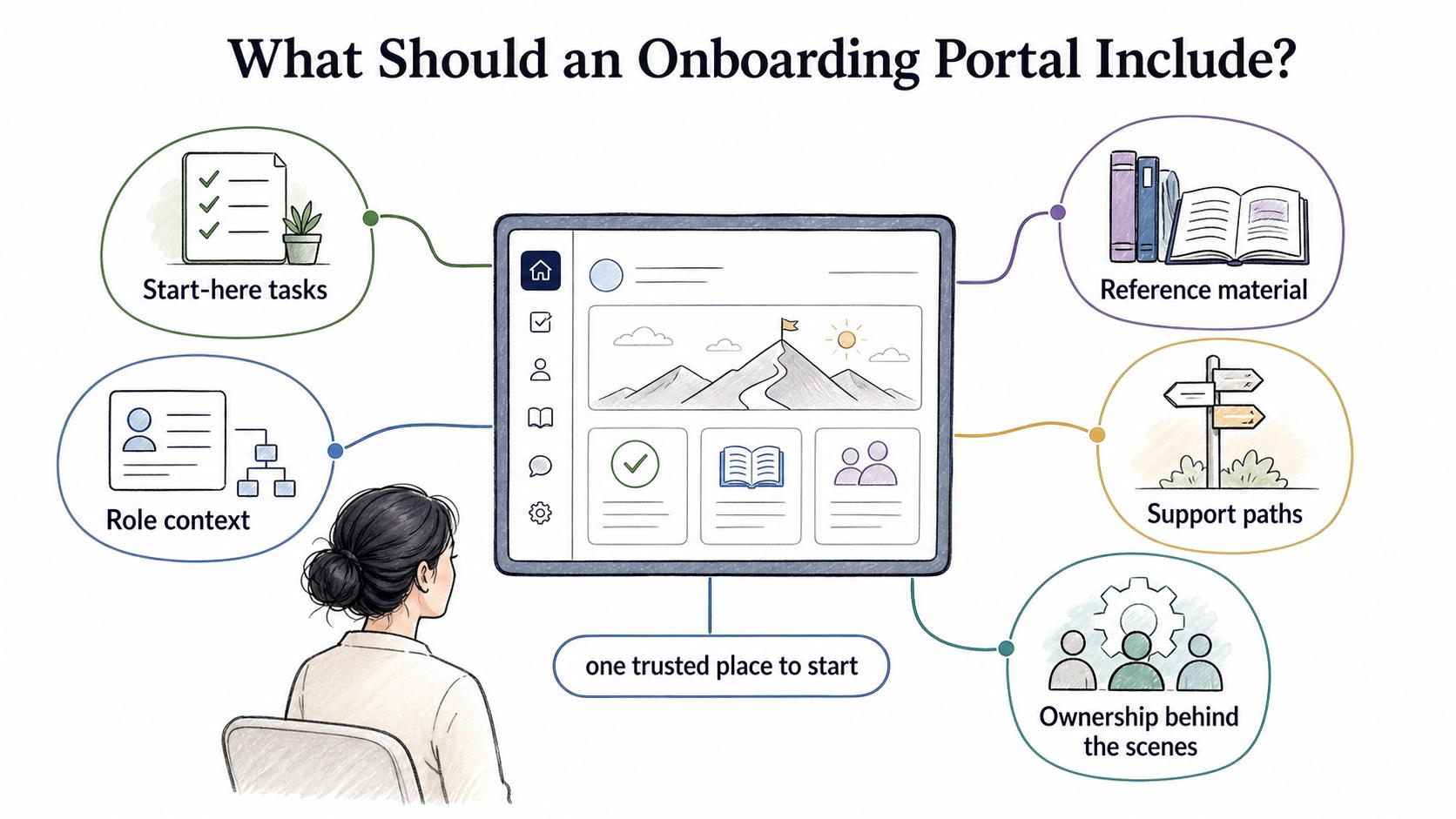
- Start-here tasks: forms, account setup, first-day schedule, equipment, required policies, and anything with a deadline
- Role context: first-week plan, manager expectations, first project, role-specific learning path, and required SOPs or job aids
- Reference material: employee handbook, benefits, team norms, tool guides, templates, org chart, and FAQs
- Support paths: named contacts for access issues, payroll questions, equipment delays, training blockers, and manager escalation
- Ownership behind the scenes: section owners, review dates, and update triggers so the portal does not quietly drift
The strongest portals separate required actions from useful reference material. If every link looks equally important, the new hire has to do the prioritization work the portal was supposed to remove.
Onboarding portal vs. checklist vs. SOP
Teams often need all three artifacts, but each one should do a different job.
| Artifact | Main purpose | Primary audience |
|---|---|---|
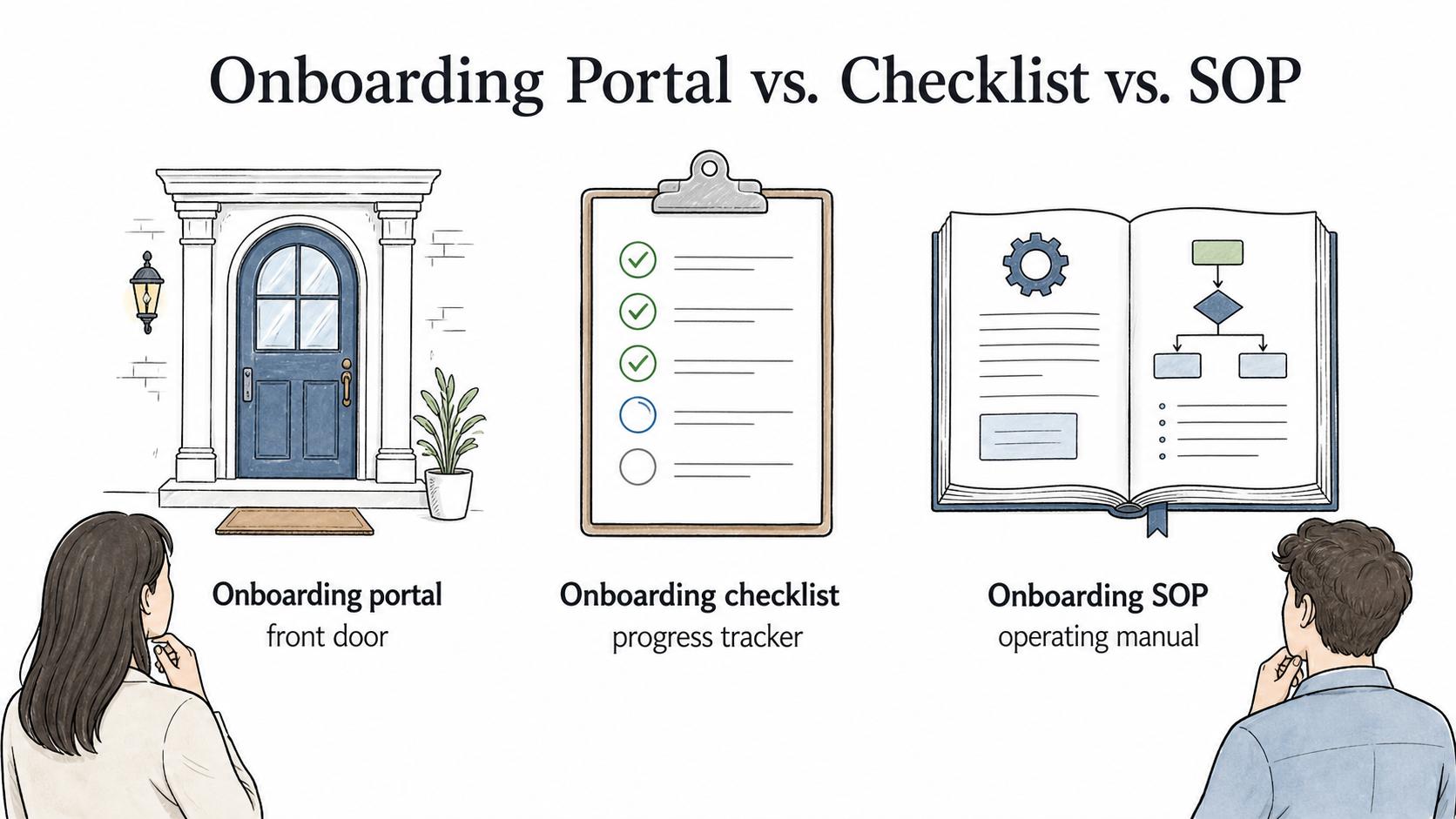
| Onboarding portal | Centralize the resources, guidance, and links a new hire needs | New hires, managers, HR, trainers |
| Onboarding checklist | Track required tasks and completion for a specific person | HR, onboarding specialist, manager, new hire |
| Onboarding SOP | Explain how the organization runs onboarding behind the scenes | HR, IT, payroll, managers, process owners |
The portal is the front door. The checklist is the progress tracker. The SOP is the operating manual. When a portal tries to be all three, it usually becomes too long for new hires and too vague for process owners.
How to structure an onboarding portal
The most usable onboarding portals follow time and context. Time tells the new hire what to do now. Context helps them understand why the resource matters. SHRM notes that onboarding may last from a short orientation to a months-long series of activities, which is why portal structure should make time horizons explicit.3
A practical structure might look like this:
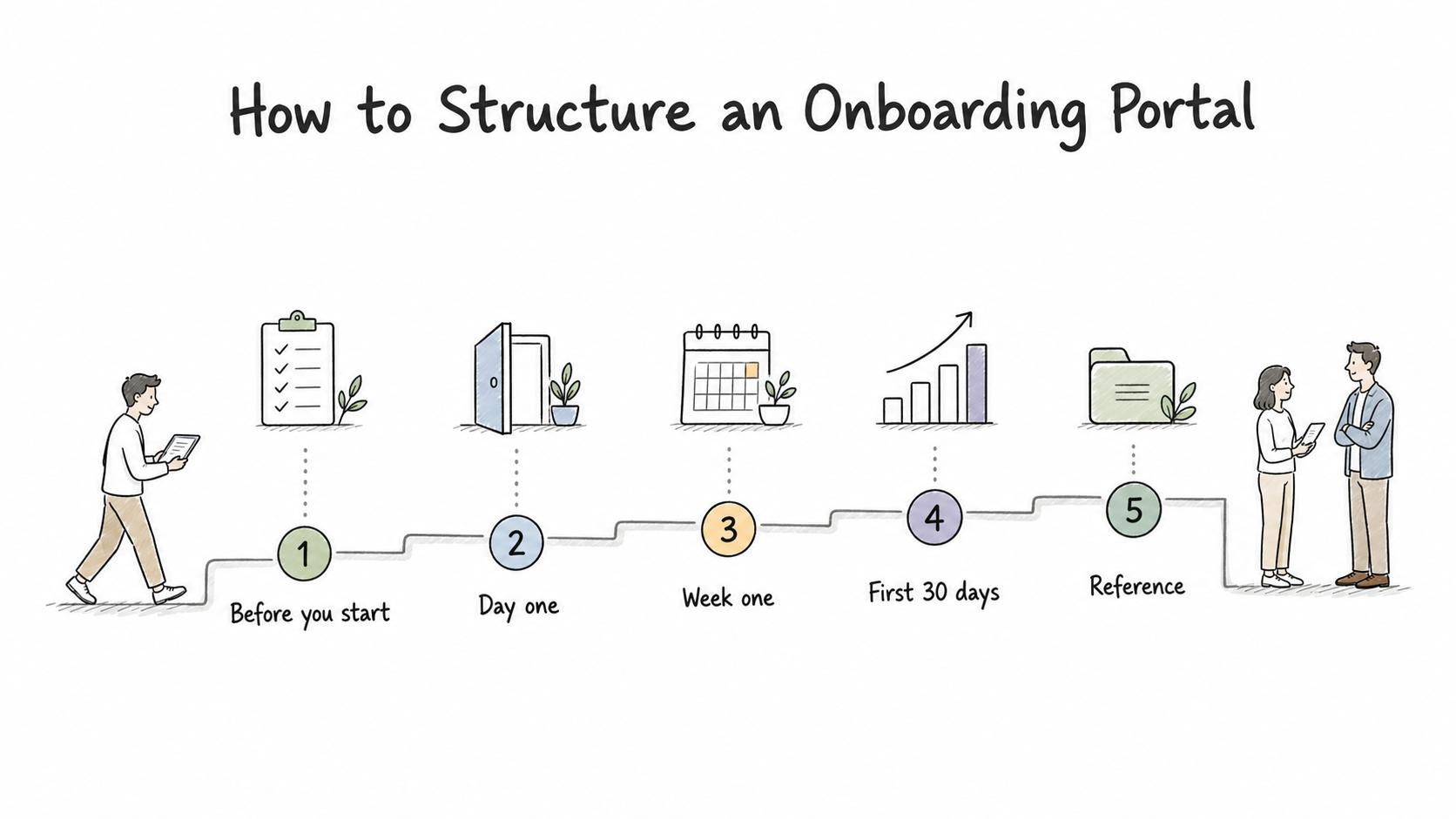
- Before you start: welcome note, start date details, forms, equipment expectations, account setup notes, and what to prepare.
- Day one: schedule, orientation links, login instructions, key people, first meetings, and where to ask for help.
- Week one: company basics, team norms, role expectations, required training, first tasks, and manager check-ins. Formal onboarding research frames these structured early experiences as a way to help new professionals enter the organization and role.4
- First 30 days: learning path, milestones, feedback points, role-specific process guides, and practice work.
- Reference: employee handbook, benefits, policies, SOPs, templates, org chart, tool guides, and FAQs.
For larger teams, the portal can branch by role, location, department, or employment type. Branch only when the content truly differs. Too many branches create duplicate pages that age at different speeds.
What makes an onboarding portal useful?
Usefulness depends less on the software and more on the editorial choices inside the portal. A polished portal can still fail if it hides the next step, links to stale material, or assumes new hires know internal vocabulary.
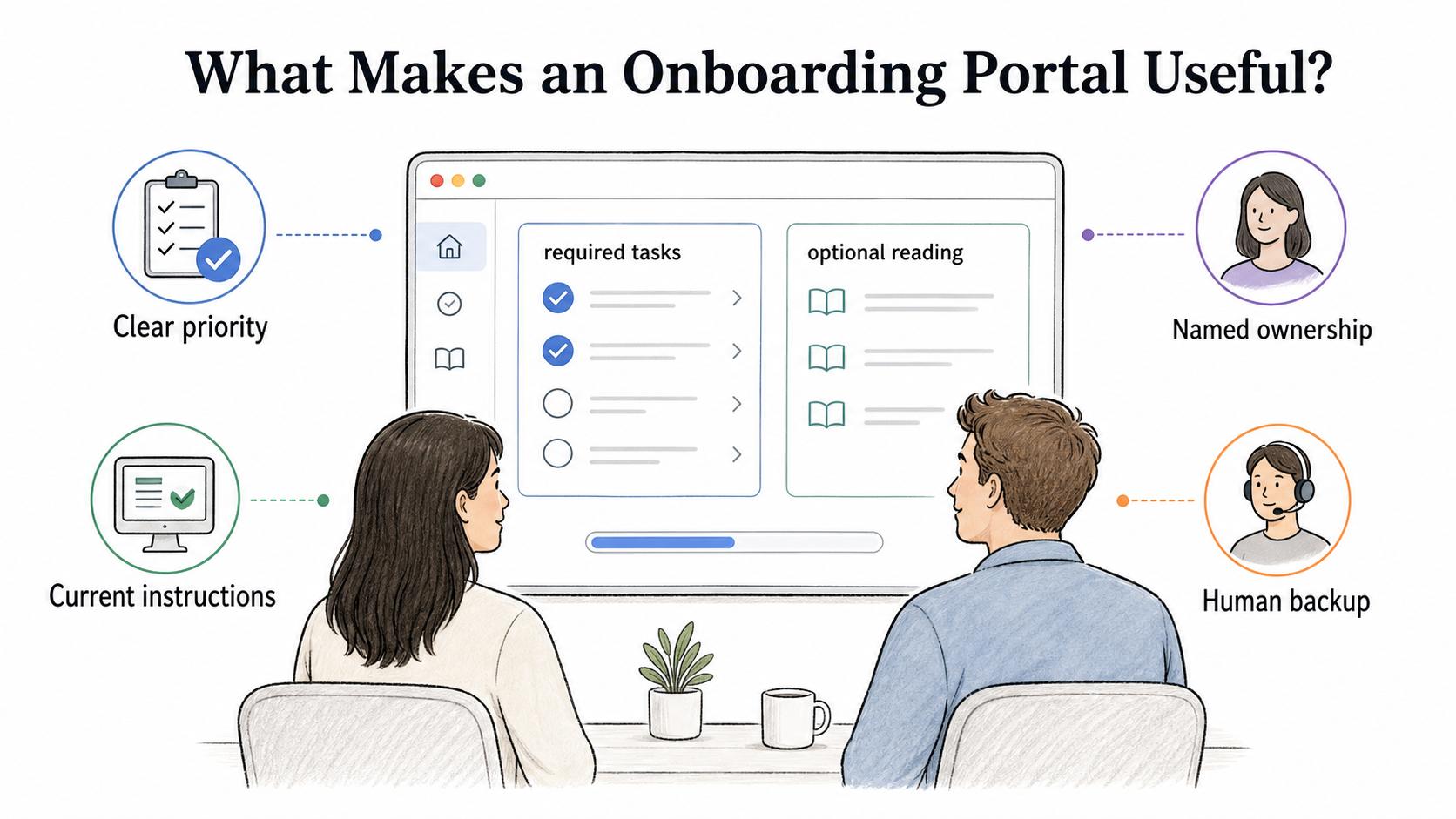
Good portals usually have four traits:
- Clear priority: Required tasks are visually and structurally different from optional reading.
- Named ownership: Each section has a responsible owner, even if that owner is not shown to the new hire.
- Current instructions: Setup guides match the tools and screens employees actually see.
- Human backup: The portal shows who to contact when the answer is missing, blocked, or confusing.
An onboarding portal should preserve human support for the moments where judgment, context, or relationship-building matters. It should handle the repetitive finding, linking, and sequencing work.
Common mistakes
The easiest mistake is treating the portal as a launch project instead of a maintained product. Onboarding changes whenever a tool, policy, manager expectation, benefits flow, training module, or team norm changes. A portal that was accurate six months ago may now be quietly teaching the wrong process.
Other mistakes include:
- Dumping links without explaining which ones matter first
- Mixing manager-only process notes with new-hire-facing guidance
- Hiding required forms inside broad reference sections
- Making the portal too company-wide and not role-specific enough
- Making the portal so role-specific that shared information is duplicated everywhere
- Using the portal as a substitute for manager conversations
A useful portal is selective. It should help the new hire move through onboarding, not prove that every internal document exists.
Quick onboarding portal audit
Use this audit before launching or refreshing an onboarding portal:
- Can a new hire find their first-day schedule in under one minute?
- Are required tasks clearly separated from optional reading?
- Does every section have an owner who can update it?
- Are role-specific resources labeled by role, team, or location?
- Are setup guides current enough that a new hire could follow them without a live walkthrough?
- Is there a clear help path when access, equipment, forms, or training are blocked?
- Does the portal explain what success looks like by the end of week one and the first 30 days?
- Are stale pages removed or archived instead of left as competing answers?
If the portal fails this audit, the fix is usually clearer structure, fewer dead links, sharper ownership, and better step-level documentation.
How Trails helps
Trails helps teams create the step-by-step guides that make an onboarding portal useful. Instead of asking HR, IT, or managers to write process instructions from memory, a team can capture a workflow as someone performs it, then turn that workflow into a polished guide with screenshots and clear steps.
Trails can also create an AI-narrated video version for training or sharing. The portal remains the central hub, while Trails guides explain how specific onboarding tasks actually get done.
Sources
- 1
U.S. Office of Personnel Management. USA Staffing New Hire Help Center. U.S. Office of Personnel Management. nhsupport-usastaffing.opm.gov/hc/en-us. Accessed July 24, 2026.
- 2
U.S. Office of Personnel Management. USA Staffing Onboarding overview. U.S. Office of Personnel Management. abrc-usastaffing.opm.gov/hc/en-us/articles/45424488694163-Overview. Accessed July 24, 2026.
- 3
SHRM. Complete Employee Onboarding Guide. SHRM. www.shrm.org/topics-tools/topics/onboarding. Accessed July 24, 2026.
- 4
Elin Frögéli, Bo Jenner, and Petter Gustavsson. Effectiveness of formal onboarding for facilitating organizational socialization: A systematic review. PLOS ONE, 2023. pmc.ncbi.nlm.nih.gov/articles/PMC9934447/. Accessed July 24, 2026.