
Glossary
Microlearning
 ChatGPT
 Perplexity
 Gemini
 Claude
What is microlearning?
Microlearning is a training approach that teaches one focused concept, skill, or task in a short format. 1 It might be a brief video, one-page job aid, screenshot walkthrough, short quiz, or step-by-step guide for a single workflow.
The useful test is scope. A short lesson only works as microlearning when it has one clear purpose. "Everything a new support rep needs to know" is too broad. "How to escalate a billing ticket" is the right size.
What microlearning looks like
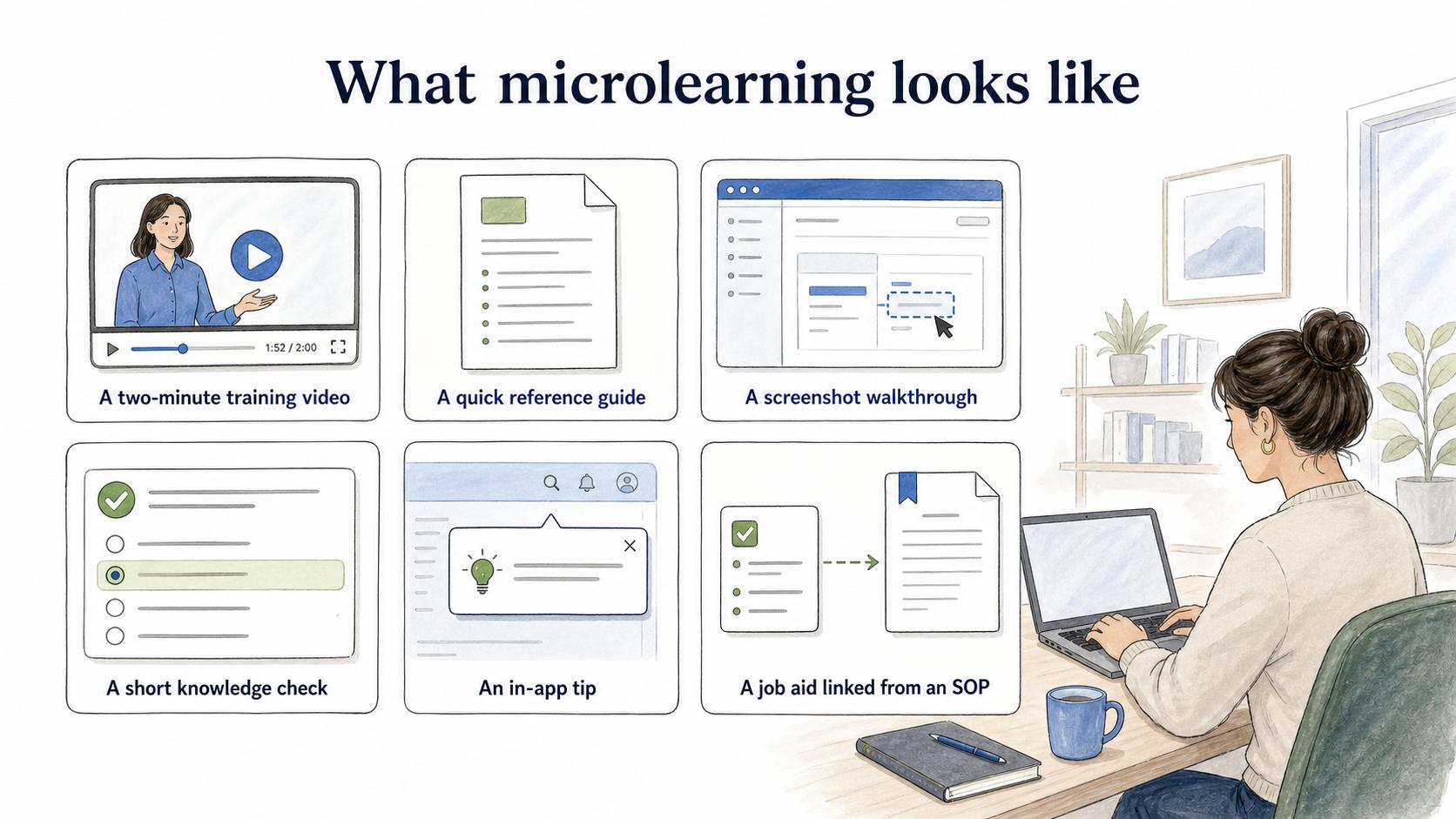
Microlearning can take several forms as long as the asset is narrow and useful at the moment of need. Common workplace examples include:
- A two-minute training video for one software task
- A quick reference guide for a repeated workflow
- A screenshot walkthrough for a setup step
- A short knowledge check after a policy update
- An in-app tip that explains one feature
- A job aid linked from an SOP
The best format depends on the work. A software process may need screenshots. A safety reminder may need a visual checklist. A customer support scenario may need examples of good and bad judgment.
Microlearning vs longer training
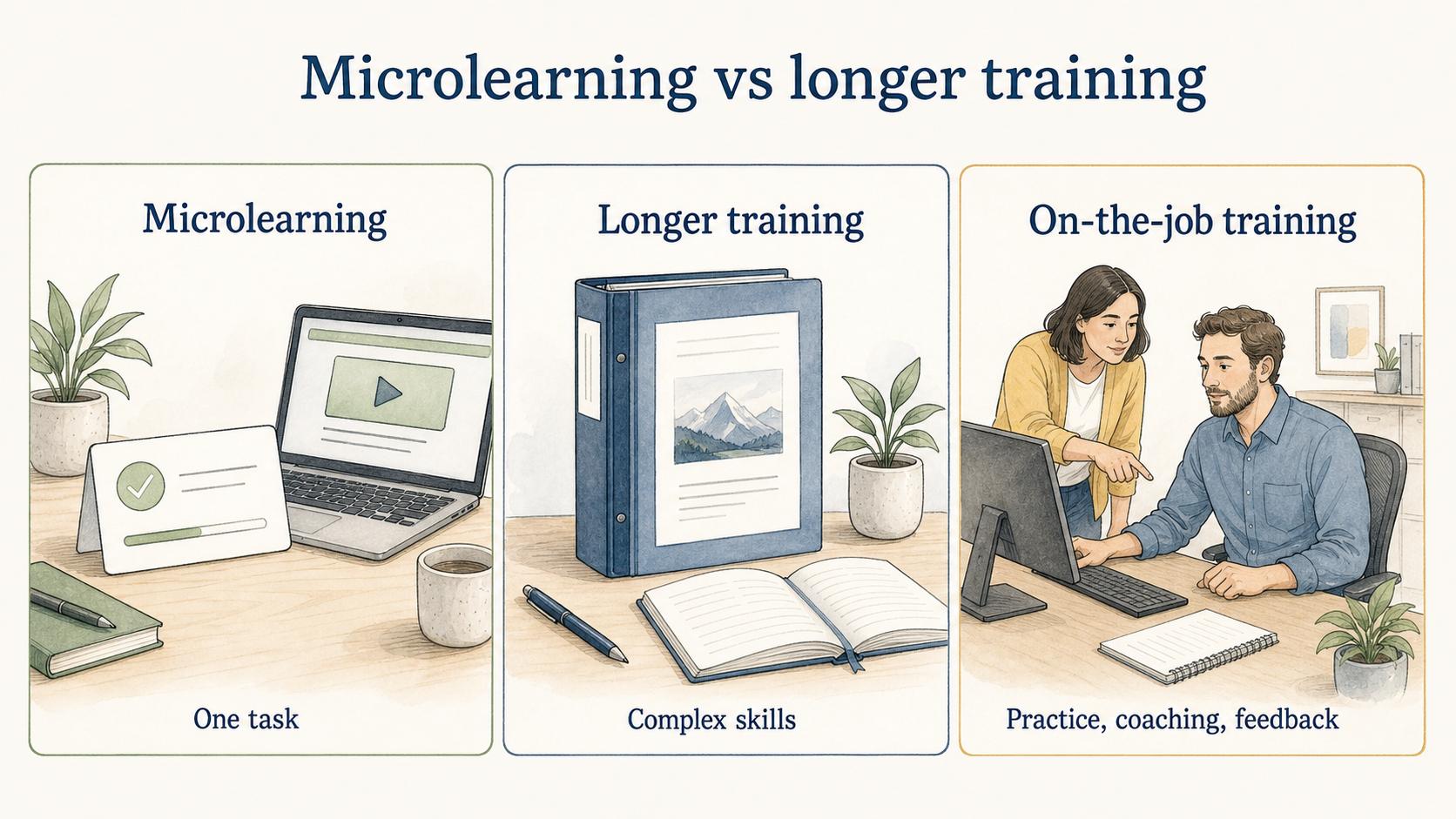
Microlearning is useful, but it shouldn't replace every kind of training. It works best when the learner needs one answer, one task, or one refresher.
| Approach | Best for | Weak spot |
|---|---|---|
| Microlearning | One task, one concept, point-of-need support, quick refresher | Can become fragmented without a larger path |
| Longer training | Complex skills, context, judgment, certification, behavior change | Can be too broad when someone needs a fast answer |
| On-the-job training | Practice, coaching, feedback, and real work context | Can vary by trainer without documentation |
A strong learning program often uses microlearning inside a broader learning path. 2 The short lesson answers the immediate question. The learning path provides sequence, context, and progression.
When microlearning works well
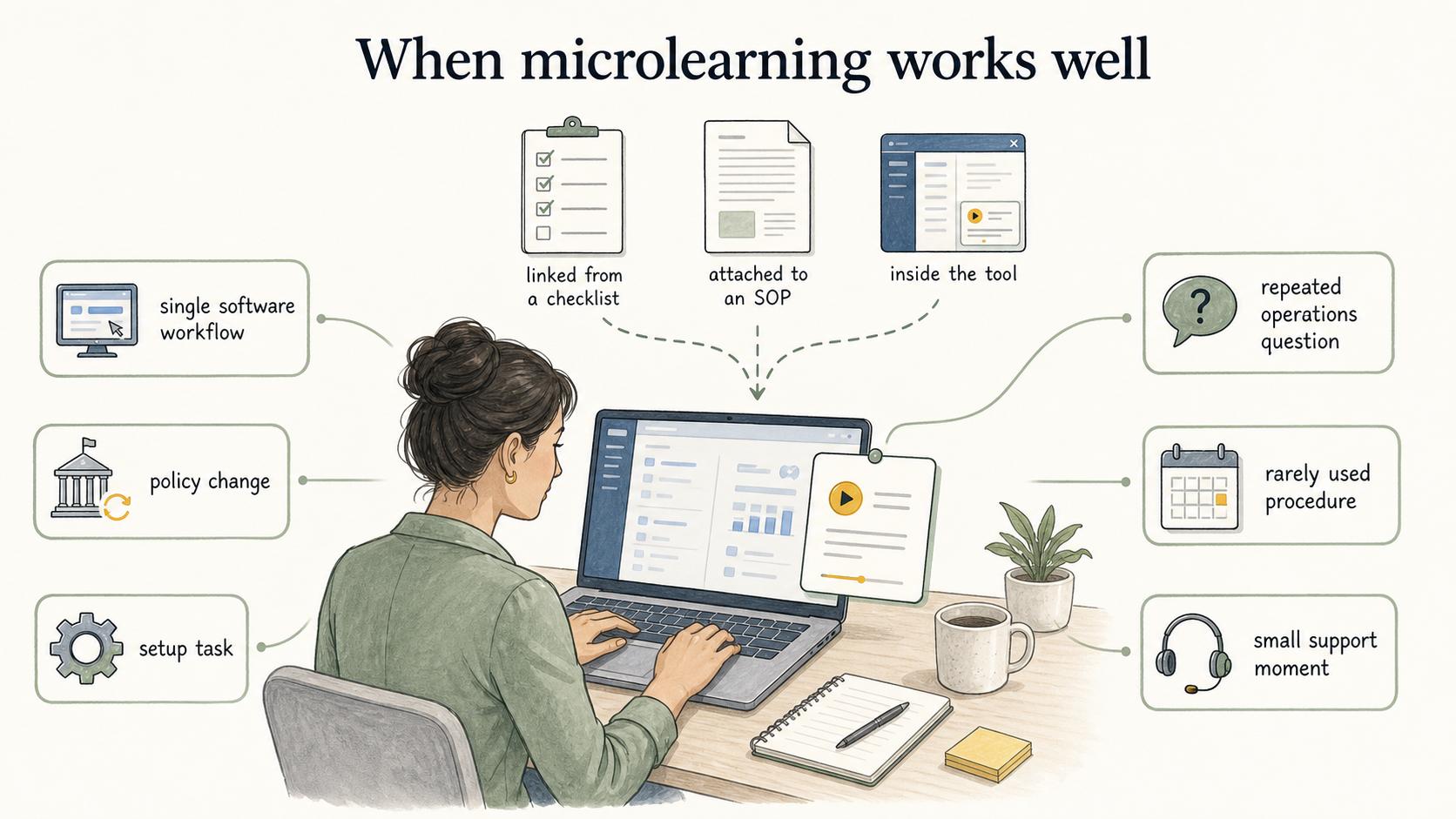
Microlearning works best when the learner can apply the lesson soon after using it. 3 That is why it belongs close to the work: linked from a checklist, embedded in an onboarding portal, attached to an SOP, or available inside the tool where the task happens.
Good use cases include a single software workflow, a policy change, a setup task, a repeated operations question, a rarely used procedure, or a small support moment between manager check-ins.
Ask one practical question before making the asset: can the learner use this to do one specific thing better? If yes, microlearning may fit. If the learner needs a full mental model, supervised practice, or a sequence of decisions, microlearning should support a larger training approach.
When microlearning is not enough
Microlearning breaks down when a topic needs deep context, repeated practice, or judgment. 4 It can support those goals, but it shouldn't carry them alone.
Be careful using microlearning as the main format for complex compliance topics, manager development, multi-step technical skills, sensitive customer or employee conversations, certification programs, or work that requires supervised practice and feedback.
Sequencing is the warning sign. If learners must understand A before B before C, build a learning path and use microlearning as supporting pieces. Otherwise, the training can feel easy to consume but hard to apply.
How to create useful microlearning
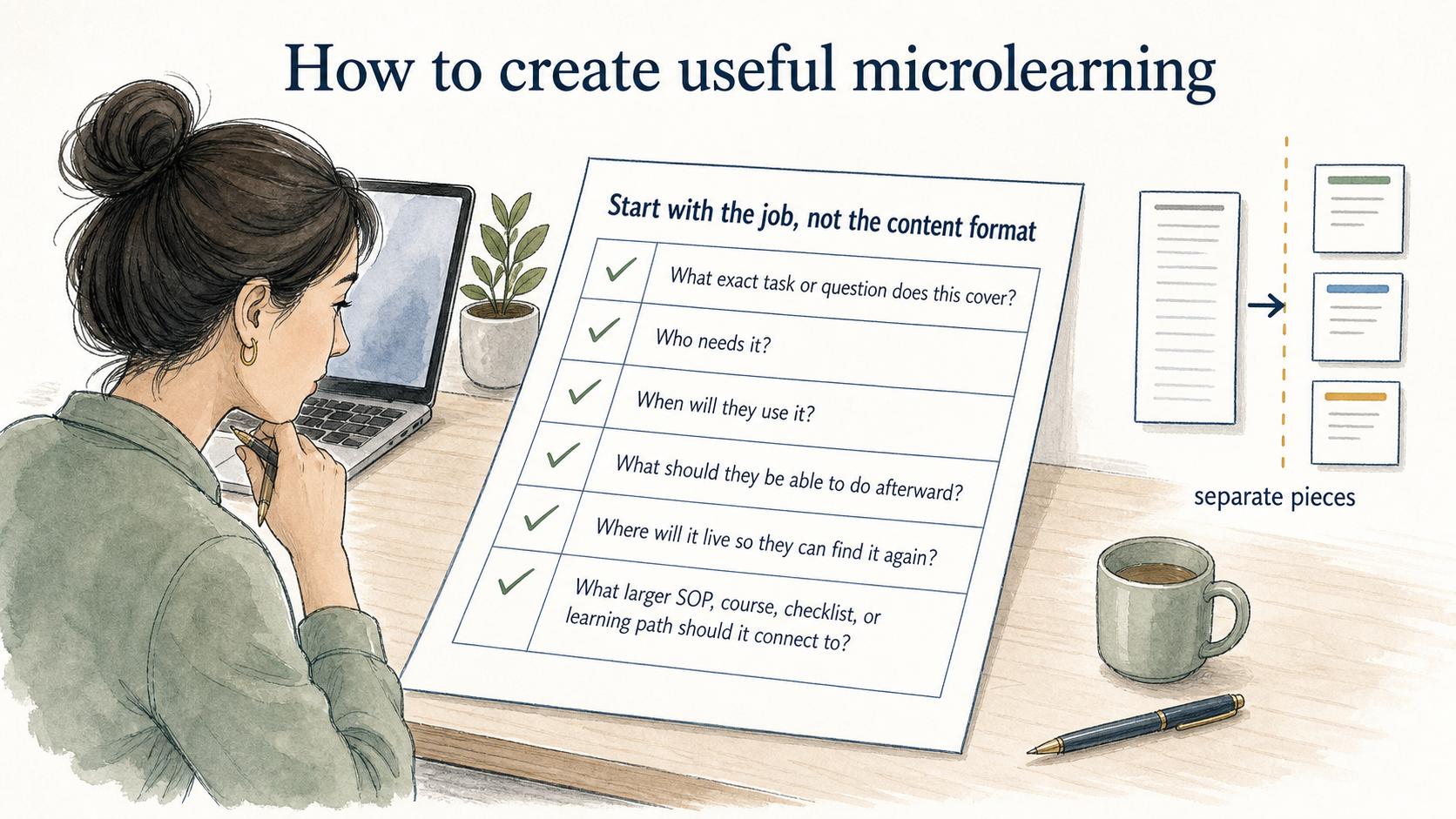
Start with the job, not the content format. Before creating a microlearning asset, answer:
- What exact task or question does this cover?
- Who needs it?
- When will they use it?
- What should they be able to do afterward?
- Where will it live so they can find it again?
- What larger SOP, course, checklist, or learning path should it connect to?
Keep the asset narrow. If the draft grows into a complete training manual, split it into separate pieces or move it into a broader training format.
AI-ready microlearning prompt
Use this prompt to create a first draft:
## Microlearning asset prompt

**Glossary term:** Microlearning
**Source:** Trails Glossary — trails.so/glossary/microlearning

---

### 01. Create a microlearning asset

"Create a microlearning asset for [audience] that teaches [one task or concept]. Keep it focused on what the learner needs at the moment of use. Include the goal, prerequisites, steps or key points, one example, common mistakes, and a link placeholder for the related SOP, checklist, or learning path."
How Trails helps
Trails helps teams turn real workflows into short, practical learning assets. A team can capture a task as someone performs it, convert it into a step-by-step guide, and create an AI-narrated video version for training or sharing.
That makes microlearning useful for onboarding, process changes, and point-of-need support because the lesson is tied to actual work, not abstract training content.
Sources
- 1
Association for Talent Development. What is microlearning?. www.td.org/talent-development-glossary-terms/what-is-microlearning.
- 2
ACM eLearn. Microlearning units. elearnmag.acm.org/archive.cfm?aid=3704731.
- 3
European Journal of Work and Organizational Psychology. How to maximize the impact of workplace training, 2024. www.tandfonline.com/doi/full/10.1080/1359432X.2024.2319082.
- 4
QIC-WD. Training transfer summary. www.qic-wd.org/umbrella-summary/training-transfer.