
Glossary
Job Aid
 ChatGPT
 Perplexity
 Gemini
 Claude
What is a job aid?
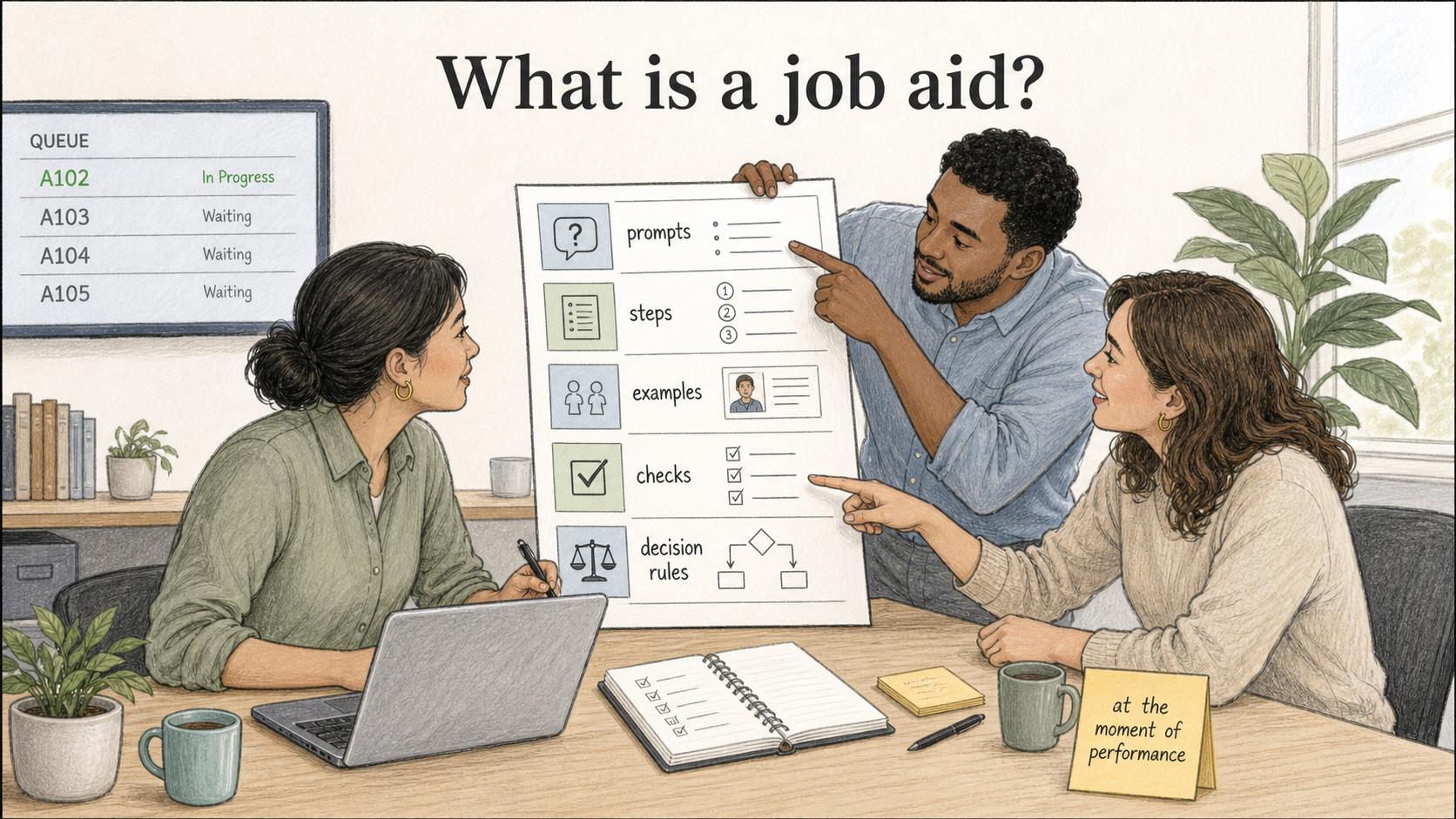
A job aid is a short resource someone uses while doing a task. It gives the prompts, steps, examples, checks, or decision rules needed at the moment of performance, instead of trying to teach the whole role or process. 1
Why job aids matter
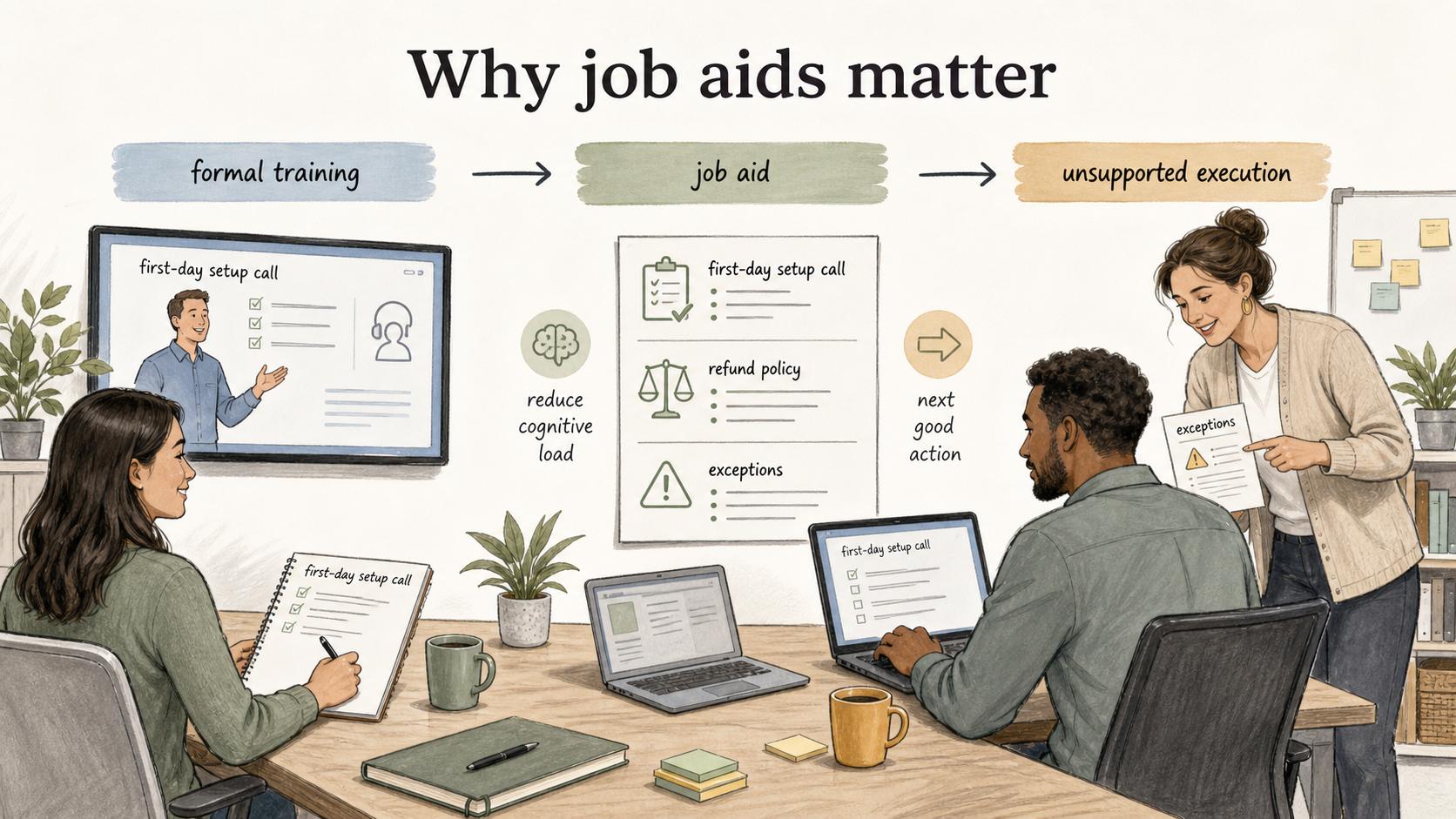
A job aid sits between formal training and unsupported execution. Training helps someone learn a concept or build capability. A job aid helps them apply it correctly when the work is in front of them.
People forget details, especially for tasks they do infrequently, under pressure, or with small but important variations. 2 The best job aids reduce cognitive load without pretending every situation is simple. 3
What makes a job aid different from an SOP?
A standard operating procedure explains how a repeatable process should run. A job aid helps a person perform a specific task inside that process.
An SOP might describe the full customer refund workflow: eligibility, approvals, systems, ownership, timelines, and audit requirements. A job aid might be the one-page refund eligibility guide agents use during live customer conversations. The SOP is the process source of truth. The job aid is the field tool.
A job aid works because it is narrow. If it tries to cover policy background, edge-case history, screenshots for every system state, and manager guidance in one place, it stops helping at the point of work.
Common types of job aids
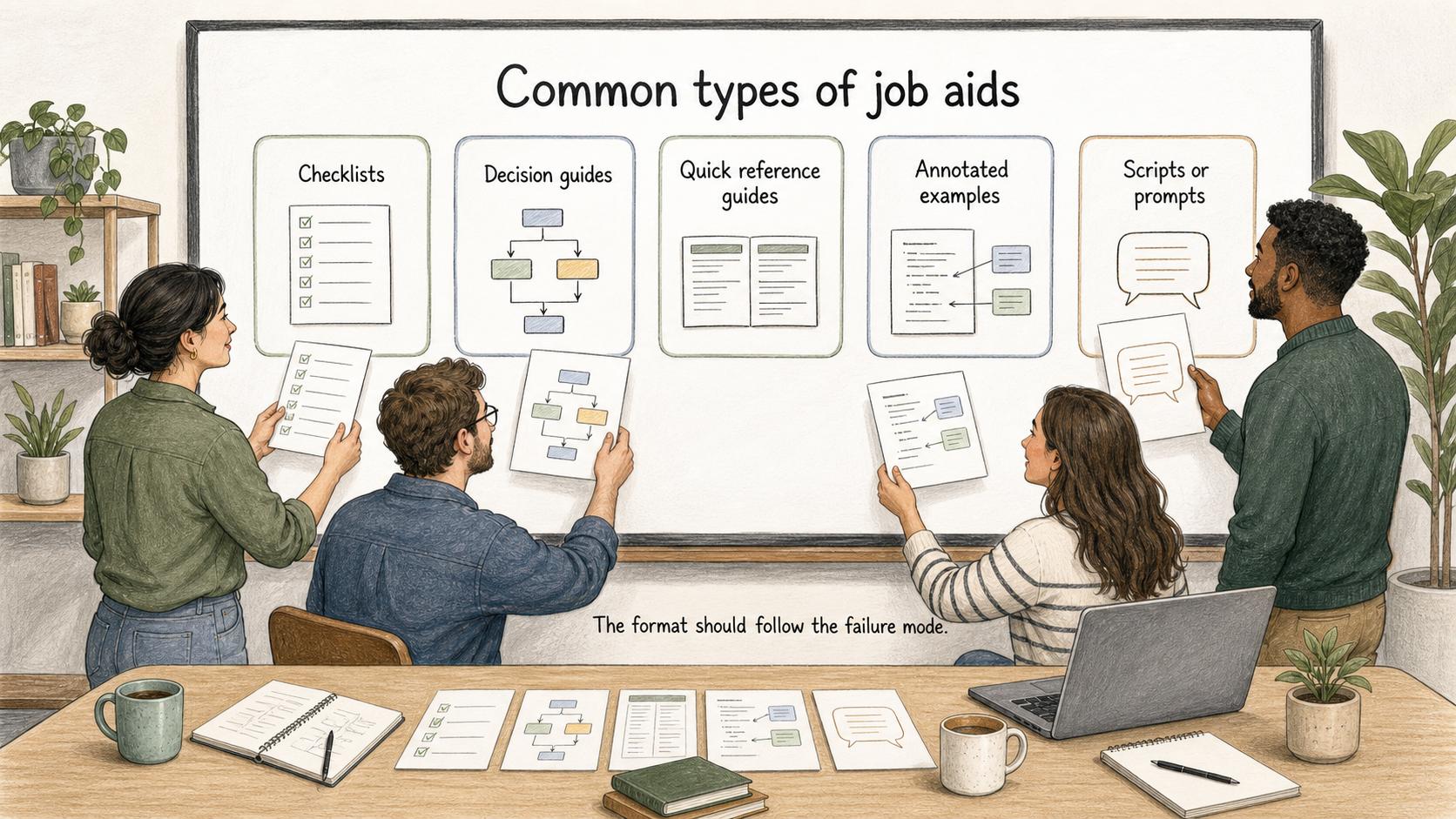
- Checklists: for tasks where sequence matters.
- Decision guides: for branching logic such as refund eligibility, escalation routing, and troubleshooting.
- Quick reference guides: for facts people should not have to memorize.
- Annotated examples: for quality judgment.
- Scripts or prompts: for high-pressure interactions.
The format should follow the failure mode. If people skip steps, use a checklist. If they choose the wrong path, use a decision guide. If they hesitate because they cannot remember a detail, use a quick reference.
How to create a useful job aid
Start with the moment of use. Ask what the person is trying to do, where they are doing it, and what mistake would cost time, quality, or confidence. Then narrow the aid to the smallest useful unit.
A strong job aid names three boundaries: the trigger for using it, the action the person should take, and the sign that they are done.
## Job aid template

**Glossary term:** Job Aid
**Source:** Trails Glossary — trails.so/glossary/job-aid

---

### 01. Create a job aid

"Create a job aid for [role] completing [specific task] during [moment of work].

Context:
- The person already knows: [baseline knowledge]
- The common mistake is: [failure mode]
- The task starts when: [trigger]
- The task is complete when: [done condition]

Make the job aid short enough to use during the task. Include only:
1. The trigger for using it
2. The critical steps or decision points
3. One example of a good output or handoff
4. A quick quality check before the person moves on
5. The escalation path for exceptions"
Where job aids break down
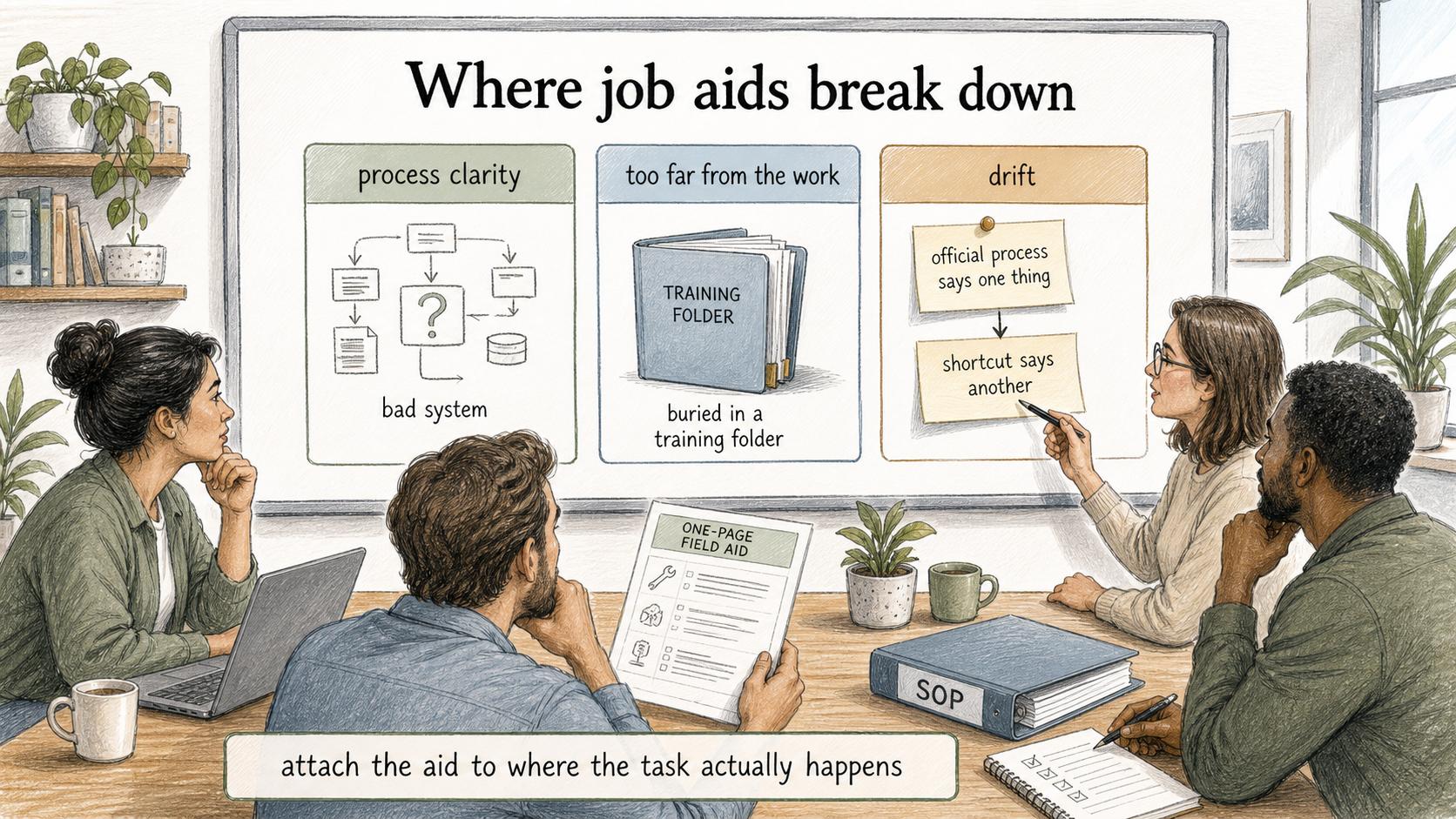
A job aid cannot substitute for process clarity. If the underlying workflow is confusing, a one-page aid will not fix it. Another failure is placing the aid too far from the work. A polished PDF buried in a training folder will not help a support rep during a live ticket.
Job aids work best when they are attached to the tool, checklist, queue, onboarding flow, or SOP where the task actually happens. 4
The final failure is drift: the main procedure changes but the field aid does not, creating a split between the official process and the shortcut people actually use.
How Trails helps
Trails fits job aids when the task is a repeatable workflow. A team member can perform the process once, Trails can capture the workflow as it happens, and the result can become a polished step-by-step guide or AI-narrated video. Capturing the workflow directly makes the job aid easier to create and maintain when the process changes.
If the job aid needs to be available while someone works in software, see how Trails Assistant surfaces relevant guides in the app. For choosing how to create those guides, compare training documentation software.
FAQ
Is a job aid the same as training?
No. Training builds knowledge or skill before performance. A job aid supports performance during the task itself.
How long should a job aid be?
As short as the moment of use allows. It should usually fit on one screen or one page unless the task has meaningful branching logic.
Sources
- 1
U.S. Coast Guard. Job Aids guidance. www.forcecom.uscg.mil/Portals/3/Documents/Training/4.%20Job_Aids.pdf?ver=2017-01-25-141914-810.
- 2
NIH/PMC. Working memory review. pmc.ncbi.nlm.nih.gov/articles/PMC4207727/.
- 3
Performance Improvement Quarterly. Job-aid design study. onlinelibrary.wiley.com/doi/10.1002/piq.21245.
- 4
Learning Guild. Performance support in the flow of work. www.learningguild.com/articles/performance-support-in-the-flow-of-worknow-and-going-forward.