
Glossary
User Guide
 ChatGPT
 Perplexity
 Gemini
 Claude
What is a user guide?
A user guide is a task-focused document that helps people use a product, tool, feature, or process. It explains the workflows users need most in plain language, so they can complete a job without learning every technical detail first.1
The best user guides meet readers in motion. Someone is trying to create an account, configure a setting, finish a workflow, fix a simple problem, or learn the right sequence through a product. The guide should make the next action obvious.2
What a user guide is for
A user guide connects what a product or process can do to what the user needs to accomplish. Its job is to turn a task into a clear path.
A good user guide helps users:
- Get started without waiting for live help.
- Complete common tasks in the right order.
- Understand the key settings, roles, or decisions that affect the task.
- Avoid predictable mistakes and recover from simple problems.
- Know where to go next when the guide is not enough.
For example, a software user guide might show a new admin how to invite teammates, configure permissions, create a first project, and fix common access issues. It does not need to explain every backend concept. It needs to help the admin reach a working outcome.
User guide vs user manual
People often use user guide and user manual as synonyms, but the distinction is useful when planning documentation.
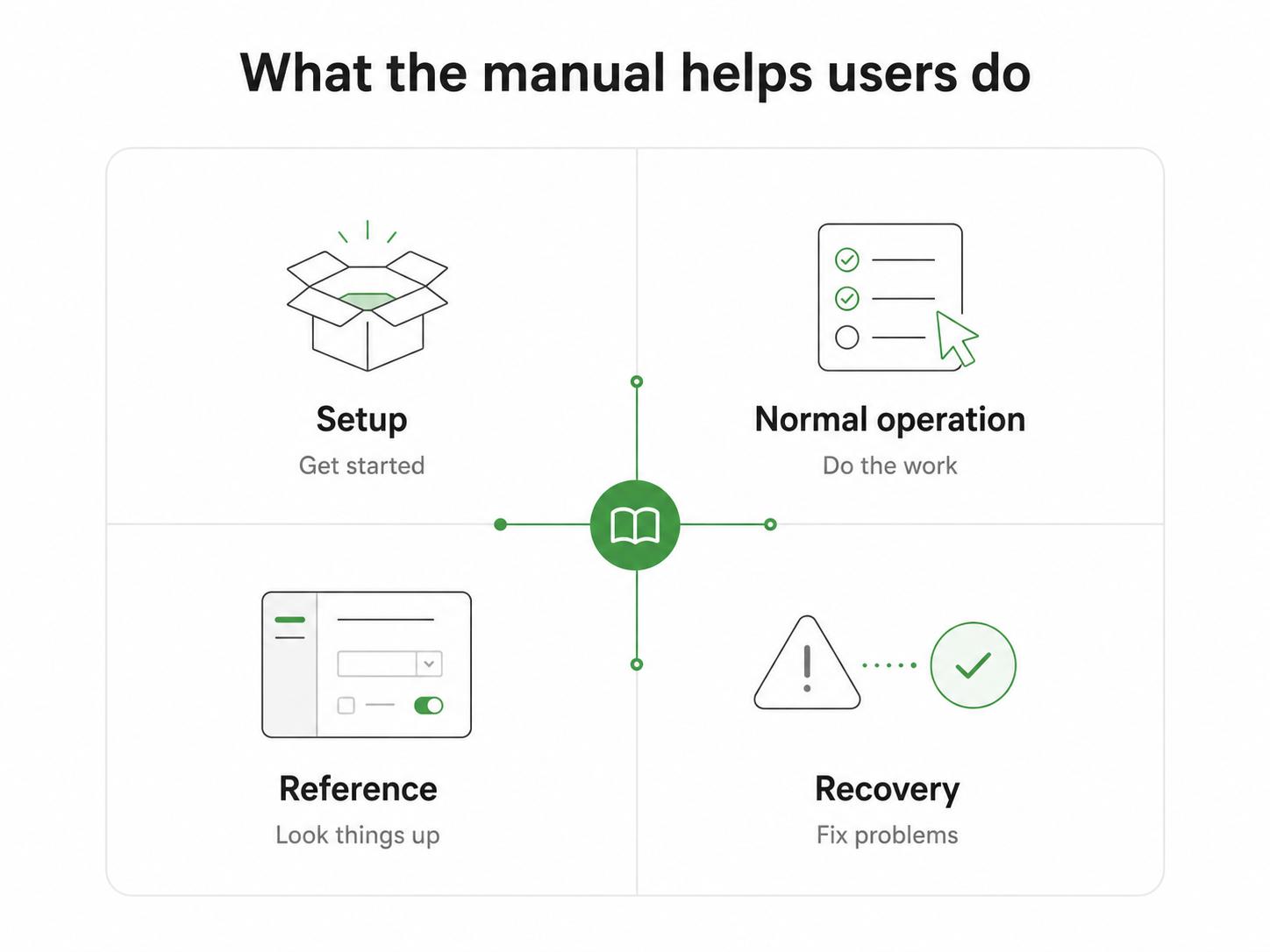
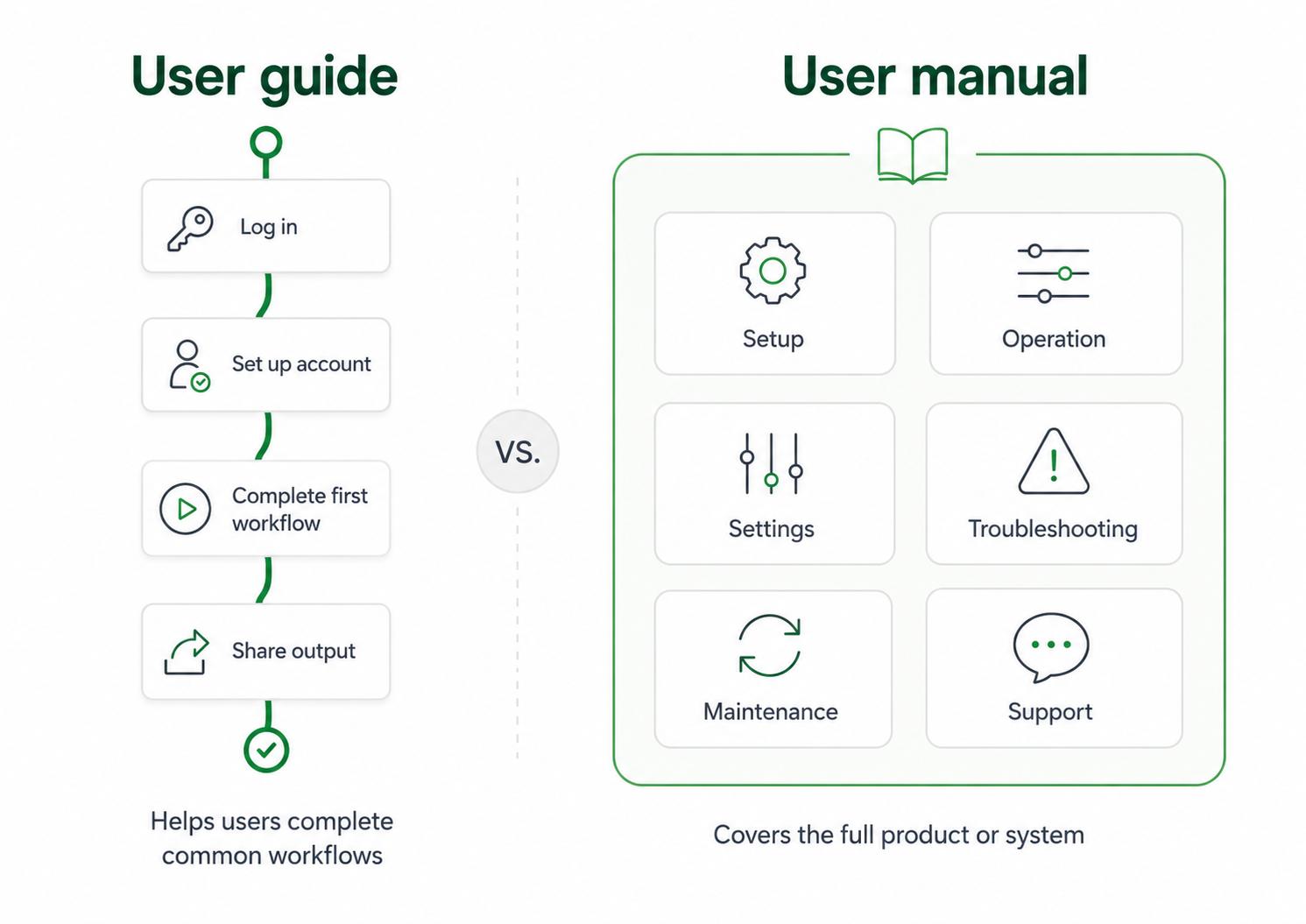
A user guide is narrower, more task-driven, and easier to move through in one sitting. A user manual is broader and more reference-oriented, covering setup, operation, maintenance, troubleshooting, specifications, and deeper product details.
The practical difference is intent. A user guide helps someone complete the common thing. A user manual helps someone operate the full thing.
This distinction prevents scope creep. If a guide tries to explain every feature, exception, and configuration option, it becomes a manual with a friendlier title.
What to include in a user guide
Start with the reader's goal, then build the guide around the few workflows they are most likely to need.
A practical user guide often includes:
- Audience and goal: who the guide is for and what they should be able to do by the end.
- Prerequisites: access, permissions, tools, setup, or assumptions.
- Steps: the sequence users should follow.
- Expected result: what success looks like.
- Examples or screenshots: realistic inputs, visuals, or scenarios when they reduce ambiguity.
- Common issues and next steps: predictable errors, fixes, related guides, support paths, or reference pages.
- Owner and review date: who keeps the guide accurate.
The expected result is easy to skip, but it is often the detail users need most. Without it, a guide becomes a list of actions with no clear finish line.
How to write a useful user guide
Write for the user's task, not the product's internal structure. If users want to approve a refund, do not force them through sections named after database objects or permission models before they can find the steps.3
Use verbs in headings when possible: Invite a teammate, Create your first project, Reset a password, Export a report. Those headings match how people search when they are trying to do the work.
Keep background information close to the step where it matters. If a setting affects billing, explain that when the user chooses the setting. Do not put every warning in a long introduction people will skip.
The best user guides feel calm and direct. They do not hide complexity, but they do not make users carry complexity before they need it.
User guide template
Use this structure for a software feature, internal tool, customer workflow, or repeatable process:
## User Guide Template

**Glossary term:** User Guide
**Source:** Trails Glossary — trails.so/glossary/user-guide

---

### 01. Create a task-focused user guide

"Guide title: [task or outcome]
Audience: [who this is for]
Goal: By the end, you will be able to [specific result]
Before you start: [access, permissions, materials, or assumptions]
Steps:
1. [action]
2. [action]
3. [action]
Expected result: [what success looks like]
Common issue: [problem] -> [fix]
Related guides: [next task, reference page, or support path]
Owner: [person or team responsible for updates]
Last reviewed: [date]"
If the guide covers a visual workflow, add screenshots, short clips, or a linked video. If it covers a decision-heavy workflow, add a decision rule before the steps so users know which path to follow.
Common mistakes
One mistake is front-loading too much explanation. If the user opens the guide to finish a task, they should see the path quickly. Put context where it helps the task, not where it delays the task.
Another mistake is writing one guide for too many audiences. Admins, new users, managers, and support agents often need different paths through the same product. A single universal guide usually becomes vague.
A third mistake is letting screenshots age without review. Screenshots are useful, but they create maintenance debt when interfaces change. Pair them with clear text so the guide still makes sense when a button moves or a label changes.4
How Trails helps
Trails is useful when a user guide depends on a real workflow. A teammate can perform the task once, capture the steps as they happen, turn the workflow into a polished step-by-step guide, and create an AI-narrated video version for people who prefer to watch the process.
That is especially helpful for software onboarding, internal tools, support workflows, and operational processes where exact step order matters.
FAQ
Is a user guide the same as a user manual?
Not exactly. A user guide is usually task-focused and concise. A user manual is usually broader, more complete, and more reference-oriented.
What should a user guide start with?
Start with the audience, the goal, and any prerequisites. Then move quickly into the steps the reader needs to follow.
Should user guides include screenshots?
Yes, when screenshots clarify the task. Use them where they reduce ambiguity, and review them when the product or process changes.
- User manual
- Quick start guide
- Getting started guide
- Quick reference guide
- Job aid
- Help center
- Knowledge base
- Video tutorial
Sources
- 1
IEEE. IEEE/ISO/IEC 26514-2021 Standard Overview. IEEE Standards Association. standards.ieee.org/ieee/26514/7467/. Accessed June 25, 2026.
- 2
Nielsen Norman Group. Help and Documentation. Nielsen Norman Group. www.nngroup.com/articles/help-and-documentation/. Accessed June 25, 2026.
- 3
Digital.gov. Plain Language. Digital.gov. digital.gov/guides/plain-language. Accessed June 25, 2026.
- 4
Google for Developers. Images. Google Developer Documentation Style Guide. developers.google.com/style/images. Accessed June 25, 2026.