
Glossary
Help Desk SOP
 ChatGPT
 Perplexity
 Gemini
 Claude
What is a help desk SOP?
A help desk SOP is a standard operating procedure that documents how a support or IT team handles repeatable help desk work. It defines how requests are received, categorized, prioritized, assigned, escalated, resolved, documented, and closed.
The best help desk SOPs go beyond ticketing-system clicks. They clarify the judgment calls that make support consistent: what counts as urgent, when to escalate, what information must be captured, and how the next person can understand what already happened.
Why a help desk SOP matters
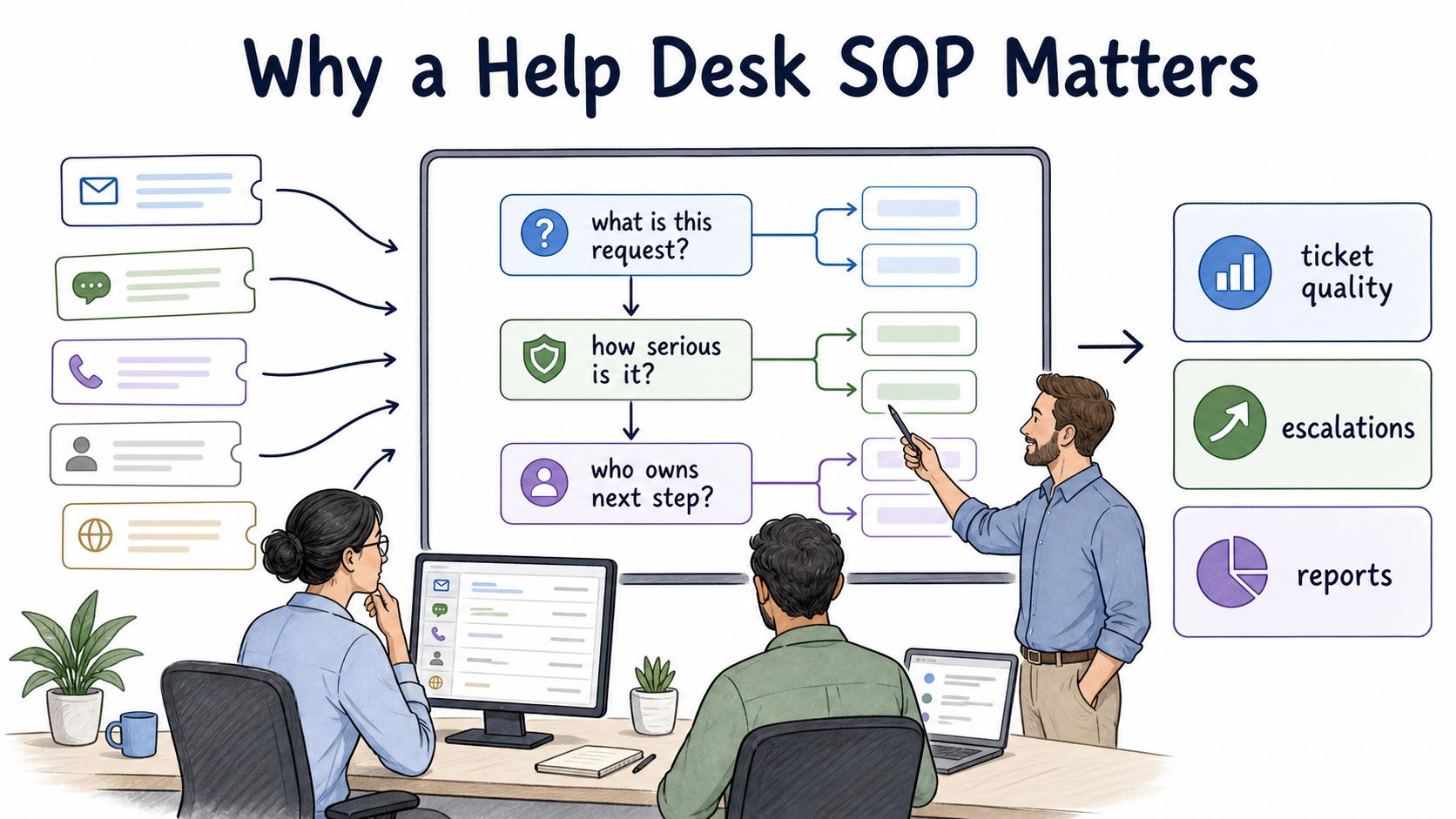
Help desks need repeatability, but every ticket arrives with different context. A password reset, a software bug, a payroll access issue, and a customer-facing outage should not all follow the same path. Without SOPs, agents rely on memory, personal habits, or tribal knowledge to decide what to do next.
- Ticket quality varies. Some agents capture the right details; others leave the next person guessing.
- Escalations get noisy. Teams escalate because the issue feels uncomfortable, not because it meets a clear threshold.
- Reports become unreliable. Categories, priorities, and root causes stop reflecting reality when each agent applies them differently.1
A good help desk SOP makes the first few decisions explicit: What is this request? How serious is it? Who owns the next step? What must be documented before the ticket moves forward?
What a help desk SOP should include
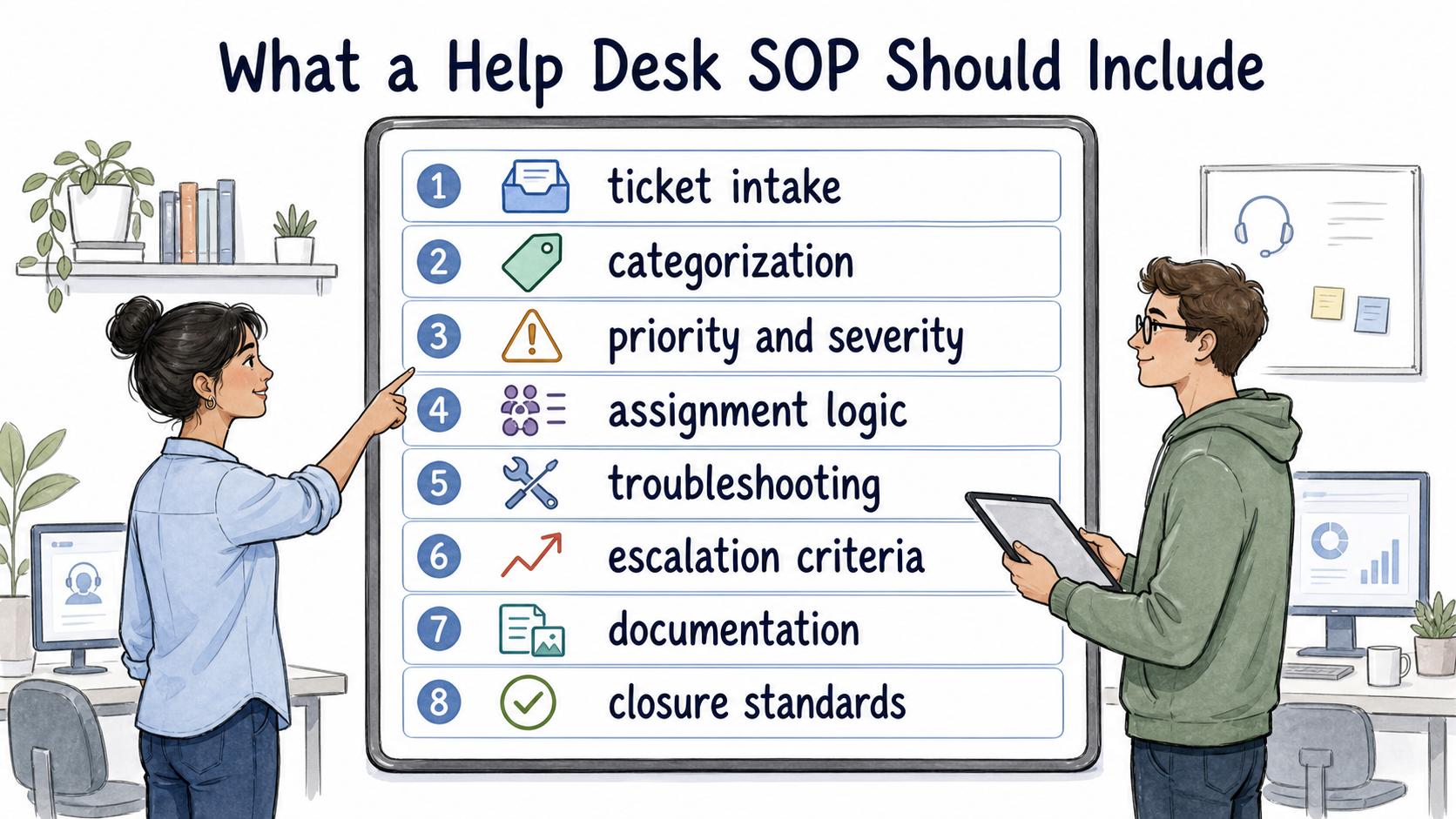
A useful help desk SOP should be specific enough to guide a real shift, but not so rigid that agents cannot respond to context. The core pieces usually include:
- Ticket intake rules: supported channels, required fields, intake templates, and when a request should be redirected.
- Categorization guidance: how agents choose request type, product area, system, department, or issue category.
- Priority and severity rules: how business impact, user count, deadline, security risk, and workaround availability affect priority.
- Assignment logic: which queue, team, or role owns the ticket after triage.
- Troubleshooting steps: the minimum diagnostic checks before escalation.
- Escalation criteria: when to involve a senior agent, engineering, security, vendor support, or a manager.
- Documentation requirements: which notes, screenshots, logs, error messages, approvals, or reproduction steps must be attached.
- Closure standards: what counts as resolved, how the user is notified, and when a ticket can be reopened.
The weak point is usually priority language. "High priority" means little unless the SOP says what impact qualifies.2 A locked-out executive, a single user's display issue, and a system-wide login failure may all feel urgent to the requester, but they need different operational handling.
Example: access issue workflow
A help desk SOP for an access issue might start when a user reports they cannot sign in to a required tool. The agent confirms the user's identity, checks whether the issue affects one person or many, records the system name and error message, verifies whether access was recently changed, and tests the approved first-line fixes.
- If the user forgot a password and identity is verified, follow the password reset procedure.
- If the user lacks required permissions, route to the system owner or manager approval workflow.
- If multiple users are affected, escalate as a potential service incident.
- If the issue involves suspicious access, phishing, account compromise, or sensitive data, involve security immediately.3
That structure keeps the agent from treating every access issue as the same problem. It also protects the team from solving the visible symptom while missing the operational risk.
Common mistakes
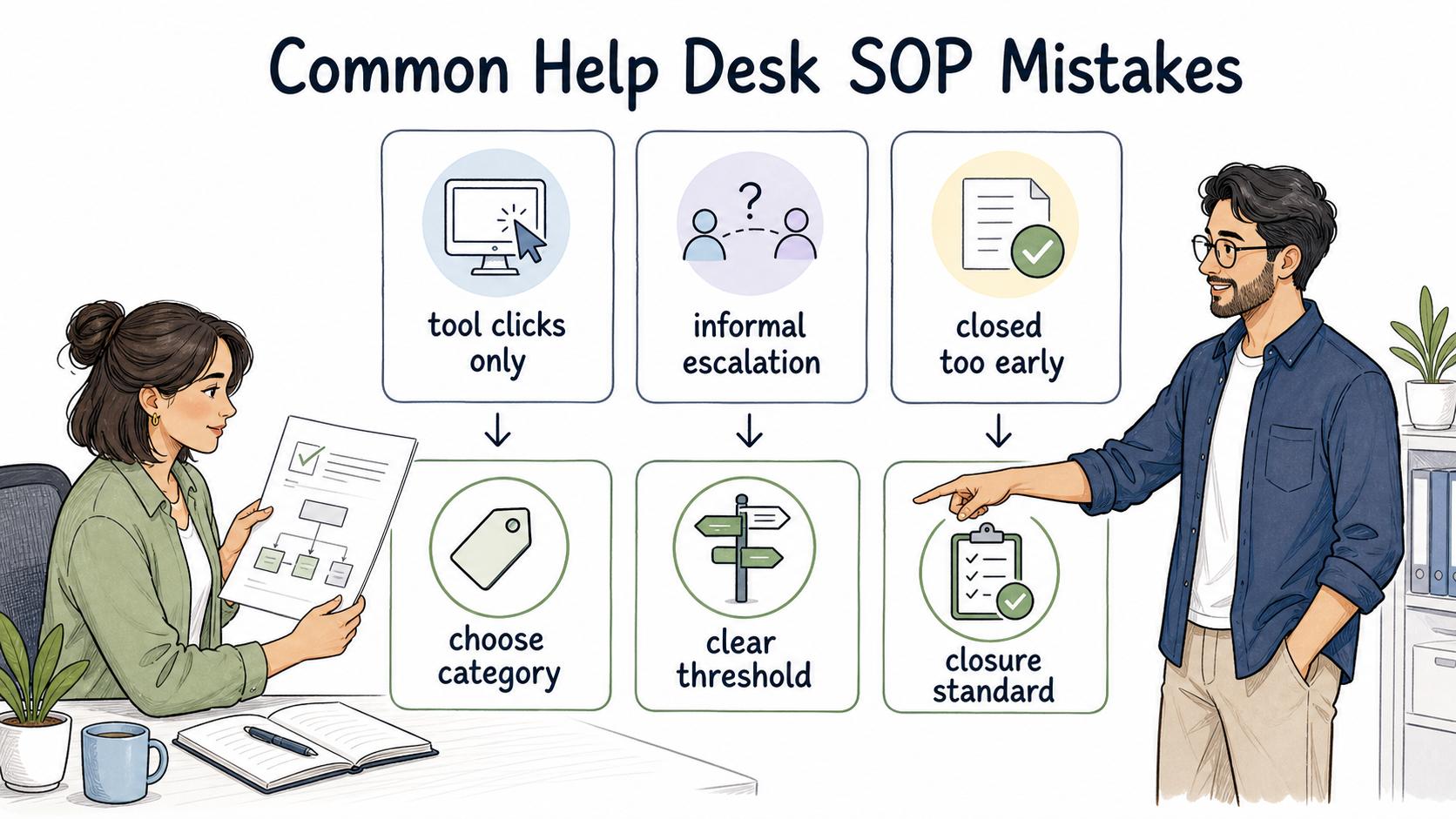
The first mistake is writing the SOP around the ticketing tool instead of the support decision. "Click New Ticket, choose category, assign owner" is not enough. The SOP needs to explain how to choose the category, owner, and next action.
The second mistake is leaving escalation as an informal relationship. If agents escalate based on who is online or who usually helps, knowledge gets trapped in individual people. A strong SOP defines escalation paths by issue type, severity, system, and responsibility.
The third mistake is closing tickets too early. A ticket should not be closed merely because an agent replied. The closure standard should say whether the user confirmed resolution, the fix was applied, a workaround was accepted, or the ticket was merged into a larger incident.4
AI-ready help desk SOP template
Use this prompt to draft or tighten a help desk procedure:
## Help Desk SOP Template

**Glossary term:** Help Desk SOP
**Source:** Trails Glossary — trails.so/glossary/help-desk-sop

---

### 01. Create a help desk SOP

"Create a help desk SOP for [request type or workflow].

Context:
- Help desk type: [internal IT, customer support, product support, managed services]
- Ticketing system: [tool]
- Supported channels: [email, chat, portal, phone, Slack]
- Common requester types: [employees, customers, managers, vendors]
- Known failure points: [bad triage, missing logs, unclear priority, slow escalation]
- Escalation teams: [IT admin, security, engineering, vendor, manager]

Write the SOP with:
1. Purpose and scope
2. Trigger and intake requirements
3. Required ticket fields
4. Priority and severity rules
5. First-line troubleshooting steps
6. Escalation criteria
7. Documentation requirements
8. Closure and follow-up standards

Make the decision rules explicit enough that two agents would handle the same ticket similarly."
How Trails helps
Many help desk SOPs involve clicking through systems, collecting screenshots, checking settings, or reproducing a workflow. Trails captures a workflow as someone performs it, turns that workflow into a polished step-by-step guide, and can create an AI-narrated video version for training or sharing.
That makes it easier to document procedures such as resetting access, escalating incidents, collecting bug details, or training a new agent on the ticketing system without relying on repeated live walkthroughs.
Sources
- 1
HDI. Improve Your Ticket Categorization Scheme. HDI. www.thinkhdi.com/library/supportworld/2018/improve-ticket-categorization-scheme. Accessed August 6, 2026.
- 2
Atlassian. How impact and urgency are used to calculate priority. Atlassian. support.atlassian.com/jira-service-management-cloud/docs/how-impact-and-urgency-are-used-to-calculate-priority/. Accessed August 6, 2026.
- 3
National Institute of Standards and Technology. SP 800-61 Rev. 3. NIST. csrc.nist.gov/pubs/sp/800/61/r3/final. Accessed August 6, 2026.
- 4
Berkeley ServiceNow. Incident Priority Guide. University of California, Berkeley. berkeley.service-now.com/kb_view.do?sysparm_article=KB0010891. Accessed August 6, 2026.