
Glossary
End User Documentation
 ChatGPT
 Perplexity
 Gemini
 Claude
What is end user documentation?
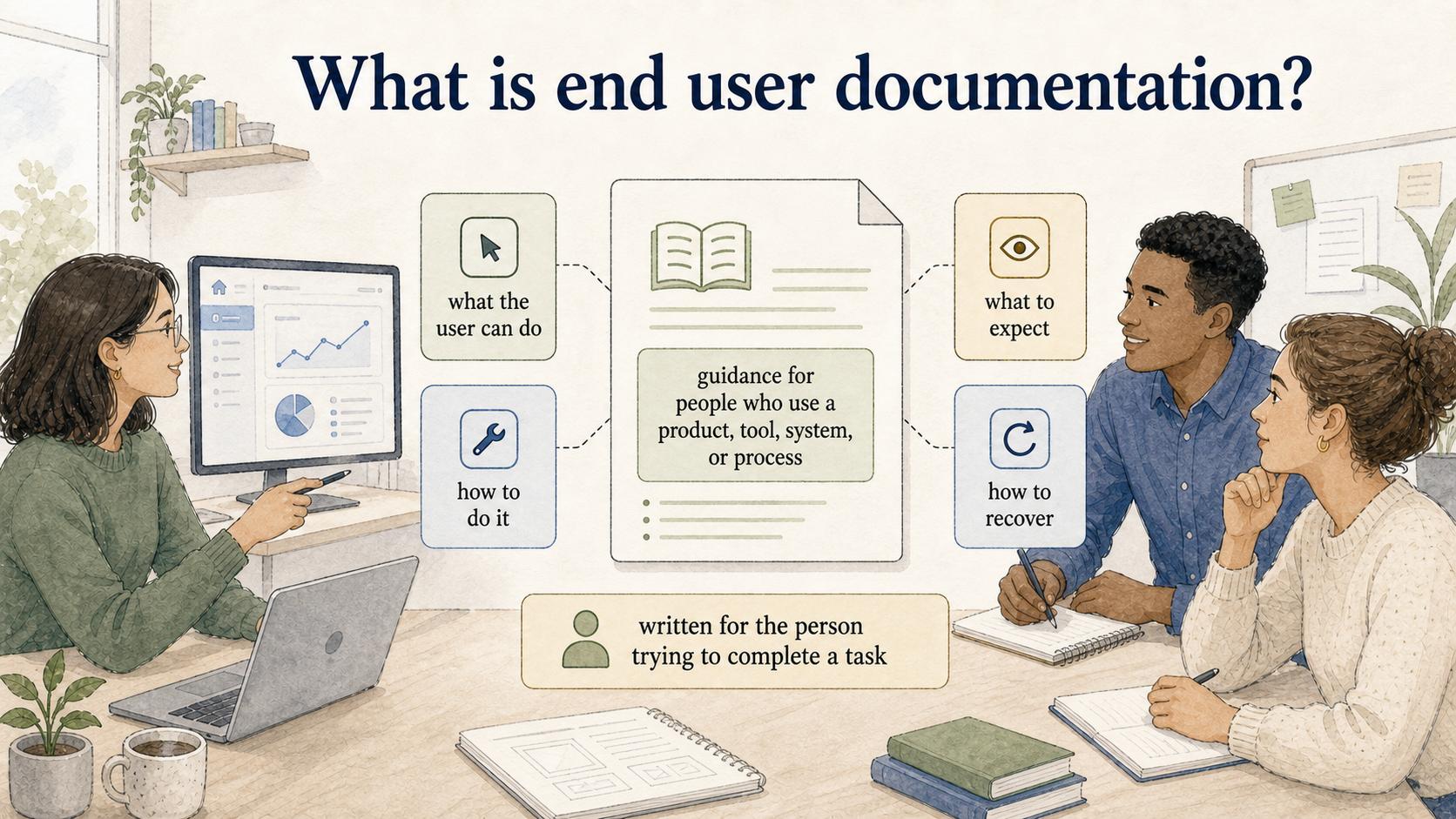
End user documentation is guidance written for the people who use a product, tool, system, or process. ISO/IEC/IEEE 26514 frames user information around identifying what users need, how it should be presented, and how it should be maintained across the software lifecycle. 1 Good end user documentation explains what the user can do, how to do it, what to expect, and how to recover when something doesn't work.
The audience determines the writing. End user documentation is written for the person trying to complete a task, not for the developer, admin, or internal project team that understands how the system was built.
Why end user documentation matters
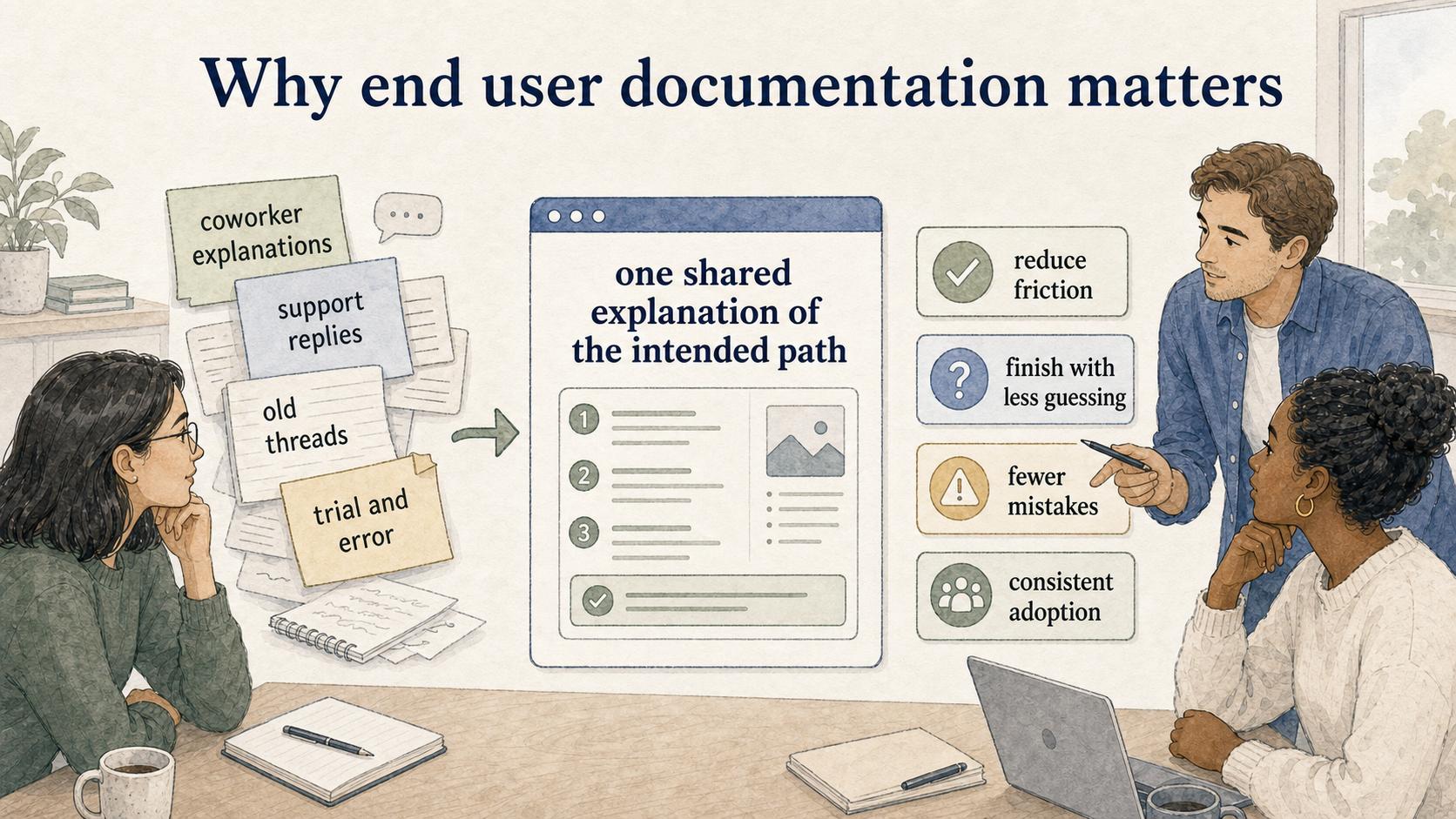
Good end user documentation reduces friction at the moment a user is trying to move forward. Nielsen Norman Group's help and documentation heuristic says help content should be easy to search, focused on the user's task, concrete, and concise. 2 Whether the task is inviting a teammate, updating a ticket field, or submitting an expense report, the documentation should help the person finish with less guessing and fewer mistakes.
The hidden value is consistency. Without clear documentation, users learn from coworker explanations, support replies, old Slack threads, half-remembered demos, or trial and error. That creates uneven adoption: some users become confident, some avoid the feature, and some invent workarounds that create cleanup later.
End user documentation gives the organization one shared explanation of the intended path.
What end user documentation includes
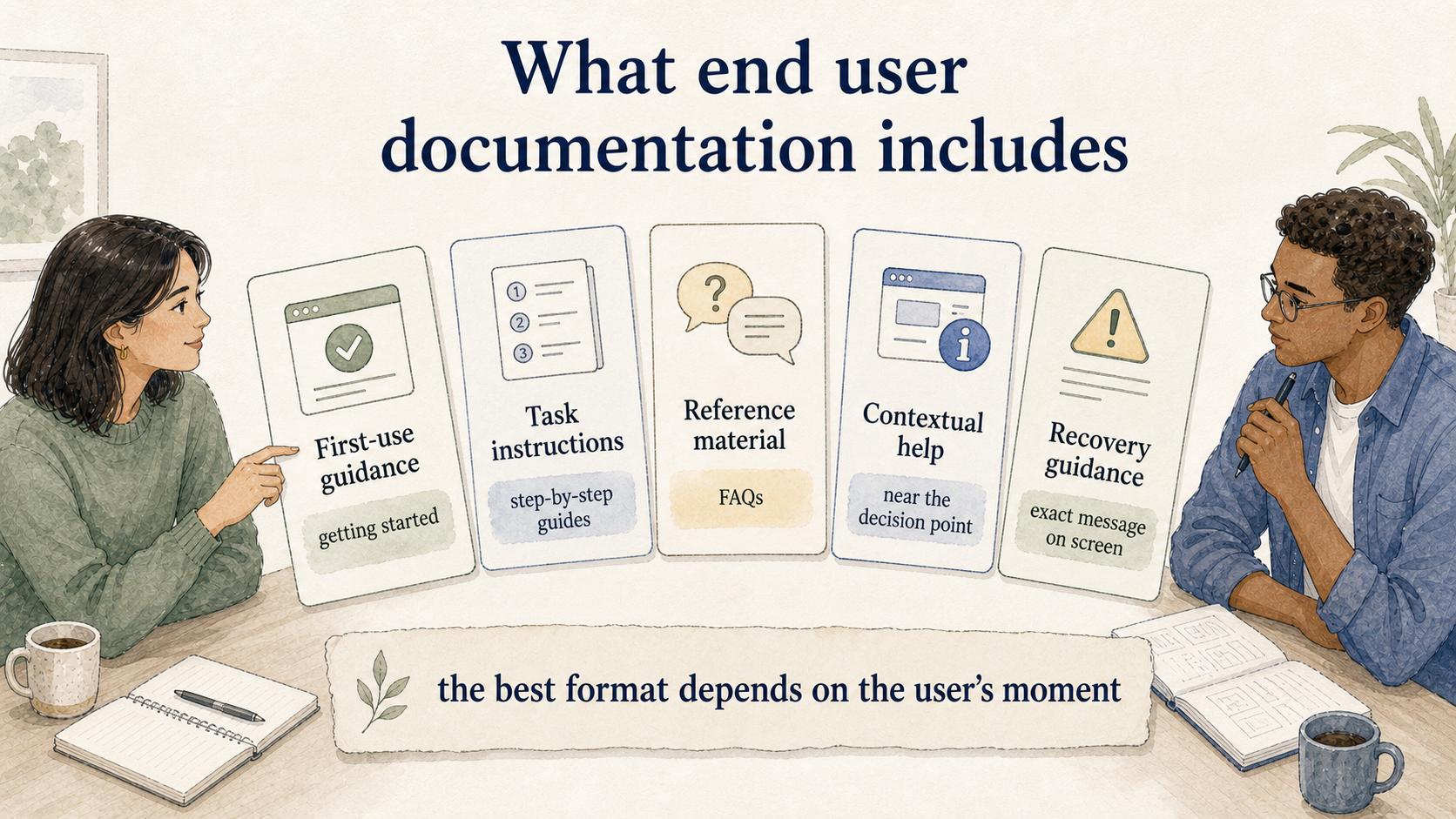
The best format depends on the user's moment:
- First-use guidance: getting started guides, quick start guides, and guided first tasks for new users
- Task instructions: step-by-step guides, screenshots, and videos for common workflows
- Reference material: user manuals, quick reference guides, and FAQs for repeat questions
- Contextual help: in-app guidance that appears near the feature, setting, or decision point
- Recovery guidance: troubleshooting articles that name the error or confusing state exactly as the user sees it
A brand-new user may need a guided first task. A returning user may need a short reference. A frustrated user may need a troubleshooting article that starts with the exact message on screen.
End user documentation vs technical documentation
End user documentation explains how to use something. Technical documentation explains how something is built, configured, integrated, administered, or maintained.
There is overlap, but the writing choices are different. Technical documentation can assume more system knowledge and may include API details, architecture notes, configuration rules, or implementation constraints. End user documentation should assume the reader is trying to complete a practical task and may not know the internal language of the product.
Use this test: if the reader needs system architecture before they can follow the article, it is probably technical documentation. If they can complete the task without caring how the system works behind the scenes, it is closer to end user documentation.
What strong end user documentation gets right
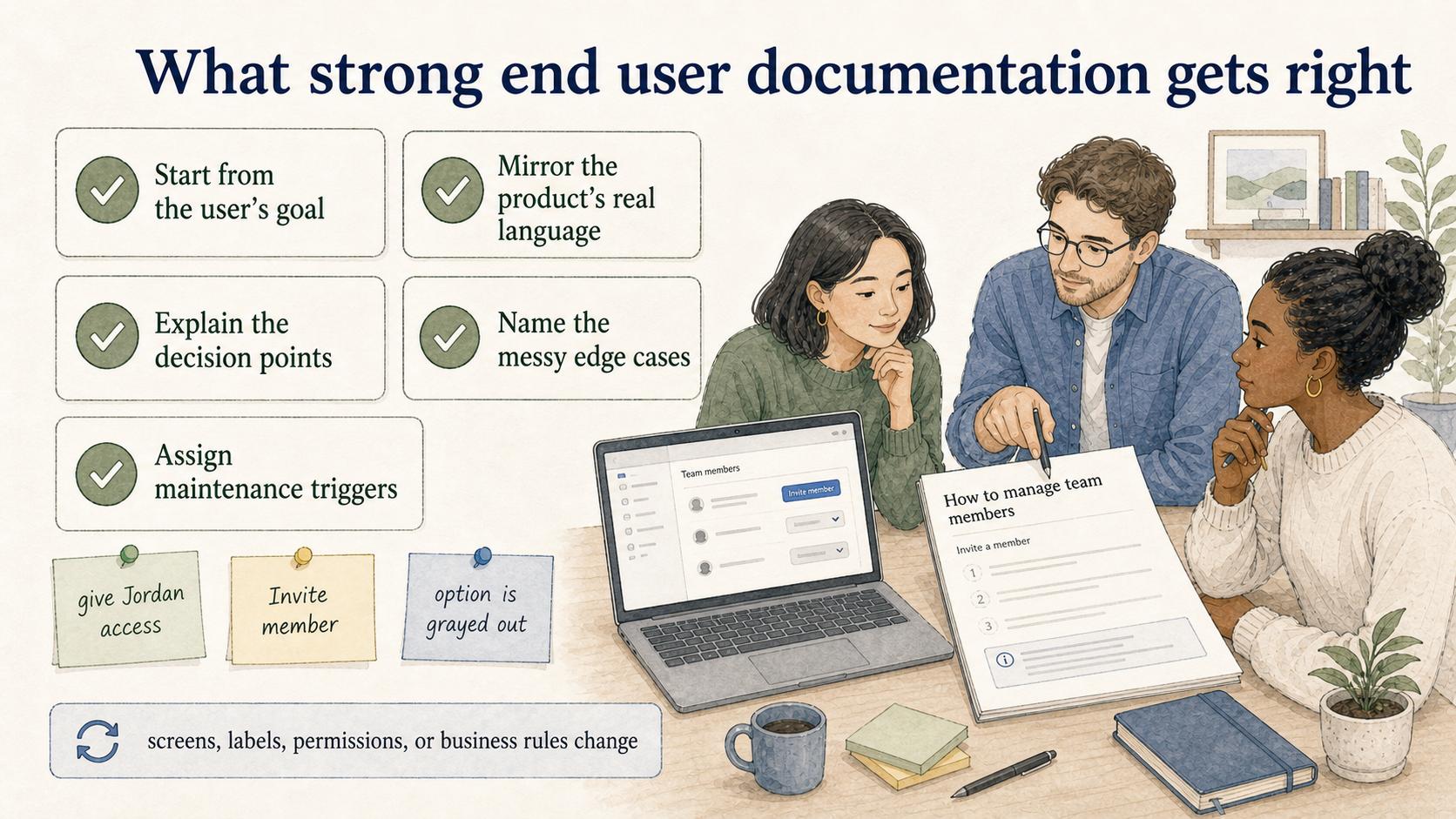
Start from the user's goal. Users rarely think, "I need to use the permissions modal." They think, "I need to give Jordan access to this project." Write from the job the user is trying to finish.
Mirror the product's real language. If the button says "Invite member," the article shouldn't call it "Add user." Microsoft's guidance for describing UI interactions recommends referring to controls by their visible labels where possible, which is the same principle at article level. 3 Small mismatches make users wonder whether they are in the right place, especially when they are already stuck.
Explain the decision points. A sequence of clicks is thin guidance when the user must choose a role, permission level, template, or setting. Tell the reader how to decide.
Name the messy edge cases. The most useful documentation often names the thing that goes wrong: the option is grayed out, the user lacks permission, the field is required, or the saved change takes a few minutes to appear. Specific recovery guidance earns trust.
Assign maintenance triggers. End user documentation decays when screens, labels, permissions, or business rules change. ISO/IEC/IEEE 26514 explicitly includes maintaining user information as part of the documentation lifecycle, which makes ownership and update triggers part of the work. 4 The documentation owner should know which workflow changes require a doc update before users find the mismatch.
AI-ready template for drafting end user documentation
Use this prompt when turning a workflow into a first draft:
## End User Documentation Draft Prompt

**Glossary term:** End User Documentation
**Source:** Trails Glossary — trails.so/glossary/end-user-documentation

---

### 01. Write end user documentation

"Write end user documentation for [task] in [product/system].
Audience: [new users, customers, internal employees, support agents, etc.]
User goal: [what the user is trying to accomplish]
Starting point: [where the user begins]
Required permissions or prerequisites: [roles, access, setup, data needed]
Steps:
1. [step]
2. [step]
3. [step]
Decision points: [settings, options, roles, or branches the user must choose]
Common failure states: [errors, disabled buttons, missing access, confusing UI]
Successful outcome: [what the user should see when done]
Tone: clear, concise, practical, and written for non-experts."
The prompt is most useful when paired with a real workflow recording or screenshots. AI can help structure the article, but the source material should come from the actual user path.
How Trails helps
Trails helps teams create end user documentation from the workflow itself. Someone can perform the process once, capture the steps, and turn it into a polished step-by-step guide. Trails can also create an AI-narrated video version for training or sharing, which is useful when users need to see the sequence instead of reading a long article.
End user documentation is easiest to maintain when it stays close to the real workflow. A recorded process gives the writer a concrete path to edit instead of a blank page and a memory of how the product works.
Sources
- 1
IEEE/ISO/IEC. 26514-2021. standards.ieee.org/ieee/26514/7467/.
- 2
Nielsen Norman Group. Help and Documentation. www.nngroup.com/articles/help-and-documentation/.
- 3
Microsoft. Microsoft Style Guide: Describing interactions with the UI. learn.microsoft.com/en-us/style-guide/procedures-instructions/describing-interactions-with-ui.
- 4
ISO. ISO/IEC/IEEE 26514 overview. www.iso.org/obp/ui/es/.