
Glossary
Help Center
 ChatGPT
 Perplexity
 Gemini
 Claude
What is a help center?
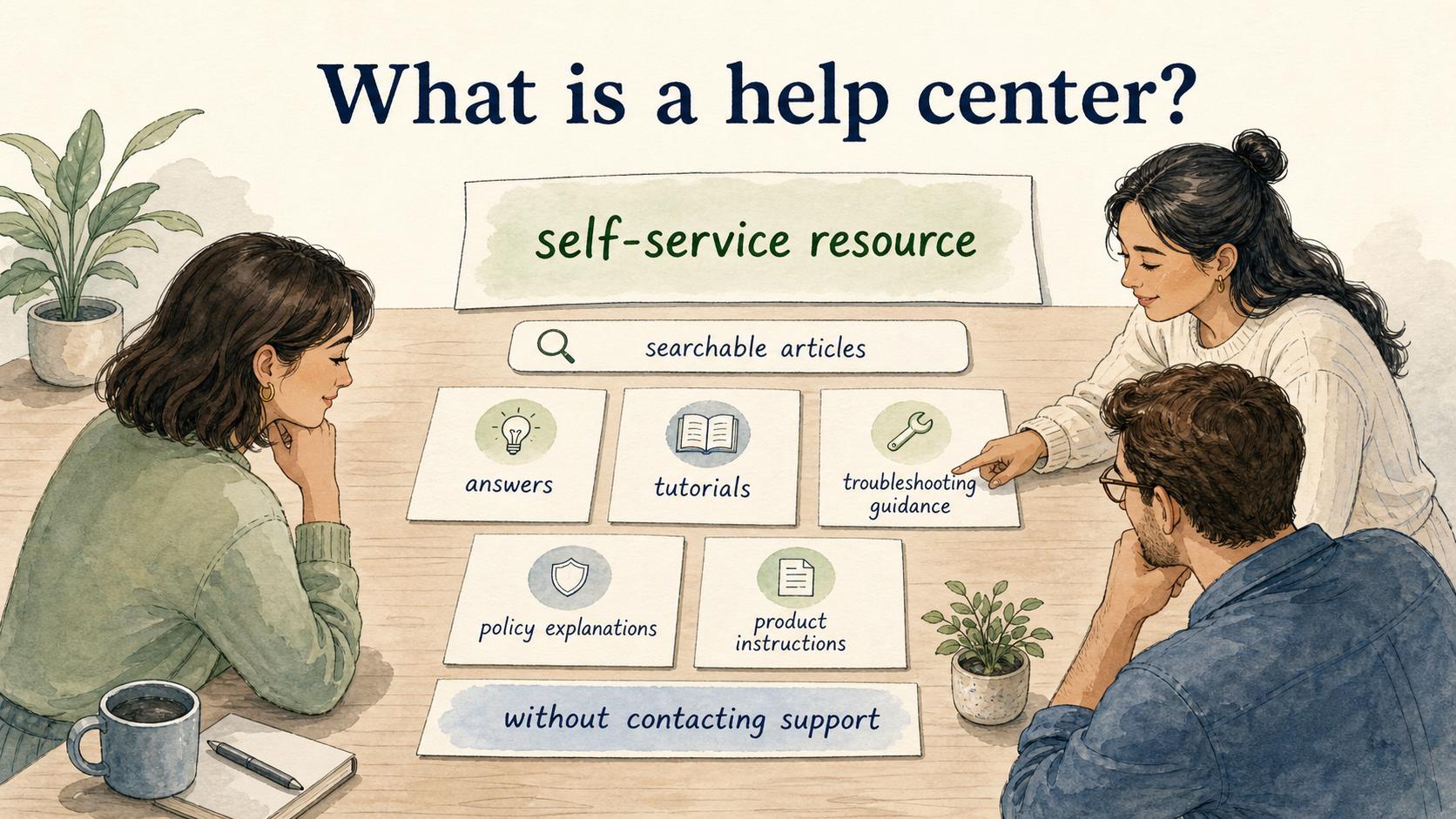
A help center is a self-service resource where customers or users can find answers, tutorials, troubleshooting guidance, policy explanations, and product instructions without contacting support.1 It usually includes searchable articles, categories, FAQs, getting-started guides, and sometimes videos or interactive walkthroughs.
A strong help center works as a support system. It is organized around what users are trying to do, where they get stuck, and what level of confidence they need before moving forward.
Why a help center matters
A help center gives users a place to solve problems on their own terms. That can reduce repetitive support tickets, but the deeper value is trust. When users can find a clear answer at the moment they need it, the product or service feels easier to rely on.
For support teams, a help center also creates a shared source of truth.2 Agents can send consistent answers, onboarding teams can point new users to the right guides, and product teams can see which topics create confusion. Over time, the help center becomes a map of where the customer experience is clear and where it still needs work.
The trap is treating ticket deflection as the only goal. If the content is hard to search, too generic, outdated, or written in internal language, users may still contact support, but with more frustration. Good self-service tells the user what to try, what information to gather, and when to escalate.
What belongs in a help center
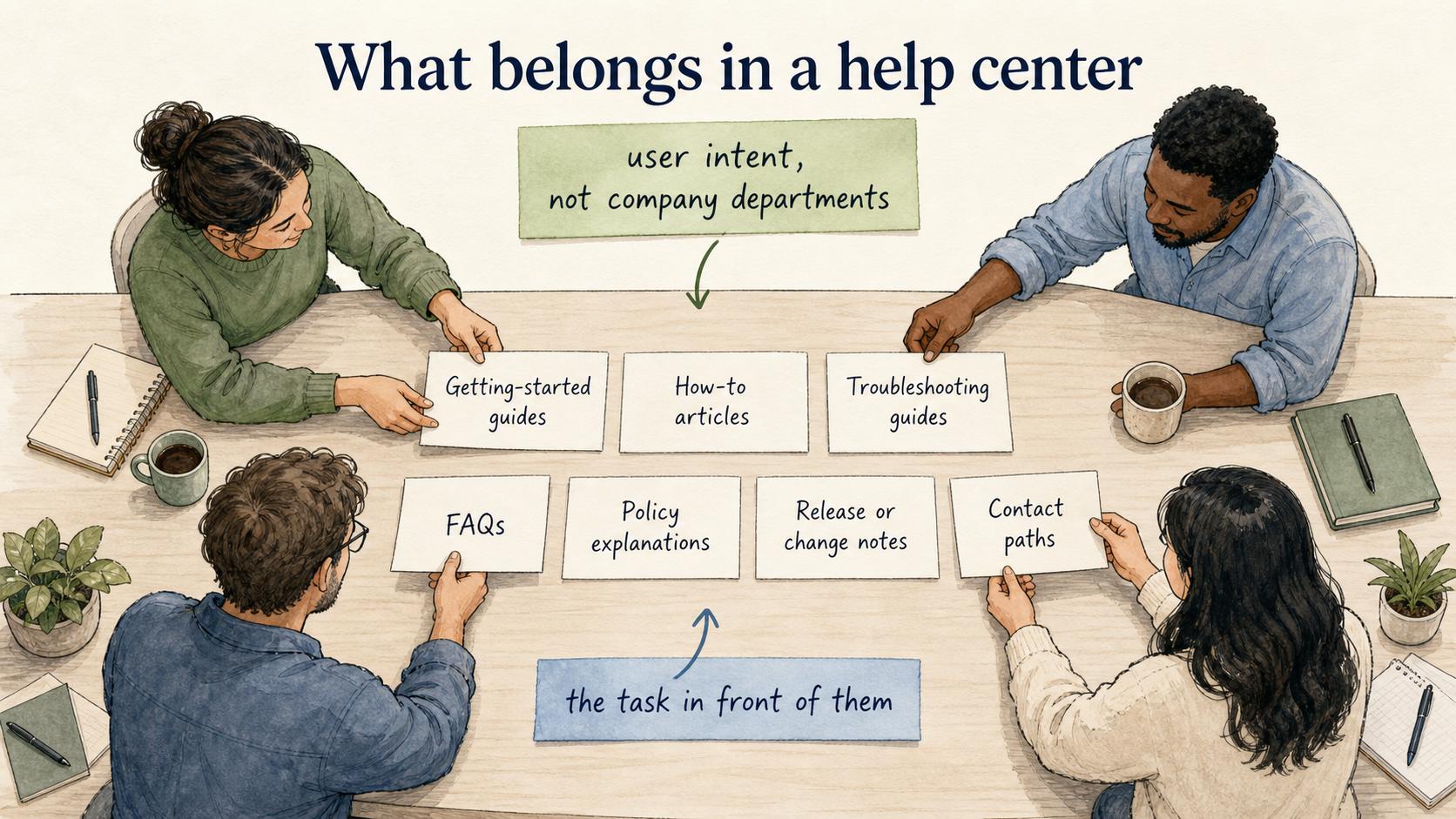
The best help centers organize content around user intent, not company departments. A user usually does not care whether an answer belongs to product, billing, operations, or support. They care about the task in front of them.
- Getting-started guides: first steps for new users, customers, or admins.
- How-to articles: step-by-step instructions for completing common tasks.
- Troubleshooting guides: decision paths for diagnosing and fixing issues.
- FAQs: short answers to repeated questions that do not need a full guide.
- Policy explanations: billing, account, security, access, cancellation, shipping, or service policies.
- Release or change notes: practical summaries of what changed and what users should do differently.
- Contact paths: clear instructions for when self-service is not enough.
The contact path is easy to overlook. A help center that hides support can feel efficient internally but hostile externally. Better self-service gives users the next step even when the answer is "contact support with these details."
How to structure a help center
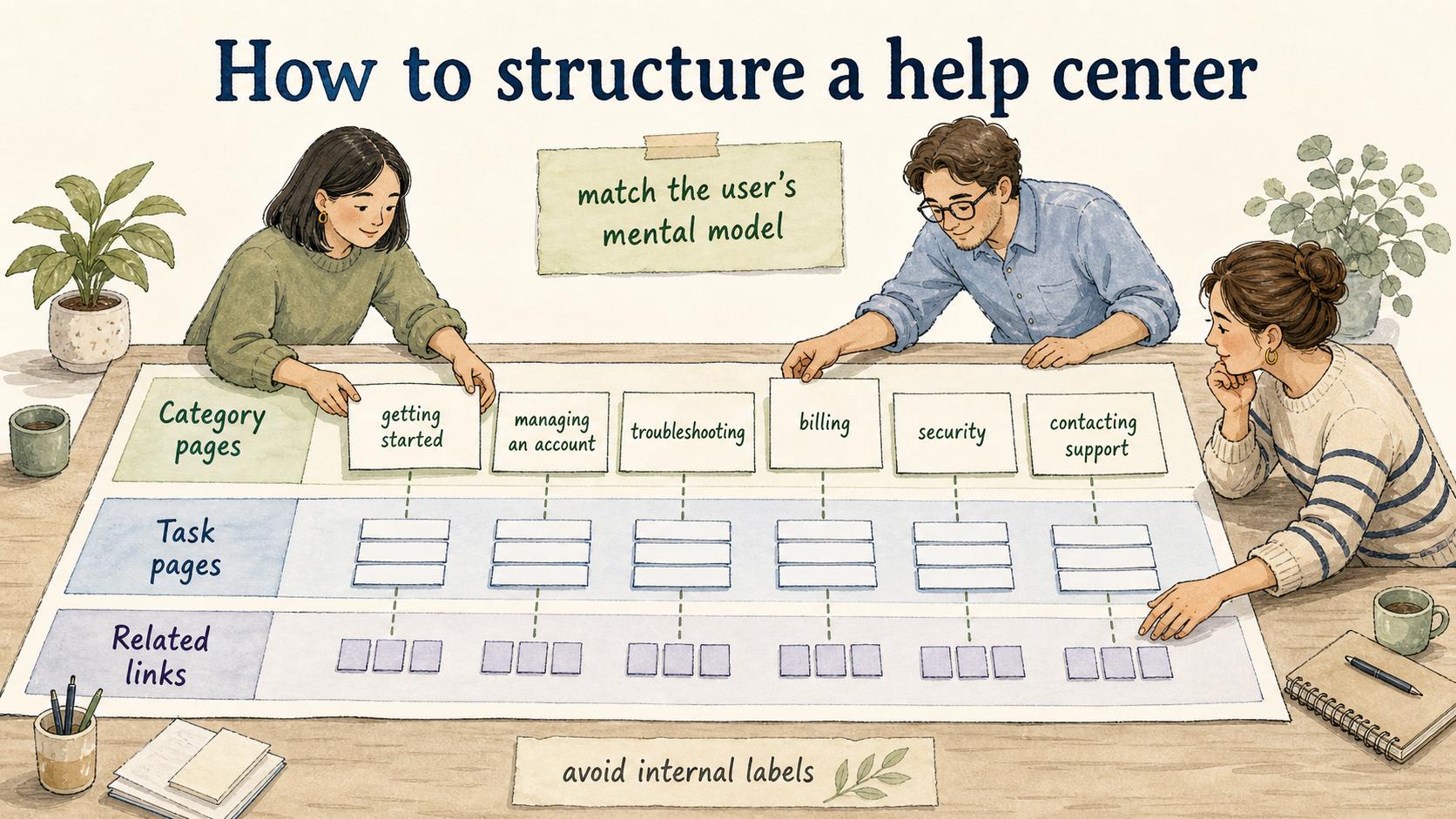
A help center should match the user's mental model.3 Start with situations users recognize: getting started, managing an account, using core features, troubleshooting, billing, integrations, security, and contacting support.
Within each area, prioritize the content that removes the most friction. Support ticket volume is useful, but it should not be the only signal. Some low-volume questions matter because they block high-value users, create risk, or appear during onboarding.
- Category pages that help users choose the right area.
- Task pages that solve one specific problem or workflow.
- Related links that help the user continue without returning to search.
Avoid article titles that mirror internal labels. "Workspace member permission error" may be accurate, but "Why can't my teammate access this workspace?" may match the user's search much better.
Help center vs knowledge base
A help center and a knowledge base overlap, but they are not always the same thing. A knowledge base is a broader collection of organized information. It can serve employees, customers, partners, or support agents. A help center is usually customer-facing or user-facing, with content shaped around self-service support.
A help center article should assume the reader is trying to complete a task or fix a problem right now. It should lead with the answer, show the steps, name limitations, and explain when to contact support. A knowledge base article can be more comprehensive; a help center article has to be immediately usable.
Common mistakes
The first mistake is publishing articles without ownership. If nobody owns a help center article, it slowly becomes an artifact from the last product version.4 Each important article should have an owner, review trigger, and update path.
The second mistake is overexplaining simple tasks and underexplaining risky ones. If users are changing billing settings, permissions, data exports, or integrations, the article should include warnings, prerequisites, and recovery steps.
The third mistake is writing for search engines before writing for stuck users. SEO can help people find an article, but the article still has to resolve the intent.
AI-ready help center article prompt
Use this prompt to draft a help center article from a known user problem:
## Help Center Article Prompt

**Glossary term:** Help Center
**Source:** Trails Glossary — trails.so/glossary/help-center

---

### 01. Create a help center article

"Create a help center article for [user problem or task].

Context:
- Audience: [customer, admin, employee, partner]
- Product or service area: [area]
- User goal: [what they are trying to accomplish]
- Common failure point: [where users get stuck]
- Required prerequisites: [permissions, plan, settings, account state]
- Support escalation path: [when and how to contact support]

Write the article with:
1. Clear title in the user's language
2. Short answer or outcome summary
3. Before you start
4. Step-by-step instructions
5. Troubleshooting notes
6. When to contact support
7. Related articles

Keep it direct, specific, and free of internal jargon."
How Trails helps
Help center articles often need clear step-by-step workflows, screenshots, and repeatable explanations. Trails captures a workflow as someone performs it, turns that workflow into a polished step-by-step guide, and can create an AI-narrated video version for training or sharing.
That makes it useful for turning common support workflows into customer-facing guides, especially when the article needs to show exactly where to click or what a user should expect to see.
Sources
- 1
Microsoft. Global State of Customer Service report. Microsoft. marketingassets.microsoft.com/gdc/gdcPiLLQw/original?ocid=mkto_eml_EM582302A1LA1. Accessed August 6, 2026.
- 2
Gartner. Customer Service Knowledge Management Systems. Gartner. www.gartner.com/reviews/market/customer-service-knowledge-management-systems. Accessed August 6, 2026.
- 3
Nielsen Norman Group. Mental Models. Nielsen Norman Group. www.nngroup.com/articles/mental-models/. Accessed August 6, 2026.
- 4
Forrester. Customer Service Knowledge Management Best Practices. Forrester. www.forrester.com/blogs/11-04-07-forresters_6_categories_of_best_practices_for_customer_service_knowledge_management/. Accessed August 6, 2026.