
Glossary
Content Governance
 ChatGPT
 Perplexity
 Gemini
 Claude
What is content governance?
Content governance is the set of roles, rules, workflows, and decision criteria that determine how content is created, approved, published, maintained, and retired. It gives teams a shared operating model for keeping content accurate, useful, compliant, and safe to trust. 1
In plain terms, content governance answers the questions that usually get messy later: who owns this page, who can change it, what standard does it need to meet, when should it be reviewed, and what happens when it is no longer correct?
Why content governance matters
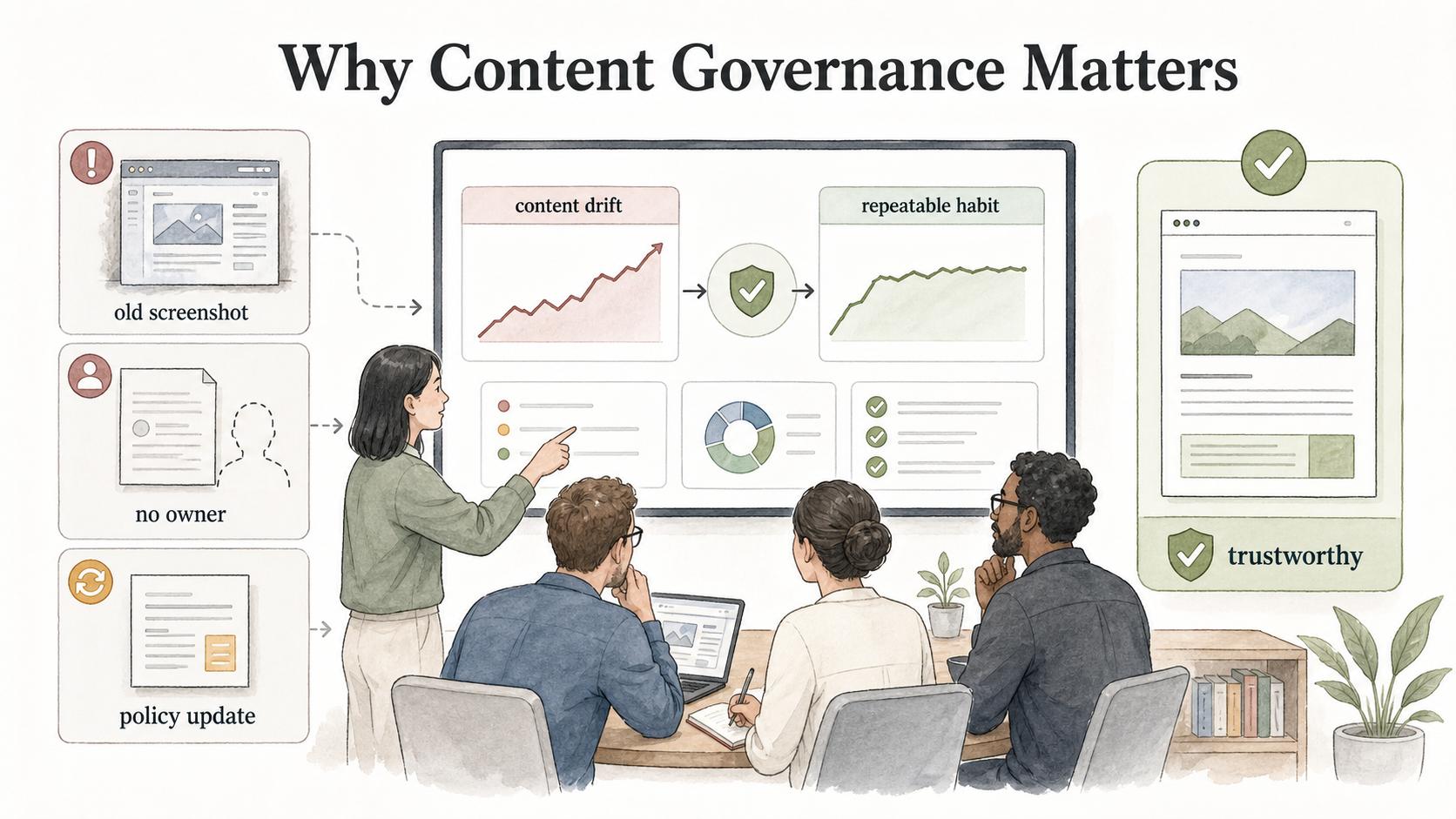
Content does not fail all at once. It drifts. A help article keeps an old screenshot. A sales deck uses last year's positioning. A process page has no owner. A policy update happens in Slack but never reaches the customer-facing article. Each item may seem small, but together they make the content system less trustworthy. 2
Content governance turns content quality from a heroic cleanup project into a repeatable operating habit. Instead of waiting until the knowledge base, website, or internal wiki feels stale, teams define how content should move through its lifecycle.
The common misconception is that governance means bureaucracy. It can, if every edit requires a committee. Good governance sets enough structure to prevent drift without slowing every content change to a crawl.
What content governance includes
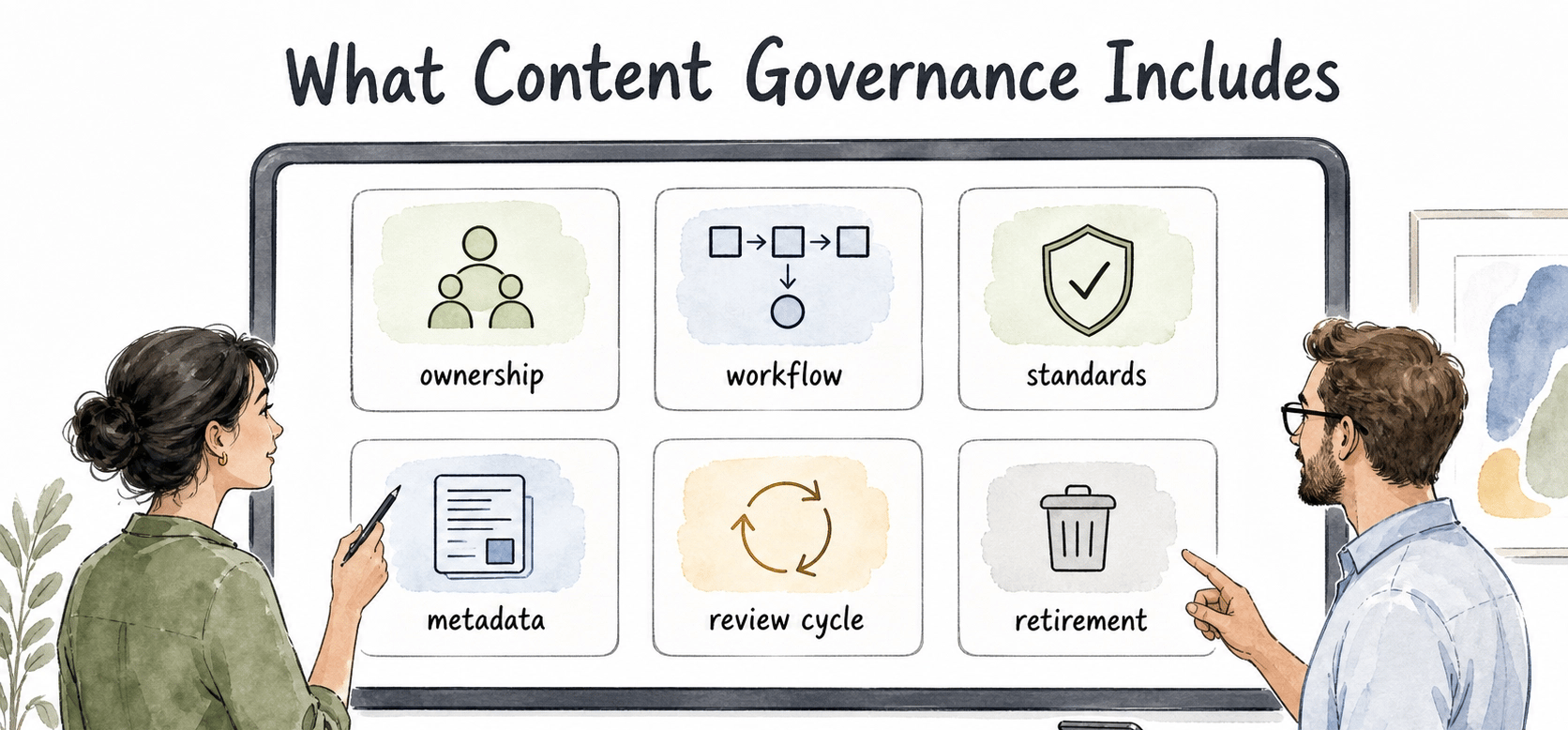
A workable content governance model usually covers ownership, workflow, standards, review, and lifecycle decisions. 3
| Governance area | Decision to make | Evidence that it is working |
|---|---|---|
| Ownership | Who is accountable for accuracy after publication? | Important pages have named owners, not just teams |
| Workflow | How does content move from request to draft to approval to publish? | People know the next step and the current status |
| Standards | What makes content good enough to publish? | Reviewers use shared criteria instead of personal preference |
| Metadata | What labels, audiences, products, dates, or statuses are required? | Teams can find stale, duplicate, or ownerless content |
| Review cycle | When should content be checked again? | High-risk or fast-changing content gets reviewed before it breaks |
| Retirement | When should content be archived, redirected, merged, or deleted? | Old content stops competing with the current answer |
This table is also a useful diagnostic. If a team cannot answer one of these questions, that is where the governance model is likely to fail first. 4
Content governance vs content strategy
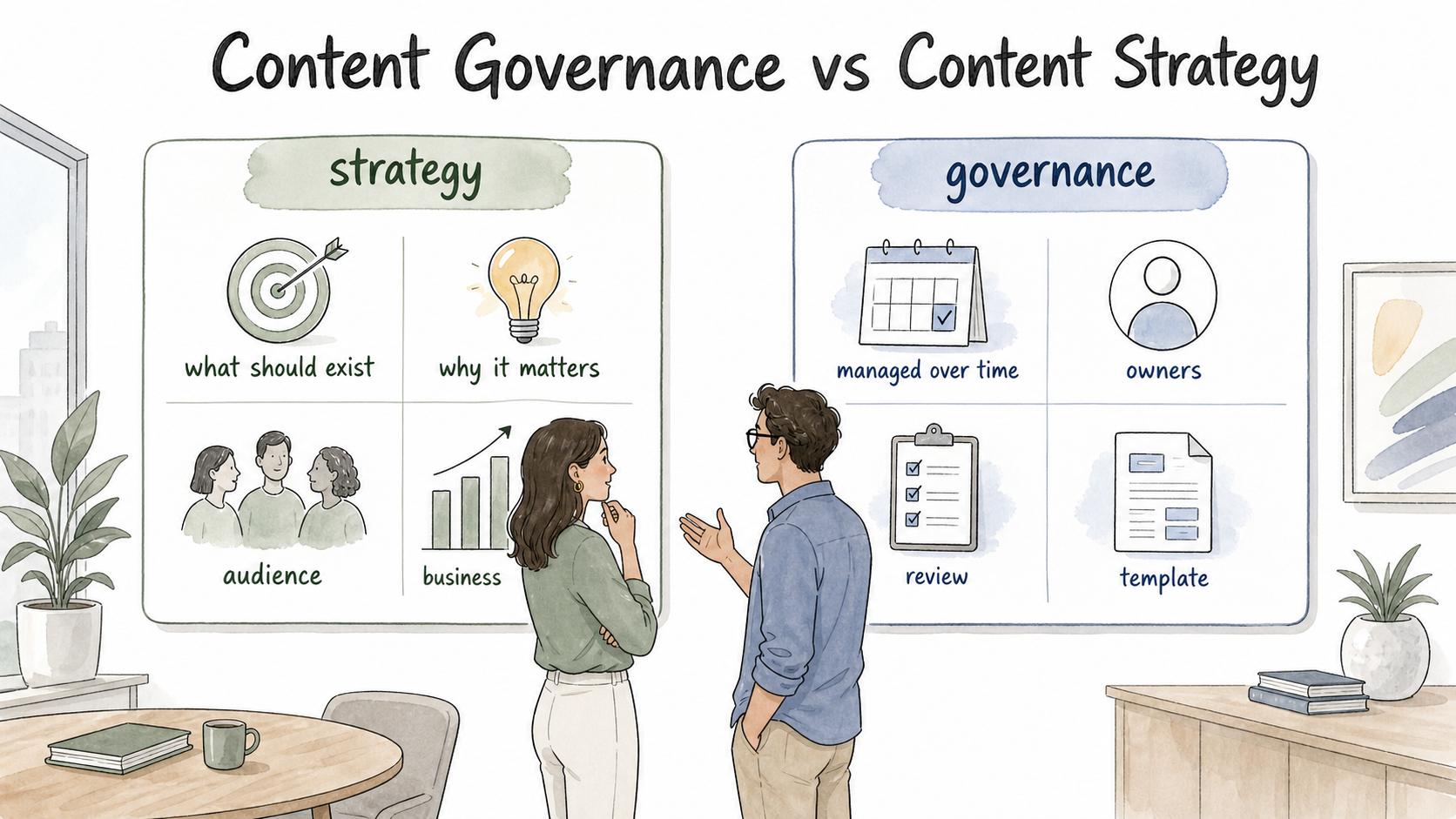
Content strategy decides what content should exist, why it matters, and how it supports the audience and business. Content governance decides how that content is managed over time.
A strategy might say, "We need onboarding content that helps new customers reach value faster." Governance turns that into operating rules: who can request a new onboarding article, who approves product claims, what template writers use, how screenshots are updated, and when the article gets reviewed after a product change.
A team needs both. Strategy gives the content a reason to exist; governance keeps it useful after launch.
How content governance works in practice
Start with the content that creates risk or repeated confusion. For many teams, that means support articles, onboarding guides, compliance documents, sales collateral, product docs, or internal process documentation. Do not try to govern every page in the same way on day one.
Define ownership at the right level. Some content needs a named individual owner. Some can be owned by a role, such as product marketing, support operations, or the documentation manager. The important part is that ownership survives the first publication. A page without a maintainer is just stored, not governed.
Then define the review trigger. Time-based reviews are useful, but they are not enough. Many content updates should be triggered by events: a product release, pricing change, policy update, new support pattern, compliance review, or process change. Event-based triggers catch the moments when content becomes wrong before the calendar says it is time to look.
Finally, make the status visible. Draft, in review, approved, published, needs update, deprecated, and archived are working signals. They help people know whether content can be trusted and what action should happen next.
Common content governance mistakes
The first mistake is over-centralizing every decision. If one content team must approve every small operational update, the workflow becomes a bottleneck and people route around it. Governance should assign the right level of control for the risk. A legal policy and a help article typo do not need the same path.
The second mistake is treating publication as the finish line. Publication starts the maintenance phase. The content now has readers, consequences, and a future drift problem.
The third mistake is managing governance only in meetings. If the rules live in someone's head or in scattered notes, new employees cannot follow them and experienced employees will interpret them differently. The governance model needs documented workflows, templates, and examples.
A practical content governance starter model
For a small or growing team, the first version can be simple:
- Every important content asset has an owner, audience, purpose, status, and review trigger.
- High-risk content has a required approver before publication.
- Every new content request includes the business reason and the source of truth.
- Published content has a clear path for reporting errors or requesting updates.
- Retired content is redirected, archived, or merged instead of left to compete with current guidance.
This model is intentionally plain. It is better to run a small governance system consistently than to design an elaborate one that nobody uses.
Documentation takeaway
Content governance depends on process documentation. Teams need written instructions for intake, drafting, approval, publishing, updating, and retiring content. They also need examples of what good looks like: a complete content request, a clean review comment, an approved help article, or a retirement decision.
Strong governance documents help people make decisions when content is ambiguous. For example: when should two similar articles be merged instead of updated separately? When does a product change require a full review instead of a quick screenshot swap? When should a page be archived instead of rewritten?
How Trails helps
Trails can help teams document the workflows that make content governance real. A content or operations lead can capture the process for reviewing an article, updating a CMS page, publishing a help-center change, or retiring outdated documentation. Trails turns that workflow into a polished step-by-step guide, and teams can create an AI-narrated video version for training editors, reviewers, or subject matter experts.
That makes governance easier to follow because people can see the actual process, not just read a policy statement.
FAQ
What is an example of content governance?
A support team might require every help article to have a product-area owner, review date, status, approved template, and update trigger tied to product releases. That is content governance because it defines how the article is managed over time.
Who owns content governance?
Ownership depends on the organization. It may sit with content operations, documentation, product marketing, knowledge management, support operations, or a cross-functional governance group. The key is clear accountability, not the exact department name.
Is content governance only for large companies?
No. Small teams need governance too, especially when content affects customers, support, sales, onboarding, or compliance. The model can be lightweight, but it should still define ownership, workflow, review, and retirement rules.
Sources
- 1
U.S. Department of Labor. Content governance. www.dol.gov/agencies/eta/ui-modernization/use-plain-language/content-governance.
- 2
Government of British Columbia. Content governance and life cycles. www2.gov.bc.ca/gov/content/governments/services-for-government/service-experience-digital-delivery/web-content-development-guides/web-style-guide/content-design/governance.
- 3
Digital.gov. Crafting quality content throughout its lifecycle. digital.gov/2024/11/12/crafting-quality-content-throughout-its-lifecycle.
- 4
Nielsen Norman Group. Content Audits. www.nngroup.com/articles/content-audits/.