
Glossary
Content Management System
 ChatGPT
 Perplexity
 Gemini
 Claude
What is a content management system?
A content management system, or CMS, is software that helps teams create, edit, organize, approve, publish, and maintain digital content. People often associate a CMS with websites and blogs, but the broader category includes systems for help articles, documentation, internal knowledge, product content, and other structured content operations. 1
A good CMS gives content a workflow: who can draft it, who reviews it, how it gets published, where it appears, and how the team keeps it accurate after launch.
What a content management system does
A CMS separates content updates from custom engineering. Instead of asking a developer to edit every page manually, authorized users can update content through an interface, apply templates, manage media, set permissions, and publish changes through a defined process. 2
The practical value depends on the team. A marketing team may care most about landing pages, SEO fields, campaign speed, and brand consistency. A support team may need article versioning, search, permissions, and feedback loops. A documentation team may need reusable components, review workflows, localization, and release coordination.
The hidden issue is ownership. A CMS can make publishing easier, but it does not decide what should be published, who approves it, or when old content should be retired. Those decisions belong to the team's content governance model.
Common types of CMS
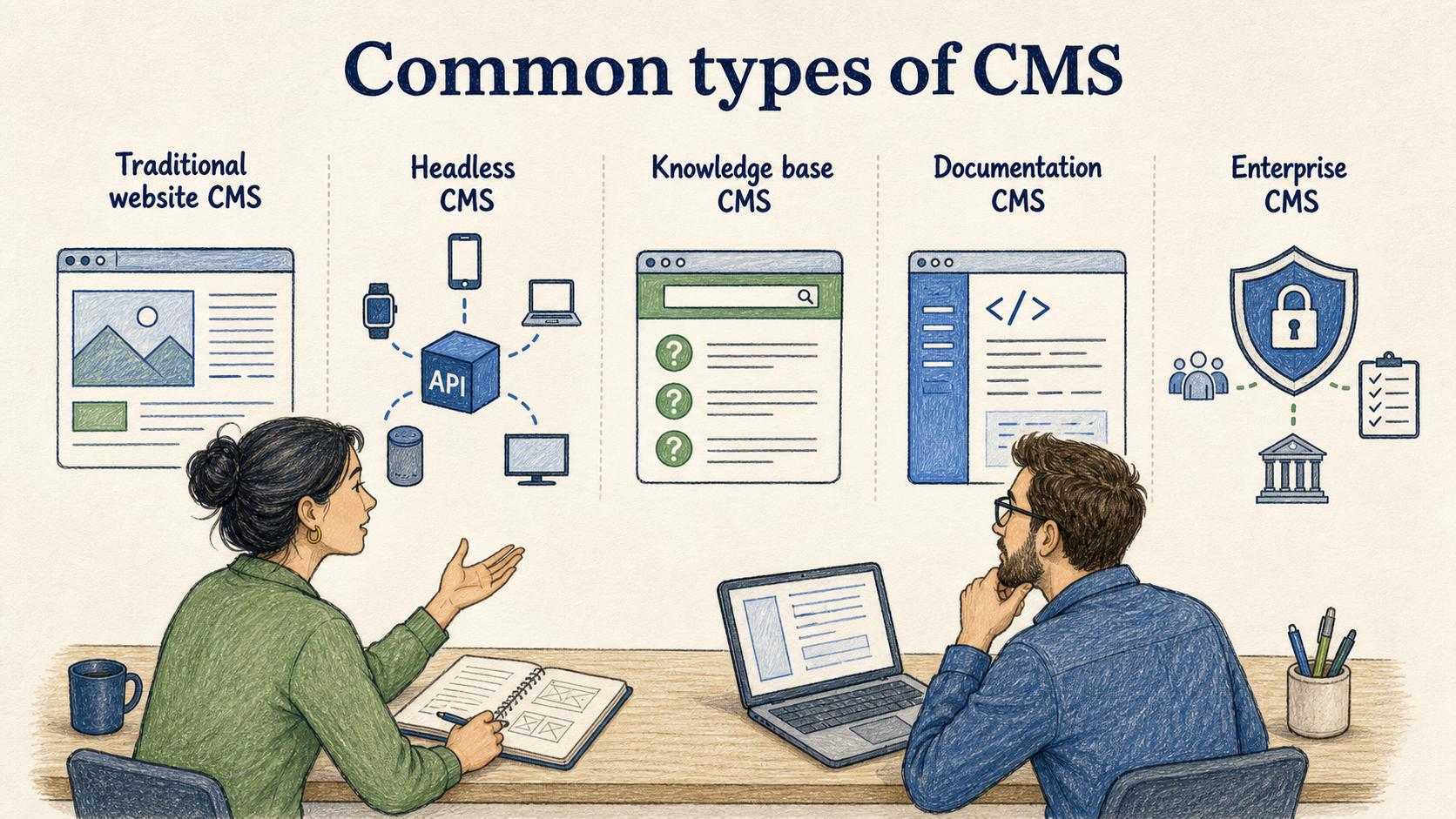
Different CMS categories solve different problems. The right choice depends less on the acronym and more on the content lifecycle the team needs to manage.
| CMS type | Best for | Common tradeoff |
|---|---|---|
| Traditional website CMS | Marketing sites, blogs, basic pages, campaign content | Fast publishing can outpace governance if ownership is loose |
| Headless CMS | Reusing content across websites, apps, and channels | More flexible, but often needs developer support and stronger modeling |
| Knowledge base CMS | Help articles, support documentation, self-service content | Great for answers, weaker for complex marketing or product content |
| Documentation CMS | Product docs, technical guides, release-linked content | Strong structure, but may feel heavy for simple marketing workflows |
| Enterprise CMS | Large-scale content operations with permissions and compliance needs | Powerful, but can become slow if the workflow is overdesigned |
This is why two teams can both say they need a CMS and mean very different things. One wants to publish blog posts faster. Another wants to stop outdated help articles from confusing customers. Another wants content to appear consistently across a website, app, and customer portal.
CMS vs knowledge base vs document management system
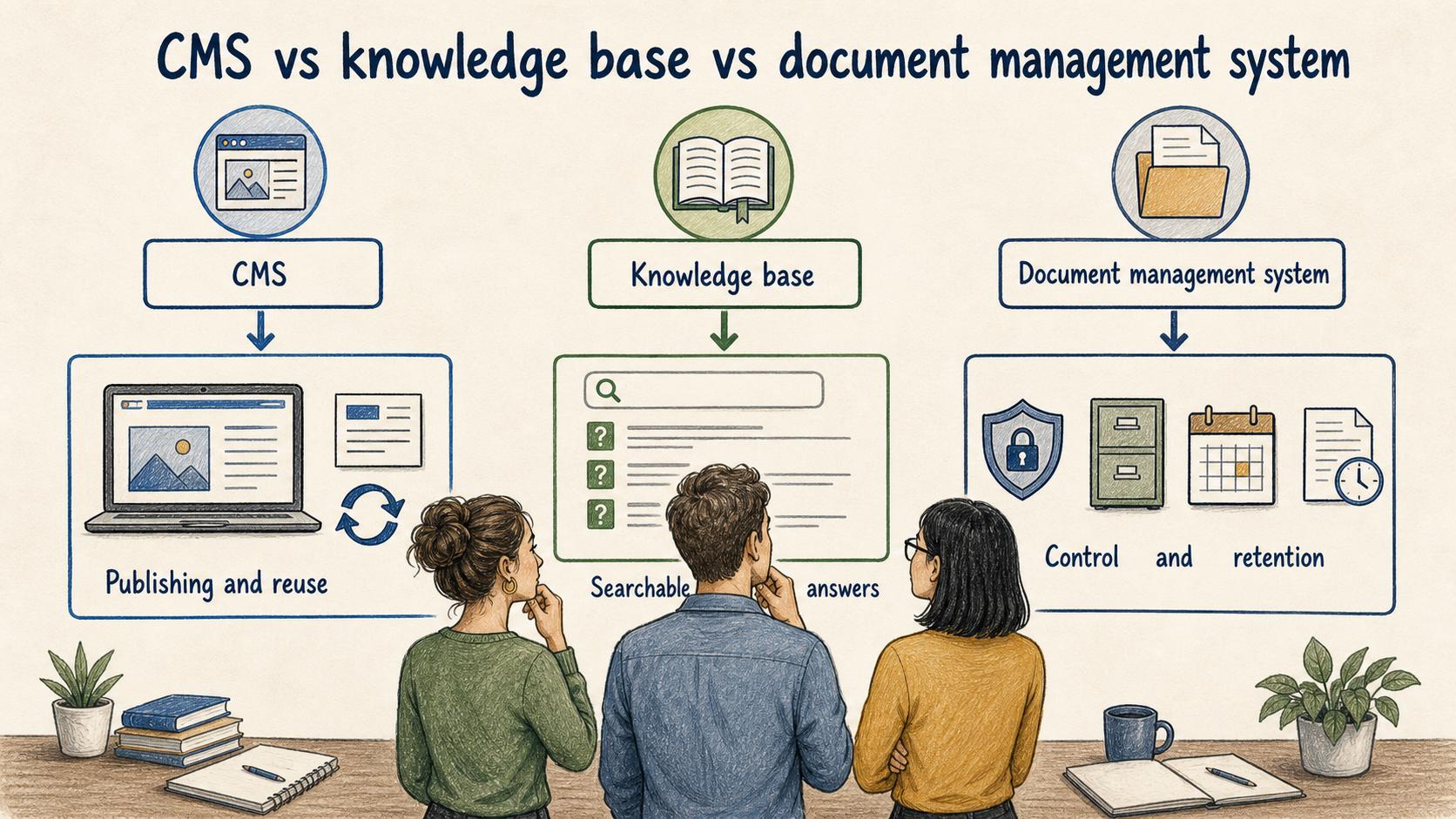
A CMS manages content for publishing and reuse. A knowledge base focuses on searchable answers and support content. A document management system often manages files, formal documents, access control, retention, and review history.
The boundaries blur in real tools. A help center may behave like a CMS. A company wiki may act like a knowledge base. A regulated team may use a document management system to control published procedures. The useful question is what the content must do after it is created.
If content needs to be approved, published, localized, reused, or updated on a schedule, CMS thinking applies. If content mostly needs to answer internal questions, knowledge base thinking may matter more. If the content must be formally controlled for compliance, document control becomes the center of gravity.
How to evaluate a CMS
The biggest CMS mistake is choosing based on the editor alone. A pleasant writing interface matters, but the long-term pain usually appears in workflow, governance, search, permissions, and maintenance.
Before choosing or redesigning a CMS, answer the lifecycle questions first:
- What content types will the system manage, and are they structurally different?
- Who can create, review, approve, publish, archive, and restore content? 3
- What metadata is required, such as owner, audience, topic, product area, or review date?
- Where does published content appear, and does it need to be reused across channels?
- How will the team find stale, duplicate, low-performing, or ownerless content?
- What work still happens outside the CMS, such as screenshots, walkthroughs, legal review, or release coordination?
The last question is easy to miss. A CMS may own the article, but not the process behind the article. If no one documents how a content request moves from idea to published page, the team still relies on Slack threads, memory, and informal reminders.
Content governance in a CMS
A CMS without governance becomes a publishing drawer. It may contain useful content, but it also collects duplicates, outdated pages, abandoned drafts, inconsistent taxonomy, and unclear ownership. 4
Governance does not have to be bureaucratic. For many teams, the minimum viable model is simple: every important page has an owner, an audience, a purpose, a review trigger, and a status. That gives the team a way to decide whether content should be updated, merged, archived, or left alone.
For example, a support team using a help center CMS might assign each article to a product area owner. Articles tied to frequently changing features get reviewed after every release. Evergreen troubleshooting articles get reviewed quarterly. A content request cannot be published unless the article has a clear audience, owner, and escalation path for future updates.
That structure prevents the CMS from becoming a place where content goes live and then quietly decays.
Documentation takeaway
A CMS can publish content, but teams still need documented workflows for how content gets made. That includes intake, drafting, review, approval, publishing, update triggers, and retirement. Without that process documentation, people may know how to use the CMS interface but still disagree on what the workflow is.
For operational teams, the best CMS documentation covers the work around the tool: how to request a new page, handle urgent edits, update screenshots, coordinate release notes, and retire inaccurate content without breaking links.
How Trails helps
Trails can help teams document the repeatable workflows around a CMS. A content owner can capture the process of creating, reviewing, publishing, or updating a page, then Trails turns that workflow into a polished step-by-step guide. Teams can also create an AI-narrated video version for onboarding editors, reviewers, or subject matter experts.
That is useful because CMS success depends on consistent behavior, not just software access. People need to know which steps to follow and which decisions require review.
FAQ
What is an example of a content management system?
A website platform that lets a marketing team create pages, edit copy, upload images, set SEO metadata, submit drafts for review, and publish changes is a content management system.
Is a CMS only for websites?
No. Many CMS tools publish websites, but CMS concepts also apply to help centers, documentation portals, internal knowledge systems, and content that appears inside products or customer portals.
What makes a CMS hard to manage?
The hard part is usually not writing content. It is maintaining ownership, taxonomy, permissions, review cycles, and consistent workflows as the content library grows.
Sources
- 1
Oracle. What is a content management system?. www.oracle.com/content-management/what-is-cms/.
- 2
Contentful. What is a content management system?. www.contentful.com/blog/content-management-system/.
- 3
NIST. Identity and Access Management. www.nist.gov/identity-and-access-management.
- 4
Government of British Columbia. Content governance and life cycles. www2.gov.bc.ca/gov/content/governments/services-for-government/service-experience-digital-delivery/web-content-development-guides/web-style-guide/content-design/governance.