
Glossary
Getting Started Guide
 ChatGPT
 Perplexity
 Gemini
 Claude
What is a getting started guide?
A getting started guide is an introductory document that helps a new user complete their first meaningful setup or workflow. It explains what to do first, what to ignore for now, and how to know they have reached the intended starting point.
Its job is to reduce early uncertainty and get the reader to a small, useful win before they lose patience or drift into advanced settings. Help and documentation are strongest when they are easy to find, task-focused, and built around concrete steps. 1
Why getting started guides matter
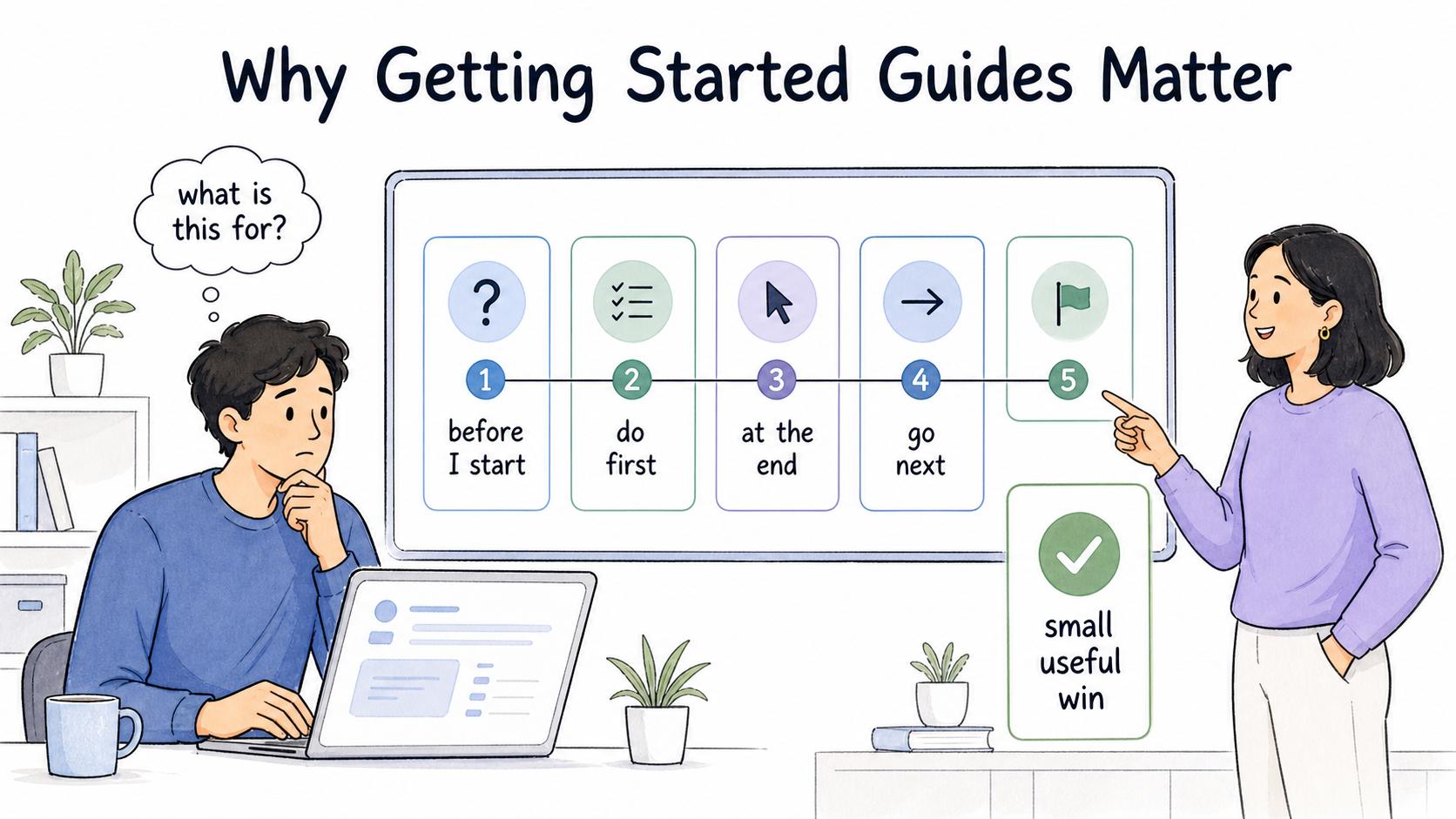
New users do not yet know which concepts matter, which buttons are safe, which fields can wait, or what success looks like. If a guide tries to teach everything, it often teaches nothing.
A strong guide answers five questions quickly: What is this for? What do I need before I start? What should I do first? What will I have at the end? Where should I go next? Tutorials that interrupt users or ask them to remember too much can reduce task success instead of improving it. 2
Getting started guide vs quick start guide vs user guide
| Format | Main purpose | Best fit |
|---|---|---|
| Getting started guide | Orient a new user and lead them through the first useful outcome | New users who need context, setup, and a first workflow |
| Quick start guide | Compress the fastest path to initial use | Experienced or impatient users who want minimal explanation |
| User guide | Explain common tasks and product areas more completely | Users who already understand the basics and need task support |
| Reference guide | Provide lookup information, definitions, fields, or options | Users who know what they are looking for |
| Onboarding checklist | Track required setup tasks across time | Teams that need accountability and completion visibility |
If the reader needs confidence, write a getting started guide. If they need speed, write a quick start guide. If they need depth, write a user guide.
What a getting started guide should include
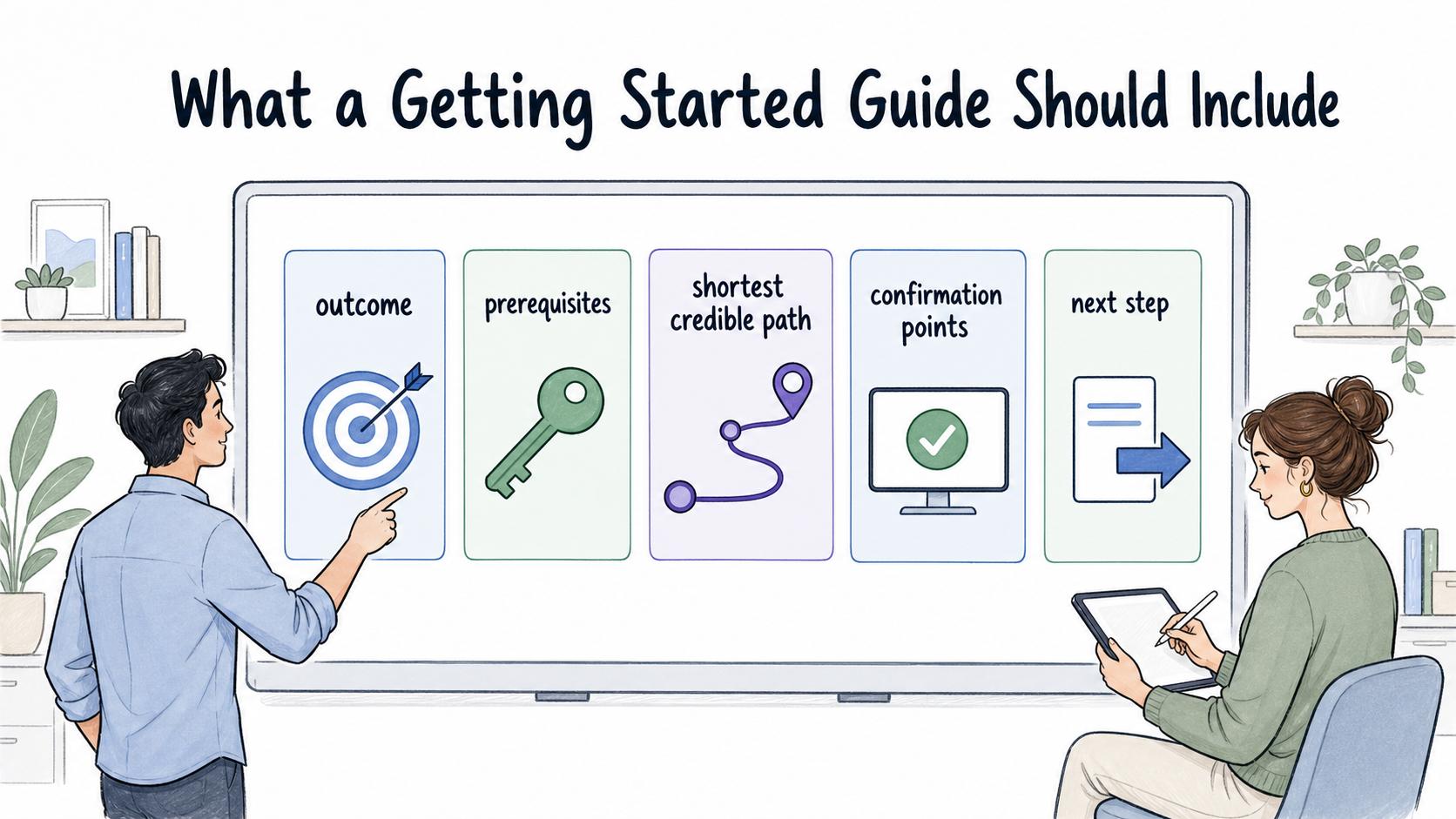
- Start with the outcome, not a product tour.
- Name account access, permissions, materials, sample data, and decisions needed before the first step.
- Give the shortest credible path to the first win, delaying advanced options until the reader has enough context to care.
- Show confirmation points so the reader knows what they should see after an important action.
- End with a useful next step, such as a user guide, workflow library, admin setup document, or troubleshooting page.
Clear-communication guidance similarly emphasizes making the main message and required action easy to identify. 3
Getting started guide template
## Getting started guide template

**Glossary term:** Getting Started Guide
**Source:** Trails Glossary — trails.so/glossary/getting-started-guide

---

### 01. Create a focused first-use guide

"Create a getting started guide for [product/tool/process] used by [audience].

The guide should help a new user reach this first successful outcome: [outcome].

Include:
- Who this guide is for
- What the user will have completed by the end
- Prerequisites: accounts, permissions, materials, sample data, or decisions needed first
- A short orientation: 2-4 concepts the user must understand before acting
- First workflow: 5-8 clear steps, with confirmation points after important actions
- What to skip for now: advanced settings, edge cases, or optional features
- Common early mistakes and how to avoid them
- Next steps: where to go after the first successful outcome

Keep the guide beginner-friendly without turning it into a full reference manual."
Common mistakes
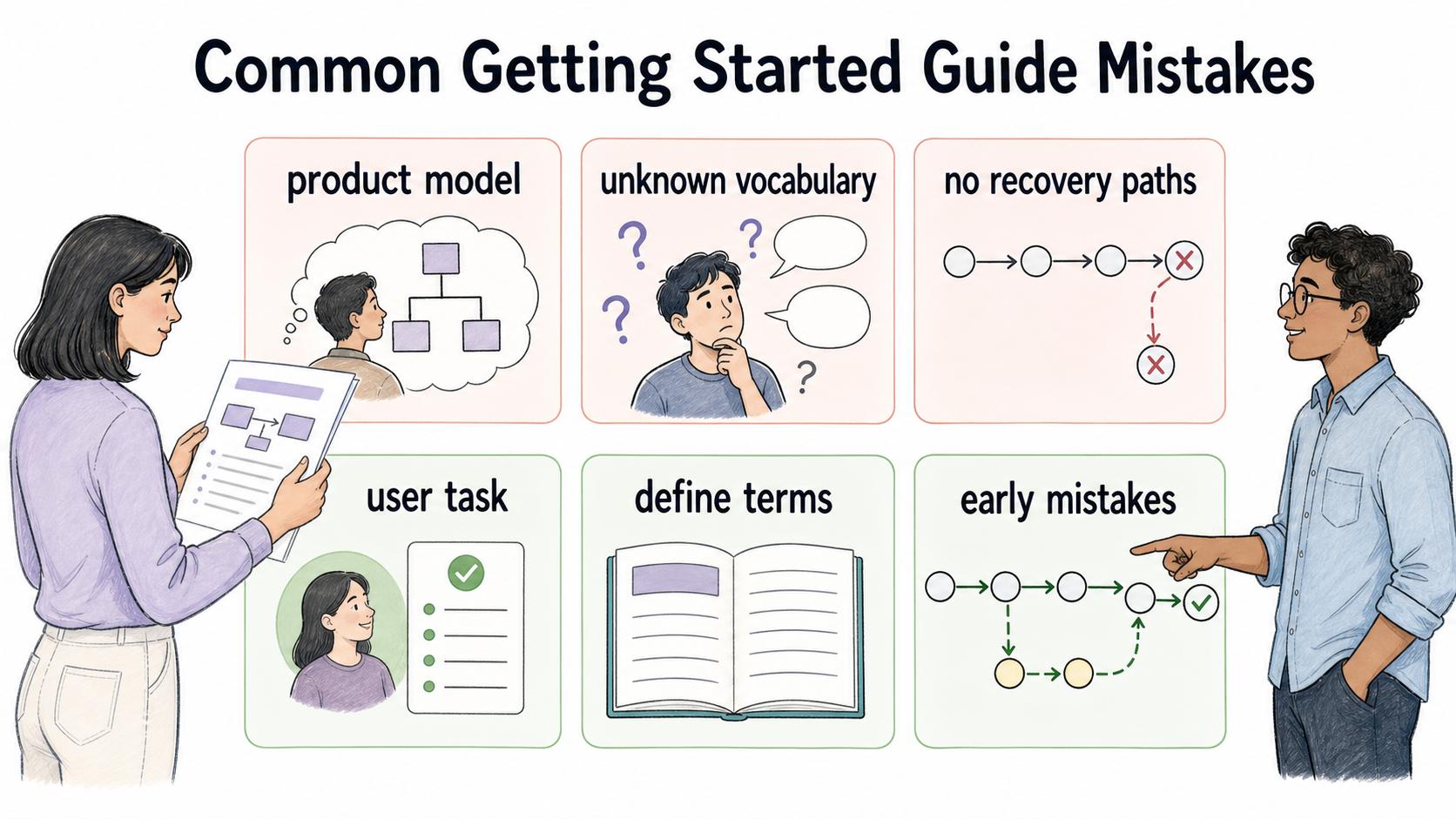
Avoid writing from the product team's mental model: users care about getting a job done, not touring every tab. Define the few terms readers need right before they need them, and call out the two or three early mistakes that would derail the first session.
How Trails helps
Trails is a natural fit for workflow-based first-use guides. Teams can capture the actual setup or first-task flow as someone performs it, then turn it into a polished step-by-step guide or AI-narrated video. This lets subject matter experts document the real experience instead of writing from memory.
FAQ
How long should a getting started guide be?
Long enough to help the reader reach the first useful outcome, but short enough to complete in one sitting. Split advanced setup into separate documents.
Should a getting started guide include screenshots?
Usually, yes—when readers need to recognize screens, buttons, setup states, or success confirmations. Use visuals to reduce uncertainty, not to decorate the page.
What should come after a getting started guide?
Usually a user guide, task-specific tutorial, admin setup guide, workflow library, or troubleshooting page.
Sources
- 1
Nielsen Norman Group. Help and Documentation. www.nngroup.com/articles/help-and-documentation/.
- 2
Nielsen Norman Group. Onboarding Tutorials vs. Contextual Help. www.nngroup.com/articles/onboarding-tutorials/.
- 3
CDC. Clear Communication Index User Guide. www.cdc.gov/ccindex/tool/index.html.