
Glossary
External Knowledge Base
 ChatGPT
 Perplexity
 Gemini
 Claude
What is an external knowledge base?
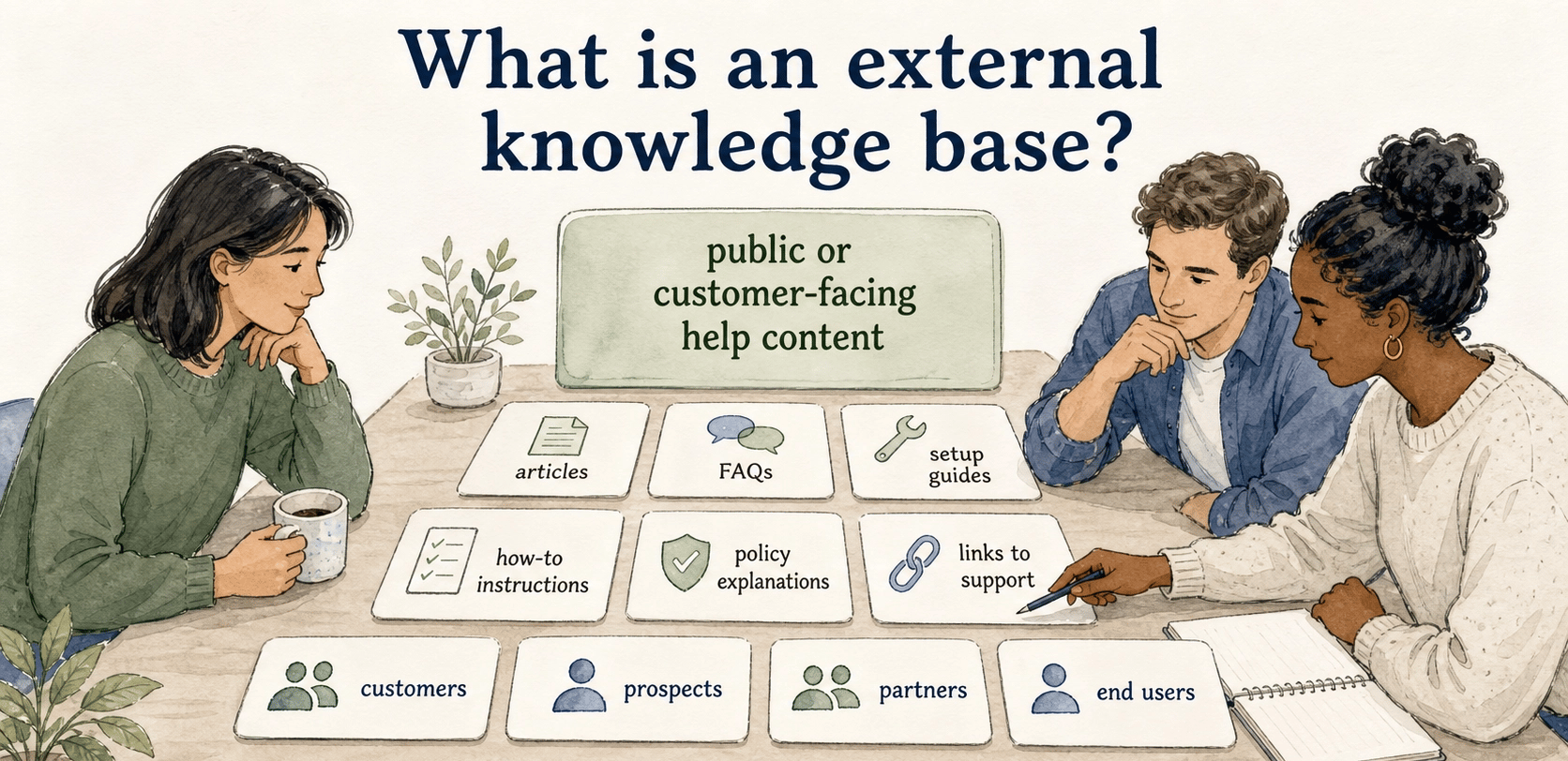
An external knowledge base is a public or customer-facing collection of help content that people outside the company can use to answer questions, learn a product, or troubleshoot issues. It usually includes articles, FAQs, setup guides, how-to instructions, policy explanations, and links to support.
Its audience is customers, prospects, partners, or end users who may not know product language, internal processes, or support structure. Content has to meet the reader in the middle of a task, setup issue, or confusing product moment.
Why external knowledge bases matter
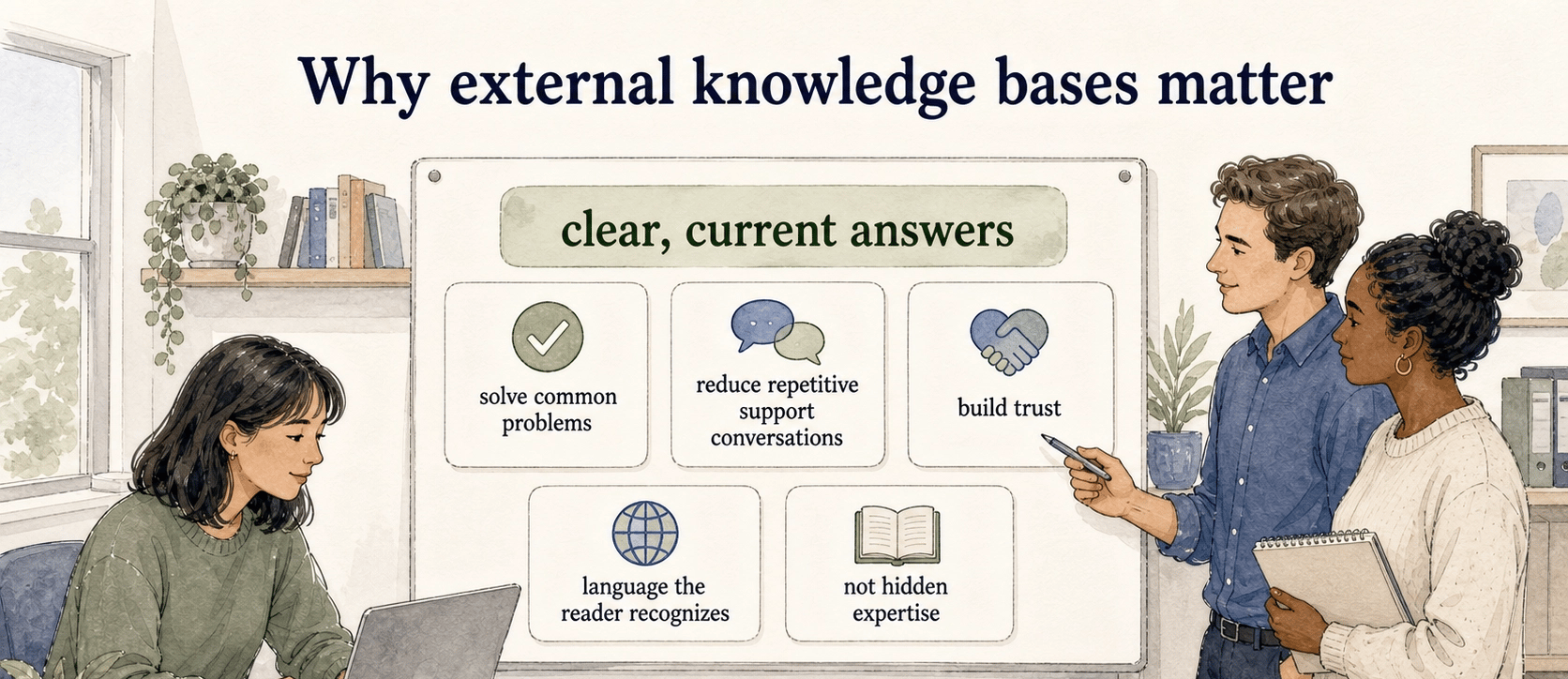
An external knowledge base lets users solve common problems without waiting for a person. Self-service knowledge bases and FAQs help customers find answers quickly, but their larger value is trust: customers become less dependent on hidden expertise inside the company. 1
The bar is higher than for internal notes. External documentation must explain answers in language the reader recognizes. A stale or hard-to-search article can create as much frustration as a broken product flow.
External knowledge base vs. internal knowledge base
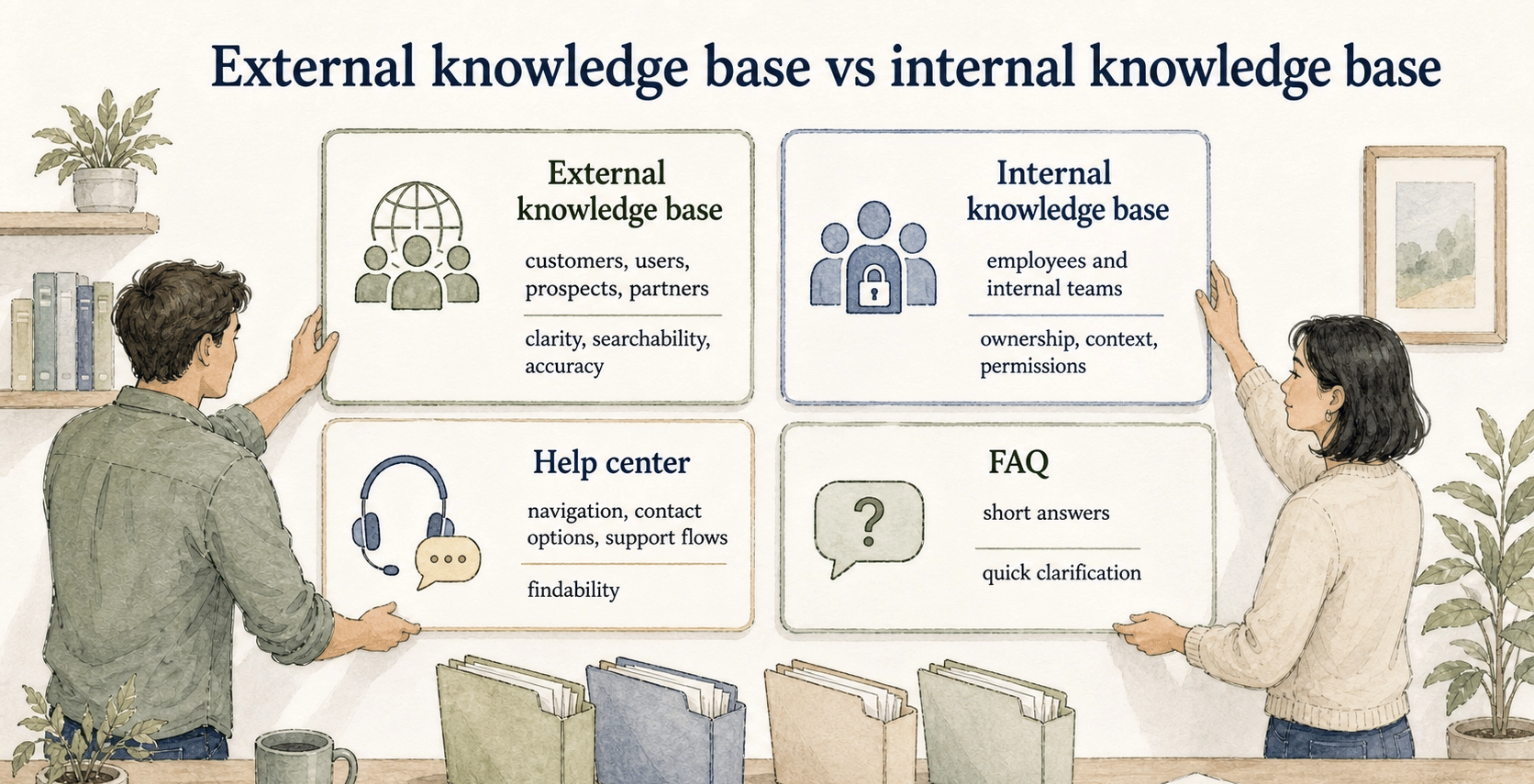
| Type | Audience | Typical content | What matters most |
|---|---|---|---|
| External knowledge base | Customers, users, prospects, partners | Help articles, FAQs, setup guides, troubleshooting, billing guidance | Clarity, searchability, accuracy, support routing |
| Internal knowledge base | Employees and internal teams | SOPs, policies, decisions, and enablement notes | Ownership, context, permissions, consistency |
| Help center | Customers and users | Knowledge base content plus navigation and support flows | Findability and self-service completion |
| FAQ | Customers or internal users | Short answers to repeated questions | Quick clarification |
A help center is the broader support destination; an external knowledge base is the structured library of answers and guides inside it.
What belongs in an external knowledge base
The best candidates are questions and tasks that repeat often enough to justify maintained content: account setup, billing, password reset, permissions, integrations, exports, plan limits, troubleshooting, and product workflows.
- Plain-language title: match the words users actually search for.
- Direct opening answer: explain what the article helps with before background context.
- Step-by-step guidance: include prerequisites and expected results when needed.
- Exception handling: explain what to do when the normal path fails.
- Ownership and review triggers: name who updates the article when the product, pricing, policy, or workflow changes.
Ownership is the difference between a helpful knowledge base and a museum of old answers.
How to structure an external knowledge base
Organize around user intent before company departments. Customers think in tasks such as setting up an account, inviting a teammate, changing billing, fixing an error, exporting a file, or understanding a limit. User-needs guidance recommends identifying who users are, what they are trying to do, and their frustrations before writing content. 2
- Getting started
- Account and access
- Product workflows
- Billing and plans
- Integrations
- Troubleshooting
- Policies and security
- Contact support
Test categories against real search behavior and support tickets. Labels and context matter because users choose paths based on cues that suggest where their answer is likely to be. 3
Common mistakes
Do not mirror internal language when customers use different words. Do not treat article volume as progress: overlaps and contradictions make a knowledge base worse, and consolidation is often better than expansion.
Connect product changes to documentation updates. Content health should be assessed against defined standards and purpose; when a setting moves, a plan changes, or onboarding is redesigned, related articles need review. 4
Practical review checklist
## External knowledge base review checklist

**Glossary term:** External Knowledge Base
**Source:** Trails Glossary — trails.so/glossary/external-knowledge-base

---

### 01. Review an external knowledge base article

"Review this external knowledge base article.

Identify: audience; user intent; likely search or navigation entry point; prerequisites; whether the direct answer appears in the first lines; whether steps are current, complete, and ordered; exceptions; support escalation; article owner; and product or policy changes that should trigger a review."
This keeps content tied to customer behavior instead of internal convenience.
How Trails helps
Trails helps teams capture repeatable product and operational workflows and turn them into polished guides or AI-narrated videos, especially for setup, administration, troubleshooting, and workflow articles.
Explore Trails knowledge bases for publishing a searchable guide library, and Trails for customer success and support for creating the customer workflows that belong in it.
FAQ
Is an external knowledge base the same as a help center?
Not exactly. A help center is the broader customer support destination; an external knowledge base is the library of customer-facing articles and answers that often lives inside it.
What should it include?
Common customer questions, product workflows, setup guidance, troubleshooting articles, policy explanations, and links to support when self-service is not enough.
Who should own it?
Support, customer success, product, and operations often share ownership, but each article needs a clear owner responsible for accuracy.
How do you keep it current?
Tie reviews to product releases, pricing changes, policy updates, recurring tickets, and search behavior that shows users are not finding the right answer.
Sources
- 1
Microsoft. Global State of Customer Service report. marketingassets.microsoft.com/gdc/gdcPiLLQw/original?ocid=mkto_eml_EM582302A1LA1.
- 2
UK Government. Identify user needs. guidance.publishing.service.gov.uk/writing-to-gov-uk-standards/plan-manage-content/identify-user-needs/.
- 3
Nielsen Norman Group. Information scent. www.nngroup.com/articles/information-scent/.
- 4
Consortium for Service Innovation. KCS content health indicators. library.serviceinnovation.org/KCS/KCS_v6/KCS_v6_Practices_Guide/030/040/010/065.