
Glossary
In-App Guidance
 ChatGPT
 Perplexity
 Gemini
 Claude
What is in-app guidance?
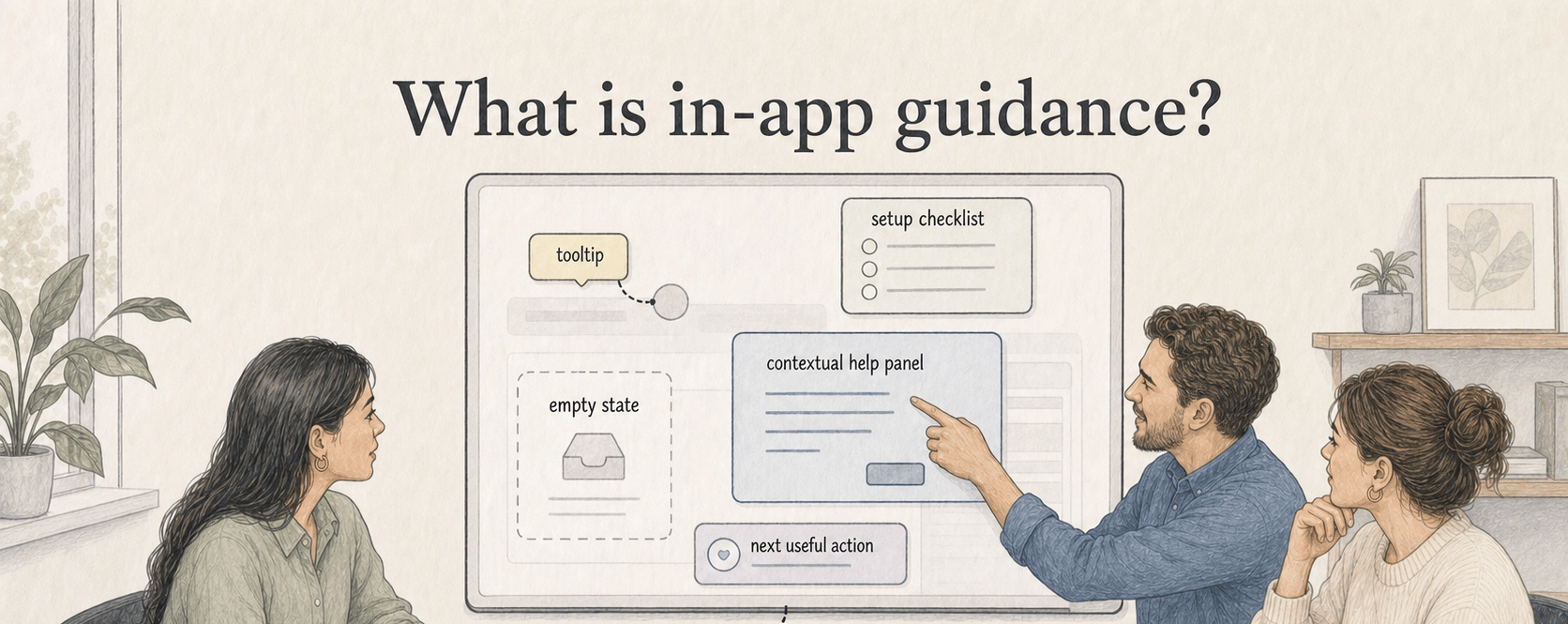
In-app guidance is help, instruction, or coaching that appears inside a software product while someone is using it. It can show up as a tooltip beside a confusing field, a setup checklist, a contextual help panel, an empty state, or a prompt that points users toward the next useful action.
Good in-app guidance has a narrow job: reduce uncertainty on the screen in front of the user. It should help someone choose, continue, or recover without pulling them out of the workflow.
Why in-app guidance matters
Most users do not want to stop mid-task, open a help center, search for an article, and translate that article back to the screen they are using. In-app guidance closes that gap by placing an explanation near the moment of need. 1
The tradeoff is attention. Guidance sits inside the user's workspace, so every prompt has to earn its place. If it does not reduce uncertainty at a specific decision point, it becomes friction. 2
Common forms of in-app guidance
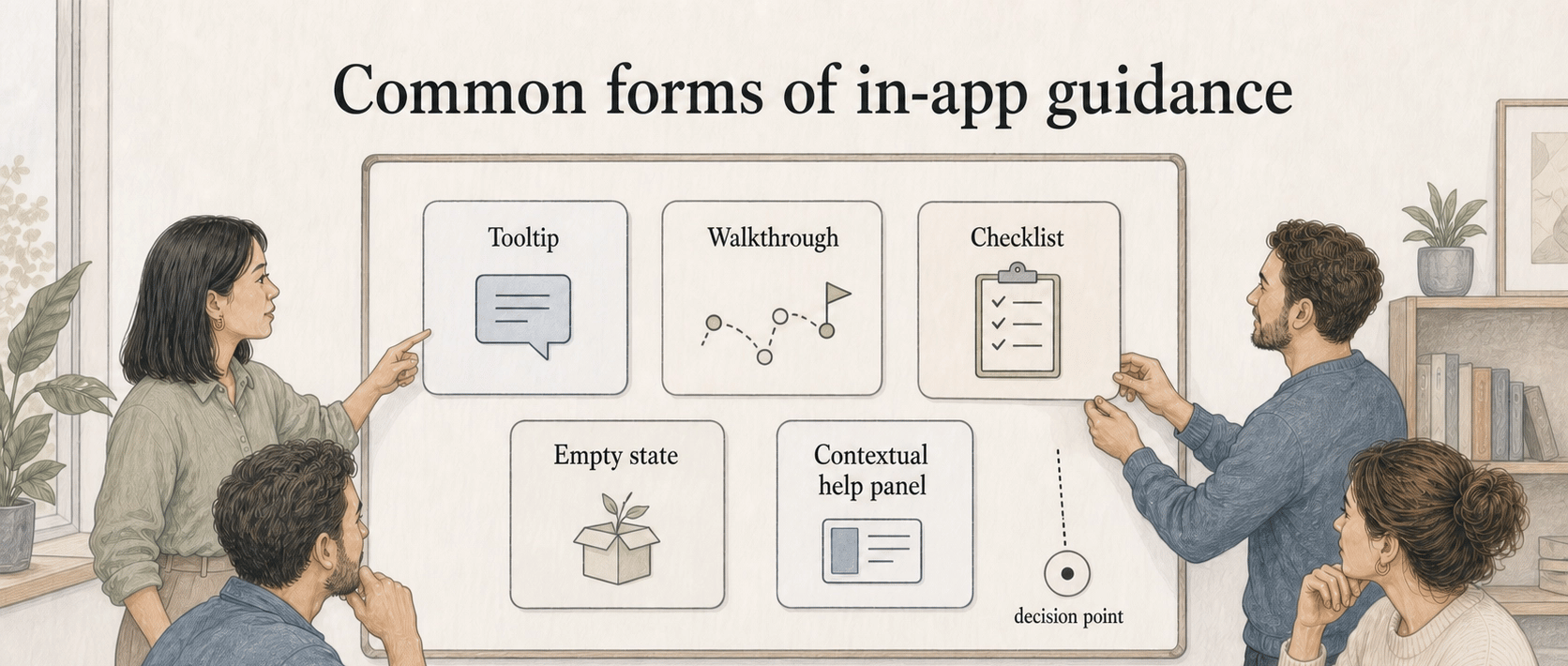
| Form | Best used for | What can go wrong |
|---|---|---|
| Tooltip | Explaining a field, setting, or icon | It hides important context behind a hover or click |
| Walkthrough | Introducing a short workflow | It becomes a tour people click through without learning |
| Checklist | Helping users complete setup | It rewards completion without confirming quality |
| Empty state | Explaining what to do before data exists | It turns into marketing copy instead of a next step |
| Contextual help panel | Supporting complex tasks without leaving the page | It repeats help-center content without adapting to the screen |
The format matters less than the timing. A small tooltip can be more useful than a polished tour if it appears exactly where the user is making a decision.
In-app guidance vs product documentation
In-app guidance helps someone act in the current interface. Product documentation explains the broader task, policy, workflow, or exception behind the interface. Use guidance for immediate orientation; use documentation when the user needs durable context. 3
A five-step tooltip sequence can point to a workflow guide or summarize the next decision, but it should not become a miniature manual.
What makes in-app guidance useful
- Tie it to a user decision. Help users choose, confirm, fix, or continue instead of repeating the interface.
- Separate setup help from repeat-use help. First-time users may need prompts; daily users need speed and fewer interruptions.
- Explain consequences, not just actions. Explain what saving or changing something will do.
- Give users an escape path. Link to the full article, video, or process document without forcing users to leave the task.4
AI-ready prompt for planning in-app guidance
## In-App Guidance Plan

**Glossary term:** In-App Guidance
**Source:** Trails Glossary — trails.so/glossary/in-app-guidance

---

### 01. Plan focused guidance

"You are helping design in-app guidance for [product/workflow].
Audience: [user role]
User goal: [job they are trying to complete]
Screen or step: [where the guidance appears]
Known confusion or risk: [what users misunderstand or skip]

Create a guidance plan with:
1. The user's likely question at this moment.
2. The shortest helpful message for the interface.
3. One optional link target for deeper documentation.
4. Whether guidance should appear once, until dismissed, or always.
5. A failure mode to avoid.

Keep the copy practical, specific, and tied to the user's next decision."
Documentation takeaway
In-app guidance works best when it sits on top of clear documentation. The interface can answer the immediate question; the guide can explain the full workflow, policy, and edge cases that do not fit inside a tooltip. Trails helps teams capture workflows as they are performed and turn them into maintained step-by-step guides and AI-narrated video.
See how Trails Assistant brings guides into the application, matching the training to the page someone is using while keeping the full written steps and video available.
FAQ
Is in-app guidance the same as onboarding?
No. Onboarding is the broader process of helping a user become successful. In-app guidance is one channel inside that process, tied to specific screens, tasks, or decisions.
Should every feature have in-app guidance?
No. Add guidance where users hesitate, make avoidable mistakes, skip required context, or need to understand a consequence.
What is the biggest mistake with in-app guidance?
Explaining the interface instead of helping the user make a decision. If the message does not reduce uncertainty, it is probably decoration.
Sources
- 1
Nielsen Norman Group. Help and Documentation. www.nngroup.com/articles/help-and-documentation/.
- 2
Nielsen Norman Group. Onboarding Tutorials vs. Contextual Help. www.nngroup.com/articles/onboarding-tutorials/.
- 3
Nielsen Norman Group. Help and Documentation. www.nngroup.com/articles/help-and-documentation/.
- 4
W3C. Understanding Consistent Help. www.w3.org/WAI/WCAG22/Understanding/consistent-help.html.