
Glossary
Step-by-Step Guide
 ChatGPT
 Perplexity
 Gemini
 Claude
What is a step-by-step guide?
A step-by-step guide is a sequence of instructions for completing one task. Each step should tell the reader what to do next and, when useful, show the screen, field, decision, warning, or expected result that confirms they are on track.1
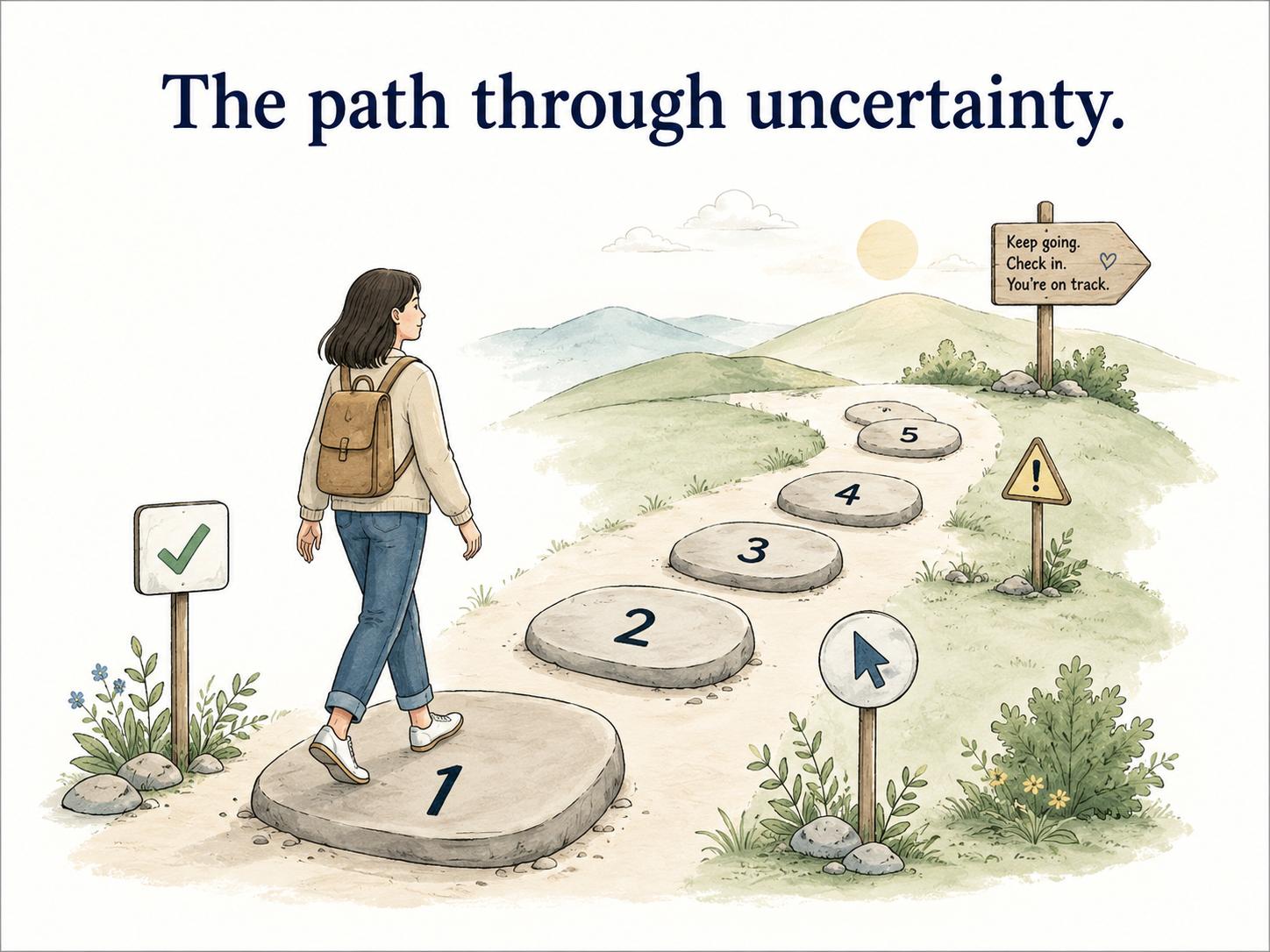
A good guide does more than number the work. It removes the small points of uncertainty that make people stop: where to begin, what to click, which value to enter, what to verify, and when to escalate.2
When to use a step-by-step guide
Use a step-by-step guide when the order of actions matters and someone needs to repeat the same task reliably. It works well for software workflows, onboarding tasks, support procedures, admin work, and recurring operations that break when one step is missed.
A refund workflow is a good example. The reader needs the right account, the right amount, the right approval, and the right confirmation message in the right order. A broad policy can explain whether the refund is allowed; the guide shows exactly how to process it.
A step-by-step guide is weaker when the work depends mostly on judgment. In that case, pair the instructions with a policy, decision tree, examples, or escalation rules so the reader knows how to choose the right path.
What a step-by-step guide should include
A useful guide gives the reader enough context to succeed without burying the instructions.
Start with the outcome, the audience, and any prerequisites such as permissions, accounts, tools, inputs, or setup. Then write the steps in order, with one meaningful action per step where possible.
Screenshots help when the interface matters, but they do not fix unclear writing. Add visuals where they prevent a wrong turn. Put warnings beside the step they affect. End with the expected result so the reader knows the task is complete.
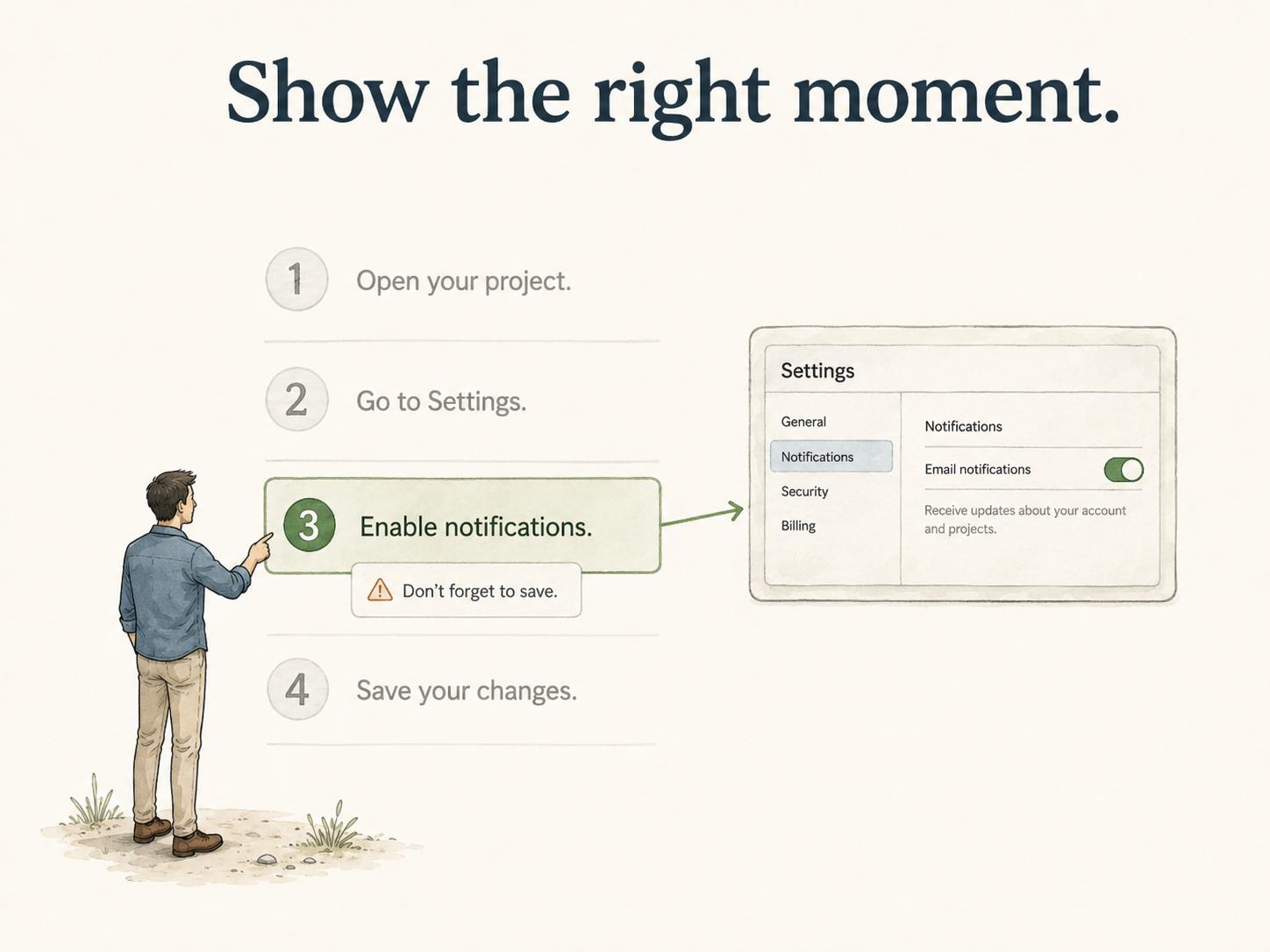
The simplest test is whether a qualified reader can follow the guide without asking the same follow-up questions every time.
Step-by-step guide vs SOP vs checklist
These formats overlap, but they do different jobs.
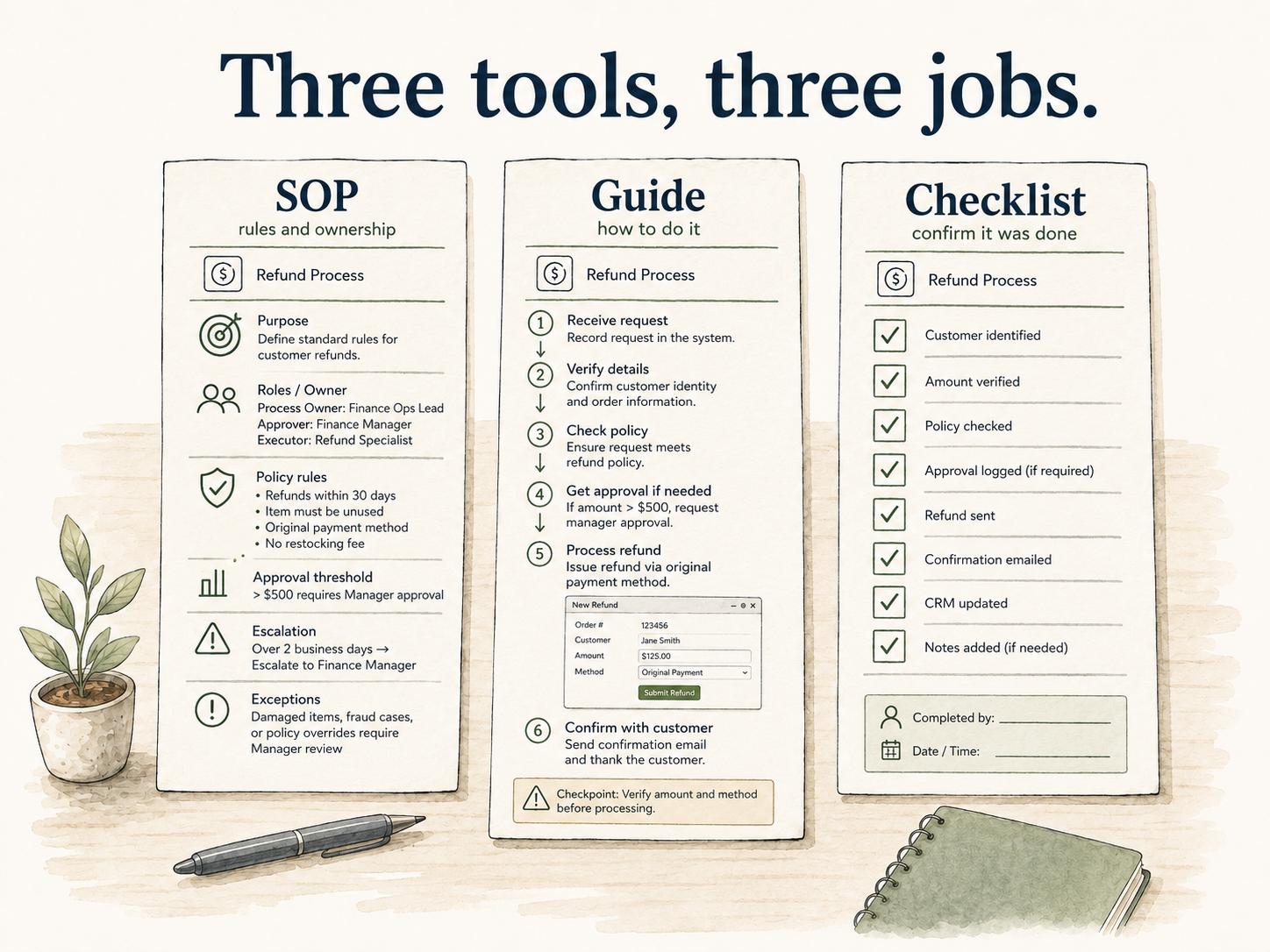
A step-by-step guide explains how to complete a specific task. A standard operating procedure explains the approved way a recurring process should be performed, often with scope, ownership, controls, and escalation rules. A checklist helps someone confirm that required items were handled.
For a customer refund, the SOP might define policy, roles, approval thresholds, exceptions, and audit requirements. The step-by-step guide shows how to issue the refund in the payment system. The checklist helps the agent confirm eligibility, amount, and customer notification.
Use the SOP for governance, the guide for execution, and the checklist for verification.
How to write a useful step-by-step guide
Start with the work as it actually happens. Watch someone perform the task or capture the workflow while they do it, then edit the raw sequence into instructions someone else can trust.
Break the task into steps that each ask the reader to do one meaningful thing. Start each step with a direct verb. Put decisions, warnings, and screenshots near the step they affect. If the reader needs a separate reference before starting, link to that reference before the instructions begin.3
The editing pass is where quality shows up. A raw capture tells people what happened once. A polished guide tells them what should happen every time.
AI-ready step-by-step guide prompt
## Step-by-Step Guide Prompt

**Glossary term:** Step-by-step guide
**Source:** Trails Glossary — trails.so/glossary/step-by-step-guide

---

### 01. Create a practical step-by-step guide

"Create a step-by-step guide for [task/process] used by [team/audience].

Goal: [what the reader should accomplish]
Tools or systems: [tools]
Prerequisites: [permissions, accounts, setup, or inputs]
Raw workflow notes: [paste notes, transcript, recording summary, or SME explanation]

Write the guide with:
- A short overview
- Prerequisites
- Numbered steps using direct action verbs
- Warnings for common mistakes
- Expected final result
- Escalation or troubleshooting notes if something goes wrong

Keep the instructions practical and specific. Flag any missing information that must be confirmed before publishing."
AI can structure the first draft, but it should not be the final reviewer. The person who owns or performs the task still needs to check accuracy.
Common mistakes
The first mistake is making steps too broad. "Update the customer record" might hide five separate actions. If the reader can take a wrong turn inside a step, break it down.
The second mistake is writing for the expert instead of the learner. Experts skip context because the task feels obvious. New employees, backup owners, and cross-functional partners need more signposts.
The third mistake is letting guides age. Step-by-step instructions are sensitive to software changes. A single renamed button can make an otherwise useful guide feel untrustworthy.
Documentation takeaway
A step-by-step guide should make the correct sequence easy to follow and hard to misread. It should show the steps, explain the checkpoints, and give the reader enough context to recover when the work does not follow the happy path.
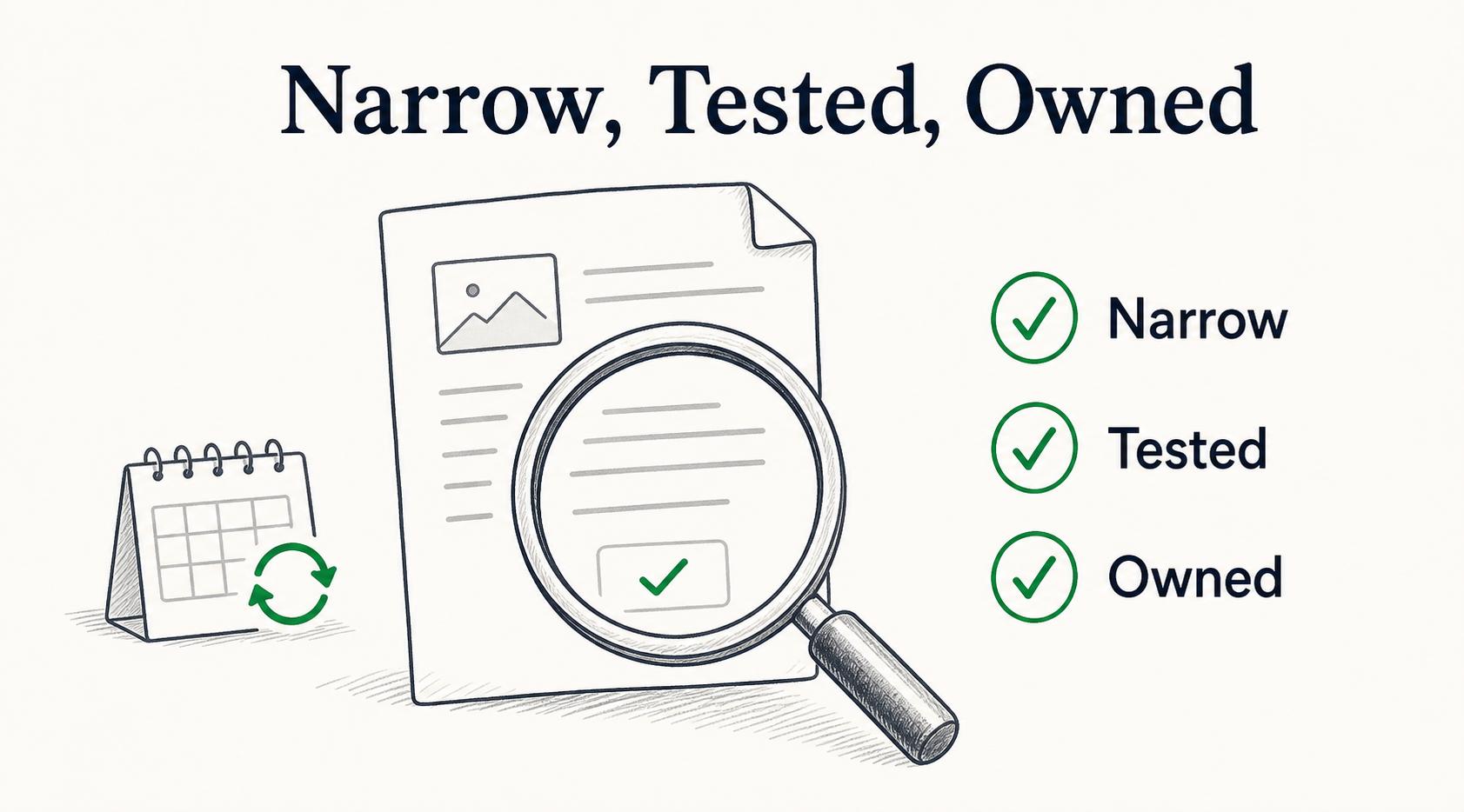
The best guides are narrow, tested, and owned. They do not explain the whole process universe; they help the reader complete one real task correctly.
How Trails helps
Trails captures a workflow as someone performs it, then turns that workflow into a polished step-by-step guide. That is useful when the work is too detailed to reconstruct from memory.
Trails can also create an AI-narrated video version, giving teams written instructions for reference and video for training or sharing.
- Steps recorder
- Quick start guide
- User guide
- Digital work instruction
- Visual work instruction
- Standard operating procedure
- Work instruction
Sources
- 1
Microsoft. Procedures and instructions. Microsoft Learn. learn.microsoft.com/en-us/style-guide/procedures-instructions/. Accessed July 6, 2026.
- 2
Nielsen Norman Group. Help and Documentation. Nielsen Norman Group. www.nngroup.com/articles/help-and-documentation/. Accessed July 6, 2026.
- 3
PlainLanguage.gov. Address the user. PlainLanguage.gov. www.plainlanguage.gov/guidelines/audience/address-the-user/. Accessed July 6, 2026.