
Glossary
Documentation Review
 ChatGPT
 Perplexity
 Gemini
 Claude
What is documentation review?
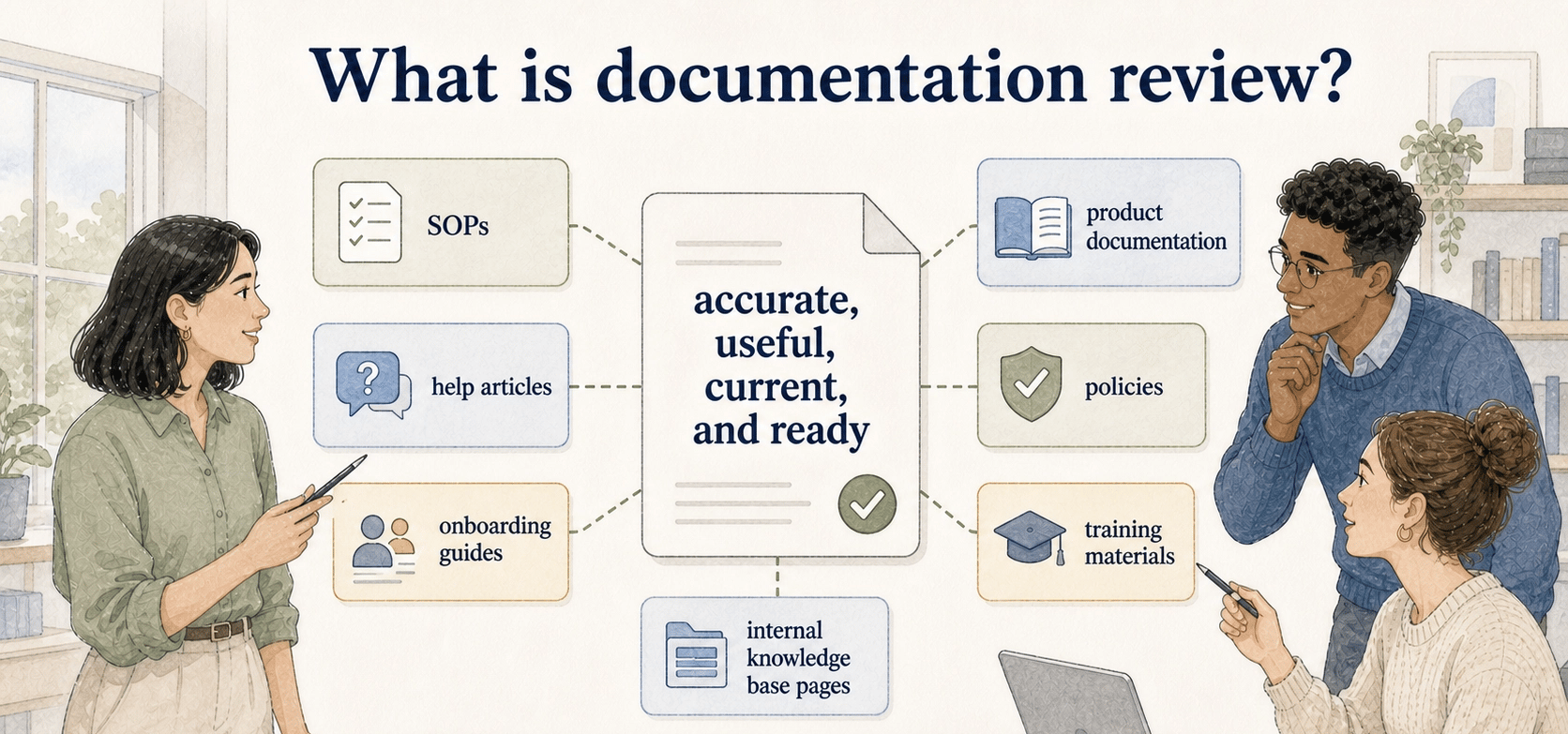
Documentation review is the process of checking whether a document is accurate, useful, current, and ready for its intended audience. It can apply to SOPs, help articles, onboarding guides, product documentation, policies, training materials, and internal knowledge base pages.
Proofreading catches surface-level issues. Documentation review asks whether someone can rely on the page to do the right work without guessing, asking around, or following outdated instructions. ISO's guidance on documented information frames documentation as a way to communicate, provide evidence, and support knowledge sharing, which is why review has to test whether the page still supports real use. 1
What documentation review should evaluate
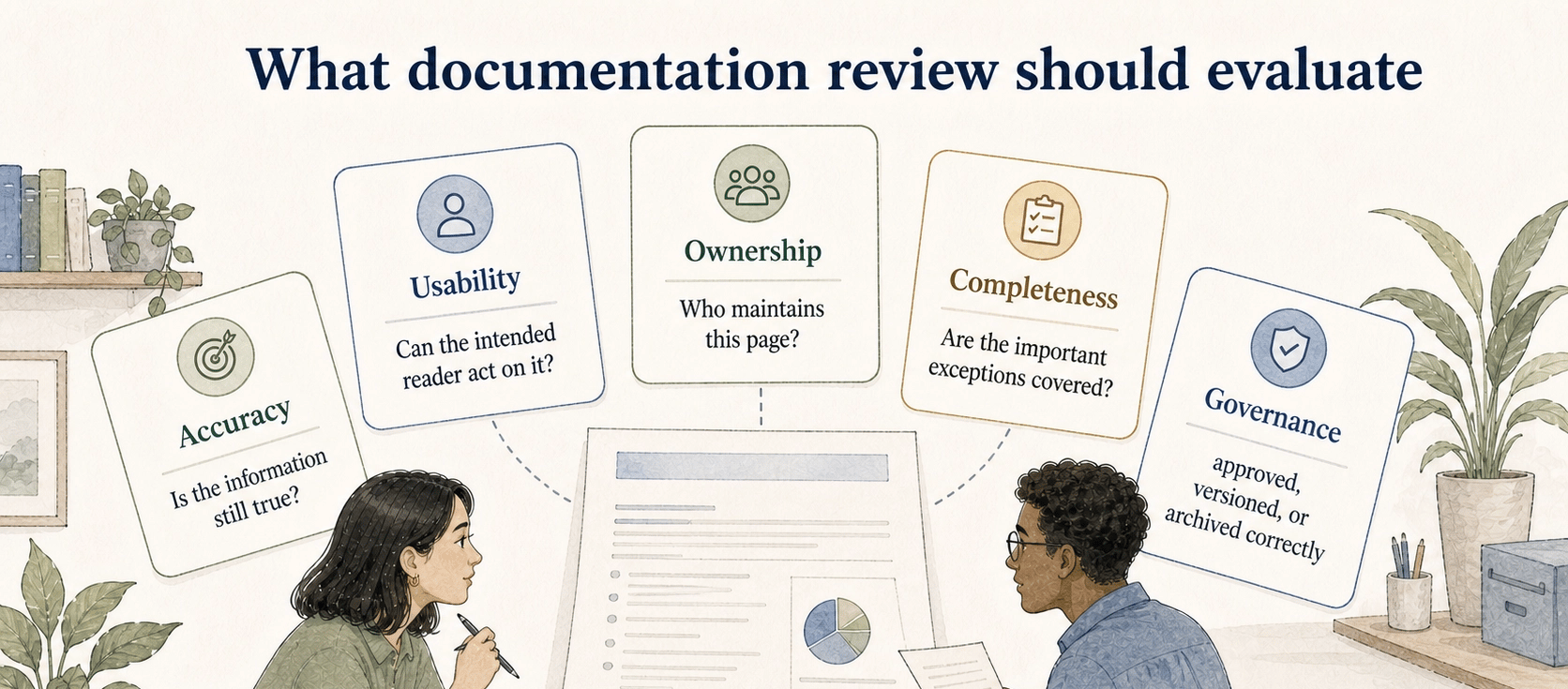
A strong documentation review looks at the document from multiple angles. A page can be grammatically clean and still fail because the owner is unclear, the steps no longer match the product, or the audience cannot tell when the instructions apply.
| Review lens | Question to ask | Common failure |
|---|---|---|
| Accuracy | Is the information still true? | The process changed but the page did not |
| Usability | Can the intended reader act on it? | Steps assume hidden knowledge |
| Ownership | Who maintains this page? | Everyone uses it, nobody owns it |
| Completeness | Are the important exceptions covered? | The happy path is documented, edge cases are not |
| Governance | Is it approved, versioned, or archived correctly? | Old and new guidance both remain visible |
The review should match the risk of the content. A casual internal tip may need a quick owner check. A customer-facing troubleshooting article, compliance-sensitive SOP, or employee policy may need subject matter review, approval, and a clearer change record.
Documentation review vs approval
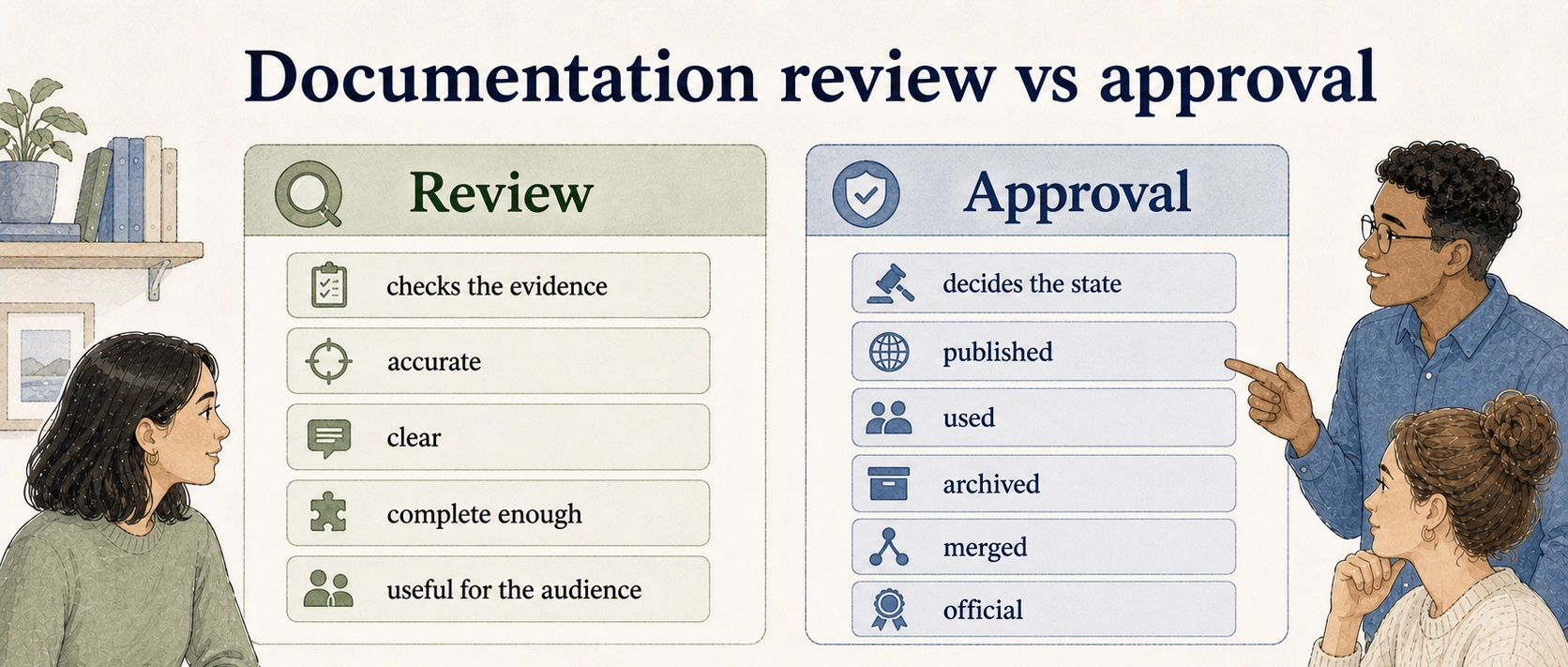
Review and approval are related, but they answer different questions.
Review checks the evidence: whether the content is accurate, clear, complete enough, and useful for the intended audience. Usability testing guidance from Nielsen Norman Group emphasizes observing real users to uncover problems and opportunities, which is the same reason a documentation review should include a reader-usability lens rather than only expert proofreading. 2
Approval decides the state of the document: whether it can be published, used, archived, merged, or treated as official. If approval happens without real review, the organization has a stamp instead of confidence. If review happens without a clear approval path, people may keep debating a document that is already good enough to ship.
A practical workflow separates the two: reviewers leave comments, corrections, and questions; the owner resolves them; the approver decides whether the page is ready for its next state.
When to run a documentation review
Documentation reviews are most useful at specific trigger points. Review a page when a process changes, a product release affects instructions, a support issue reveals confusion, a new teammate struggles with onboarding, or a page becomes part of formal training.
Scheduled reviews still matter, but they should not be the only mechanism. A quarterly review cycle will not catch a broken onboarding guide the week after a workflow changes. APQC's content-lifecycle guidance notes that maintaining content over time is harder than creating it because it must keep reflecting the organization's latest knowledge. 3 The better pattern is a mix of scheduled reviews and event-triggered reviews.
The hidden failure mode is reviewing what is easy to see instead of what readers depend on. Teams often fix titles, formatting, and tone while leaving the risky parts untouched: outdated screenshots, missing exception handling, unclear permissions, and steps that no longer match the actual tool.
A practical documentation review workflow
Start by naming the document owner. Without an owner, review comments become loose opinions. The owner should define the audience, the purpose of the page, and the decision needed from reviewers.
Next, assign reviewer roles. One subject matter expert checks accuracy. One target reader or teammate checks usability. One manager, documentation owner, or governance lead checks whether the page fits the larger system.
Then review against a short brief instead of asking for general feedback. "Please review" invites style edits. "Check whether the refund steps match the current billing workflow and flag any exceptions a new support rep would miss" gets better signal.
Finally, close the loop. Resolve comments, record the decision, update the status, and set the next review trigger. A review that ends in scattered comments is not finished.
Documentation review brief template
Use this prompt to prepare a focused review instead of sending a vague request.
## Documentation Review Brief

**Glossary term:** Documentation Review
**Source:** Trails Glossary — trails.so/glossary/documentation-review

---

### 01. Create a documentation review brief

"Create a documentation review brief for [document/page].
Audience: [reader group]
Purpose of the document: [job it helps the reader complete]
Review trigger: [new page, process change, scheduled review, issue found, product change]
Ask reviewers to check:
- Accuracy of steps, screenshots, examples, and terminology
- Missing edge cases or exception paths
- Reader usability for [experience level]
- Ownership, approval, and next review date
- Whether the page should be published, revised, archived, or merged
Include a clear deadline and define who makes the final decision."
Documentation takeaway
Documentation review keeps useful docs from quietly becoming risky docs. The point is to make sure the document is trustworthy enough for the decision, workflow, or training moment it supports.
A good review process is narrow, explicit, and owned. It tells reviewers what kind of feedback matters, gives the document owner authority to resolve it, and records the result so readers know whether the page is current.
How Trails helps
Trails helps teams capture the real workflow behind a document before or during review. Instead of reviewing stale instructions in isolation, a reviewer can compare the written steps against a fresh captured walkthrough. Trails can turn that workflow into a polished step-by-step guide and create an AI-narrated video version for training or review context.
Sources
- 1
ISO. ISO guidance on documented information for ISO 9001:2015. www.iso.org/iso/documented_information.pdf.
- 2
Nielsen Norman Group. Usability testing guidance. www.nngroup.com/articles/usability-testing-101/.
- 3
APQC. 4 steps to manage the content lifecycle. www.apqc.org/resource-library/resource-listing/4-steps-manage-content-lifecycle.