
Glossary
Information Architecture
 ChatGPT
 Perplexity
 Gemini
 Claude
What is information architecture?
Information architecture is the way information is organized, labeled, connected, and presented so people can find and use it. The VA design system describes IA as organization, labeling, and navigation that help people find what they need and complete intended tasks. 1
It is usually discussed in websites, apps, knowledge bases, intranets, and documentation systems, where structure determines whether content feels clear or chaotic.
What information architecture includes
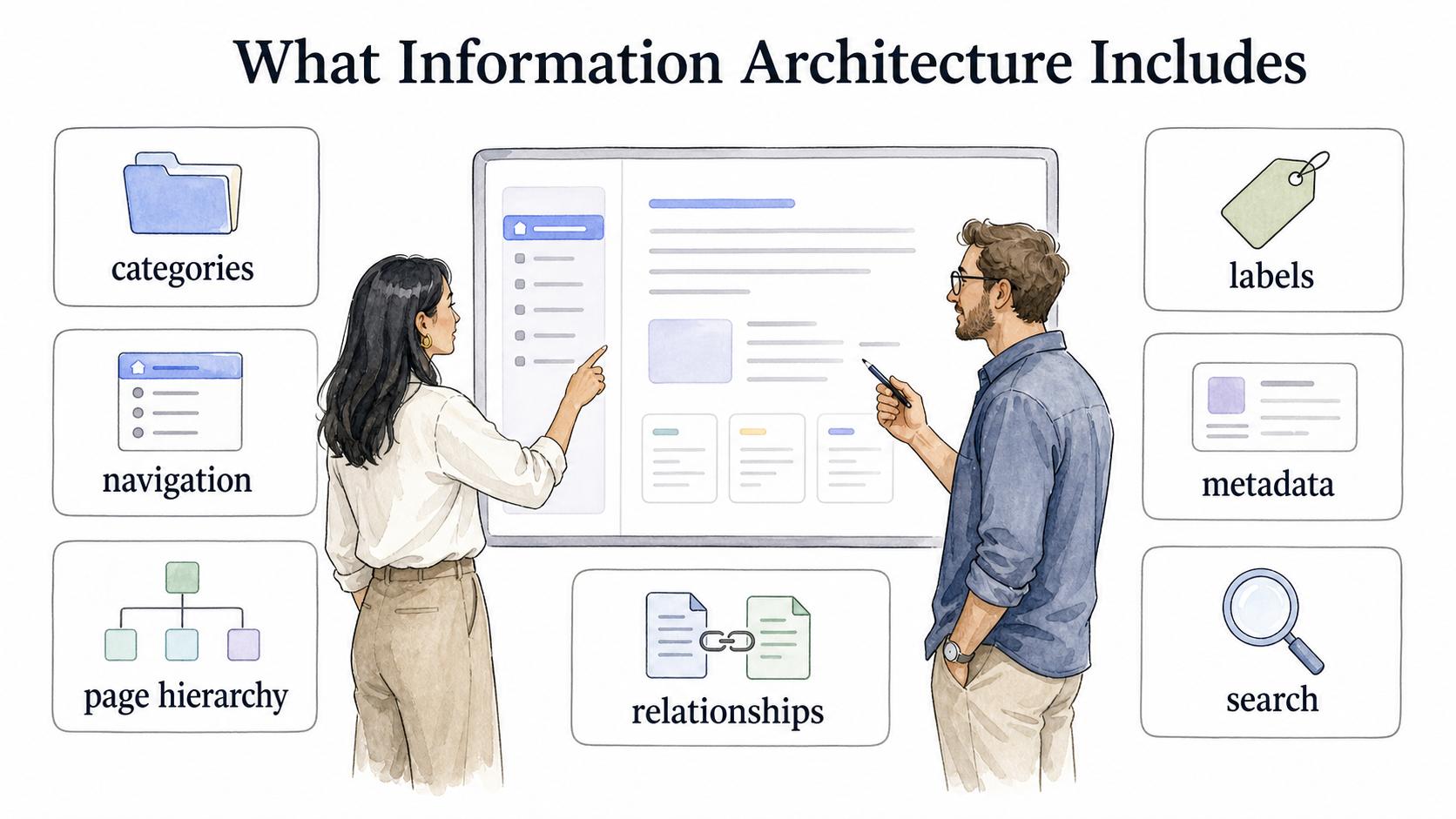
Information architecture covers categories, navigation, page hierarchy, labels, metadata, search behavior, and relationships between content. Organizing content around internal structures or workstreams often does not make logical sense to users. 2
A useful test is whether a new user can predict where something belongs. Card sorting can uncover users' mental models and create an architecture that better matches their expectations. 3
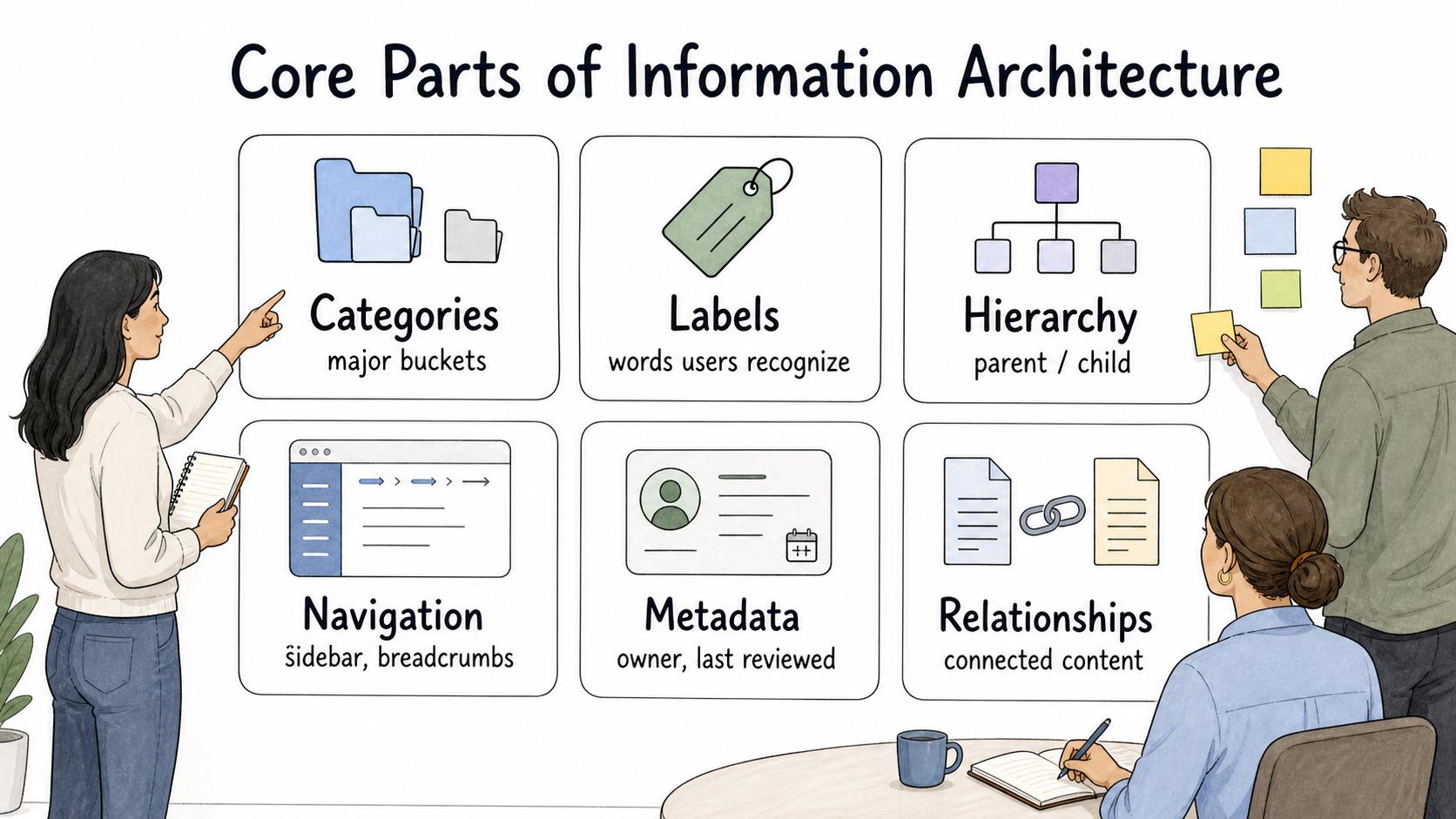
Core parts of information architecture
| Part | Question it answers | Example in documentation |
|---|---|---|
| Categories | What major buckets does content belong in? | Onboarding, billing, troubleshooting, admin setup |
| Labels | What words will users recognize? | Reset password instead of credential recovery |
| Hierarchy | What should be broad, narrow, parent, or child? | A billing overview with task-specific guides |
| Navigation | How do users move through the system? | Sidebar sections, breadcrumbs, related articles |
| Metadata | What context improves filtering or search? | Role, product area, region, owner, last reviewed date |
| Relationships | What content should be connected? | Link an SOP to work instructions and a training guide |
Information architecture is both a design problem and a governance problem. A clean structure decays if nobody owns where new content goes, what gets archived, and how labels stay consistent.
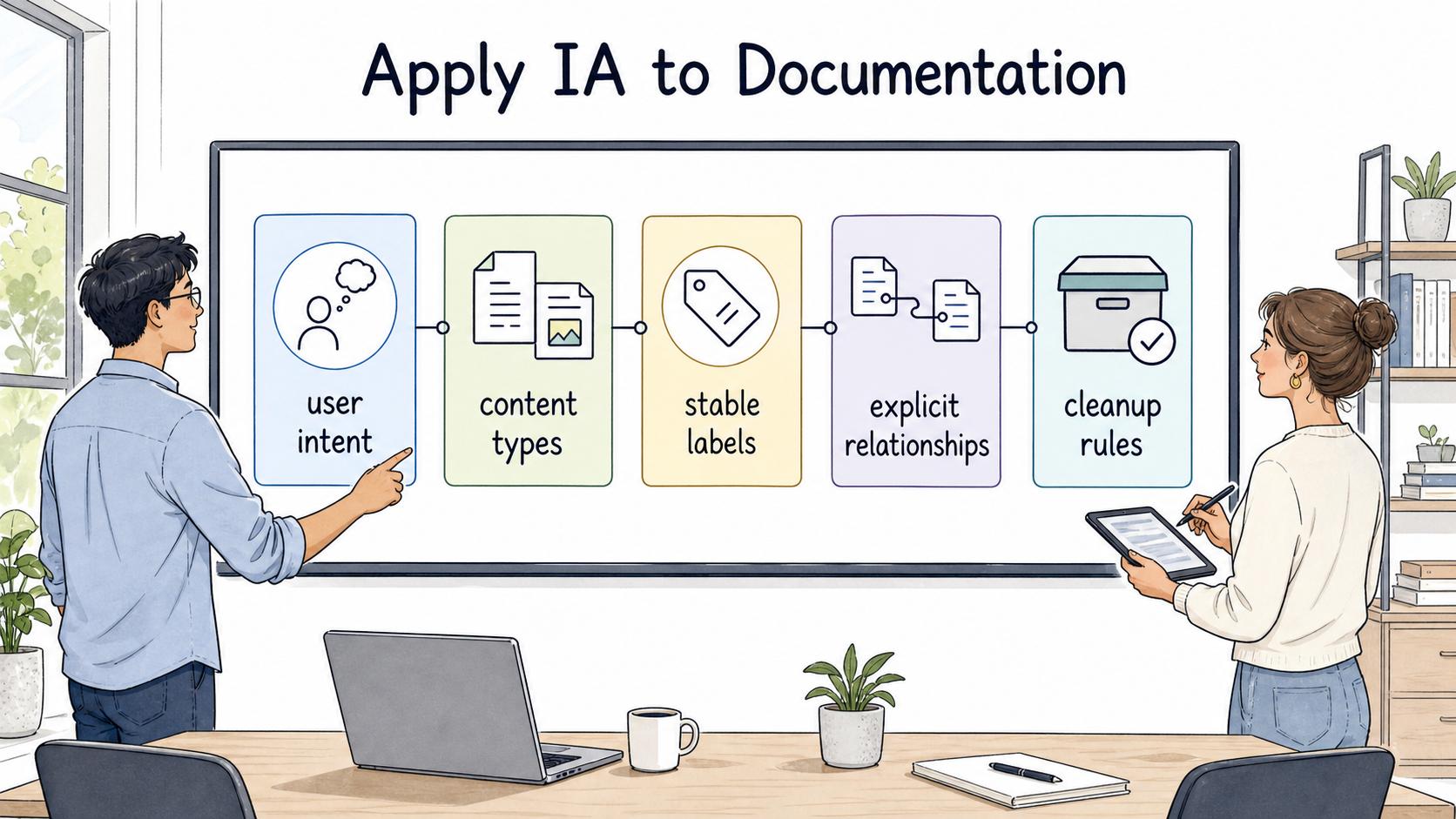
How to apply information architecture to documentation
- Start with user intent, not the team that owns content.
- Define content types before categories.
- Use stable labels that match how people search.
- Make relationships explicit between policies, SOPs, work instructions, and troubleshooting steps.
- Plan cleanup rules for new sections, archiving, duplicate content, and changing work patterns.
Quick audit prompt
## Information architecture audit prompt

**Glossary term:** Information Architecture
**Source:** Trails Glossary — trails.so/glossary/information-architecture

---

### 01. Audit a documentation system

"Review the information architecture for [documentation system]. Identify the main user intents, current content categories, confusing labels, duplicate or overlapping sections, missing relationships between pages, and governance gaps. Recommend the smallest structure changes that would help users find the right answer faster without creating a full reorganization project."
Many IA problems improve with clearer labels, better cross-links, or a few merged categories before a full redesign is justified.
Documentation takeaway
Information architecture turns a collection of pages into a system people can navigate. It helps teams decide where content belongs, how people find it, and how the system stays coherent as information grows.
Sources
- 1
VA Design System. Information architecture. design.va.gov/ia/.
- 2
New Zealand Digital Government. Information architecture guidance. dns.govt.nz/standards-and-guidance/design-and-ux/content-design-guidance/research-plan-maintain/information-architecture-ia.
- 3
Nielsen Norman Group. Card Sorting: Definition. www.nngroup.com/articles/card-sorting-definition/.
- 4
Nielsen Norman Group. Information Architecture vs. Navigation. www.nngroup.com/articles/ia-vs-navigation/.