
Glossary
Agile Documentation
 ChatGPT
 Perplexity
 Gemini
 Claude
Overview
Agile documentation is right-sized documentation that supports fast, iterative work. It captures the decisions, context, requirements, workflows, and technical knowledge a team needs to build, operate, support, and improve a product or process without pretending every detail can be known upfront.
The common misunderstanding is that agile means "no documentation." The Agile Manifesto values working software over comprehensive documentation while still saying there is value in the item on the right. Agile documentation should be light enough to change and strong enough that the team doesn't rediscover the same answer every sprint.1
How agile documentation works
Traditional project documentation often tries to define the whole plan before work begins. Agile documentation accepts that some information will change as the team learns. The documentation evolves with the work; ISO/IEC/IEEE 26515 exists specifically to address developing user information in agile software and systems projects.2
That does not mean everything can stay in conversations. Agile teams still need shared context: acceptance criteria, architecture decisions, release notes, runbooks, onboarding notes, customer-facing changes, and process updates. The difference is that those docs are created close to the work, updated as the work changes, and focused on decisions people need to make.
Healthy agile documentation has a short feedback loop. The Scrum Guide grounds Scrum in empiricism: transparency, inspection, and adaptation, which is the same operating logic behind updating docs when the work changes. If a support handoff exposes a missing troubleshooting step, update the runbook. If a sprint review changes a requirement, update the ticket or product note. If a process becomes repeatable, capture it before the knowledge stays with one person.3
What agile documentation should include
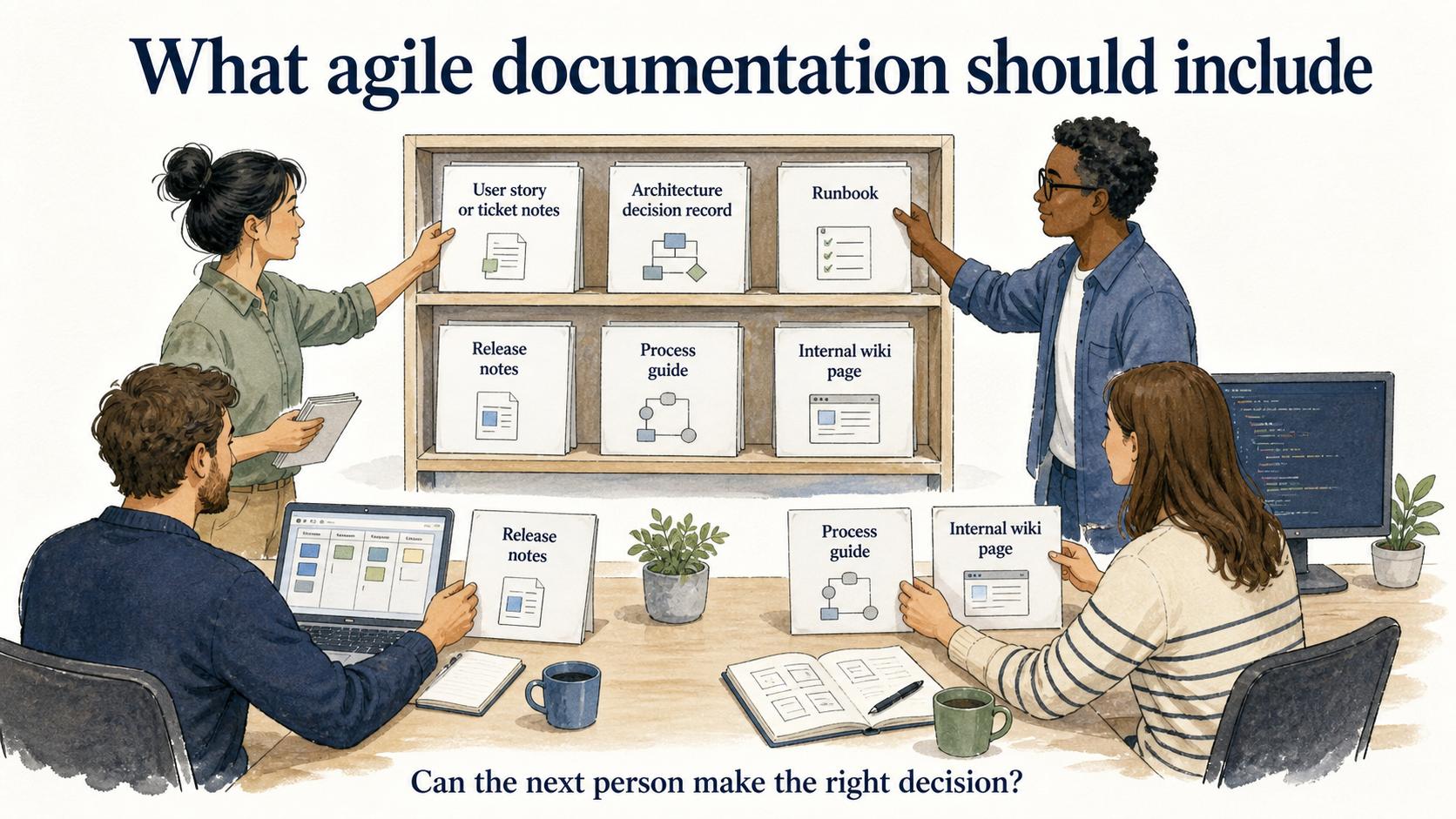
Agile documentation depends on the team, but it usually includes a few durable artifacts.
| Documentation type | What it captures | When it is worth creating |
|---|---|---|
| User story or ticket notes | Problem, acceptance criteria, constraints, and decisions | When a team needs shared delivery context |
| Architecture decision record | Technical choice and tradeoff | When a decision will be questioned later |
| Runbook | Operational response steps | When failure handling must be repeatable |
| Release notes | What changed and who is affected | When users, support, or sales need a clear handoff |
| Process guide | Repeatable workflow or internal procedure | When the same task will happen again |
| Internal wiki page | Reference knowledge and team context | When information is reused across projects |
Architecture decision records are a clean example of this style: Michael Nygard describes ADRs as short records centered on one decision and the forces around it.4
A useful test is whether the next person can make the right decision without interrupting three people.
Agile documentation vs traditional documentation
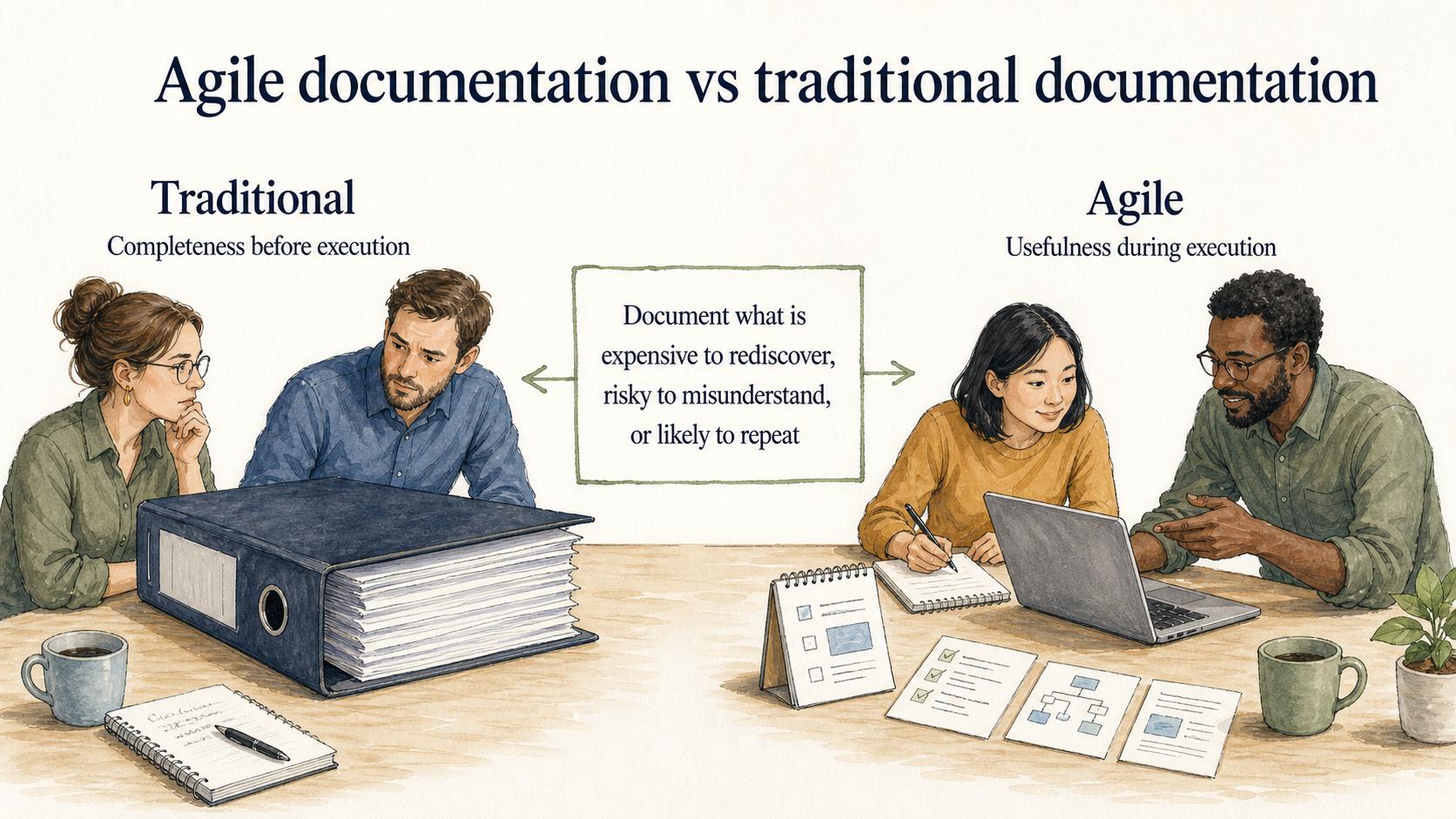
Traditional documentation often emphasizes completeness before execution. Agile documentation emphasizes usefulness during execution. Both can be valuable, but they optimize for different risks.
Heavy upfront documentation reduces ambiguity before a project starts, but it can become stale quickly when the team learns something new. Lightweight agile documentation reduces waste, but it can become too thin when a team treats speed as an excuse to skip ownership.
Use a short decision rule: document anything expensive to rediscover, risky to misunderstand, or likely to repeat. Leave out notes that only restate obvious task status.
Common mistakes
The first mistake is using agile language to justify missing docs. If only one engineer knows how a deployment rollback works, the team has a single point of failure during the worst possible moment.
The second mistake is copying old documentation habits into agile tools. A giant wiki page that no one trusts is still a liability when it lives next to a sprint board. Agile documentation should have an owner, a review trigger, and a clear reason to exist.
The third mistake is documenting too late. Teams often wait until a process is "settled," but real workflows become repeatable before anyone formally declares them done. Capture the current best version, label open questions, and improve the page as the team learns.
How to keep agile documentation useful
Useful agile documentation is maintained through normal work. Add a documentation check to the moments where knowledge changes: story completion, release prep, incident review, onboarding, process handoff, or customer support escalation.
Keep pages narrow. One page should answer one practical question: how to complete a workflow, why a decision was made, how to recover from an incident, or what changed in a release. Broad pages tend to become museums of old context.
Make staleness visible. A last-updated date, version history, owner, or review note tells readers whether they can trust the page. Agile documentation should move quickly, but it should not make people guess whether the instructions still match reality.
How Trails helps
Trails fits agile documentation when the work is a repeatable workflow. A team can capture a process as someone performs it, turn that workflow into a polished step-by-step guide, and create an AI-narrated video version for training or sharing.
That helps teams document while the work is fresh instead of reconstructing the process later from memory. It also gives fast-moving teams a practical way to keep process documentation current as tools, screens, and handoffs change.
Sources
- 1
Agile Manifesto. Manifesto for Agile Software Development. agilemanifesto.org/.
- 2
IEEE/ISO/IEC. 26515-2018, Developing information for users in an agile environment. standards.ieee.org/standard/26515-2018.html.
- 3
Scrum Guides. The 2020 Scrum Guide. scrumguides.org/scrum-guide.html.
- 4
Michael Nygard. Documenting Architecture Decisions. www.cognitect.com/blog/2011/11/15/documenting-architecture-decisions.