
Glossary
Technical Documentation
 ChatGPT
 Perplexity
 Gemini
 Claude
What is technical documentation?
Technical documentation is content that explains how a product, system, tool, API, process, or technical workflow works. It helps a reader install, configure, use, troubleshoot, maintain, integrate, support, or understand something technical without chasing the person who knows the answer.
The format can be a user guide, API reference, runbook, technical manual, architecture note, SOP, release note, or troubleshooting guide. The Diátaxis framework is useful here because it separates documentation into distinct modes such as tutorials, how-to guides, reference, and explanation.1 A team gets into trouble when it forces every reader need into one long page.
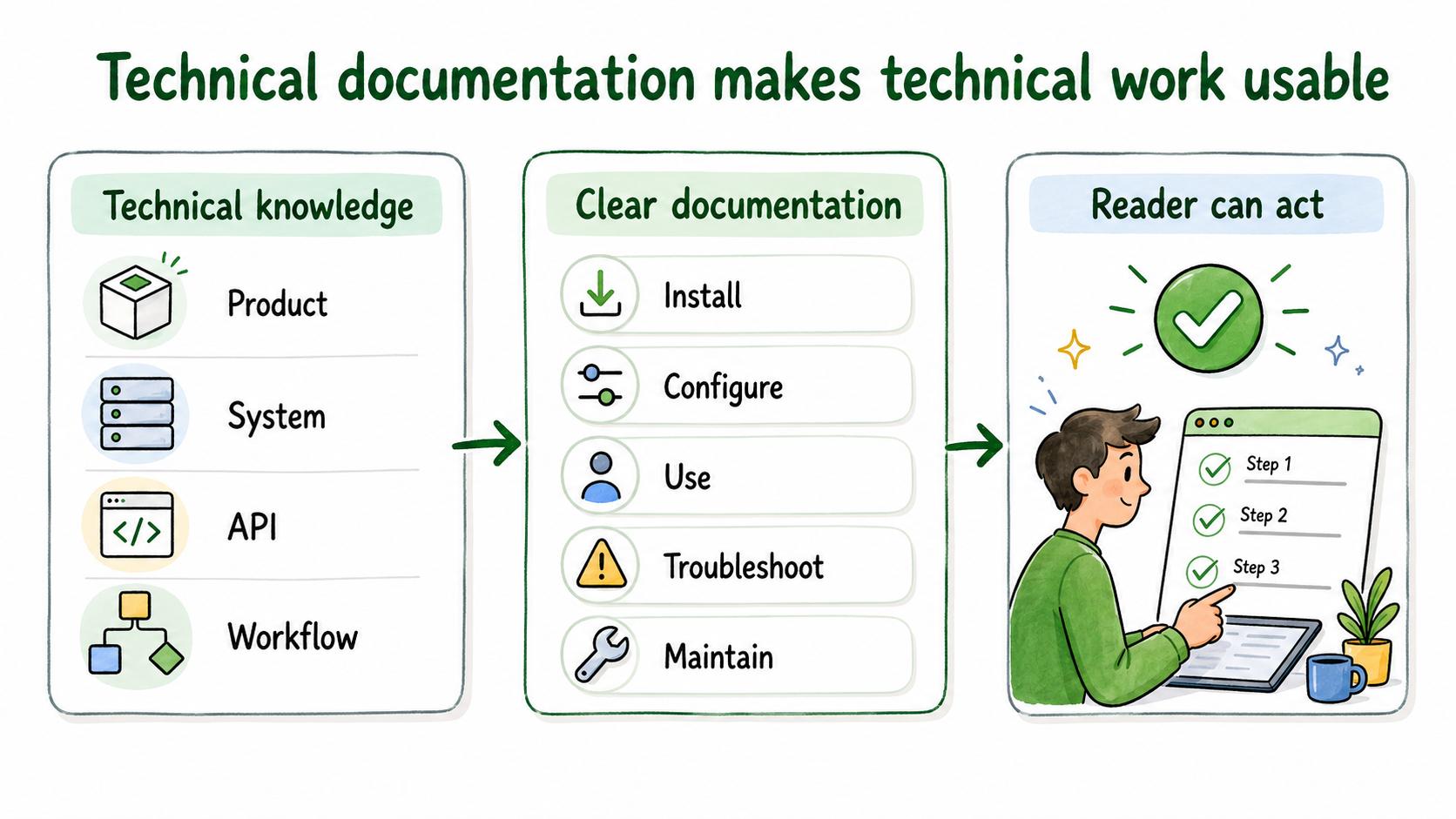
What technical documentation includes
Technical documentation can be public, internal, or partner-facing. It might support customers, developers, administrators, support agents, operations teams, implementation specialists, or field technicians.
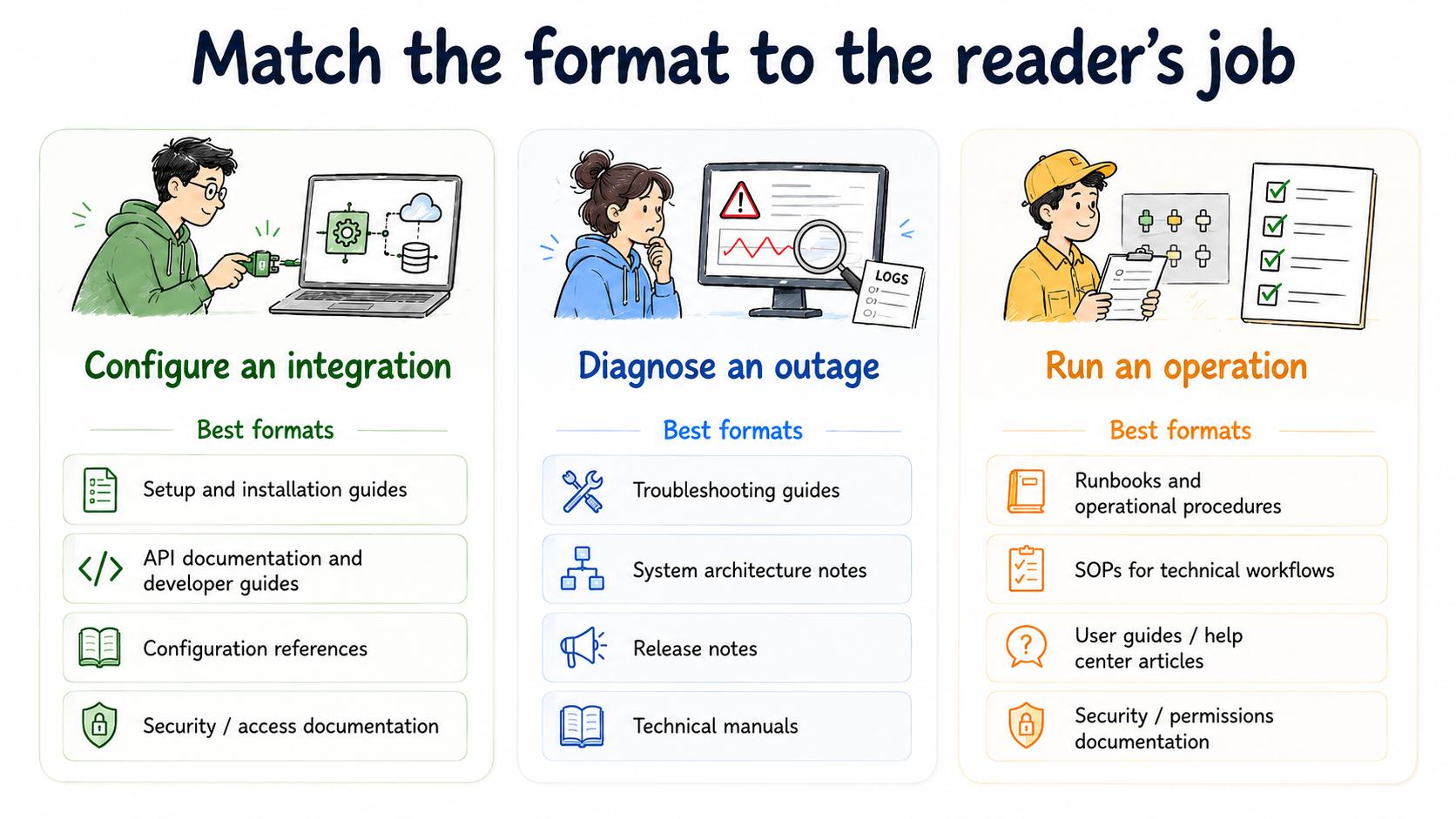
The right format depends on the reader's job. Someone configuring an integration needs prerequisites, exact steps, and a way to confirm the sync worked. Someone diagnosing an outage needs symptoms, logs, rollback steps, and escalation rules.
Common formats include:
- Setup and installation guides
- User guides and help center articles
- API documentation and developer guides
- Troubleshooting guides
- Technical manuals
- Runbooks and operational procedures
- System architecture notes
- Configuration references
- Release notes
- SOPs for technical workflows
- Security, access, or permissions documentation
The thread connecting these formats is practical clarity. The reader is trying to do, fix, understand, or decide something technical.
Types of technical documentation
A healthy documentation system usually has more than one type of technical documentation.
| Type | Reader need | Example |
|---|---|---|
| How-to guide | Complete a task | Configure single sign-on |
| Reference documentation | Look up exact details | API parameters or system settings |
| Troubleshooting guide | Diagnose and resolve an issue | Fix failed sync errors |
| Technical manual | Operate or maintain a technical system | Device maintenance manual |
| Runbook | Execute an operational process | Restart a service safely |
| Release notes | Understand what changed | Product update summary |
| Architecture documentation | Understand system design | Data flow or integration overview |
The mistake is treating the table as a menu of labels instead of a set of reader needs. A how-to guide should carry the task sequence. A reference page should make exact details easy to scan. A troubleshooting guide should help someone narrow the problem under pressure.
What makes technical documentation useful
Useful technical documentation is accurate, findable, task-oriented, and maintained. Nielsen Norman Group's help-and-documentation heuristic recommends help content that is searchable, focused on the user's task, concise, and written as concrete steps.2
Accuracy alone is not enough. A technically correct document can still fail if the answer is buried, the heading is vague, the steps skip assumptions, or the reader cannot tell whether the page applies to their situation.
A strong technical document answers three questions quickly:
- Is this the right page for my situation?
- What do I need before I start?
- What should I do next, and how will I know it worked?
How to create technical documentation
"Document the integration" is too broad. "Help an administrator connect the CRM integration and confirm the first sync" is specific enough to write.
Gather source material from the real product, system, workflow, logs, tickets, subject matter experts, and user questions. Test procedures whenever possible. IEEE/ISO/IEC 26514 frames user documentation as lifecycle work: identify user information needs, develop content, evaluate it, and maintain it.3 If a writer cannot reproduce a workflow, validate the steps before publication.
Organize the content around use case rather than internal ownership. Readers rarely care which team owns authentication, billing, or data exports. They care about the task in front of them.
Finally, assign ownership. Technical documentation decays when nobody is responsible for updates after product, process, permission, or system changes. Document-control guidance for ISO 9001 emphasizes review, version control, access control, and lifecycle management for documented information.4
Technical documentation prompt
Use this prompt to scope a technical documentation page or set:
## Technical Documentation Prompt

**Glossary term:** Technical Documentation
**Source:** Trails Glossary — trails.so/glossary/technical-documentation

---

### 01. Scope a technical documentation page or set

"Create technical documentation for [product, system, API, workflow, or process].
Audience: [reader group]
Reader task: [what they need to do or understand]
Current pain: [repeated questions, errors, support issues, onboarding friction]
Prerequisites: [tools, access, permissions, knowledge]
Source material: [product screens, logs, code, tickets, process captures, SME notes]
Documentation type: [how-to, reference, troubleshooting, manual, runbook, release notes]
Reviewers: [technical, support, security, legal, or operations reviewers]
Success signal: [fewer tickets, faster setup, fewer errors, better adoption]
Maintenance owner: [person or team]"
This prompt works best when the audience and task are narrow. Broad documentation projects should be split into smaller pages with clear jobs.
Common mistakes
The biggest mistake is waiting until the work is finished. Documentation often exposes product gaps, unclear permissions, and brittle workflows while there is still time to fix them. Written late, those gaps become support issues.
Another mistake is mixing explanation, procedure, and reference material without structure. Readers may need all three, but they should not have to untangle them from the same paragraph.
The final mistake is letting docs drift. Stale technical documentation creates false confidence because it looks authoritative while sending people through the wrong steps.
Documentation takeaway
Technical documentation is part of a team's operating system. It reduces repeated questions, speeds onboarding, supports customers, and keeps technical knowledge from living only in individual memory.
The best documentation systems make updates part of the workflow. If a process changes, the guide changes. If a support issue repeats, the troubleshooting page improves. If a new permission is added, the access documentation gets updated.
How Trails helps
Trails helps teams capture technical workflows as they happen and turn them into polished step-by-step guides. Teams can also create AI-narrated video versions for training or sharing.
That is useful for internal tools, support procedures, admin workflows, operations runbooks, and any technical process that is easier to capture from real work than reconstruct from memory.
- Technical writer
- Technical manual
- Technical documentation software
- Software documentation
- IT documentation software
- Runbook
- API documentation
Sources
- 1
Diátaxis. Diátaxis documentation framework. diataxis.fr/. Accessed July 2, 2026.
- 2
Nielsen Norman Group. Help and Documentation. Nielsen Norman Group. www.nngroup.com/articles/help-and-documentation/. Accessed July 2, 2026.
- 3
IEEE. IEEE/ISO/IEC 26514-2021. IEEE Standards Association. standards.ieee.org/ieee/26514/7467/. Accessed July 2, 2026.
- 4
ISMS Online. ISO 9001 Clause 7.5 Documented Information. ISMS Online. www.isms.online/iso-9001/clause-7-5-documented-information/. Accessed July 2, 2026.