
Glossary
Process Automation
 ChatGPT
 Perplexity
 Gemini
 Claude
What is process automation?
Process automation uses software, rules, integrations, or scripts to handle repeatable parts of a business process with less manual work. It can route tasks, collect inputs, update systems, trigger approvals, send reminders, or generate outputs automatically.
Good process automation makes a clear workflow easier to run. Bad process automation makes a confusing workflow faster, more rigid, and harder to diagnose. The difference usually isn’t the tool. It’s whether the team understands the process well enough to encode it.
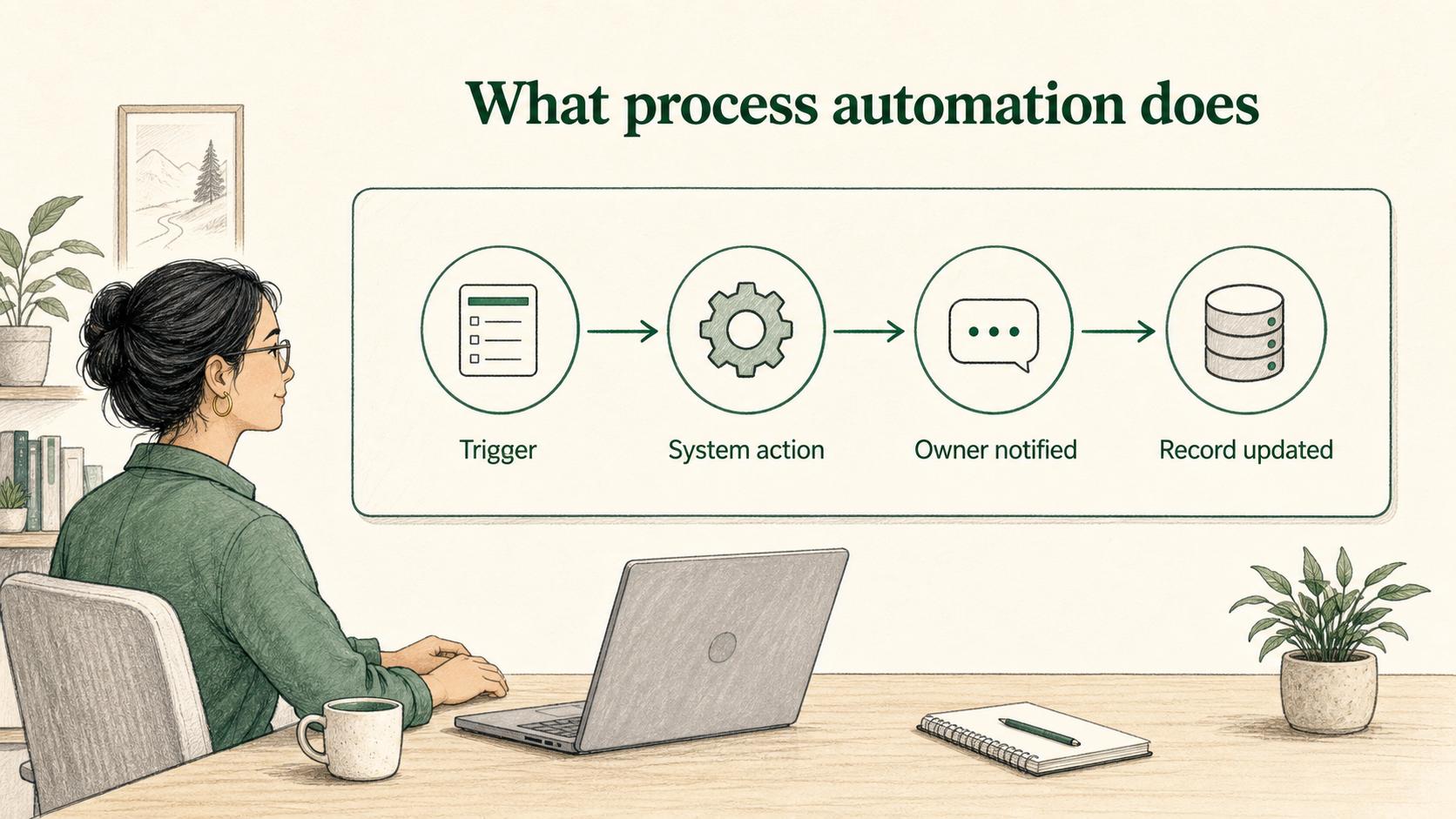
What process automation does
Process automation turns repeated actions or decisions into predictable system behavior. Instead of relying on someone to remember the next step, a system moves work forward when a trigger happens.
Common examples include:
- Creating an implementation task when a deal closes.
- Sending an approval request when a purchase crosses a threshold.
- Updating customer records after a form submission.
- Escalating overdue tasks to the right owner.
- Generating a document from an approved template.
The best automations remove routine coordination work while keeping the process visible. They don’t hide ownership, erase judgment where judgment matters, or make exceptions impossible to handle.
When a process is ready to automate
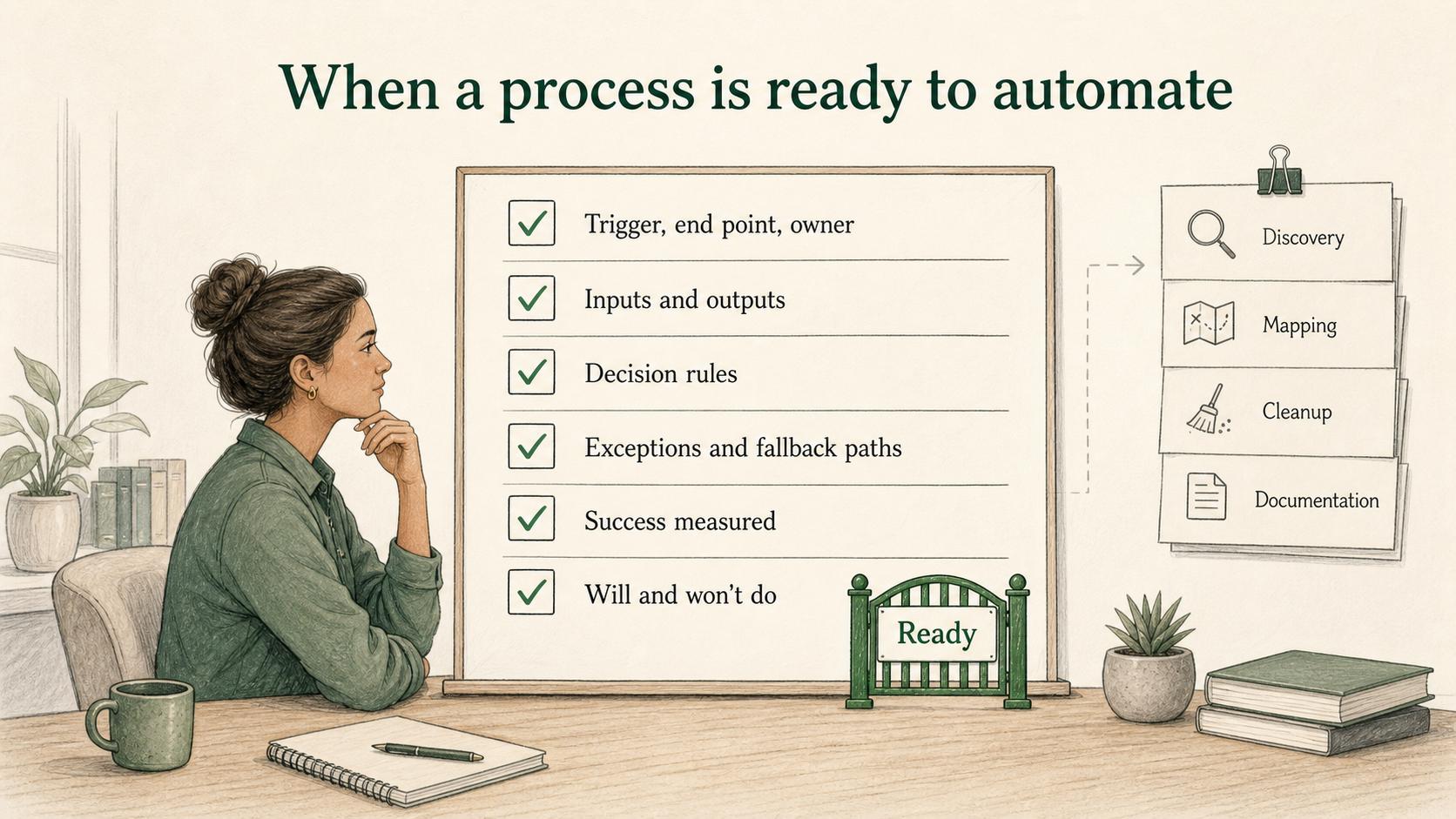
A process is usually ready for automation when it is repeatable, stable, and documented. The team doesn’t need perfection, but it does need enough clarity for software to follow the rules without constant human rescue.
Use this readiness test:
- The trigger, end point, and owner are clear.
- Required inputs and outputs are specific.
- Decision rules are explicit enough to encode.
- Common exceptions and fallback paths are known.
- The team knows how success will be measured.
- People understand what the automation will and won’t do.
If several of those are missing, the next step is probably discovery, mapping, cleanup, or documentation. Automation can still be the goal, but the process isn’t ready to become software behavior yet.
Process automation vs related terms
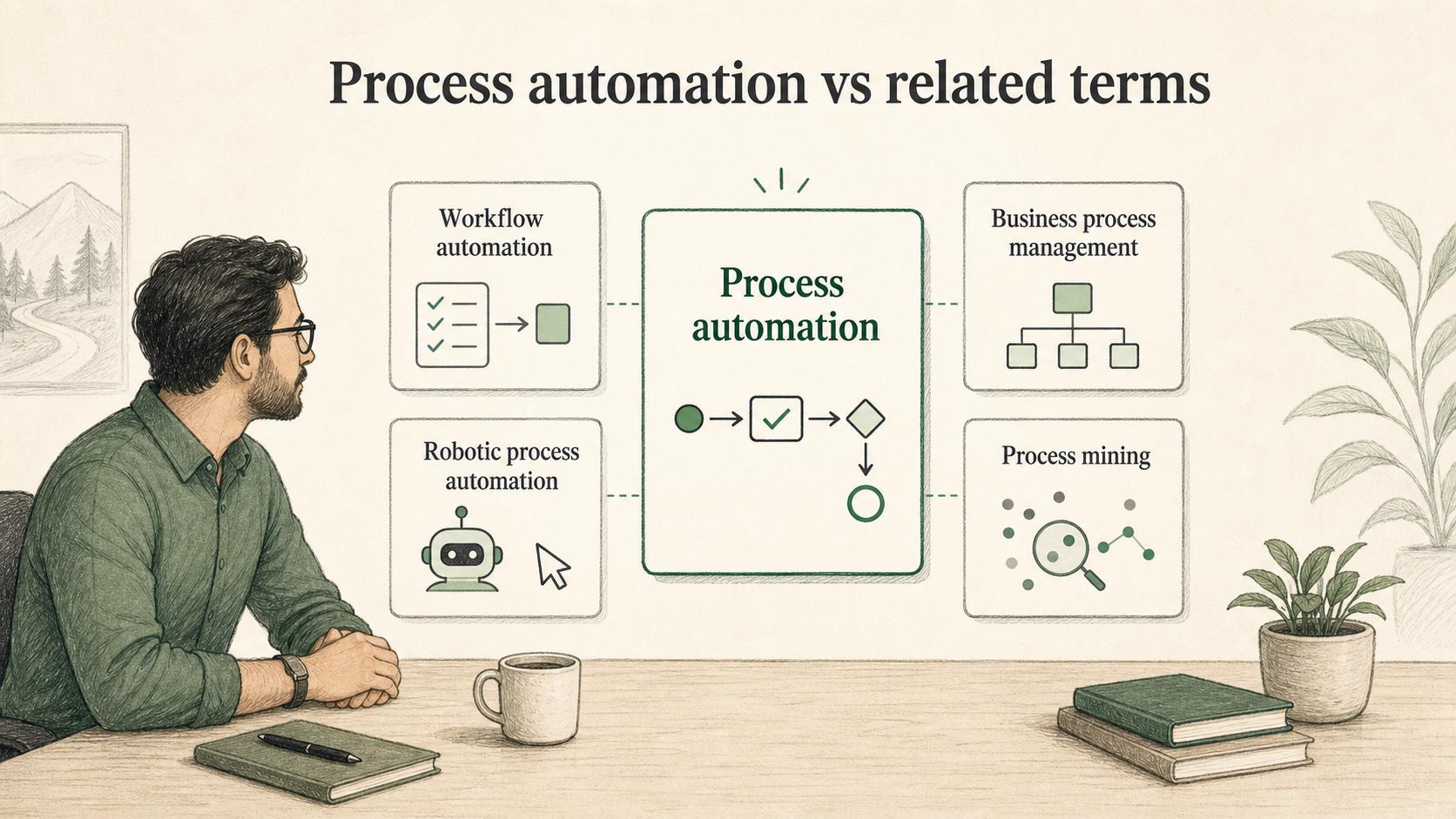
Automation language gets blurry because tools use overlapping labels. The distinction matters when a team is deciding what to buy, build, or document.
| Term | What it usually means | Best use case |
|---|---|---|
| Process automation | Automating steps across a defined business process | Routing, approvals, reminders, records, and handoffs |
| Workflow automation | Automating task movement between people or systems | Status changes, notifications, task creation, and follow-ups |
| Business process management | Designing, measuring, and improving end-to-end processes | Governance, process ownership, performance improvement |
| Robotic process automation | Software bots mimic repetitive user actions | Legacy systems, copy-paste work, structured repetitive tasks |
| Process mining | Using event data to understand how work actually flows | Finding variants, bottlenecks, and automation candidates |
The important question is not which label is most fashionable. It is whether the automation matches the process problem.
Examples of process automation
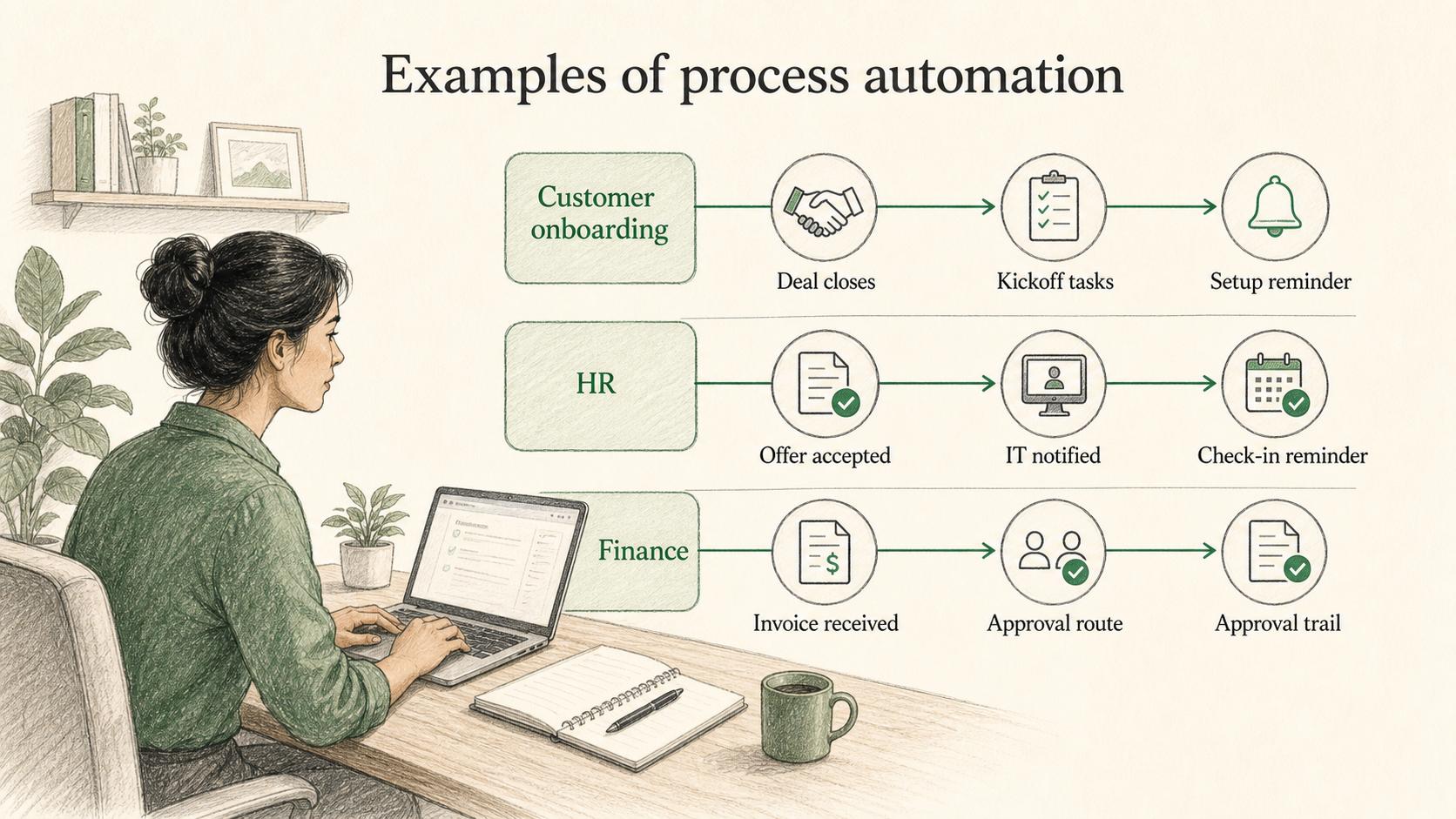
In customer onboarding, process automation might create kickoff tasks, assign internal owners, send the customer a welcome email, and remind the implementation manager when setup is delayed.
In HR, it might start a new-hire checklist after an offer is accepted, notify IT about equipment, send benefits forms, and remind the manager to schedule the first-week check-in.
In finance, it might route invoices for approval based on amount, vendor, or department, then record the approval trail before payment.
Each example works only if the rules are clear. If the team disagrees about who owns the handoff, automation won’t solve the problem. It will enforce one version of the confusion.
Common process automation mistakes
The most common mistake is automating a process nobody has actually written down. When the workflow lives in people’s heads, the automation project becomes a discovery project in disguise.
Another mistake is ignoring exceptions. Every process has edge cases. A good automation design defines what happens when required information is missing, a customer needs special handling, or a task becomes overdue.
A third mistake is skipping training because the system now “handles it.” People still need to know which tasks belong to them, which tasks the system handles, where to check status, and what to do when the automation fails.
The sharper rule is: simplify first, automate second. If a step doesn’t need to happen, remove it. If a decision requires judgment, document the criteria before turning it into a rule.
Automation planning prompt
Use this AI-ready prompt before automating a workflow:
## Automation Planning

**Glossary term:** Process Automation
**Source:** Trails Glossary — trails.so/glossary/process-automation

---

### 01. Review a workflow for automation

"Review the [process] used by [team].
Goal: decide what should be automated and what should stay human-owned.
Current workflow notes: [paste process map, SOP, examples, or interview notes]

Return:
- Trigger, end point, owners, and systems involved
- Steps that are repeatable enough to automate
- Steps that require human judgment
- Inputs required before automation can run
- Decision rules that need to be explicit
- Common exceptions and fallback paths
- Risks if the current process is automated as-is
- Documentation needed before launch
- Metrics to check after launch"
The goal is not to automate everything. The goal is to automate the repeatable parts while keeping judgment, accountability, and exception handling clear.
Documentation takeaway
Process automation depends on process documentation. Teams should document the workflow before automation and document the automation after it is built: triggers, rules, owners, system actions, exception paths, fallback behavior, and review cadence.
Without documentation, automation becomes hidden process knowledge. People may know that something happens, but not why, when, or what to do when it fails.
How Trails helps
Trails helps teams capture a workflow as someone performs it and turn that workflow into a polished step-by-step guide. That gives teams a clearer starting point before they automate and a better training asset after the process changes.
Trails can also create an AI-narrated video version of a guide, which helps teams explain the new workflow after automation changes how work moves.