
Glossary
Business Process
 ChatGPT
 Perplexity
 Gemini
 Claude
What is a business process?
A business process is a repeatable sequence of work that turns inputs into a useful outcome for a customer, employee, team, or organization. ISO's process-approach guidance defines a process as interrelated or interacting activities that use inputs to deliver an intended result, which supports this input-to-outcome framing.1
A business process usually includes people, systems, decisions, handoffs, and rules. The useful boundary is the path from trigger to result: what starts the work, who touches it, what decisions shape it, and what output proves it was done correctly.
Common business processes include customer onboarding, invoice approval, employee offboarding, support escalation, procurement requests, content publishing, and refund review. APQC's Process Classification Framework is a cross-industry taxonomy of business processes, which shows why process categories are useful for defining and comparing repeatable work across organizations.2
Why business processes matter
Business processes are where strategy becomes daily behavior. A company can say it wants faster support, cleaner finance operations, or better onboarding, but those goals depend on the repeatable work employees perform every week.
When a process is clear, teams know what happens next, who owns each handoff, what information is required, and how exceptions should be handled. When a process is vague, people fill the gaps themselves. That can work for a while on a small team, then it turns into inconsistent customer experiences, rework, missed approvals, and tribal knowledge. ISO 9001's process approach also emphasizes determining process sequence, interaction, criteria, methods, resources, responsibilities, risks, and improvement actions.3
The real test of a business process is whether a competent person can follow it correctly when the usual expert is unavailable.
How to recognize a business process
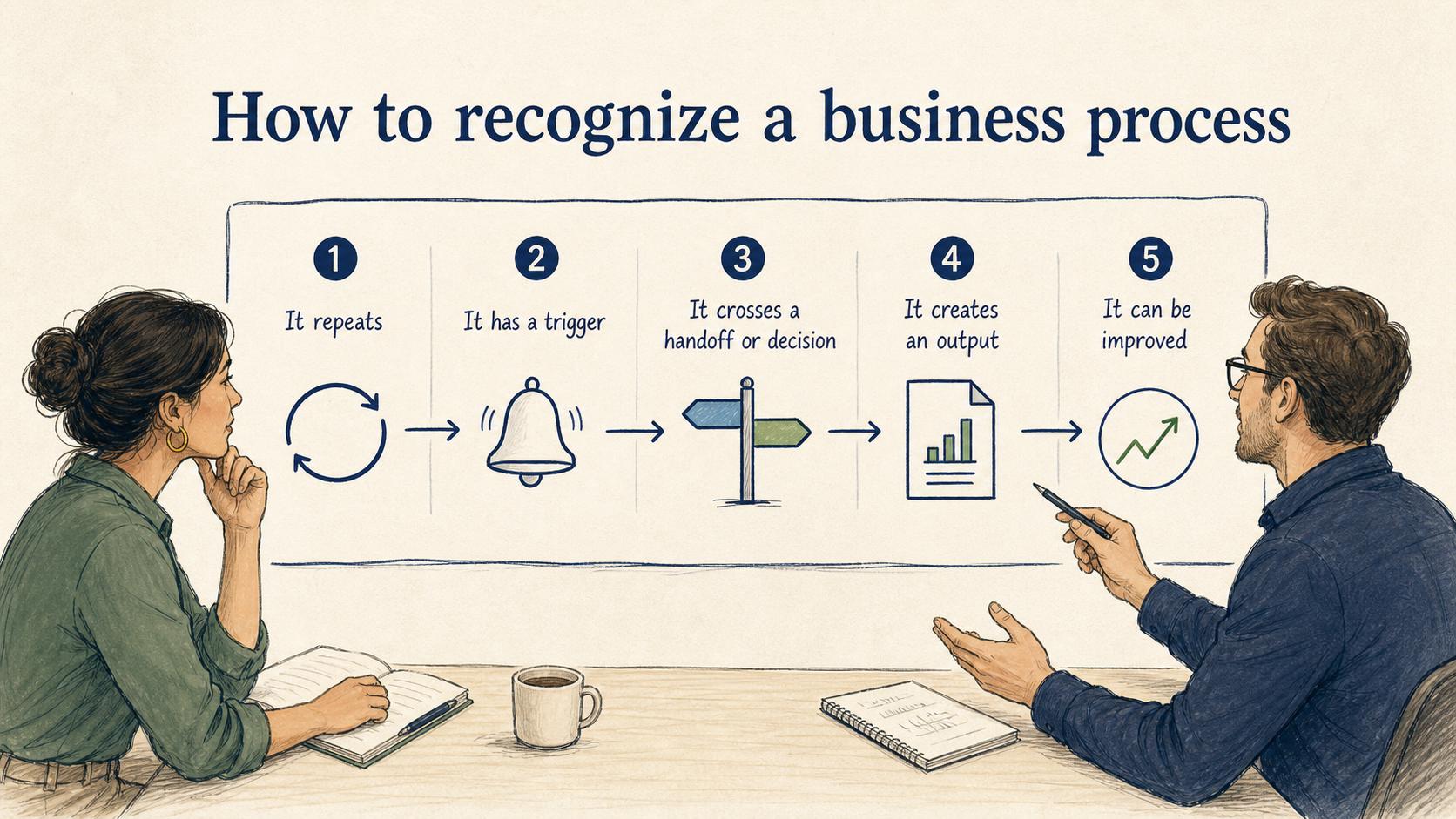
A business process usually has five traits.
It repeats. A one-off project may have steps, but it usually becomes process work only when the same kind of work will happen again.
It has a trigger. Something starts the process: a signed contract, a submitted request, a new hire start date, a customer complaint, or a monthly close deadline.
It crosses at least one handoff or decision. If one person completes a single action alone, it may be a task. Processes usually involve coordination, judgment, or dependency.
It creates an output. The output might be an approved invoice, a resolved ticket, a trained employee, a published article, or a completed customer setup.
It can be improved. A process can be measured, documented, simplified, trained, or redesigned. If no one can tell what good looks like, the process is probably underdefined.
Business process vs. task, procedure, workflow, and project
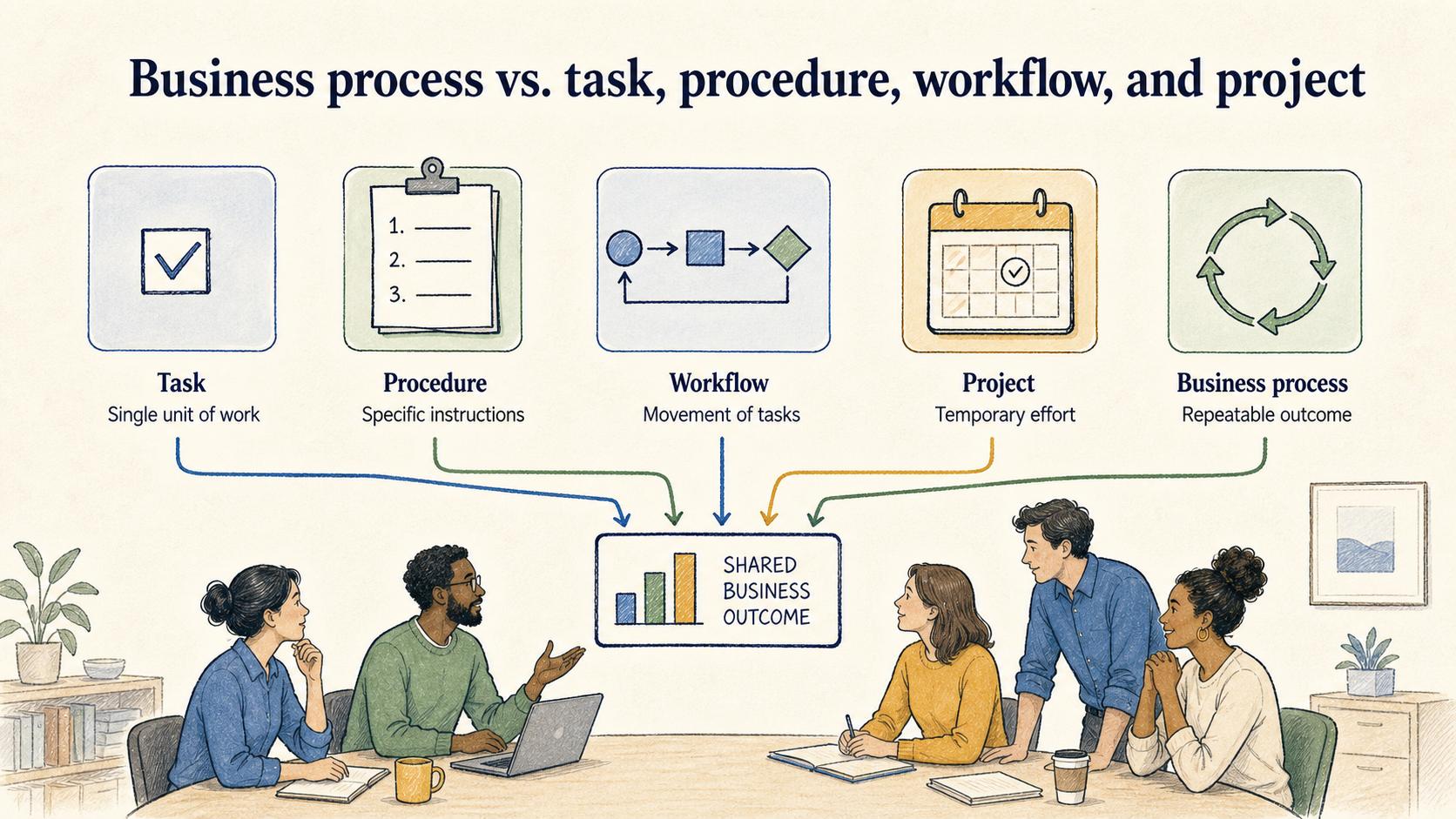
| Term | What it describes | Example |
|---|---|---|
| Task | A single unit of work | Send the kickoff email |
| Procedure | The specific instructions for doing work | How to approve a refund exception |
| Workflow | The movement of tasks through people or systems | Ticket moves from support to billing to manager approval |
| Project | A temporary effort with a defined goal | Launch a new help center |
| Business process | Repeatable work that creates an outcome | Customer onboarding from signed contract to first value |
These terms often overlap. A business process may contain tasks, follow procedures, run through workflows, and be improved through projects. The distinction helps teams choose the right level of documentation and management.
Business process example
Take customer onboarding. The trigger is a new customer signing a contract. The process may include a sales-to-CS handoff, account setup, kickoff scheduling, data collection, training, first milestone review, and follow-up communication.
When that process is undocumented, every onboarding manager may run it differently. One customer gets a clear kickoff, another waits for access, and another repeats information already shared with sales. The company may think it has an onboarding process, but the real process is a set of habits living in different people's heads.
A documented business process would show the trigger, required inputs, stages, owners, handoffs, exception rules, and output. BPMN's standard notation is intended to make business process diagrams understandable to business users while still precise enough for more technical process work.4 Good process documentation also names where judgment is allowed, so employees know when to follow the rule and when to escalate.
How to document a business process
Start at the level of decisions and handoffs before documenting every click. If the team disagrees about who owns a step, which input is required, or when an exception applies, a detailed screen-by-screen guide will only preserve the confusion.
A practical business process brief should answer:
- What starts the process?
- What outcome should the process create?
- Who owns the end-to-end result?
- Which roles perform or approve the work?
- What information or assets are required before the process starts?
- Where do handoffs, approvals, or exceptions happen?
- What proves the process was completed correctly?
Once those answers are clear, the team can create SOPs, workflow diagrams, checklists, templates, or training materials for the parts people need to perform consistently.
Common mistakes
Documenting the happy path only. The normal path is important, but most confusion lives in exceptions. A useful process says what to do when a request is incomplete, approval is delayed, the customer doesn't respond, or the system is unavailable.
Skipping ownership. Processes that cross teams often fail because everyone owns a step but no one owns the outcome. Name both step-level owners and the end-to-end process owner.
Mistaking software behavior for the process. A tool can route work, but the process still needs a reason, decision rules, and accountability. If the system changes, the process should still make sense.
Overdocumenting too early. If the process is unstable, start with a lightweight map and decision rules. Turn it into detailed SOPs after the team agrees on the flow.
How Trails helps
Business processes become easier to scale when teams can capture and maintain the work as it actually happens. Trails records a workflow as someone performs it, turns it into a polished step-by-step guide, and can create an AI-narrated video version for training or sharing. That helps teams move from informal know-how to repeatable process documentation.
FAQ
What is a business process in simple terms?
A business process is a repeatable way work gets done to create a specific outcome, such as onboarding a customer, approving an invoice, or resolving a support escalation.
What is the difference between a business process and a workflow?
A workflow describes how tasks move through people or systems. A business process is broader: it includes the purpose, trigger, roles, decisions, rules, and outcome behind that workflow.
Why should business processes be documented?
Documentation helps teams perform repeatable work consistently, train new employees, reduce dependency on tribal knowledge, and improve the process over time.
Who owns a business process?
A process owner is usually the person accountable for the end-to-end outcome, even if several teams perform individual steps. Naming that owner prevents handoff problems from becoming nobody's problem.
Sources
- 1
ISO. The process approach in ISO 9001:2015. www.iso.org/iso/iso9001_2015_process_approach.pdf.
- 2
APQC. Process Classification Framework. www.apqc.org/resource-library/resource-listing/apqc-process-classification-framework-pcf-cross-industry-excel-12.
- 3
ISO. ISO 9001:2015 Quality management systems - Requirements. www.iso.org/standard/62085.html.
- 4
Object Management Group. About BPMN 2.0.2. www.omg.org/spec/BPMN/2.0.2/About-BPMN.