
Glossary
HTML Export
 ChatGPT
 Perplexity
 Gemini
 Claude
What is HTML export?
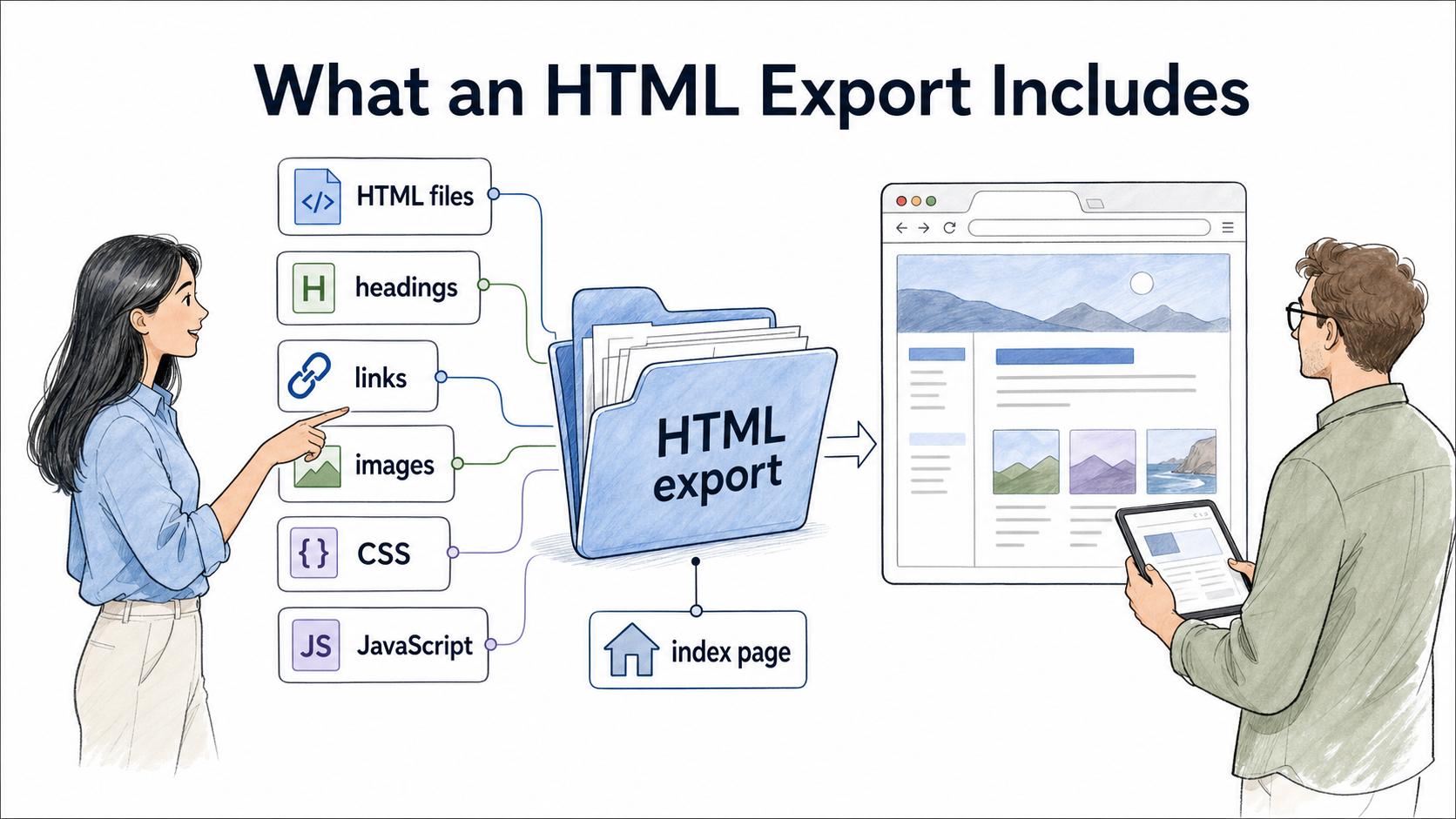
HTML export is the process of saving content from a tool, app, document, or knowledge base as HTML files that can open in a browser or be published on a website. An export may include text, headings, links, images, stylesheets, scripts, and supporting asset folders. 1
For documentation teams, HTML export is useful when content needs to be portable, browser-readable, or publishable outside the system where it was created. 2
What an HTML export usually includes
A basic export might create one .html file for a guide. A larger export might create a folder with multiple pages, images, CSS files, JavaScript files, and an index page. HTML is a presentation and publishing format, not a perfect backup: comments, permissions, version history, database relationships, widgets, and embedded app logic may not survive in usable form. 3
When HTML export is useful
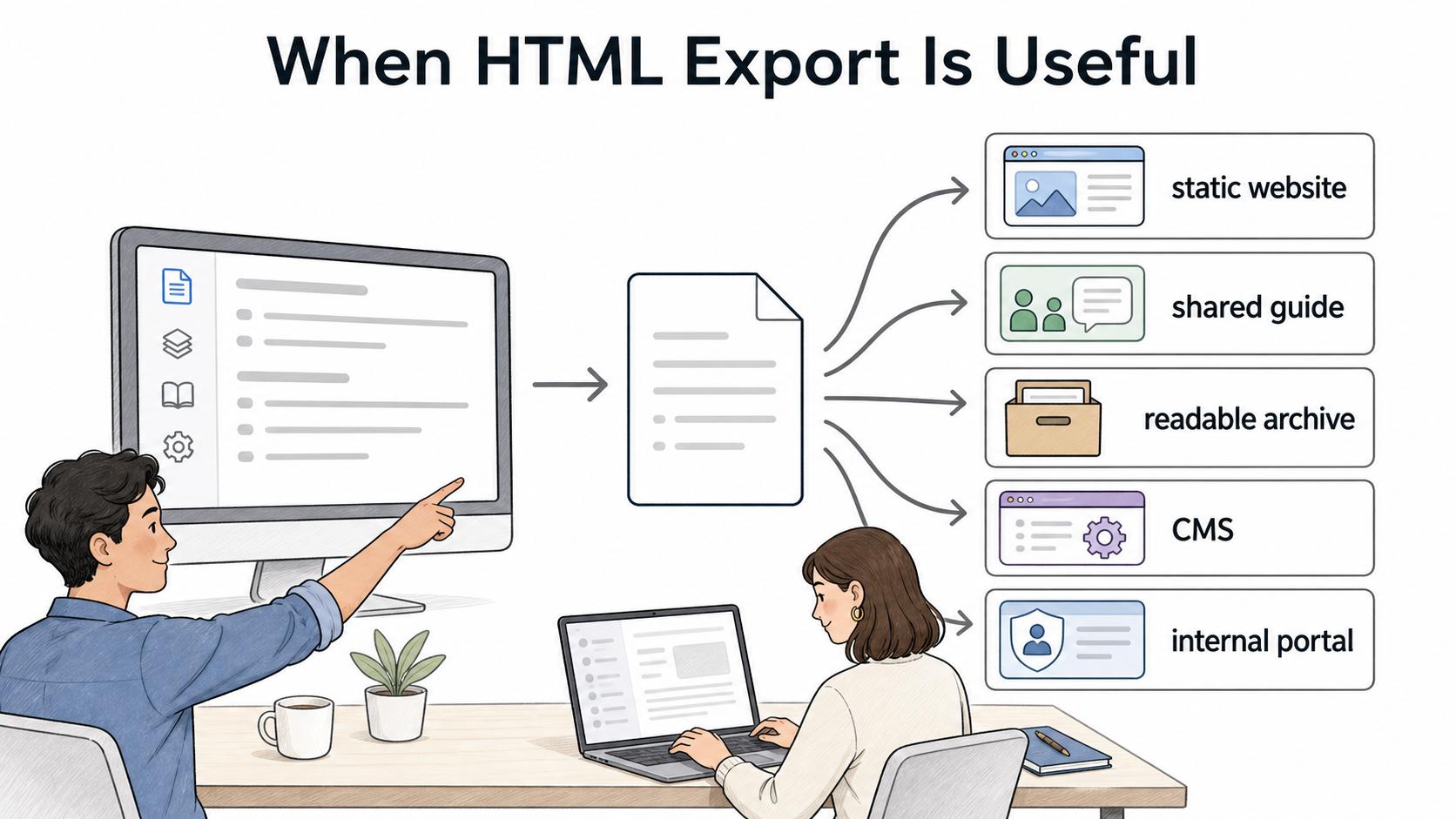
- Publishing help content to a static website
- Sharing a process guide with people without access to the source tool
- Archiving a readable knowledge-base copy
- Moving documentation into another website, CMS, or internal portal
- Giving technical teams structured content they can style or host elsewhere
For example, a support team might export selected internal troubleshooting guides as HTML for a customer help site, giving the web team a usable starting point without rewriting every article.
HTML export vs other export formats
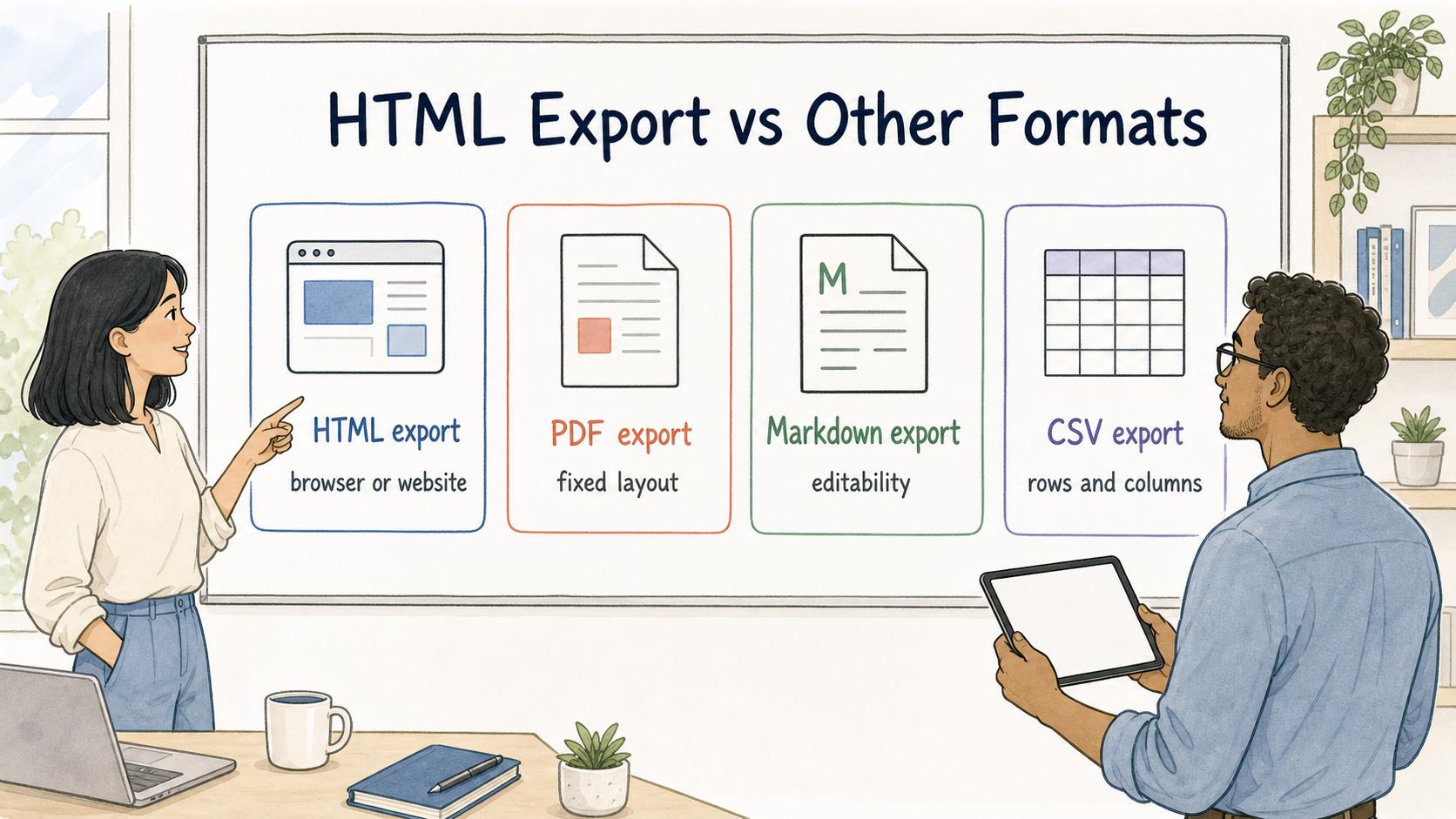
| Format | Best for | Main limitation |
|---|---|---|
| HTML export | Browser-readable pages, web publishing, static documentation | May not preserve comments, permissions, or interactive source-tool behavior |
| PDF export | Fixed-layout sharing, printing, signed-off documents | Harder to edit, reuse, or adapt for responsive web pages |
| Markdown export | Portable plain-text documentation and developer workflows | Often needs a separate renderer or publishing system |
| CSV export | Spreadsheet-like data tables | Not suitable for narrative guides or rich formatting |
What to check before relying on an HTML export
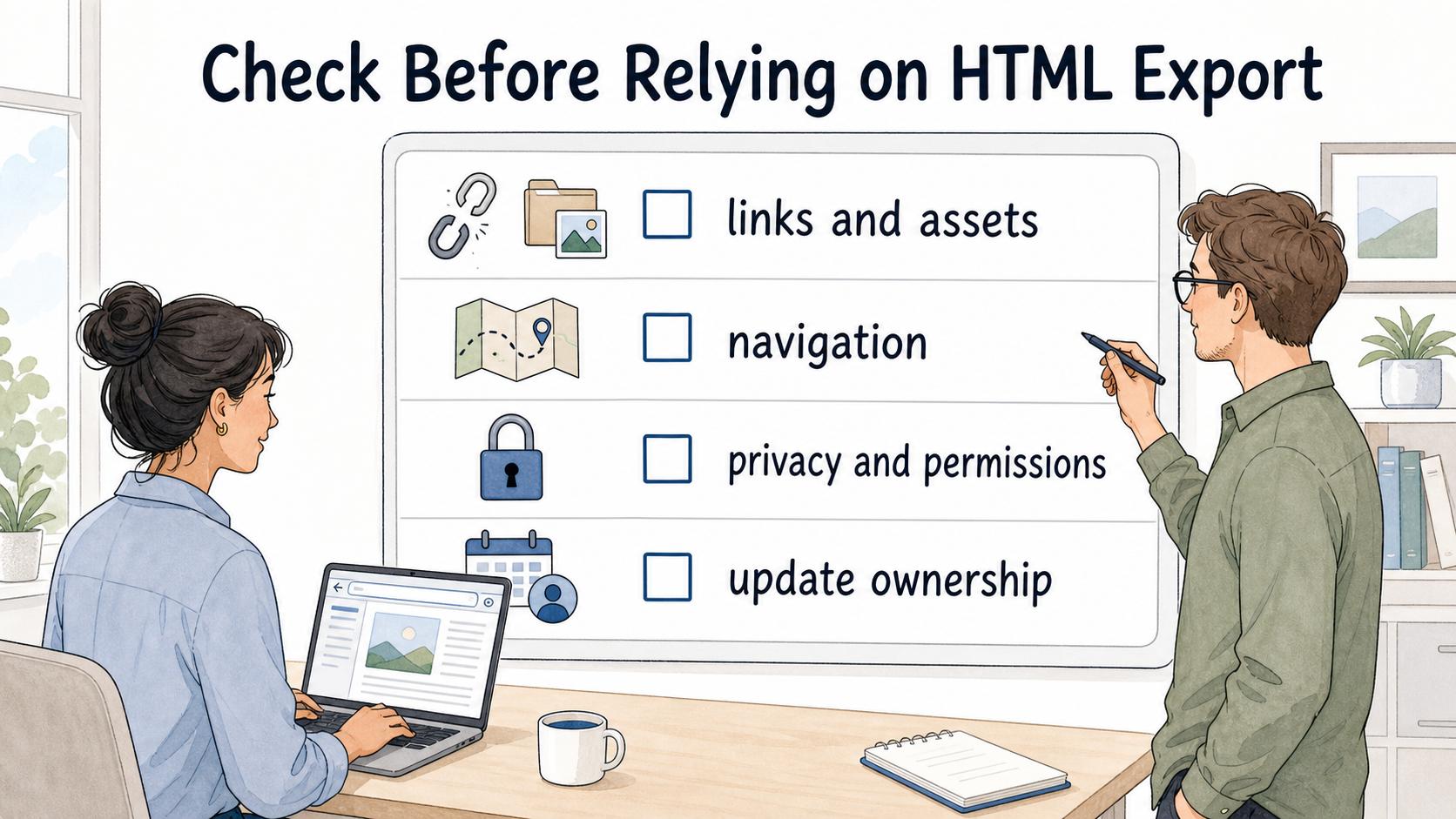
- Check links and assets. Images, videos, files, and internal links can break outside the original tool.
- Check navigation. A larger export needs an index, search, table of contents, or clear folder structure.
- Check privacy and permissions. Confirm it does not include internal notes, private links, employee data, or content that depended on access controls.4
- Check update ownership. Decide whether future edits happen in the source tool, HTML files, or destination CMS.
AI-ready checklist for reviewing an HTML export
## HTML Export Review Checklist

**Glossary term:** HTML Export
**Source:** Trails Glossary — trails.so/glossary/html-export

---

### 01. Review an HTML export plan

"Review this HTML export plan for [documentation set or guide].
Source tool: [tool]
Destination: [website, portal, archive, customer help center]
Audience: [readers]
Update owner: [person or team]

Check for:
1. Broken links or missing images
2. Navigation gaps
3. Lost context from the source tool
4. Privacy or access-control risks
5. Content that may drift after export
6. A clear decision on where future edits happen

Return a short risk list and the minimum fixes needed before sharing."
How Trails helps
Trails helps teams capture repeatable workflows and turn them into polished step-by-step guides. When browser-readable documentation must leave the original workspace, HTML, PDF, and Markdown export decisions become part of the publishing workflow.
FAQ
Is an HTML export the same as a website?
Not exactly. It creates web-readable files, but a complete website may also need hosting, navigation, search, analytics, redirects, styling, permissions, and a publishing workflow.
Does HTML export preserve everything from the original tool?
Usually not. Visible page content may transfer, while comments, permissions, version history, database views, embeds, and app-specific interactions may not.
Sources
- 1
WHATWG. HTML Standard. html.spec.whatwg.org/.
- 2
Library of Congress. HTML format description. www.loc.gov/preservation/digital/formats/fdd/fdd000475.shtml.
- 3
National Archives. Managing web records. www.archives.gov/records-mgmt/policy/managing-web-records-index.html.
- 4
National Archives. Web records management guidance. www.archives.gov/records-mgmt/policy/managing-web-records.html.