
Glossary
Collaboration Tools
 ChatGPT
 Perplexity
 Gemini
 Claude
What are collaboration tools?
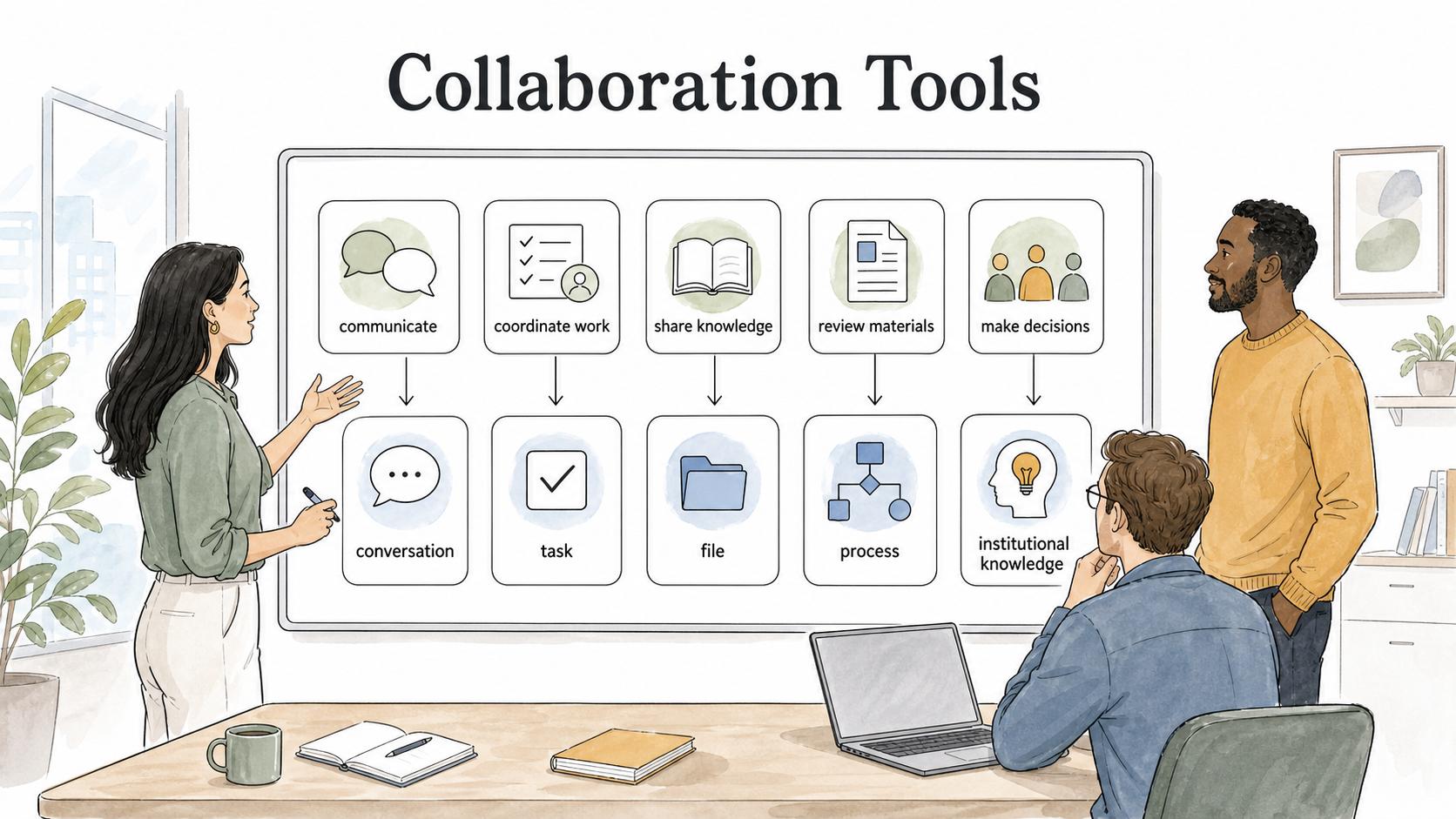
Collaboration tools are software products that help people communicate, coordinate work, share knowledge, review materials, and make decisions together. They include chat apps, project management tools, shared documents, whiteboards, knowledge bases, workflow tools, and documentation platforms.
The useful question is what kind of memory the tool leaves behind: a conversation, a decision, a task, a file, a process, or institutional knowledge. A long feature list matters less than whether the tool preserves the part of teamwork the organization will need later.
What collaboration tools do
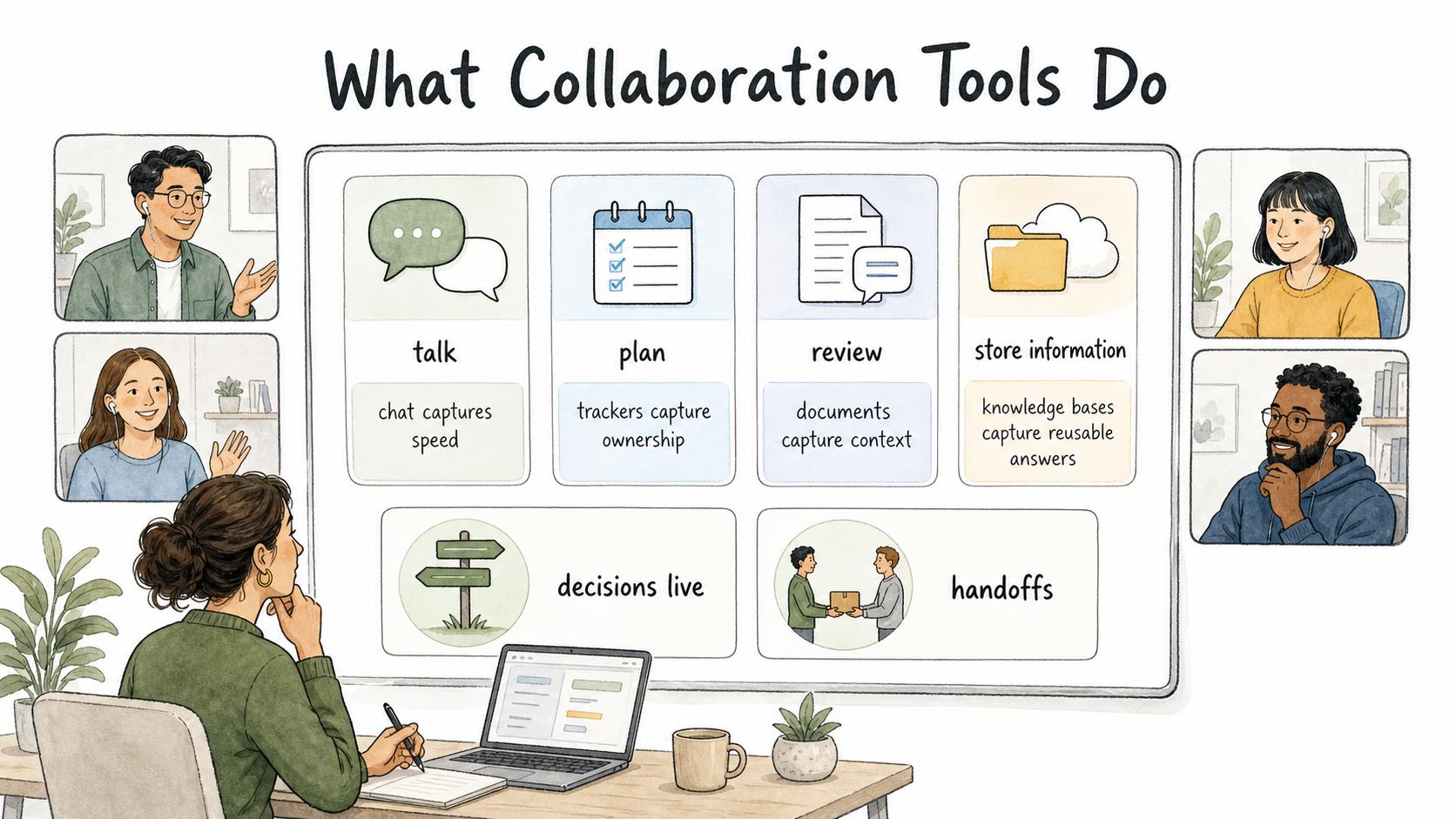
Collaboration tools give teams shared places to talk, plan, review, and store information, especially when work is distributed, cross-functional, or moving quickly. 1
Most collaboration problems are not caused by a total lack of tools. They happen because each tool captures a different slice of work. Chat captures speed. Project trackers capture ownership. Documents capture context. Knowledge bases capture reusable answers. If the team does not know which tool owns which kind of information, collaboration becomes scattered.
That is why the value of collaboration tools comes from norms as much as software. A tool can provide comments, tasks, permissions, and search. The team still needs to decide where decisions live, how handoffs work, and what information must be documented for later. 2
Common types of collaboration tools
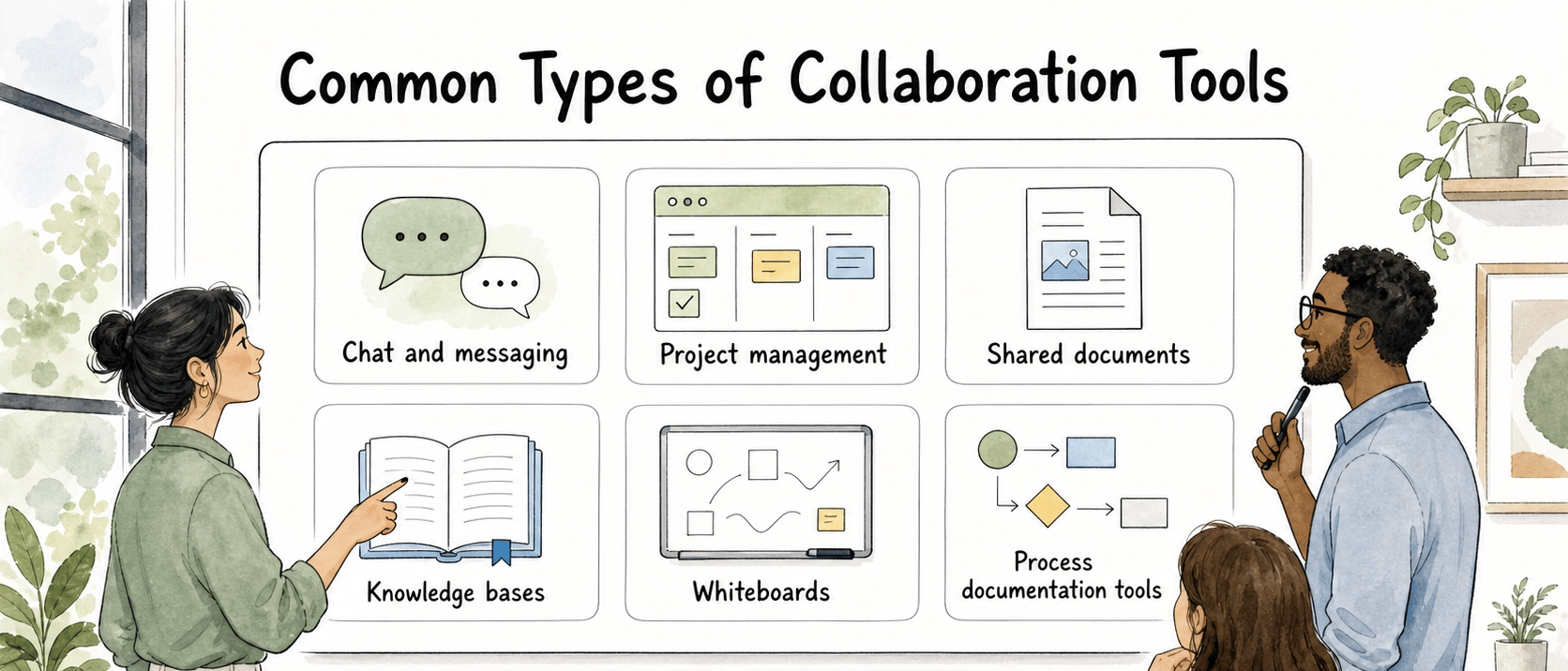
Different tools support different collaboration jobs. A simple way to evaluate them is to ask what kind of work they make easier and what kind of memory they leave behind.
| Tool type | Best for | Watch out for |
|---|---|---|
| Chat and messaging | Fast questions, alerts, quick coordination | Decisions can disappear in threads |
| Project management | Tasks, owners, deadlines, status | Context may be too thin without supporting docs |
| Shared documents | Drafting, review, planning, decisions | Docs can become messy without ownership |
| Knowledge bases | Reusable answers and institutional knowledge | Content decays if nobody maintains it |
| Whiteboards | Early thinking and visual collaboration | Output may need to be converted into decisions or tasks |
| Process documentation tools | Repeatable workflows and training | They need to stay close to the process as it changes |
A healthy collaboration stack usually combines several of these. The question is whether the handoff between them is clear.
How to choose collaboration tools
Start with the work, not the category. A support team, operations team, and product team may all need collaboration tools, but they do not need the same primary system of record.
Name the artifact that must survive. If the important output is a decision, choose a place where decisions are easy to find later. If the important output is a repeatable process, choose a tool that captures steps clearly. If the important output is task completion, prioritize ownership and status.
Separate discussion from recordkeeping. Chat is excellent for speed, but it is a weak long-term memory system. Important decisions, final instructions, customer commitments, and process changes should move into a durable record.
Watch for tool overlap. If three tools can all host tasks, comments, and documents, teams may split the same work across all three. That usually creates extra coordination work. Define the primary use of each tool.
Check the maintenance burden. Collaboration tools create content. Content needs ownership. If no one is responsible for pruning outdated pages, closing stale tasks, or updating process guides, search eventually becomes less trustworthy.
Example: collaboration tools for a support team
A support team might use chat for urgent internal coordination, a ticketing system for customer issues, a knowledge base for reusable answers, and a process documentation tool for repeatable workflows such as refunds, escalations, or account setup.
The stack works only if the team has rules for movement between tools. A customer escalation might start in chat, but the final customer-facing answer belongs in the ticket, and the reusable fix belongs in the knowledge base or SOP. Without that movement, the team keeps solving the same problem from memory.
This is where collaboration tools often fail: the conversation happens, but the insight never becomes durable knowledge.
Common mistakes
The first mistake is buying a tool to fix an unclear workflow. Software can make a process visible, but it cannot decide who owns approvals, what counts as done, or where final decisions belong.
The second mistake is treating adoption as a login count. A team can be active in a tool while still collaborating poorly. Better signals include fewer repeated questions, clearer handoffs, faster onboarding, and less time spent hunting for the latest version. 3
The third mistake is assuming one tool should hold everything. All-in-one systems can help, but some work benefits from specialized tools. The important move is to define the system of record for each type of information.
Documentation takeaway
Collaboration tools work best when paired with clear documentation habits. Every team should know where to put final decisions, process changes, training materials, and reusable answers. Otherwise, collaboration creates activity without much organizational memory.
A useful rule is: use collaboration tools to move the work forward, then use documentation to make the result reusable. That is how teams turn conversations into assets instead of letting them expire.
How Trails helps
Trails helps teams capture repeatable workflows and turn them into step-by-step guides. That makes it a strong complement to collaboration tools that are good at conversation, project tracking, or shared documents but weaker at documenting how work is actually performed.
For example, a team can discuss a new support process in chat, assign rollout tasks in a project tool, and then use Trails to document the actual workflow. Trails can also create an AI-narrated video version, which makes the process easier to train and share.
FAQ
What are examples of collaboration tools?
Common examples include chat tools, shared document editors, project management systems, knowledge bases, whiteboards, file-sharing tools, and process documentation platforms.
Are collaboration tools the same as productivity tools?
Not exactly. Productivity tools help individuals or teams get work done. Collaboration tools specifically help multiple people coordinate, communicate, review, decide, or share knowledge.
How many collaboration tools should a team use?
Use as few as possible while still giving each important type of work a clear home. Too few tools can force awkward workflows; too many tools scatter decisions and context.
What makes collaboration tools successful?
Successful collaboration tools have clear ownership rules, obvious systems of record, strong searchability, and team norms for turning conversations into durable decisions or documentation.
Sources
- 1
Microsoft. Microsoft Work Trend Index. Microsoft. www.microsoft.com/en-us/worklab/work-trend-index.
- 2
Asana. Anatomy of Work Global Index. Asana. asana.com/resources/anatomy-of-work.
- 3
McKinsey & Company. Social technologies and knowledge-worker productivity. McKinsey & Company. www.mckinsey.com/industries/technology-media-and-telecommunications/our-insights/the-social-economy.