
Clueso vs. Camtasia:
We tested both (2026)
Clueso automates narrated tutorials and help articles. Camtasia gives you precise editing control. Here’s how they compare for training, pricing, and keeping content current.

 hey it's me
I'm Ryo, co-founder of Trails. I'd love for you to use our product, but I want this comparison to help you choose the right tool for your team.
To compare Clueso and Camtasia, we made the same tutorial in both, imported an existing recording, and updated the tutorial after the workflow changed.
I'll walk you through what was easy, what took extra work, and where I'd choose each tool, including Trails.
TL;DR
Clueso is our pick for most customer education teams without a dedicated video editor. In our testing, it took less hands-on production work to turn a recording into a narrated tutorial and help article, making it easier to fit content creation around the rest of the job.
Choose Camtasia when precise edits or LMS features matter more than production speed.
If your main job is maintaining step-by-step procedures that change every few weeks, choose Trails, where you edit the guide and regenerate its narrated walkthrough.
How we tested
We built the same software tutorial in both tools using each product’s own capture flow, then imported an existing recording. That covered two common starting points: documenting something new and putting an older walkthrough back to work.
Next, we changed the workflow by moving a button from Settings to Billing. We assessed how much work the update took, alongside the effort needed to reach a publishable first version. We then took into account the overall costs as well as the features that we actually thought were useful.
What is Clueso?
Clueso turns recordings into narrated videos and written help articles, making it a practical choice for teams that need to explain software regularly. You record a workflow or upload an existing video, then review the draft Clueso produces. The appeal is straightforward: the person who knows the product can create the tutorial without first becoming the team’s video editor.
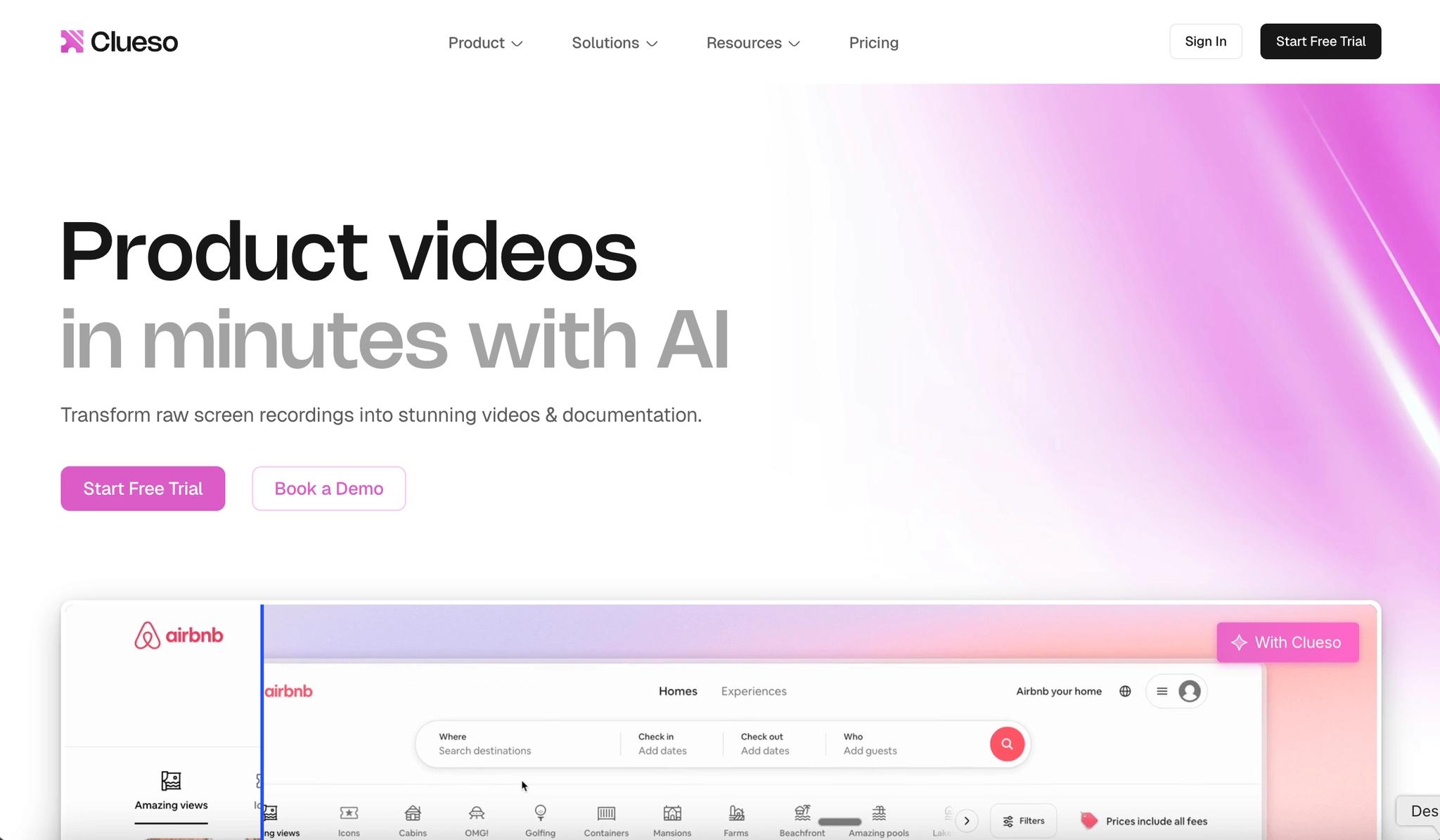
Its video tools produce the narrated video, while its documentation workflow turns the captured process into readable instructions.
- Browser capture and uploads bring existing recordings into the workflow.
- AI script rewriting and narration reduce repeated voiceover takes.
- Automatic zooms and highlights draw attention to important actions.
- Written articles and translated output support different audiences.
Clueso is our faster route to publishable customer tutorials for a team without an editor. Keep a product expert in the review loop: a smoother sentence still needs to describe the right action.
What is Camtasia?
Camtasia is TechSmith’s recording and video production suite, with Camtasia Editor at its center. Editor gives you detailed control over the video, while companion apps like Audiate and Snagit handle audio editing and visual guides. That breadth suits a trainer or instructional designer who wants to shape the presentation, not just approve a generated draft.
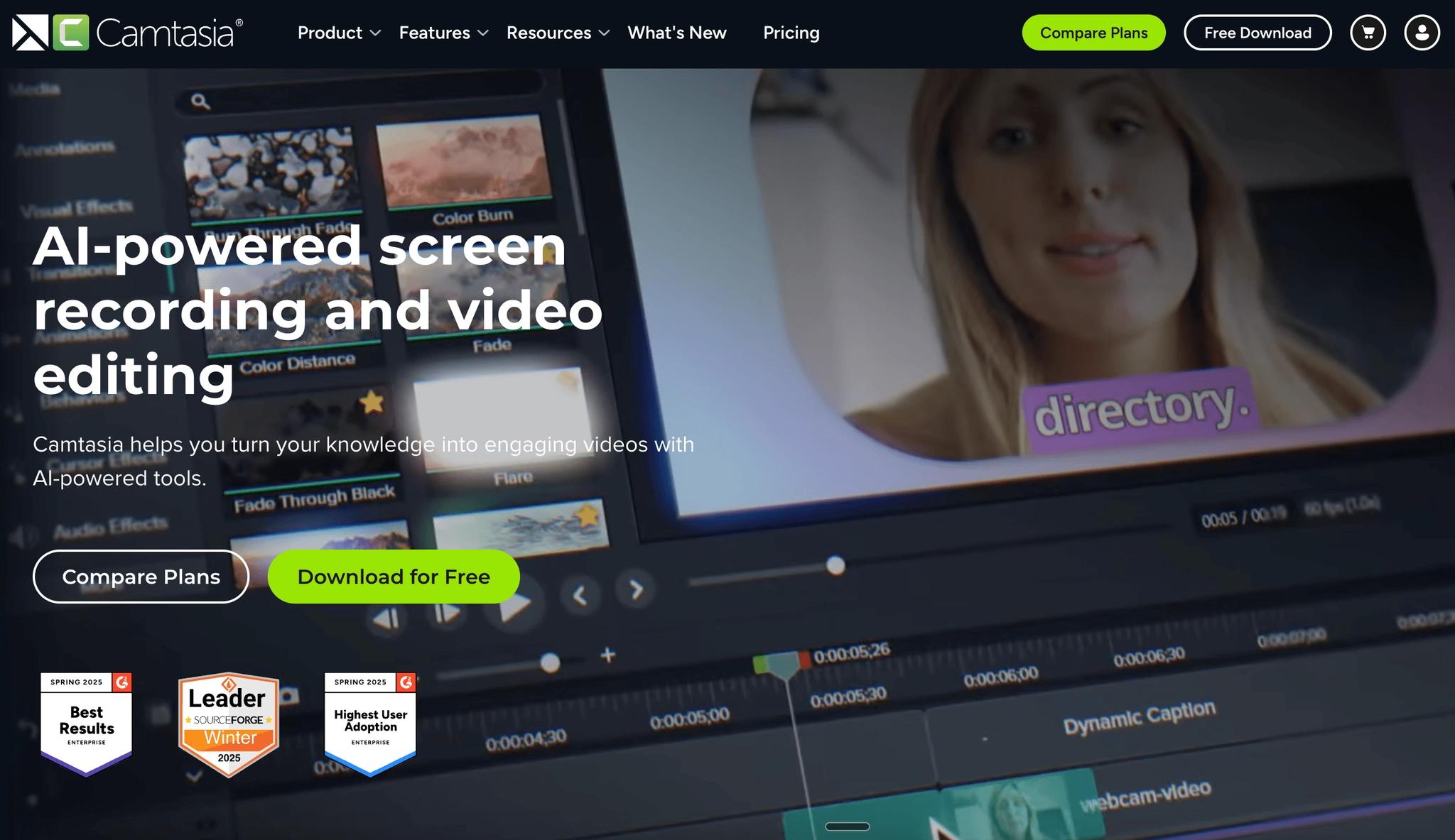
The Camtasia feature documentation and Snagit overview make the distinction clear: you’re evaluating a suite, not just a timeline editor.
- Multitrack capture keeps each recorded track separately editable.
- Cursor controls and callouts refine the details of demonstrations.
- Audiate adds text-based editing and plan-dependent generated narration.
- Snagit creates visual guides from captured process steps.
Camtasia wins on production control. The tradeoff is ownership. Someone needs to learn the tools and maintain the projects.
Clueso vs Camtasia: Feature comparison
This comparison uses Clueso Business with two editors, Camtasia Create with one individual license, and Trails Team with five users. Full means a supported workflow; Partial means a narrower workflow or companion-app handoff. These labels describe coverage, not output quality.
Swipe to compare all three tools.
| Feature | Clueso | Camtasia | Trails |
|---|---|---|---|
Primary output | Full: video + article | Full: edited video; Snagit guides | Full: guide + narrated video |
Capture | Full: extension + uploads | Full: desktop multitrack + Online | Full: Chrome capture + video import |
Editing | Full: script + visuals | Full: timeline + cursor + Audiate | Full: text + screenshots + steps |
AI | Full: script + voice + captions | Full: Audiate scripts + voices | Full: steps + narration + captions |
Search and organization | Partial: hosted help articles | Partial: Snagit library; suite tools | Full: guide search + folders |
Maintenance | Full: script edits + sync tools | Full: targeted clip/track changes | Full: edit guide + regenerate video |
Guide-to-video workflow | Partial: article and video outputs | Partial: Snagit-to-Editor handoff | Full: regenerate from edited guide |
2026 pricing basis | $120/month, billed annually | $249/year, non-transferable | $49/month, displayed monthly rate |


Sources: Clueso plans, Camtasia plans, and Trails plans and included users. Trails knowledge bases and translations are Enterprise features. Clueso supports hosted documentation; its rating here describes that help-article workflow.
Our picks: Clueso for customer education, Camtasia for editing control and LMS delivery, Trails for changing procedures.
Create beautiful guides
Keep guides and narrated videos current
Capture a procedure, edit a step, and regenerate its walkthrough in Trails.
Create a guide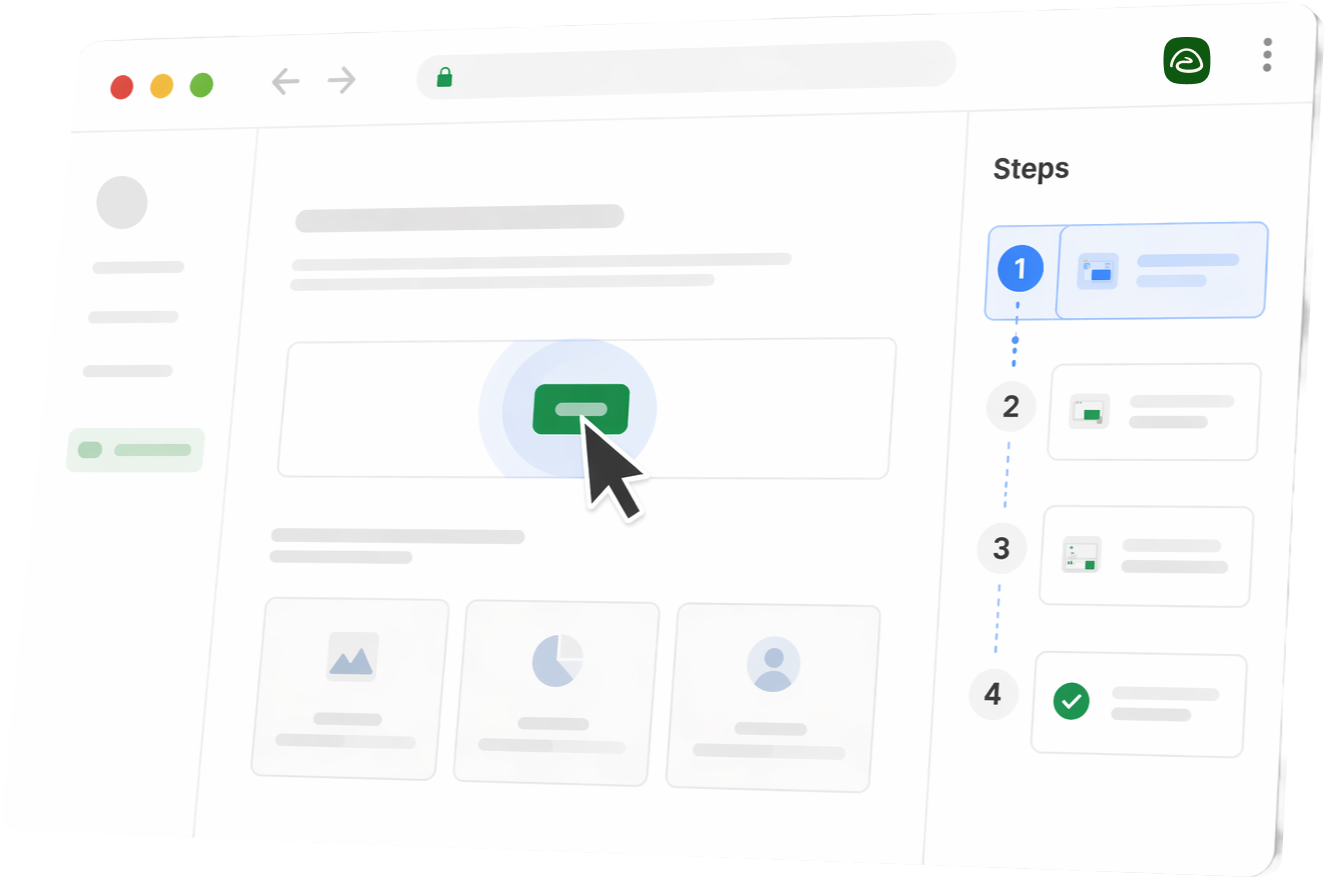
Feature deep dive
1. The capture experience
Clueso’s capture flow gets you from demonstrating a task to reviewing a produced draft. You can use its browser extension or upload an existing recording, then work on the explanation and visual emphasis. For a subject-matter expert, that keeps the job close to what they already know: showing someone how the product works.
Camtasia’s desktop recorder captures each element on its own track for later editing. That separation makes it possible to change one element without disturbing the others. It also imports existing videos, and Camtasia Online offers browser recording, although a finished video upload won’t recreate the independent tracks of an original multitrack capture. Overall, a little clunkier than Clueso, with more of a traditional screen capture flow.
For screen and audio recording, our pick is Camtasia when you need independently editable tracks. Clueso wins when capture is mainly the starting point for an automated tutorial.
2. Editing and maintenance
A narration typo, a misplaced zoom, and an obsolete screen are three different editing jobs. Treating them as one “update” hides most of the work.
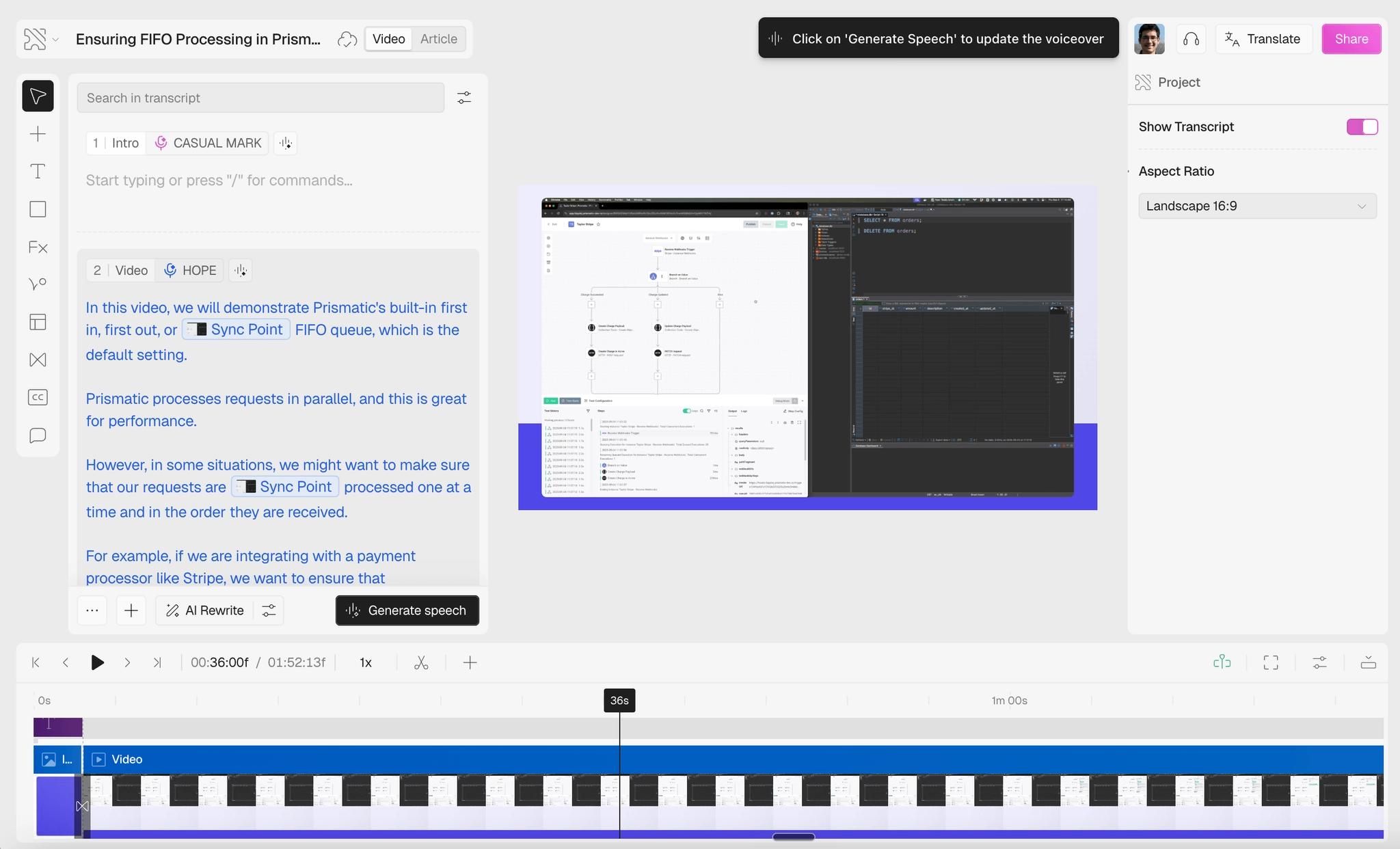
In Clueso, a narration correction starts with the script: change the wording and regenerate speech. You can adjust visual effects and use synchronization tools to line the explanation up with the action. Its changelog documents clip editing and automatic synchronization, so a correction doesn’t automatically mean another full recording.
Camtasia gives you more precise control over timing and effects. Audiate adds text-based editing; generated replacement narration requires the appropriate plan. That control is useful when the explanation needs to land on a particular action.
Take our revision scenario: the button moves from Settings to Billing. In Clueso, you record the new route, revise the narration, and review the matching article. In Camtasia, you replace the affected footage, adjust effects and audio, and update any Snagit guide before republishing.
Fresh visuals are necessary in either workflow. Saying “Billing” over a picture of Settings leaves the reader with a small detective assignment.
Clueso also markets Agents for recording and updating videos. Its auto-update agent is an Enterprise paid add-on, outside the Business package compared here.
Winner for narration fixes: Clueso. Winner for visual precision: Camtasia. For either, review every published format after the change.
3. Consumption: how people use the result
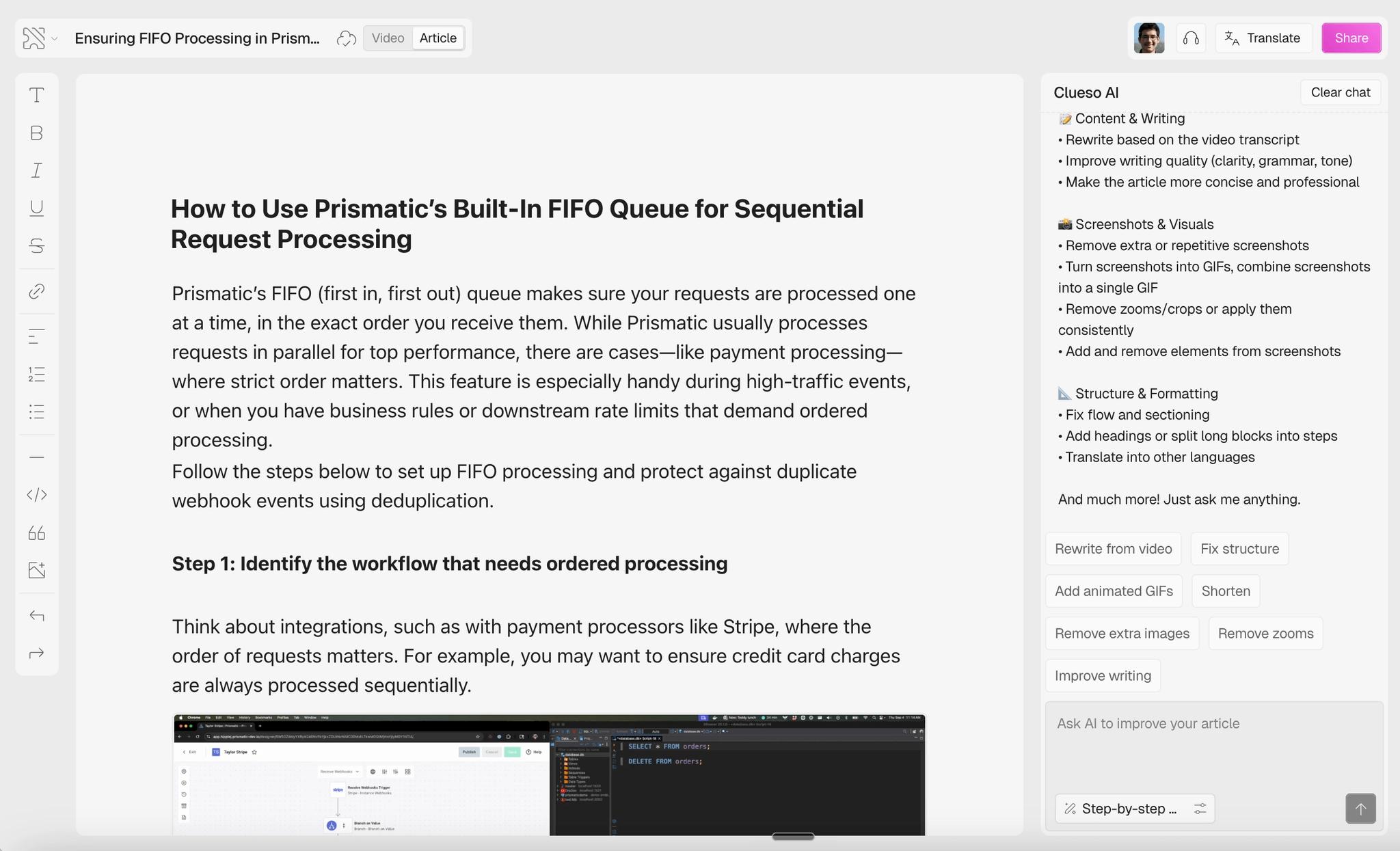
Clueso gives your audience a useful choice: watch the explanation or scan the article for the step they need. Articles can be published to a help center or exported. That makes it our pick for customers looking for a quick answer.
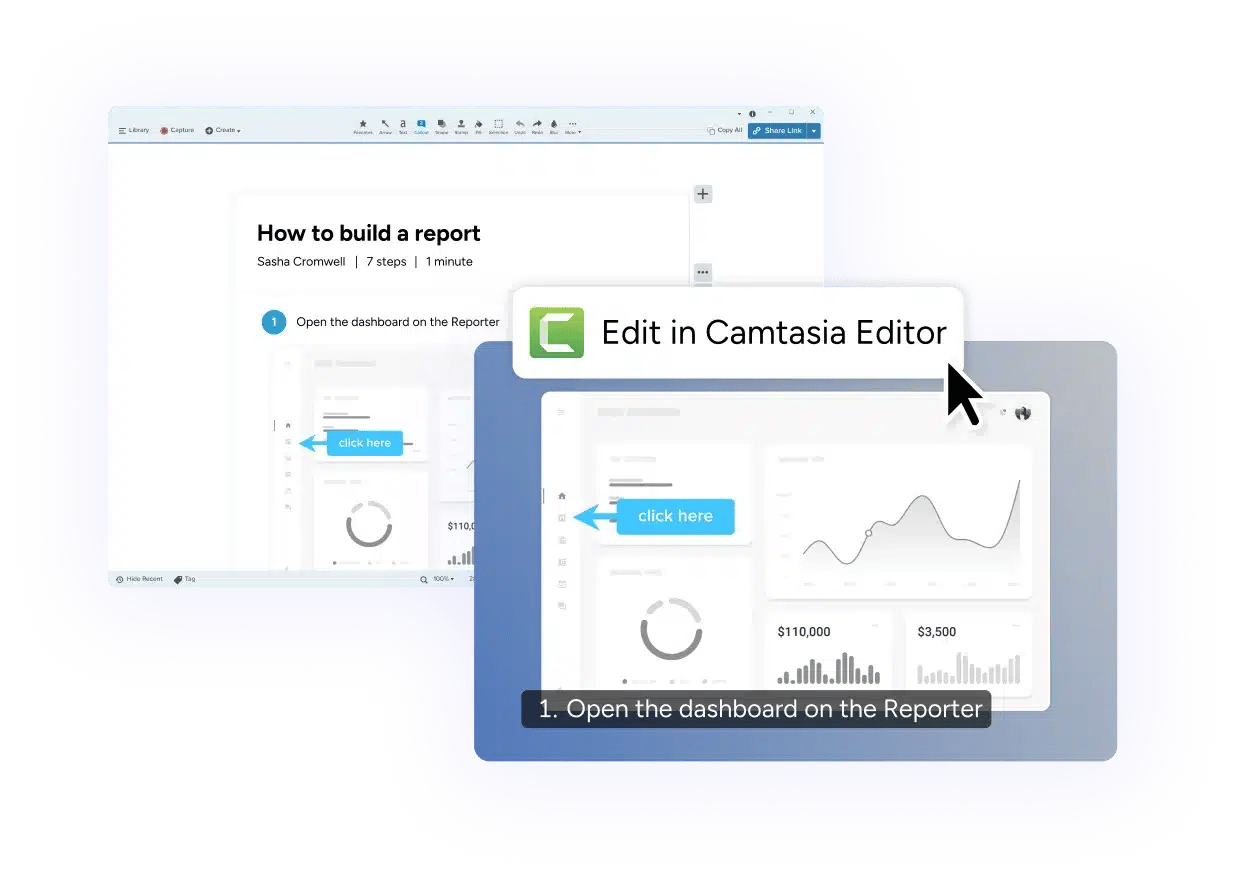
Camtasia is the stronger choice for scored training delivered through a learning management system, or LMS. Its quizzes and SCORM export support that delivery, while Snagit covers readable guides. TechSmith also documents a Snagit-to-Camtasia workflow that generates video from captured steps, so it deserves credit for connecting documentation and video.
Winner for scannable help: Clueso. Winner for scored LMS training: Camtasia. Captions make video easier to follow; a written procedure and a scored lesson serve different needs.
Best use cases
When to use Clueso
Clueso is our first choice when the person creating the tutorial knows the product but has little time for production.
- Your customer education team needs a video and help article for recurring releases, with one person reviewing both before they go live.
- A support specialist needs to explain a short workflow without building each effect by hand.
- Your product team needs translated tutorials and can budget for the output volume.
When to use Camtasia
Camtasia makes sense when the finished lesson needs an editor’s attention.
- An instructional designer needs quizzes and a SCORM package for an existing LMS.
- A trainer needs each callout and cursor movement timed to the narration.
- Your team already uses TechSmith tools and has someone comfortable editing video.
For educational video creation, we’d choose Camtasia when assessment or precise presentation is part of the assignment.
Pricing breakdown
US pricing checked in October 2026. Annual commitments and included users differ.

- Annual export allowances are available upfront.
- Re-exports count the longest version of each video in the billing cycle.
- Budget for both editor seats and the volume of distinct tutorials.
- These are individual, non-transferable subscriptions.
- Compare Teams & Business separately if you need transferable seats.
- Include editing time and project ownership in the budget.

- Capture a process in Chrome or import an existing recording.
- Edit the guide’s steps, then regenerate the narrated walkthrough.
- Keep procedures findable with folders, search, and embeds.
Clueso pricing starts at a $40 monthly equivalent for Solo, billed annually at $480 for one editor. It includes three video-export hours and 180 articles per year. Entry Business is $120 a month billed annually, or $1,440, with two editors, six video-export hours, and 360 articles. Annual allowances are available upfront. Re-exporting the same video doesn’t repeatedly consume its full duration; Clueso counts the longest version exported or published in the billing cycle. Reviewer seats and some controls require Enterprise.
Camtasia’s individual subscriptions run from about $40 to $600 a year. Starter includes Snagit but watermarks Editor output. Essentials, about $180 a year, is the starting point for watermark-free editing and LMS features. Create, about $250 a year, adds generated scripts and voiceovers; Pro, about $600, adds translation and dubbing. Individual licenses are non-transferable, so a business needing transferable seats should compare the Teams & Business offer separately.
Output volume makes the Clueso choice clearer. Ten distinct three-minute tutorials each month total 360 minutes a year. That is twice Solo’s allowance and all of entry Business’s video allowance, before additional tutorials or longer versions. Repeated downloads of those same videos are a different matter.
For context, Trails Team displays $49 a month for five users, with extra users at $10 a month; its pricing page offers a 20% annual discount.
Camtasia is the cheaper purchase for one creator who needs full editing. Clueso earns its higher price when it removes production work your team would otherwise do by hand. Budget for the people doing that work as well as the subscription.
Pros and cons
Clueso
Pros
- Creates a help article alongside the video, giving customers two ways to follow the same process.
- Reduces script and voiceover production work, particularly for subject-matter experts who don’t edit video regularly.
- Supports branding and translated output, helping a team produce a consistent tutorial series.
Cons
- Plan-based export allowances can constrain a growing library; forecast output before choosing a package.
- Reviewer seats and some admin features require a higher tier.
- Auto-zooms and audio alignment still need review. G2 users report overly tight zooms and synchronization issues.
Camtasia
Pros
- Gives editors detailed control over effects and timing.
- Supports quizzes and SCORM delivery for teams building training around an existing LMS.
- Pairs Editor with Snagit and Audiate for visual guides and audio work.
Cons
- Advanced editing takes practice, even when the first recording is straightforward.
- Some users report slow rendering on larger projects. G2’s Camtasia feedback identifies learning and performance as recurring concerns.
- Working across apps and managing licensing adds coordination when several people own the content.
Our read: Clueso reduces the production burden; Camtasia rewards the person willing to own it.
The verdict
We’d buy Clueso for most customer education teams without a dedicated editor. It gets you to the two things customers need, a narrated explanation and readable instructions, with less hands-on production.
Choose Camtasia when the details of the video are the job, or when you need quizzes and SCORM for an LMS. A lower subscription price is welcome, but its bigger advantage is control.
For operations teams maintaining a library of procedures, we’d choose Trails. When instructions change every few weeks, the recurring job is making sure the guide and walkthrough still tell the same story. That is where a guide you can edit and regenerate becomes more valuable than another set of video effects.
Why Trails is the better fit for procedures that keep changing
Every workflow revision has to reach two people: the one reading the instructions and the one watching the walkthrough. Miss either, and someone follows the old process.
Clueso already creates both formats, and Snagit can feed captured steps into Camtasia. Trails’ advantage for this job is its documented maintenance workflow: the guide supplies the steps for the narrated video, and you regenerate that video after editing the guide.
- Keep one procedure useful in two formats. Capture a process in Chrome or turn an existing recording into a guide. People can read the steps or watch the explanation, starting from the same editable instructions.
- Correct the explanation where it lives. Change step text or custom narration, then regenerate the editable training walkthrough. The updated instructions become the basis for the voiceover and captions, without another spoken take.
- Change the affected steps. If the button moves to Billing, capture the new screen and revise that part of the guide. The rest of the procedure stays as it is.
- Help people find and use the current instructions. Folders and search keep procedures findable, permissions control access, and you can embed guides where people work. Knowledge bases and translation are Enterprise features.
Camtasia remains the better choice for intricate timeline editing. Trails is our pick when the ongoing assignment is keeping a procedure correct.
Try Trails for free. Capture one real procedure, revise a step, and regenerate its narrated walkthrough during the trial.
Clueso vs Camtasia FAQs
Explore further
If you’re also comparing tools for documenting workflows, these guides compare a few more options:
Create beautiful guides
Try Trails with one real procedure
Capture it, revise a step, and regenerate its narrated walkthrough during the trial.
Create a guide