




Guidde vs Scribe:
feature comparison (2026)

Guidde is built for polished AI-narrated video tutorials. Scribe is built for governed, searchable SOP libraries. Trails is the better fit when your team needs both formats from one source of truth.

Guidde vs Scribe vs Trails comparison.
Ryo Chibahey it's me
Before you read

I'm a co-founder of Trails and I want you to pick us. That's the bias.

Here's why this is still worth reading. I've spent months using paid accounts for all the tools, running real workflows, reading the reviews, and talking to folks about their experiences.

I'll tell you where Guidde wins. I'll tell you where Scribe wins. And when Trails isn't the right call, I'll say so. I hope you find this guide helpful!

Ryo
Co-founder, Trails

The core difference: video polish vs. documentation governance

The real tension in the Guidde vs Scribe decision is not which product looks better in a demo. It is an operating model choice.

Guidde is video-first. It gives teams AI voiceovers, branded video delivery, localization, and a timeline editor for customer-facing training and product walkthroughs.

Scribe is documentation-first. It gives enterprise teams governed, searchable process documentation for SOP libraries, compliance, AI readiness, and knowledge operations.

The shared gap is maintenance. Guidde routes updates through a video editor. Scribe routes screenshot changes back through re-capture. Trails keeps the written guide and narrated video tied to the same source.

Create beautiful guides

Get started with Trails

Record your screen, turn it into a polished guide. No design skills needed. Try it free today.

Create a guide
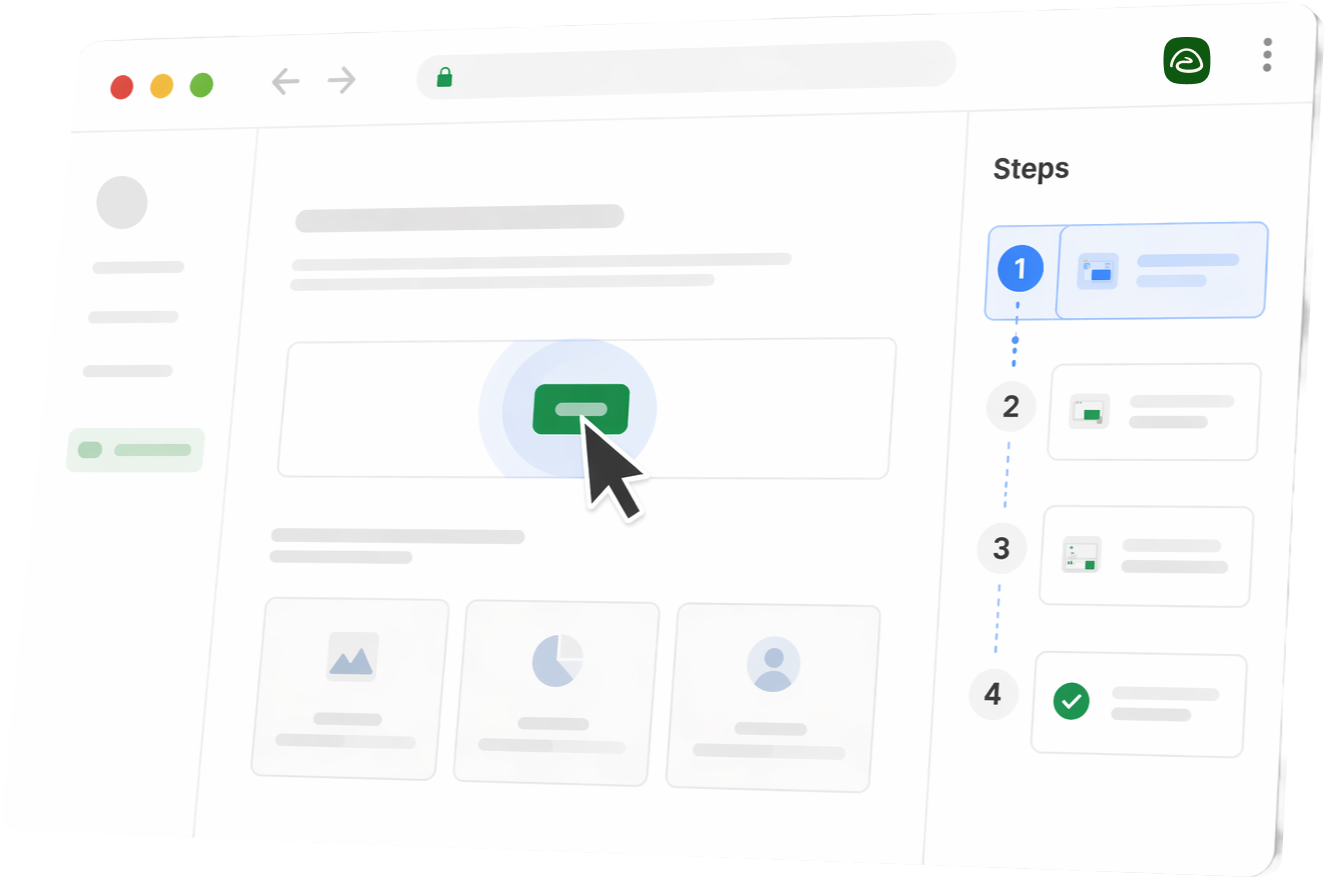
Stylized Trails product UI in a browser window with steps sidebar

Platform overview

All three products help teams explain workflows, but they optimize for different outputs: polished video, governed SOPs, or consistent multi-format documentation.

Guidde

Guidde turns captured workflows into AI-narrated video tutorials with a text companion. It is strongest for customer-facing training, product walkthroughs, multilingual enablement, and branded video delivery.

  • +AI-narrated video from capture
  • +200+ voices across 100+ languages
  • +Branded player and Broadcast widget
  • +Exports to MP4, GIF, PDF, PPTX, HTML, Markdown, and SCORM
Best for: teams that need polished video tutorials for external audiences.
Scribe

Scribe turns captured workflows into governed, searchable, screenshot-based guides. It is strongest for SOP libraries, AI readiness, compliance-sensitive documentation, and large internal knowledge bases.

  • Fast annotated screenshot guides
  • Scribe Pages for long-form SOPs
  • Scribe Optimize for process analysis
  • PII and PHI redaction on enterprise plans
Best for: enterprise teams that need structured, scannable process documentation.
Trails

Trails removes the video-or-guide tradeoff. One capture creates a step-by-step guide and a narrated video tied to the same source of truth, so teams can document consistently without maintaining two assets.

  • Guide + AI video from one capture
  • Video-to-guide import
  • Guide edits regenerate the video
  • Team roles, branded output, embeds, and exports
Best for: teams that need scalable process capture and consistent documentation.

At-a-glance comparison table

Guidde wins when video is the core asset. Scribe wins when searchable, governed reference material is the core asset. Trails is strongest when the guide and video both need to stay current.

Feature
Guidde
Scribe
Trails
Primary output
What the capture turns into
Native narrated video
Real video with AI voiceover
Existing video import
Turn a prior training video into a guide
Long-form SOPs
Combine multiple workflows into manuals
~
In-app delivery
Surface guidance inside software
~
~
~
Sensitive data controls
Blur, redact, or govern sensitive fields
~
~
Maintenance model
How updates are made after capture
~
~
Pricing (2026)
Public entry team pricing from the draft
$23/creator/mo$13/seat/mo$10/seat/mo
Included
~Partial
Not available

Which one should you choose?

When Guidde is the right choice

  • You need customer-facing product walkthroughs or training videos with a branded player.
  • Localization matters and AI voiceover across many languages is a high-value workflow.
  • Your team is comfortable maintaining documentation inside a timeline-based video editor.
  • In-app content delivery through Broadcast is part of the rollout plan.

When Scribe is the right choice

  • Your primary need is a governed, searchable SOP library.
  • You work in a regulated environment where PII or PHI redaction is non-negotiable.
  • You need to combine multiple workflows into long-form manuals with Scribe Pages.
  • Enterprise process analysis and AI-readiness planning matter more than video output.

When Trails is the right choice

Choose Trails when your team needs consistent process capture across every workflow, and the final output needs to work as both a guide and a narrated video.

Trails records once, creates a step-by-step guide, creates an AI-narrated video, and keeps both tied together. Edit the guide text, reorder steps, append a new capture, or turn an existing Loom-style recording into a guide.

That is the core of how Trails works.

Core features deep dive

The practical decision comes down to capture experience, editing, maintenance, and how the end reader consumes the output.

1. The capture experience

Guidde: Magic Capture records browser or desktop workflows and turns a single recording session into an AI-narrated tutorial with step overlays and a text companion. Longer workflows may need to be split, and there is no native mobile recorder.

Scribe: Capture records clicks, typing, and navigation, then generates numbered steps with annotated screenshots and AI-written descriptions. Desktop capture requires a paid plan, and post-capture pruning is common because every extra click can become a step.

Trails: One capture produces the written guide and narrated video together. Teams can also import an existing video and turn it into a step-by-step guide.

2. Editing and maintenance

Guidde does not force a re-record for every small change, but edits happen in a video-first timeline. That gives power users control over pacing, transitions, zooms, and polish. For routine SOP upkeep, that production model can feel heavy.

Scribe text steps and annotations are editable after capture, but screenshots reflect the UI state at recording time. When a screen changes materially, teams re-capture the relevant steps. Pages helps organize long-form docs, but each underlying Scribe still needs maintenance.

Neither tool fully removes maintenance work. Guidde sends you to the video editor. Scribe sends you back to capture. Trails lets guide edits regenerate the video from the same source.

3. Consumption: how the end reader uses the output

Guidde's AI-narrated tutorials are engaging for training, onboarding, and customer-facing education. The branded player and Broadcast widget can surface content inside the tools people already use. The tradeoff is that video is linear and harder to scan.

Scribe's screenshot guides are scannable and reference-friendly. Readers can jump to the exact step they need, and live embeds update across tools like Notion, Confluence, and SharePoint when the source guide changes. The tradeoff is that there is no native narrated video.

Trails gives readers both paths. They can skim the guide or watch the narrated video, while the team maintains one underlying workflow.

Create beautiful guides

Get started with Trails

Record your screen, turn it into a polished guide. No design skills needed. Try it free today.

Create a guide
Stylized Trails product UI in a browser window with steps sidebar

Pricing breakdown

Guidde is priced around creators and video output. Scribe is cheaper per seat for teams of five or more, but governance features move into Enterprise. Trails is the better fit when guide and video need to ship together.

Guidde
Free
$0/mo
25 videos with basic AI features.
Pro
$23/creator/mo
Annual plan with unlimited videos, Brand Kit, exports, and basic blur.
Business
$50/creator/mo
Desktop capture, analytics, advanced privacy, and text-to-voice with a 5-creator cap.
Enterprise
Custom
Custom terms for larger teams, Broadcast, governance, and advanced rollout needs.
  • Strong value when video is the main deliverable
  • Business caps at 5 creators before Enterprise
  • Broadcast is sold separately with no public pricing
Conclusion: Competitive for polished video, less predictable as creator count grows.
Scribe
Free
$0/mo
Unlimited browser Scribes with limited advanced features.
Pro Personal
$23/mo
One seat for fuller capture, editing, and export needs.
Pro Team
$13/seat/mo
Annual team pricing with a 5-seat minimum.
Enterprise
Custom
SSO, redaction, Optimize, governance, and reported platform fees.
  • Lower per-seat price once you have at least five users
  • Five-seat minimum is a real barrier for small teams
  • Enterprise is where the governance and Optimize story starts
Conclusion: Efficient for text-first SOP libraries. The Enterprise jump is steep.
Trails
Trial
$0/mo
Free trial with no credit card required.
Creator
$29/mo
Create guides and AI videos without buying a second tool.
Team
$10/seat/mo
Shared workspace, video-to-guide, embeds, and branded output.
Business
$300/mo
For teams that need translation, AI narration, and broader rollout.
  • One workflow creates both guide and narrated video
  • Existing videos can become step-by-step guides
  • Guide edits keep the video output current
Conclusion: Best when consistency matters across both written and video docs.

Pricing references: Guidde pricing and Scribe pricing.

Pros and cons

Both products are useful. The risk is buying the video-first tool for governed SOPs, or the documentation-first tool when your audience needs video.

Guidde

Pros:

  • Produces both video and text documentation from a single screen capture.
  • AI voiceover and localization remove a lot of manual narration work for external training.
  • Broadcast can deliver contextual help inside applications instead of only in a separate knowledge base.

Cons:

  • AI voice quality can feel robotic, especially in less common languages.
  • Timeline editing gives control, but it can be too much process for everyday SOP updates.
  • Business plan creator caps and add-on pricing can push growing teams into Enterprise earlier than expected.

Scribe

Pros:

  • Fast capture creates scannable guides that are easy for teams to learn and maintain.
  • Pages combines multiple Scribes into comprehensive long-form SOPs and manuals.
  • Enterprise redaction and governance are useful for regulated industries.

Cons:

  • No native narrated video output. Movie view is not the same as a voiceover tutorial.
  • AI-generated step descriptions often need manual editing to sound specific.
  • Pro Team has a 5-seat minimum, and Enterprise pricing can jump materially.

The verdict

Guidde wins when polished video is the asset. Scribe wins when governed, searchable documentation is the asset.

Choose Guidde for customer-facing video tutorials, multilingual walkthroughs, and branded product education.

Choose Scribe for internal SOP libraries, compliance-sensitive workflows, process governance, and AI-readiness documentation.

Choose Trails when your team needs everyone documenting work the same way, with written guides and narrated videos staying in sync from one capture.

Frequently asked questions

Trails produces both a narrated video and a step-by-step guide from a single screen capture. It is built for scalable process capture and consistency, so teams can document workflows quickly without managing a complex video timeline for every update.

Guidde generates both a video tutorial and a text-based step-by-step companion from one capture. The text layer is secondary to the video, and multi-process SOP assembly is not as native as Scribe Pages.

Scribe offers a Movie view that plays through captured steps, but it is not a narrated video with AI voiceover. For true video tutorials, teams need another tool.

Guidde Pro is $23 per creator per month on annual billing. Scribe Pro Team is $13 per seat per month on annual billing with a 5-seat minimum. Guidde costs more per user but includes video output and AI voiceovers.

Neither Guidde nor Scribe can ingest an existing video library and convert it into documentation. Trails can upload an existing Loom recording or MP4 and extract a step-by-step guide from it.