Turn any Loom video into a professional SOP in minutes .
.
Upload a Loom recording and let Trails create the documentation. Get ordered steps, screenshots, an editable guide, and a polished narrated video without writing the SOP from scratch.
Get started instantly. No credit card required.
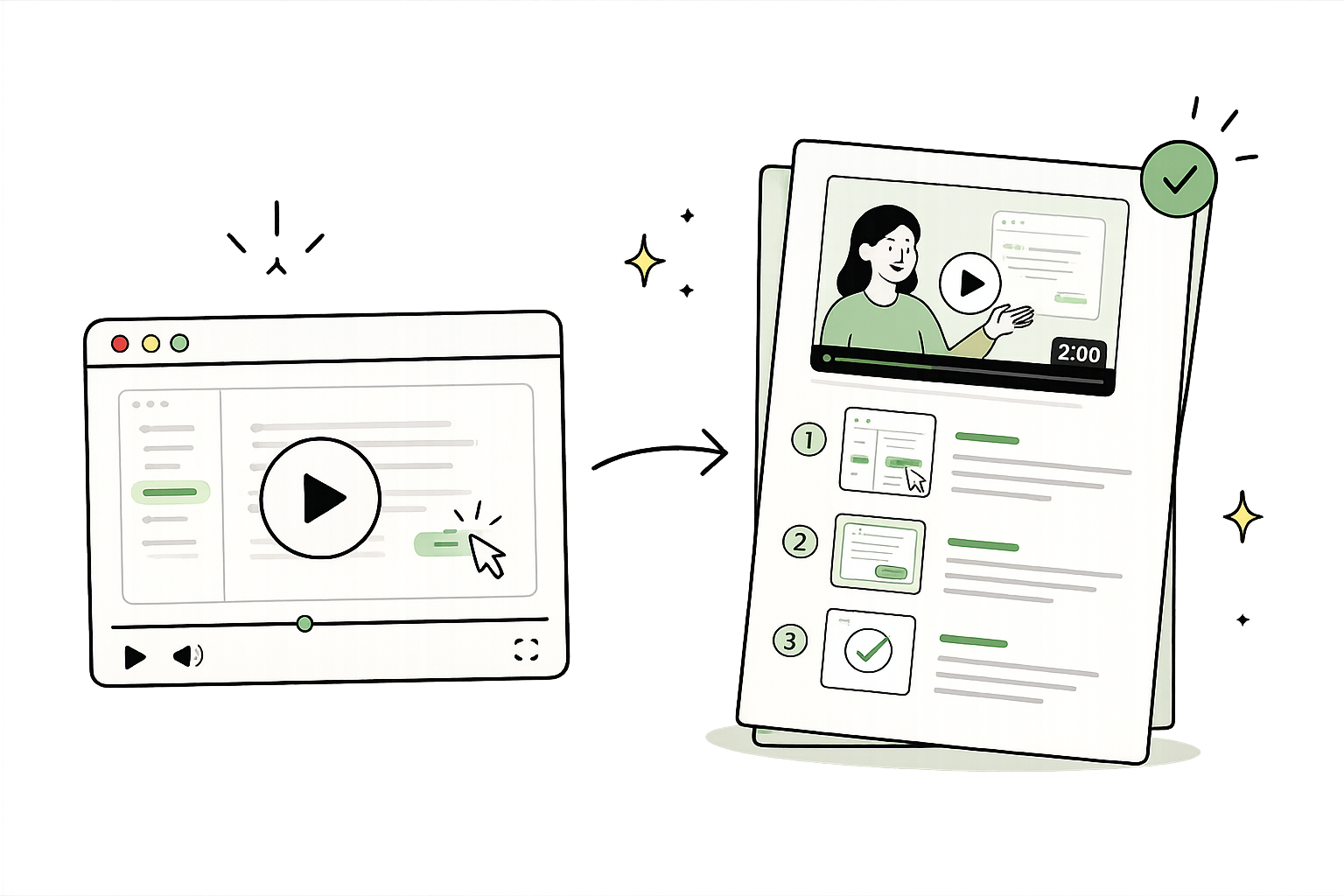
SOP draft ready
Steps, screenshots, video, and narration
A Loom explains the process. An SOP makes it repeatable.
Keep the context of video while giving your team documentation they can scan, search, update, and reuse.
Using Loom for SOPs? Switch to Trails.
Loom is great for recording a quick explanation. Trails is built to turn that knowledge into structured, editable documentation your team can search, update, and reuse.
Read the full Trails vs. Loom comparisonNo credit card required.
How it works
Start with your Loom recording, then review the steps before sharing. Our guide to turning a video into an SOP compares the available methods and what to check in the draft.
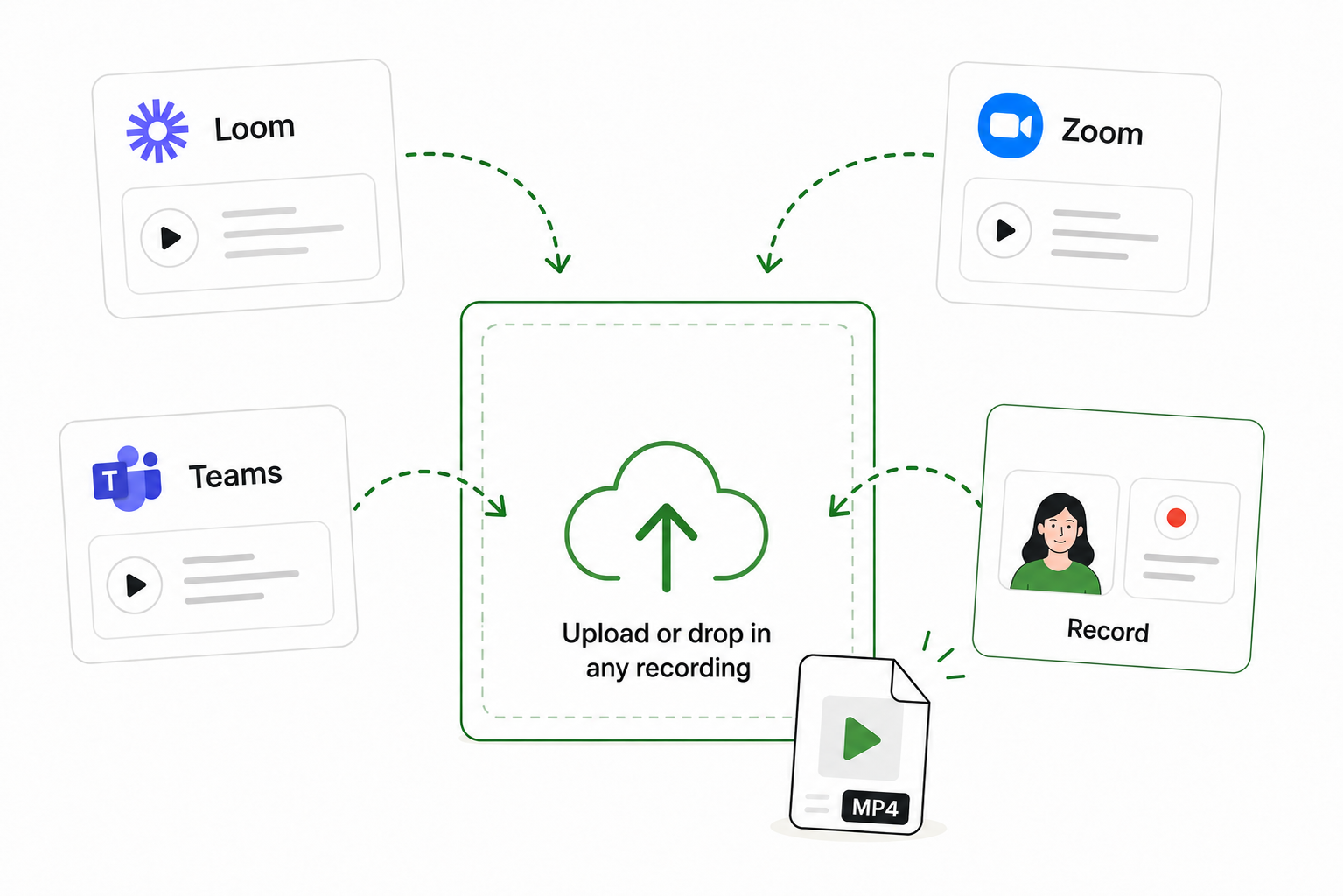
Step 1: Upload your Loom recording
Export your Loom recording, then upload it to Trails. You can use a polished walkthrough or a rough recording with pauses and mistakes.
Step 2: Trails creates the SOP
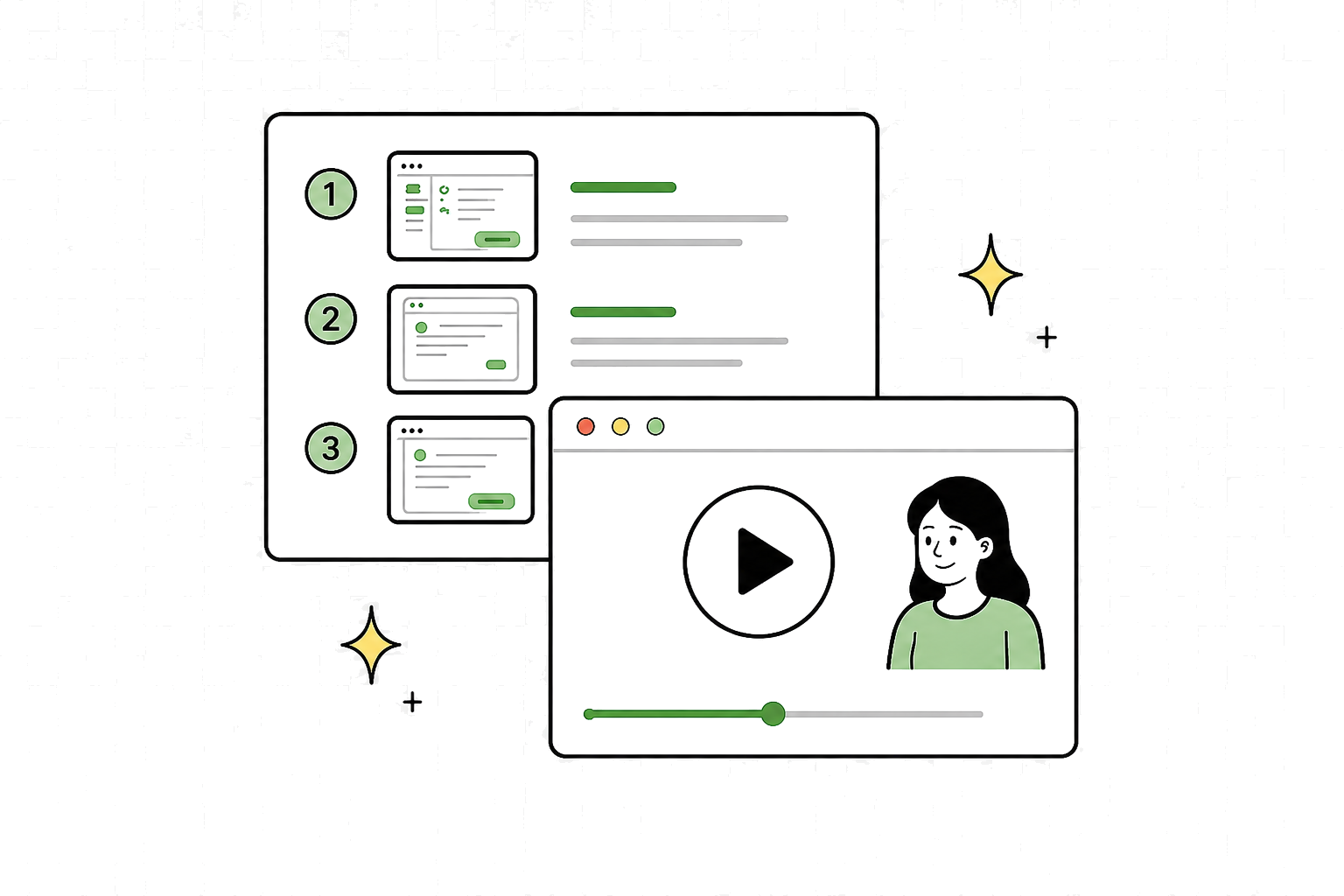
Trails turns the recording into ordered steps with screenshots and an editable draft, plus a polished video with AI narration.
Step 3: Review, share, or export
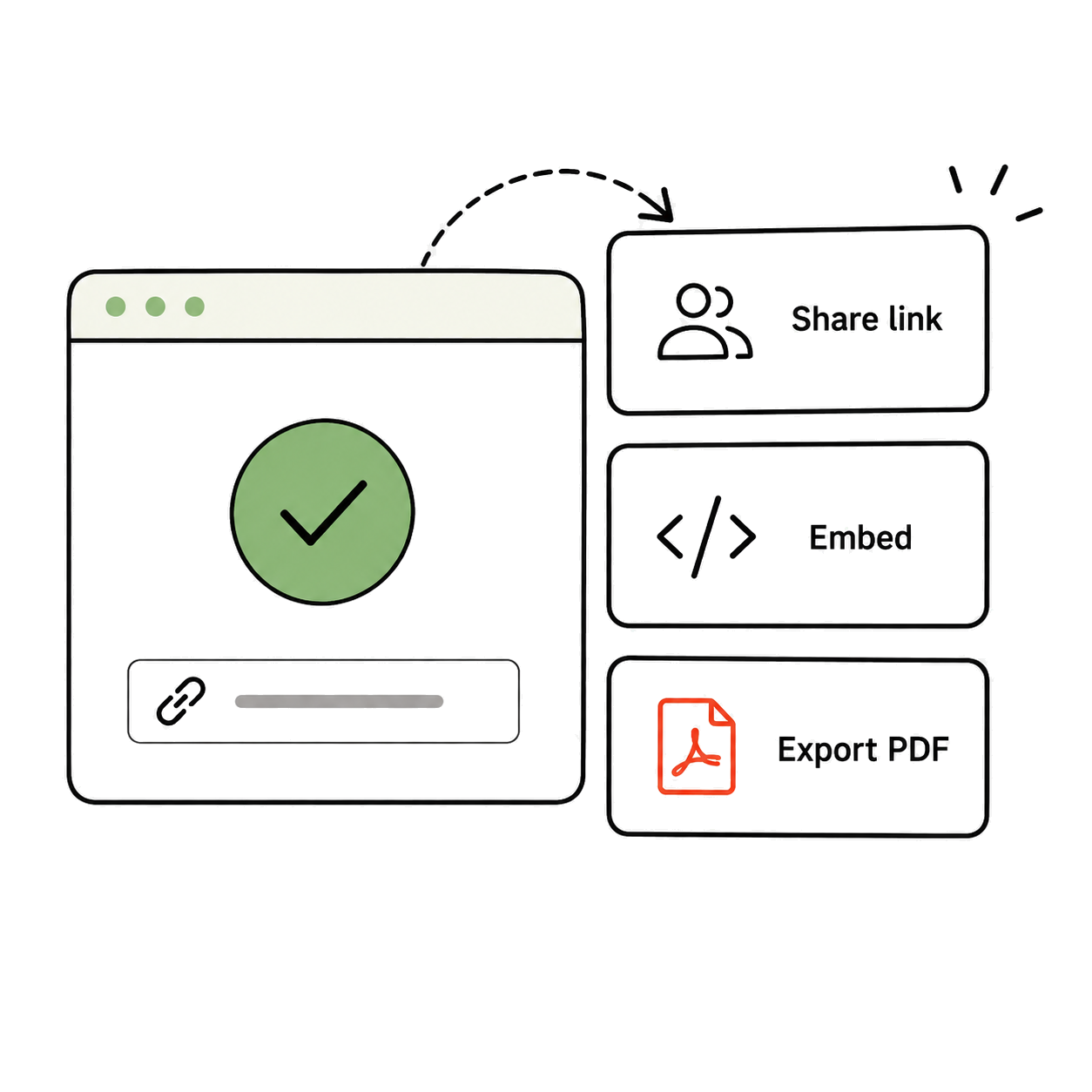
Fix a step, redact sensitive details, and share the SOP by link or export it to PDF or Markdown.
Everything your Loom needs to become an SOP
Structured steps
Turn the actions in your Loom into clear, numbered instructions.
Editable documentation
Rewrite, reorder, add, or remove steps before you publish.
Blur and redaction
Hide sensitive information before the SOP reaches your team.
Flexible sharing
Share a live link or export the finished SOP to PDF or Markdown.
Looking for the broader workflow? See the Video to SOP Generator.
Loom to SOP questions
Open the video in Loom, select the More actions menu, choose Download, and save the MP4 file to your computer. Watch the walkthrough below for the complete process.
Turn your next Loom into an SOP
Upload the recording and get an editable guide your team can actually use.