
Guidde Alternatives: Which Video Documentation Tool Should Your Team Use?





Guidde’s good at turning a workflow recording into a polished video guide with narration, callouts, and shareable documentation. If your team cares most about video-first training content, it’s a serious contender.
The issue’s fit. Some teams need faster written SOPs and others need a full training system with assignments and quizzes. This guide walks through the best Guidde alternatives and when each one is the right call.
If video remains your main deliverable, our video tutorial software guide also compares recording tools, full video editors, and AI presenters.
The quick answer
- Trails: Best when one workflow needs to become both a written guide and a narrated training video.
- Clueso: Best for polished customer-facing product videos and help articles.
- Trupeer: Best for AI-polished demo videos when usage-based video minutes make sense.
- Scribe: Best for fast screenshot-based SOPs and internal process docs.
- Tango: Best for in-app workflow guidance and process adoption.
- Loom: Best for quick async video explanations, updates, and bug reports.
- Trainual: Best for structured employee training, assignments, quizzes, and accountability.
How we evaluated
We evaluated these tools against a representative 12-step customer onboarding workflow: capture the process, clean up the draft, share it with a teammate or customer, update one changed step, and estimate what the tool would cost for a team of 5, 10, and 25 creators or users. We looked at creation speed, editing burden, guide quality, video quality, branding, sharing, updateability, and pricing at team scale.
We make Trails, so this guide has a point of view. The goal is still to be useful. That means naming where Trails isn’t the right fit, recommending other tools when they fit better, and being specific about the tradeoffs instead of pretending every product solves the same problem.
How we chose what to test
We focused on tools that help teams capture, explain, and distribute software workflows. That includes AI video documentation tools, screenshot-based SOP tools, async video tools, and training platforms. We didn’t include broad knowledge bases like Notion or Confluence, because they store documentation but don’t solve the capture problem by themselves.
Tools made the list when they showed up repeatedly in buyer comparisons, had meaningful market presence, served similar teams, or solved a nearby job that Guidde buyers often consider. That’s why the list includes Scribe and Tango for workflow capture, Loom for async video, Clueso and Trupeer for AI video production, and Trainual for managed training.
We excluded full enterprise digital adoption platforms like WalkMe and Whatfix from the main list. They can be relevant when the buyer wants large-scale in-app adoption programs, but they’re usually a heavier sales-led purchase than a team looking for a Guidde alternative wants to evaluate first.
Why do customers look for Guidde alternatives?
Guidde isn’t a bad product. The reason teams look elsewhere is usually narrower: they want a different output, a simpler workflow, a different pricing model, or less video-editing weight.
Based on Guidde's pricing page, G2 review patterns, and competitor research, the most common reasons are:
Reason #1: The product can feel heavier than a simple SOP tool
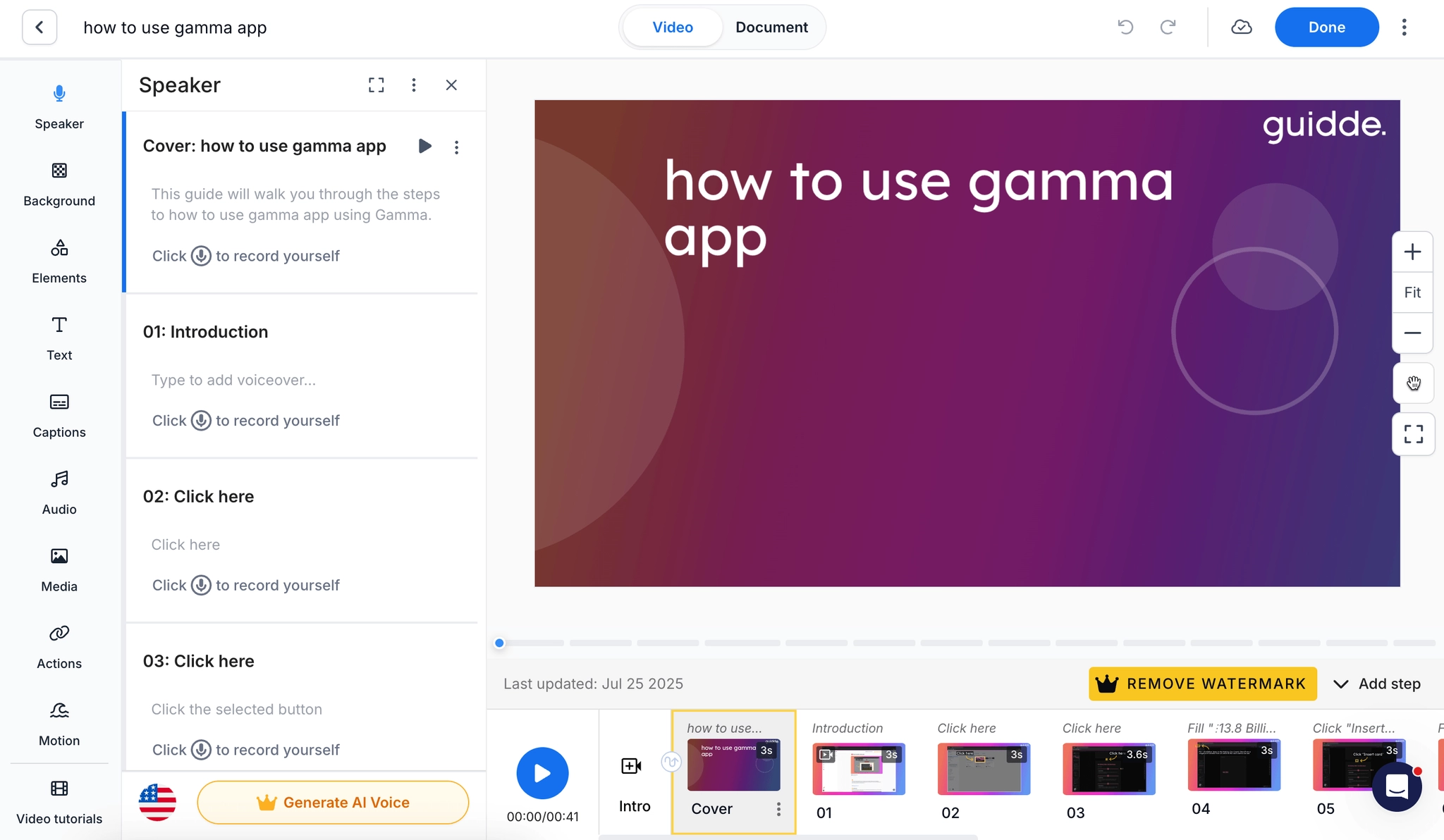
Guidde is video-first and that’s the point. But if your team mainly needs fast written procedures, a timeline-style video editor, narration controls, transitions, and visual polish can feel like more product than the job requires.
G2 review summaries still show strong praise for ease of use and fast creation, but they also surface recurring complaints around limited customization, screenshot issues, organizational friction, and limited language support. None of those are fatal. They do matter when the team just wants a clean, editable guide that people can skim.
Reason #2: Important capabilities move up the plan ladder
Guidde's free plan is useful for trying the product, but the more serious team features sit on paid plans. The current pricing page lists Pro and Business creator-based plans, with Business adding desktop capture, PDF and PPT-to-video creation, analytics, and advanced video privacy controls. Enterprise adds features like translation, SSO, SCIM, multi-brand management, and more advanced governance.
That packaging makes sense for Guidde. It also means smaller teams may compare alternatives if they need only one slice of the product. A team that wants screenshot SOPs may not want to pay for a richer video stack. A team that wants in-app guidance may want a tool built around execution inside the app, not video distribution.
Reason #3: AI output still needs human cleanup
Guidde compresses a lot of work into one capture, but it doesn’t remove judgment. Review patterns mention AI voiceover quality, translation quality, occasional capture friction, and collaboration or save/version hiccups as areas where users may still need cleanup.
That’s normal for this category. The practical question is where you want the cleanup to happen. If you want to edit a guide and have the video follow, Trails is a better fit. If you want a high-production video editor, Clueso or Trupeer may fit better. If you want the fastest written SOP, Scribe may be enough.
Trails
Best for: guide + video documentation
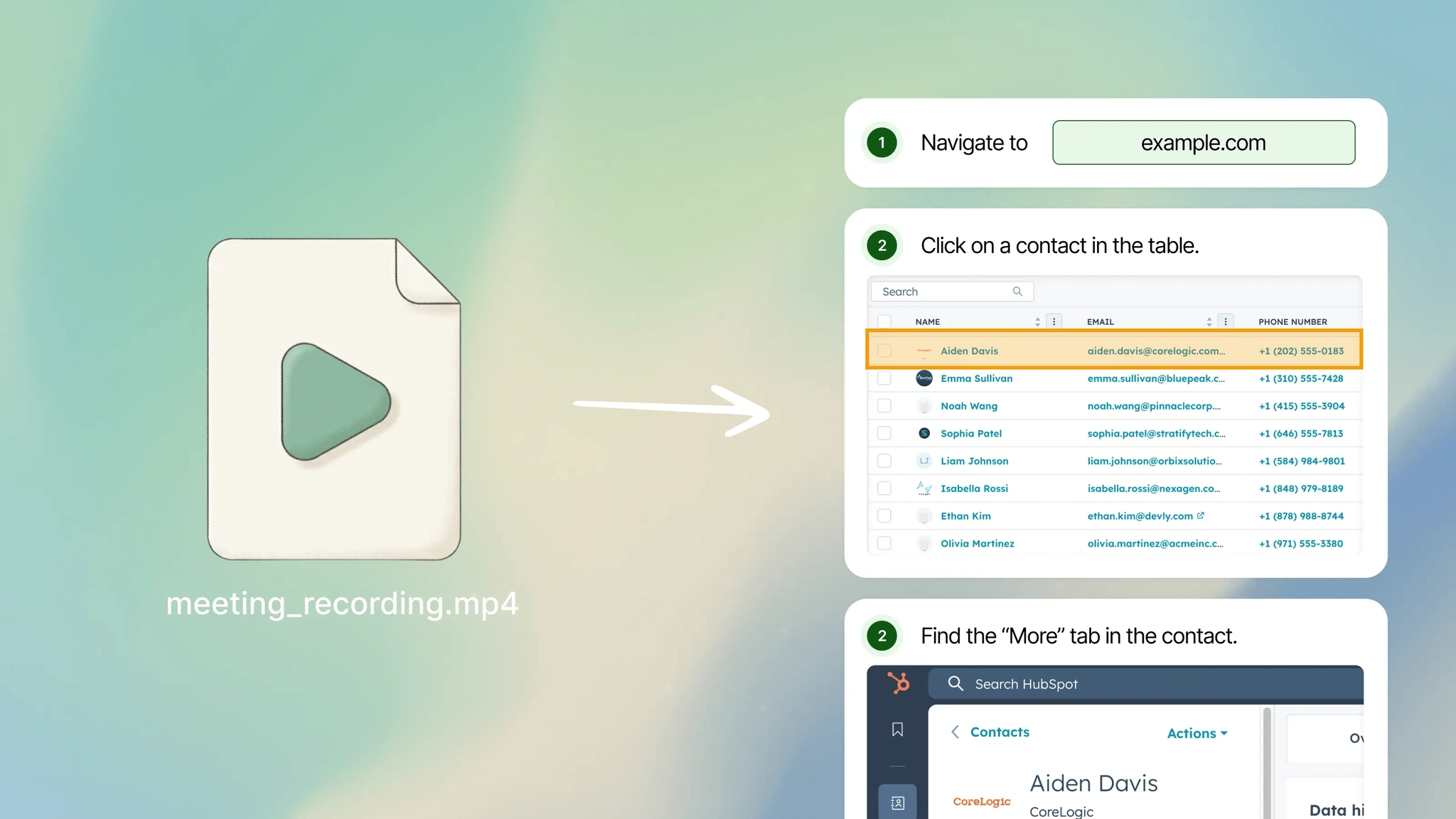
Trails is the best Guidde alternative when the output needs to be both a written guide and a narrated training video. One workflow capture becomes a step-by-step guide with screenshots and an AI-narrated video from the same source. Edit the guide text, and the video can be regenerated from the updated content. For a narrower product-by-product breakdown, read Trails vs Guidde.
That matters when documentation needs to function as training content. A support article, onboarding SOP, customer walkthrough, or internal process guide often needs two formats: something people can skim and something people can watch. Guidde also understands that dual-output problem, but Trails is built around the guide and video staying tied together with less video-editor overhead.
Trails is also friendlier for teams that want documentation spread widely across the company. The Trails pricing page lists a Creator plan at $29/month, a Team plan at $49/month with 5 users and unlimited guides, and a Business plan with unlimited users on custom pricing. That’s a better model when many people need to view, use, or share the documentation, not just a few creators making videos.
Choose Trails if your team is documenting onboarding, customer education, SOPs, product updates, or recurring internal workflows. It’s especially strong when the same workflow needs to serve different learning styles: a readable guide for skimming and a short video for training.
Skip Trails if your main goal is high-production product marketing video. Clueso or Trupeer will give you more control over cinematic polish, avatars, intros, outros, and marketing-style video output. Also skip it if you need LMS-style quizzes, e-signatures, and completion tracking. Trainual is built for that.
Clueso
Best for: polished customer-facing product videos
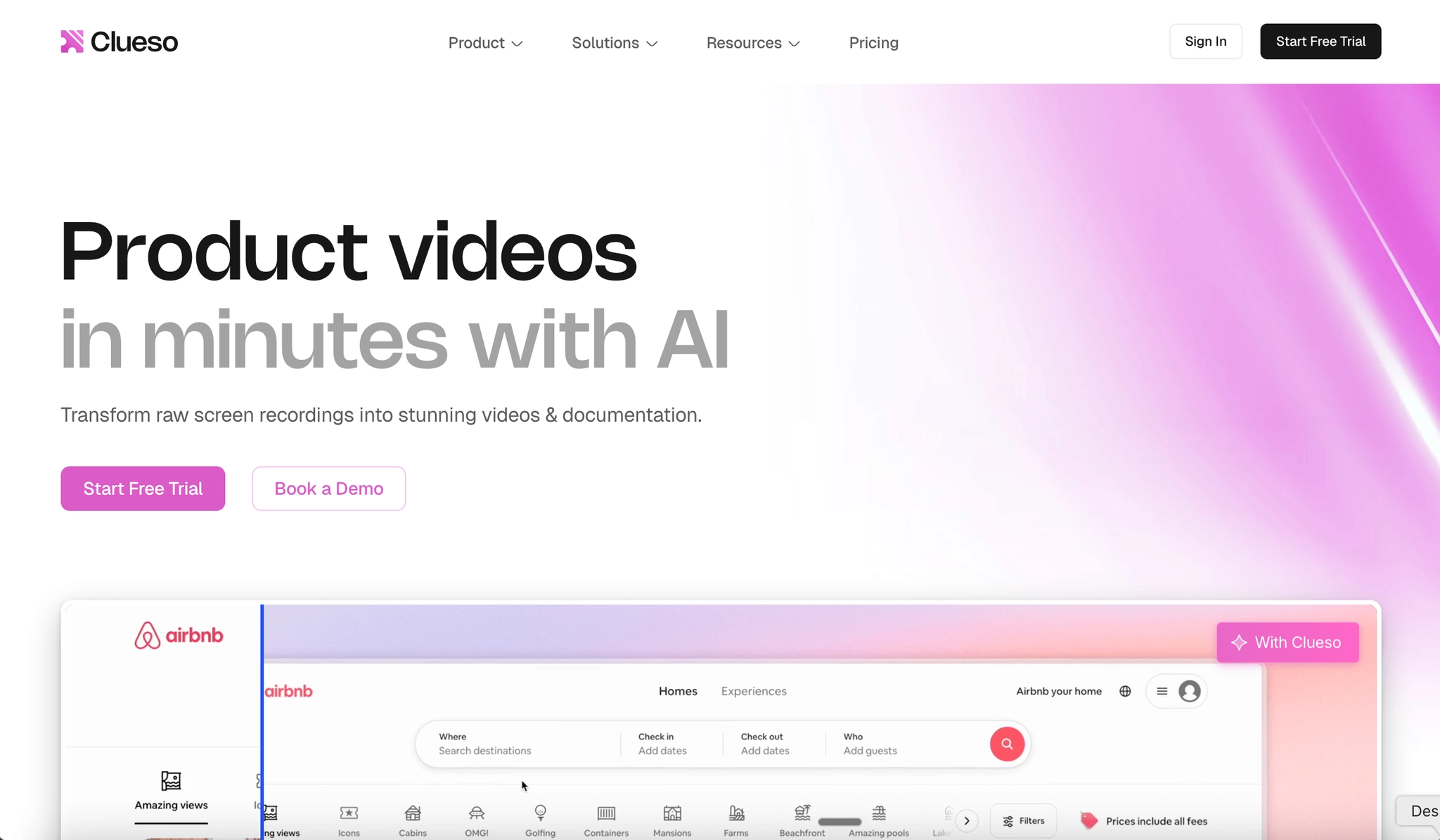
Clueso is the better Guidde alternative when the finished video needs to look like customer education or product marketing content. It turns screen recordings into polished videos with AI script cleanup, voiceover, zooms, captions, branding, and a written article generated from the same recording.
The product isn’t trying to be the fastest internal SOP tool. It’s trying to help customer education, product marketing, L&D, and sales enablement teams create professional software explainers without a dedicated video team. That’s a different job from lightweight process documentation.
Pricing is usage-based around exports. The current Clueso pricing page lists a 7-day free trial, Starter at $120/month billed yearly for 2 users with 6 hours of video exports per year, and Growth at $200/month billed yearly for 4 users with 12 hours of video exports per year. Enterprise is custom.
Choose Clueso if your team needs polished product walkthroughs, multilingual customer education, launch videos, or help center videos that need to look more produced than a raw screen recording. It’s a strong fit when the audience is external and the video quality matters.
Skip Clueso if you’re producing a high volume of internal SOPs. Export limits can become the constraint, and the product may feel like too much production workflow for simple documentation. For internal repeatable processes, Trails or Scribe will usually feel lighter.
Trupeer
Best for: AI-polished demo videos
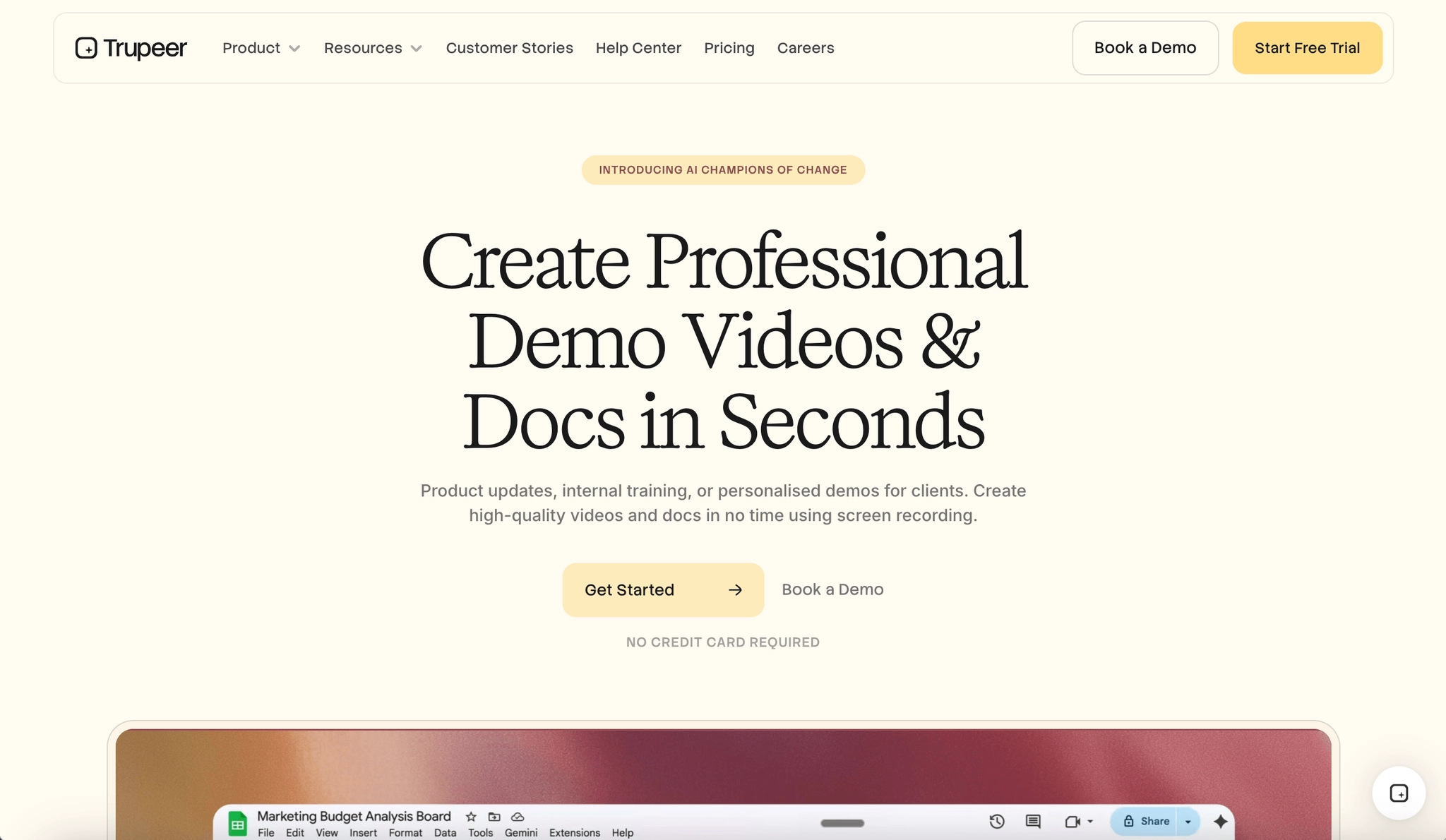
Trupeer is close to Clueso in shape: record a screen workflow, then use AI to generate a polished video and written guide. It’s strongest when the buyer wants demo-style videos, AI voiceovers, translation, avatars, and branded output without hiring a video editor.
The tradeoff is the usage model. G2's Trupeer pricing page lists Pro at $40/month with 20 AI video minutes per month and Scale at $199/month with 100 AI minutes per month. That can work well for planned content production. It can get tight if your team documents processes constantly.
Trupeer also leans more toward GTM and enablement content than pure process management. Product marketing, pre-sales, customer success, and L&D teams may like that. An ops team trying to document every internal process may not.
Choose Trupeer if you want one recording to become a polished demo video with a written guide attached, and you can manage production around monthly AI video minutes. It’s especially relevant when video quality is more important than unlimited documentation volume.
Skip Trupeer if you want predictable documentation creation across a whole team. The Pro-to-Scale jump is meaningful, team features sit higher in the package, and heavy documentation teams may burn through video minutes quickly.
Scribe
Best for: quick screenshot-based SOPs
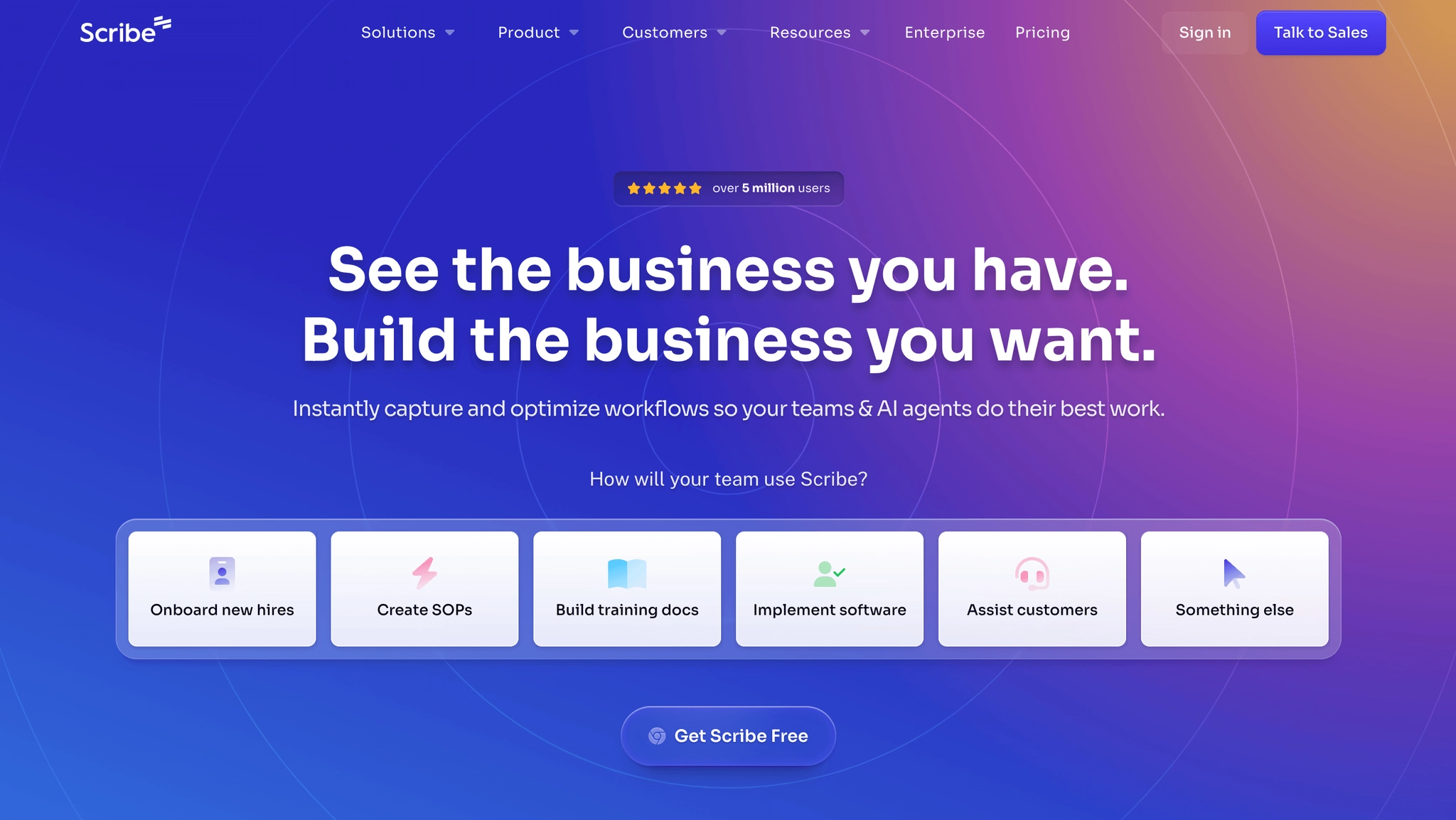
Scribe is the best Guidde alternative when you don’t need video as the main output. It captures a browser or desktop workflow and turns it into a step-by-step guide with screenshots, click targets, and written instructions. The first-draft experience is fast, clean, and easy to understand.
That makes Scribe excellent for internal SOPs, IT instructions, admin workflows, onboarding checklists, and quick handoffs. If the reader's job is to follow steps, not watch a narrated training video, Scribe may be simpler than Guidde. The Guidde vs Scribe comparison covers that video-polish versus screenshot-guide decision directly.
Scribe's current pricing page lists a free Basic plan, Pro Personal for solo users, Pro Team for teams, and custom Enterprise. The page shows Pro Team starting at 5 seats and lists team pricing around $59/month for 5 users on one pricing view, with monthly per-seat pricing shown separately. The important buyer point is that serious team use is seat-based.
Choose Scribe if your team wants the fastest way to create written step-by-step documentation from real workflows. It’s also a good fit if the free plan covers your occasional documentation needs.
Skip Scribe if documentation needs to double as training video. Scribe has video-style viewing and newer AI layers, but the core output is still screenshot-first. If you’re choosing Guidde because you like narrated video documentation, Trails, Clueso, or Trupeer are closer matches.
Tango
Best for: in-app workflow guidance
Tango is the best Guidde alternative when the real problem isn’t creation, but adoption. It captures workflows like Scribe, but it also pushes deeper into Guide Me walkthroughs, Nuggets, contextual tips, and process guidance inside the apps people already use.
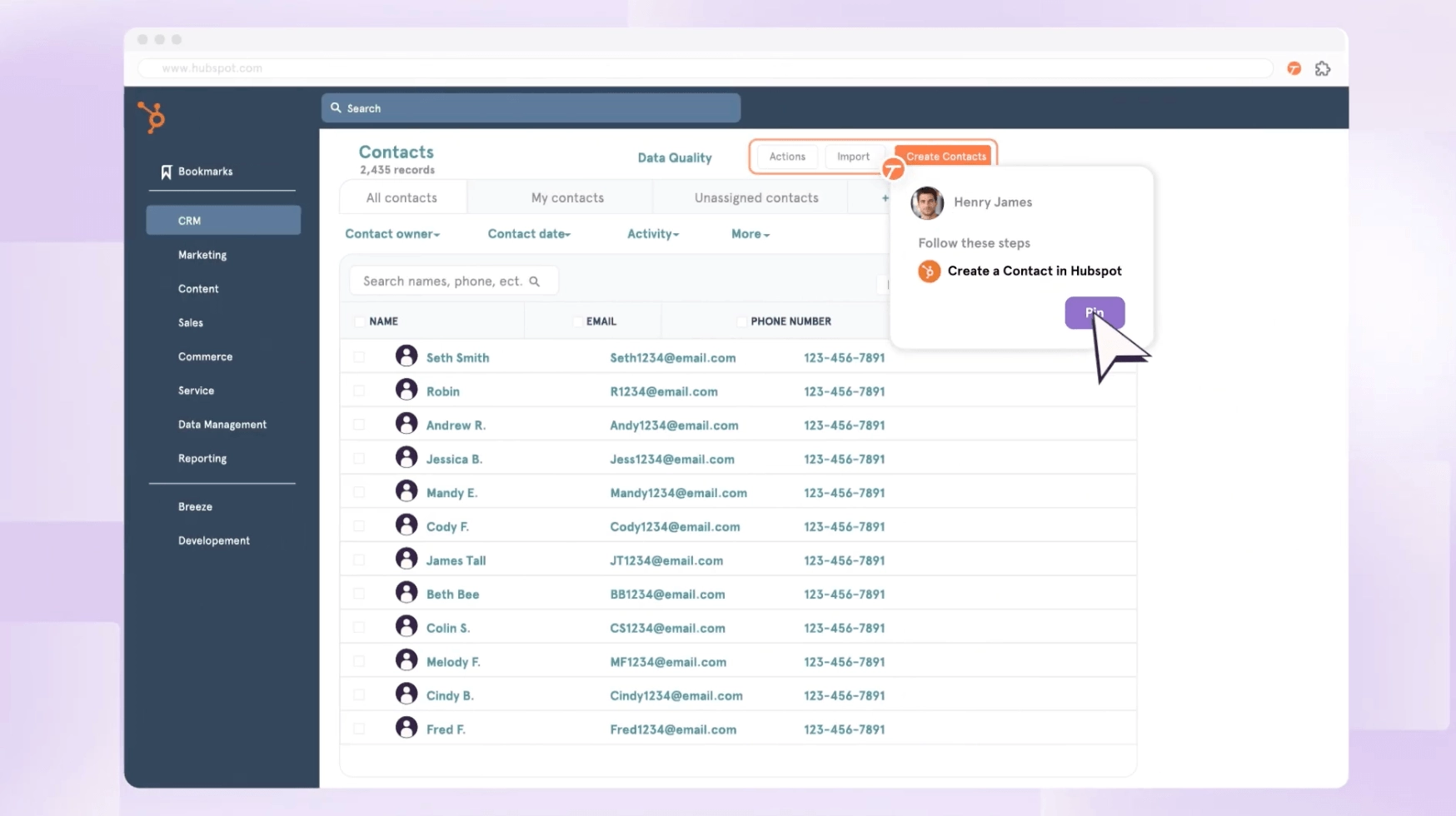
That makes Tango especially useful for internal software rollout. Think Workday, Salesforce, HubSpot, ERP systems, finance workflows, HR processes, or any tool where employees keep asking, "How do I do this?" Tango is trying to answer that question inside the workflow, not only in a separate guide library. If in-app guidance is the deciding factor, see Tango vs Guidde.
The Tango Pro billing help page says Pro workspaces with 1 to 2 members cost $22 per user per month on an annual plan or $26 monthly. Pro workspaces with 3 or more members cost $15 per user per month annually or $20 monthly. Free workspaces can have up to 10 free admins and store up to 5 workflows in the team library before upgrading.
Choose Tango if you need employees to follow processes correctly inside business software. It’s a stronger fit than Guidde when contextual execution matters more than producing a polished video asset.
Skip Tango if your main deliverable is external-facing video documentation. Tango has added video embeds, but the product's center of gravity is process adoption, not polished narrated video production.
Loom
Best for: async video explanations
Loom is the right Guidde alternative when the job is simple: record what you mean, send the link, and move on. It’sn’t a dedicated process documentation platform. It’s an async video communication tool that happens to be useful for tutorials, bug reports, customer replies, team updates, and quick walkthroughs.
Loom works because it’s familiar. People know how to record a screen and talk through the context. That’s often better than building a formal guide when the content is temporary, subjective, or conversation-like. The Guidde vs Loom comparison is the better fit if you are choosing between AI video documentation and quick async recording.
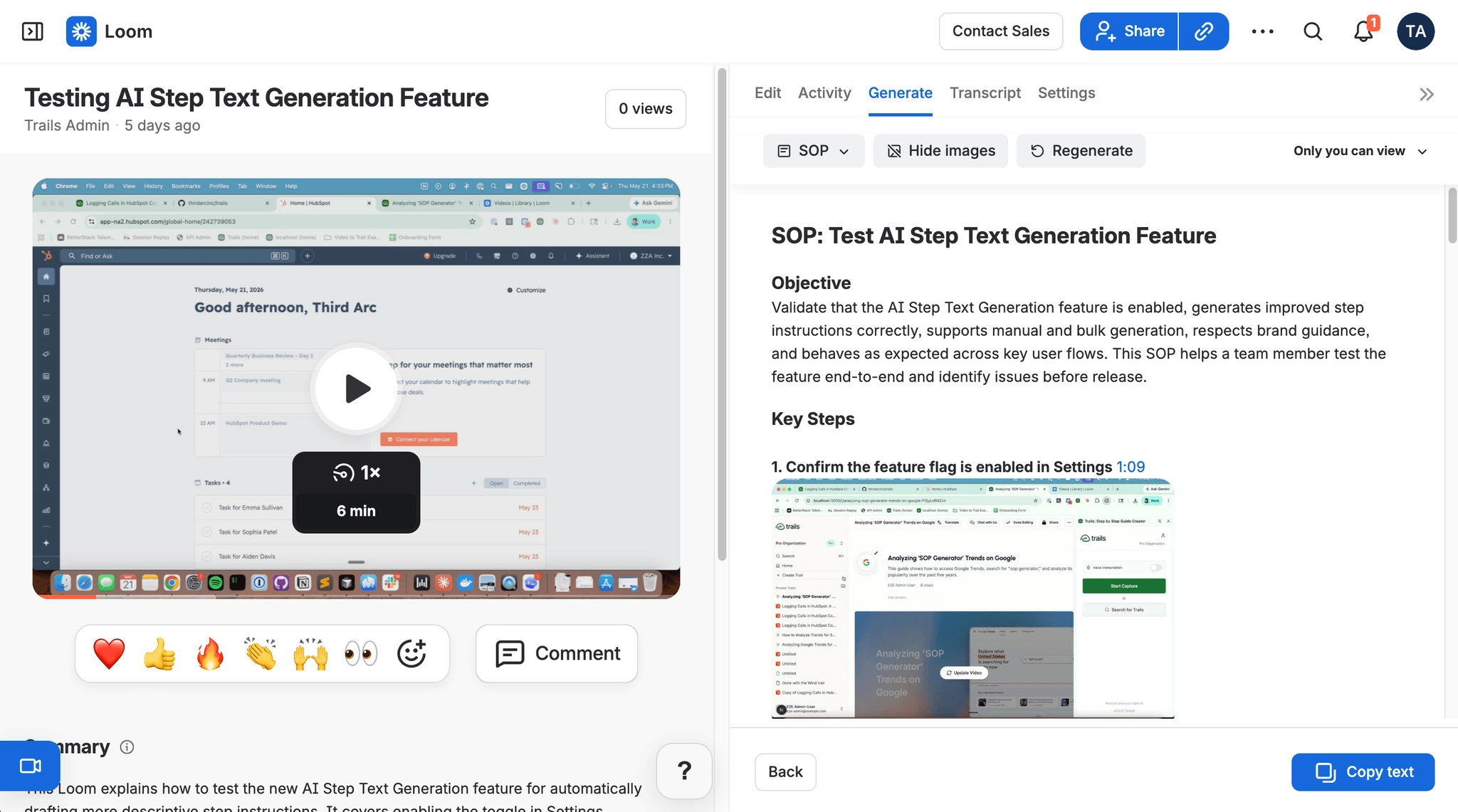
The current Loom pricing page lists Business at $18 per user per month and Business + AI at $24 per user per month on monthly billing, with a 14-day free trial of Business + AI. Enterprise is custom and includes Atlassian Guard Standard features like SSO, SCIM, and organization audit logs.
Choose Loom if you need quick async explanations, meeting recaps, bug reports, or informal walkthroughs. It’s the easiest tool on this list to adopt for general workplace communication.
Skip Loom if the output needs to become durable process documentation. Videos are harder to skim, harder to update step by step, and less useful when someone needs to jump directly to one instruction. Loom is great for context. It’s weaker as a long-term SOP system.
Trainual
Best for: SOP and training management
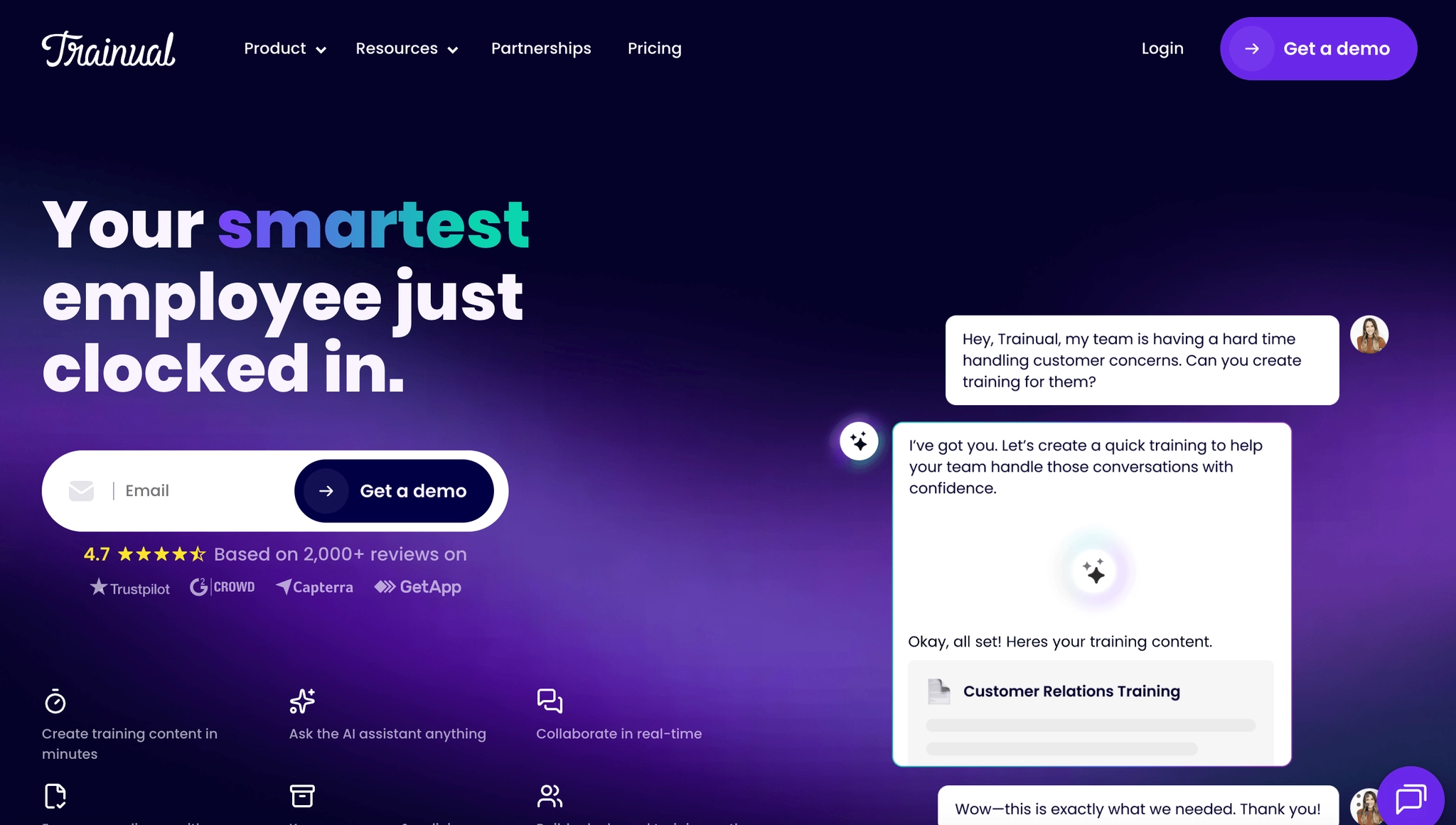
Trainual isn’t a direct Guidde replacement for capture. It’s a training and operations platform for storing SOPs, assigning training, tracking completion, running quizzes, collecting e-signatures, and managing role-based onboarding.
That makes it useful when the problem is accountability. If your team needs to prove employees completed training, acknowledged policies, passed quizzes, or followed role-based learning paths, Guidde is the wrong center of gravity. Trainual is built for that system of record.
Trainual's current pricing page is quote-driven and says pricing varies by team size and features. It also notes a one-time $1,000 implementation fee and describes Core, Pro, Premium, and Enterprise packages. Pro adds features like individual training paths, auto-generated searchable video transcriptions, e-signatures, org chart, version history, SCORM storage, and a customer success manager. Premium adds SSO, custom branding, custom domain, unlimited video storage, and more.
Choose Trainual if the buyer is HR, operations, L&D, or a business owner who needs training accountability. It’s a better fit for onboarding programs, policy acknowledgment, compliance workflows, and role-based training.
Skip Trainual if your main pain is creating documentation quickly. It can help organize and assign content, but it’sn’t primarily a capture-first tool. For software workflows, you may still want Trails, Scribe, or Tango to create the material faster.
The bottom line
Guidde's biggest mismatch isn’t quality. It’s format. The product is strongest when you want AI-assisted video documentation with narration, branding, and richer delivery. If that’s the exact job, Guidde may still be the right answer.
If you liked Guidde because one capture can become reusable training content, choose Trails. It keeps the written guide and narrated video tied together, which is better for onboarding, customer education, SOPs, and product updates that will change over time.
If you valued video polish, choose Clueso or Trupeer. Clueso is better for produced customer education and product videos. Trupeer is better when you want AI-polished demos and can work within video-minute limits.
If you valued fast process capture, choose Scribe. If you valued guidance inside the app, choose Tango. If you valued quick explanation more than durable documentation, choose Loom. If you need training accountability after the documentation is created, choose Trainual.
No Guidde alternative copies every part of Guidde. That’s fine. The better move is to choose the tool that matches the output your team will actually use.
FAQs
What is the best Guidde alternative?
The best Guidde alternative depends on the format your team needs most. Trails is best when one workflow needs to become both a written guide and a narrated training video. Clueso and Trupeer are stronger for polished product videos. Scribe is better for fast screenshot-based SOPs, Tango is better for in-app guidance, Loom is better for quick async explanations, and Trainual is better for training management.
What is the best free Guidde alternative?
Scribe, Loom, Tango, and Guidde all offer free ways to start, but the right free option depends on the job. Scribe is the best free starting point for occasional written SOPs. Loom is best for quick video explanations. Tango is useful if you want to test workflow capture and team library limits. Free plans are best for validating fit before moving a documentation workflow onto a paid plan.
What Guidde alternative is best for written SOPs?
Scribe is the simplest Guidde alternative for screenshot-based written SOPs. Trails is better if the SOP also needs to become training content, because it keeps the written guide and narrated video tied together. Trainual is better when the written SOP needs to live inside a larger training system with assignments, quizzes, e-signatures, and completion tracking.
What Guidde alternative is best for video documentation?
For polished customer-facing product videos, Clueso and Trupeer are the closest Guidde alternatives. For training videos that need to stay connected to a written guide, Trails is the better fit. For quick informal videos, Loom is simpler than Guidde because it is built around recording and sharing fast async explanations.
When should I use Trails instead of Guidde?
Use Trails instead of Guidde when the same workflow needs to work as both documentation and training. Trails is strongest for onboarding, customer education, SOPs, product updates, and internal workflows where people need a guide they can skim and a narrated video they can watch, without maintaining two separate assets.