

Tango vs Loom:
feature comparison (2026)

Tango makes click-by-click guides fast. Loom makes narrated video effortless. Trails is the better fit when your team needs both outputs from one capture and wants updates to stay in sync.

Tango vs Loom vs Trails comparison.
Ryo Chibahey it's me
Before you read

I'm a co-founder of Trails, so I obviously want you to choose us. That is the bias.

The useful part is that Tango and Loom solve genuinely different problems. I'll call out where Tango is better, where Loom is better, and where both tools create maintenance work once a workflow changes.

If your team only needs one format, pick the tool built for that format. If your team needs guides and video to stay current together, that is where Trails belongs in the conversation.

Ryo
Co-founder, Trails

The core difference: step-following vs. watching

Most process documentation conversations start with the wrong question. Teams ask how to create guides faster. The more important question is what happens six months after a guide or video is published.

Tango is built for step-following. It watches what you click and turns the workflow into a formatted guide with screenshots, instructions, and optional in-app guidance.

Loom is built for watching. It records your screen, camera, and voice, then gives you a link that is easy to send to a teammate, customer, or stakeholder.

Both tools are good at creation. The hidden cost is maintenance: outdated screenshots, stale recordings, and teams losing trust in documentation that no longer matches what they see on screen.

At-a-glance comparison table

Tango wins when the deliverable is a searchable guide that someone follows mid-task. Loom wins when the deliverable is a human explanation. Trails is strongest when both outputs need to stay current together.

Feature
Tango
Loom
Trails
Primary output
What one capture creates
Step-by-step guide with screenshotsNarrated screen captureGuide + AI narrated video
Capture method
How teams record the workflow
Browser extension or desktop appDesktop appBrowser extension or desktop app
Editing capabilities
What can change after capture
Screenshots, text, redaction, step orderMostly trimming and cleanupScreenshots, text, narration, step order
AI capabilities
Built-in AI assistance
Auto step descriptionsTitles, summaries, chapters, video-to-docSteps, formatting, narration, video
Findability
How easy it is to locate one exact step
Guide library with global searchVideo library, harder to search & skimGuide library with global search
Maintenance
What happens when the process changes
Guide edits refresh embedsRe-record often requiredGuide edits refresh embeds andupdate video
Pricing
Public monthly team-level pricing
$20/user/mo$18/user/mo$10/seat/mo

Create beautiful guides

Create the guide and the video together

Capture once in Trails, then publish a scannable guide and an AI-narrated walkthrough from the same source.

Create a guide
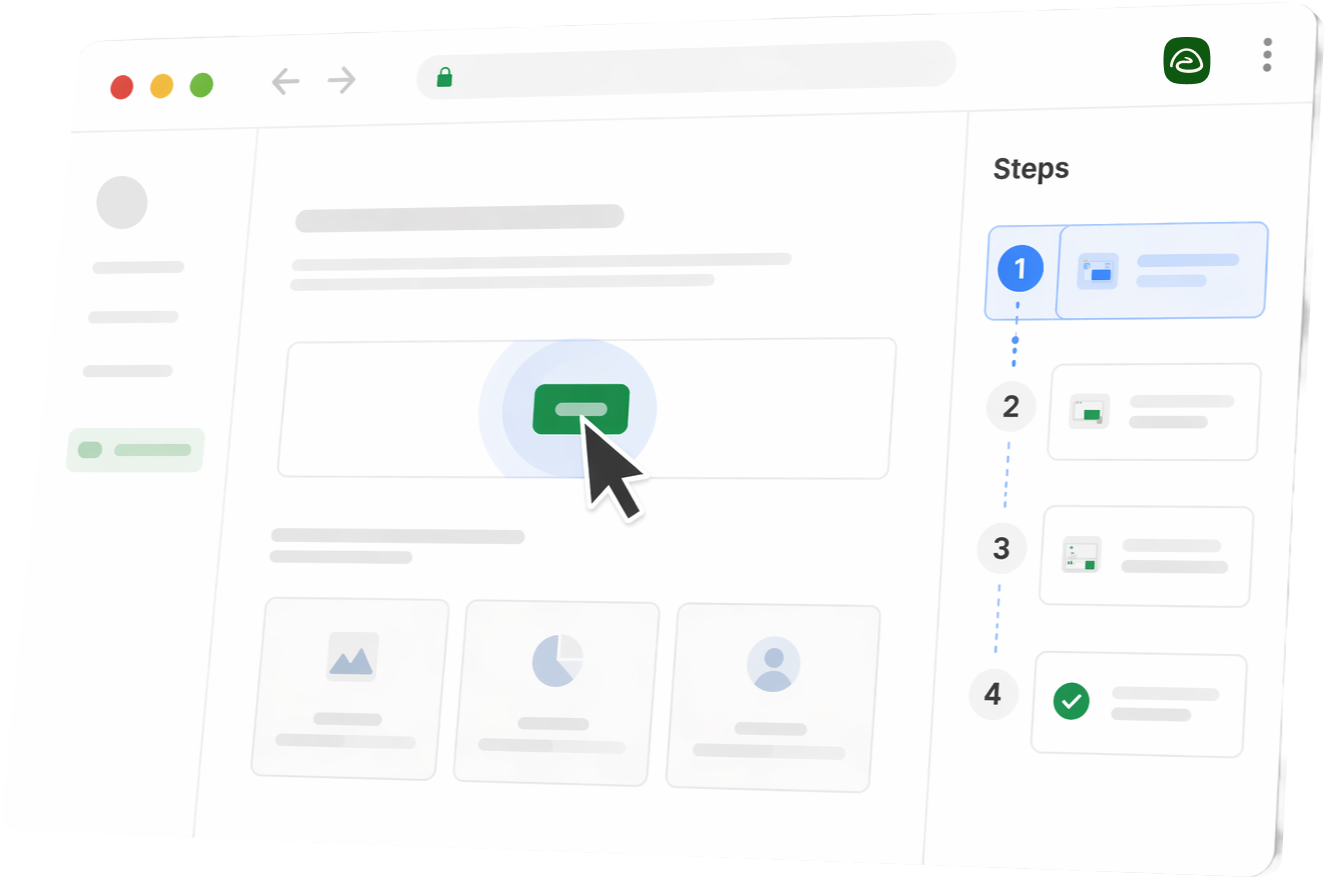
Stylized Trails product UI in a browser window with steps sidebar

Which one should you choose?

When Tango is the right choice

  • You are rolling out a CRM, ERP, HRIS, or other business system and people need exact clicks inside the tool.
  • You are building a self-service SOP library that employees can search and follow without asking for help.
  • Your onboarding workflows are software-heavy and the user needs the next action more than a narrated explanation.

When Loom is the right choice

  • You are walking a customer through a support issue where voice and nuance matter.
  • You are giving async feedback on a design, document, or pull request.
  • You are recording a demo, roadmap update, or stakeholder walkthrough that needs context and reasoning, not a checklist.

When Trails is the right choice

Choose Trails when your team keeps needing both formats. Tango gives you guides that still need screenshot maintenance. Loom gives you video that often needs to be re-recorded when the product changes.

Trails captures the workflow once and produces a step-by-step guide and AI-narrated video together. Edit the guide text or structure, and the video regenerates from the same source.

Core features deep dive

The practical decision comes down to capture format, maintenance, and how the end user consumes the output.

1. The capture experience

Tango works by watching what you click. Open the extension, step through the process, and each interaction becomes a numbered step with an annotated screenshot. It is optimized for browser-based workflows, with desktop capture available for broader processes.

Loom records the screen and presenter at the same time. The camera bubble and voice narration add human context that screenshots cannot replicate. That makes Loom strong for explanations where tone and real-time demonstration matter.

The practical implication: Tango's output sits next to the task. Loom's output sits in a video library that somebody has to manage.


2. Editing and maintenance

Tango guides can be edited step by step, including text, annotations, screenshots, and redaction. But when the underlying software changes, outdated screenshots still need manual attention.

Loom editing is useful for cleanup: trim, stitch, and on Business + AI, use advanced editing and video-to-text workflows. Video is more brittle than a guide, though. If the process changes or the screen looks different, the fix is often a new recording.

Both tools make creation fast. Neither makes long-term maintenance as simple as editing one source of truth.

3. How the end user consumes the output

Tango is built for action. Readers scan for the next step, follow the guide alongside the task, or use Guide Me and Nuggets to see support inside the application.

Loom is built for watching. Viewers scrub, rewind, pause, and absorb context from voice and motion. It is excellent for complex explanations, but less effective when someone needs to jump straight to step seven.

Team adoption follows format fit. Guides are easier to reference mid-task. Videos carry more context, but they add friction when someone only needs the next click.

Pricing breakdown

Tango is cheaper than Loom on annual team pricing and is purpose-built for documentation. Loom costs more on the paid tiers, but the premium can pay off when the team regularly uses video and AI features beyond basic recording.

Tango
Free
$0/mo
Up to 10 users with 5 shared workflows.
Pro Personal
$26/user/mo
For 1-2 users on monthly billing; $22/user/mo annually.
Pro Team
$20/user/mo
For 3+ users on monthly billing; $15/user/mo annually.
Enterprise
Custom
Guide Me, Nuggets, Agents, SSO, and advanced digital adoption features.
  • Strong value when step-by-step guides are the main deliverable
  • Pro is mostly a documentation tier, not the full adoption product
  • Guide Me, Nuggets, automation, and SSO require Enterprise
Conclusion: Best when users need click-by-click process support.
Loom
Starter
$0/mo
Free recording plan with video and duration limits.
Business
$18/user/mo
Unlimited videos, unlimited recording time, 4K, basic editing, uploads, and downloads.
Business + AI
$24/user/mo
Adds AI enhancement, advanced editing, video-to-text automation, and meeting recaps.
Enterprise
Custom
SSO, SCIM, advanced admin controls, Salesforce, and custom terms.
  • Fastest path when the output is an async video message
  • AI workflows sit on the Business + AI tier
  • Process changes still tend to create re-recording work
Conclusion: Best for fast human explanation, not durable SOPs.
Trails
Trial
$0/mo
Free trial with no credit card required.
Creator
$29/mo
Create guides and AI videos without buying a second tool.
Team
$10/seat/mo
Shared workspace, video-to-guide, embeds, exports, and branded output.
Business
$300/mo
For teams that need translation, AI narration, and broader rollout.
  • One capture creates both a guide and narrated video
  • Existing videos can become step-by-step guides
  • Guide edits keep the video output current
Conclusion: Best when documentation and video both need to stay current.

Pricing references checked May 19, 2026: Tango pricing and Loom pricing.

Create beautiful guides

Get started with Trails

Record your screen, turn it into a polished guide. No design skills needed. Try it free today.

Create a guide
Stylized Trails product UI in a browser window with steps sidebar

Pros and cons

The tools are not interchangeable. The risk is choosing a video tool for durable SOPs, or choosing a guide tool when the work really needs a human explanation.

Tango

Pros:

  • Step-by-step screenshot guides are searchable and skimmable in a way videos are not.
  • Guides are easier to edit when mistakes happen during capture.
  • Guide Me and Nuggets can support users inside the actual application.

Cons:

  • Limited video capability compared with a dedicated video tool.
  • Plans charge per user, including users who primarily view content.
  • Guide Me, Nuggets, Agents, and SSO are Enterprise-only.

Loom

Pros:

  • Screen plus camera recording makes async communication feel fast and personal.
  • Business + AI can generate titles, summaries, chapters, and video-to-text outputs.
  • Native Jira and Confluence integrations are useful for Atlassian-heavy teams.

Cons:

  • Process changes often require a full re-record when the screen no longer matches.
  • Video libraries are harder to search, skim, and index than text-and-screenshot guides.
  • Sensitive information is harder to remove after recording.

The verdict

Tango wins when the goal is step-by-step process adoption. Loom wins when the goal is fast, human, contextual explanation.

Choose Tango for business software rollouts, SOP libraries, and onboarding flows where users need exact clicks inside the tool.

Choose Loom for customer explanations, async feedback, demos, and updates where voice and context matter more than step numbering.

Choose Trails when your documentation team needs both jobs done from one source, without maintaining a guide library and a video library separately.

Frequently asked questions

Tango is built for step-by-step process guides and in-app guidance. Loom is built for fast narrated screen recordings and async communication.

Tango supports video embeds on paid plans, but its primary output is a screenshot-based guide. It is not designed around narrated video walkthroughs the way Loom is.

Loom Business + AI can generate text outputs from a recording, including documents and summaries. The base artifact is still video, and technical workflows usually need manual review before sharing.

Tango has a free plan for up to 10 users and 5 shared workflows. Desktop capture, exports, branding, and advanced customization require paid plans.

Tango is usually stronger for software-heavy onboarding where employees need exact steps inside a tool. Loom is stronger for onboarding material that benefits from voice, tone, and broader explanation.

Trails is the better alternative when you need both a step-by-step guide and an AI-narrated video from one capture. Edit the guide, and the video updates automatically.