
Loom Alternatives: Which Tool Should Your Team Use for Training and Process Documentation?





Loom makes it easy to record your screen, talk over it, and send a link. It's one of the fastest ways to explain something without booking a meeting.
The trouble starts later. The button you pointed to moves. A step changes. Someone needs step four but has to scrub through five minutes to find it. A quick video is a great way to explain something once. It's a poor way to keep a process current.
That's when teams go looking for an alternative. The right one depends on what people need to do after they watch.
The quick answer
- Trails: Best for guide + video documentation.
- Guidde: Best for polished AI video documentation.
- ScreenPal: Best for low-cost video recording, editing, and hosting.
- Vidyard: Best for sales video and buyer engagement tracking.
- Scribe: Best for quick screenshot guides.
- Tango: Best for in-app workflow guidance.
- Trainual: Best for SOP and training management.
How we evaluated
We ran each tool through the same job: documenting a 12-step customer onboarding process, including one step that changes after the guide goes live. For video tools, we judged how well they handled a quick screen-and-camera explanation. For documentation tools, we looked at the quality of the written guide, how much editing it needed, and what happened when a step changed later.
We make Trails, so this guide has a point of view. We've tried to earn your trust by being specific about where it fits and where it doesn't. We scored each tool on creation speed, editing burden, clarity, sharing, updateability, and price at team scale.
How we chose what to test
We focused on tools that help teams capture and share process knowledge, and skipped general video editors and livestreaming apps. Most people searching this topic are trying to explain work, train someone, or document a process they will repeat.
A tool made the list if it showed up often in Loom comparisons, targeted the same business buyer, and had enough reviews to judge fairly. The candidates split into two camps. One is video communication, where G2's list leans: Vidyard, ScreenPal, Wistia, and the like. The other turns a recording into reusable documentation: Scribe, Tango, Guidde, and Trails.
We left out tools built mainly for video production and creator recording, like OBS, Descript, and Camtasia. They can replace Loom for a creator. They do not solve the documentation problem for teams that need guides and training to stay current.
Why do customers look for Loom alternatives?
Loom gets the core job right. It is still one of the fastest ways to show your screen, explain something in your own voice, and send a link. People look elsewhere when it becomes the wrong format, the wrong price, or the wrong place to keep process knowledge.
Across G2 and Capterra reviews, Reddit threads, and pricing pages, three reasons come up most.
The video is fast to record, but annoying to update
A Loom is great when the explanation is temporary. It is weaker when the recording becomes an SOP that has to stay current. Reviewers on G2 and Capterra keep flagging limited or confusing editing, and Reddit threads about using Loom for SOPs describe the same trap: when the interface changes, a linear video has to be re-recorded or patched.
Nobody wants to watch five minutes to find step four. And the creator does not want to rebuild the whole recording because one button moved.
The free plan stops working once Loom becomes a team habit
Loom's Starter plan is fine for testing, but it caps you at 25 recordings per person and five-minute screen recordings. Business runs $18 per user per month, and Business + AI is $24. At 10 creators, that is $180 to $240 a month before enterprise controls.
That is reasonable for broad team communication. It is harder to justify when a few people make the documentation and everyone else just needs to read it.
Video libraries get hard to manage and search
G2's summary flags video management, slow loading, and recording glitches. Capterra reviews add free-plan limits and download restrictions. None of this makes Loom bad. It just marks the line between a quick communication tool and a documentation system.
The more a team treats Loom as a knowledge base, the more those edges show. Documentation needs structure: searchable text, screenshots, exports, version history, and a way to update one step without starting over.
Trails
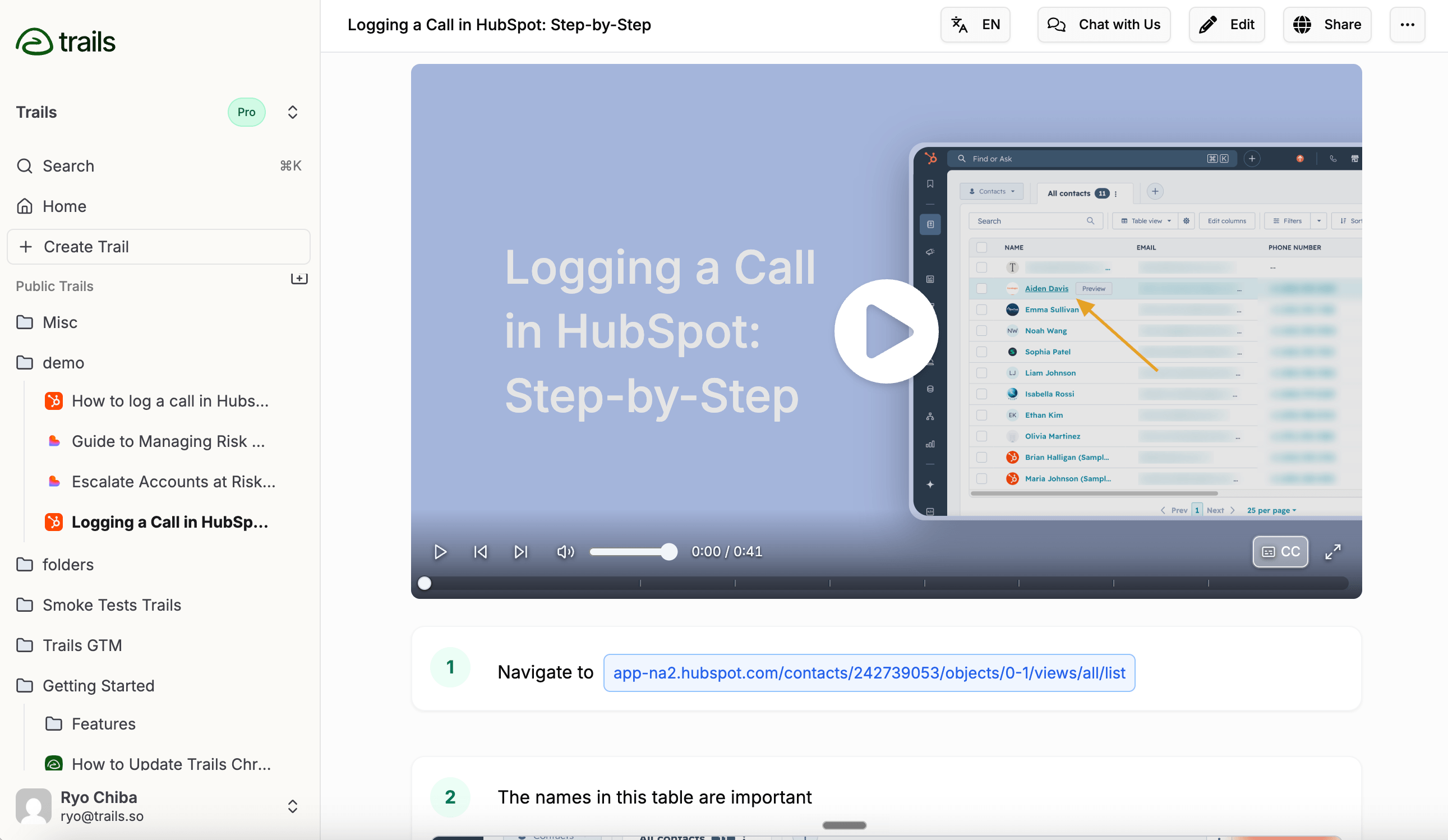
Best for: guide + video documentation
Trails fits best when the thing you were going to record in Loom should become a reusable guide and a training video. One capture turns into a written, screenshot-by-screenshot guide and an AI-narrated video. Edit the guide, regenerate the video, and the training stays current without re-recording. For the direct decision, read Trails vs Loom.
A Loom explains what happened. A Trail hands someone a process they can follow, skim, embed, and revisit. That difference is what matters for onboarding, customer education, and SOPs.
On Team and above, Trails can also turn an existing video into a guide. If you already have a pile of Looms sitting in Slack or a help center, upload one, let Trails pull out the steps, and clean it up instead of starting over.
See the Loom-to-SOP workflow for how to export a Loom recording, generate the written steps, and review the guide before sharing it.
Pricing is simple for small teams. Creator is $29 a month, Team is $49 for five users with extra seats at $10, and Business is quote-based. The limit is enterprise depth: Trails does not yet match larger platforms on in-app guidance, analytics, SSO, or formal LMS tracking.
Choose Trails if: you need documentation people will actually use later, where one capture becomes a written guide, a narrated video, and a translated, embeddable version.
Skip Trails if: you just want quick face-cam messages with reactions, formal quizzes, or an LMS assessment system. Confirm specialized provisioning requirements such as SCIM with the Trails team before choosing a platform.
Guidde
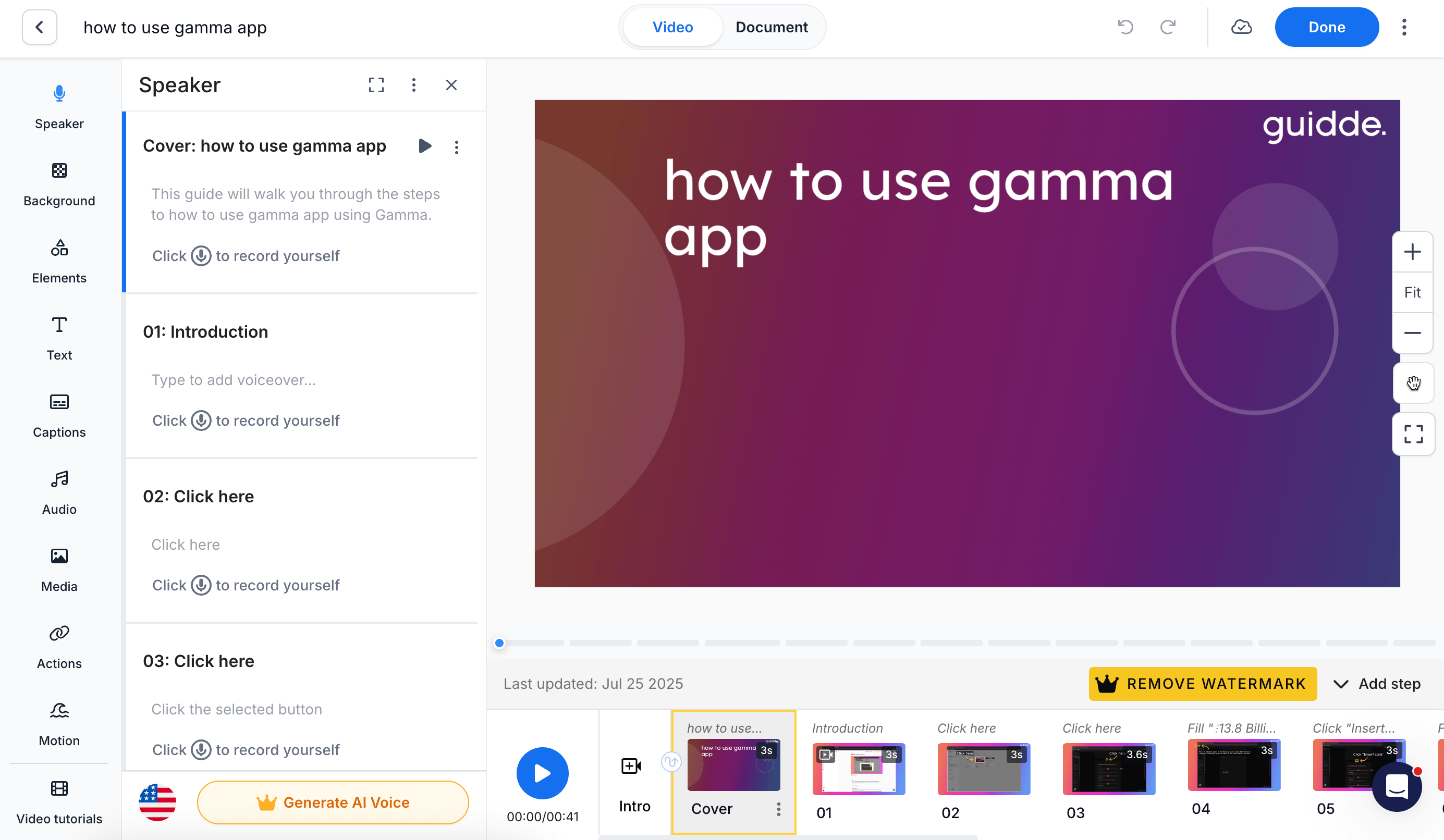
Best for: polished AI video documentation
Guidde is closest to Loom if you liked the video but need something more structured. It captures a workflow, builds narrated video documentation with AI voiceovers and brand controls, and exports to formats like MP4, PDF, and SCORM depending on plan.
It has more video-production depth than most screenshot-first tools, which helps when the output has to look polished for customers or company-wide training. Guidde also offers Broadcast, a separate product that surfaces guidance inside the tools people already use. See Guidde vs Loom if your shortlist is AI video documentation versus async recording.
Pricing is per creator. Free covers 25 how-to videos, Pro is $29 per creator a month ($19 annual), and Business is $59 ($39 annual). Enterprise and Broadcast are quote-based.
The tradeoff is cost and complexity as you grow. The richer editor can be more than a small team needs for simple SOPs, and per-creator pricing climbs as more experts start documenting.
Choose Guidde if: you want better training videos than Loom, with AI narration, branded output, and multiple export formats for customer education or polished internal training.
Skip Guidde if: you mostly need simple, skimmable written guides or a cheaper workflow. Choose Trails if the guide should be the source of truth for the video.
ScreenPal
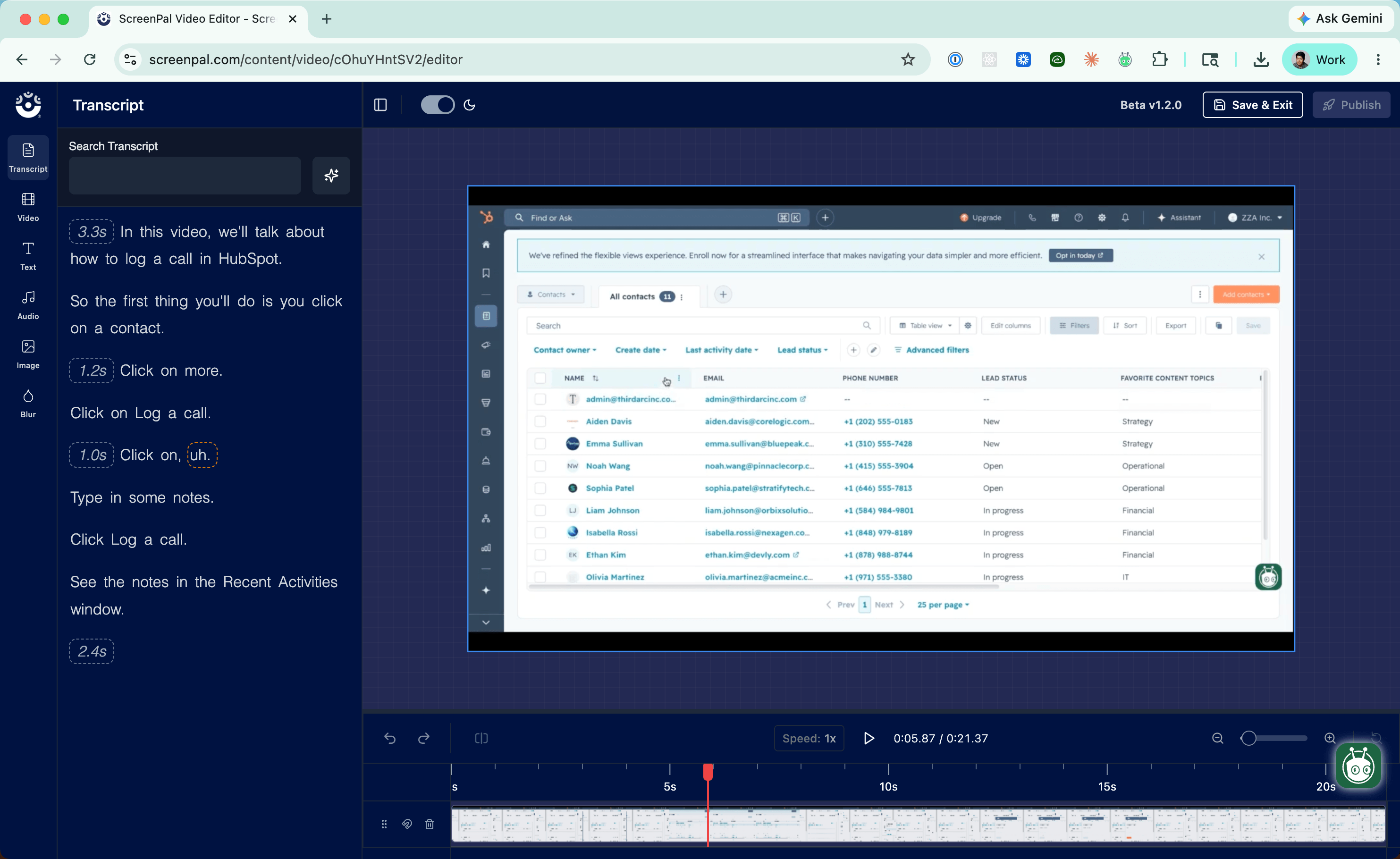
Best for: low-cost video recording, editing, and hosting
ScreenPal works for teams that still want video first but need more editing, hosting, and education features at a lower price. It records screen and webcam, edits video and screenshots, hosts on branded pages, and adds captions, quizzes, and analytics.
It is strongest for educators, trainers, and small teams that want one affordable toolkit instead of a separate recorder, editor, and host. It is not trying to be a documentation system the way Trails, Scribe, and Tango are.
Price is the draw. Free gives you 15-minute recordings and 10 hosted videos. Paid annual plans run $4 a month for Deluxe, $10 for Max, and $8 per user for Team Business at three or more seats.
The tradeoff is format. ScreenPal helps you record and polish video. It will not turn a workflow into a written SOP with synced screenshots and a generated training video.
Choose ScreenPal if: you want a cheaper Loom-style recorder with stronger editing, hosting, and education features for an instructional video library.
Skip ScreenPal if: the deliverable needs to be a step-by-step guide people can skim, update, and embed. Pick Trails, Scribe, or Tango for that.
Vidyard
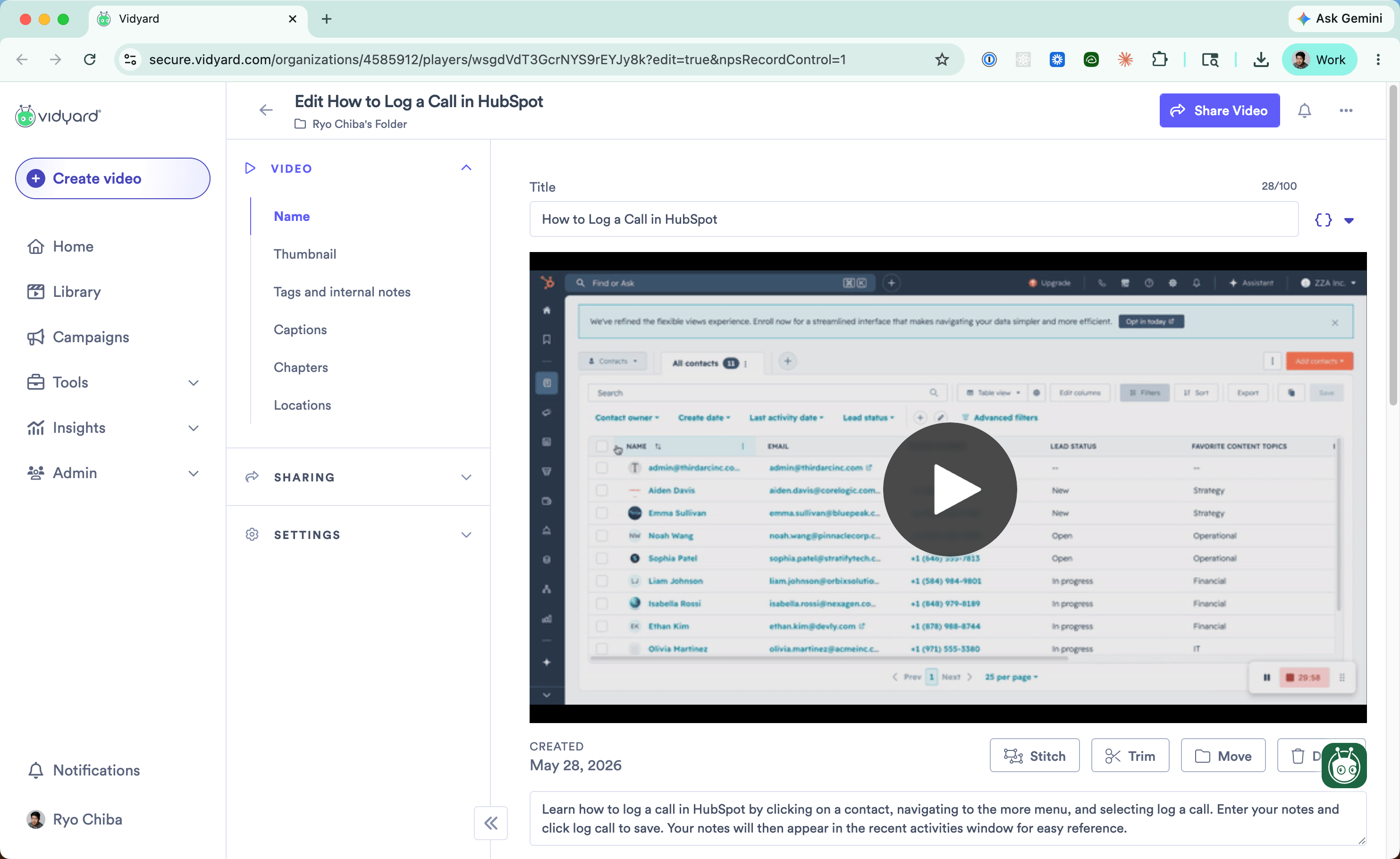
Best for: sales video and buyer engagement tracking
Vidyard is a Loom alternative for revenue teams, not a documentation tool. It records screen and webcam, hosts branded video pages, tracks who watched, adds CTAs, and pipes viewing data into CRMs like Salesforce and HubSpot.
That makes it stronger than Loom when video is part of prospecting, renewals, or buyer follow-up. Its newer AI Avatar and Video Agent features push personalized video at scale, triggered by sales and marketing workflows.
Pricing reflects that focus. There is a free plan, and Starter is listed at $89 per seat a month, or $59 billed annually. Teams and Enterprise are custom.
For documentation, it is the wrong shape. You get strong viewer analytics and CRM context, but no maintainable SOPs from a capture.
Choose Vidyard if: your Loom use case is sales outreach, buyer analytics, or video tied to CRM activity. It is built for revenue teams that need viewer-level signals.
Skip Vidyard if: your Looms are training videos, SOPs, or product docs. You will pay for sales features and still need a separate documentation tool.
Scribe
Best for: quick screenshot guides
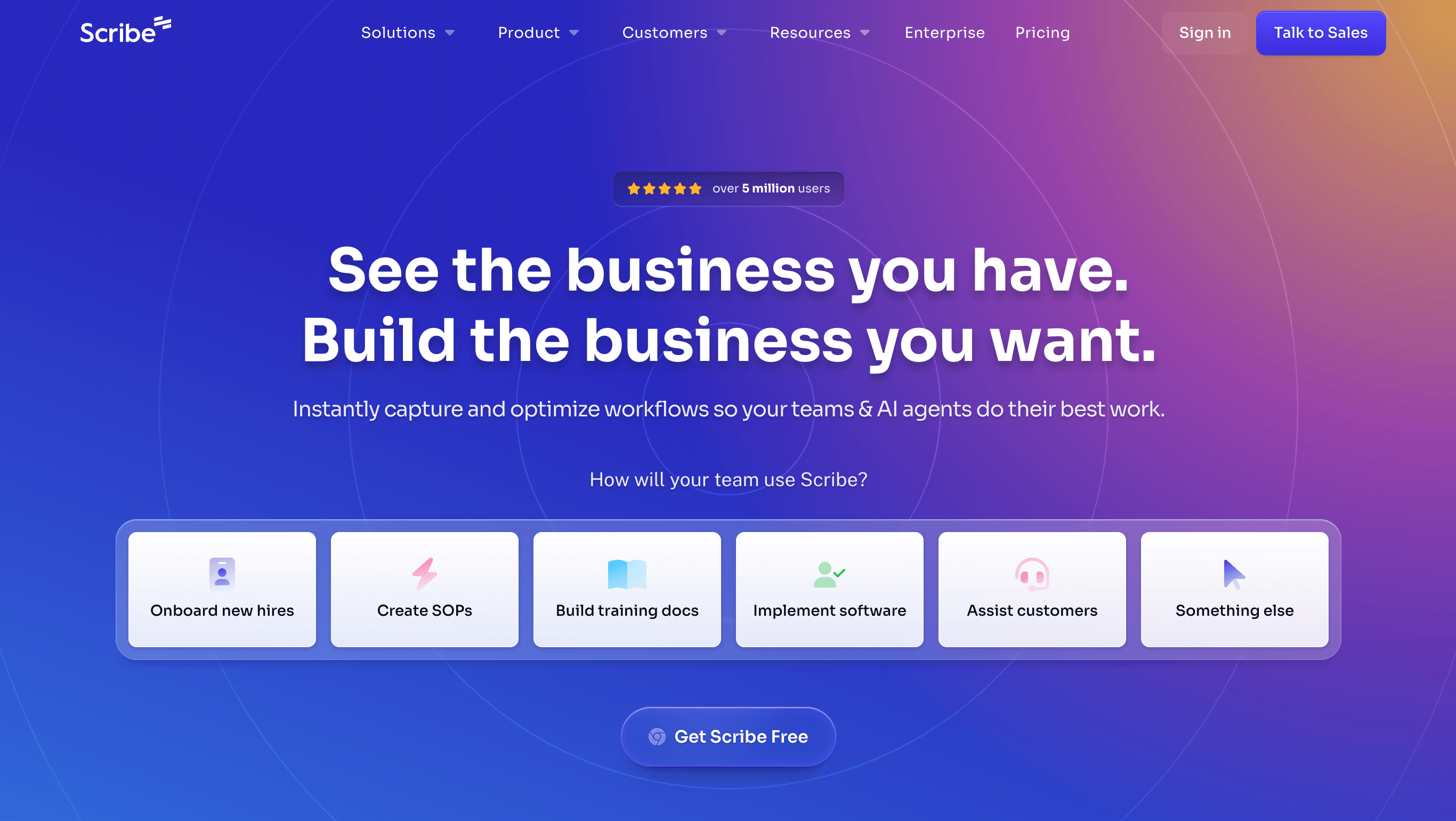
Scribe is one of the clearest Loom alternatives when the problem is documentation, not video. You run through a workflow and Scribe turns it into a step-by-step guide with screenshots, text, and click targets. For teams tired of sending Looms no one rewatches, that is a better daily reference. The Scribe vs Loom comparison goes deeper on that written-reference versus video-message split.
The capture workflow is mature, with desktop capture on paid plans, Pages for stitching guides into longer documents, exports to PDF and Word, and live embeds that update wherever they are shared. Guide Me and Sidekick add lightweight in-browser help.
Pricing starts free. Pro Personal is $23 per user a month, and Pro Team starts at $59 for five users plus $12 per extra seat. Enterprise is custom.
The limit is video. Scribe can play steps back movie-style, but that is not a narrated, branded training video built from the guide. If you need both the written procedure and a real video, Scribe leaves you with a second tool.
Choose Scribe if: you want the fastest path from doing a workflow to a written guide, for internal SOPs and IT how-tos.
Skip Scribe if: the output needs a polished narrated video that stays synced with the guide. Choose Trails for that, or Guidde for deeper video editing.
Tango
Best for: in-app workflow guidance
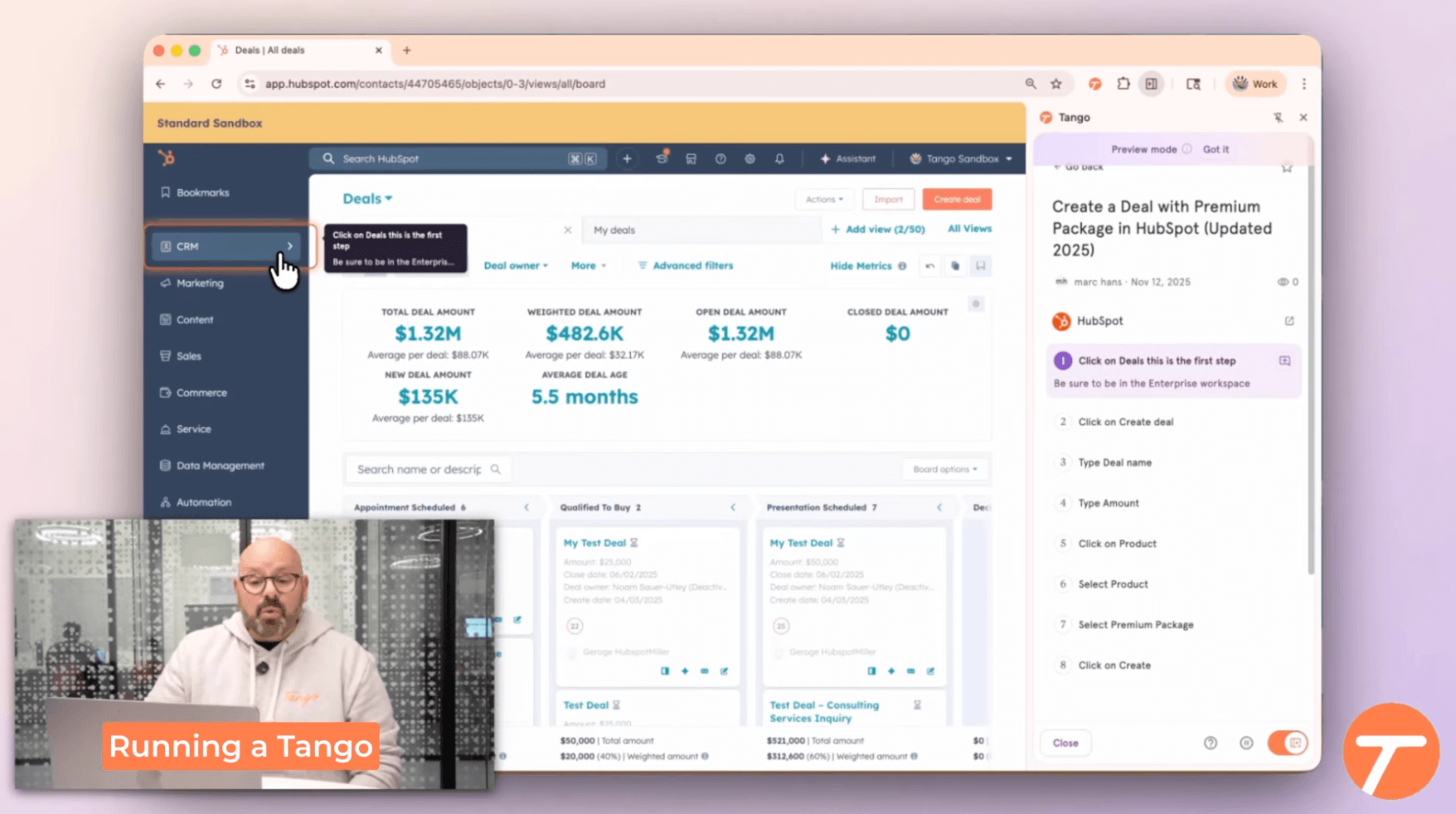
Tango fits when people need help doing a process inside software, not just watching someone explain it. It captures workflows into guides, then turns them into in-app walkthroughs with Guide Me. Its Nuggets feature pins tips and guides to specific spots inside your business apps. If the choice is contextual guidance versus quick video, read Tango vs Loom.
That makes Tango feel closer to a lightweight digital adoption platform than a documentation tool. It is strong for software rollouts, CRM and ERP adoption, and cutting down on repeated “how do I do this?” messages.
Video embeds on Pro and Enterprise make it less screenshot-only than it used to be. Its real advantage is what happens after capture: guidance appears next to the work instead of in a separate video link.
Pricing is seat-based. Free covers 10 admins and 5 shared workflows. From March 24, 2026, Pro is $22 per user a month annually, or $26 monthly, for one or two users; at three or more, Pro Team is $15 annually or $20 monthly. Enterprise is custom.
Choose Tango if: your main problem is software adoption and people need contextual help inside tools like CRM, HRIS, or ERP.
Skip Tango if: you mostly need reusable guides and videos for customers, new hires, or a help center. Trails fits better when the guide and the video come from the same source.
Trainual
Best for: SOP and training management
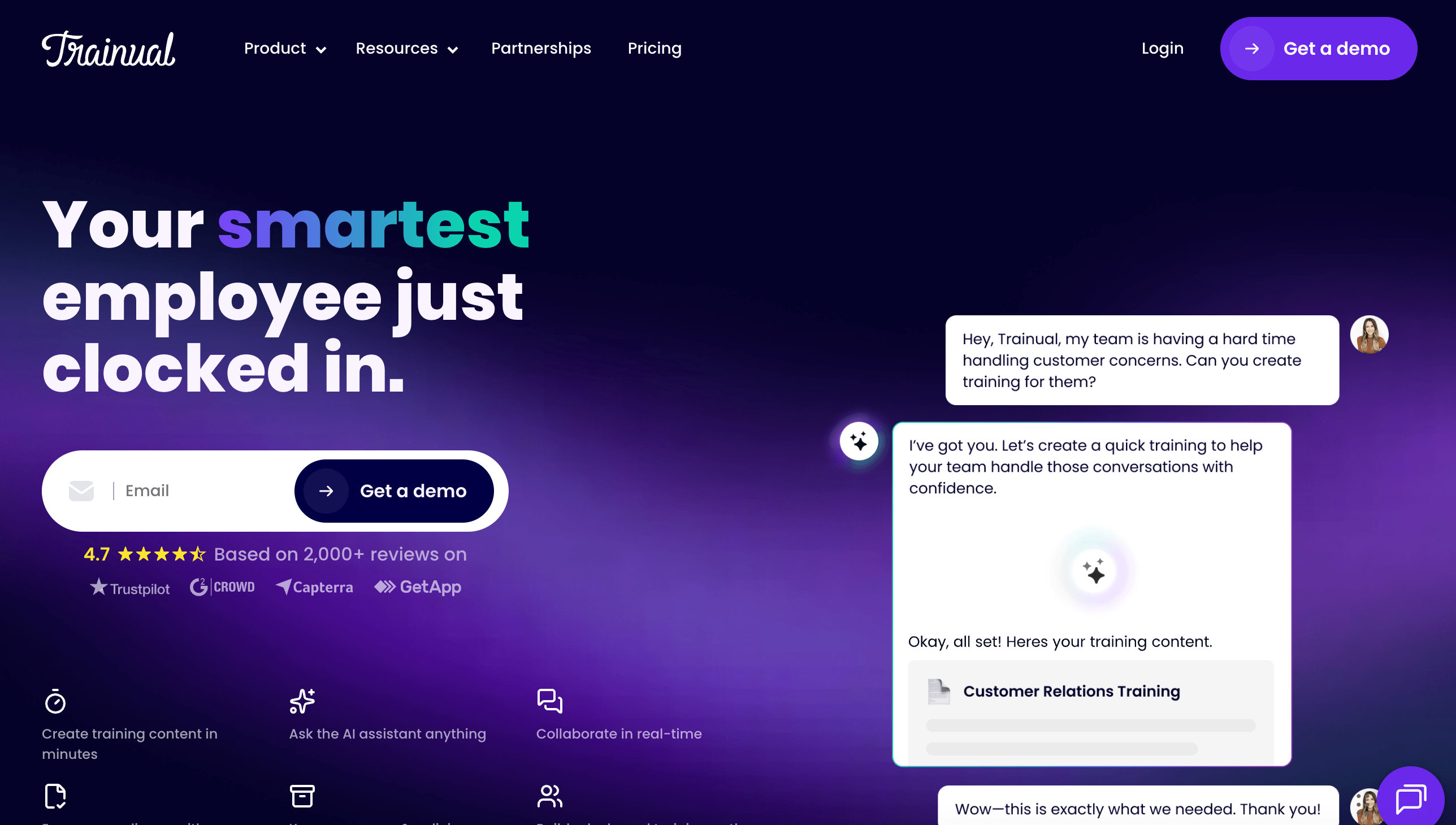
Trainual is the right Loom alternative only once the problem has outgrown recording. It is a business playbook and training platform built for role-based onboarding, quizzes, e-signatures, and accountability reporting.
That makes it stronger than Loom for formal onboarding and compliance-heavy training. A manager can assign content to a role, track completion, and prove a policy was acknowledged.
The tradeoff is creation speed. Trainual is not really a capture tool. It has AI-assisted authoring and a built-in recorder, but documenting a software process still takes more setup than a quick Loom or a capture in Trails, Scribe, or Tango.
Pricing is demo-led. The public page lists Core, Pro, Premium, and Enterprise without prices, says cost varies by team size, and notes a one-time $1,000 implementation fee.
Choose Trainual if: you need onboarding and SOPs assigned, tested, signed, and tied to roles. It fits HR, operations, and growing SMBs that need training accountability.
Skip Trainual if: you mainly need to turn a workflow into a guide or video quickly. It is heavier than Loom, Trails, Scribe, or Tango for simple capture.
The bottom line
Loom's problem is not that video is bad. It is that video becomes the wrong source of truth once a process has to be searched, updated, or assigned as training.
If you loved Loom for quick communication, stay video-first: ScreenPal for affordable recording, or Vidyard for sales video with buyer tracking.
If you loved Loom for explaining a workflow, go documentation-first: Scribe for fast screenshot guides, Tango for in-app guidance, Guidde for polished AI video, and Trainual for formal training management.
And if you need documentation that doubles as training, choose Trails. It is the part Loom is missing: one capture becomes a guide and a narrated video, and updating the guide updates the video.