
Whale Alternatives: Which SOP and Training Tool Should Your Team Use?





Whale does one thing well: it turns scattered company knowledge into a clean SOP and training hub. It works best for operations and HR teams that want playbooks, review cycles, and quizzes in one place.
The search for an alternative usually starts when that hub stops being the whole job. The team needs faster process capture. The docs need to become training videos. Leaders need a live workflow with approvals and evidence, not another page nobody reads.
The quick answer
If you're still deciding between creating training content, assigning courses, and organizing a knowledge library, our training documentation software comparison explains those options.
- Trails: Best for guide + video documentation from one workflow capture.
- Trainual: Best for SOP and training management with accountability.
- Waybook: Best for structured business playbooks and employee readiness tracking.
- SweetProcess: Best for simple SOP, policy, and task management.
- Process Street: Best for workflow execution and compliance proof.
- ScreenSteps: Best for complex procedure documentation in regulated teams.
- Scribe: Best for finding processes to optimize.
How we evaluated
We used one test case: a 12-step customer onboarding workflow. Capture a software process, turn it into a usable SOP, add context for a new hire, share it with a team, then revise a step after the process changed. We judged creation speed, editing burden, visual clarity, whether the output could become a video, how painful updates were, sharing, branding, and pricing at 5, 10, and 25 seats.
We make Trails, so this guide has a point of view. We have tried to earn it by being specific about where Trails fits and where it does not. If you need quizzes, e-signatures, SCORM, HRIS sync, or workflow approvals, another tool here is probably better.
How we chose what to test
We focused on tools that help teams capture, organize, and use process documentation: SOP platforms, lightweight training hubs, workflow execution tools, and visual guide creators. Broad HRIS platforms, enterprise LMS products, and general screen recorders sit outside that category, even if buyers compare them during procurement.
A tool made the list when it kept surfacing in Whale alternative research, competed for the same buyer, and had enough market presence to judge. Trainual, Waybook, SweetProcess, Process Street, ScreenSteps, and Scribe all qualified.
We left out Notion and Confluence because they are general workspaces. They can store SOPs, but they do not solve the training, capture, or execution problems that send teams looking. We left out Loom too. Async video is useful, but it is not an SOP or training system.
Why do customers look for Whale alternatives?
Whale gets a lot right. G2 reviews consistently praise its clean interface, fast rollout, search, support, and the way Alice surfaces internal knowledge. Teams rarely leave because Whale fails at its core job. They leave because they need a different output, price, or level of control.
Drawing on G2, Capterra, Software Advice, and Whale's own pricing pages, three reasons come up most:
Reason #1: The AI allocation and feature gates can be hard to model
Whale's pricing page describes AI tokens shared across the workspace, and its FAQ notes that lower plans cap monthly AI use while higher plans expand or remove the limit. That matters for a team generating SOPs and quizzes in bursts. Once documentation becomes an active program rather than an occasional task, reviews point to recurring friction with those limits.
Reason #2: Teams want more control over formatting, imports, and permissions
G2 summaries cite limited customization, missing features, and thin access controls as recurring complaints. Capterra reviewers want more templates and richer structure for complex procedures. None of this breaks a small SOP library, but it bites once a team imports existing docs, splits access by department, or needs procedures polished enough for customers or auditors.
Reason #3: Whale documents and trains, but it does not run the work
Whale handles playbooks, assignments, quizzes, and knowledge access. It is not a workflow engine with conditional routing, approvals, forms, and audit evidence. Teams that need proof each step happened end up comparing Process Street and other workflow platforms, not another SOP library.
Trails
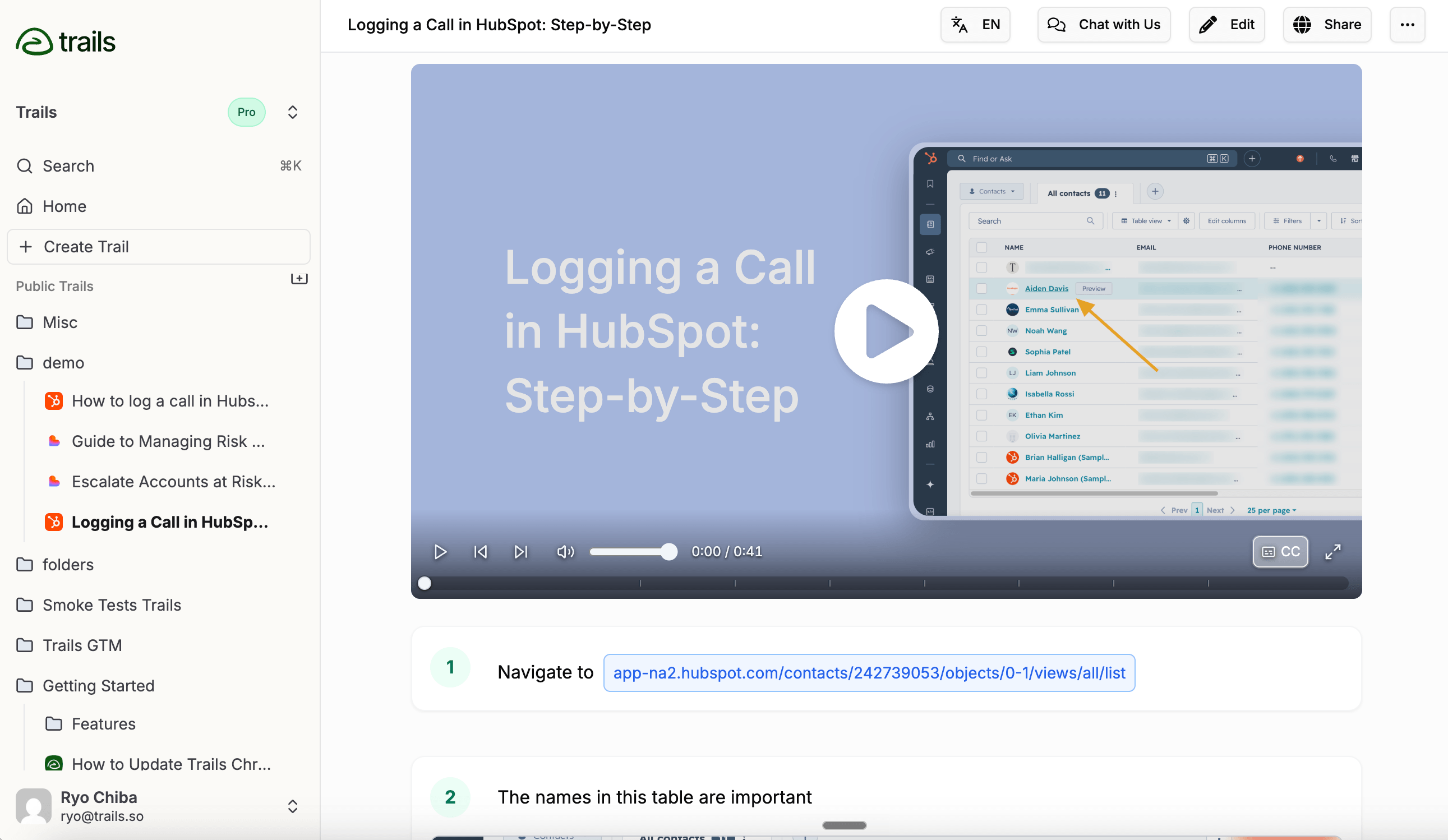
Best for: guide + video documentation
Trails is the best Whale alternative when your real problem is content creation speed, not knowledge-base governance. One capture becomes a written guide and an AI-narrated video. Edit the guide text and the video regenerates from the updated steps, so no one rebuilds a second asset every time the process changes.
That matters most for software-heavy teams. A customer success manager can capture a product workflow, clean up the step text, blur sensitive data, and publish a guide and video for customers or new hires. Whale can store SOPs, but Trails is better when the content itself needs to ship fast in more than one format.
The tradeoff is that Trails is not a training management system. It has no Alice-style knowledge assistant, no badges, no formal quizzes, no frontline mobile layer. It creates documentation and training assets. It does not run a company playbook.
Trails publishes Creator at $29 per month and Team at $49 per month, with 5 users included and additional seats at $10. The Business plan is quote-based and includes unlimited users, which is the one to ask about if broad access is your concern.
Choose Trails if: You need one capture to become a polished guide and a narrated video without juggling separate tools. It fits customer education, onboarding, and support docs, especially for teams that update software workflows often.
Skip Trails if: You need formal training paths, quizzes, e-signatures, SCORM, HRIS sync, or proof that every employee finished a required course. Trainual, Waybook, or ScreenSteps handle that better.
Trainual
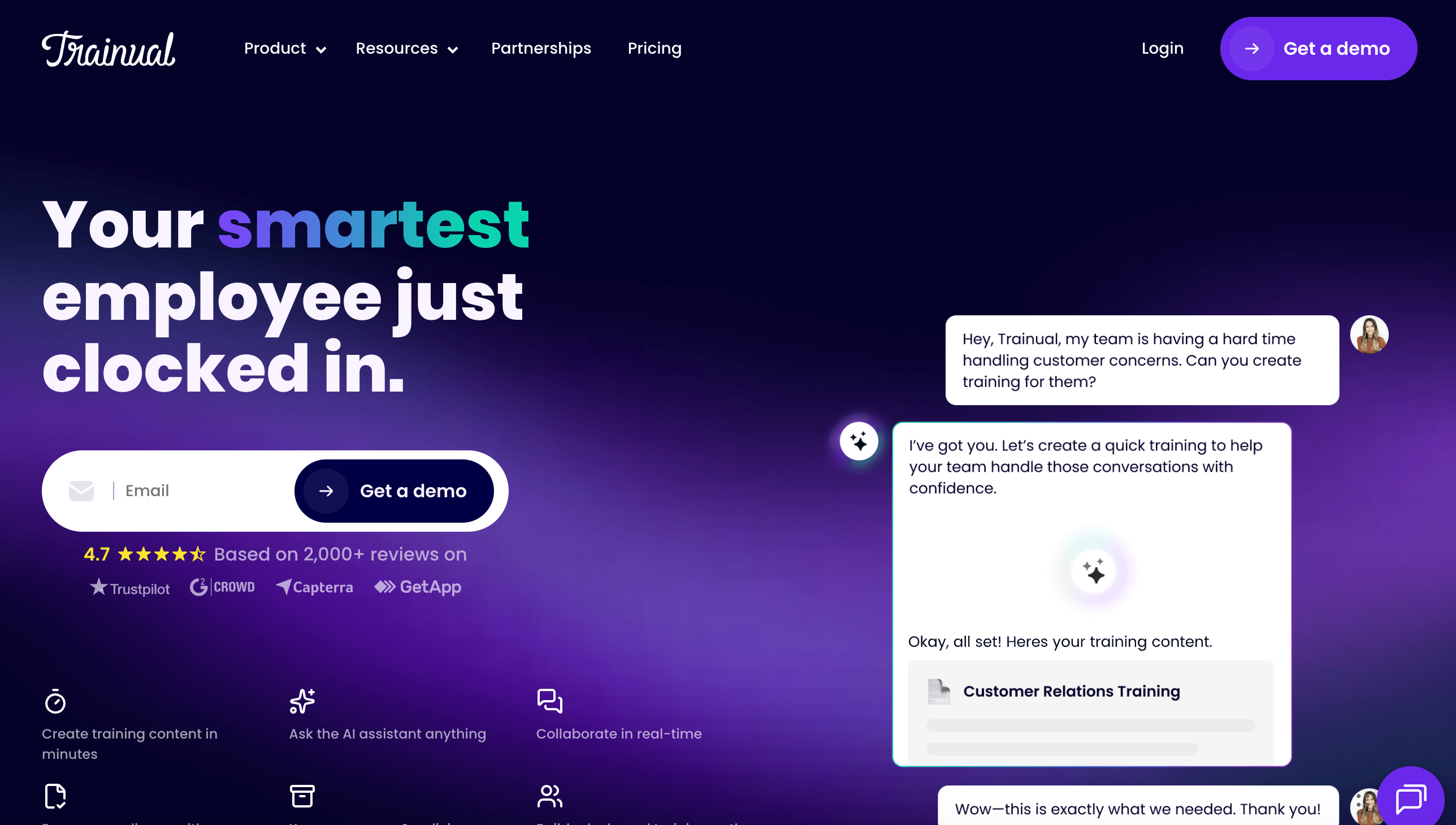
Best for: SOP and training management
Trainual is the closest match to Whale for teams that want documentation to become assigned training. It folds SOPs, policies, roles, quizzes, e-signatures, completion tracking, org charts, and HRIS integrations into one place. If Whale is a lighter knowledge hub, Trainual is the formal business playbook.
It is strongest for HR, operations, and franchises that need to prove new hires have read the right material. A manager can assign content by role, track completion, export reports, and attach quizzes or e-signatures to important policies. That is a different job from capturing a 12-step software workflow.
Trainual no longer publishes list prices and directs buyers to a demo. It does confirm dedicated onboarding and a one-time $1,000 implementation fee. Third-party sources still cite older Core, Pro, and Premium tiers starting around $249 per month for 10 seats, but verify the current quote directly.
The drawback is weight. Trainual is too much if you only need to build a visual guide, embed it in a help center, or share a quick update. It is built for organizational training, not capture-first documentation.
Choose Trainual if: You need structured onboarding, role-based training, quizzes, e-signatures, and completion tracking. It wins when accountability matters more than capture speed.
Skip Trainual if: You need self-serve pricing, a lightweight guide creator, or documentation that doubles as video. Trails and Scribe feel faster, and SweetProcess is simpler for SOPs without the onboarding program.
Waybook
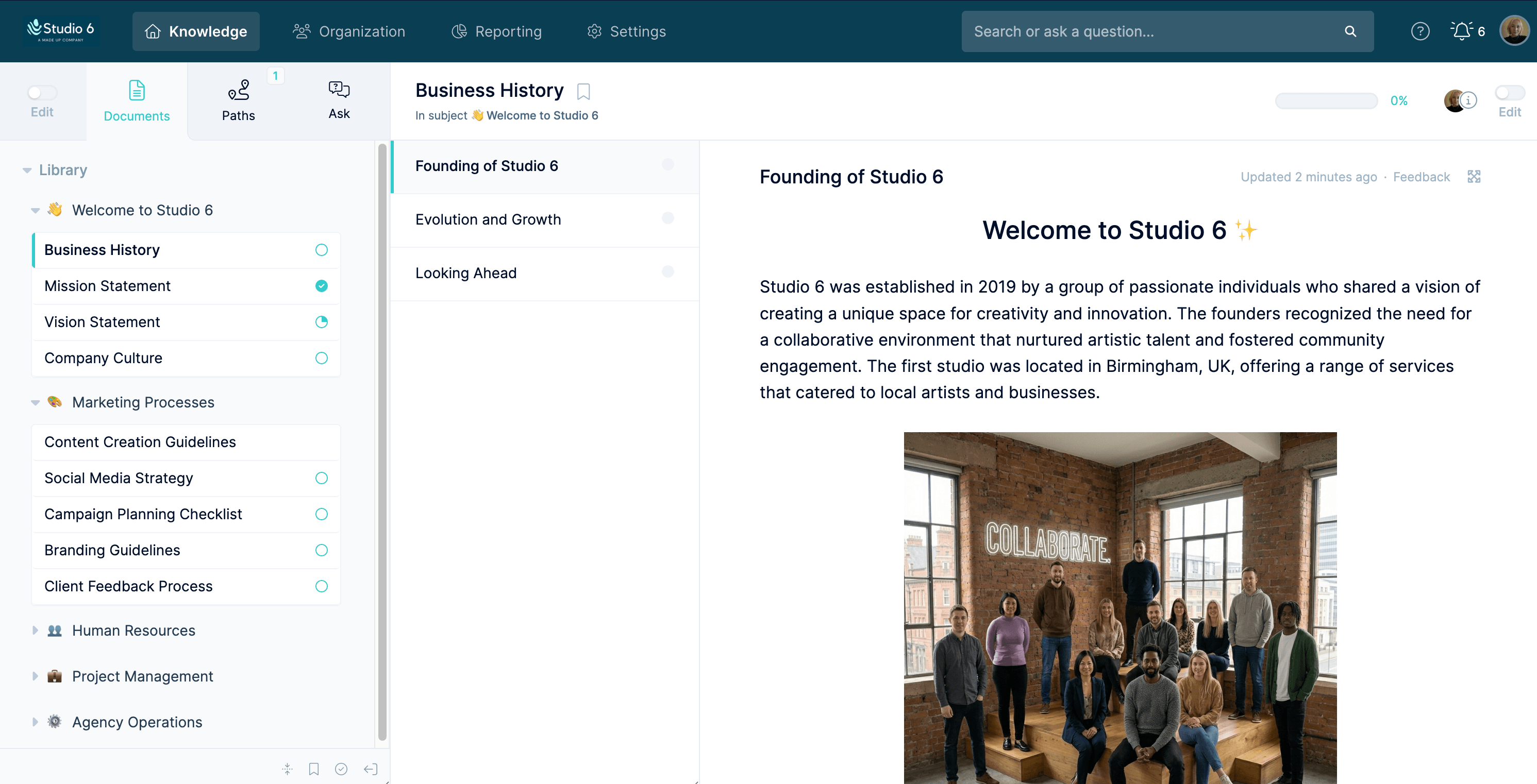
Best for: structured business playbooks
Waybook sits near Whale and Trainual, but its center of gravity is the structured company playbook. It organizes SOPs, onboarding content, tests, assignments, progress tracking, and permissions, with public sharing and mobile access. Waybook Shots adds a capture layer that turns browser workflows into visual SOPs, which makes it more capture-aware than a plain wiki.
It fits teams that have outgrown Google Docs or Notion and want an operating manual with real accountability: tests, document verification, audit logs, and SSO with directory sync on Pro, plus content you can share with employees or outsiders.
Its pricing is easier to model than Trainual's. Core runs $99 per month billed annually or $119 monthly, with 20 members included and more at $5 to $6 each. Pro runs $198 annually or $238 monthly, also with 20 members, and adds deeper governance.
The tradeoff is output. Waybook Shots is fine for screenshot SOPs, but nothing public shows the synced guide-and-video model Trails offers. If you need polished or localized training videos from the same workflow, Waybook is not the cleanest fit.
Choose Waybook if: You want a structured playbook with tests, progress tracking, and enough governance for a growing team. It is strong when company-wide readiness matters.
Skip Waybook if: You mainly need fast software docs, narrated video, or flat pricing for wide viewer access. Trails is better for guide-and-video output, and Scribe is faster for simple screenshot guides.
SweetProcess
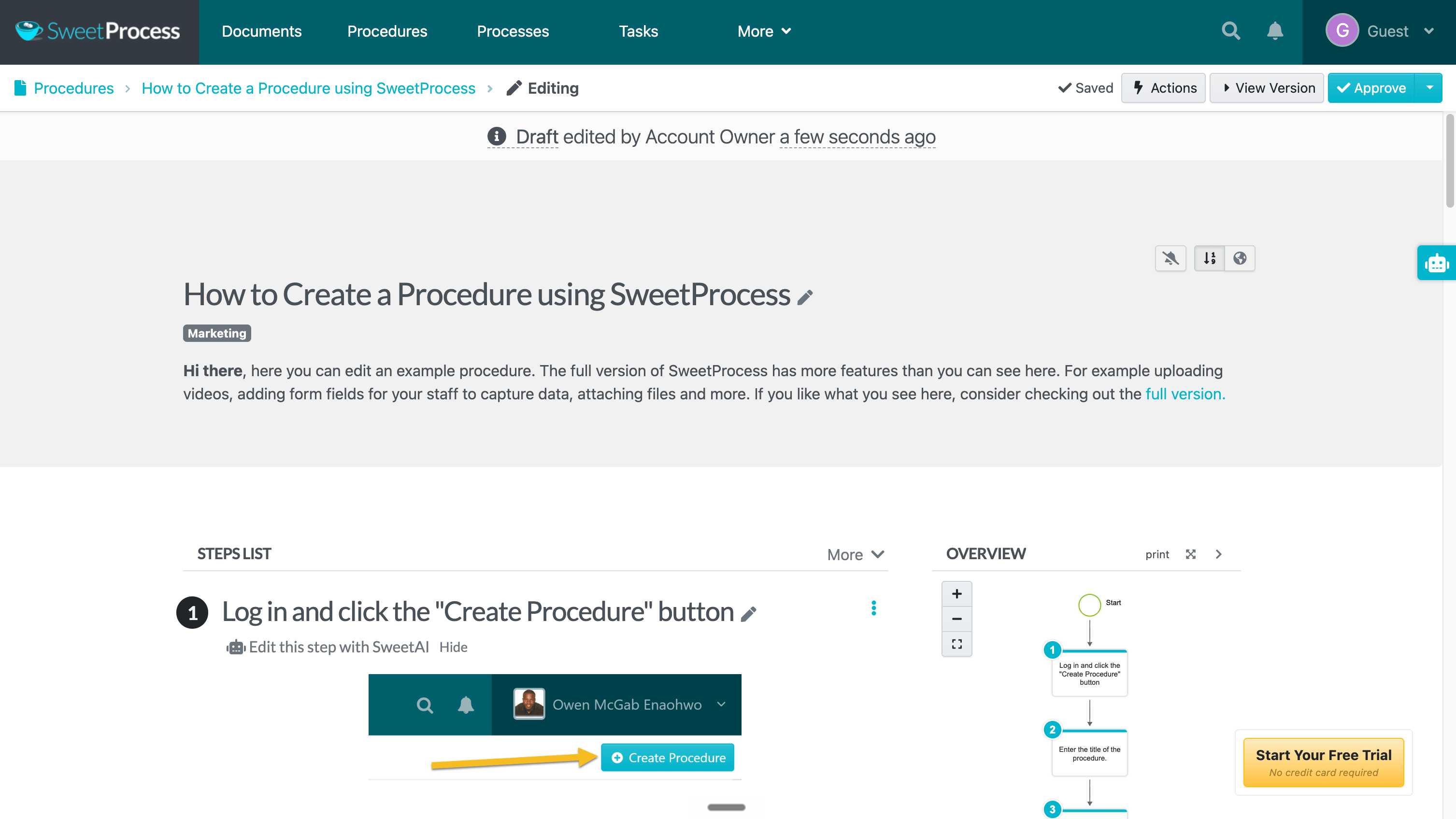
Best for: simple SOP and task management
SweetProcess is a practical Whale alternative for teams that want to document procedures and policies without a heavier training platform. The model is clear: write procedures, link them into processes, manage policies, assign tasks, route approvals, track versions, and publish knowledge bases.
A Chrome extension and screen recorder handle capture, and SweetAI drafts or refines content. The rest is well covered too, from quizzes and forms to exports, SSO, SCIM, and API access. It is broader than a guide recorder and simpler than a full LMS.
Pricing is a selling point. The current page lists $99 per month for up to 10 users, $5 per extra user, $990 a year for the same 10, and a $495 small-team plan for up to 5. Every main feature is included rather than split across tiers.
The tradeoff is polish and market signal. SweetProcess has a smaller review footprint than Trainual, Process Street, or Scribe. The all-in-one model works, but teams after modern visual capture or polished video may find it underwhelming.
Choose SweetProcess if: You want a straightforward SOP, policy, and task system with simple pricing and everything included. It fits SMB operations teams that care about repeatable work more than polished video.
Skip SweetProcess if: You need a more established training platform, richer in-app guidance, or guide-and-video from one capture. Trainual and Waybook are stronger for training programs; Trails is stronger for training assets.
Process Street
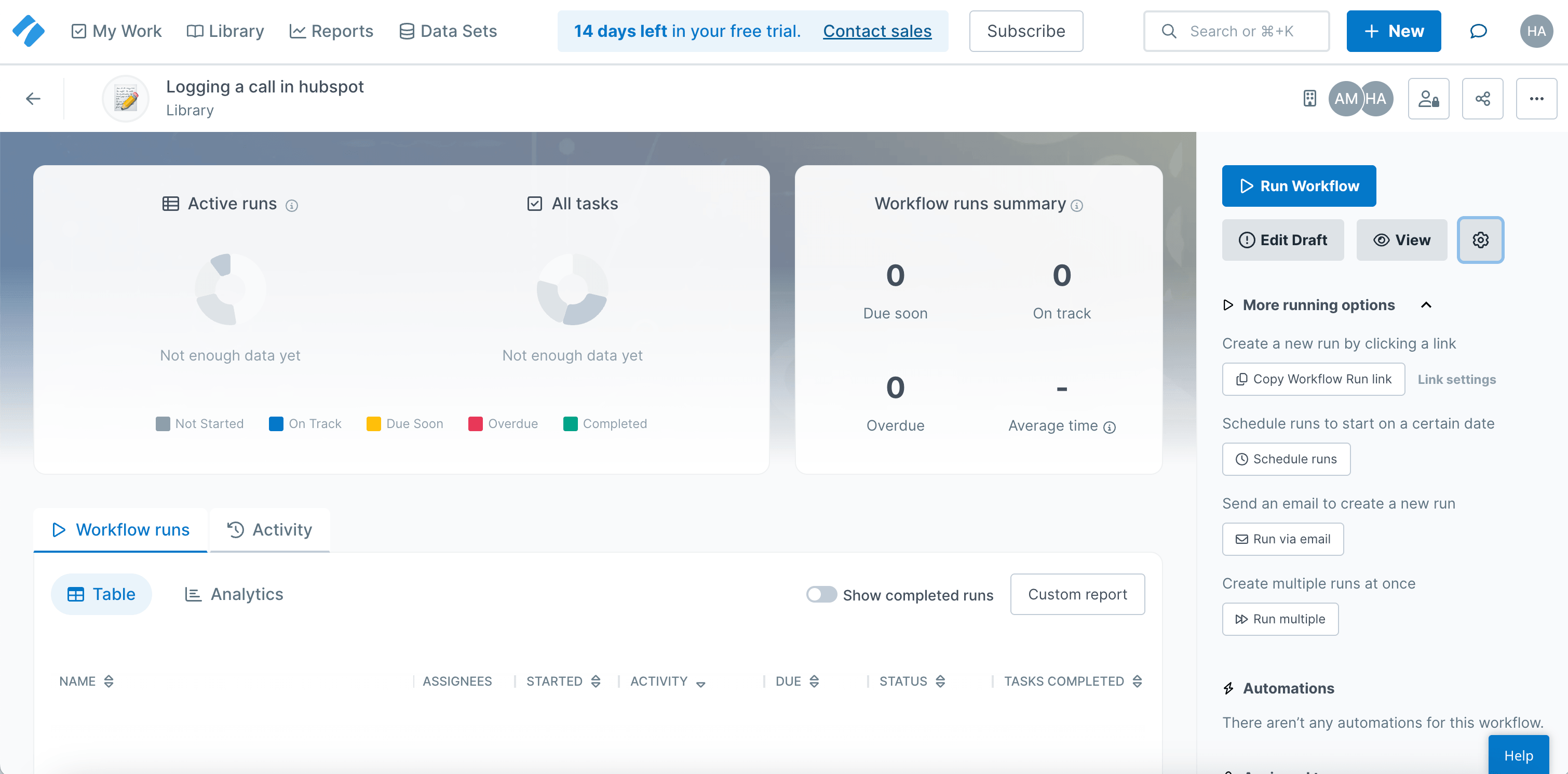
Best for: workflow execution and compliance proof
Process Street is the one to consider when your Whale problem is really an execution problem. Whale documents processes and assigns training. Process Street turns them into live runs with assignments, dynamic due dates, stop tasks, conditional logic, approvals, forms, analytics, and audit trails.
That makes it far stronger for recurring operational work: onboarding that touches HR, IT, and finance, or any workflow where a missed step creates real risk. It is built to run the process and preserve proof, not just explain it.
Pricing is custom across Startup, Pro, and Enterprise plans. The Pro plan starts with a 14-day trial, and the help center notes that organizations created on or after August 1, 2025 count Admins, Builders, and Users as billable seats. That matters if you expect many occasional participants.
The drawback is documentation speed. Process Street stores pages and its AI can generate workflows, but it does not replace a capture-first guide creator or a narrated-video workflow.
Choose Process Street if: You need SOPs to become trackable work with approvals, forms, handoffs, and audit evidence. It is the best fit here for compliance operations and repeatable workflows.
Skip Process Street if: You only need searchable SOPs, light employee training, or quick how-to guides. Whale, Waybook, or Trainual are easier for training hubs; Trails and Scribe are faster for documentation.
ScreenSteps
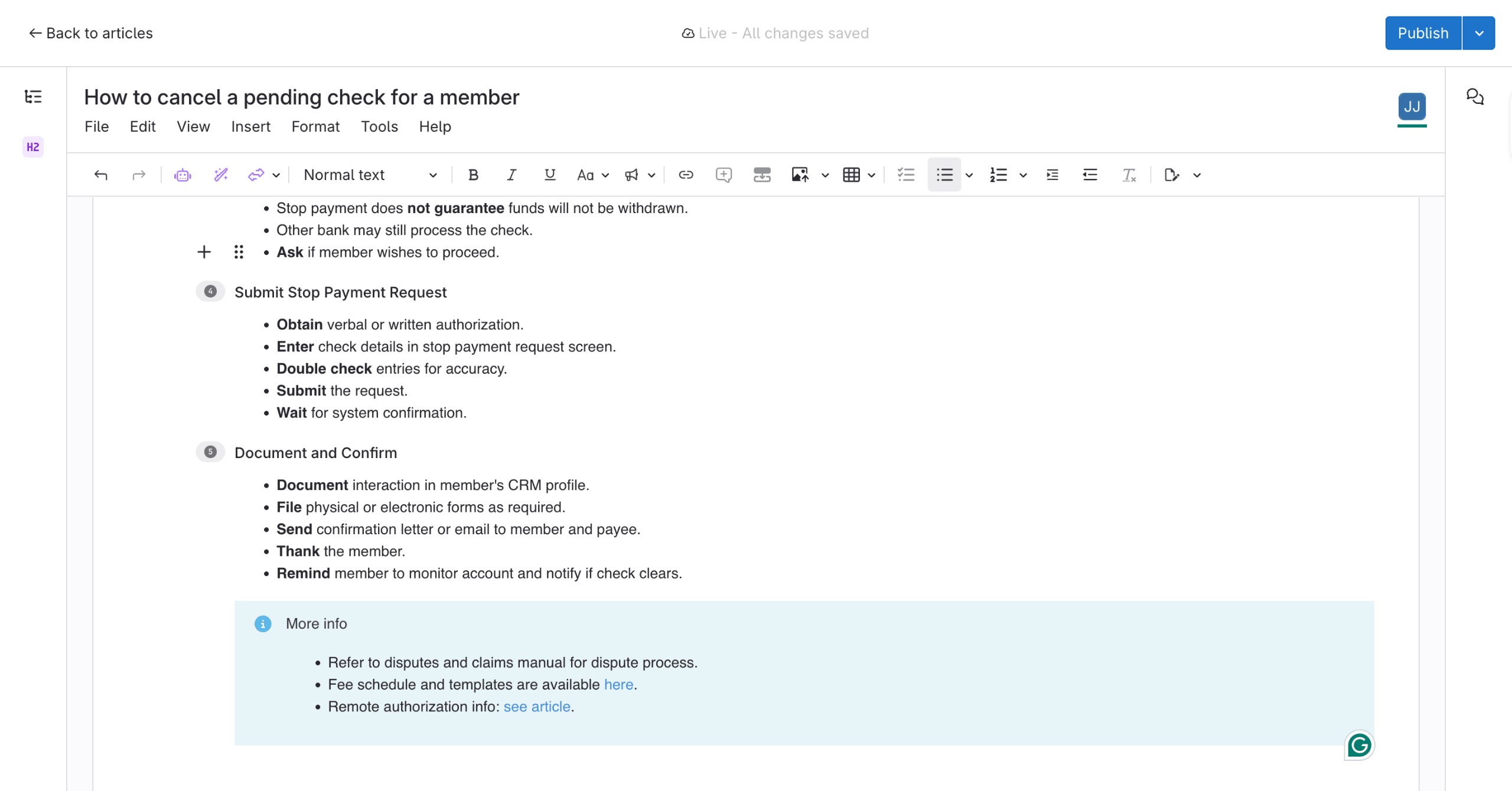
Best for: complex procedure documentation
ScreenSteps beats Whale for teams with complex, changing, or regulated procedures. It is less a lightweight SOP hub than a knowledge operations platform, with structured knowledge bases, decision trees, courses, contextual browser help, review workflows, and implementation coaching.
The clearest fits are banks, credit unions, contact centers, and law firms, where employees need trusted guidance while serving a customer or following a regulated procedure. The Sidekick browser extension surfaces the right article inside a web app, exactly when the answer is needed.
Pricing starts higher than most tools here. The Answer Plan is $15 per user per month with a $300 monthly minimum, and the Guide Plan is $20 per user with a $500 minimum. There is no free tier, though a 15-day trial uses your own content.
The tradeoff is setup weight. ScreenSteps is for teams serious about knowledge operations, not anyone who needs a guide recorder this afternoon. For a small company with basic SOP needs, it is too much.
Choose ScreenSteps if: Your procedures are complex, regulated, or role-specific, and employees need trusted guidance during live work. It is especially strong when implementation support and methodology matter.
Skip ScreenSteps if: You need a low-cost SOP tool, a self-serve guide creator, or narrated video. Trails, Scribe, SweetProcess, or Waybook are easier for lighter teams.
Scribe
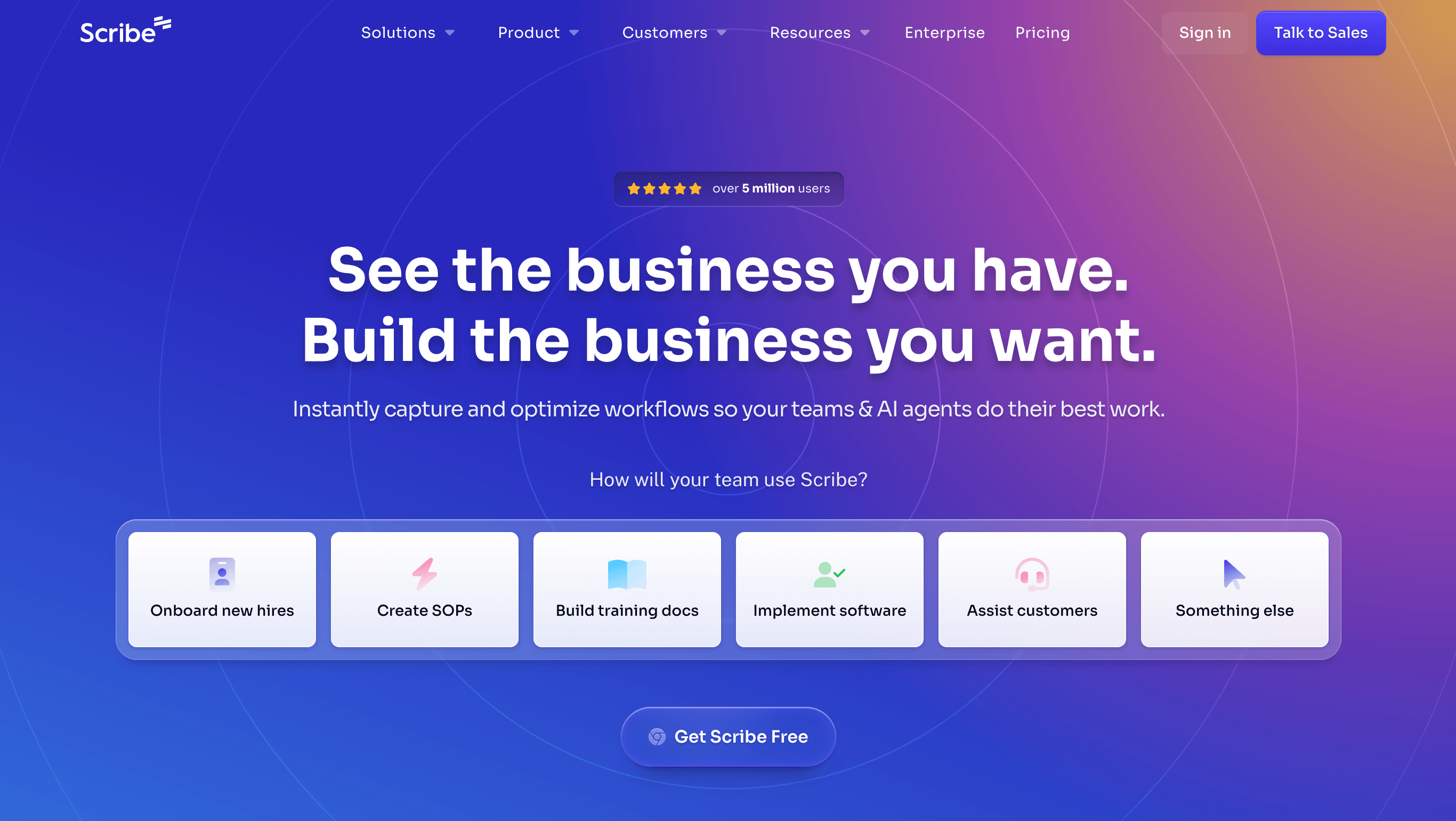
Best for: process discovery and optimization
Scribe is not a full Whale replacement. It is what you consider when the problem is bigger than keeping SOPs organized. Scribe Optimize is built to watch how work actually happens across approved apps, turn that activity into process maps, and show leaders where work gets slow, repetitive, or worth automating.
That makes Scribe a different kind of alternative. Whale helps teams document and train people on known processes. Scribe Optimize helps operations, IT, and transformation teams find the processes that should be fixed in the first place. It can surface bottlenecks, rank automation opportunities, estimate ROI, and generate business cases from observed workflow data.
Capture still matters. Scribe can turn a workflow into a step-by-step guide, and that remains useful for internal how-tos and support docs. But the more strategic pitch is no longer “make a guide fast.” It is “see where the business is wasting time, then decide what to document, automate, or improve.”
Pricing depends on which Scribe product you mean. The capture product includes a free plan and paid team plans. Optimize sits in the enterprise workflow AI motion, so teams should expect custom pricing and a heavier buying process than a lightweight SOP tool.
The drawback is fit. Scribe Optimize is aimed at leaders trying to identify automation and AI opportunities across teams. That is valuable, but it is not the same job as assigning training, testing employees, or running a playbook.
Choose Scribe if: You need to discover which workflows are broken, repetitive, or worth automating before you write another SOP. It fits operations, IT, automation, and AI transformation teams that care about process intelligence.
Skip Scribe if: You need a straightforward training hub, formal quizzes, role-based onboarding, or one capture that becomes both a written guide and a narrated video. Trainual, Waybook, or ScreenSteps handle training depth better; Trails handles guide-and-video output more directly.
The bottom line
Whale's real problem is that it straddles several jobs at once: SOP documentation, knowledge access, employee training, and AI capture. That is a strength when you want one internal hub. It is a limit when one of those jobs matters more than the rest.
If you valued Whale for centralizing SOPs and training, choose Trainual for formal training or Waybook for a structured playbook. If you valued its documentation angle but want simpler pricing and task accountability, choose SweetProcess. If the process needs to run with approvals, evidence, and handoffs, choose Process Street. If procedures are complex and regulated and need to surface in the moment of work, choose ScreenSteps.
If you mainly wanted faster capture, choose Scribe for quick screenshot guides. If you need one workflow to become both a written guide and a narrated video, choose Trails.
No single tool replaces all of Whale. The right choice comes down to what you need people to do next: find the answer, finish the training, follow the workflow, or learn the process in the format they will actually use.