
Process Street Alternatives: Which Tool Should Run, Document, or Train Your Workflows?





Process Street is built for teams that need recurring work to happen the same way every time. It turns SOPs into workflows with assignments and audit trails.
The search for an alternative usually starts when those features feel like overkill. A team may not need a whole compliance platform. It may need a faster way to document a software workflow or simply a training hub.
If documenting the procedure is your main job, compare SOP software for creating and maintaining instructions before choosing another workflow platform.
The right alternative depends on what happens after the process is written down. Should someone run it as a live workflow? Or should a new hire use it for training? Those are different decisions, and the tools below split along them.
The quick answer
- Trails: Best for guide + video documentation.
- Tallyfy: Best for approval-heavy workflow execution.
- Manifestly: Best for recurring operational checklists.
- SweetProcess: Best for SOP and policy documentation.
- Trainual: Best for role-based employee training.
- Whale: Best for an AI-assisted SOP and training hub.
- Scribe: Best for quick screenshot guides.
How we evaluated
We tested each tool against the same 12-step customer onboarding workflow: invite a customer, collect setup details, configure an account, hand off to support, and confirm the customer can repeat the workflow without a live walkthrough. We judged creation speed, editing burden, guide and video quality, branding, sharing, updatability, reporting, workflow execution, and pricing at 5, 10, and 25 users.
We make Trails, so this guide has a point of view. We also don't think Trails is right for every Process Street buyer. If you need approvals, audit evidence, and live workflow tracking, another tool will fit better. The goal is to make the split clear enough to choose without reading ten shallow comparison pages.
How we chose what to test
We focused on tools that help teams capture, document, run, or train repeatable processes: workflow execution tools, SOP systems, training platforms, and capture-first guide creators. We skipped the project management, BPM, LMS, and enterprise automation products that crowd broad alternative directories.
Tools made the list when they showed up repeatedly in Process Street research, competed for SMB and mid-market buyers, or drew real review activity on G2, Capterra, and Reddit. Tallyfy and Manifestly are closest to Process Street's recurring workflow use case. SweetProcess, Trainual, and Whale fit teams that want SOPs and training. Scribe and Trails fit buyers whose process problem is really a documentation problem.
We left out broad work management tools like ClickUp, monday.com, and Asana because they're better project systems than SOP or training products. We left out heavier BPM platforms like Kissflow, ProcessMaker, Nintex, and Appian because they solve a bigger enterprise problem than most of these buyers have.
Why do customers look for Process Street alternatives?
Based on Process Street's pricing documentation, review patterns on G2 and Capterra, and recent Reddit threads, the most common reasons are:
Reason #1: Pricing is hard to model before talking to sales
Process Street's pricing page lists Startup, Pro, and Enterprise plans, but each asks the buyer to contact sales. That works for regulated teams with budget and procurement support, but it's harder for a smaller team that wants to know whether 10 or 25 contributors will be affordable before investing in setup.
Reddit threads show the practical version: some teams like the product but struggle to prove ROI once the cost becomes a real monthly line item. That's why simpler, lower-cost checklist tools keep showing up in these searches.
Reason #2: The product can feel heavy for simple SOP work
G2's review summary flags learning curve, limited customization, and complexity as recurring negatives. Capterra reviews skew positive, but even favorable reviewers note that advanced templates, reporting, and configuration take work.
These advanced features add control, but they also add extra work. A team that just needs a weekly checklist or a searchable SOP library may find a simpler tool easier.
Trails
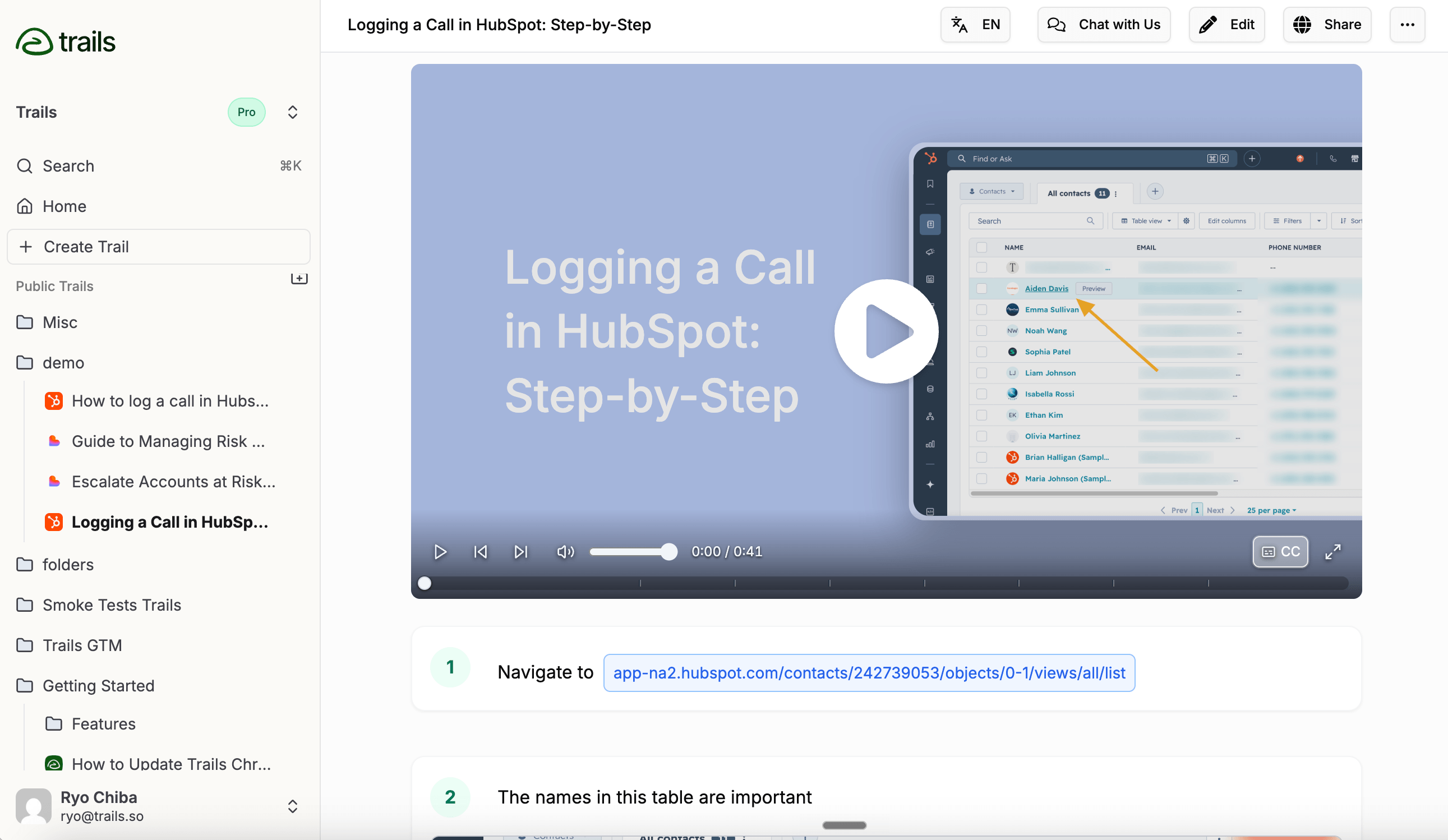
Best for: Guide + video documentation
Trails fits when the Process Street search is really about creating better documentation, not running a live workflow. One capture becomes a written guide and an AI-narrated training video. Edit the text and the video regenerates, so teams don't re-record every time a screen or policy step changes.
That makes Trails strongest for customer education, onboarding, and internal SOPs. A customer success team can capture a workflow once, share the written version with people who skim, embed the video for people who watch, and export to PDF, HTML, Markdown, or MP4.
Trails publishes a Creator plan at $29/month and a Team plan at $49/month with 5 users included and $10/month per added user. Business is contact-sales, with unlimited users, translations, and priority support. For a small docs team, the entry price is easier to model than Process Street's custom quote. For a company-wide rollout, the unlimited-user Business plan is the question to ask about.
Trails isn't a Process Street clone. It doesn't replace approvals, stop tasks, forms, or audit evidence. If you need to prove each control ran on schedule, Process Street, Tallyfy, or Manifestly will be closer to the job.
Choose Trails if: You need a fast way to turn real work into a reusable guide and narrated video, especially when the same workflow has to train customers, new hires, and internal teams in more than one format.
Skip Trails if: You need a live process engine with approvals, due dates, form routing, and audit logs. Trails documents and teaches the workflow. It doesn't enforce it.
Tallyfy
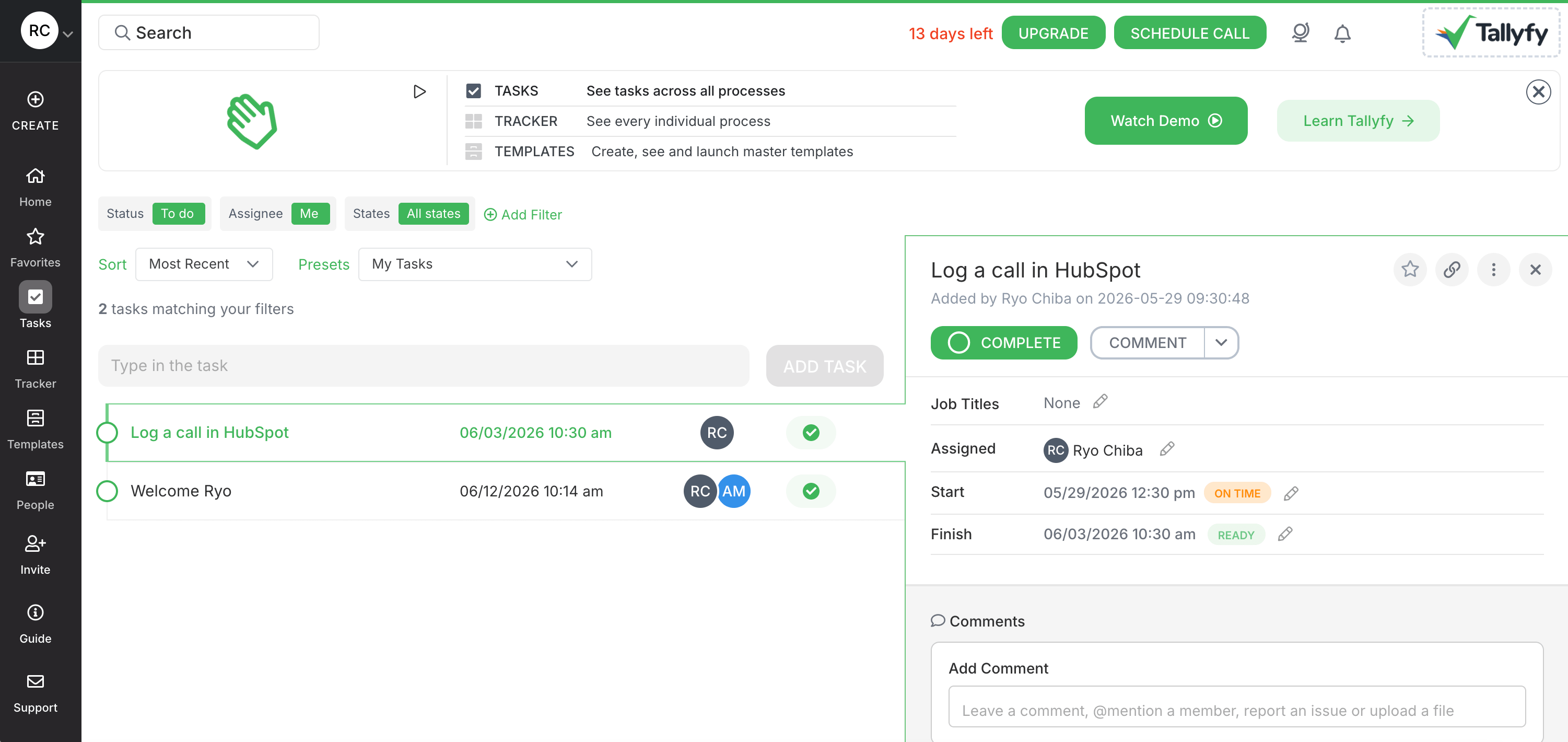
Best for: Approval-heavy workflow execution
Tallyfy is the closest alternative for teams that still want to run processes, not just document them. Reusable templates launch into live runs with assignments, reminders, approvals, forms, guest access, and status tracking. If Process Street is the right category but the wrong package, Tallyfy belongs near the top of the shortlist.
It's especially strong for workflows built on handoffs: vendor onboarding, client intake, purchase approvals, and HR setup. External guests can complete assigned tasks without becoming full users, which helps when a process crosses company lines.
Tallyfy publishes seat-based pricing: Full Seats at $30/month or $300/year, Light Seats at $10/month or $100/year, and a Data Feed analytics add-on at $20/seat/year. SSO, unlimited guests, Tallyfy AI, 1:1 support, and a 14-day trial are included. At 10 full seats, the annual price is $3,000 before add-ons.
Next to Process Street, Tallyfy is more transparent on price and splits cleanly between Full and Light seats. Next to Trails or Scribe, it's less about capturing a workflow from the screen and more about running it once designed.
Choose Tallyfy if: You need a workflow system for approvals, guest tasks, reminders, and status visibility. It fits when the work itself has to be assigned and tracked.
Skip Tallyfy if: You mainly need documentation people can read, watch, embed, or export. Tallyfy can document templates, but it's not a capture-first guide and video tool.
Manifestly
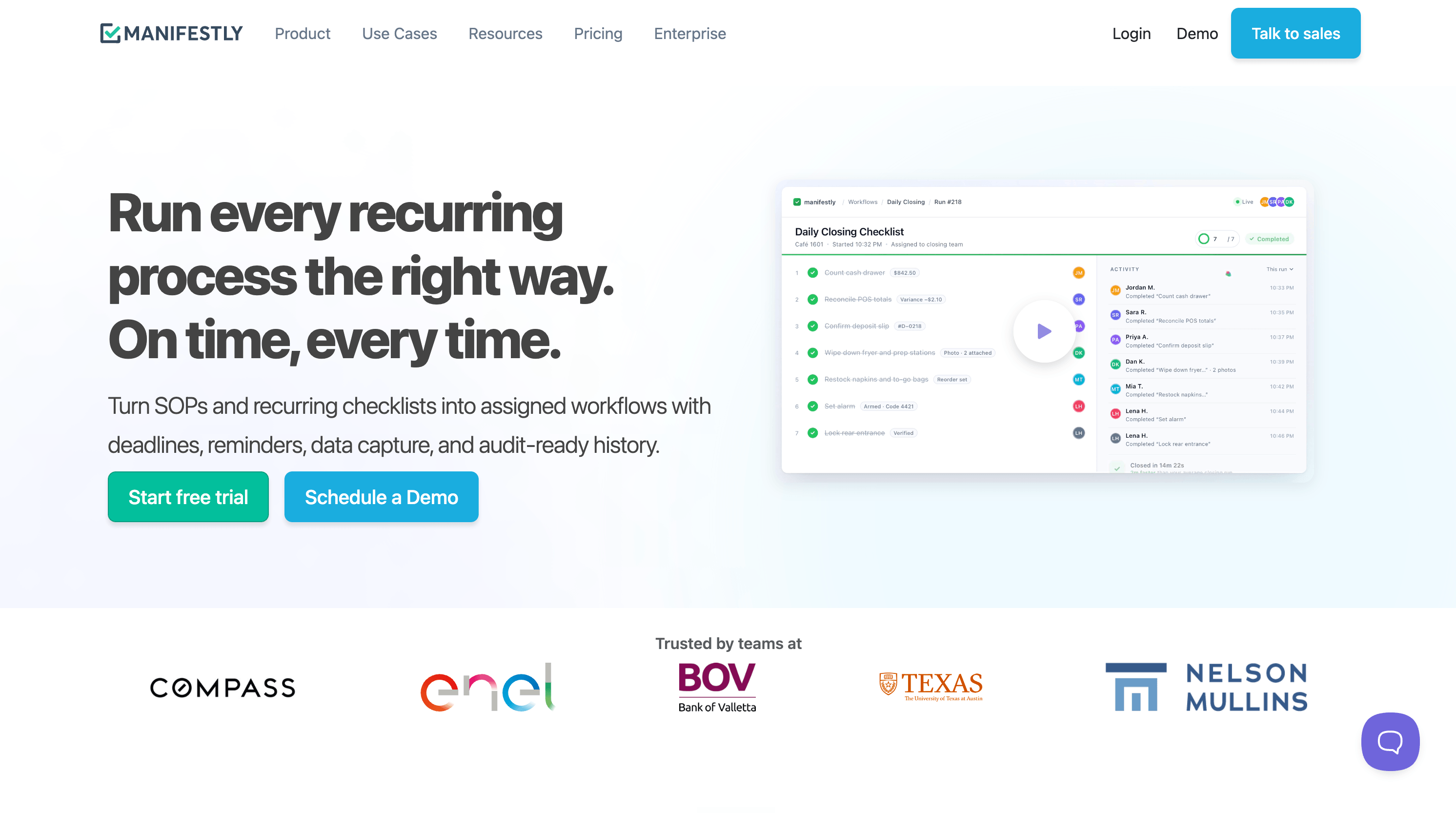
Best for: Recurring operational checklists
Manifestly is a narrower, simpler alternative for teams that run recurring checklists and SOPs. Workflows become runs, and each run carries assignees, schedules, due dates, reminders, and audit history. It's built for repeatable work that shouldn't be left to memory.
Its strongest angle is execution. Slack and Microsoft Teams integrations let teams assign, discuss, and complete checklist work where they already talk. API, webhooks, Zapier, Salesforce, and newer AI integrations make it more automation-friendly than a static SOP library.
Manifestly lists Business at $10/user/month, or $8.33/user/month billed annually. Enterprise starts at $2,000/year, includes 10 users, and adds SAML SSO, custom branding, SMS notifications, and onboarding. That makes it one of the easiest alternatives to price for a 5 or 10 person team.
The tradeoff is depth. Manifestly handles recurring checklists well, but it's not a compliance platform, a training LMS, or a capture tool. Reviews also flag reporting depth and complex-workflow ergonomics as things to check.
Choose Manifestly if: You want a lighter checklist and SOP execution tool with transparent pricing. It fits operations, IT, finance, and HR teams with repeatable routines.
Skip Manifestly if: You need advanced analytics, deep compliance operations, or guide and video assets from screen capture. Manifestly helps people complete recurring work. It doesn't turn that work into polished training content.
SweetProcess
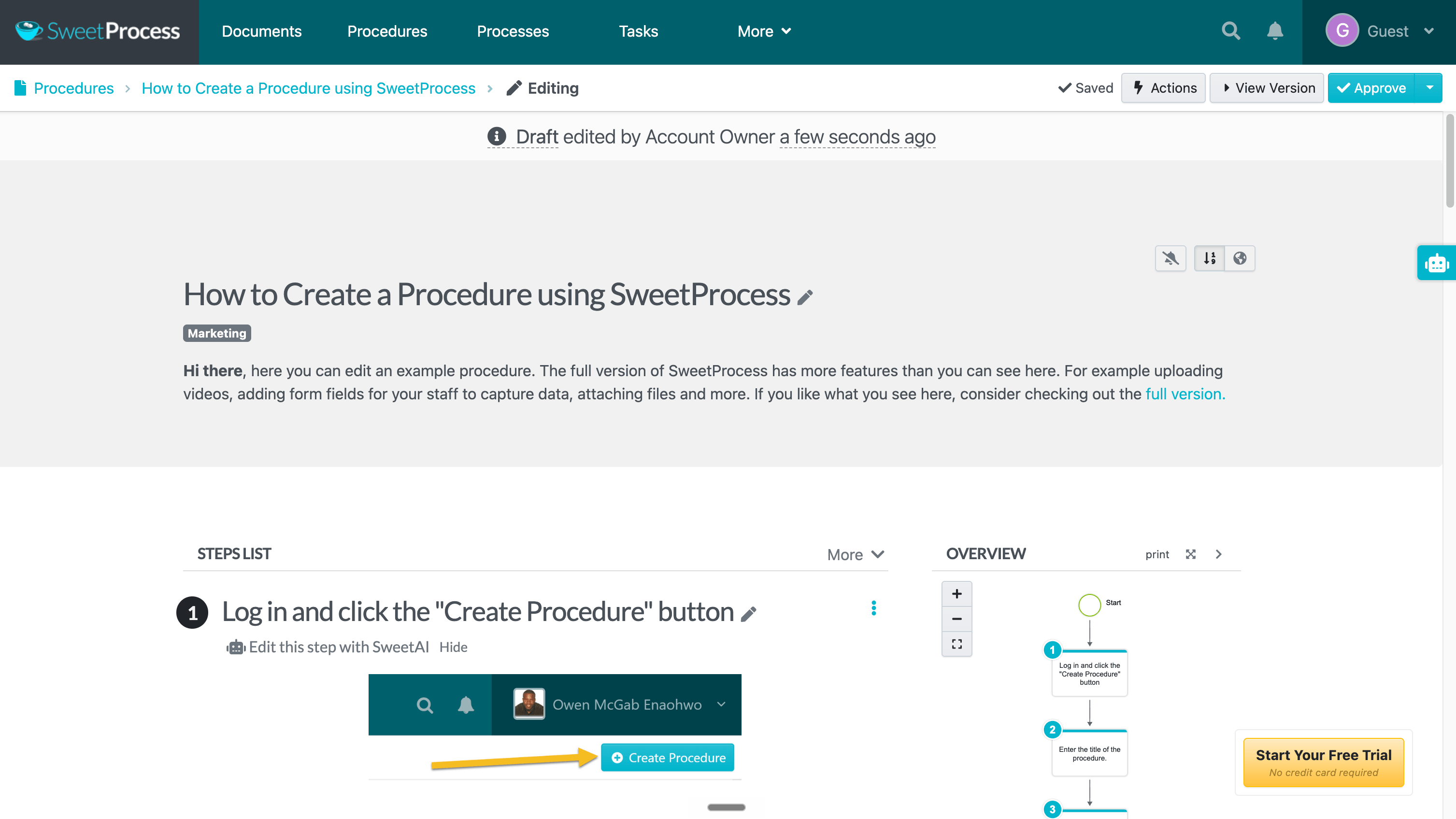
Best for: SOP and policy documentation
SweetProcess fits when Process Street feels too workflow-heavy and the real job is building an internal operating manual. It organizes procedures, policies, tasks, quizzes, approvals, knowledge bases, and version history in one place.
It also captures more than a typical SOP platform. A Chrome extension records browser actions and drafts procedures with screenshots, and SweetAI helps draft or revise them. Even so, the focus is SOP governance, not polished guide and video output.
Pricing is unusually clear for this category: $99/month for up to 10 users, or $990/year, with each extra user at $5/month. A small-team plan runs $495/year for up to 5 users. Every feature is included, which makes it easier to evaluate than tools with multiple plan gates.
Next to Process Street, SweetProcess is less about live orchestration and more about documentation, knowledge access, and accountability. Next to Trails, it offers more SOP governance but no synced guide-plus-video workflow.
Choose SweetProcess if: You need a practical SOP, policy, and knowledge-base system with light task tracking and simple pricing. It fits small and mid-size teams moving out of Google Docs and scattered folders.
Skip SweetProcess if: You need complex approvals, live execution, BI-style reporting, or narrated videos that update from text edits. It helps you maintain SOPs, not produce multimedia training.
Trainual
Best for: Role-based employee training
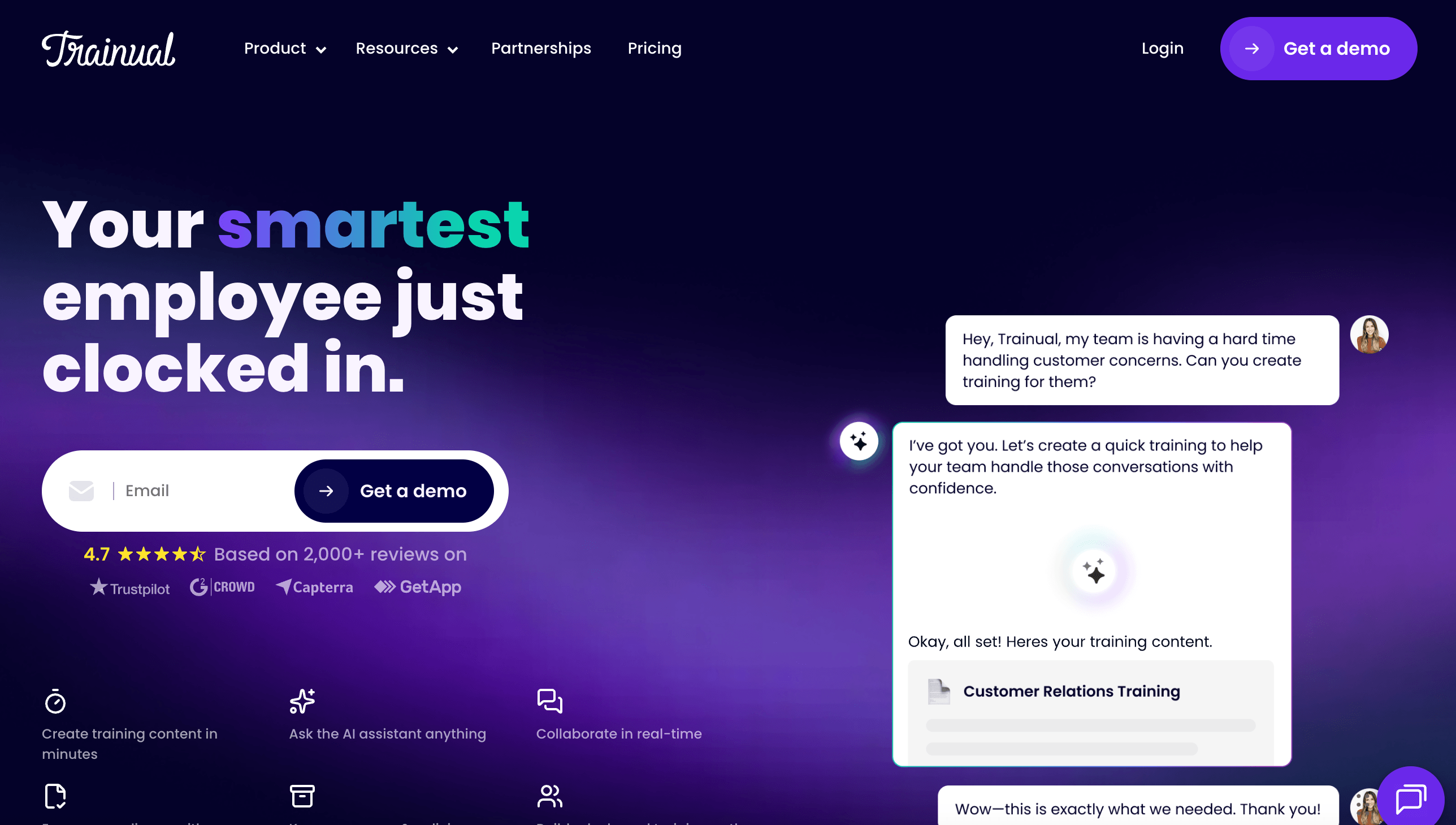
Trainual is the one to consider when Process Street is doing double duty as an onboarding tool. It combines SOP documentation, role-based training paths, quizzes, e-signatures, HRIS integrations, and a mobile app. It answers a different question: what should each person learn for their role, and have they finished it?
That makes it stronger for HR, operations, and multi-location training teams. It assigns content by role or department, tracks completion, verifies understanding, and ties training to employee records through HR and payroll integrations.
Trainual's pricing page doesn't publish self-serve prices. It says pricing varies by team size and features and asks buyers to book a demo. It also notes a one-time $1,000 implementation fee and dedicated rollout support. Helpful if you want a guided start, but real friction if you want to evaluate quickly.
Trainual isn't the fit if the main pain is capturing software steps fast. It has content tools, templates, and video support, but it's still a training management system. If a CSM needs a guide and video within the hour, Trails or Scribe will feel lighter.
Choose Trainual if: You need training accountability, quizzes, e-signatures, role-based paths, and HRIS integration. It fits when documentation is part of onboarding and compliance training.
Skip Trainual if: You want transparent self-serve pricing, minimal setup, or fast capture-first documentation. It's heavier than a guide creator, and the implementation fee belongs in the first-year budget.
Whale
Best for: An AI-assisted SOP and training hub
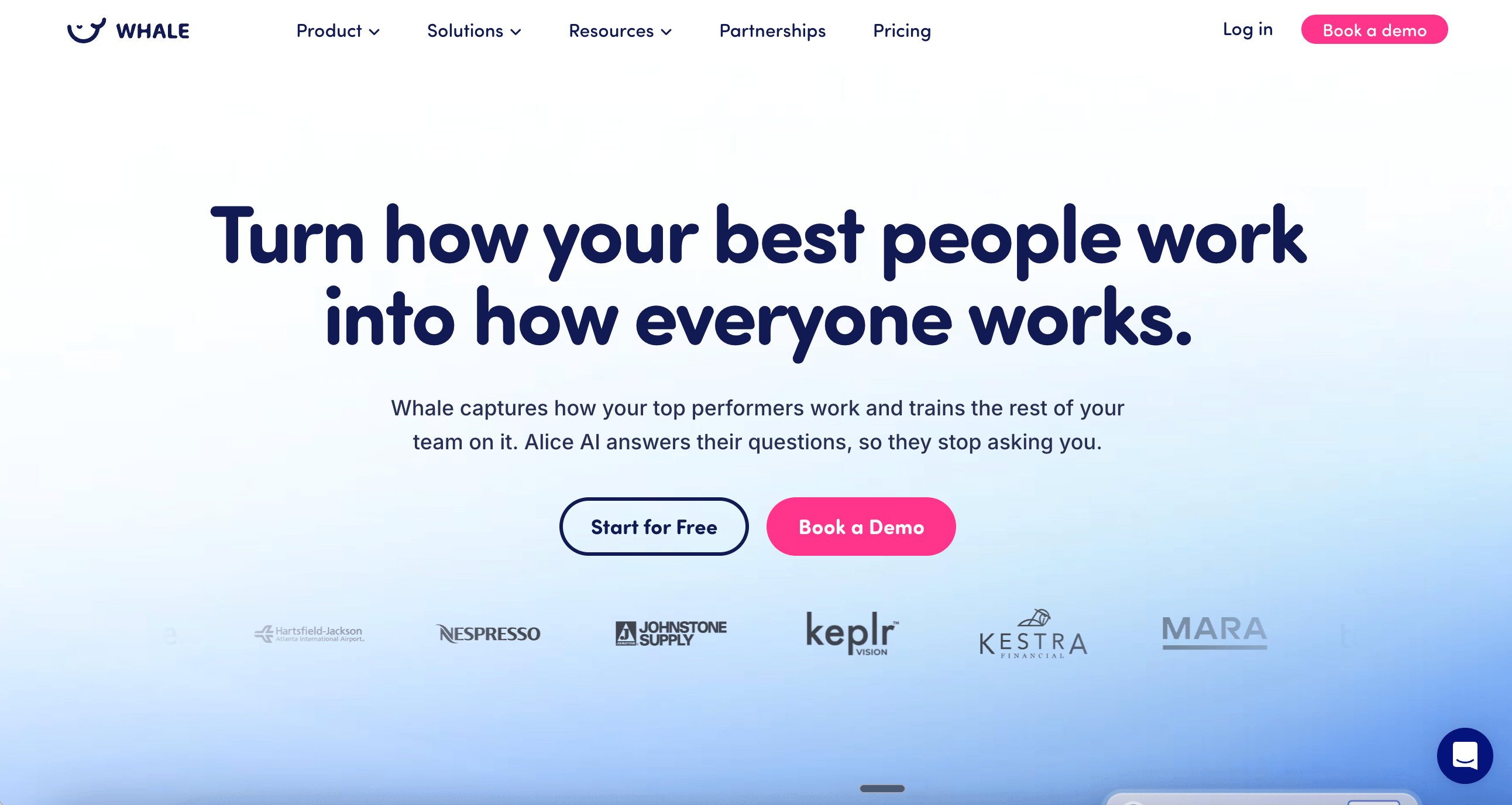
Whale sits between SOP software and lightweight employee training. Teams get a central knowledge base, step recorder, video-to-SOP conversion, AI writing support, review cycles, training flows, quizzes, and Alice, an assistant that answers questions from workspace content.
It fits teams that care about keeping SOPs findable after they're written. Process Street is better when a run must move through tasks, approvals, and audit evidence. Whale is better when employees need to ask, find, and complete training around company procedures.
Whale's pricing page lists a free plan, Scale at $40/month, Advance at $100/month, and Enterprise at $1,200/month. AI credits power quiz generation, video-to-guide conversion, and card creation: 20 a month on Free, 50 per creator on Scale, 100 on Advance, and 250 on Enterprise.
Check the plan structure before buying, since Whale has changed its packaging and older comparison pages show different anchors. Watch the gates on training flows, analytics, roles, integrations, and AI credits. Those matter more than the headline price.
Choose Whale if: You want an internal SOP hub with AI search, training flows, quizzes, review cycles, and mobile access. It's a good fit for SMB teams that need process knowledge to stay findable and current.
Skip Whale if: You need live workflow execution, approvals, or audit-ready process runs. Also skip it if your main goal is producing customer-facing guide and video documentation from one capture.
Scribe
Best for: Quick screenshot guides
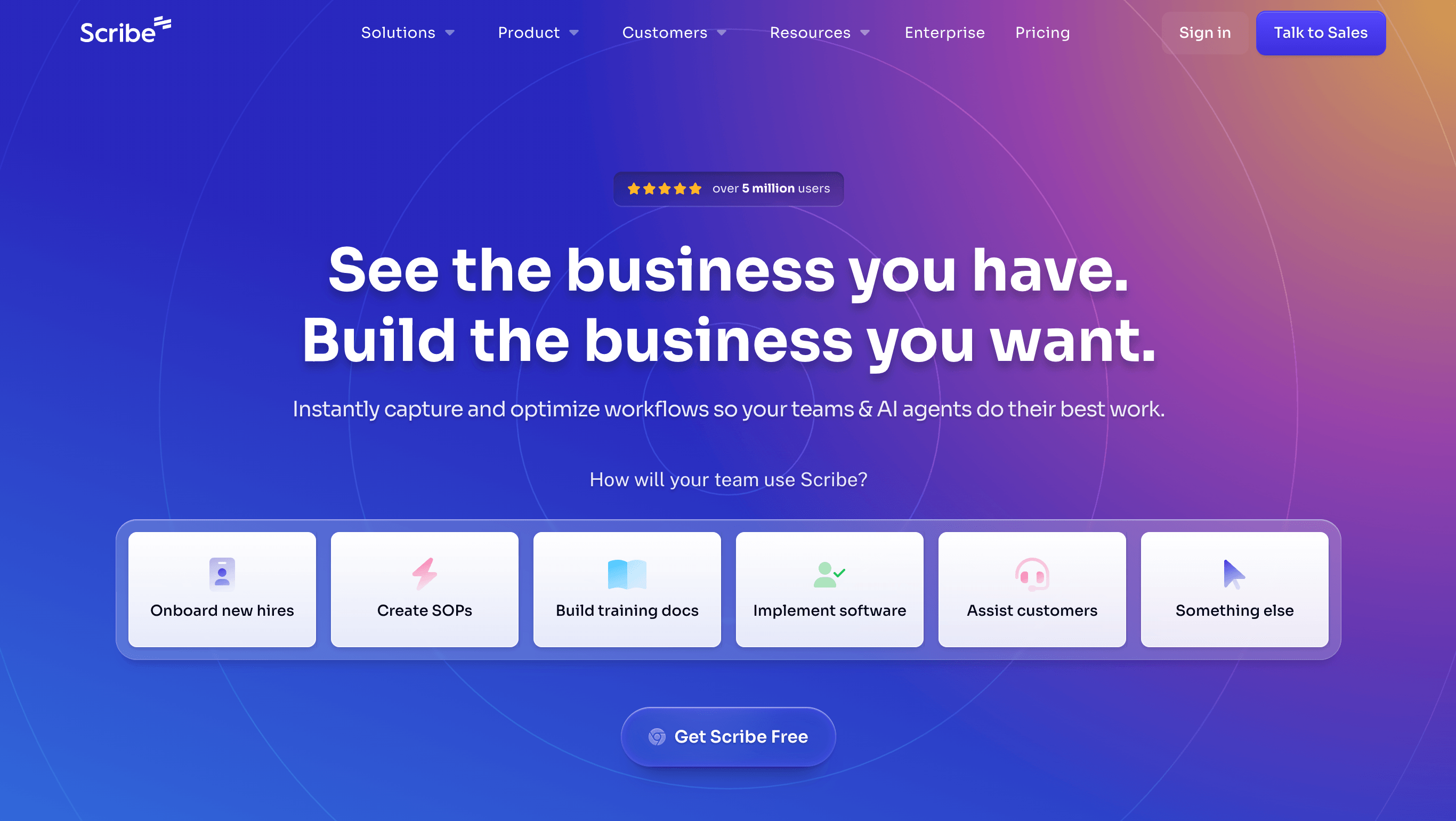
Scribe is one of the fastest ways to turn a screen-based workflow into a step-by-step guide. Install the extension or desktop app, start capture, run the workflow, and Scribe builds numbered steps with screenshots and written instructions. For basic documentation, it beats the blank page better than most SOP platforms.
Sharing and editing are solid too: screenshot redaction, Pages, live embeds, PDF, HTML, Markdown, and Word export on paid plans, plus Guide Me for in-browser walkthroughs. It's far closer to a capture tool than to Process Street's execution model.
Scribe lists a free Basic plan, Pro Personal, Pro Team, and Enterprise. Pro Team runs $59/month for 5 users with $12 per added user on annual billing; monthly costs more, and Enterprise is custom. Easy to test for a small team, though costs climb if you need Enterprise governance, translation, auto-redaction, or SSO.
The catch for a Process Street buyer is that Scribe documents the workflow but doesn't run it. It won't replace approvals, recurring assignments, or audit evidence, and it doesn't match Trails' synced narrated video. Its movie-style output is handy, but it's not a branded AI-narrated video that updates from guide edits.
Choose Scribe if: You need quick screenshot guides for software workflows: internal how-tos, support instructions, and SOP references. It's a strong pick when speed matters more than training structure. For a broader capture-tool view, see the Scribe alternatives guide.
Skip Scribe if: You need to run recurring processes with assignments and approvals, or you want a written guide and a narrated video from the same capture.
The bottom line
Process Street's mismatch isn't weakness. It's weight. The product is built to run and govern recurring work which is more structure than many teams need when they start shopping.
If you still need live workflows, choose Tallyfy for approvals and guests, or Manifestly for simpler recurring checklists. If you need SOPs and training, choose SweetProcess for documentation, Trainual for role-based onboarding, or Whale for an AI-assisted knowledge hub.
Choose Trails when documentation needs to become training content. That's the clearest split from Process Street: one capture becomes both a written guide and a narrated video, and edits don't mean starting over. If the work needs to be enforced, Process Street and its peers still make sense. If it needs to be understood, followed, and kept current, Trails fits better.
Frequently asked questions
What's the difference between Process Street and Trainual?
Process Street centers on running recurring workflows with assignments, approvals, automations, and audit trails. Trainual centers on employee training, with role-based learning paths, quizzes, e-signatures, and HR integrations. Choose Process Street when the work needs to be executed and tracked. Choose Trainual when employees need to learn and prove they finished.
What's the difference between Process Street and Tallyfy?
Both run repeatable workflows, but Process Street leans into compliance operations, document control, and audit readiness. Tallyfy is a more transparent, seat-priced system with Full and Light seats, unlimited guests, approvals, and live tracking. If price transparency and guest participation matter, test Tallyfy.
What's the difference between Process Street and Scribe?
Process Street runs processes. Scribe documents processes. Use Process Street when tasks need owners, due dates, approvals, and audit history. Use Scribe when the job is to capture a software workflow and turn it into a screenshot-based guide people can follow later.