
Trainual Alternatives: Which SOP and Training Tool Should Your Team Use?





Trainual turns company knowledge into trackable training, so growing teams can document processes and test understanding.
That strength is also why teams start looking elsewhere. If you mainly need to capture software workflows, Trainual can feel heavier than the work requires.
To separate content creation from assigning and tracking learning, compare training documentation software. If your priority is creating and maintaining procedures, the SOP software comparison focuses on that workflow.
The right alternative depends on what you need people to do next. Some teams need structured onboarding and accountability. Others need a faster way to create process docs. This guide separates those decisions so you can choose the tool that fits the work.
The quick answer
- Trails: Best for guide + video documentation from one workflow capture.
- Waybook: Best for structured SOPs, onboarding, and employee training.
- Whale: Best for AI-assisted SOPs with searchable employee answers.
- SweetProcess: Best for flat-price SOPs, policies, and task accountability.
- Process Street: Best for workflow execution and compliance proof.
- Scribe: Best for finding processes to optimize.
How we evaluated
We ran each product through the same onboarding workflow: capture a software process, turn it into a written SOP, assign it to a new hire, update a step, and check what the learner sees. We judged creation speed, editing burden, guide and video quality, how easily content updates, and pricing at 5, 10, and 25 users.
We make Trails, so this guide has a point of view. We have tried to be direct about where Trails fits and where it does not. If you need quizzes, e-signatures, SCORM, and completion reporting, Trainual, Waybook, or Whale will serve you better. If the work is mostly software documentation that needs to become training content, Trails or Scribe is the more relevant choice.
How we chose what to test
We focused on tools that help teams capture, organize, and share process documentation: SOP platforms, training hubs, and workflow systems. We did not treat every LMS, HR app, or knowledge base as a direct alternative, since most are too general purpose.
Tools made the list when they showed up repeatedly in buyer comparisons, review sites, and user discussions, and when they targeted the same buyer: SMB teams trying to document how work gets done. We included close substitutes like Waybook and Whale alongside narrower tools like Scribe and Trails, because many Trainual searches come from teams who realize they do not need a full training system.
We left out broad LMS products like TalentLMS and Docebo, which are mainly course-management platforms. We also skipped general work hubs like Notion and Confluence. They can store SOPs, but they offer no native training accountability without a lot of manual structure.
Why do customers look for Trainual alternatives?
Teams look elsewhere for a few reasons: price, buying friction, slow content creation, or simply more platform than a narrow documentation job requires.
Across G2, Reddit, and pricing pages, the same reasons come up:
Reason #1: The cost can feel heavy for small teams
Trainual's pricing page lists Core, Pro, Premium, and Enterprise plans but publishes no dollar amounts. Prospects get routed to a demo. Third-party pricing references point to a higher-friction purchase than many SMBs want, especially once implementation and seat counts enter the conversation.
Reviews echo this. One Capterra reviewer called Trainual an investment for a small business; another said the cost felt too high for a simple operation. That does not make it overpriced for everyone. The value case simply works best when a team truly needs training paths and HR-style accountability.
Reason #2: Software process documentation can take more work than it should
Trainual now includes AI-assisted documentation and built-in screen recording, but it remains a training and playbook platform first. Teams documenting software workflows usually want the documentation to fall out of doing the work, then ship as a guide, video, or embed.
Reviews point to video and editing friction, from lost Loom-style workflows to iframe workarounds and formatting headaches. That is where capture-first tools like Trails and Scribe enter the decision. They do not replace Trainual's training-management layer; they cut the work of creating the underlying content.
Reason #3: Search, navigation, and maintenance can become the real problem
G2 summaries flag organization and navigation among Trainual's recurring weak spots. Capterra reviewers mention missed searches, confusing mobile navigation, and updates that mark previously completed training as incomplete again.
This matters because a training platform only works when people can find and trust the content. When the library is hard to maintain, some teams prefer a lighter documentation tool, a focused SOP platform, or a workflow system tied to live execution.
Trails
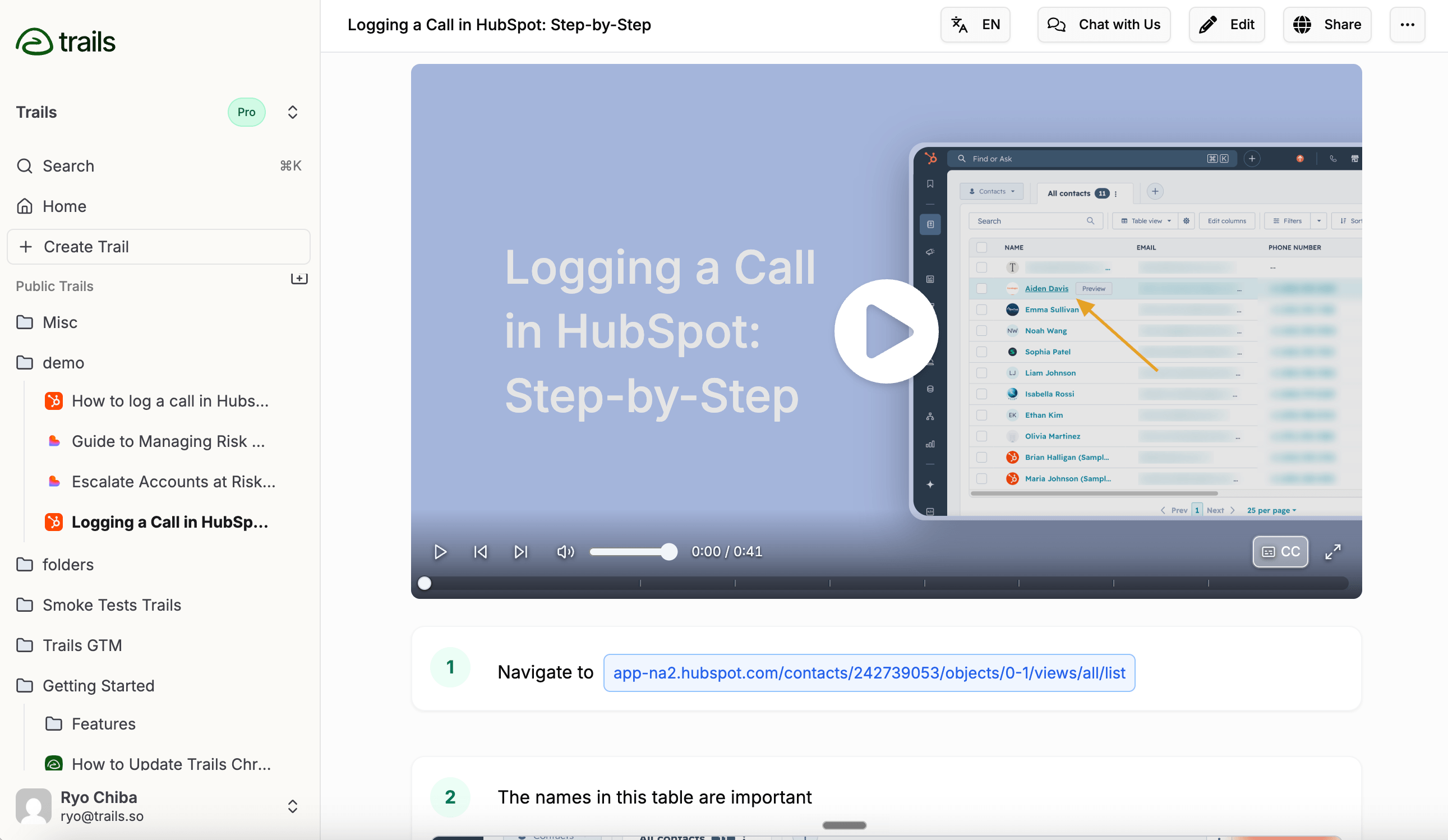
Best for: Guide + video documentation
Choose Trails when Trainual feels too heavy for the real problem: creating process documentation people will actually use. Trails records a workflow and turns it into a written step-by-step guide and an AI-narrated video. The two stay linked, so editing the guide text regenerates the video without recording anything again.
That matters for software-heavy teams. A customer success manager can capture an onboarding workflow once, then publish it as a guide, a video, or a help-center embed. Trails also supports redaction, browser and desktop capture, multiple export formats, and translations on the business tier.
The pricing page lists Creator at $29/month, Team at $49/month for 5 users plus $10/month per additional user, and Business at contact-us pricing with unlimited users. That makes Trails a better fit when broad access matters more than counting every learner as a seat.
Trails is not a full Trainual replacement. It has no built-in quizzes, e-signatures, SCORM, or formal completion reporting. If you need to prove every employee finished a policy course, Trainual, Waybook, Whale, or a dedicated LMS is the safer fit.
Choose Trails if: You need to turn software workflows into reusable guides and narrated videos fast. It is especially strong for onboarding, customer education, and teams that constantly update their docs.
Skip Trails if: Your main requirement is LMS-style accountability. For quizzes, certifications, signed acknowledgments, or SCORM tracking, Trails should sit beside a training system, not replace it.
Waybook
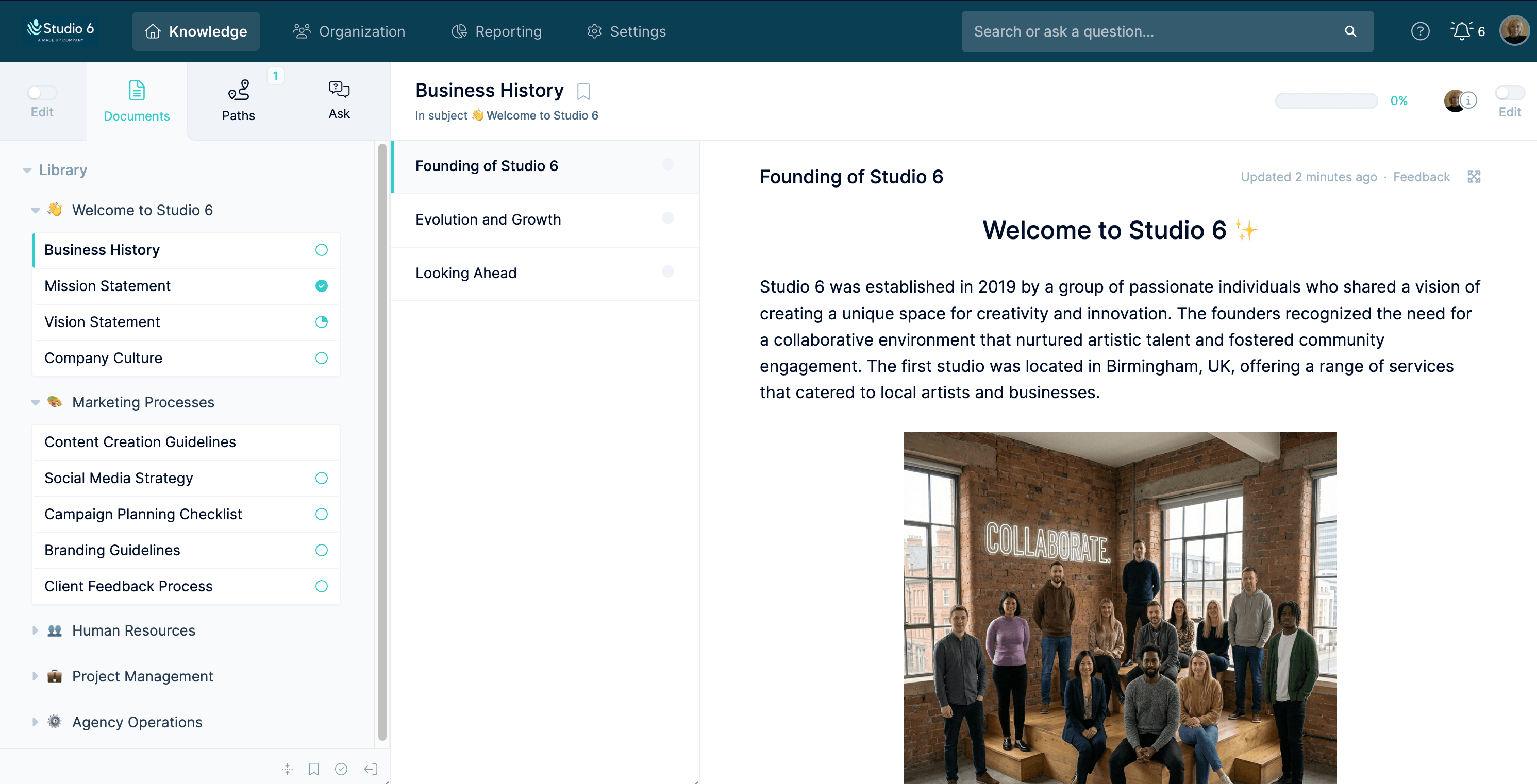
Best for: Structured SOP and employee training management
Waybook is one of the closest Trainual alternatives for teams that still want a company playbook, not just a faster recorder. It organizes knowledge into structured SOPs, onboarding material, quizzes, and progress tracking. Waybook Shots, its browser capture tool, turns a process into screenshot-based documentation.
The strongest case for Waybook is governance: tests, document verification, advanced permissions, audit logs, and SSO on Pro. For a company moving off scattered Google Docs, it feels like an operating manual with training accountability attached.
Waybook publishes clearer pricing than Trainual. Core runs $99/month billed annually ($119 month to month) and Pro runs $198/month billed annually ($238 month to month). Both include 20 members, charge $5 to $10 per additional member, and come with a 7-day trial.
The tradeoff is output. Waybook Shots handles screenshot SOPs, but the product is not built around synced guide-plus-video creation. Buyers should also check a few diligence items, including review complaints about formatting and exports and security-certification gaps next to more enterprise-heavy systems.
Choose Waybook if: You want a Trainual-like operating playbook with clearer pricing and strong SOP structure. It fits teams that need onboarding, tests, progress visibility, and a central knowledge hub.
Skip Waybook if: Your main pain is creating visual software documentation fast. Trails and Scribe are more focused on turning the act of doing the work into publishable documentation.
Whale
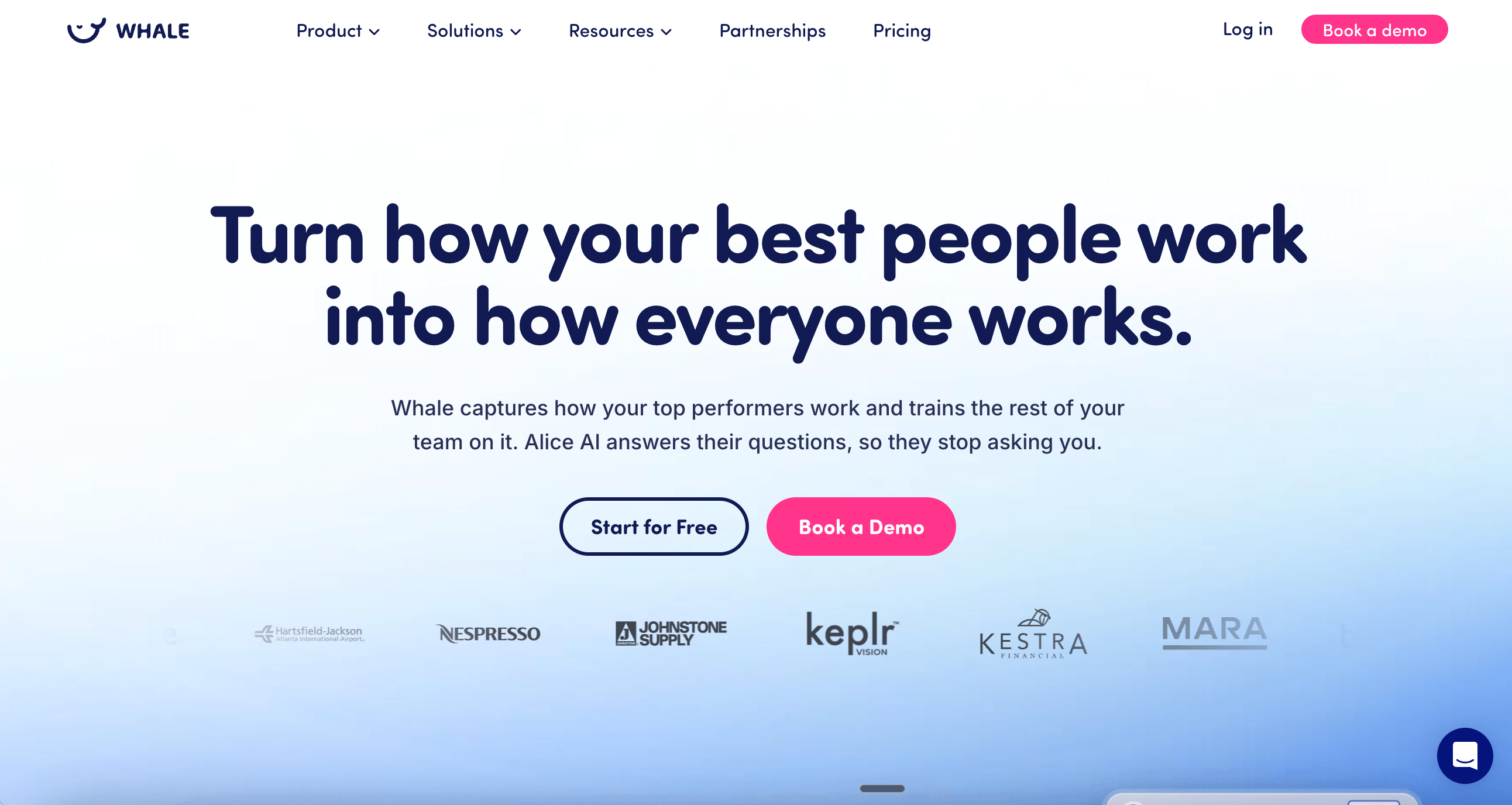
Best for: AI-assisted SOPs with searchable employee answers
Whale sits in the same category as Trainual: SOPs, onboarding, training, and process knowledge for growing teams. What sets it apart is Alice, an AI assistant that answers employee questions straight from the workspace content.
For operations and HR teams, Whale has a deep product surface, from a step recorder and video-to-SOP conversion to training flows, quizzes, review intervals, and SOC 2 Type II. It is especially credible for companies that need SOPs to stay current and findable, not just published once.
Whale offers a free plan and yearly paid plans starting at $99/month, with Scale at $249/month and Advance at $699/month. Its packaging separates creators from members, so it can be attractive when most employees only read and complete training. Buyers should still check the creator limits and AI credit rules carefully.
Whale is less compelling if your documentation needs to become polished video from the same source. It can record and convert video into SOPs, but the written SOP and the video are not one synced asset the way Trails handles them.
Choose Whale if: You want a modern SOP and training hub with strong AI search, training flows, and review cycles. It fits teams that need employees to ask questions and get answers from the SOP base.
Skip Whale if: You mainly need fast guide-and-video creation from software workflows, or if AI credit limits and creator packaging would complicate rollout. Trails is stronger for synced training assets; Process Street is stronger when the process must be executed and audited.
SweetProcess
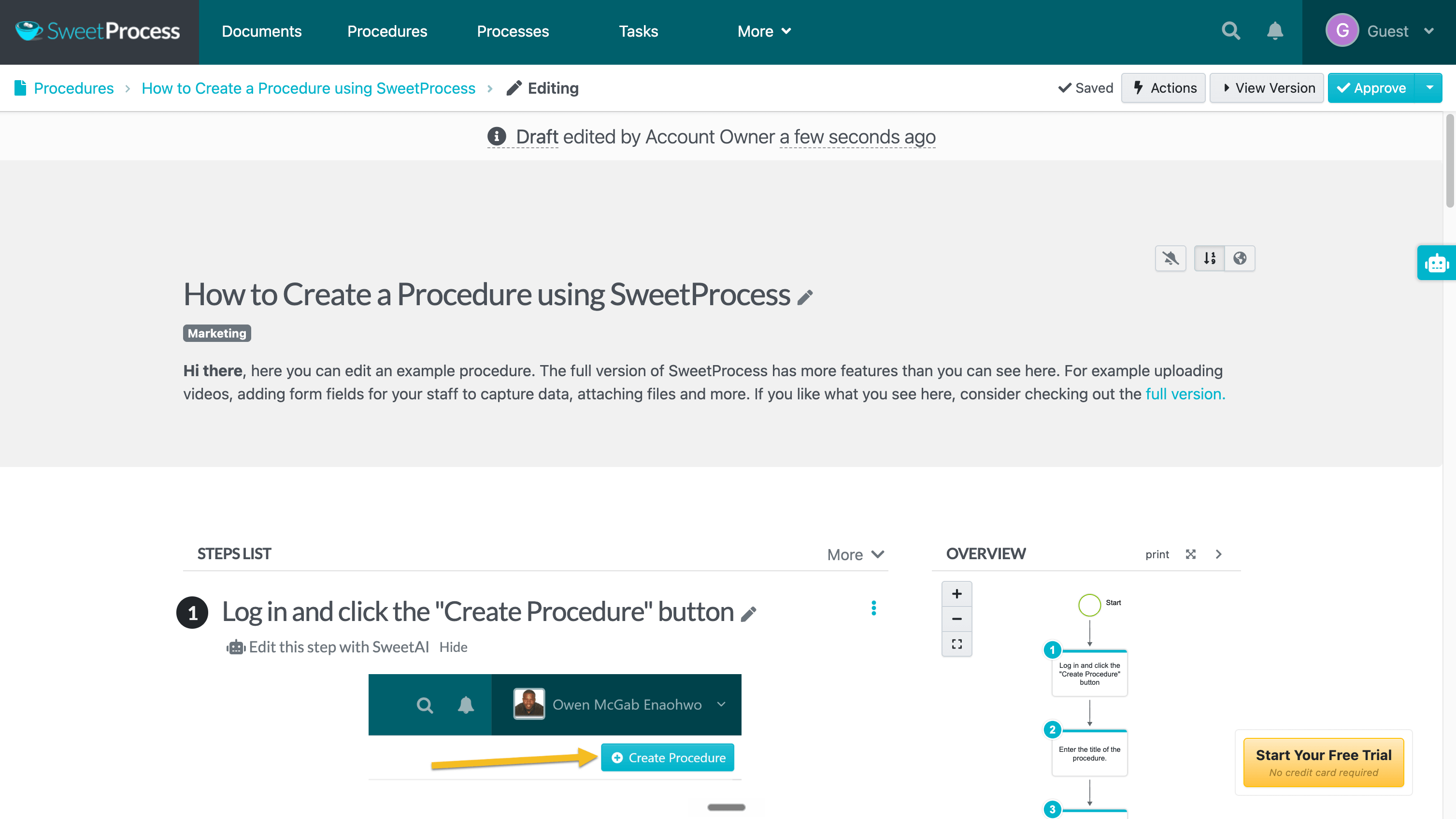
Best for: Flat-price SOPs, policies, and task accountability
SweetProcess is for teams that want to document procedures and policies, then turn them into tasks people can follow. It is less training-heavy than Trainual and less capture-first than Scribe or Trails. Its center of gravity is operating-procedure management.
It covers SOP authoring, policies, process maps, task assignment, approvals, and knowledge bases, with the usual extras like SSO, Zapier, Chrome capture, and Word export. That is a useful mix for owners and operations leaders who want one place for how work gets done.
SweetProcess has one of the clearest pricing stories here: $99/month for up to 10 users, plus $5/month per additional user. Annual billing is $990 for 10 users ($50 each beyond that), with a $495/year plan for up to 5 users, a 14-day trial, and a 30-day money-back guarantee.
The tradeoff is market proof and media output. SweetProcess has a smaller independent review footprint than the others and lacks the synced guide-and-video model that sets Trails apart. Its own pages have shown conflicting user counts, so treat the main pricing page as the source of truth.
Choose SweetProcess if: You want straightforward SOP, policy, and task management without sorting through feature tiers. It is especially good for teams that care about procedures, approvals, and recurring task accountability.
Skip SweetProcess if: You need a fuller training platform with role-based paths, HRIS depth, or e-signatures, or if the core job is producing polished visual guides and videos from software workflows.
Process Street
Best for: Workflow execution and compliance proof
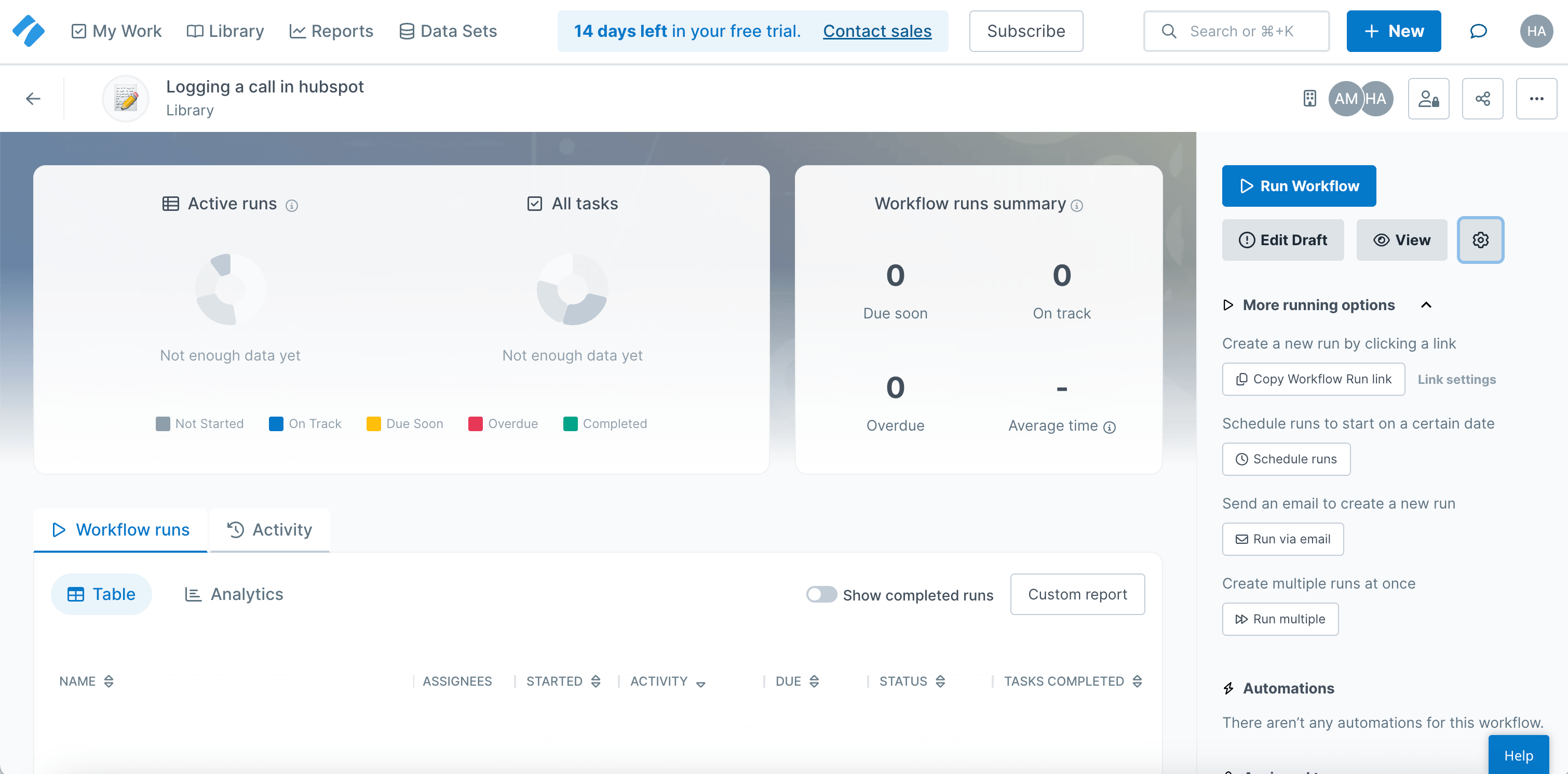
Process Street is the alternative when the real need is not training content but repeatable work performed the right way. It has moved well beyond checklists into workflow execution, forms, automations, audit trails, and Cora, its AI compliance agent.
That makes it a strong fit for operations, compliance, finance, and regulated teams. You can build workflow templates, run them as assigned checklists, enforce order with stop tasks, route approvals, collect form data, and connect to the usual systems like Slack, Salesforce, and Jira, then review the reports afterward.
The pricing story is less simple. Process Street lists Startup, Pro, and Enterprise plans, but its help center says plans are custom quoted. Billable roles also depend on when the organization was created: for organizations created on or after August 1, 2025, Admins, Builders, and Users are all billable.
Process Street is overkill for teams that only need to train employees or document software steps. It is not capture-first and does not produce synced guide-plus-video assets from a recording. Its value shows up when a process has to be assigned, completed, approved, and audited over time.
Choose Process Street if: Your process must be executed, not just documented. It is the best option here for approvals, recurring workflows, compliance evidence, and operational reporting.
Skip Process Street if: You are leaving Trainual because it feels too heavy. Process Street can be heavier still, especially for small teams that only need SOPs, onboarding, or fast visual docs.
Scribe
Best for: Finding processes to optimize
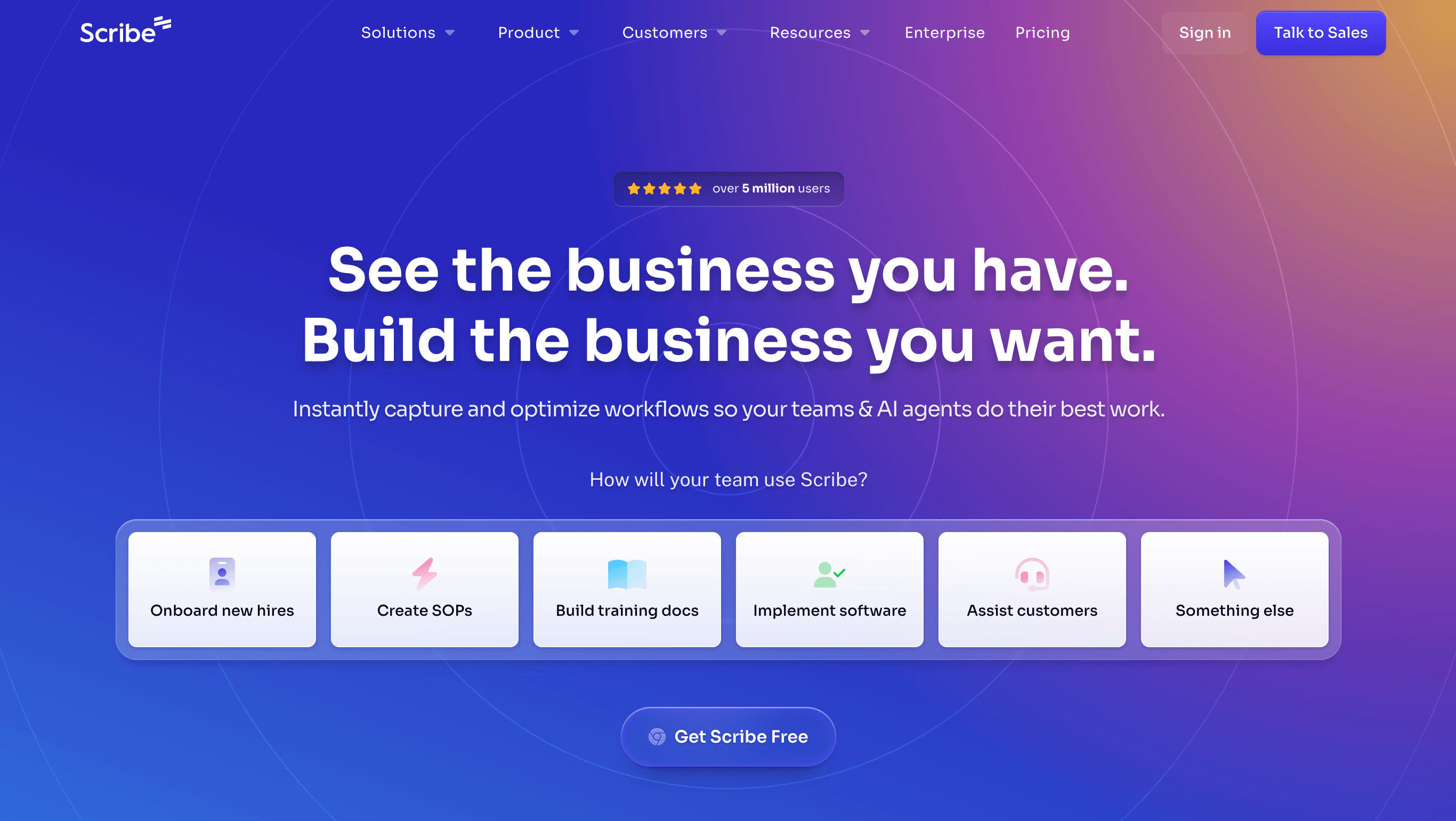
Scribe has moved beyond quick screenshot guides. Its Capture product still turns a workflow into a numbered guide, but the bigger enterprise pitch is Scribe Optimize: a workflow-mining product that watches approved work across teams, maps how processes actually happen, and shows leaders where time, tools, and handoffs are breaking down.
That makes Scribe less of a Trainual replacement and more of an AI transformation tool. It is for teams that want to find which processes are worth improving before they write another SOP, build another automation, or assign another training module. Optimize can generate process maps, rank automation opportunities, estimate ROI, and create business cases from observed workflow data. That is a different buying motion than Trainual. The buyer is more likely to be in operations, IT, automation, or transformation than HR or L&D.
Scribe lists a free Basic plan, Pro Personal at $23/user/month annually, and Pro Team from $59/month for 5 users ($12 each beyond that), with higher monthly rates. Desktop capture, exports, screenshot editing, and Pages are paid features.
The limits are clear. Scribe does not replace Trainual's accountability layer, with no role-based onboarding, quizzes, SCORM, or the guide-to-narrated-video model Trails offers. It also may be more than a small team needs if the job is simply to document a few recurring software workflows.
Choose Scribe if: You want to discover where work is inefficient, map the process, and decide what to automate or improve next. It is a strong fit for enterprise teams trying to prove where AI or automation will pay off.
Skip Scribe if: You need people to complete training, pass quizzes, sign policies, or watch narrated video that stays current as the steps change. Trainual, Waybook, Whale, or Trails will be stronger, depending on which job matters most.
The bottom line
Trainual's mismatch is not that it fails at training. It is that many teams searching for alternatives do not need a full training-management platform. They need the content created faster or have it tied to live execution.
If you valued Trainual for structured onboarding, assignments, and employee accountability, start with Waybook or Whale. If you want a lower-friction SOP and policy system with clear pricing, look at SweetProcess. If the process must run as an assigned, auditable workflow, choose Process Street. If you need to find which workflows are worth improving or automating, choose Scribe.
If your team needs documentation to double as training content, choose Trails. It is the clearest alternative when the work starts as a digital workflow and needs to become both a written guide and a narrated video without building the same training asset twice.
Frequently asked questions
What is a good alternative to Trainual?
The best alternative depends on the job. Choose Waybook or Whale if you still need structured SOPs, employee onboarding, quizzes, and training accountability. Choose Trails if you need to turn software workflows into written guides and narrated training videos. Choose Scribe if you need to find inefficient workflows and decide where automation or AI should go.
Why is Trainual so expensive?
Trainual bundles much more than documentation: role-based training, testing, reporting, HRIS integrations, and implementation support. That can justify the cost for teams with real accountability needs. It feels expensive when you only need SOP capture or a lightweight knowledge base.
Who are Trainual competitors?
Direct competitors include Waybook, Whale, SweetProcess, and Process Street, depending on whether the buyer wants SOP management, employee training, or workflow execution. Capture-first alternatives include Scribe and Trails. Broader LMS and workforce tools also appear in search results, but they often solve a different problem than process documentation.
What is the difference between Scribe and Trainual?
Scribe is increasingly a workflow optimization platform. Its capture product turns workflows into screenshot-based guides, while Scribe Optimize maps how work happens across teams and surfaces places to improve or automate. Trainual is a training-management platform for documenting company knowledge, assigning it to people, testing understanding, and tracking completion. If you need to find process waste before deciding what to fix, Scribe is closer. If you need formal employee training accountability, Trainual is closer to the job.