
Glossary
SAML
 ChatGPT
 Perplexity
 Gemini
 Claude
What is SAML?
SAML stands for Security Assertion Markup Language. It is an XML-based standard for exchanging security and identity information between systems, most often so a user can sign in to a business application through single sign-on.
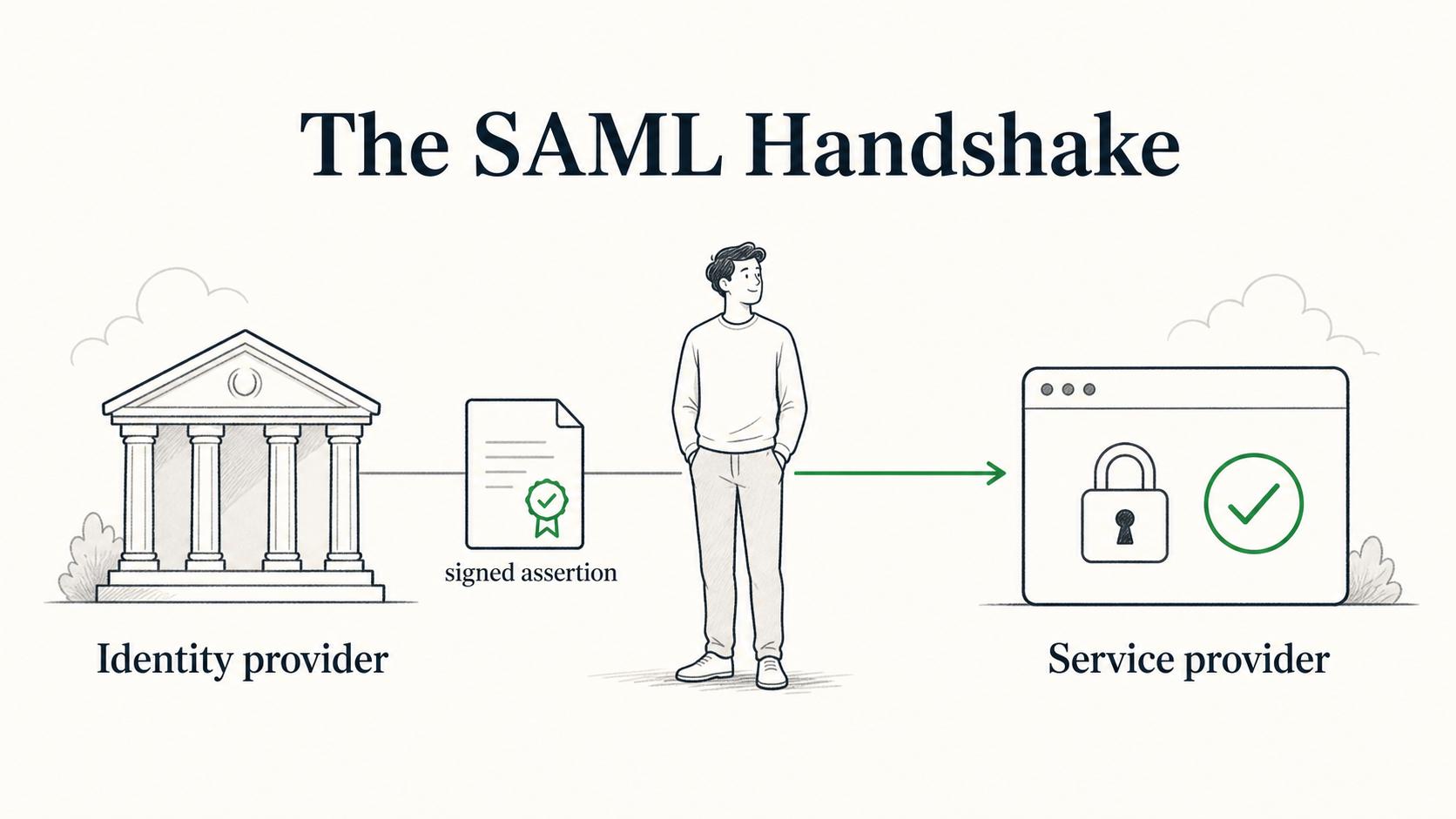
In a common SAML setup, an identity provider authenticates the user and sends a signed assertion to a service provider. The service provider validates that assertion and starts an application session for the user. OASIS describes SAML 2.0 as a framework for exchanging security information between online partners.1
What SAML is used for
SAML is most familiar to teams as an enterprise SSO protocol. Instead of every application managing its own password flow, an organization can connect applications to a central identity provider. Employees sign in through that provider, and approved applications rely on the SAML response to know who the user is.
Common uses include:
- Letting employees access SaaS tools with company-managed credentials
- Centralizing login policy through an identity provider
- Passing user attributes such as email, name, group, or role to an application
- Supporting access for vendors, partners, or separate business units
- Reducing application-specific password handling
- Meeting enterprise customer expectations for SSO support
SAML is common in B2B software because larger customers often expect identity integration before rolling a tool out broadly. The operational work does not end at launch; someone has to keep the configuration, certificates, attributes, and recovery path current.
How SAML works in plain English
The details vary by product, but the flow usually has the same shape.
- A user tries to access an application.
- The application, called the service provider, sends the user to the identity provider.
- The identity provider authenticates the user.
- The identity provider sends a SAML response back to the application.
- The response includes an assertion that identifies the user and may include attributes.
- The application validates the response, checks the signature and intended audience, and creates a session.
The user experiences this as single sign-on. Behind the scenes, the important work is trust: the application must trust the identity provider, validate the SAML message, and map incoming identity information to the right user and permissions. NIST federation guidance describes assertions between identity providers and relying parties as a core part of federated identity.2
Key SAML components
SAML setup gets easier when the main pieces are named clearly.
- Identity provider: the system that authenticates the user. This is often the company's identity platform.
- Service provider: the application the user wants to access. The service provider accepts and validates the SAML response.
- Assertion: the security statement sent by the identity provider. It can include authentication information, user attributes, and other identity details.
- Metadata: configuration information that helps the identity provider and service provider trust each other. It often includes entity IDs, endpoints, and certificates.
- ACS URL: the Assertion Consumer Service URL where the service provider receives the SAML response.
- Certificate: cryptographic material used to sign or validate messages. Certificate ownership and expiration are operational details teams should document carefully.
OASIS publishes the approved SAML 2.0 standard set, including the core, bindings, profiles, and metadata specifications.3
SAML vs. SSO
SAML and SSO are related, but they are not the same thing.
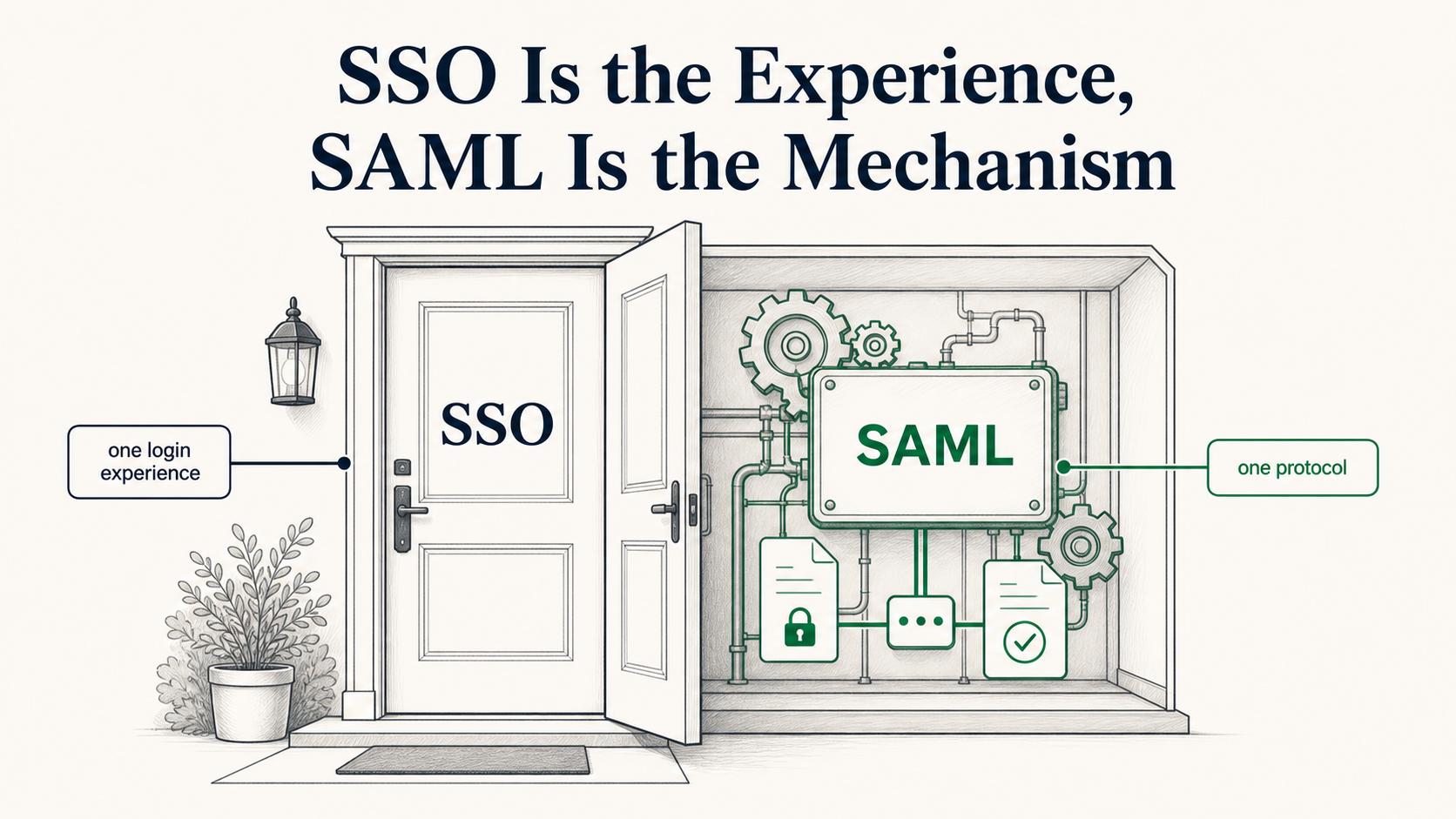
SSO is the outcome: one login experience gives a user access to one or more applications. SAML is one protocol that can make SSO work. Other identity flows may use OpenID Connect or related OAuth-based patterns depending on the application and architecture.
For an operations or IT team, the useful question is not only, "Does this tool support SSO?" The better question is, "Which SSO protocol does it use, who owns the configuration, what attributes are required, and how do we recover if login breaks?"
That distinction keeps SAML from becoming a checkbox. A working login redirect is only one part of a maintainable access process.
What teams should document for SAML
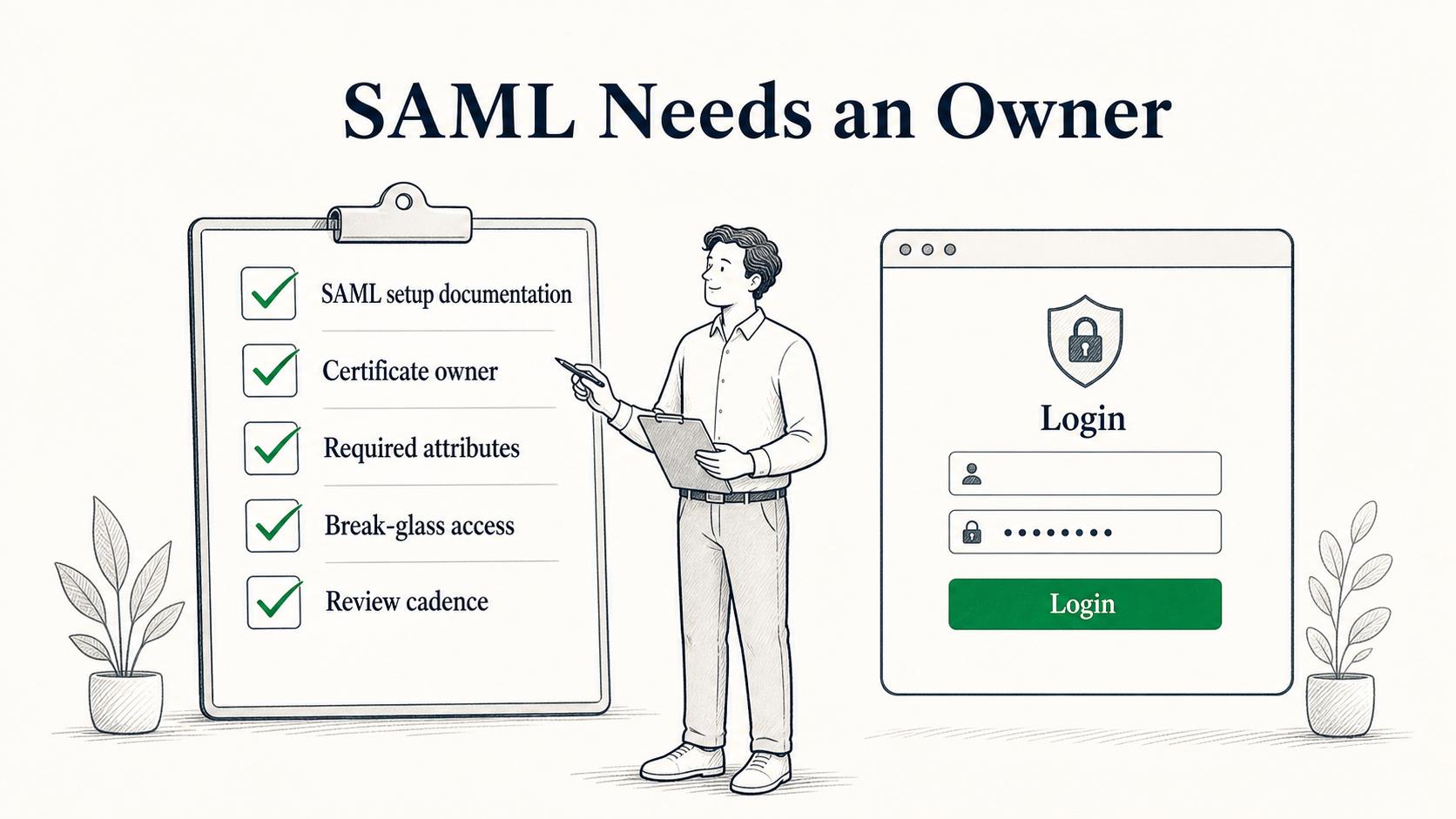
SAML configuration can become fragile when details live only in an admin console or one engineer's memory. The first setup is not the only important moment. Teams also need to handle certificate rotation, app ownership changes, attribute updates, troubleshooting, and emergency access.
## SAML Setup Documentation

**Glossary term:** SAML
**Source:** Trails Glossary — trails.so/glossary/saml

---

### 01. Create SAML setup documentation

"Create internal SAML setup documentation using the details below.

Application: [service provider name]
Business owner: [team or role]
Technical owner: [team or role]
Identity provider: [IdP name]
Entity ID: [value]
ACS URL: [value]
Required attributes: [email, name, groups, roles, etc.]
Name ID format: [format used]
Certificate owner: [role or team]
Certificate expiration: [date]
Certificate rotation steps: [short procedure]
User provisioning dependency: [manual, SCIM, HRIS, other]
Test user or group: [test identity]
Break-glass access: [approved emergency path]
Common failure checks: [signature, clock, audience, attributes, group mapping]
Review cadence: [how often this setup is checked]"
The non-obvious piece is ownership. A SAML setup can look finished on launch day and still fail later because nobody owns certificate renewal, attribute mapping, or app-side role changes.
Common mistakes
One common mistake is confusing authentication with authorization. SAML can help an application know who the user is, and it may pass useful attributes. The application still needs rules for what that user can do after login.
Another mistake is documenting only the happy path. SAML troubleshooting often depends on small configuration details: entity ID mismatch, wrong ACS URL, missing attribute, expired certificate, invalid signature, clock skew, or an identity provider policy change. OWASP's SAML guidance emphasizes schema validation and signature validation, which is why those checks belong in the operational runbook.4
A third mistake is treating SAML as purely technical setup. It is also an operating process. Someone needs to approve changes, review access, rotate certificates, test the login path, and keep break-glass access controlled.
Documentation takeaway
SAML is a security and identity standard, but maintaining it is also a documentation problem. The protocol defines how identity information can be exchanged. The team still needs clear internal records for owners, settings, attributes, certificates, role mappings, review cadence, and recovery steps.
A concise SAML setup guide can prevent the worst kind of access issue: a login problem that only one person knows how to fix.
How Trails helps
Trails helps teams capture repeatable workflows and turn them into step-by-step guides. For SAML, that can support setup procedures, certificate rotation, access review, and troubleshooting documentation so identity processes are easier to maintain after the first configuration.
Sources
- 1
OASIS. SAML 2.0 Technical Overview. OASIS Open. docs.oasis-open.org/security/saml/Post2.0/sstc-saml-tech-overview-2.0.html. Accessed July 9, 2026.
- 2
National Institute of Standards and Technology. NIST SP 800-63C-4 Federation and Assertions. NIST. pages.nist.gov/800-63-4/sp800-63c.html. Accessed July 9, 2026.
- 3
OASIS. Security Assertion Markup Language SAML v2.0. OASIS Open. www.oasis-open.org/standard/saml/. Accessed July 9, 2026.
- 4
OWASP. SAML Security Cheat Sheet. OWASP Cheat Sheet Series. cheatsheetseries.owasp.org/cheatsheets/SAML_Security_Cheat_Sheet.html. Accessed July 9, 2026.