
Glossary
Reference Card
 ChatGPT
 Perplexity
 Gemini
 Claude
What is a reference card?
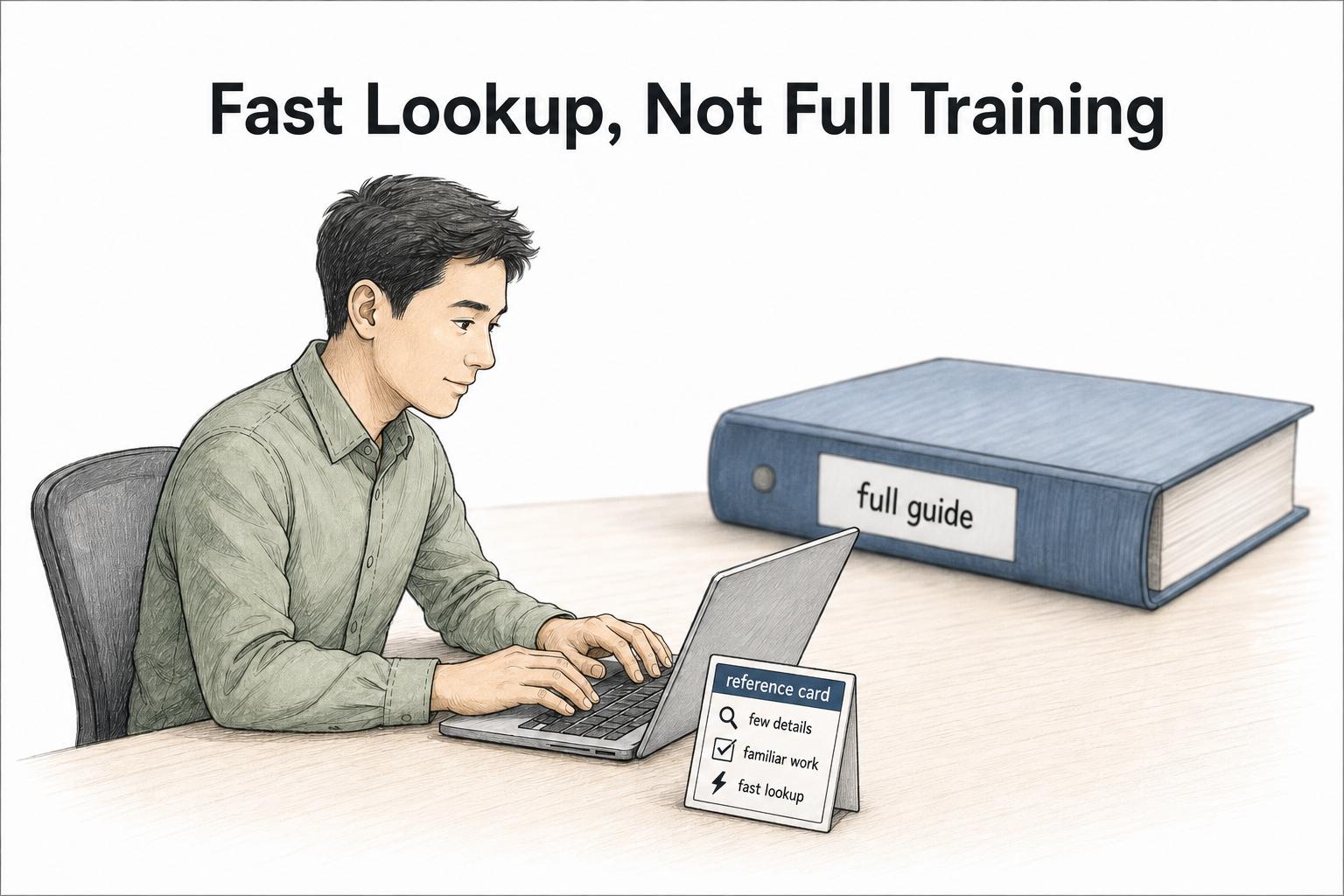
A reference card is a compact job aid that gives someone the few details they need to complete familiar work without searching through a full guide. It is for fast lookup, not full instruction.
Use this test: if a trained person can do the task but still needs a reminder, a reference card can help. If the person needs to learn the task from the beginning, they need a guide, SOP, training manual, or hands-on support.
What a reference card is for
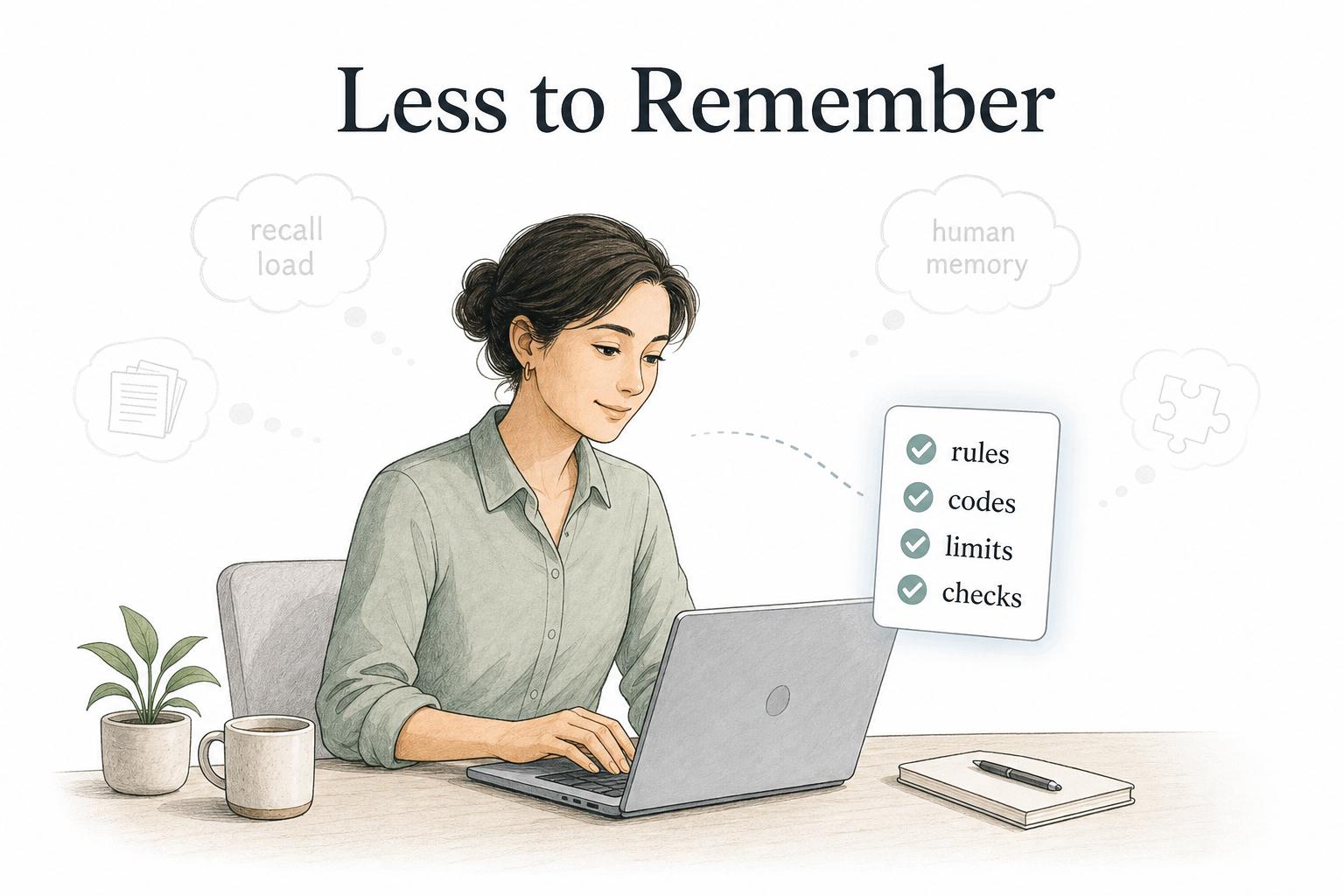
A reference card reduces recall load at the moment of work. Coast Guard job-aid guidance describes job aids as real-time performance support and as a place to store information outside human memory.1 The card keeps important details close to the task, especially details that are easy to forget, easy to mix up, or costly to get wrong.
Common examples include support escalation rules, keyboard shortcuts, reason codes, product limits, safety checks, field definitions, form labels, call handling reminders, approval thresholds, and troubleshooting commands. Public-sector job-aid libraries include similar formats such as checklists, flowcharts, identification charts, and quick-reference guides.2
The best reference cards are deliberately incomplete. A card should not explain every edge case or teach the full process. It should surface the small set of details that make a trained person faster, more consistent, or less likely to make a predictable mistake.
Reference card vs reference guide vs SOP
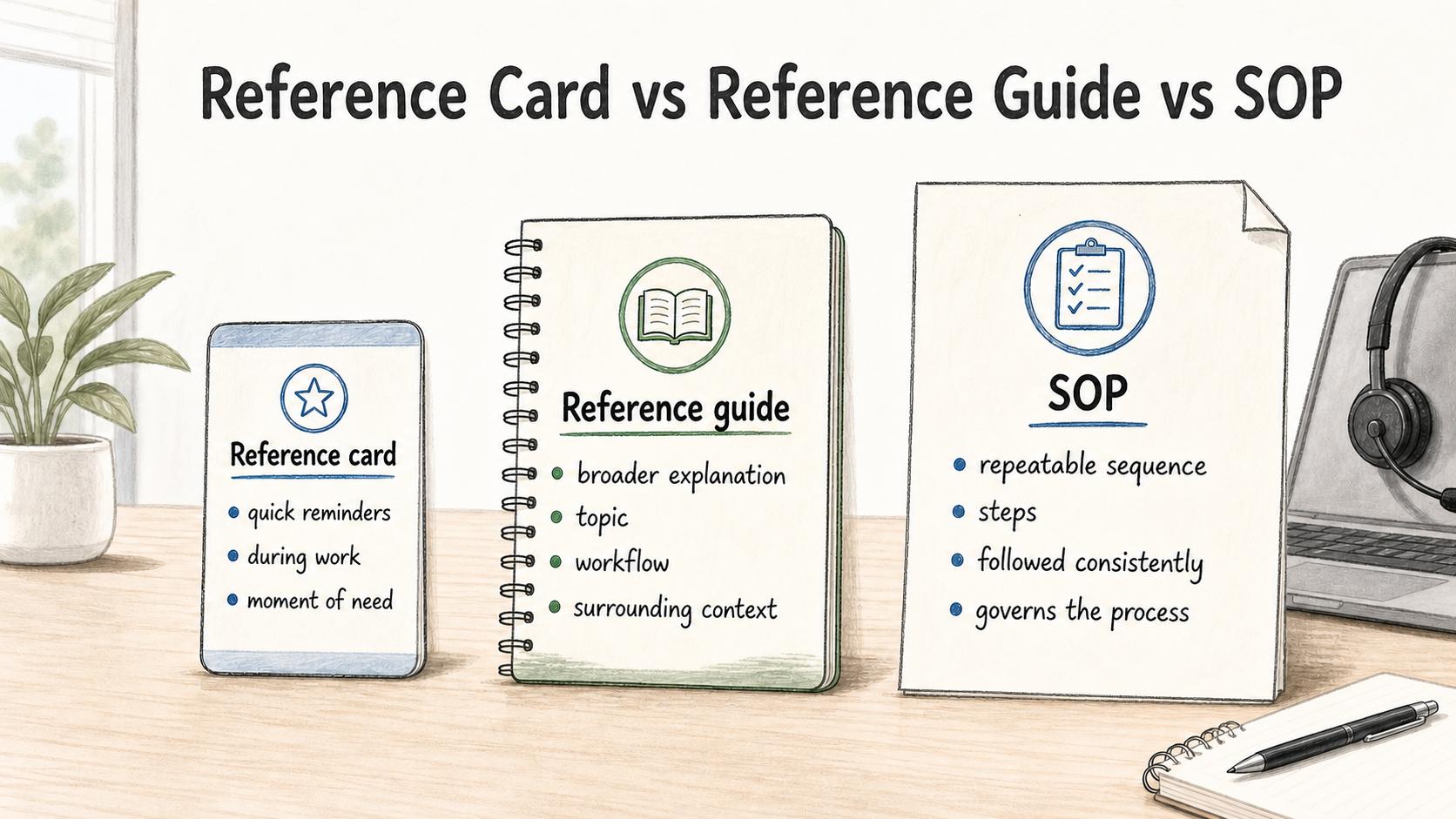
A reference card is narrower than a reference guide and less procedural than an SOP.
Use a reference card for quick reminders during work. Use a reference guide for broader explanation of a topic, tool, or workflow. Use an SOP for a repeatable sequence of steps that must be followed consistently.
For example, a customer support team might use:
- A reference card for the five refund exception rules agents forget most often.
- A reference guide for how refund categories, statuses, and approvals work across the support system.
- An SOP for processing a refund request from intake to resolution.
These documents can support each other. The reference card handles the moment of need. The guide explains the surrounding context. The SOP governs the process.
What to include on a reference card
Build a reference card around a specific working moment, not a topic dump. Start by naming the situation: "when handling a billing escalation," "when setting up a new workspace," or "when choosing a ticket reason code."
Strong reference cards often include:
- The exact situation where the card should be used.
- A short list of rules, codes, fields, limits, or checks.
- A few "watch for" notes that prevent common errors.
- The escalation path when the card is not enough.
- A link to the full guide, SOP, or policy.
- An owner and review date so the card does not drift.3
Leave out background history, long explanations, and anything the user does not need while doing the work. If a detail only matters during training, put it in the training material. If a detail changes frequently, make ownership and review cadence visible.
Example: support escalation reference card
Imagine a support team where agents know how to handle tickets, but escalation rules keep changing. A useful reference card might include:
- Escalate security concerns immediately to #security-support.
- Escalate billing disputes over [amount] to the billing owner before replying.
- Do not promise a bug fix date unless the issue has an assigned engineering owner.
- If the customer is blocked and has an active implementation, notify the implementation lead.
- Full procedure: link to the escalation SOP.
That card does not teach customer support. It keeps the volatile, high-stakes rules visible while an agent is already in the workflow.
How to create a useful reference card
The main mistake is starting with "what should we document?" Start with "what do people keep looking up?" A reference card earns its space when it answers a recurring lookup need.
Use this prompt to draft one:
## Reference card template

**Glossary term:** reference card
**Source:** Trails Glossary — trails.so/glossary/reference-card

---

### 01. Create a reference card

"Create a reference card for [team] to use when [specific work moment].

Audience: [role or experience level]
They already know: [what the user should not need explained]
They commonly forget: [rules, codes, limits, or checks]
Mistakes to prevent: [specific errors or risks]
Escalation path: [owner, channel, or decision rule]
Source document: [full SOP, guide, policy, or manual]

Write the card as short labels and bullets. Keep it focused on fast lookup during work, not training from scratch."
After drafting, cut the card in half if you can. The Department of Labor's plain-language quick reference guide recommends leading with the main point and using lists, tables, headings, hyperlinks, and sidebars to keep information scannable.4 A crowded reference card usually means the real artifact should be a reference guide or SOP.
Common mistakes
The most common mistake is making the card too comprehensive. A reference card that tries to answer every question becomes slow to scan.
A second mistake is separating the card from its source material. A reference card should point back to the full guide or SOP so people know where to go when the short answer is not enough.
A third mistake is treating the card as permanent. Because reference cards are small, they are easy to print, duplicate, screenshot, and forget. Assign ownership before distribution, especially when the card contains policy, pricing, compliance, or operational rules.
How Trails helps
Trails is useful when the reference card points to a workflow that needs fuller documentation. A team can capture the real process as someone performs it, turn that workflow into a polished step-by-step guide, and create an AI-narrated video version for training or sharing. The reference card can stay compact while the complete process stays easy to find and maintain.
Sources
- 1
U.S. Coast Guard. Job Aids. U.S. Coast Guard Force Readiness Command. www.forcecom.uscg.mil/Portals/3/Documents/Training/4.%20Job_Aids.pdf?ver=2017-01-25-141914-810. Accessed July 13, 2026.
- 2
Centers for Disease Control and Prevention. Job Aids. CDC OneLab REACH. reach.cdc.gov/job-aids/card. Accessed July 13, 2026.
- 3
U.S. Coast Guard. Job Aids. U.S. Coast Guard Force Readiness Command. www.forcecom.uscg.mil/Portals/3/Documents/Training/4.%20Job_Aids.pdf?ver=2017-01-25-141914-810. Accessed July 13, 2026.
- 4
U.S. Department of Labor. Plain Language Quick Reference Guide. U.S. Department of Labor. www.dol.gov/sites/dolgov/files/general/Plain-Language-Quick-Reference-Guide.pdf. Accessed July 13, 2026.