
Iorad Alternatives: Which Tutorial-Building Tool Is Right for Your Team?





Iorad is good at turning recorded workflows into tutorials, but that's not usually the issue.
The issue is fit. In this guide we'll walk through the top alternatives and when they're the right fit.
The quick answer
- Trails: Best when documentation also needs to become training content.
- Scribe: Best for enterprise teams identifying workflows to automate.
- Tango: Best for guiding employees inside software.
- Guidde: Best for polished AI-narrated training videos.
- Loom: Best for quick async video explanations.
How we evaluated
We tested each tool by capturing the same 12-step CRM onboarding workflow. Then we compared the output across creation speed, edit quality, screenshot clarity, video usefulness, update workflow, sharing and embedding, branding, and pricing at 5, 10, and 25 users.
We make Trails, so this guide has a point of view. Still, the goal is to be useful. We'll be clear about where Trails fits and where another tool is the better choice.
How we chose what to test
We focused on tools that capture screen workflows and turn them into structured documentation. That means we excluded general screen recorders, full enterprise DAPs, and LMS platforms.
Every tool here showed up repeatedly in "iorad alternatives" searches, serves a similar buyer, and has meaningful market presence through G2, Capterra, or active user discussion.
We excluded WalkMe and Whatfix because they require heavier enterprise rollout. We excluded Trainual because it is built more for structured courses, quizzes, and completion tracking than fast process documentation.
Why do customers look for iorad alternatives?
Iorad gets a lot right. G2 reviewers consistently praise how quickly it turns a recorded workflow into a tutorial, and G2's comparison pages call out its ease of setup, editable steps, and strong audio-visual walkthroughs. The reason people look elsewhere usually isn't that iorad fails at tutorial creation. It's that the product can feel like the wrong fit for a given use case.
Based on G2 reviews, iorad's own pricing pages, and alternative research the most common reasons are:
Reason #1: Paid plans get expensive quickly
The clearest reason is price. G2 lists iorad's entry-level paid price at $200 per month, and iorad is repeatedly described by reviewers and comparison sites as expensive relative to lighter-weight process documentation tools. One G2 reviewer put the adoption problem plainly: "Licenses are expensive so we only pay for a handful which means we don't have as much internal adoption as we'd like."
That matters because documentation tools become more useful when more people can create and maintain content. If only a few people have creator access, process documentation can bottleneck around a small enablement, training, or ops team.
Reason #2: Some teams need one format more than all formats
Iorad's strength is that it offers several tutorial modes: interactive, list, video, slideshow, and in-app. But not every team needs all of that.
Some teams want enterprise workflow intelligence, not another training format, so Scribe Optimize may fit better. Some want polished AI-narrated training videos, so Guidde may fit better. And some teams want one capture to produce both an updatable written guide and a narrated video, which is where Trails fits.
The pattern is simple: customers look for iorad alternatives when they want the specific output they use most, without paying for a broader tutorial platform.
Reason #3: Collaboration and scale can become the real buying question
The buying decision often shifts from "Can this make a tutorial?" to "Can our whole team keep this documentation current?"
That's where seat pricing, privacy controls, sharing settings, update workflows, and viewer access matter. A tool that works well for one creator may be harder to justify for a 10-person team creating and maintaining SOPs every week. For teams documenting changing software, the best alternative is usually the one that reduces maintenance, not just the one that creates the first draft fastest.
Trails
Best for: guide + video documentation
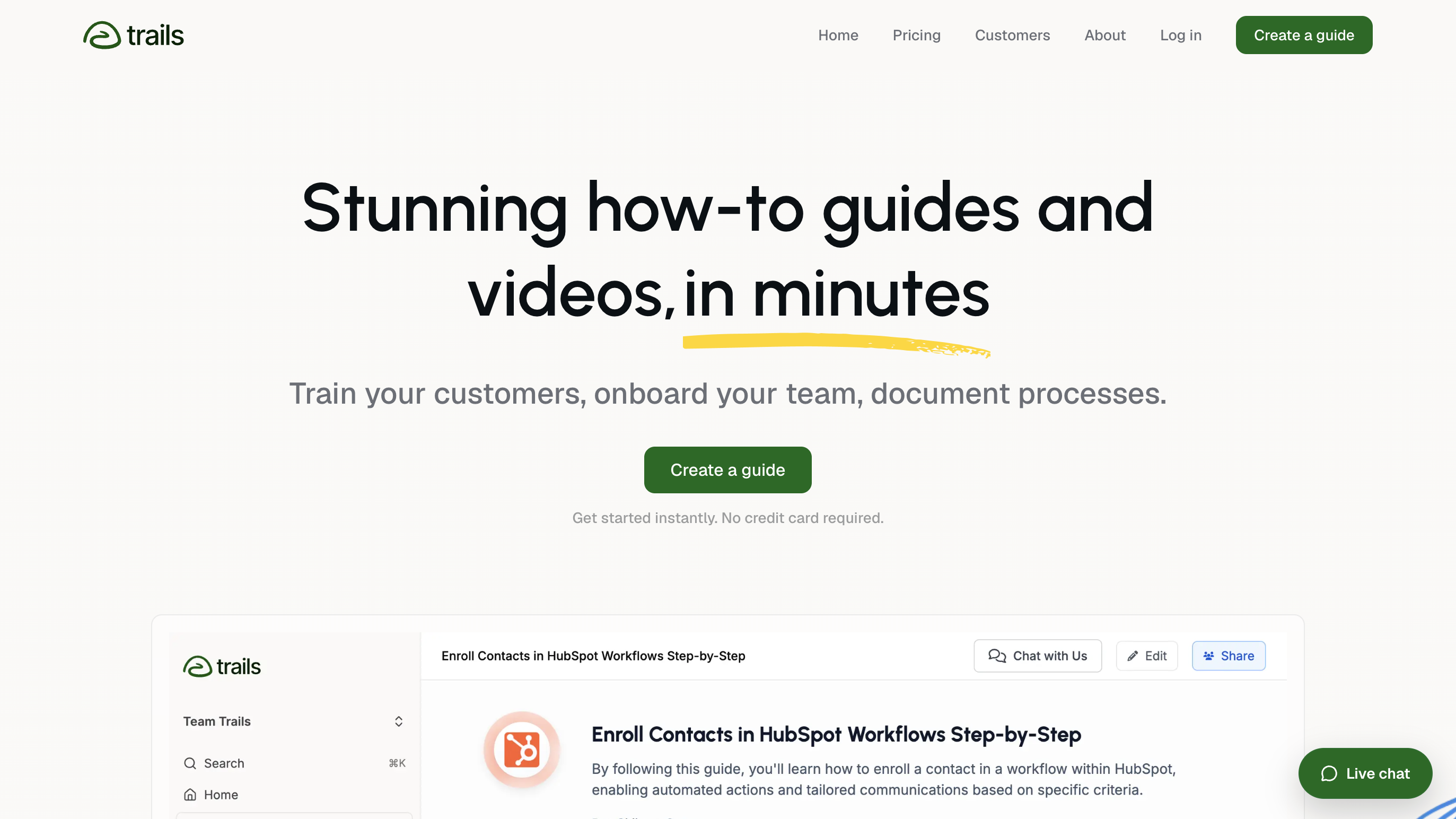
Trails captures a screen workflow once and produces two outputs simultaneously: a step-by-step written guide and an AI-narrated training video, both linked. Edit the text in the guide and the video updates automatically. No re-recording, no separate export step.
That text-to-video sync matters most when software changes. In most tools, updating documentation after a product change means updating the written guide and re-recording the video as separate tasks. In Trails, the text is the source of truth and the video derives from it. For teams maintaining SOPs across software that updates frequently, that's less rework per cycle.
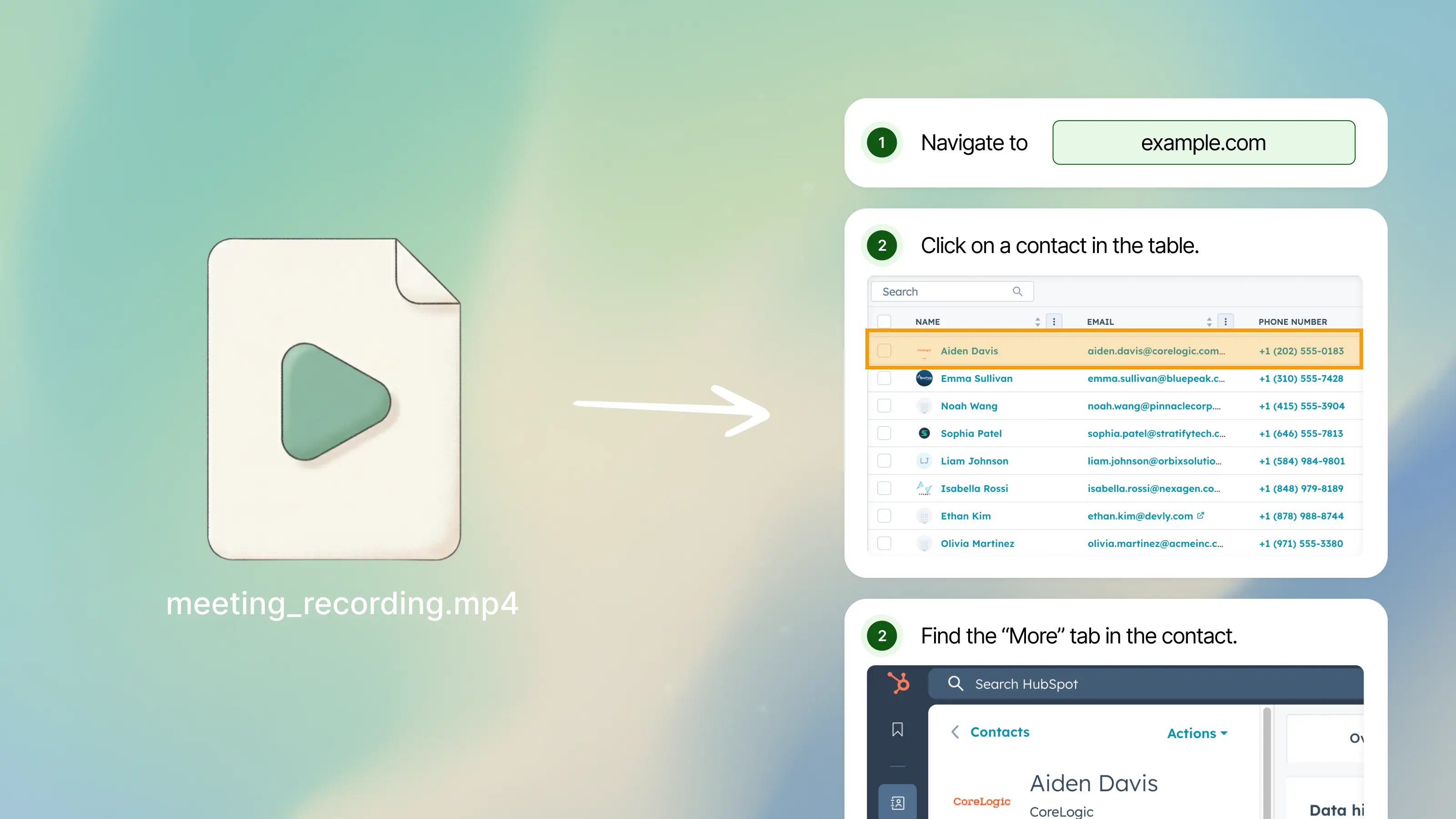
Trails also converts existing video recordings into step-by-step guides. If your team has Loom recordings or meeting recordings of a workflow, Trails analyzes the video and builds a structured written guide from it, meaning you don't have to recapture workflows already demonstrated informally. For multilingual teams, Trails generates separate AI-narrated audio and video per language, not just translated text with the original narration still playing.
On pricing, Trails' Business plan doesn't charge per seat. For teams that need to share documentation broadly across many viewers, that's a practical difference from per-seat tools like iorad, which charges $50/month per additional creator on top of a $500/month team base.
Choose Trails if: Your team creates documentation that also serves as training content. You need both a step-by-step guide and a narrated training video from the same capture. You maintain SOPs across software that changes frequently, and re-recording video on every update isn't sustainable. Or your team has existing video recordings to convert into structured guides.
Skip Trails if: You only need a quick, free screenshot guide once a month, Scribe's free plan handles that. If your goal is to guide employees through software while they're actively using it, Tango's in-app guidance layer is the better fit. And if you need an LMS with quizzes, learning paths, and certifications, Trails isn't that.
Scribe
Best for: enterprise workflow automation discovery
Scribe started as the fast screenshot-guide tool. That still matters, but it is no longer the most interesting reason for a large company to evaluate it. Scribe's current enterprise story is Scribe Optimize, a workflow mining product that helps CIOs, IT leaders, ops teams, and automation teams see how work actually happens across approved apps and teams.
Instead of asking employees to document one process at a time, Optimize passively maps repeated workflows, surfaces bottlenecks, and ranks automation opportunities by frequency, time spent, friction, and projected ROI. In plain English, it helps leaders answer: "Which processes are repetitive enough, painful enough, and valuable enough to automate first?"
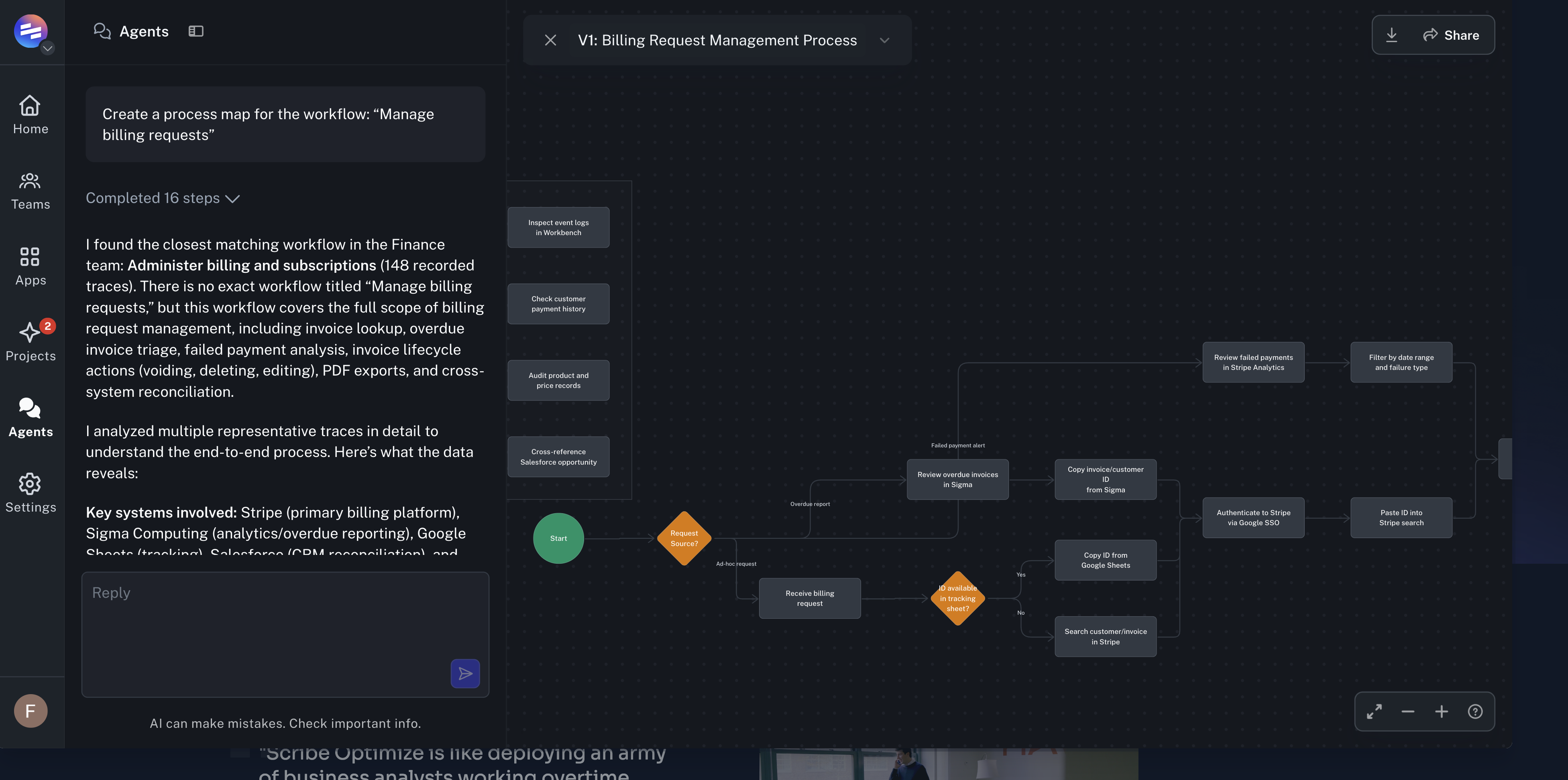
That makes Scribe a stronger fit for enterprise transformation work than for lightweight process documentation alone. If a CIO is trying to decide where AI agents, RPA, or internal automation should be deployed, Scribe Optimize gives them a data-backed starting point. It can generate process maps, identify variance across teams, and build business cases around potential time savings.
The tradeoff is that this puts Scribe in a heavier enterprise lane. The capture product is still useful for creating guides, but the strongest differentiator now sits behind an enterprise sales motion. Smaller teams looking for a quick internal SOP tool may not need the workflow mining layer, and teams that need polished narrated training videos will still find Scribe limited.
For Scribe's core documentation product, Team pricing starts at $13/seat/month billed annually, with a 5-seat minimum, so the floor for a team plan is $65/month. Optimize is enterprise-focused and requires a custom quote.
Choose Scribe if: You're a large enterprise trying to find the best candidates for automation before funding AI, RPA, or process improvement work. Scribe is strongest when the buyer is a CIO, IT leader, operations leader, or transformation team that needs workflow data, process maps, and ROI cases.
Skip Scribe if: You only need a quick internal SOP tool, a polished narrated training video, or an interactive learner simulation. For small teams, the 5-seat minimum on Pro Team and the custom-priced enterprise layer may be more than the use case requires.
Tango
Best for: in-app workflow guidance
Tango started as a screenshot guide tool similar to Scribe and has evolved toward internal software enablement. The core differentiator now is what happens after the guide is created. Tango's "Guide Me" feature turns static guides into live walkthroughs that show employees where to click while they're inside the actual application they're using. "Nuggets" let teams pin short tips, links, or guides to specific fields, buttons, or pages inside business software, contextual help built into the tool at the point of confusion, not a help center employees have to go find.
For iorad users who relied on the "Do It" in-app overlay feature (currently in beta for iorad), Tango's equivalent is more mature and available at lower pricing tiers. For teams rolling out new software, CRMs, ERPs, HRIS platforms, Tango's approach of surfacing guidance inside the tool while work is happening is well-suited to reducing support tickets and repeat training sessions. One case study from Tango shows a 1,400-employee software rollout where the team saw 90% fewer support tickets than projected.
Tango launched video embeds in early 2026, generating video-style output from workflow guides with optional AI narration. Enterprise plans add multi-path workflow branching (for processes where the next step depends on user role or conditions), workflow translation into 10+ languages, and SSO/SCIM for larger org deployments.
The free plan allows up to 5 shared workflows and 10 workspace users, enough to test the core value before paying. Pro is $15/user/month for teams of 3 or more.
Choose Tango if: The core problem is that employees forget or ignore documentation because they have to leave what they're doing to look it up. Tango wins when the goal is process adoption inside software, not documentation storage in a wiki.
Skip Tango if: You mainly need standalone documentation published to a help center or shared externally with customers. The most differentiated features, Guide Me, Nuggets, workflow branching, are Enterprise-gated, so if budget is tight, the free plan or Scribe may cover it.
Guidde
Best for: video-first documentation
Guidde produces AI-narrated training videos from screen recordings alongside a written step-by-step document. The output leans toward video quality and presentation: transitions, zoom effects, 200+ AI voices in 100+ languages, subtitles, and a brand kit with your logo and colors. If what your team primarily used in iorad was the "Watch It" video mode, Guidde is the closest replacement that treats video as a first-class output rather than an afterthought.
The "Magic Mic" feature converts spoken narration during capture into polished AI voiceover, cutting the back-and-forth of scripting video separately from capture. For teams producing customer-facing training content, product walkthroughs, help center articles, customer onboarding videos, the output quality is competitive with dedicated video tools.
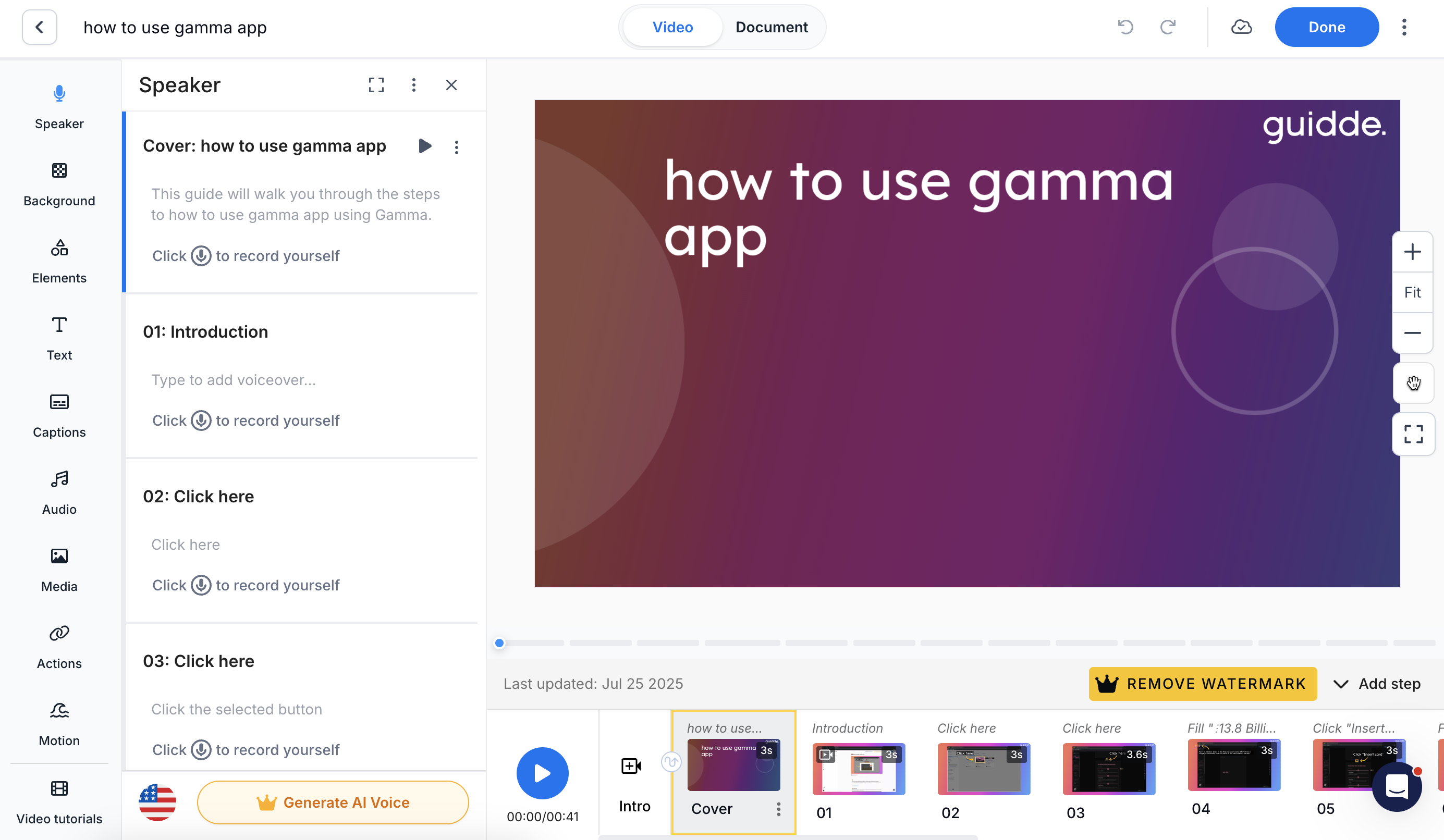
One honest tradeoff: Guidde's timeline-based video editor gives meaningful control over the output but adds complexity compared to tools built around faster capture-to-document workflows. Reviewers note this is the right tradeoff when video polish matters. If you want quick documentation without production overhead, Scribe or Trails will produce a first draft faster.
Pricing starts at $29/creator/month (Pro), with a free plan covering 25 videos.
Choose Guidde if: Video is the format your audience prefers or expects. You're building customer-facing training content that needs multilingual narration and polished presentation. Or you need to replace iorad specifically because of its video and voiceover output.
Skip Guidde if: You primarily need text-based SOPs or fast internal reference documentation. The video-first approach adds overhead that doesn't add value for internal guides where a written step list is sufficient.
Loom
Best for: async video explanation
Loom records your screen and face simultaneously and produces a shareable video link. It doesn't generate a written guide, doesn't create interactive simulations, and doesn't structure content into numbered steps. It's a quick async communication tool.
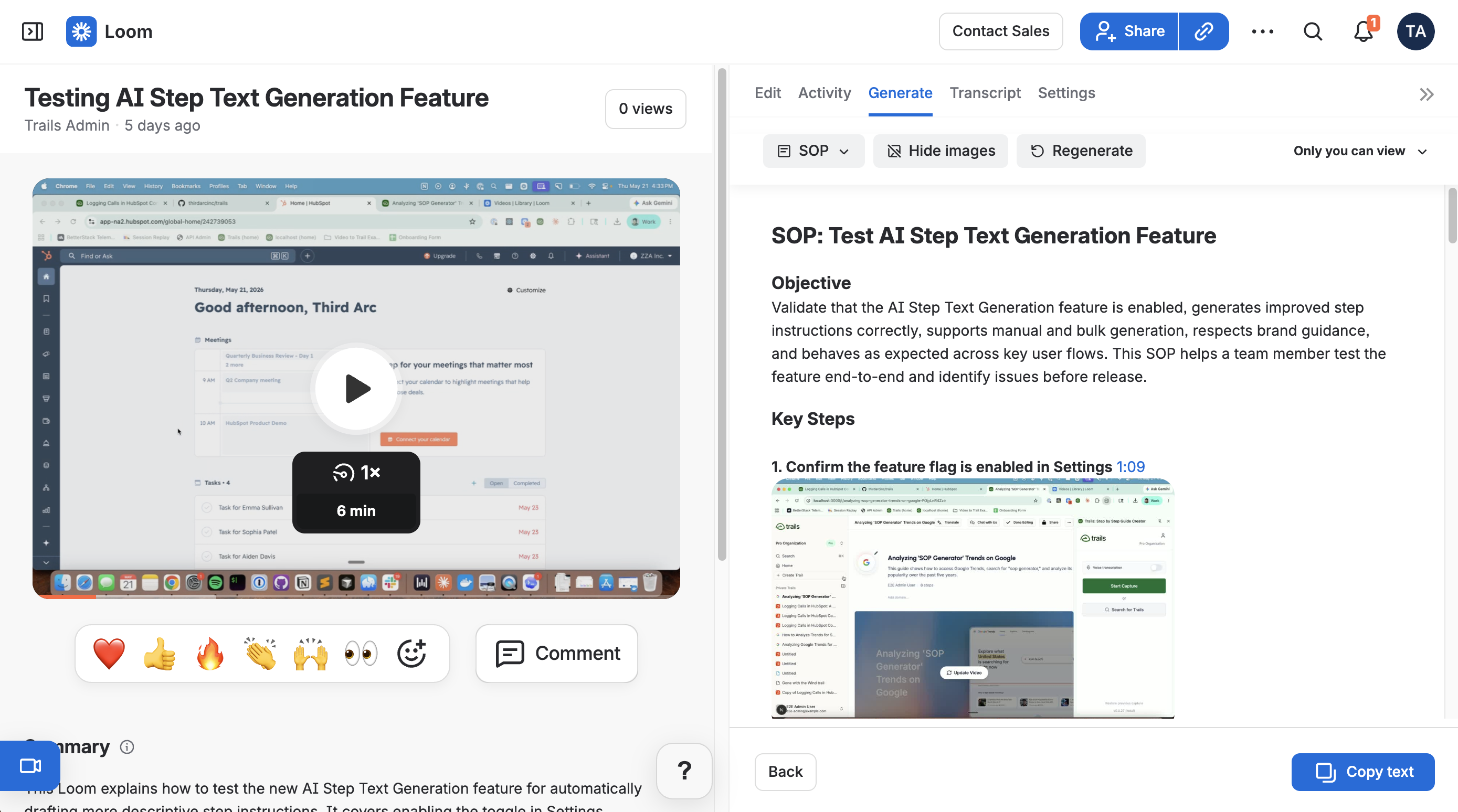
Most iorad users won't find Loom a direct replacement. Iorad turns recordings into structured tutorials with multiple output formats. Loom produces a video you share once. That said, if you find yourself using documentation tools mostly to explain things informally to colleagues, walking through a decision, giving context on a workflow, demoing something quickly, Loom handles that better than any SOP tool.
The free plan covers 25 recordings.
Choose Loom if: The primary use case is quick async communication: explaining something to a colleague, walking through a design, or giving context-rich feedback where a video is clearer than text.
Skip Loom if: You need structured, updatable process documentation with step annotations, screenshots, or training video output. Loom has no mechanism for maintaining documentation over time.
The bottom line
Iorad's most cited weakness is price. At $200/month for a single creator and $500/month base for a team, it's one of the most expensive tools in its category. The other persistent issues, a free plan that's public-only and indexed by search engines, a 250-character limit on step text, and an interface reviewers describe as occasionally clunky, push many teams to evaluate alternatives.
The right replacement depends on what you actually valued in iorad:
If you valued the structured multi-modal output (written guide, video, interactive simulation) but not at $200-500/month, Guidde handles the video side, Tango handles in-app guidance, and Scribe is most relevant when the buying question is enterprise automation discovery.
If your priority is finding processes to automate across a large organization, Scribe Optimize is the outlier here. It is less about making one guide faster and more about giving CIOs and ops leaders a data-backed map of repetitive work.
If you valued the learner-interactive "Try It" simulation specifically, Tango is closest for in-app employee guidance.
If you need documentation to function as training content, a guide a new employee can read and a video they can watch, from the same source, Trails is the option built for that workflow.
No tool here replicates everything iorad does. But for most teams, iorad was doing more than they needed at a price point that was hard to justify. The tools above let you pick what you actually use.