
Glossary
SIPOC
 ChatGPT
 Perplexity
 Gemini
 Claude
What is SIPOC?
SIPOC is a high-level process mapping tool for Suppliers, Inputs, Process, Outputs, and Customers. AHRQ describes it as a high-level flowchart for identifying key project components when suppliers, inputs, outputs, or users are unclear.1
Teams usually use SIPOC before detailed process maps, SOPs, work instructions, or improvement plans.
The value is boundary-setting. A SIPOC keeps the team from arguing about every task step before they agree on what enters the process, what comes out, who provides inputs, and who depends on the output.
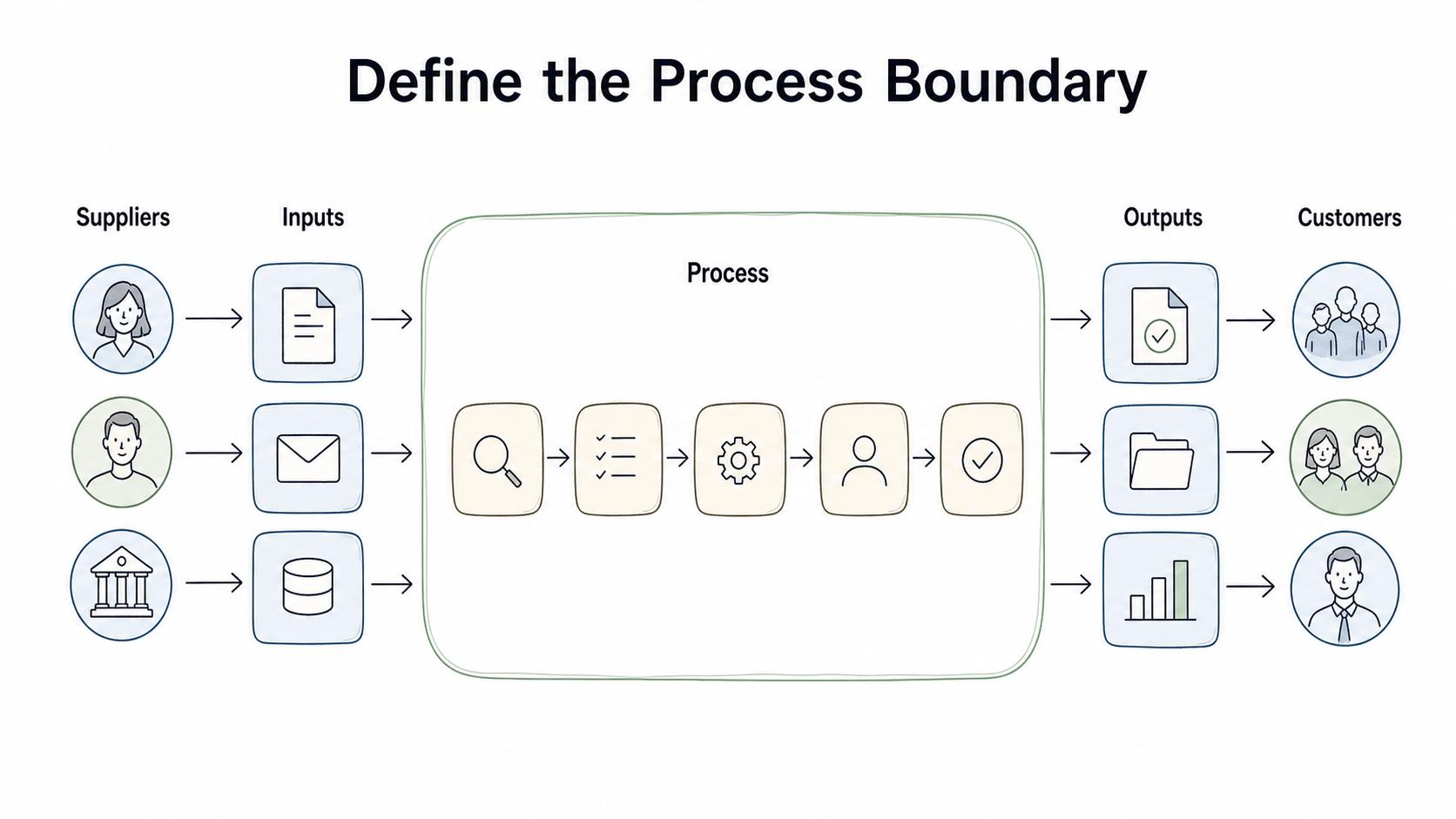
What SIPOC stands for
SIPOC has five parts:
- Suppliers: who provides the inputs the process needs.
- Inputs: the information, materials, requests, approvals, or resources that enter the process.
- Process: the major steps that transform inputs into outputs.
- Outputs: the deliverables, decisions, records, or completed items the process produces.
- Customers: the people, teams, systems, or downstream processes that receive or depend on those outputs.
The customer in SIPOC is not always an external buyer. It can be an internal team, manager, partner, regulator, or system that needs the output.
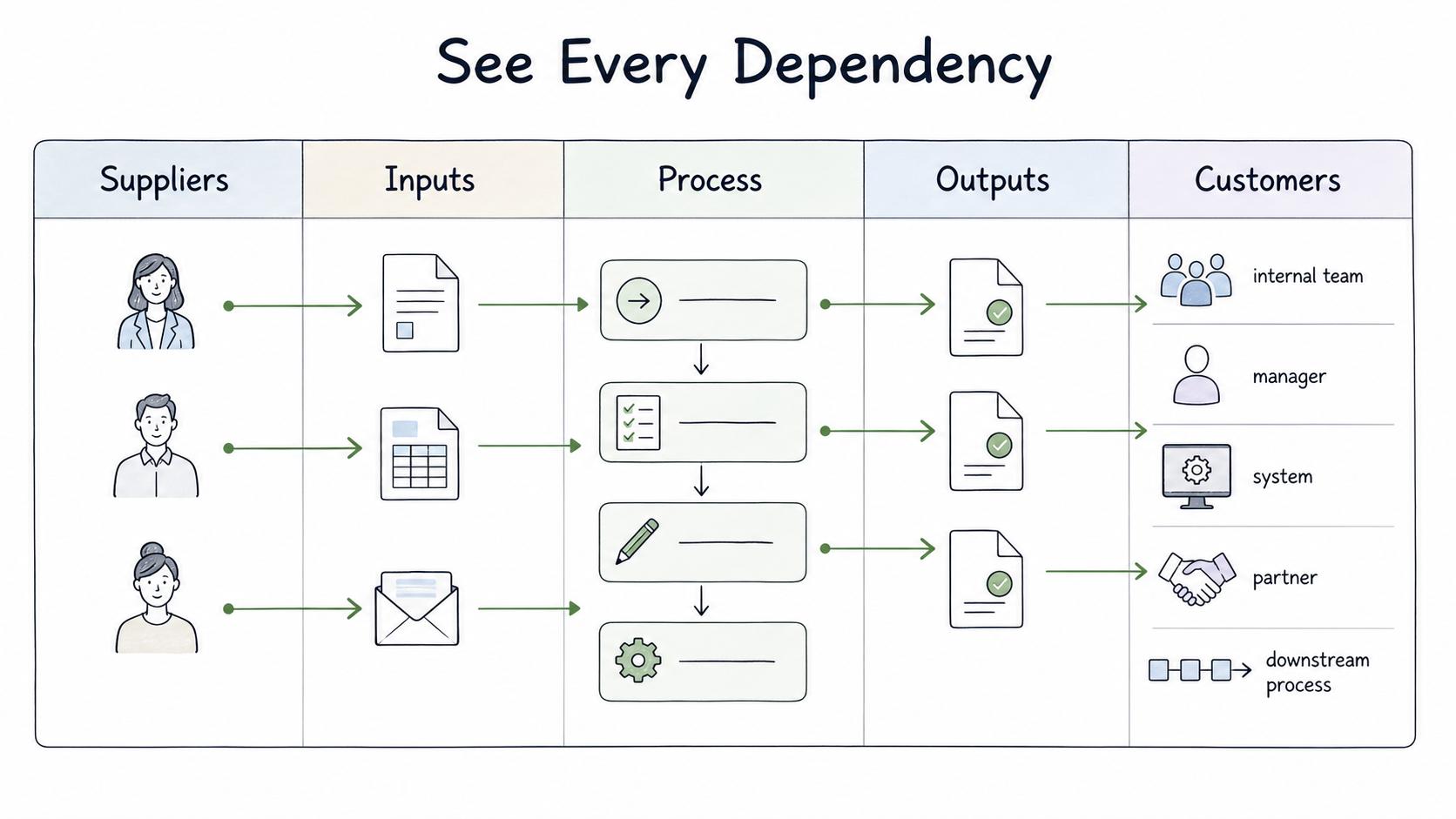
When to use SIPOC
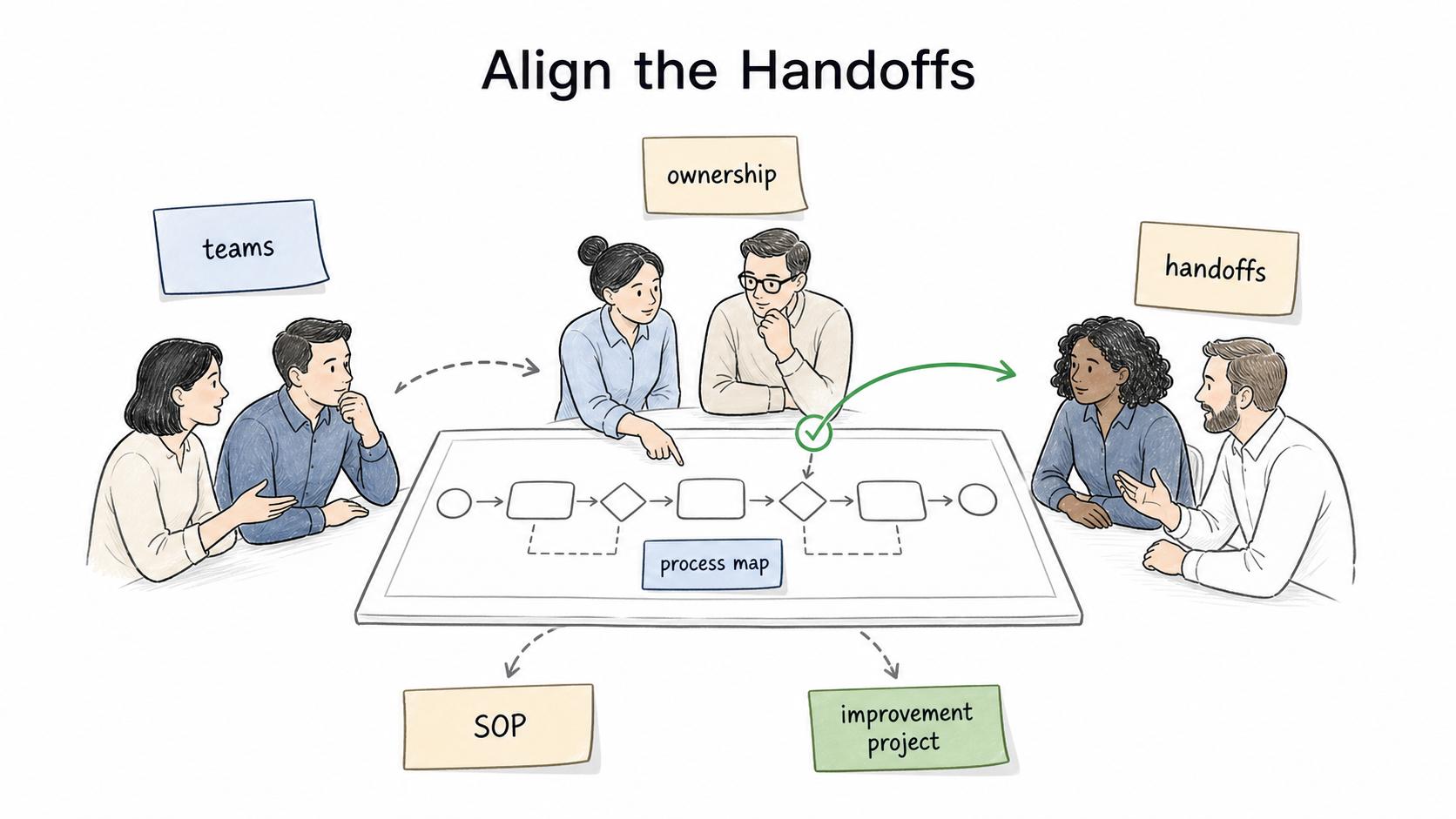
Use SIPOC when a team needs shared boundaries before going deeper. It is especially useful when a process crosses teams, ownership is unclear, handoffs are messy, or the team is starting a Six Sigma, lean, or general process-improvement project. Iowa's Lean Enterprise office frames SIPOC as a high-level visual tool for documenting the relevant elements of a process.2
Good SIPOC moments include the start of a new SOP, a detailed workflow map, a process-improvement project, a metrics discussion, or onboarding for a complicated workflow. The point is not to finish the documentation. It is to make sure the detailed work starts from the same process shape.
SIPOC example
Here is a simple SIPOC for a customer refund process:
| Suppliers | Inputs | Process | Outputs | Customers |
|---|---|---|---|---|
| Customer, support agent, billing system | Refund request, customer account, order history, refund policy | Receive request, check eligibility, approve or escalate, process refund, notify customer | Refund decision, processed refund, updated ticket, customer message | Customer, Finance, Support manager, CRM users |
This example makes scope visible. If chargebacks or fraud reviews are out of scope, the team can say so before writing the SOP. If Finance is both a supplier and a customer, that dependency shows up early.
How to create a SIPOC
Build a SIPOC in a short working session with people who know the process. Start with the process and outputs, then work outward. ASQ describes the same inside-out sequence: identify the process and its beginning and end, then outputs, customers, inputs, and suppliers.3
Use this order:
- Name the process.
- Define the start and end points.
- List 4-7 major process steps.
- Identify the outputs the process creates.
- Identify the customers or recipients of those outputs.
- List the inputs required to produce the outputs.
- Identify the suppliers of those inputs.
- Validate the map with process owners and downstream teams.
Keep the process column high-level. If the diagram has 25 steps, it is no longer a SIPOC. Move that detail into a process map or work instruction.
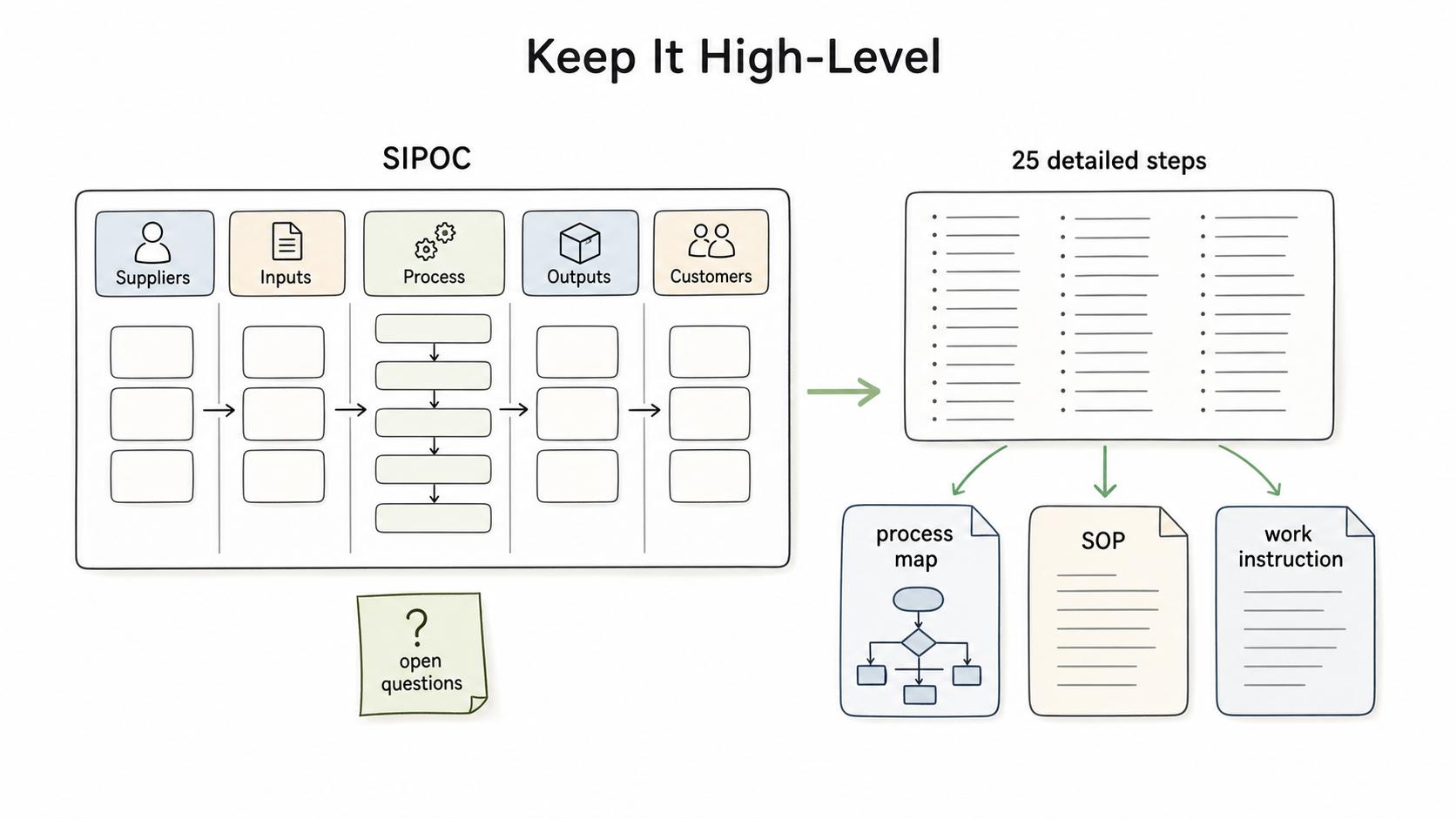
SIPOC template
## SIPOC Template

**Glossary term:** SIPOC
**Source:** Trails Glossary — trails.so/glossary/sipoc

---

### 01. Map suppliers, inputs, process, outputs, and customers

"Process name: [process]
Purpose: [why this process exists]
Start point: [trigger]
End point: [final output or handoff]

Suppliers:
- [person, team, system, vendor]

Inputs:
- [request, data, material, approval, tool]

Process steps:
1. [high-level step]
2. [high-level step]
3. [high-level step]

Outputs:
- [deliverable, decision, record, completed item]

Customers:
- [external customer, internal team, downstream process]

Open questions:
- [unclear boundary, missing input, disputed owner]"
The open questions section is not cleanup. It is often the reason to build the SIPOC: disputed boundaries, missing inputs, or unclear owners should be resolved before the team writes detailed documentation.
SIPOC vs process map
A SIPOC is a summary view. A process map shows the flow in more detail.
Use SIPOC when you need to understand the process boundary, stakeholders, inputs, and outputs. Use a process map when you need step sequence, decisions, loops, handoffs, delays, or systems.
For documentation work, SIPOC often comes first. It helps decide what the SOP should cover. The process map can then show how the work moves, and the SOP or work instruction can explain how to perform the work.
Common mistakes
The biggest mistake is adding too much detail. SIPOC should show the major process shape, not every click, exception, or decision branch.
Another mistake is forgetting internal customers. If a downstream team relies on the output, include them. Their requirements may change what the process needs to produce.
A third mistake is treating SIPOC as the improvement. It is a discovery and alignment tool. The value comes when the team uses it to clarify scope, improve handoffs, update procedures, or choose better metrics.
How Trails helps
Trails fits after the SIPOC gives the team a process boundary. Once the team knows which workflow needs documentation, someone can capture the actual steps, turn them into a polished guide, and create an AI-narrated video for training or rollout.
- Six Sigma
- Six Sigma documentation
- Process map
- Process mapping
- Process flow diagram
- Process improvement
- Process boundary
Sources
- 1
Agency for Healthcare Research and Quality. SIPOC. AHRQ. digital.ahrq.gov/health-it-tools-and-resources/evaluation-resources/workflow-assessment-health-it-toolkit/all-workflow-tools/sipoc.
- 2
Iowa Department of Management. SIPOC Template. Iowa Department of Management. dom.iowa.gov/state-government/lean-enterprise/tools/sipoc-template.
- 3
American Society for Quality. Developing SIPOC Diagrams. ASQ. asq.org/quality-resources/articles/developing-sipoc-diagrams?id=6d0b7d9b494c40efbe3319afaa909d6d.