
Glossary
Retrospective
 ChatGPT
 Perplexity
 Gemini
 Claude
What is a retrospective?
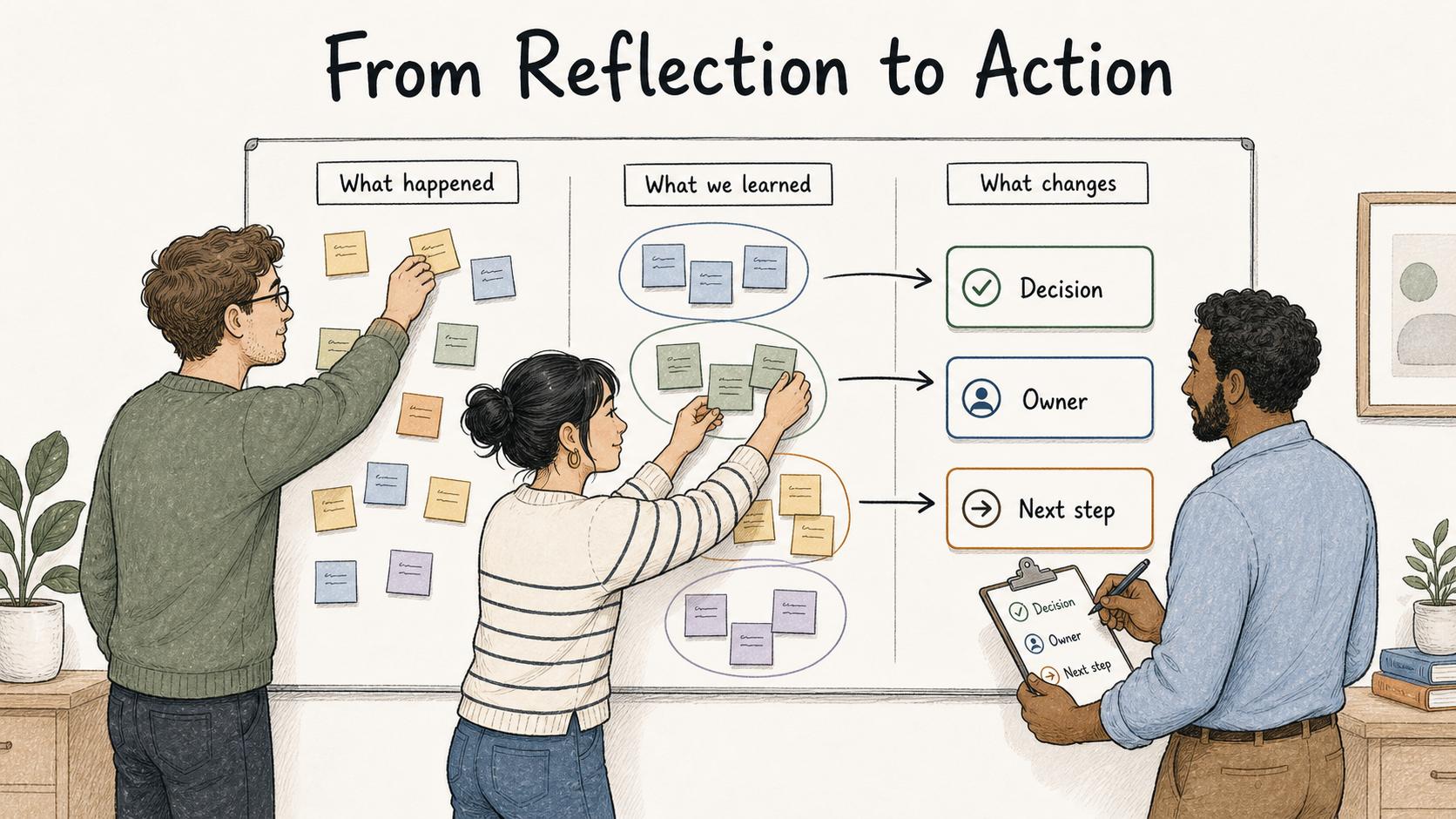
A retrospective is a structured team review of recent work: what happened, what the team learned, and what should change before the next cycle. Retrospectives are common in Agile and Scrum teams, but the same format works after projects, launches, incidents, onboarding cycles, client handoffs, and recurring operations work.1
A useful retrospective converts experience into a small number of changes the team will actually make. If it only collects frustrations, the meeting creates noise instead of improvement.
What a retrospective is used for
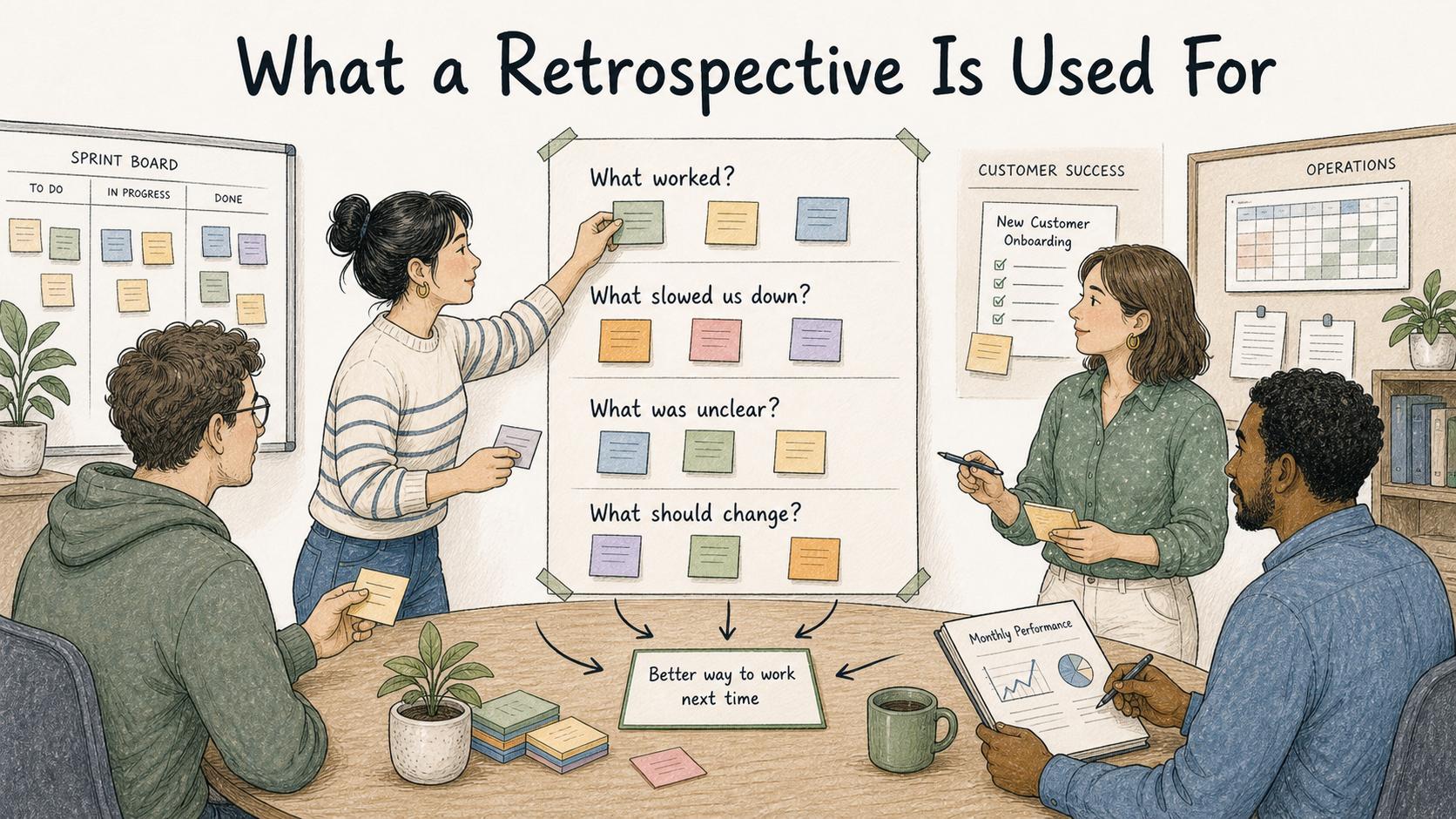
Teams use retrospectives when they want to improve how work gets done. A sprint team might hold one at the end of each sprint. A customer success team might run one after a rough onboarding. An operations team might use one after a monthly reporting cycle that took too long.
A good retrospective usually answers four questions: what worked well enough to keep, what slowed the team down or created rework, which handoffs, tools, decisions, or instructions were unclear, and what should change so the lesson survives the meeting.
The Scrum Guide describes the Sprint Retrospective as a way for the Scrum Team to inspect the last Sprint and plan improvements to quality and effectiveness.1 Outside Scrum, the same principle applies: inspect how the work happened, then choose a better way to work next time.
Retrospective vs postmortem vs lessons learned
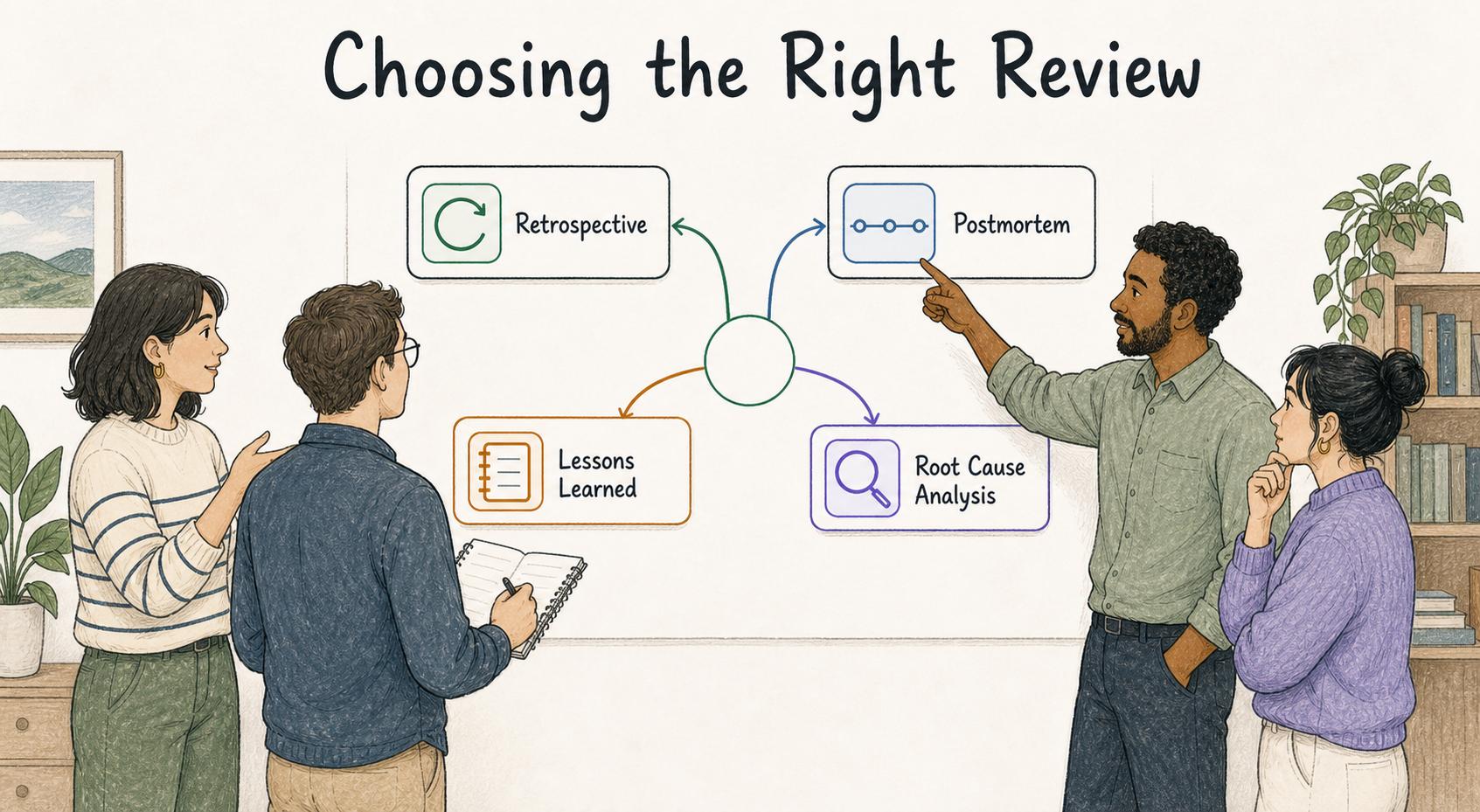
These review formats overlap, but they solve different problems.
| Review format | Best for | Typical output |
|---|---|---|
| Retrospective | Improving the next sprint, project, launch, or work cycle | A short list of changes with owners |
| Postmortem | Reviewing an incident, outage, failure, or major issue | Timeline, impact summary, contributing factors, corrective actions |
| Lessons learned | Capturing reusable takeaways from a project or milestone | Reusable guidance future teams can apply |
| Root cause analysis | Understanding why a specific problem happened | System-level cause and prevention plan |
A retrospective can produce a root cause analysis as a follow-up, but the meeting itself should stay focused on the improvements the team can name, own, and test.
How to run a useful retrospective
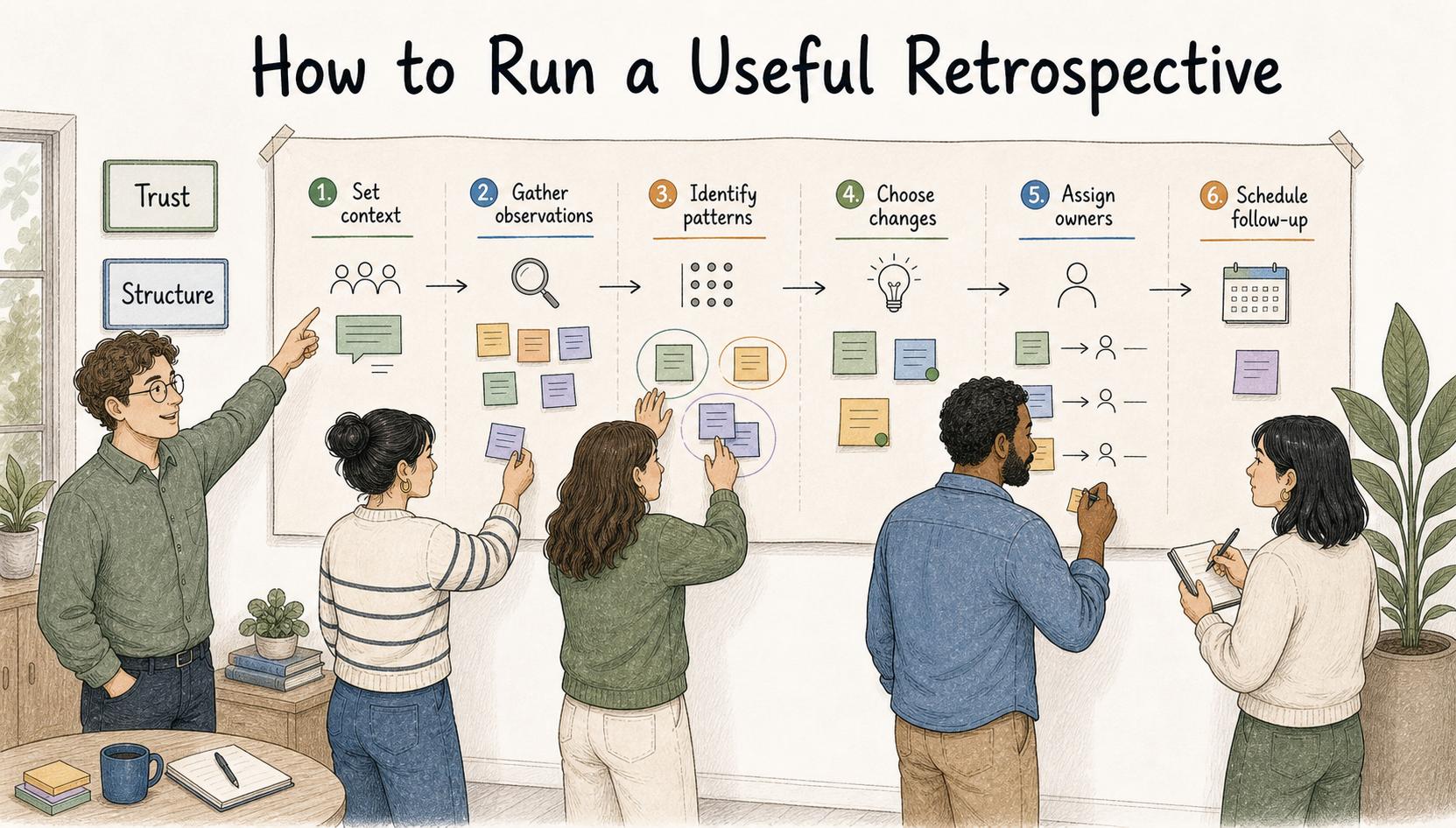
A retrospective needs enough structure to stay productive and enough trust for people to name real friction. Research on psychological safety connects that kind of interpersonal safety with team learning behavior.2 Without trust, the meeting becomes performance. Without structure, it becomes a wandering complaint list.
Use a simple flow: set the context, gather observations, identify patterns, choose changes, assign owners, and schedule follow-up. The strongest retrospectives produce one to three changes with clear owners. A long action list can feel productive in the room and still create no operational change.
Retrospective template
Use this compact template when the team needs a useful record without turning the meeting into paperwork:
## Retrospective Template

**Glossary term:** Retrospective
**Source:** Trails Glossary — trails.so/glossary/retrospective

---

### 01. Capture a practical retrospective record

"Retrospective: [team, project, sprint, or workflow]
Date: [date]
Scope reviewed: [what period or work is being reviewed]
Goal: [what the retro should help improve]

What worked:
- [practice, handoff, tool, decision, or behavior to keep]

What did not work:
- [friction, blocker, rework, confusion, or quality issue]

Patterns we noticed:
- [theme across the discussion]

Decisions:
- [what the team agrees to change]

Action items:
- [action] - Owner: [name] - Due: [date] - Expected outcome: [result]

Documentation updates:
- [SOP, guide, checklist, template, training asset, or runbook to update]

Follow-up:
- [when and how the team will review progress]"
The documentation update line is easy to skip and often the most useful part. After-action review guidance makes the same point: lessons are more useful when they are documented so other teams can learn from them.3 If a retrospective reveals a broken handoff, unclear approval rule, missing checklist, or confusing tool flow, the fix should live where future teammates can find it.
Common mistakes
The first mistake is running retrospectives with no follow-through. Teams quickly learn whether the meeting matters. If action items disappear after the call, the retrospective becomes another ritual.
The second mistake is trying to fix everything at once. A retrospective that identifies 18 improvements usually creates less change than one owner fixing the highest-leverage issue.
The third mistake is documenting personal blame instead of process learning. The durable record should focus on decisions, patterns, and improvements. Sensitive interpersonal context may matter in the conversation, but it usually does not belong in a permanent process note.
The fourth mistake is asking the same questions forever. If every retrospective sounds identical, change the prompt. Ask what the team avoided, what surprised them, what created rework, what they would teach a new teammate, or what one rule they would change before the next cycle.
Documentation takeaway
A retrospective turns recent experience into reusable learning. The meeting creates the conversation, but the value comes from what gets captured afterward: decisions, owners, due dates, and updates to the process documentation.
If the team keeps repeating the same retrospective themes, the issue is probably follow-through, not insight.
How Trails helps
Trails helps teams turn retrospective actions into updated guides, checklists, and repeatable workflows. When a retrospective reveals that a task is unclear or a handoff keeps breaking, Trails can capture the improved process and turn it into documentation the team can use next time.
Sources
- 1
Ken Schwaber and Jeff Sutherland. The Scrum Guide. Scrum Guides. scrumguides.org/scrum-guide.html. Accessed July 9, 2026.
- 2
Amy Edmondson. Psychological Safety and Learning Behavior in Work Teams. Administrative Science Quarterly, 1999. journals.sagepub.com/doi/10.2307/2666999. Accessed July 9, 2026.
- 3
Inter-American Development Bank. Guidelines for Conducting After Action Reviews. Inter-American Development Bank. publications.iadb.org/publications/english/document/Guidelines-for-Conducting-After-Action-Reviews.pdf. Accessed July 9, 2026.