Setup Tronbyt server on Railway and flash a Tidbyt
Follow these steps to sign up for a $5 per month hobby plan at Railway to run your own Tronbyt server
- Tavis Gustafson |
- 28 steps
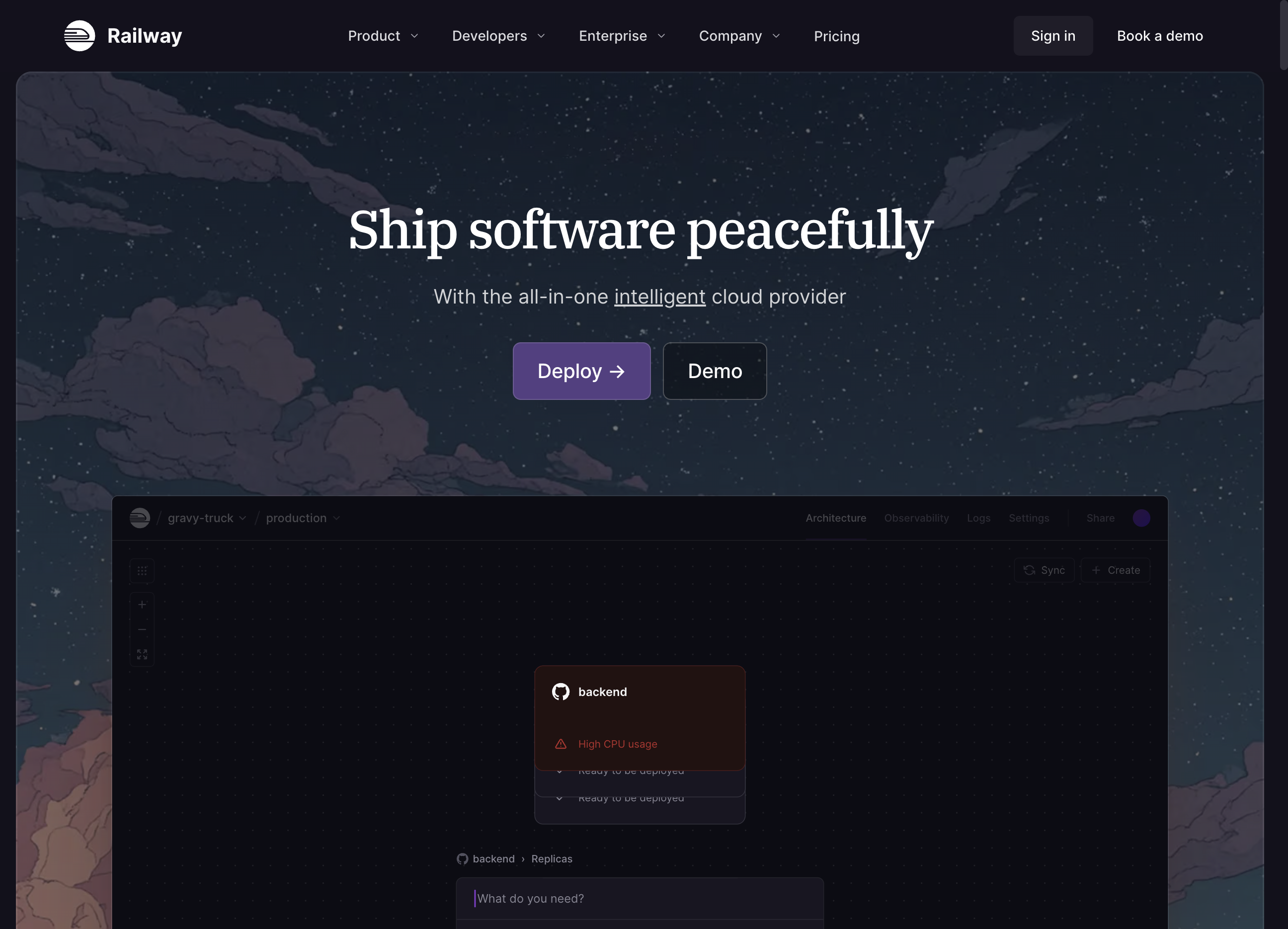
Click on "Sign in"

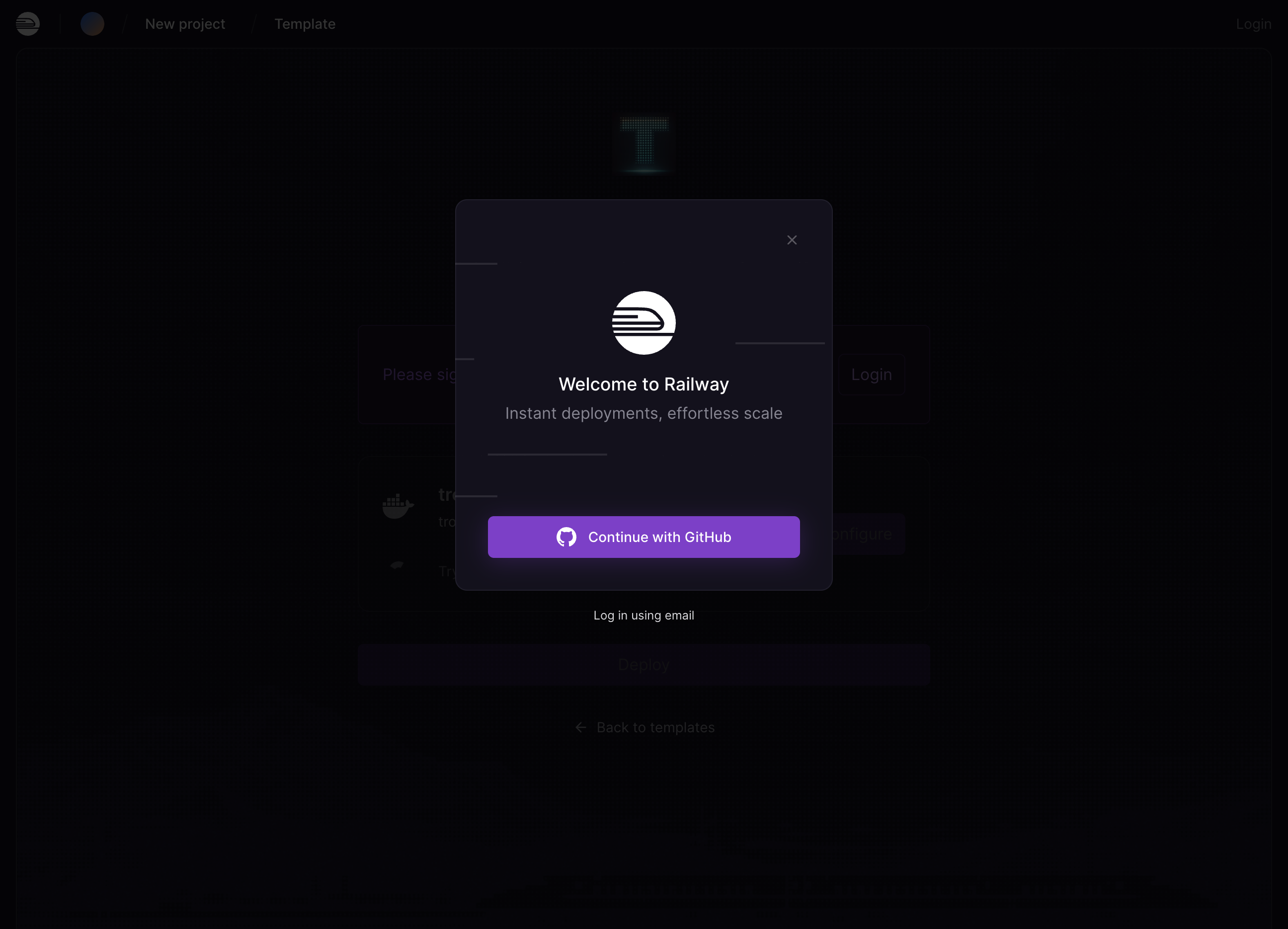
Signup via Google or Github or Email
Agree to the terms of service and continue to the dashboard.
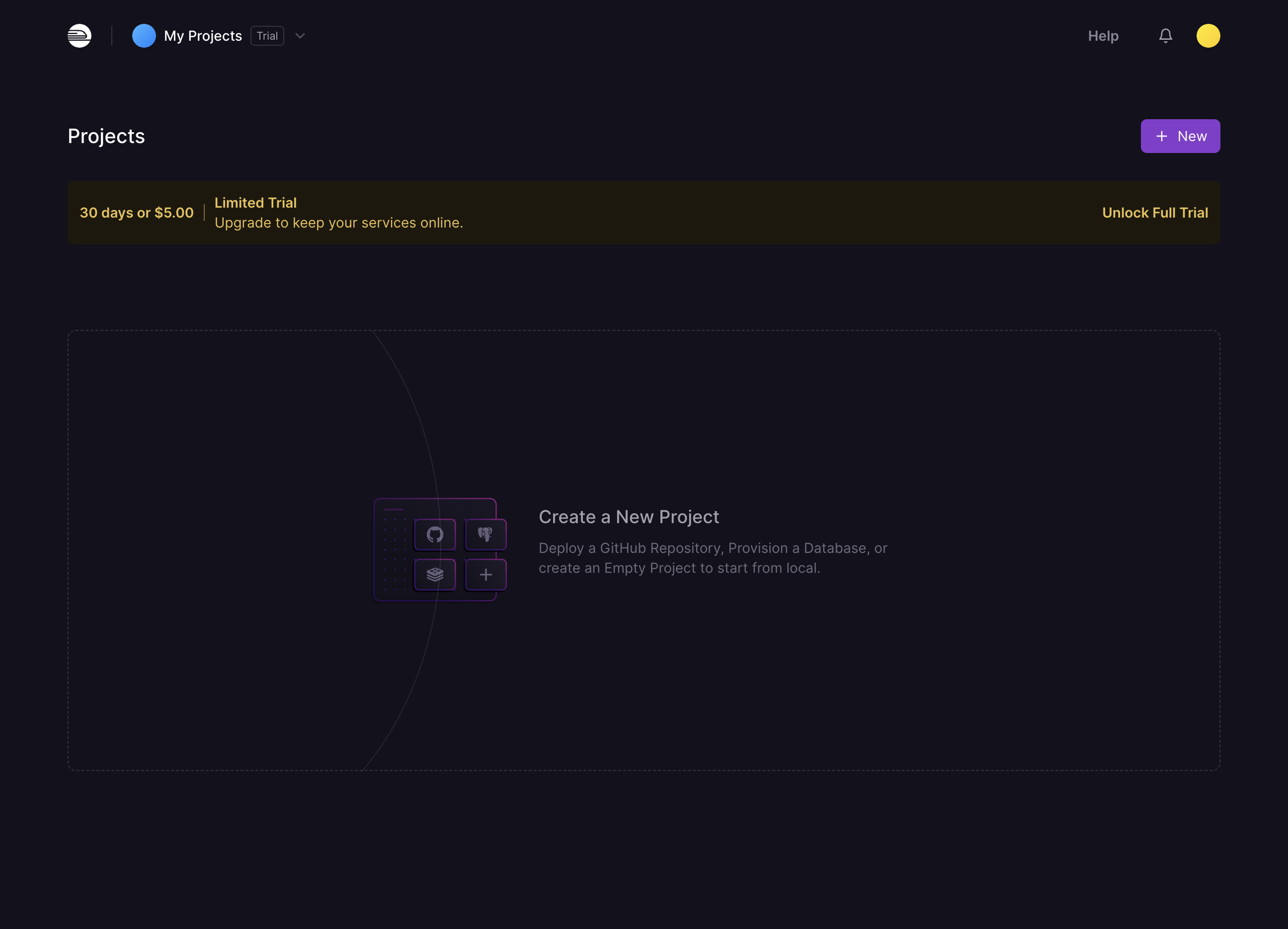
If you are not granted the limited trial for 30 days click "Unlock Full Trial"
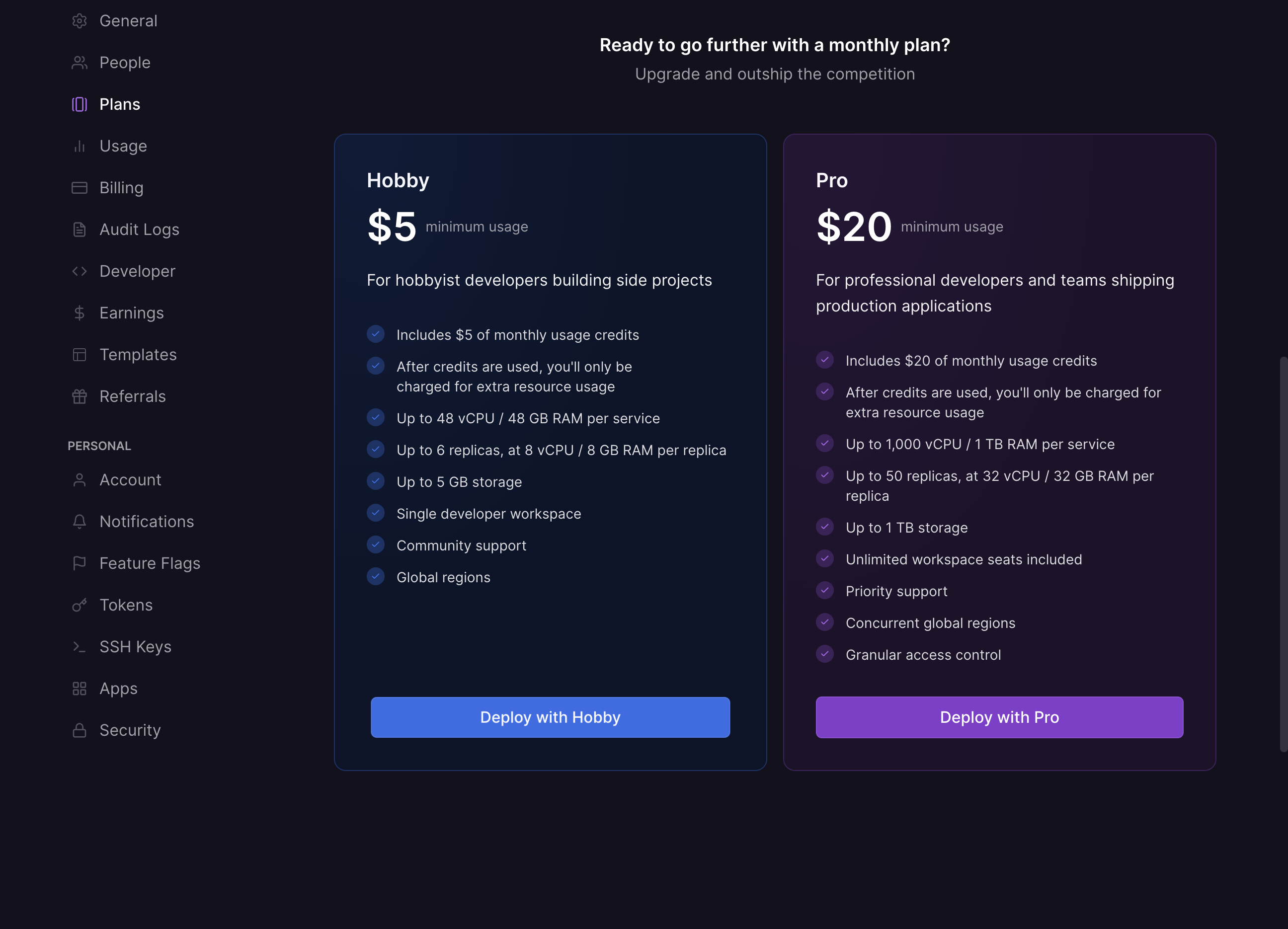
Click on "Deploy with Hobby"
Enter your billing information.
Click on "Subscribe to Hobby Plan"
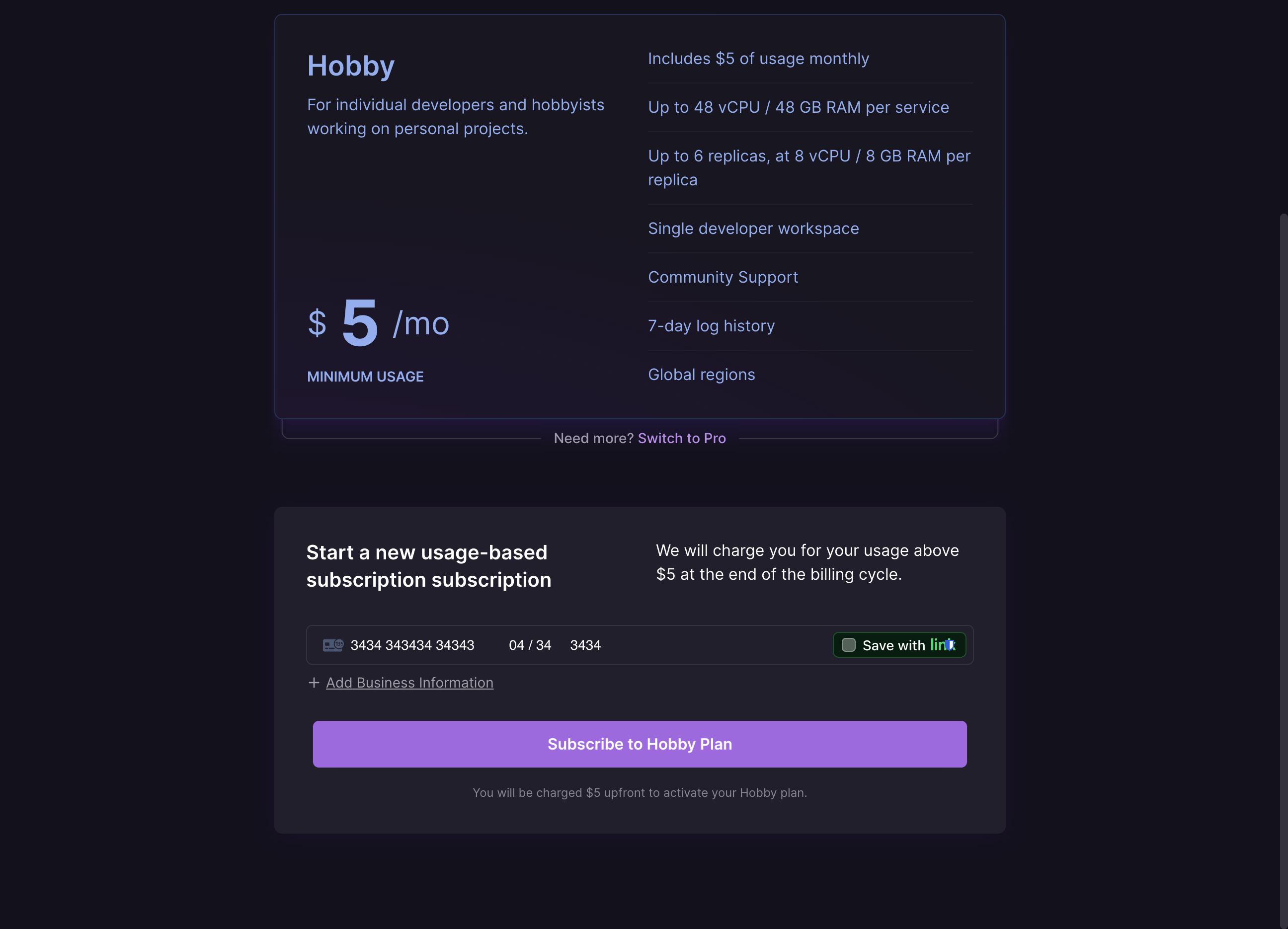
Click on "Go to Dashboard"
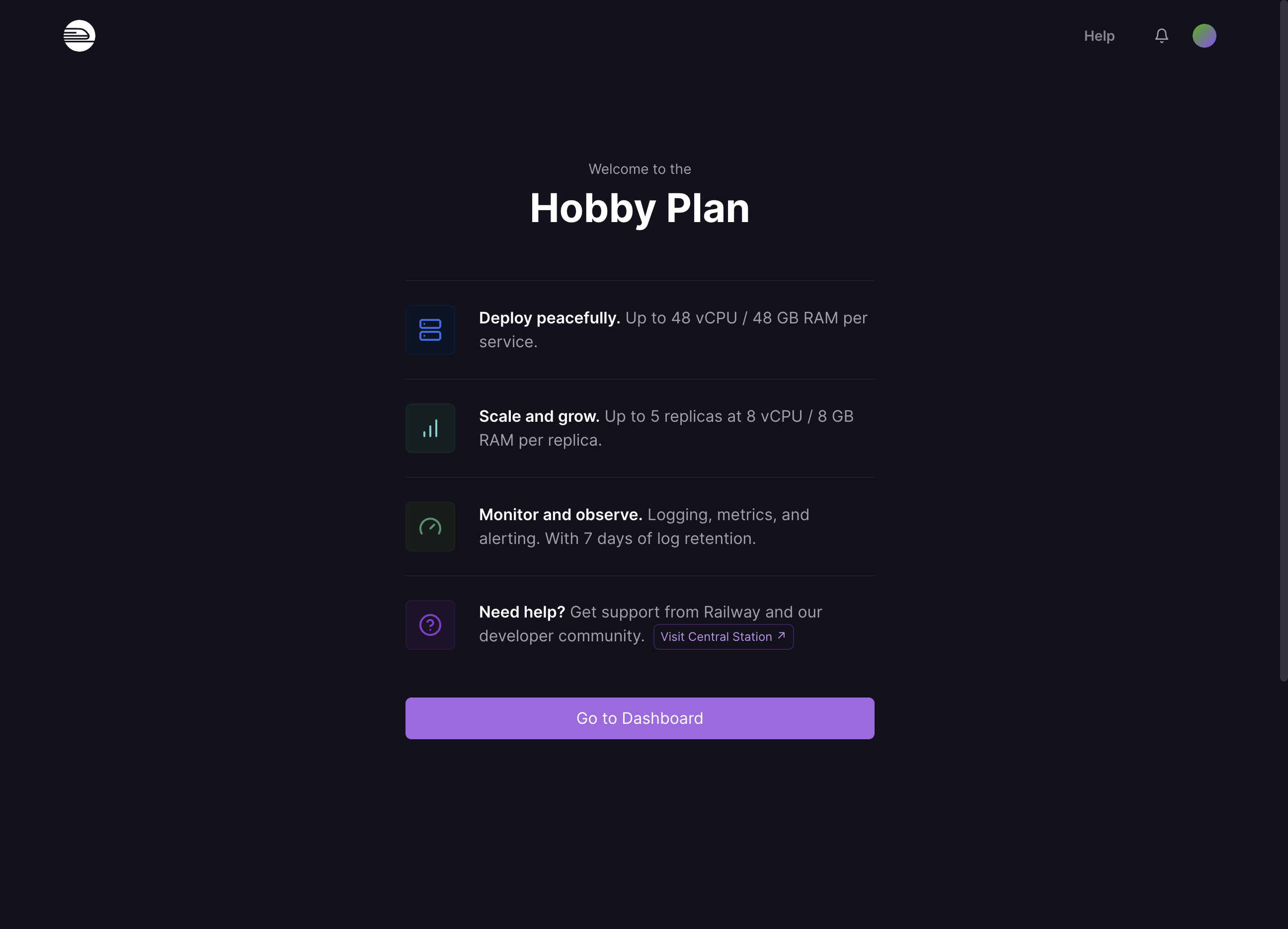
Navigate to https://railway.com/deploy/tronbyt
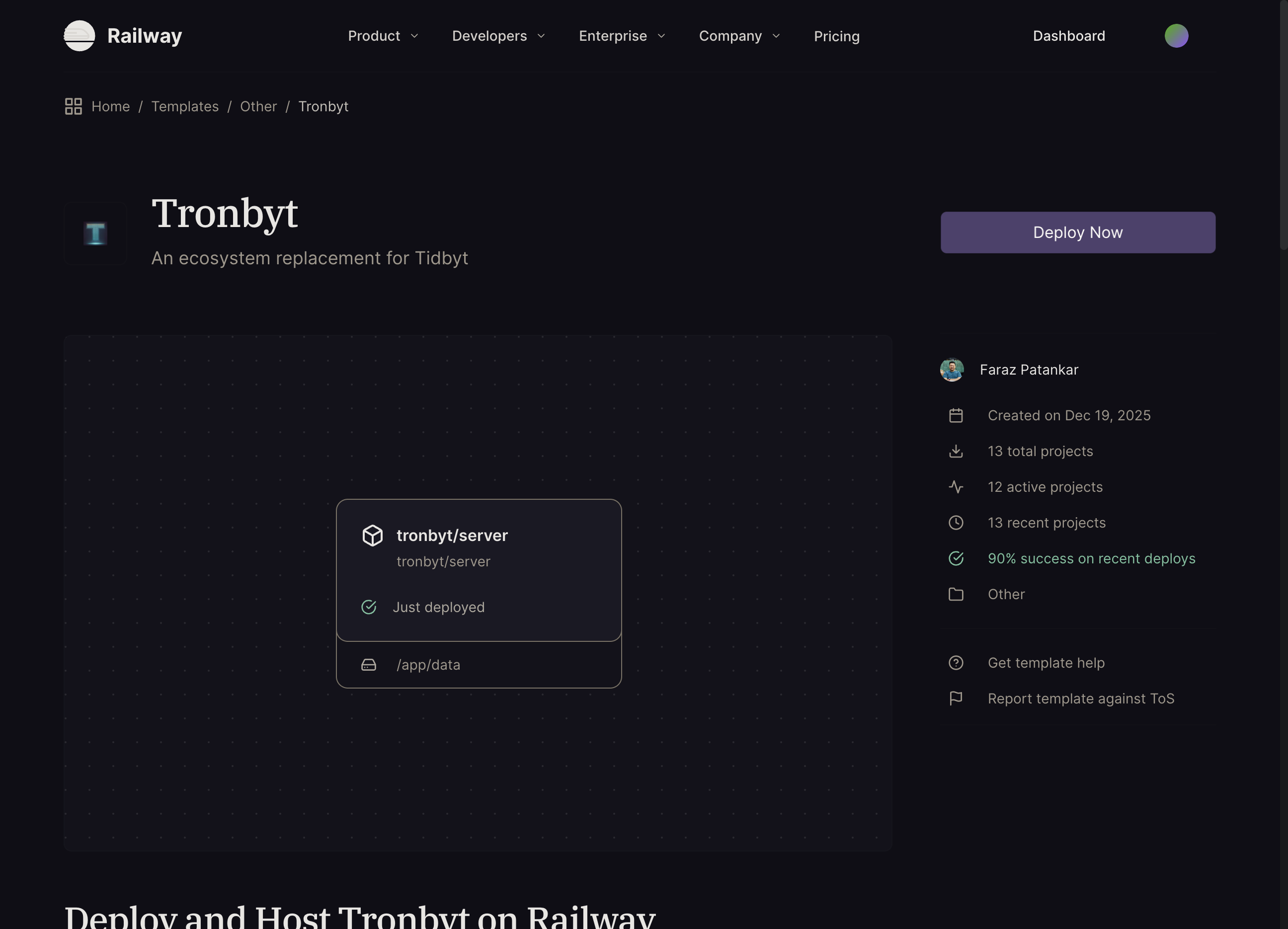
Click on "Deploy Now"
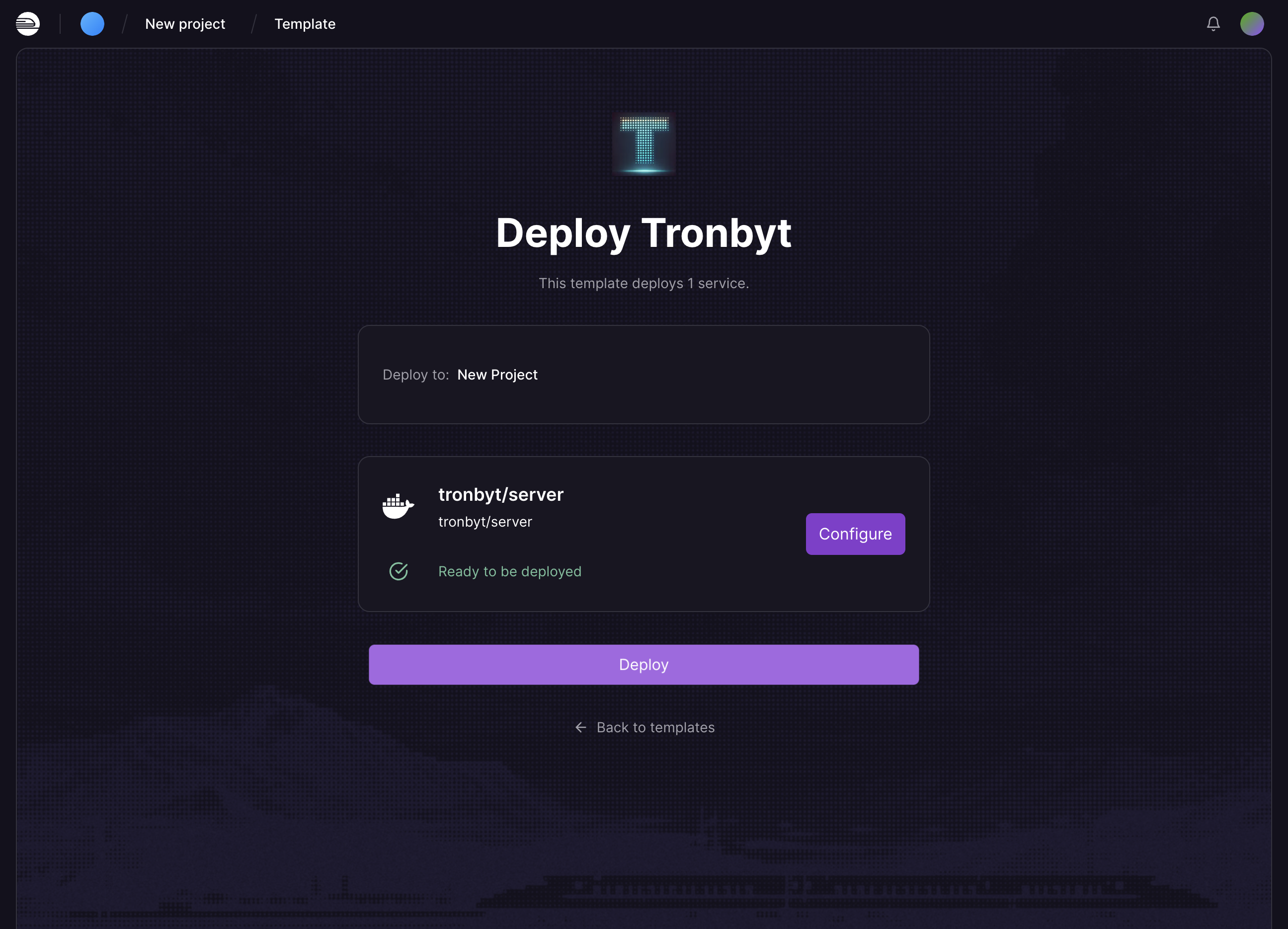
Click on "Deploy"
Wait for a few minutes. Click on view logs if you want to see the container startup log.
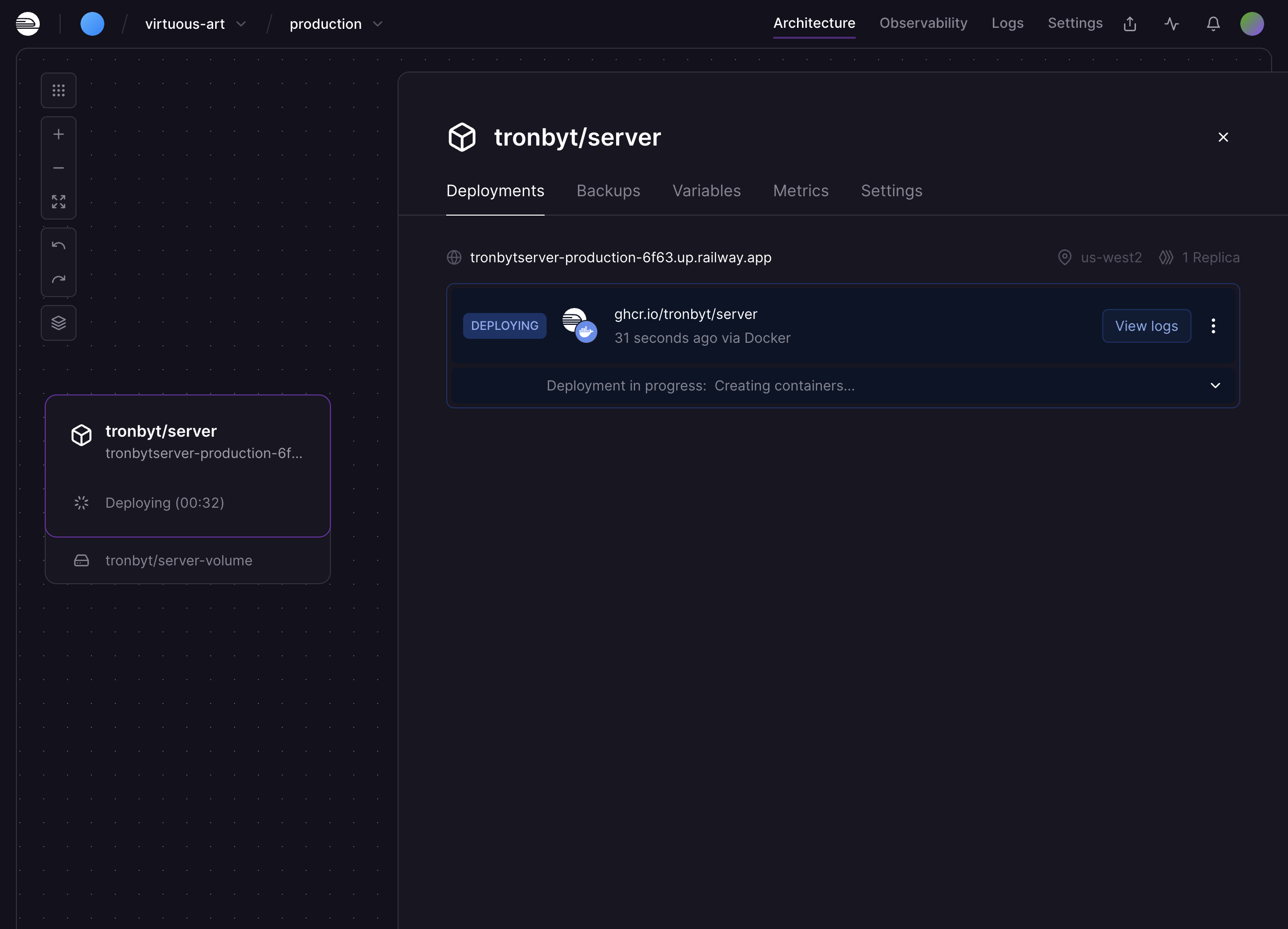
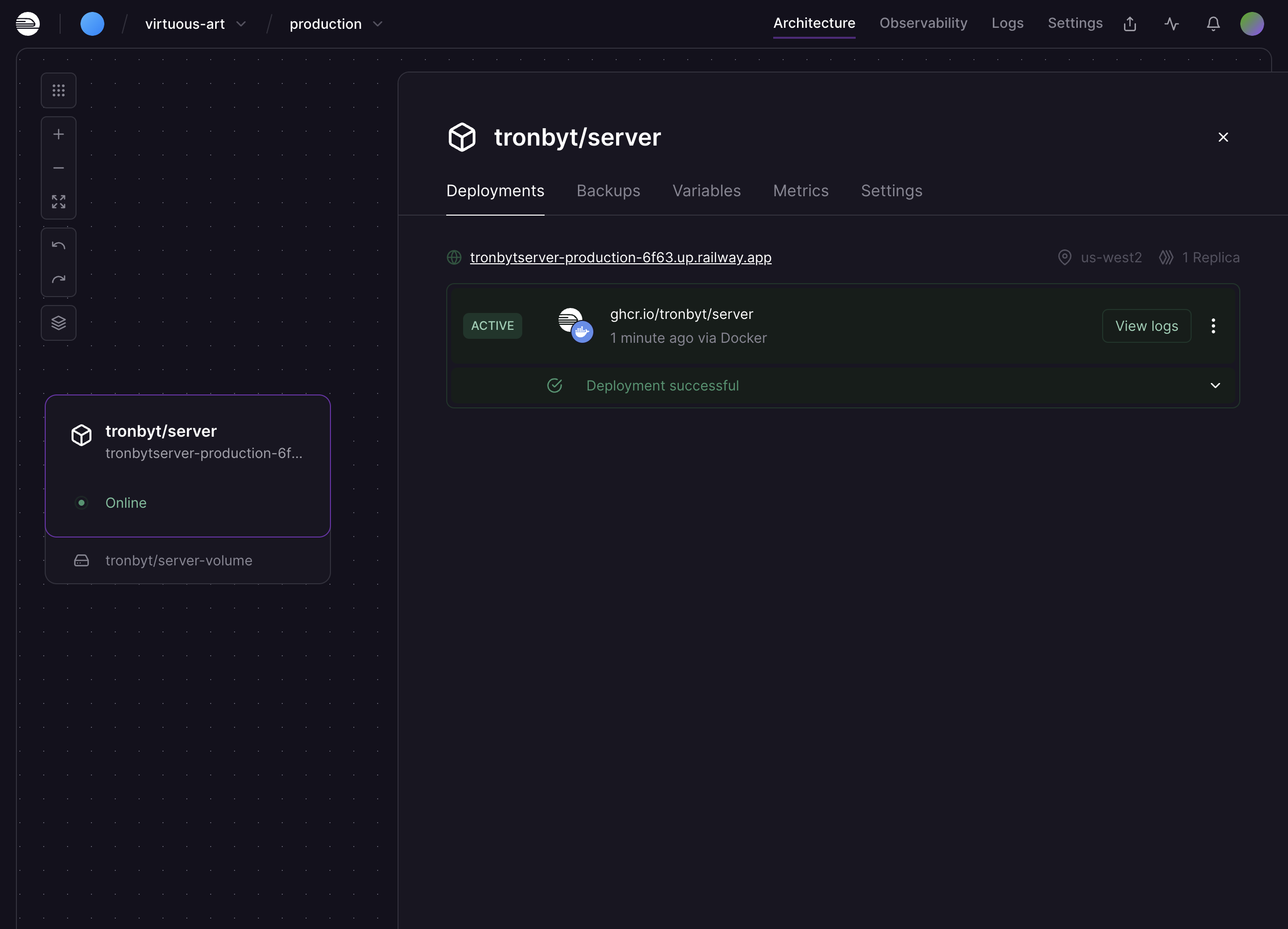
Click on server link to access the server. If the you get an error, wait another minute and try again.
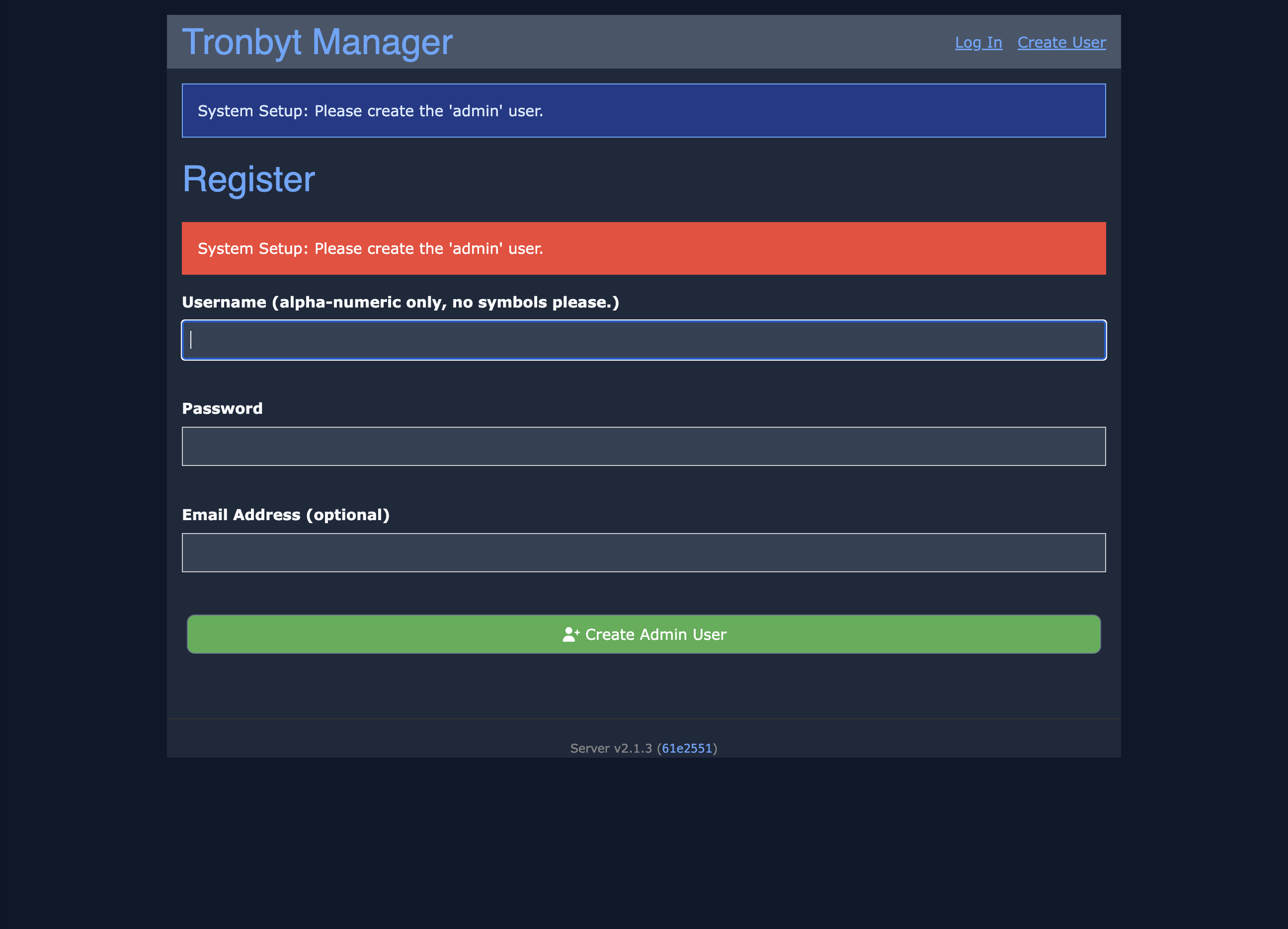
Set up the admin user, pick a good password, this server is exposed to the internet.
Email is optional
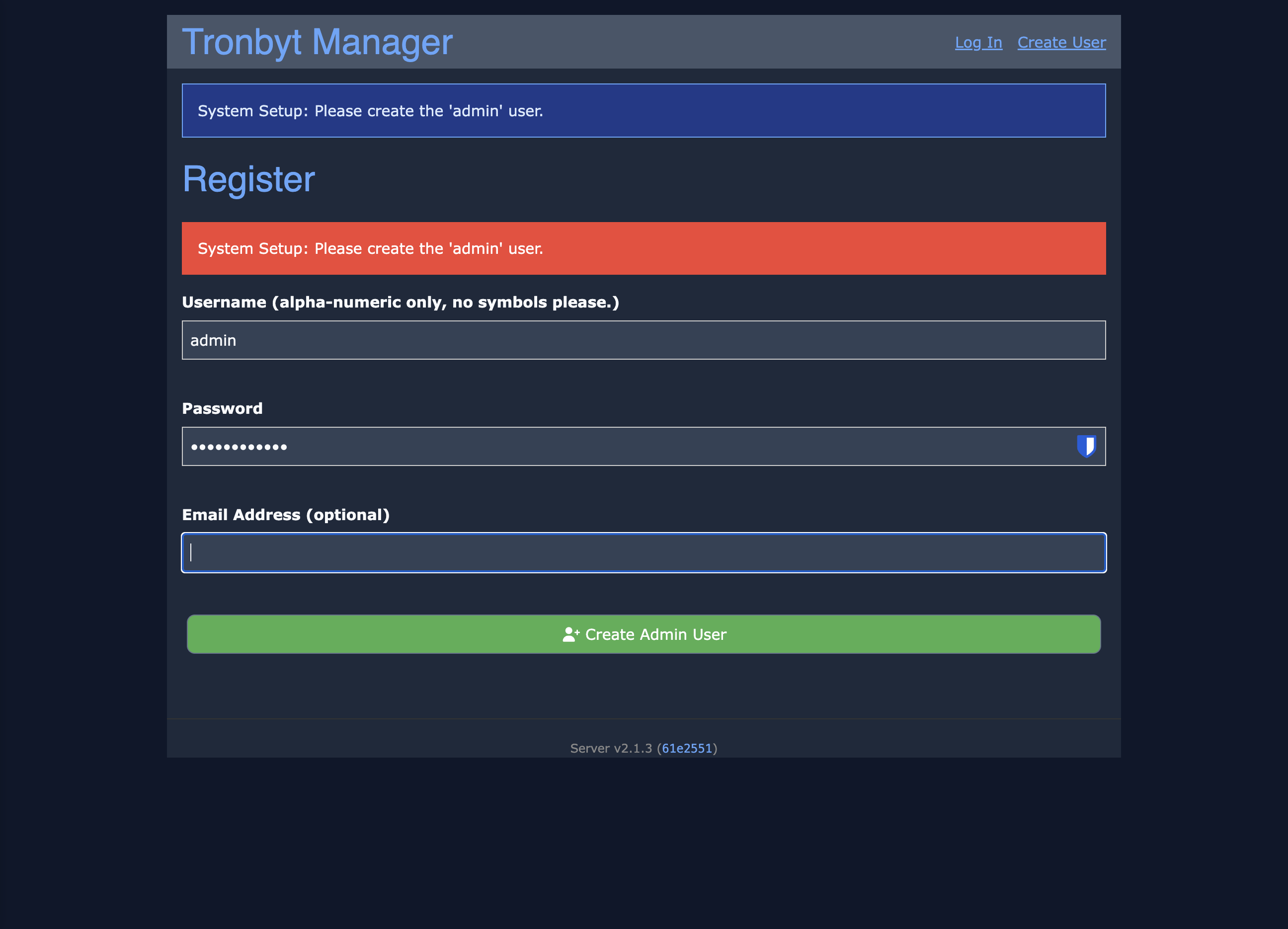
Click on " Create Admin User"
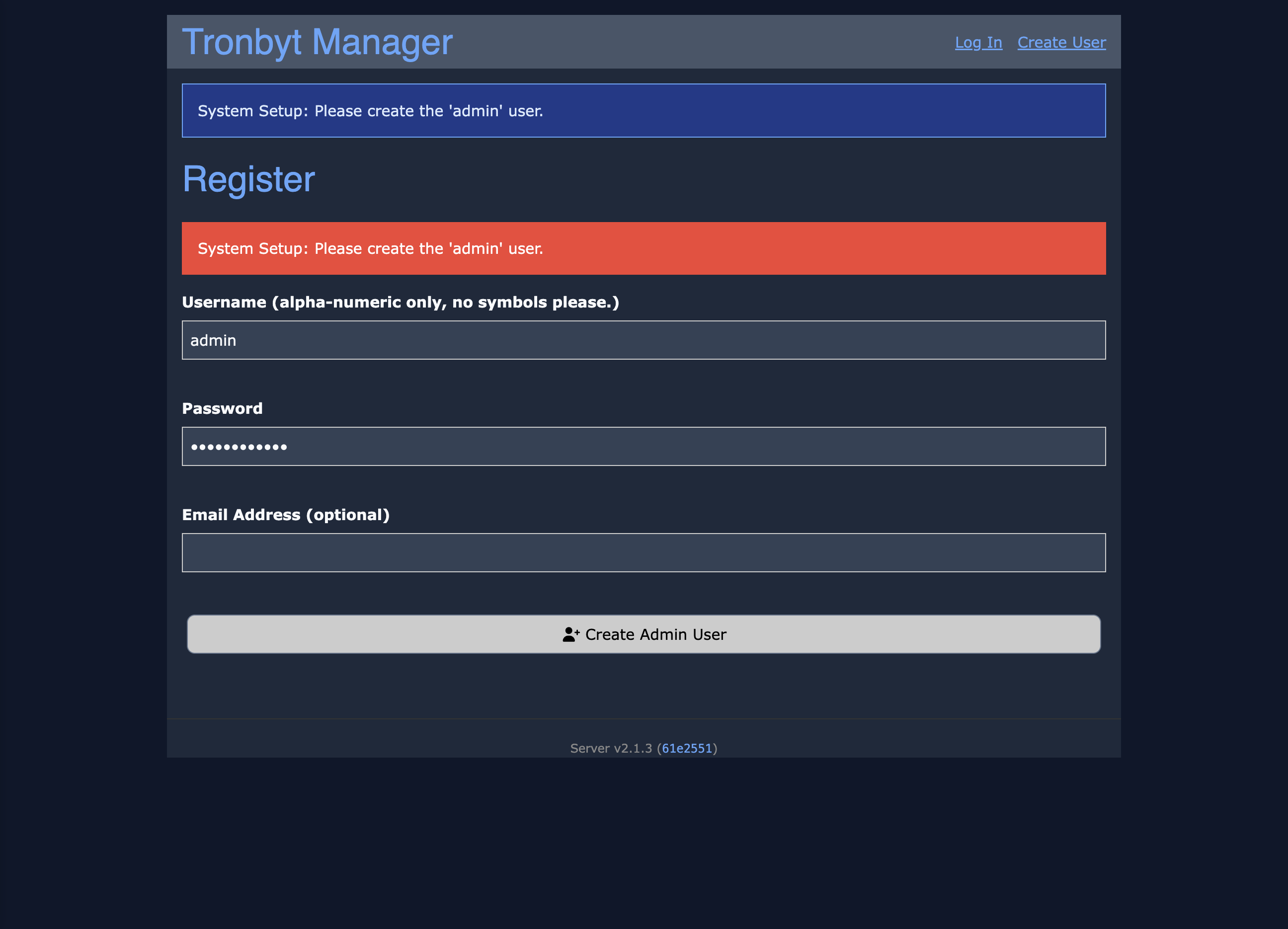
Click on " New Tronbyt"
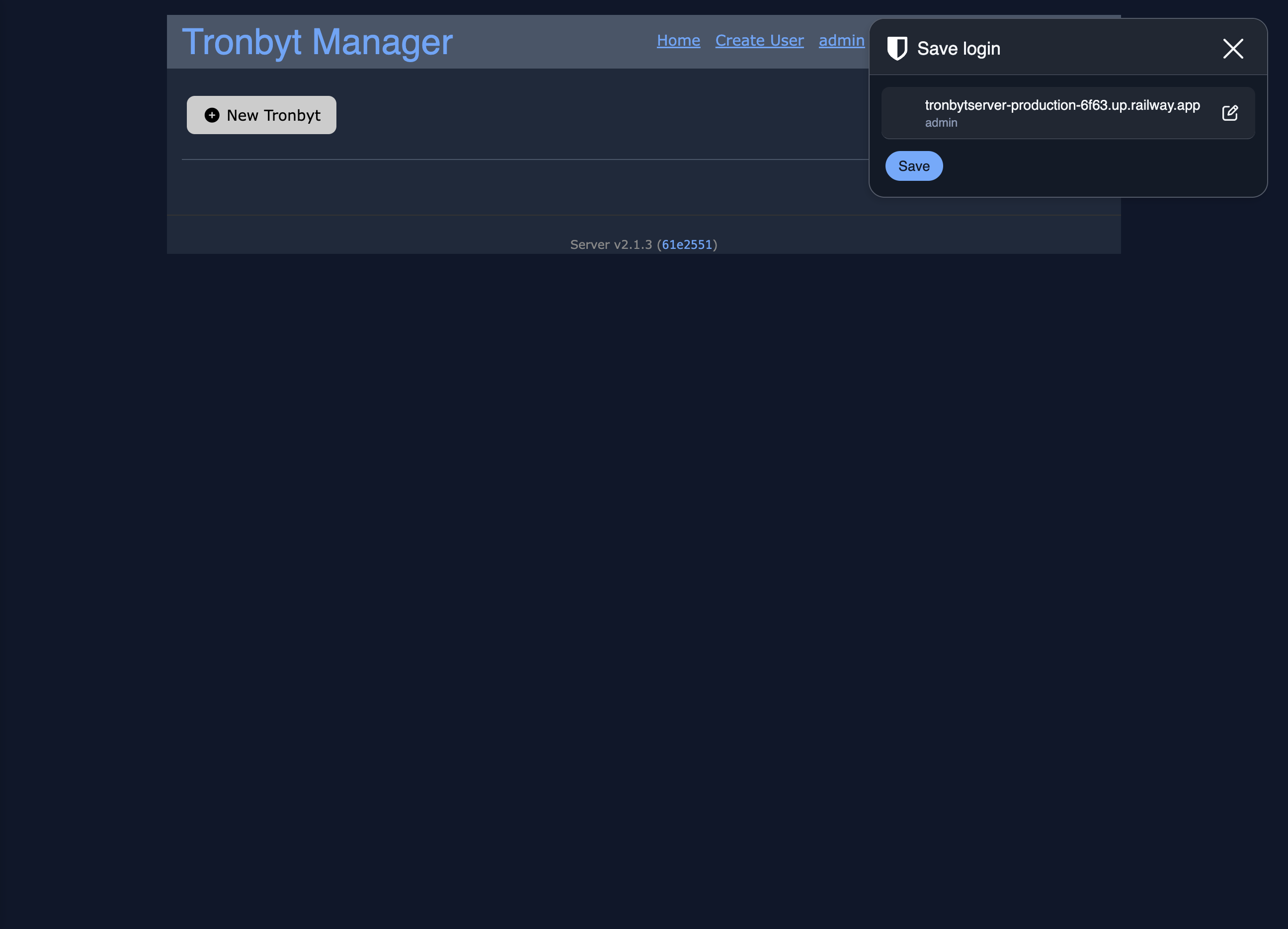
Name your Tronbyt and select which device type you have.
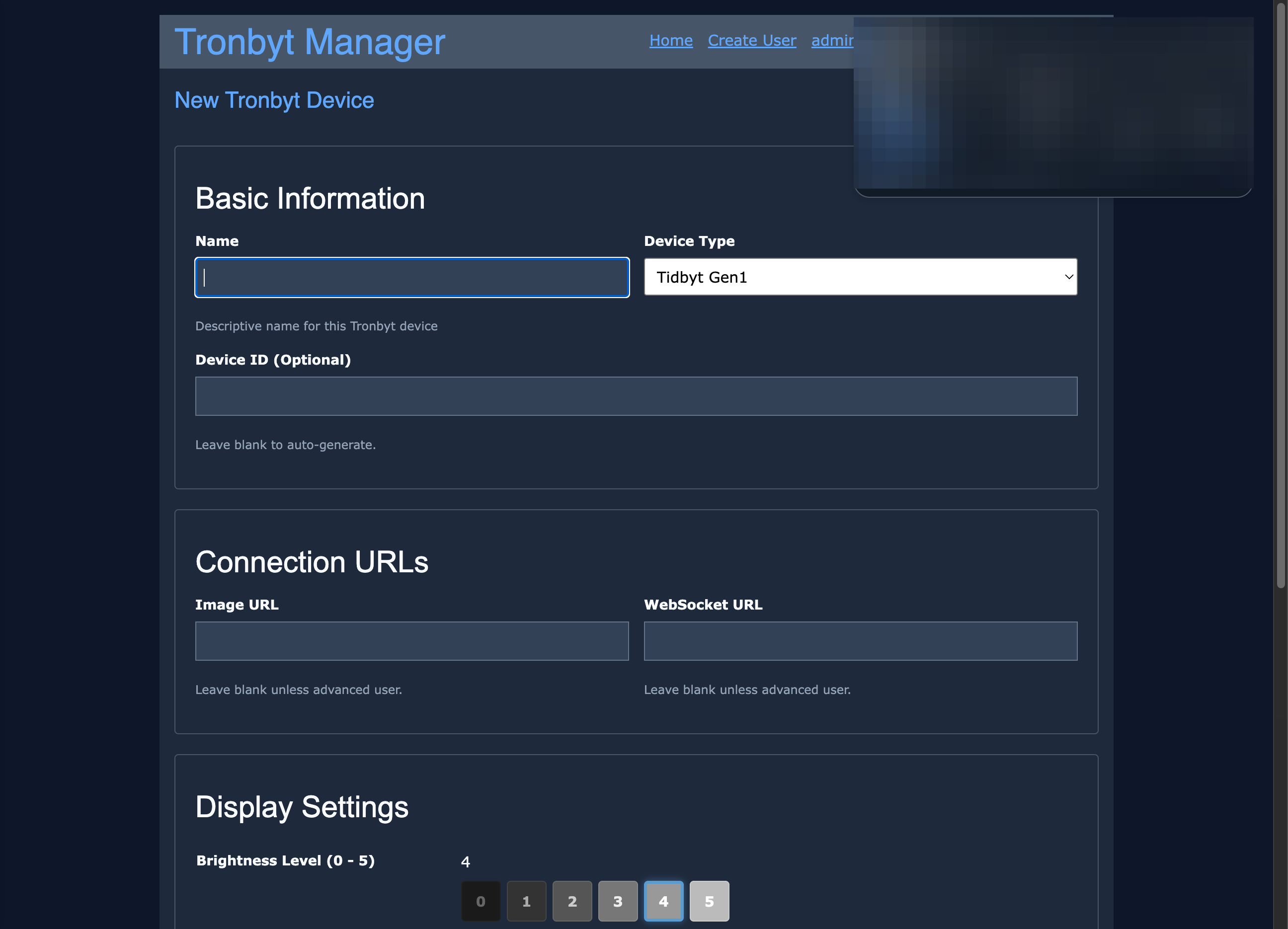
Click on " Save"
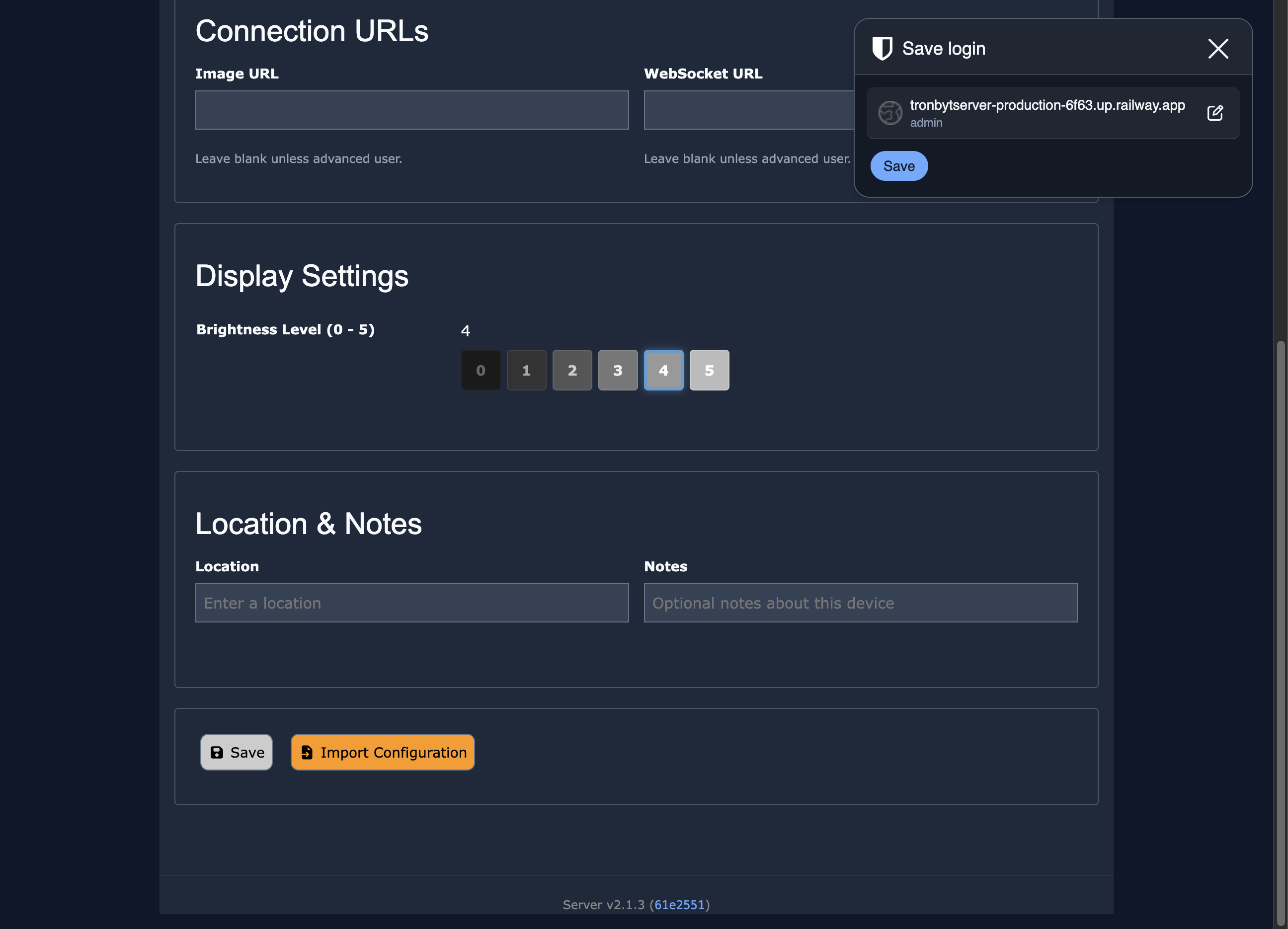
Click on " Firmware"
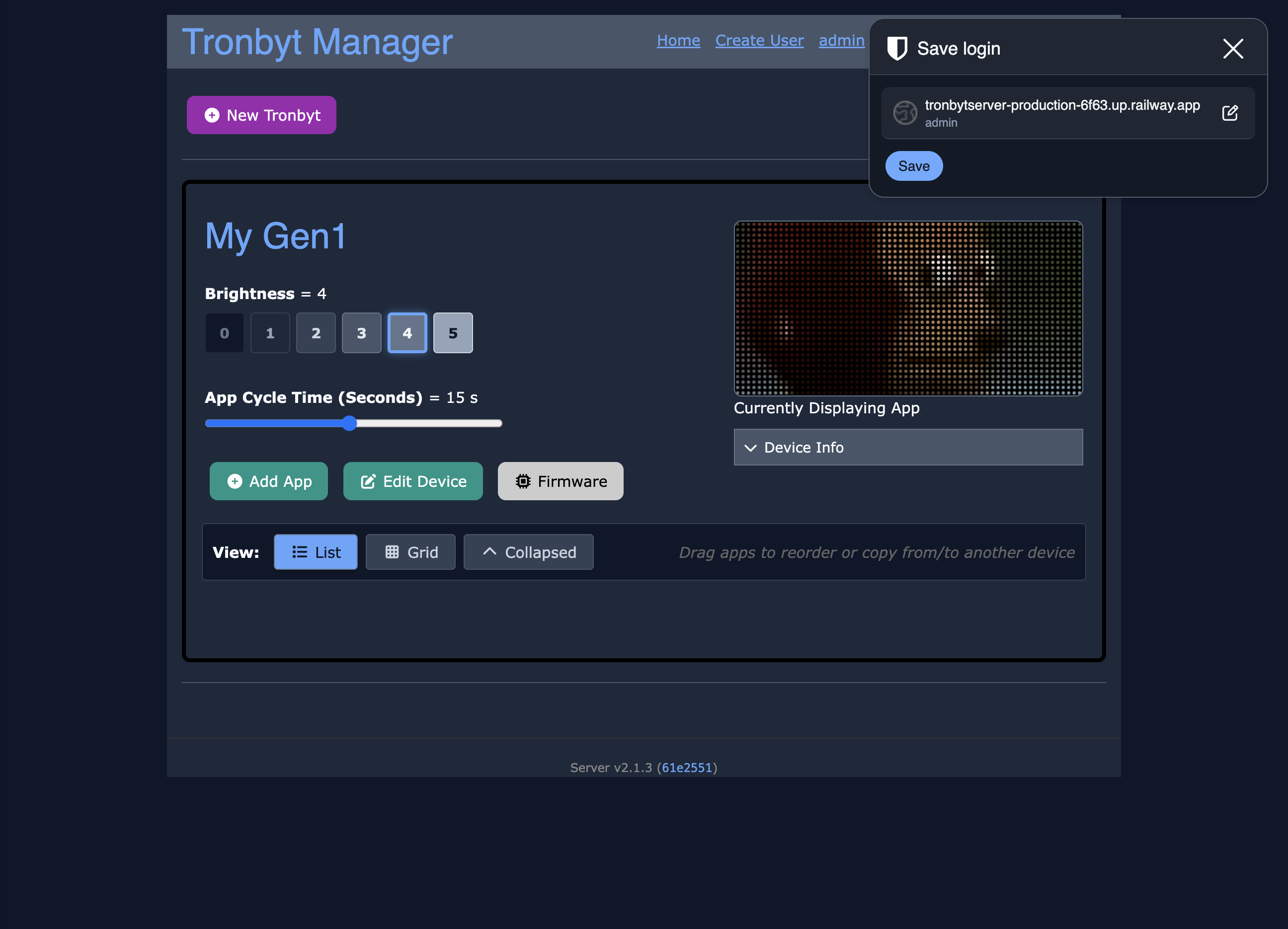
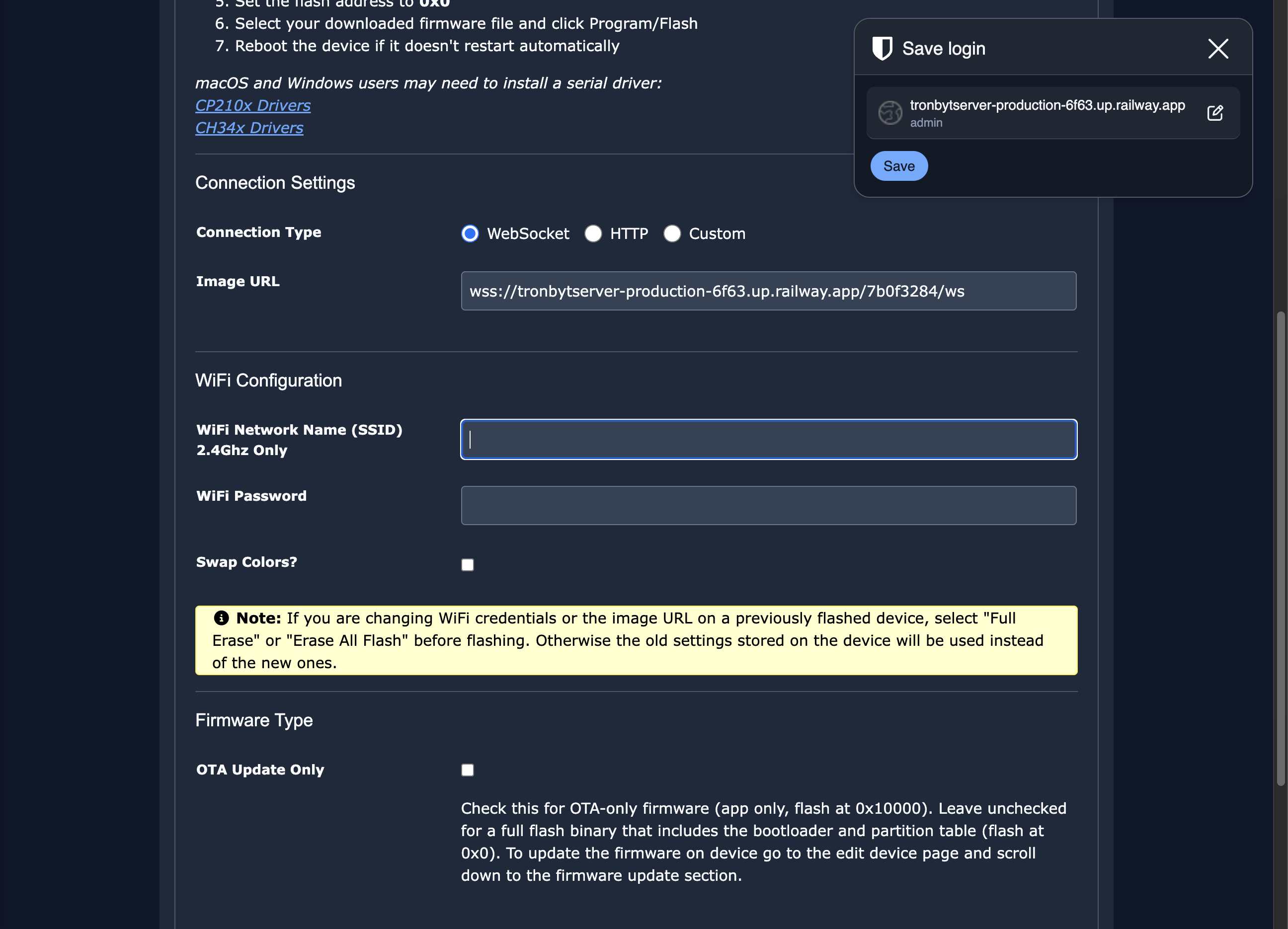
Enter your 2.4Ghz wifi credentials
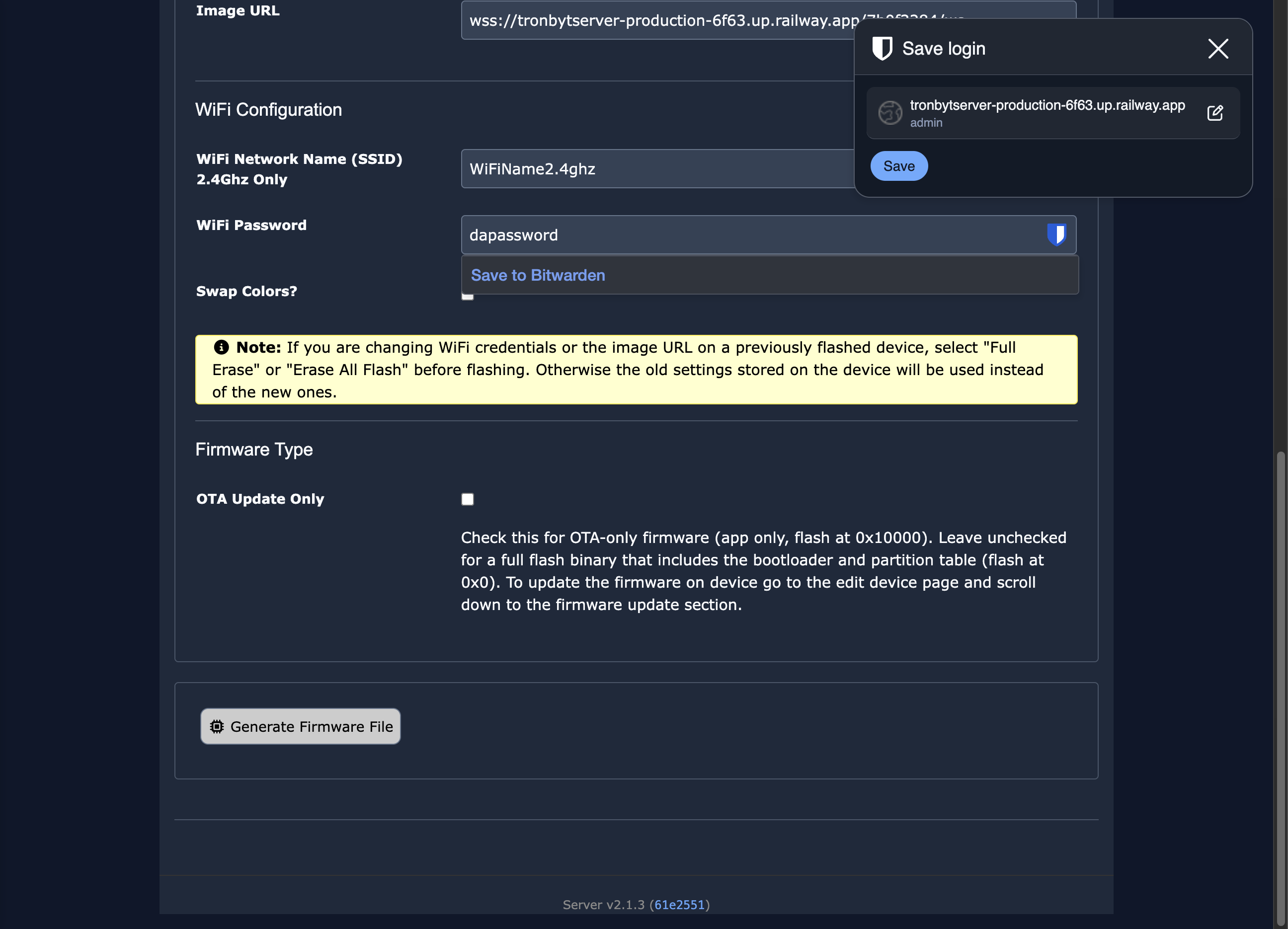
Click on " Generate Firmware File"
Save the firmware file to your computer.
Click on "Espressif Web Flasher"
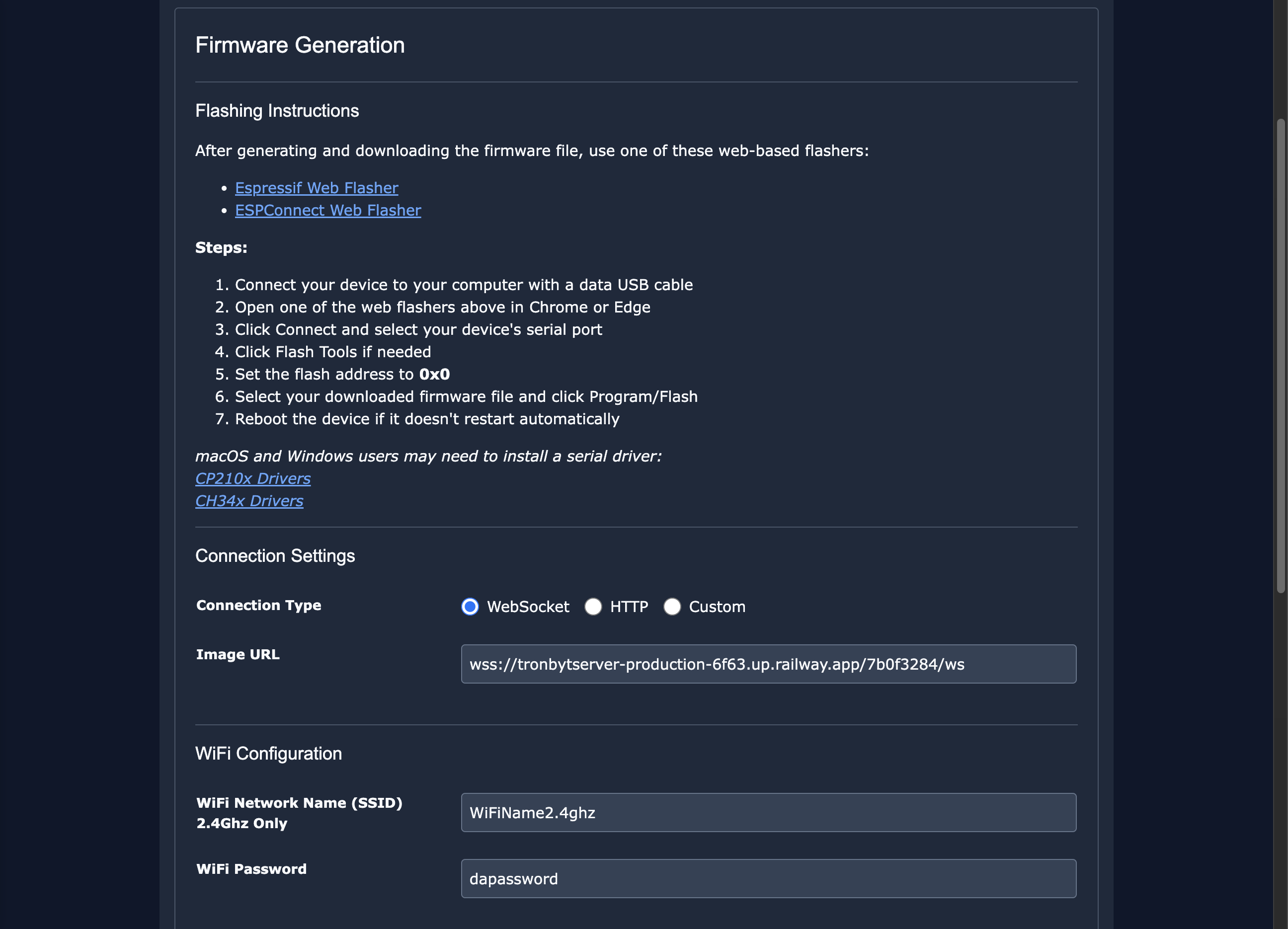
Plug in your device to your computer with a good USB cable. Click program and select the serial port that is new.
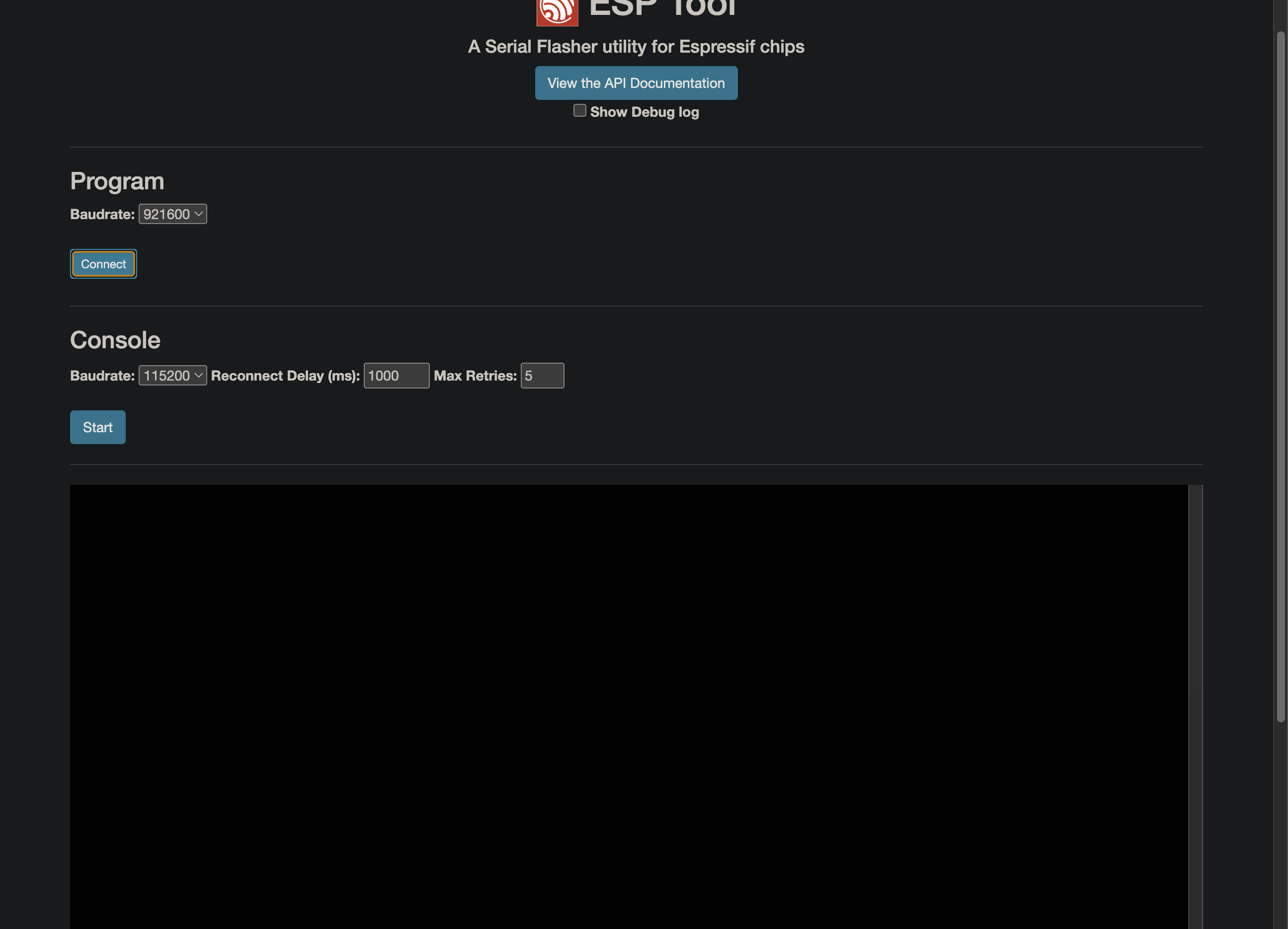
Load the downloaded firmware file into the flasher and flash at address 0x0.
After flashing you should see the Tronbyt animation on your device. Now go add some apps and watch them appear on your new Tronbyt.