How to Translate Trails to Different Languages
Learn how to use the translation feature within Trails to better teach users around the world in their own language.
- Ryo Chiba |
- 9 steps
trails.so
The translation feature is only available on Trails Pro.
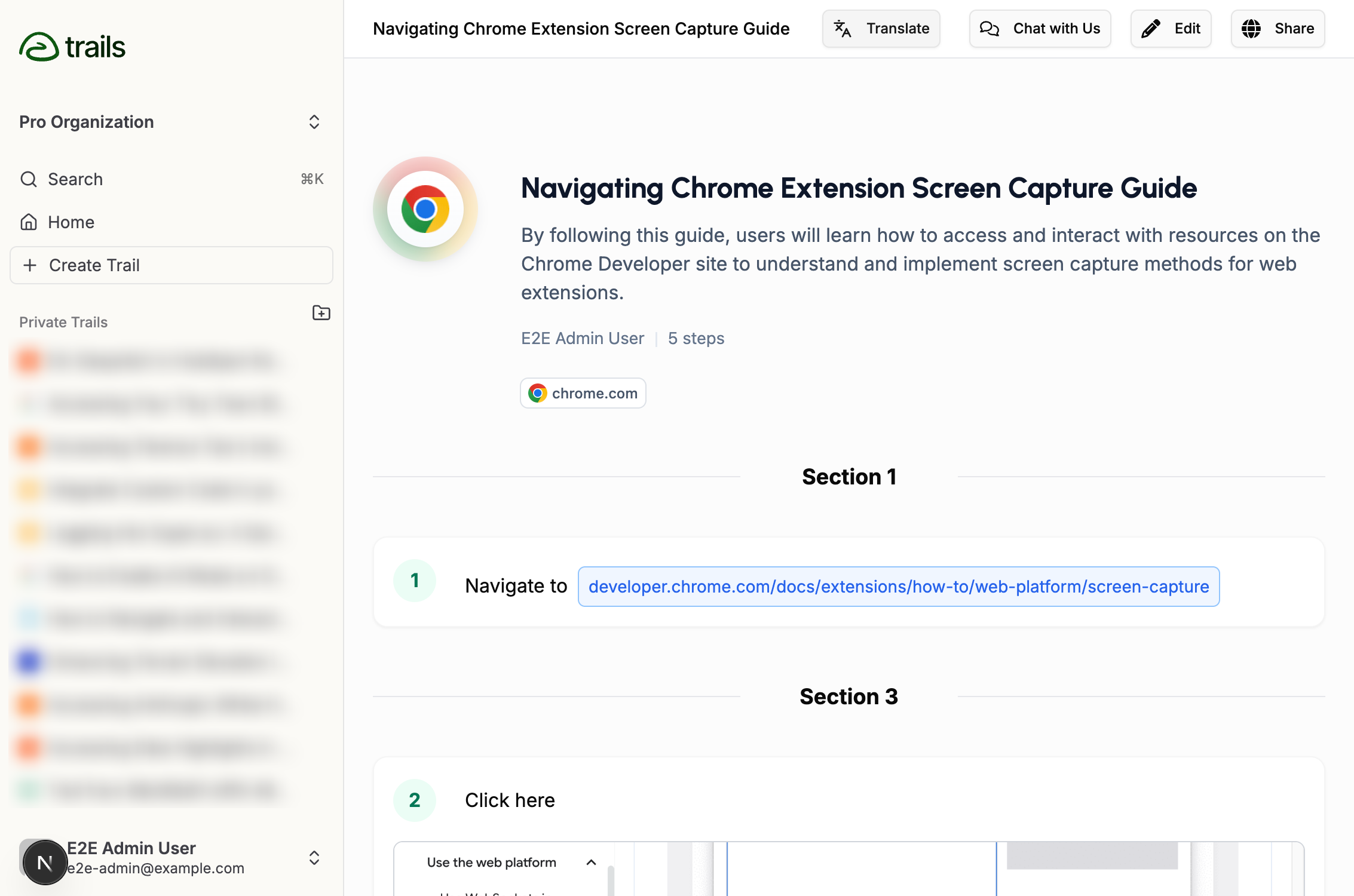
To get started, click on the "Translate" button at the top of the Trails editor.

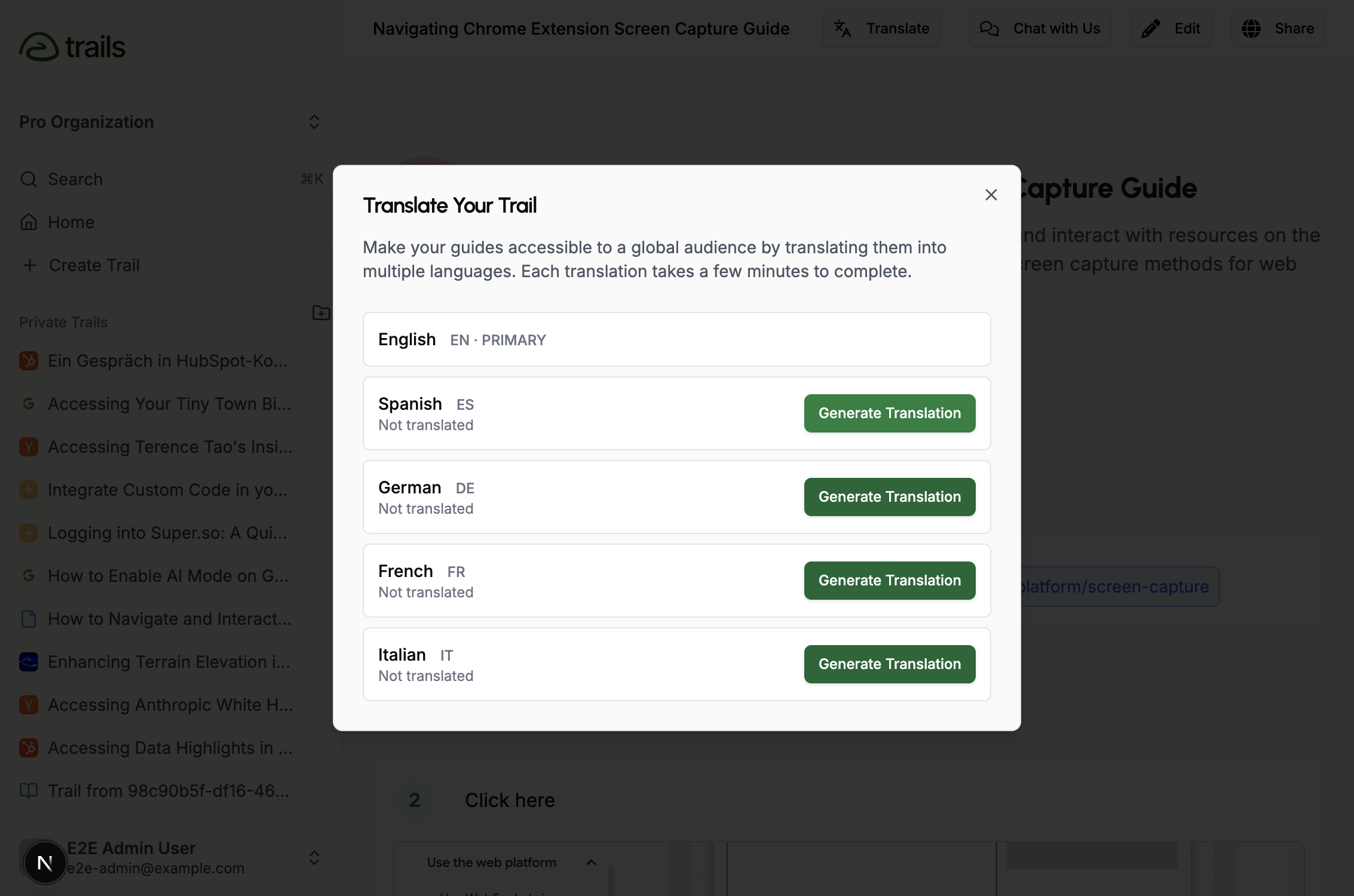
Next, the Translation Modal will appear, showing you all of the languages that Trails supports. Click on "Generate Translation" next to the language you want to translate to.
Behind the scenes, we translate the title, description, and text of each step.
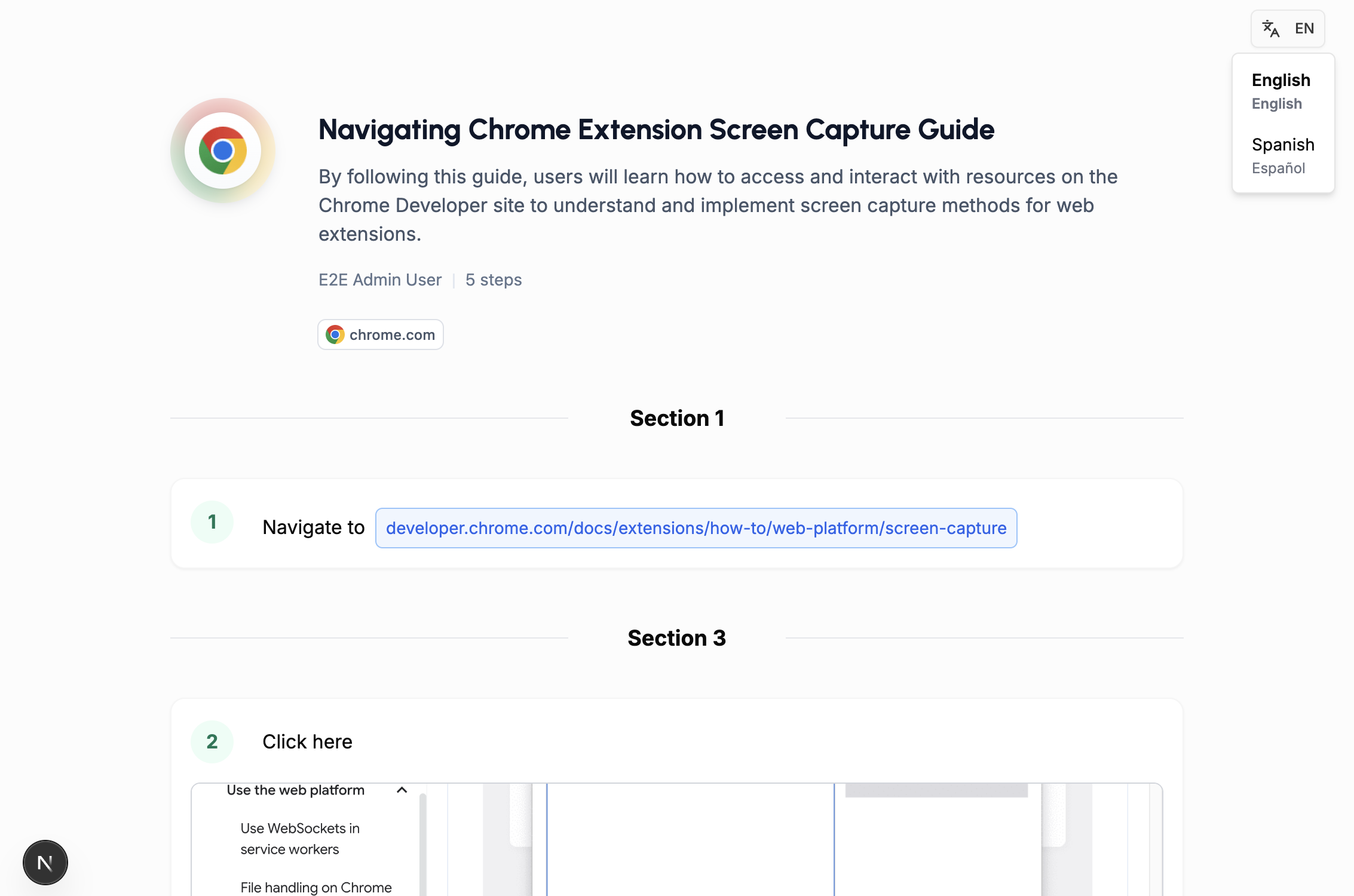
A translation takes a few minutes to generate. Once it is complete, you can see it in the translations dropdown.
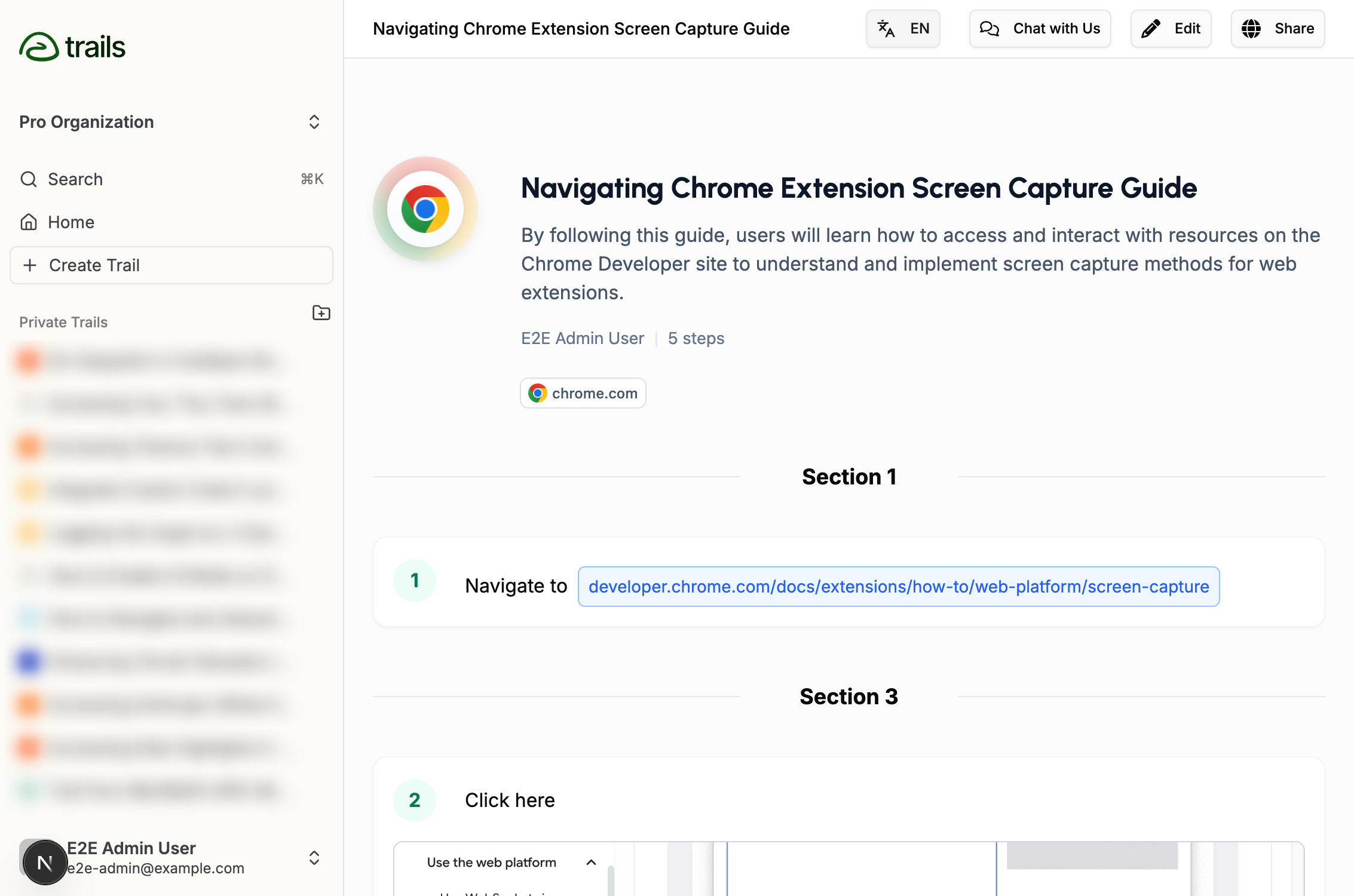
Clicking on the target language will open the translated Trail.
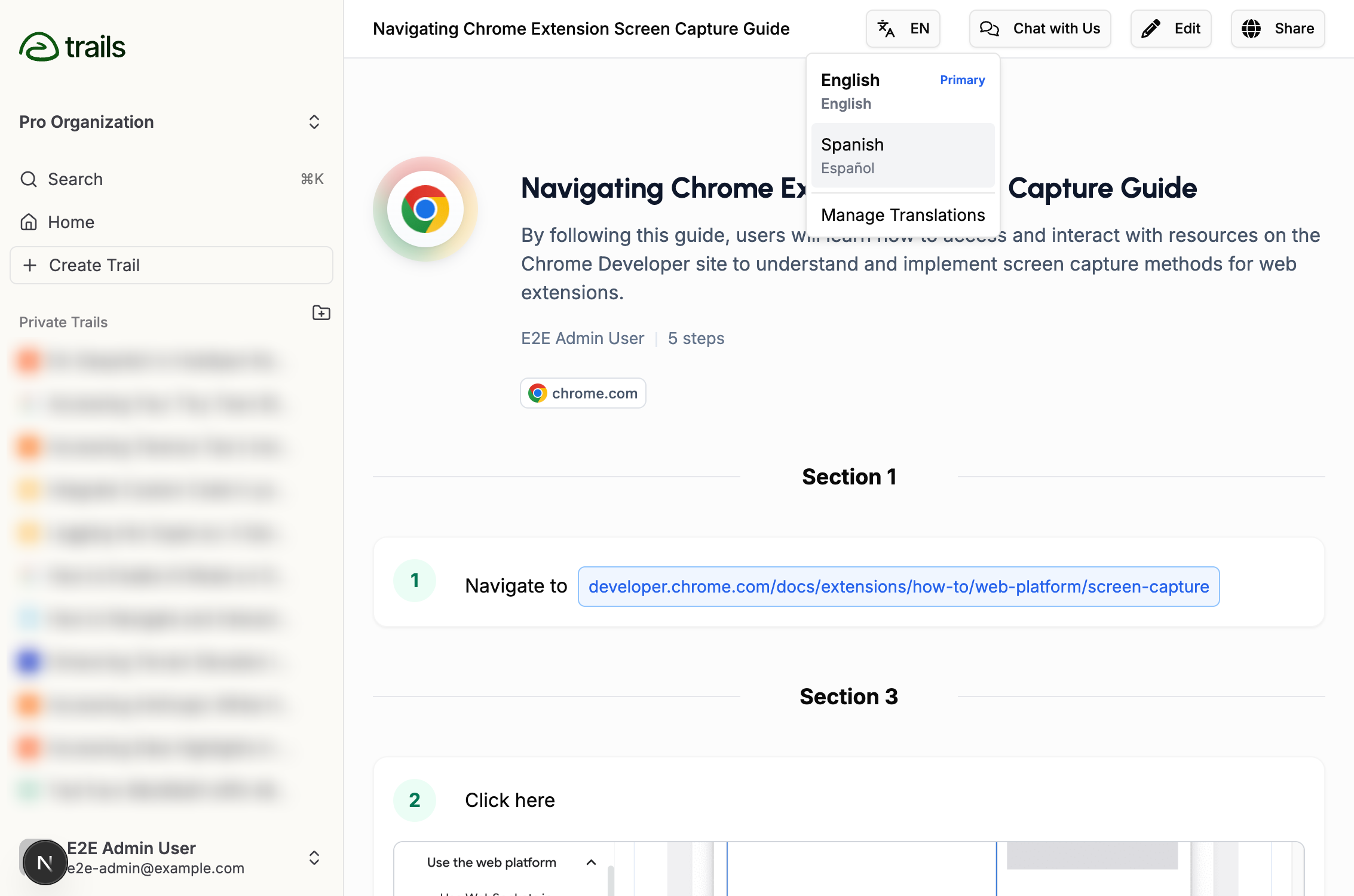
The translated Trail can be edited in the same way that the original Trail can be edited.
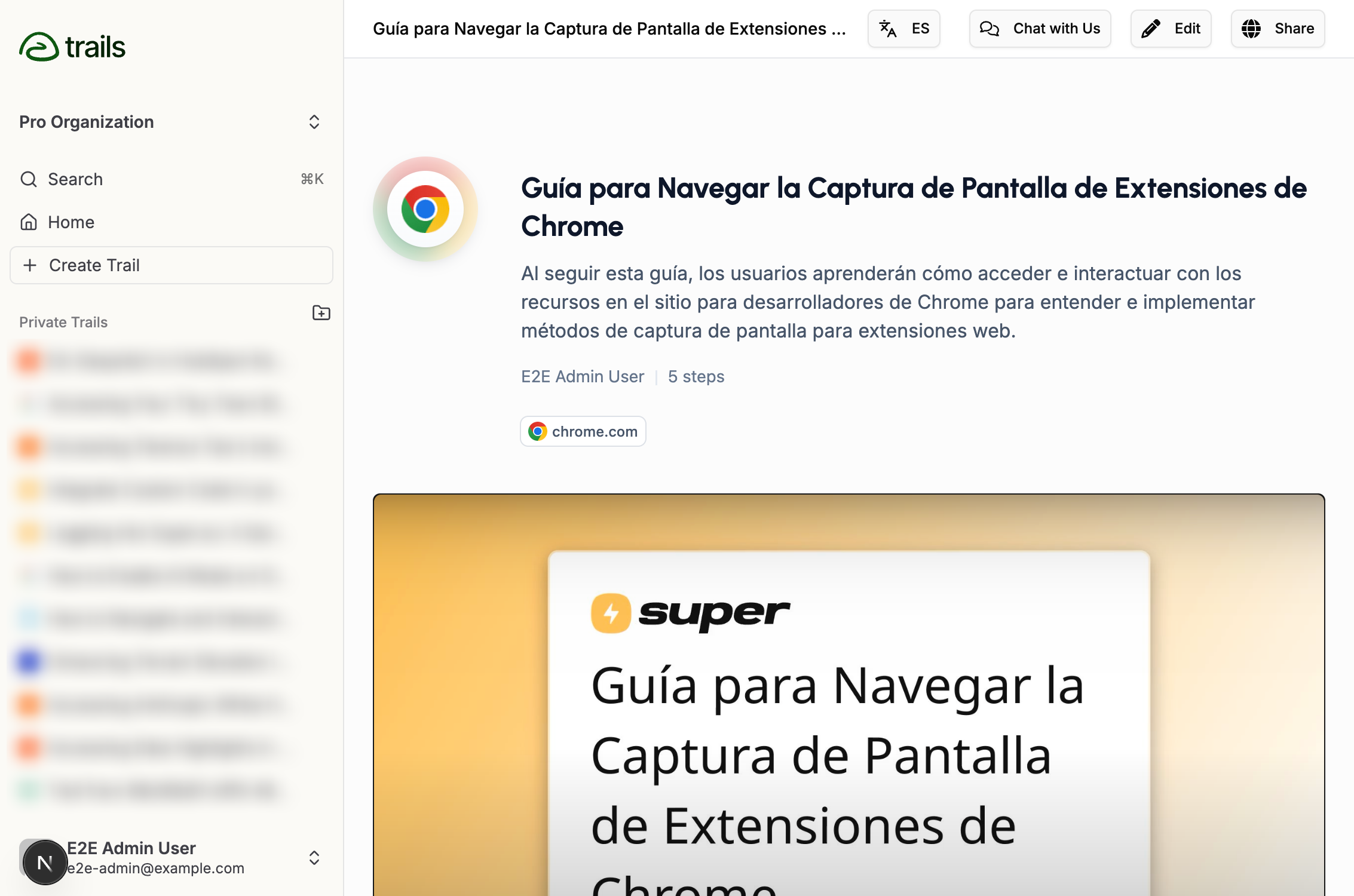
However, keep in mind that if you regenerate a translation for this language in the future, the edits you make will be overwritten.
For this reason, we recommend finalizing the content of the Trail in English, then only making small corrections in the translated languages as needed.
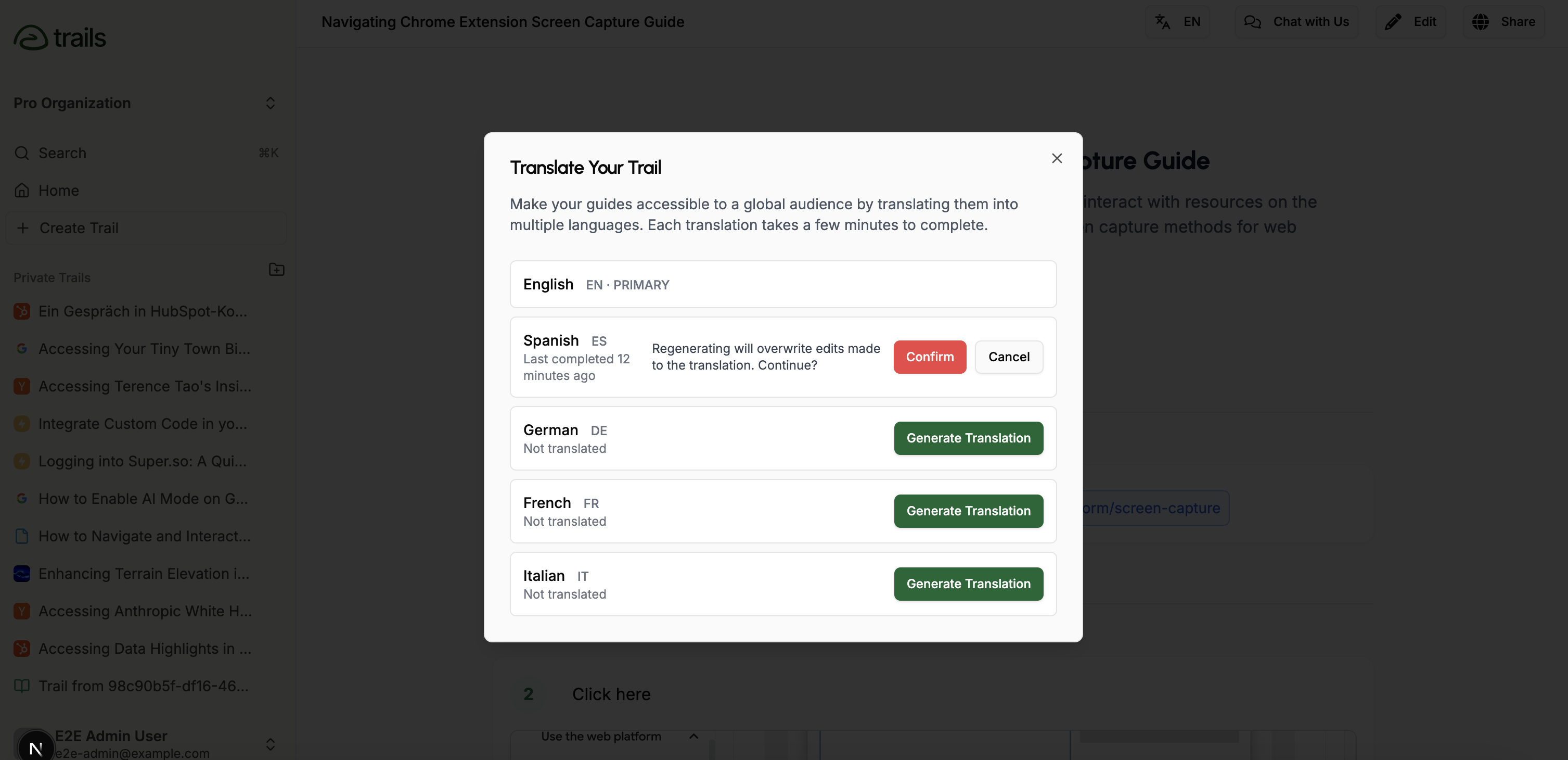
Once you are ready to share, simply click on the share button in the top right.
The language that is chosen will be what is shared when sharing content via link, embed, or export.
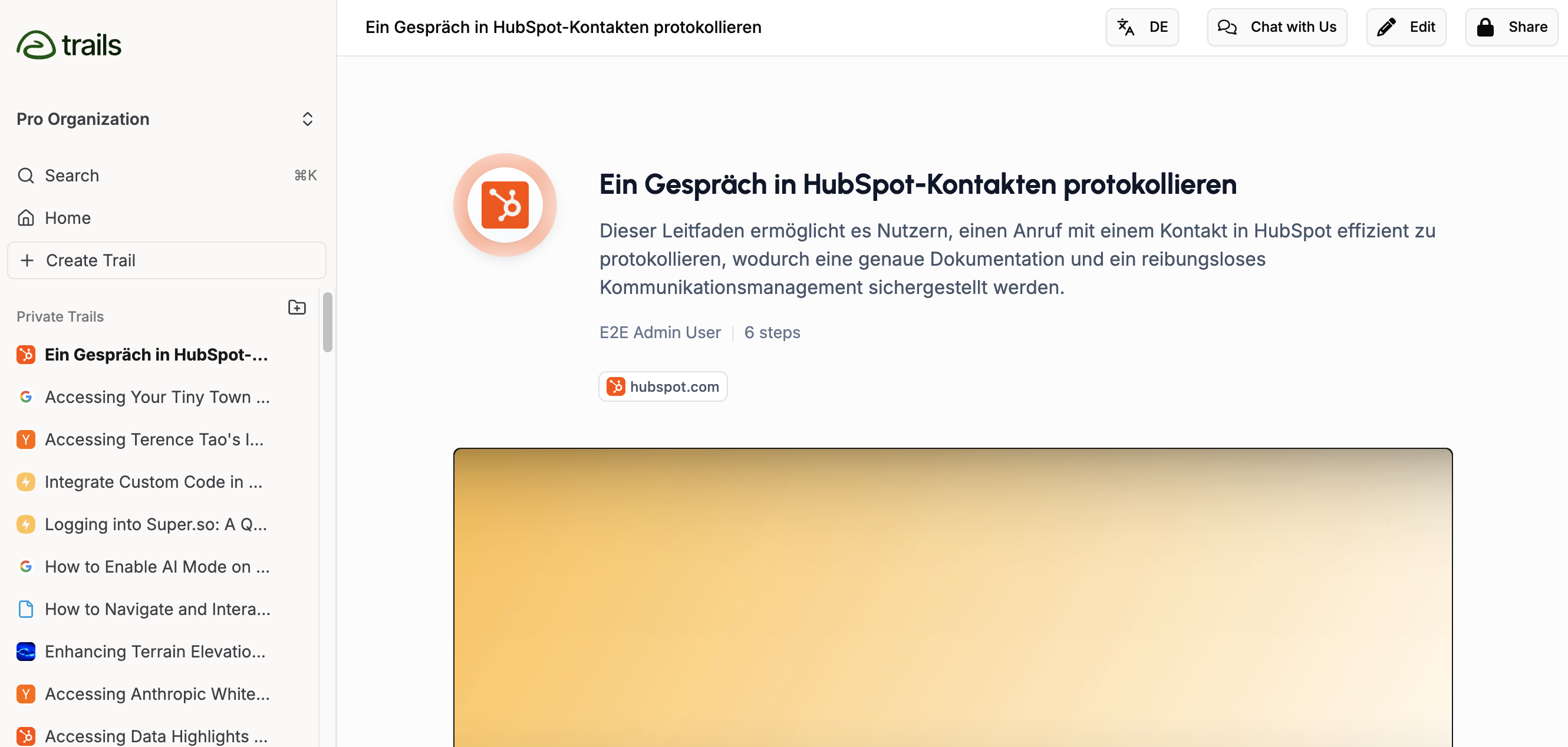
Viewers of a Trail can customize the language using a dropdown in the top right.